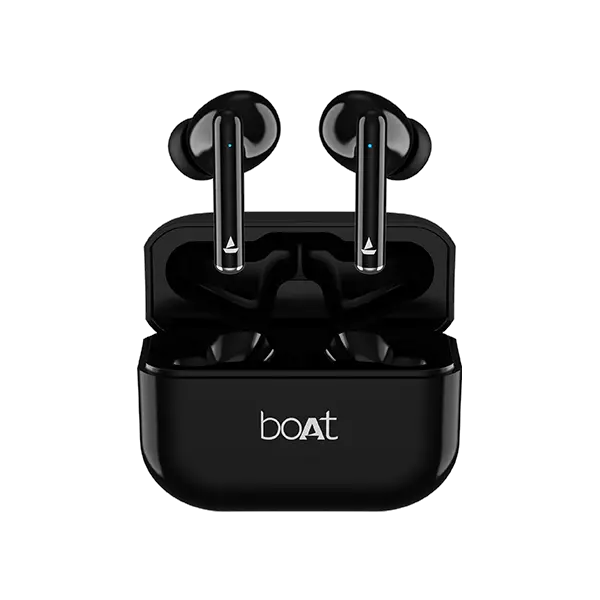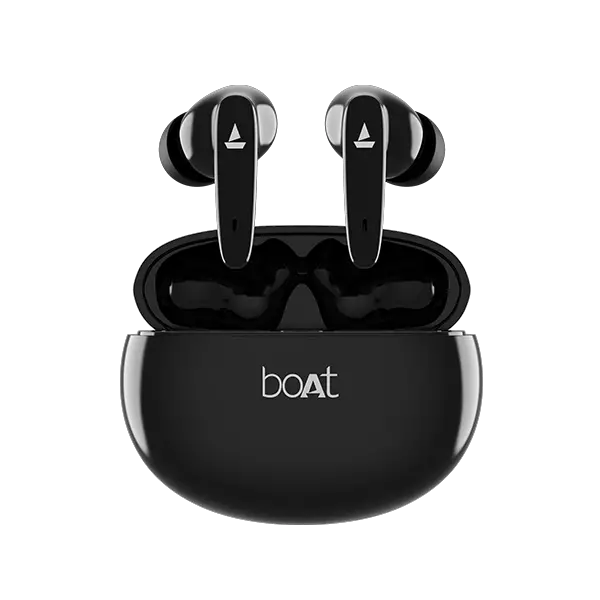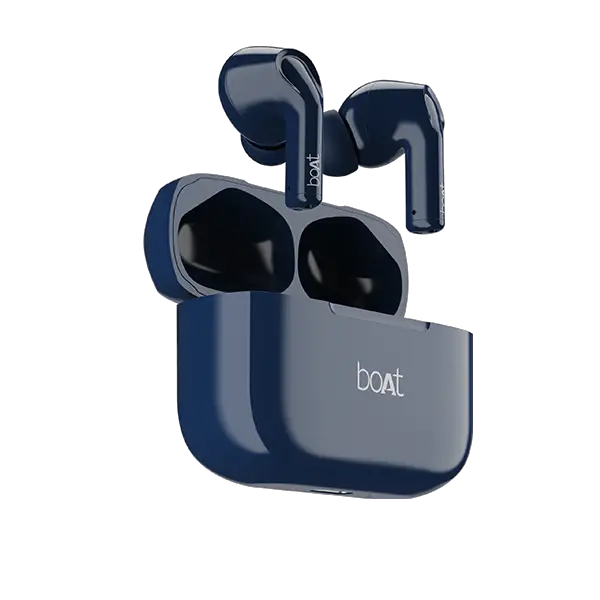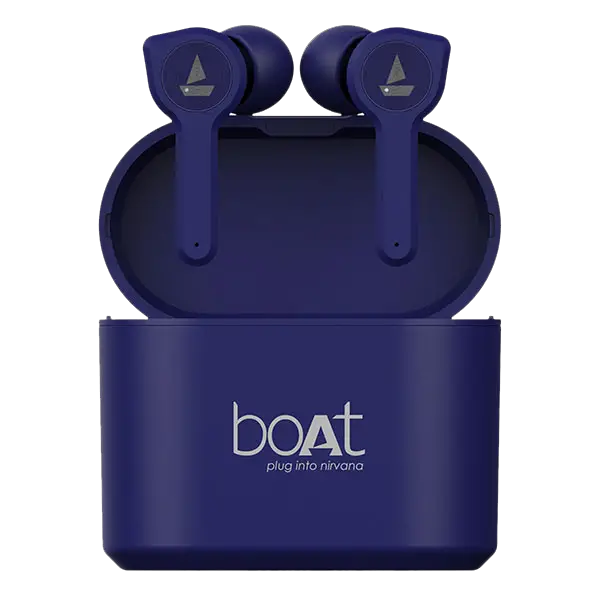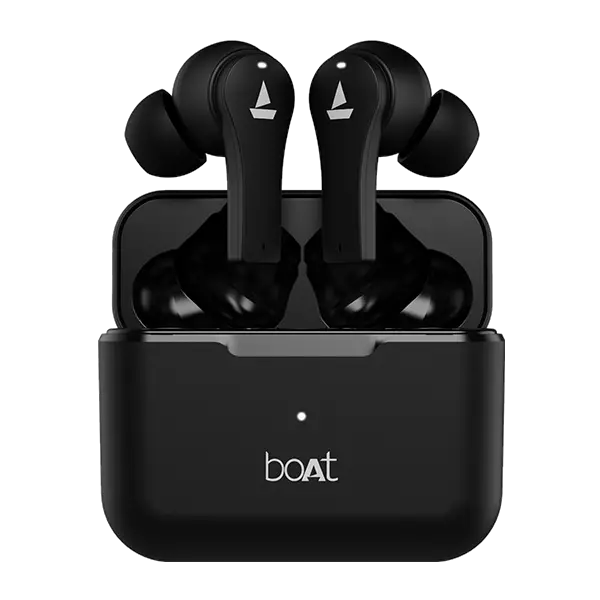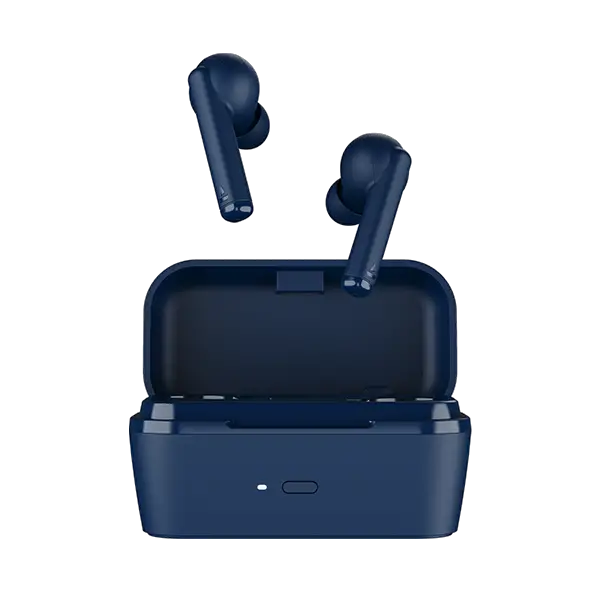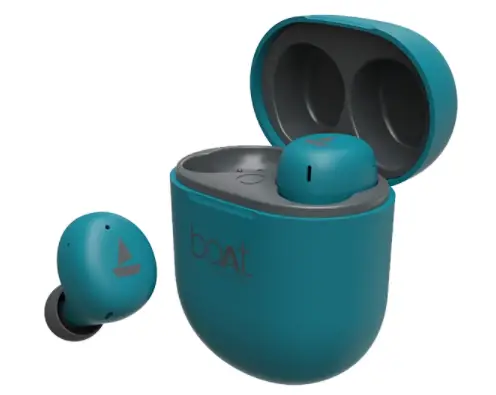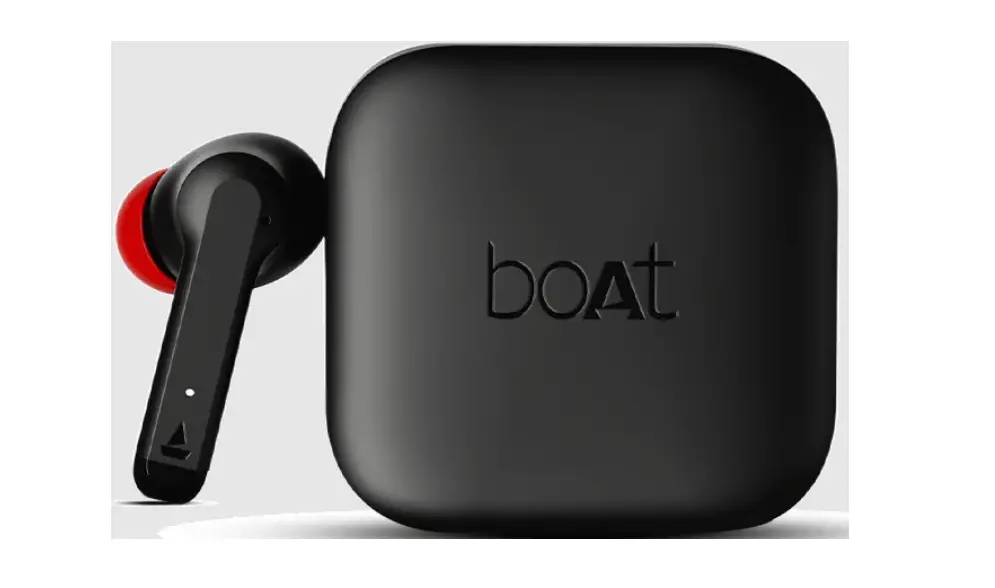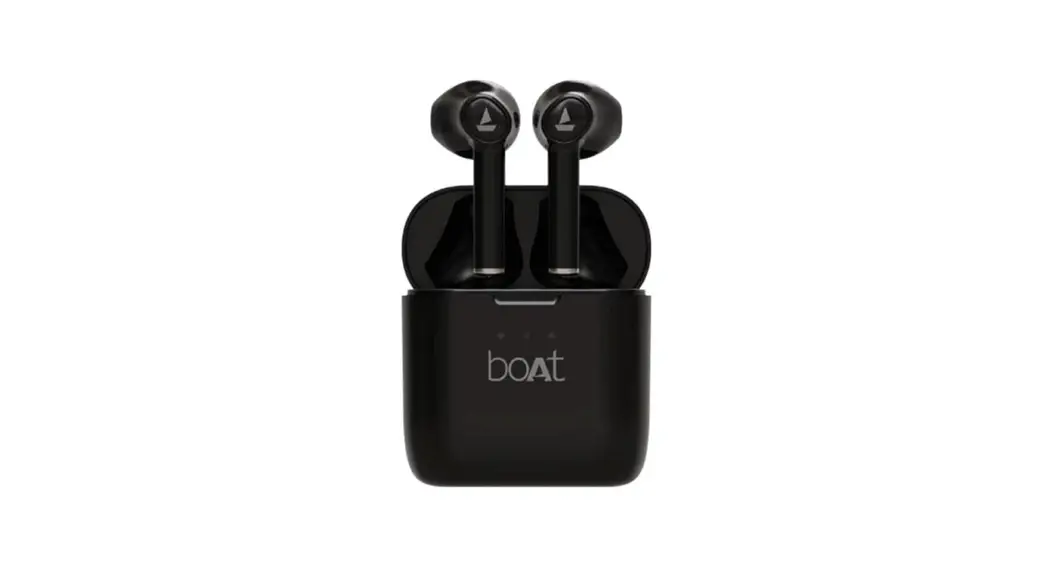

AirDopes 131 Pro
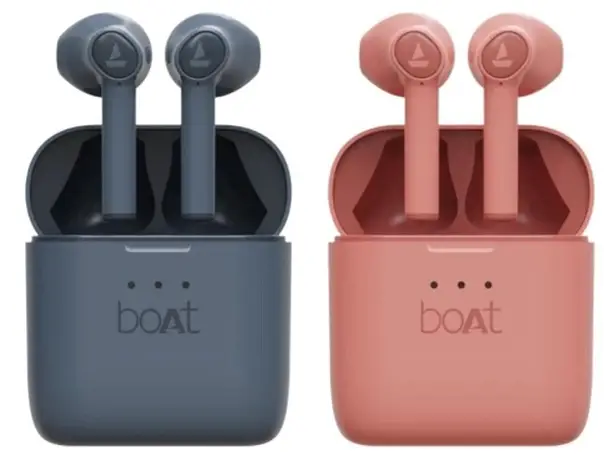
User Manual
Get ready to immerse yourself in musical bliss with your very own pair of boAt Airdopes 131 PRO Please consider this manual as your guiding map towards the unparalleled shores of musical bliss. Knowledge of Bluetooth and device connectivity is essential for steering this boat and therefore we strongly recommend a thorough reading of this manual Also, you may refer to the same at times when you face any sort of difficulty.
Package Contains
- lx Pair of TWS Earbuds
- lx Charging Case
- lx Type-C Charging Cable
- 2x Pair of Extra Earmuffs
- lx FAOCard
- 1 x User Manual
- 1 x Warranty Card
- l x Catalogue
- 1 x Read Me Card
Power On (First Time User)
Step 1: To switch the earbuds on (Smart Power On) simply open the lid of the charging case (when earbuds are inside). Courtesy of our MP— (Insta Wake N’ Pair) technology, the earbuds power on automatically, their LEDs begin to flash in blue for 2 seconds, they get connected and enter the connection mode
OR
Long touch the CTC (Capacitive Touch Control) on both earbuds for 3 seconds to manually power on the earbuds
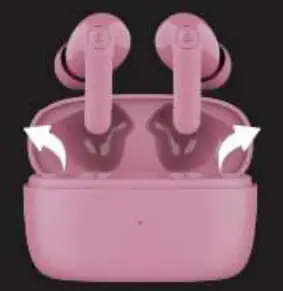 Step 2: After powering on, the earbuds enter the Connection Mode, indicated by alternate red and blue LED flashes on the primary earbud and blue LED flashes once every 5 seconds on the secondary earbud
Connection Mode
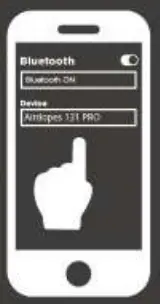
Step 3: Turn on the Bluetooth functionality on your phone/media device and scan Step 4: Search for ‘Airdopes 131 PRO’ and pair accordingly. Congratulations! Your earbuds are now connected successfully via Bluetooth
Note:
- Pairing mode lasts for 5 minutes If the pairing time is messed. then you will need to reconnect the earbuds and follow the above-mentioned procedure.
- Airdopes 131 PRO remembers previously connected deviCes: once switched on. the earbuds automatically reconnect to the previously connected devices in working range.
- Once the earbuds get connected to your media device. the LED flashes once even/ 20 seconds.
Single Earbud Usage
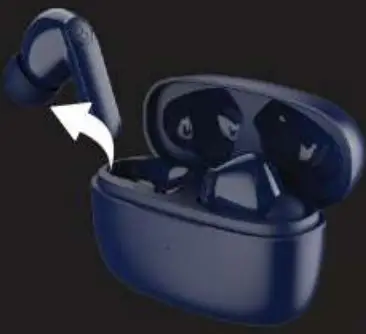
Step 1: Please note that both the earbuds can be used in mono mode Use Smart / Manual Power On for switching on the desired earbud
Step 2: The selected earbud automatically enters the connection mode indicated by red and blue LED flashes
Step 3: Turn on Bluetooth on your phone/media device and search for ‘Airdopes 131 PRO’ to connect
Note:
- To switch to Stereo mode. simply take out the other earbud from the case It will automatically power on and pair with the previously selected earbud. hence enabling Stereo usage
- You can only switch to the next track in single earbud mode
Quick Glance on Functionalities
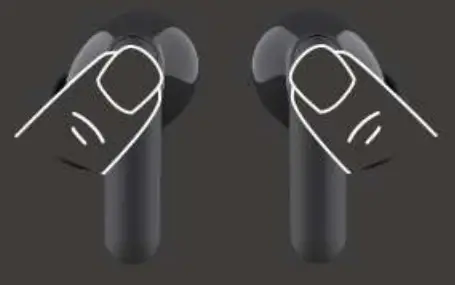
| 1 3 Seconds |  | Long touch left CTC for 3 sec to activate voice assistant |
| 3 Seconds | Long touch both CTCs for 3 seconds to manually power on | |
| 5 seconds | Long touch both CTCs for 5 seconds to manually power off | |
| 5 Seconds | Long press the case reset button for seconds to perform factory reset |
Charging the Earbuds
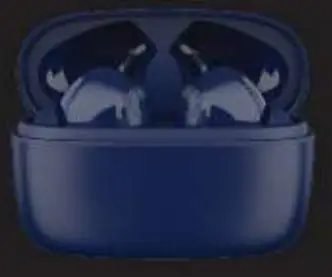
Step 1 : Please insert the earbuds back inside the charging case in the correct orientation and close the lid
Step 2: During charging, the indicators on the earbuds turn into solid red.
Step 3: Once the earbuds get fully charged, the charging case automatically switches off to save power, the earbuds’ indicator turns blue and then switches off
 Note:
Note:
- Before using the earbuds for the first time. it is recommended to fully charge the earbuds. Also, please keep the lid of the charging case closed while charging.
- When the remaining power of the earbuds is below 20%. the red LED flashes 3 times every 30 seconds and there’s a low power reminder sound prompt once every 5 minutes.
- When the earbuds remaining battery is between 30%400%. Blue LED blinks thrice if the case lid gets opened
Charging the Case
Step: To charge the case. plug one end of the provided cable into the case and connect the other end to a computer/ wall adapter/ power bank, etc. White LED blinks continuously while the case is on charging. When the case gets fully charged. it gets indicated by a solid white LED.
Basic Functions
- Voice Assistant: Long touch left CTC for 3 seconds to activate your default smart voice assistant
- Answer: Single tap the CTC on either earbud to answer an incoming call
- Hang Up / Reject Call: Double tap the CTC on either earbud to end/reject the call
- Play/Pause Music: Single tap either earbud’s CTC to play or pause music
- Next Track: When playing music, double tap the right earbud’s CTC to skip to the next song
- Previous Track: When playing music, double tap the left earbud’s CTC to return to the previous song
BEAST™ Mode
Long touch the right CTC for 3 seconds to switch to Low Latency mode, also known as the BEAST™ Mode. Once switched on, it gets notified via a sound prompt Long touch the right CTC for 3 seconds once again, to turn it off and return to standard Music Mode. Made rot the Garners – By Garners. BEAS™ Mode reduces the latency significantly and improves the overall gaming experience.
ENx™ Tech
Our ENC (Environmental Noise Cancellation) tech algorithm cancels out the background noise so that you can be heard crystal clear via voice calls. One need not activate ENxim as the 4x mics are already equipped with the same and activated by default Deliver your voice without interruptions anywhere -traffic, railway stations, airports, workspace.
Note: Volume can only be controlled via the media device
Voice Assistant
Step 1: Long touch the CTC on left earbud for 3 seconds to activate the smart voice assistant
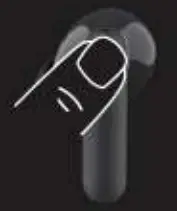
Step 2: The respective voice assistant screen pops up and you may place your commands at ease
Tips: You may try out the following commands.
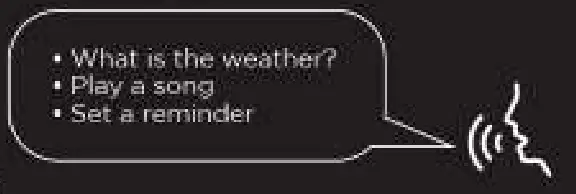 Note: • If the voice assistant doesn’t get triggered, then the functionality has to be first enabled via your media device settings.
Smart Power Off
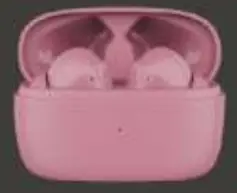
Step 1: After usage, remove both the earbuds from your ears
Step 2: Place the earbuds back into the charging case in the correct orientation and close the lid. The earbuds automatically switch off (and enter charging mode)
 Manual Power Off
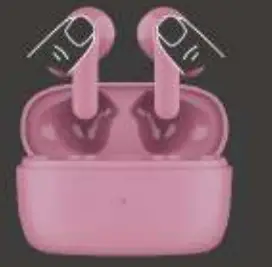
Step 1: Long touch both CTCs for 5 seconds to manually power off the earbuds
Step 2: Once the earbuds get turned off, place them back inside the case and close the lid
Factory Reset
Perform the factory reset in case you feel any difficulty while operating your Airdopes.
‘NOTE: Before performing reset. clear “Airdopes PRO” from painting device history by forgetting the device
Step 1: Open the cover lid of the case and ensure the earbuds are being kept inside the case
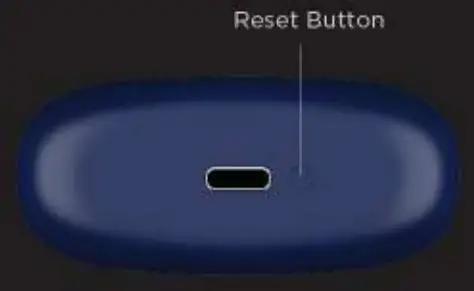
Step 2: Long press the Reset button on the case for 5 seconds; the white LED on the case flashes for 5 seconds to indicate a successful reset
Step 3: Close the cover lid and reopen it again after a few seconds to perform fresh connection Congratulations! Your Airdopes 131 PRO has been Reset
Specifications
| Headphone Type | TWS |
| Bluetooth Version | V5.3 + EDR |
| music Playtime | Up to 9HRS per charge; Up to 36H additional with Case (at 60% volume |
| ASAP’ Charge | Yes |
| Low Latency (BEAST Mode) | 65ms |
| transmission Range | 10m |
| Driver Size | llmm.2 |
| Bluetooth Profiles | a2dp‘avctplavdtp\avrcplaavdp1hr p1 hidlspp\ iopt1I2cap |
| Frequency | 20HZ-20KHZ |
| Battery | 400mAh (Case) 40mAh:2 (Earbuds) |
| Charging Time | 30Min (Earbuds); 1.5H (Case) |
| Charging Interface | US8 Type C |
| Water Resistance | IPXS |
Warning
- Please follow the instructions to operate
- Please don’t use the earbuds in extreme temperatures
- Please don’t use the product near water
- Please keep the product away from heat sources, as the heat may damage It
- Don’t jam the ports such as the charger port, LED port, etc
- It is recommended to utilize the product below the maximum volume In order to protect hearing and extend the ear-buds service life