Platon Phone Apps User Guide

Platon Phone Setup Guide (Android / iOS) for App Version 1.1.X
Platon Phone Setup Guide
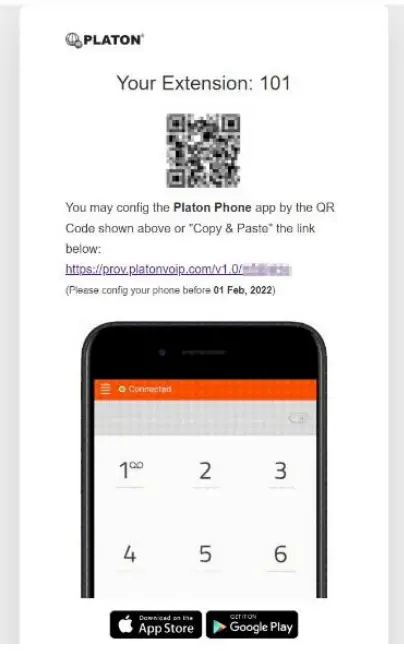
Before the following steps to be proceeded, please check with PLATON support team or your administrator to obtain the phone provision URL. The URL format should be like this: https://prov.platonvoip.com/v1.0/xxxxx
Method 1 Open the URL with a PC/MAC
- Open the phone provision URL with a browser (e.g. Chrome / Firefox / Edge) on a PC/MAC

- From your mobile phone, download the app “Platon Phone” from Google Play Store / iOS App Store
- Open the app, when it ask for Grant/Deny on permission, press “Allow” or “OK”
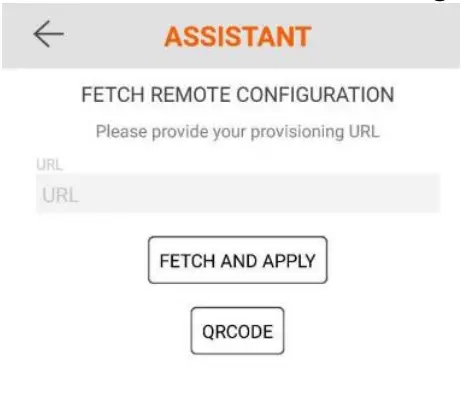
(Note: No private information such as phonebook/contacts will be transmitted to PLATON® Servers) - Within the “Fetch Remote Configuration” step, press “QR Code” and scan the QR code shown on your PC/MAC

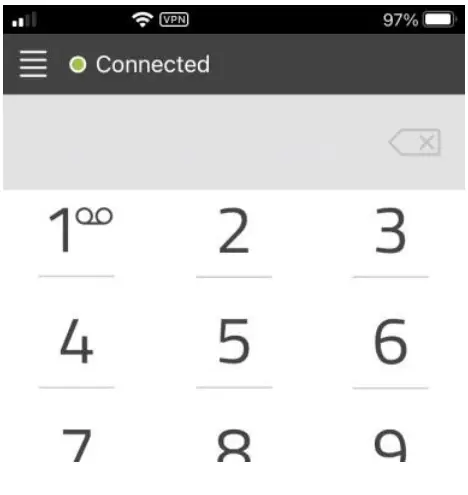
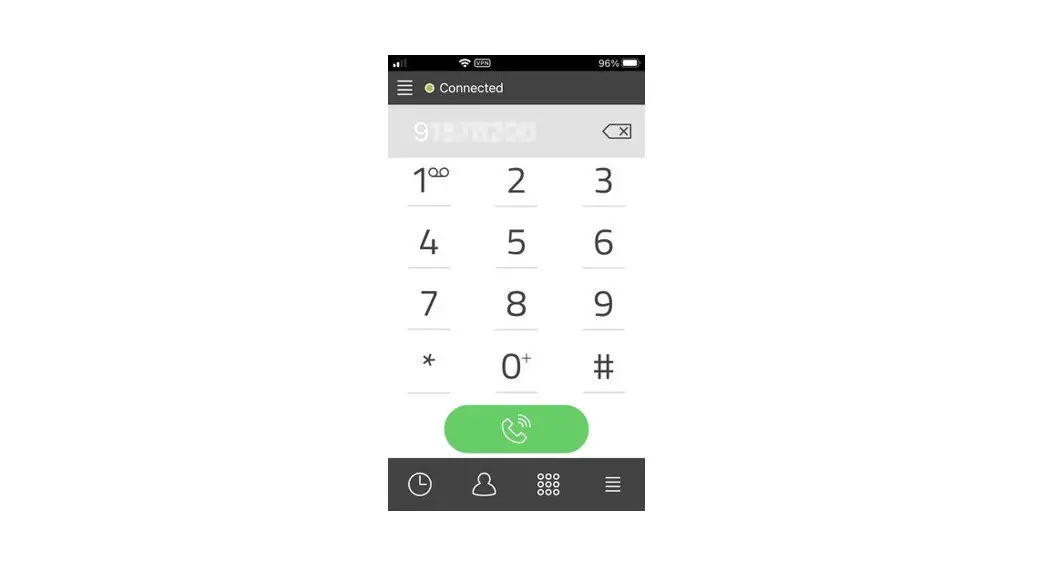
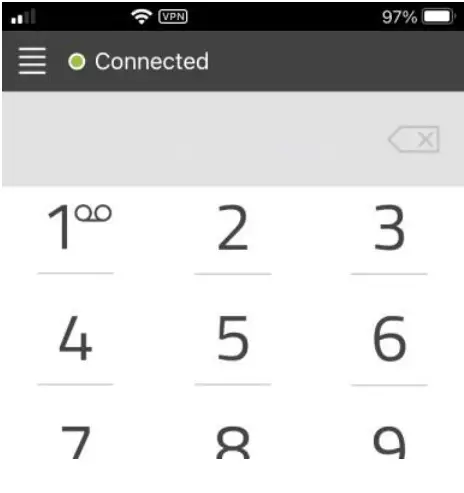
- If the status bar shows “Connected”, the app is now configured successfully.

Platon Phone Setup Guide (Android / iOS) for App Version 1.1.X
Method 2 Open the URL on Android/iOS device
- Open the phone provision URL from your Android/iOS device
- If the app “Platon Phone” haven’t been installed, the URL will bring you to Google Play Store / iOS App Store, please download the app
- After the app “Platon Phone” installed successfully, open the phone provision URL again, please choose “Platon Phone” if it prompt for app selection
- When it ask for Grant/Deny on permission, press “Allow” or “OK”
(Note: No private information such as phonebook/contacts will be transmitted to PLATON® Servers) - If the status bar shows “Connected”, the app is now configured successfully.