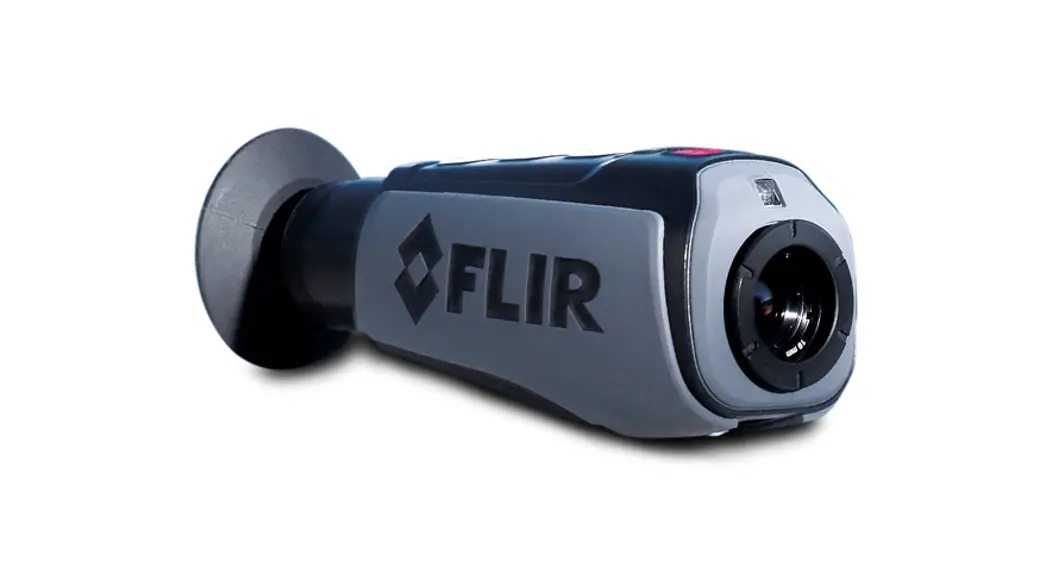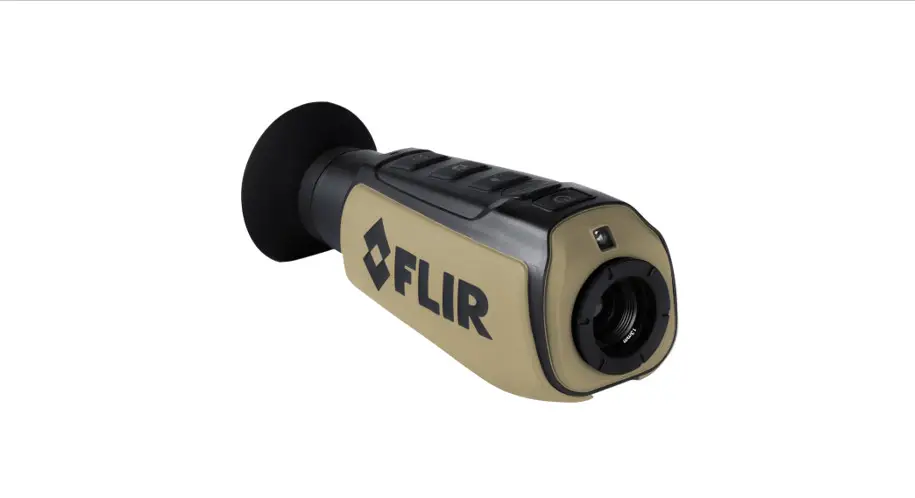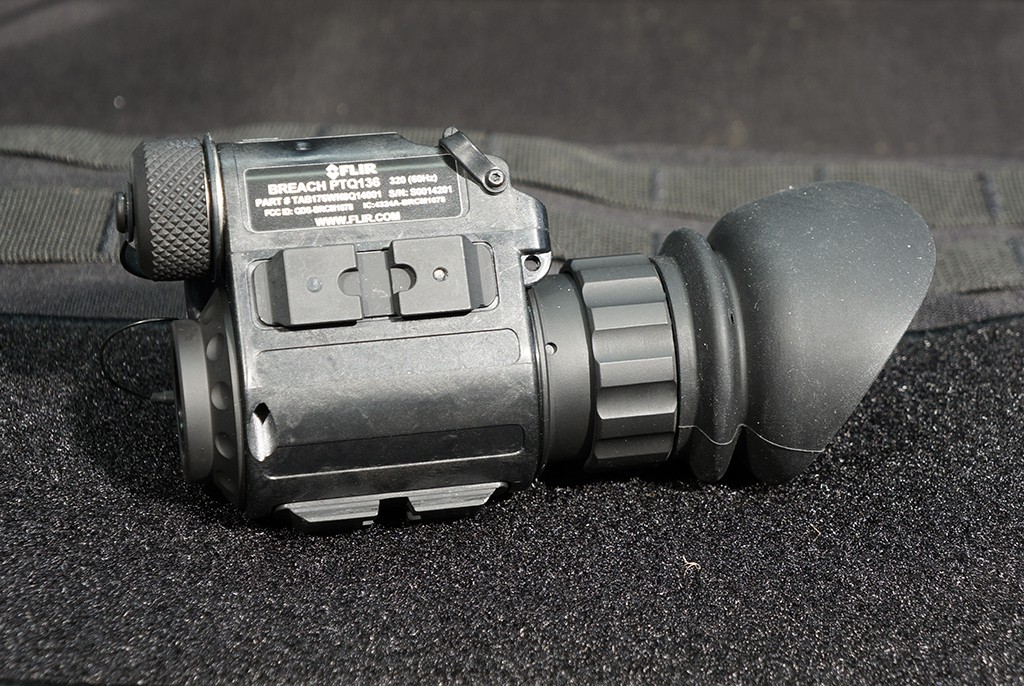

FLIR BREACH CR123A
BATTERY INSTALLATION
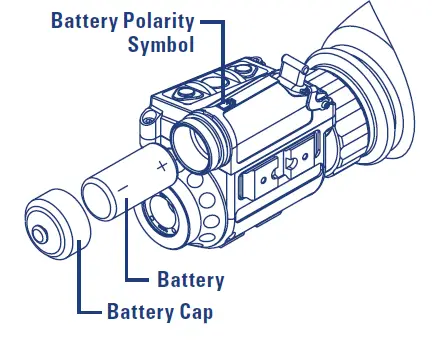
Install CR123A battery as follows:
- Unscrew the battery cap.
- Insert the CR123A battery into the battery compartment, observing the polarity markings on the body of the monocular.
- Replace the battery cap.
CONTROL PANEL BUTTONS
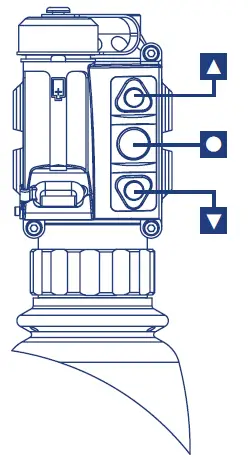
Button ●
- Long press when monocular is OFF – TURNING ON
- Hold down (>8s) when monocular is ON – TURNING OFF
- Long press when monocular is ON – MAIN MENU
- Single Click – SINGLE IMAGE SNAPSHOT / SELECTION (in menu)
- Double Click – RECORD VIDEO / STOP RECORDING
Button ▲
- Short press – SCREEN BRIGHTNESS INCREASE
- Long press – E-ZOOM INCREASE
- Navigation in menu – UP
Button ▼
- Short press – SCREEN BRIGHTNESS DECREASE
- Long press – E-ZOOM DECREASE
- Navigation in menu – DOWN
Buttons ▲ + ▼
- Simultaneously hold the two buttons –
TRIGGERS UCMNUC/FFC* MANUALLY
* UCMNUC/FFC – User Controlled Manual Non Uniformity Correction/ Flat-Field Correction
DIOPTER ADJUSTMENT
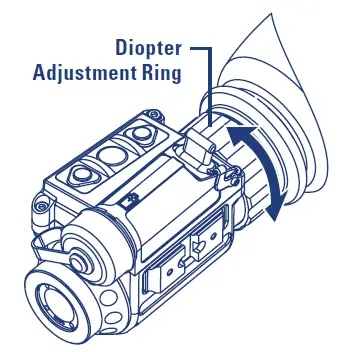
While looking through the eyepiece, rotate the diopter adjustment ring to optimize the sharpness of the image in the viewfinder.
MAIN MENU
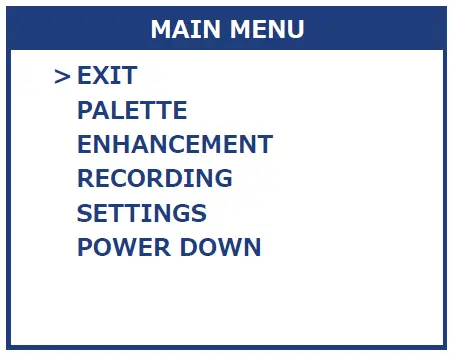
Most setup options can be accessed from the MAIN MENU.
To display the MAIN MENU, hold down the central button on the control panel.
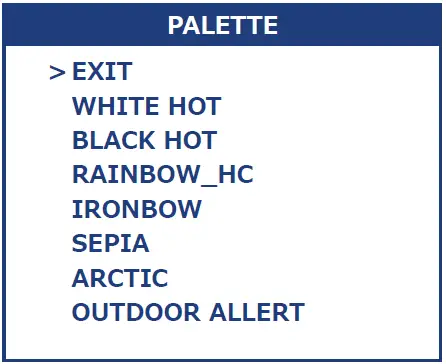
The PALETTE menu allows you to select from a choice of temperature imaging modes.
The palettes act as color templates for visualization of temperature changes in the scene.
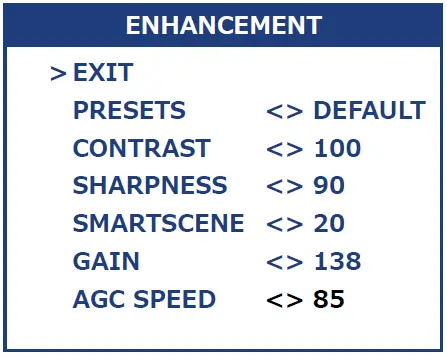 The ENHANCEMENT menu settings allow the user to take advantage of advanced signal processing algorithms, and improve the quality of the image under a variety of different thermal environments.
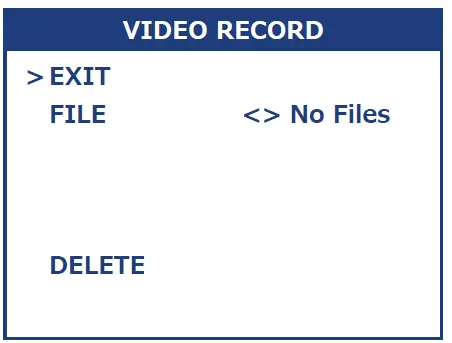 The RECORDING menu allows the operator to delete selected image and video files stored in the camera.
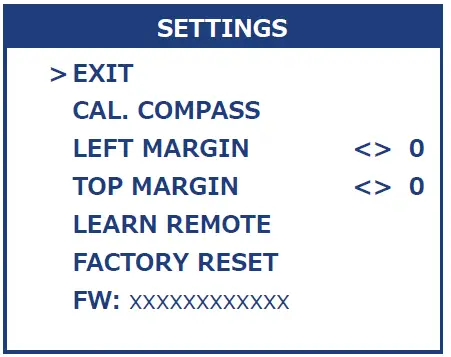 The SETTINGS menu allows you to make compass calibration, to change the position of image on the screen, pair a new remote with the camera, as well as to restore the settings to their factory defaults. The Firmware (FW) revision number is listed at the bottom of the menu display.
Select POWER DOWN item of Main Menu and then push ● button to turn monocular off. Or hold down ● button for more than 8 seconds.
PRESETS
| ITEM | RANGE | DEFAULT | SKY/SEA | INDOORS | OUTDOORS |
| Contrast | 50 to 250 | 100 | 100 | 100 | 100 |
| Sharpness | 0 to 800 | 90 | 100 | 75 | 110 |
| Smart Scene | 0 to 100 | 20 | 30 | 10 | 80 |
| Gain | 25 to 800 | 138 | 120 | 110 | 138 |
| AGC Speed | 0 to 100 | 85 | 85 | 85 | 99 |
For warranty information and product registration visit: www.flir.com
 Thermal Imaging, Night Vision and Infrared Camera Systems | Teledyne FLIR