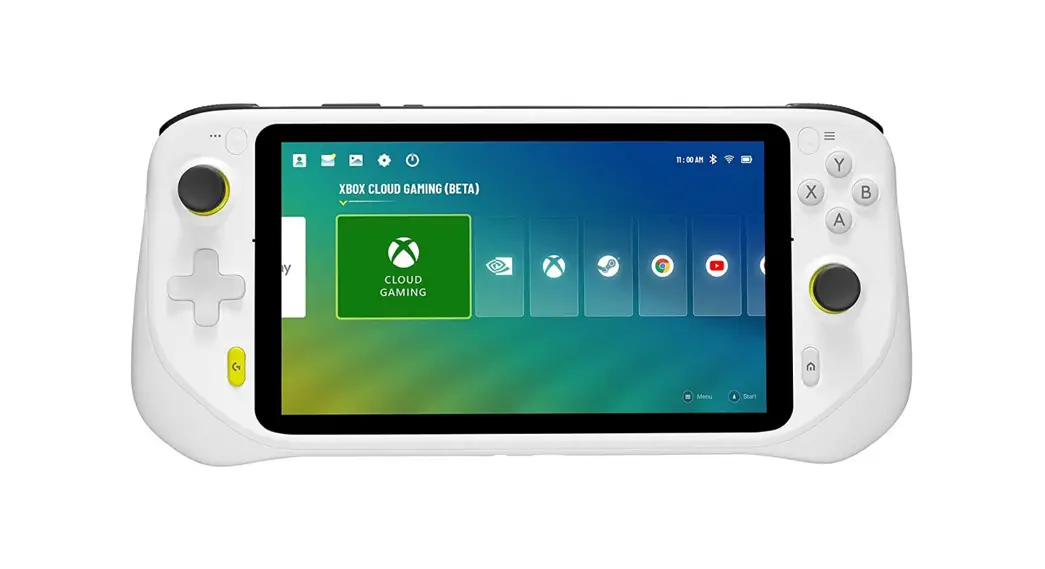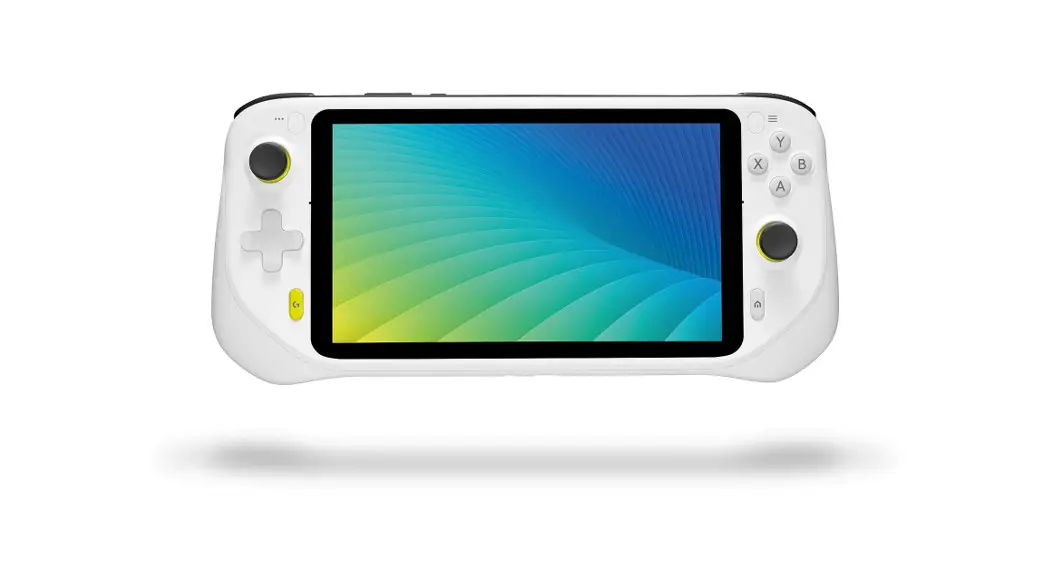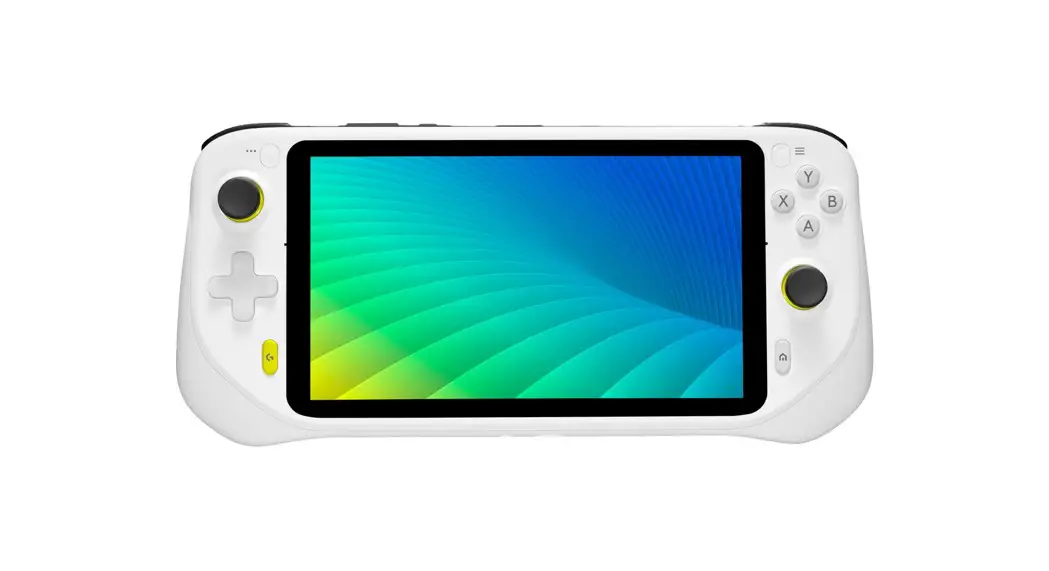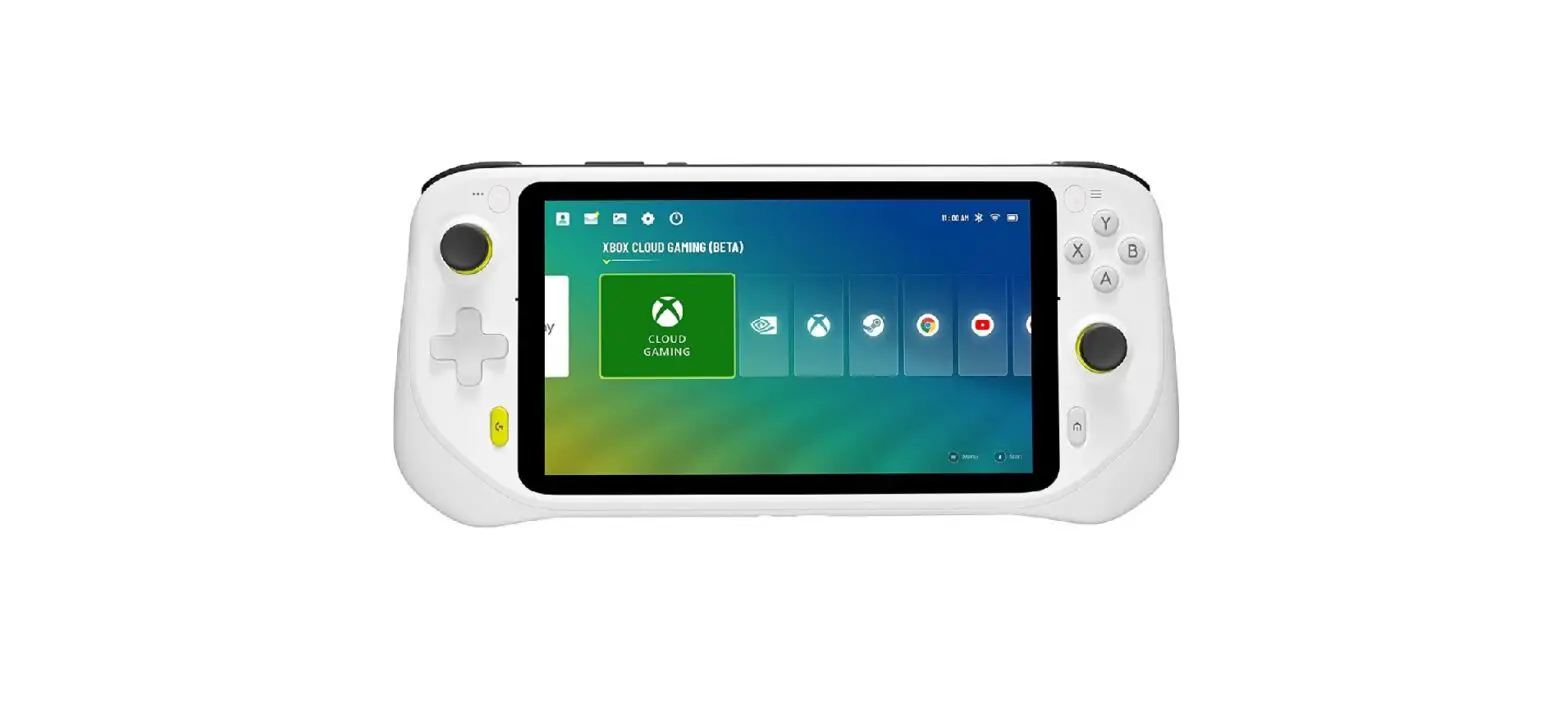

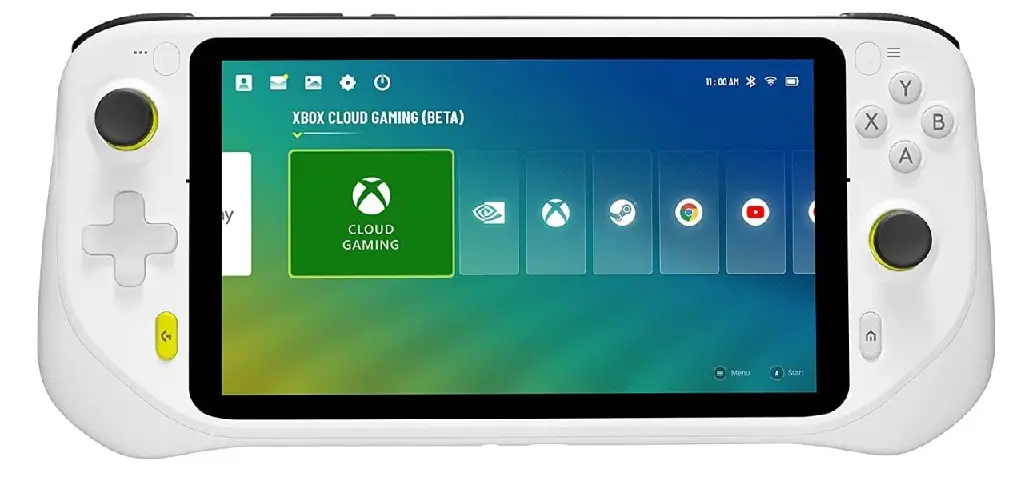
logitech G Cloud Gaming Handheld with 7 Inch 1080p Display
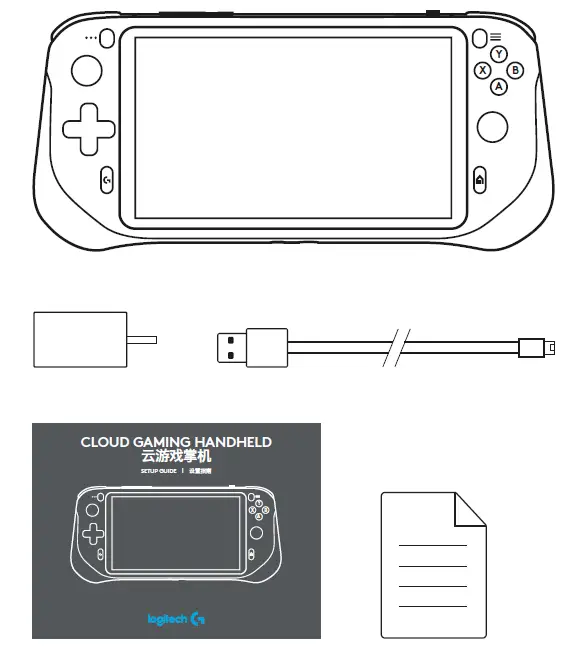
IN THE BOX
DEVICE DESCRIPTION
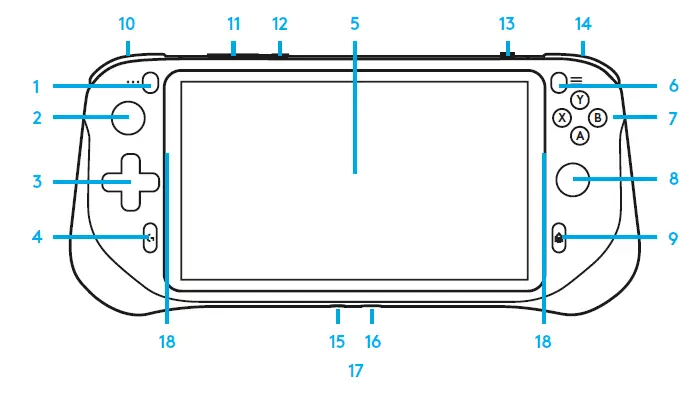
COMPONENT NAMES
- Left Function Button
- Left Joystick/L3 Button 3 D-Pad
- G Button
- Touch Screen
- Right Function Button 7 A/B/X/Y Buttons
- Right Joystick/R3 Button 9 Home Button
- Left Bumper/Trigger (L1, L2)
- Volume Button
- Power Switch
- TF Card Slot
- Right Bumper/Trigger (R1, R2) 15 3.5 mm Jack
- USB Type-C/Charging port 17 Dual Speaker
- Dual Mic
SETUP INSTRUCTIONS
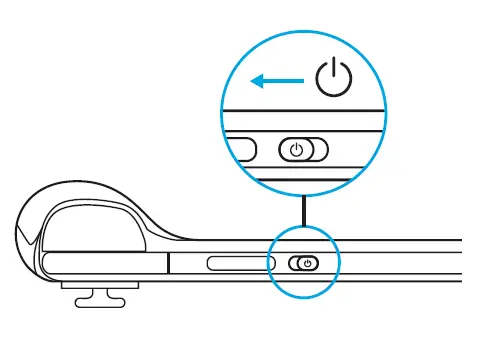
- Power on:
Slide and hold the power switch to power on the device.
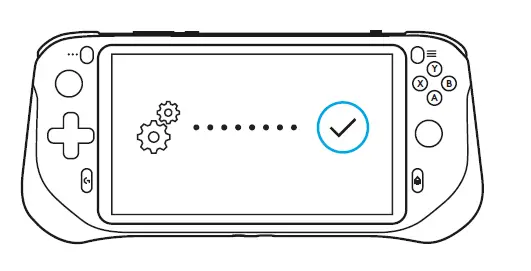
- First-time setup:
Follow the on-screen setup wizard to complete the first-time setup of the device.
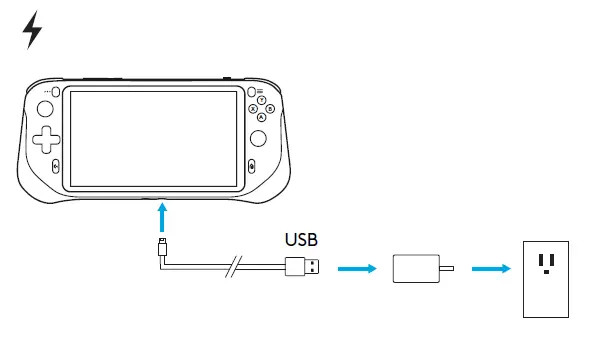
- Charging:
Connect the USB cable Type-C end into the USB Type-C port on the bottom of the device, connect the USB cable Type-A end to the power adapter, and then connect the power adapter into the socket to charge the device.
QUESTIONS?
logitechG.com/support/cloud
© 2022 Logitech. Logitech, Logitech G, and the Logitech and Logitech G logos are trademarks or registered trademarks of Logitech Europe S.A. and/or its affiliates in the U.S. and other countries. All other trademarks are the property of their respective owners. Logitech assumes no responsibility for any errors that may appear in this manual. Information contained herein is subject to change without notice.
 Logitech Support + Download