
Creative Pebble 2.0 USB-Powered Desktop Speakers
Introductions
Creative Pebble Desktop 2.0 Speakers
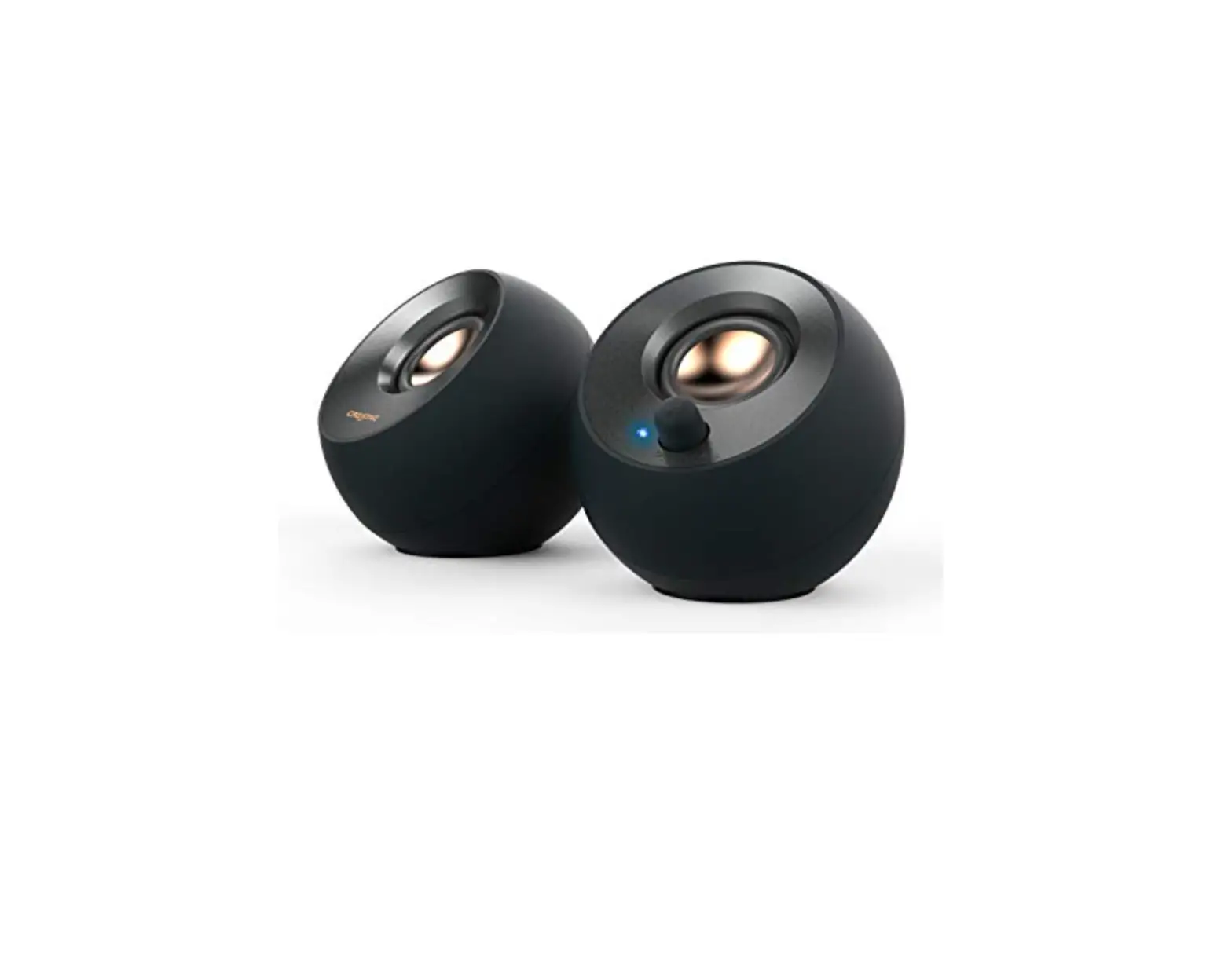
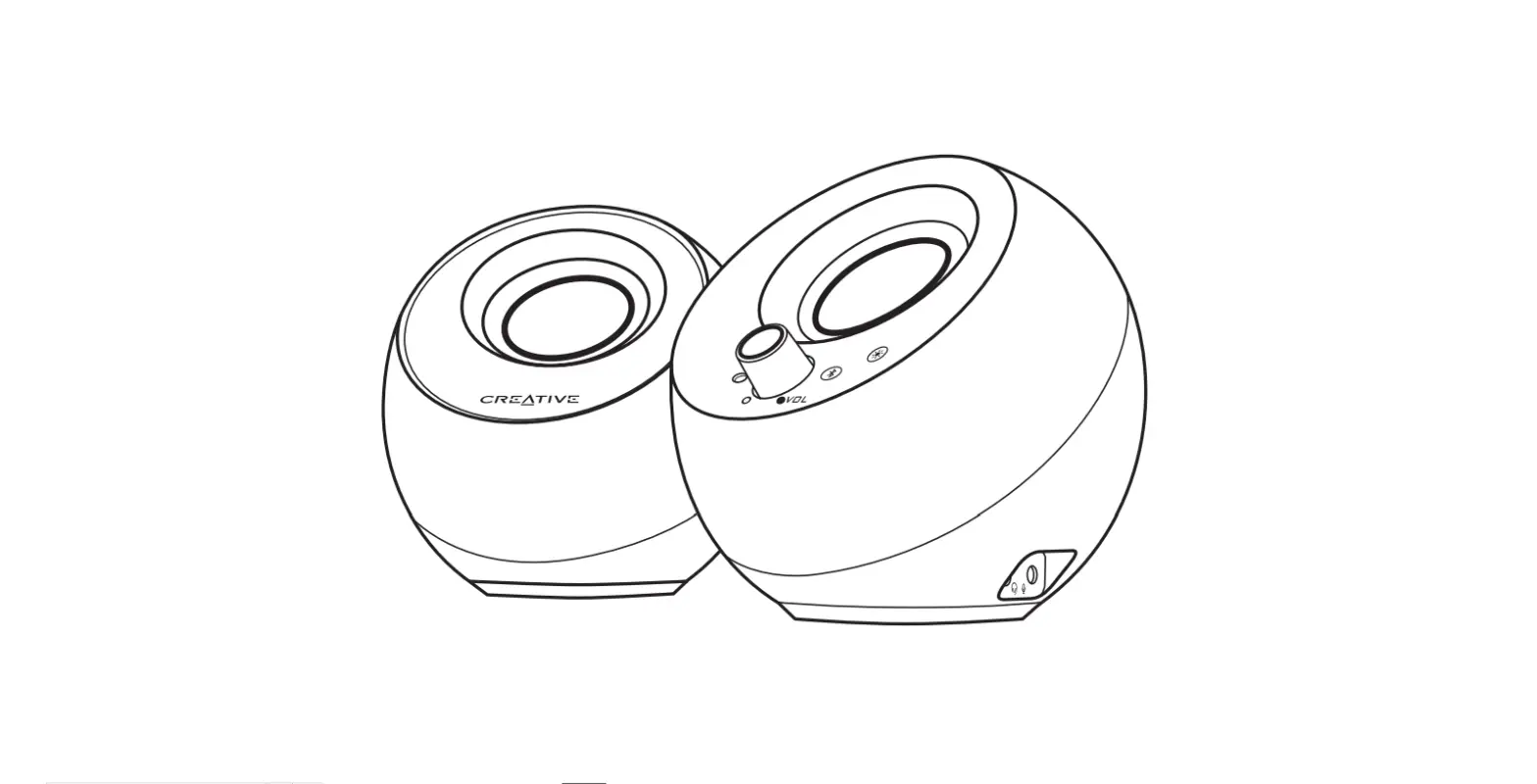
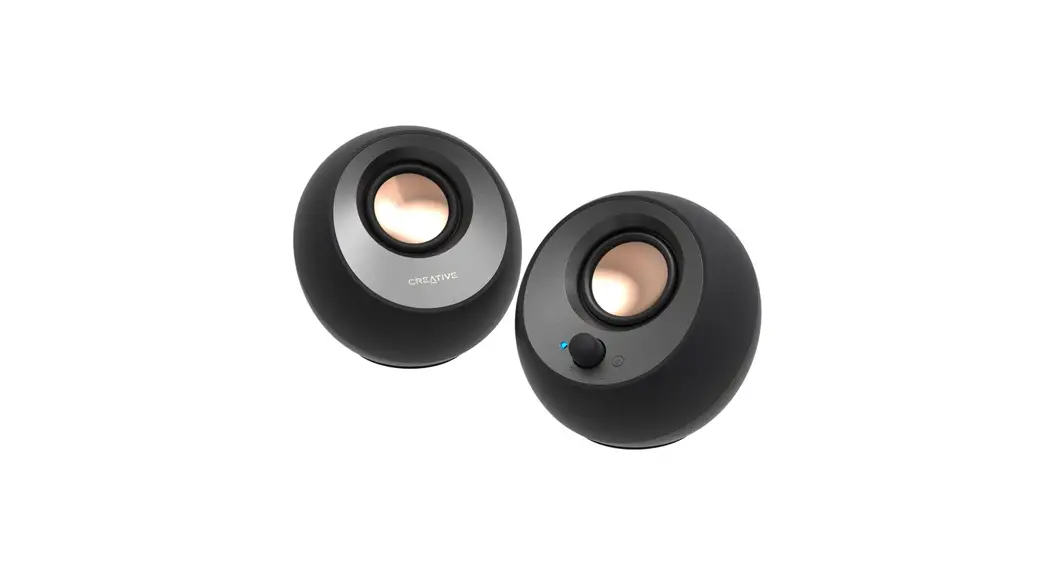
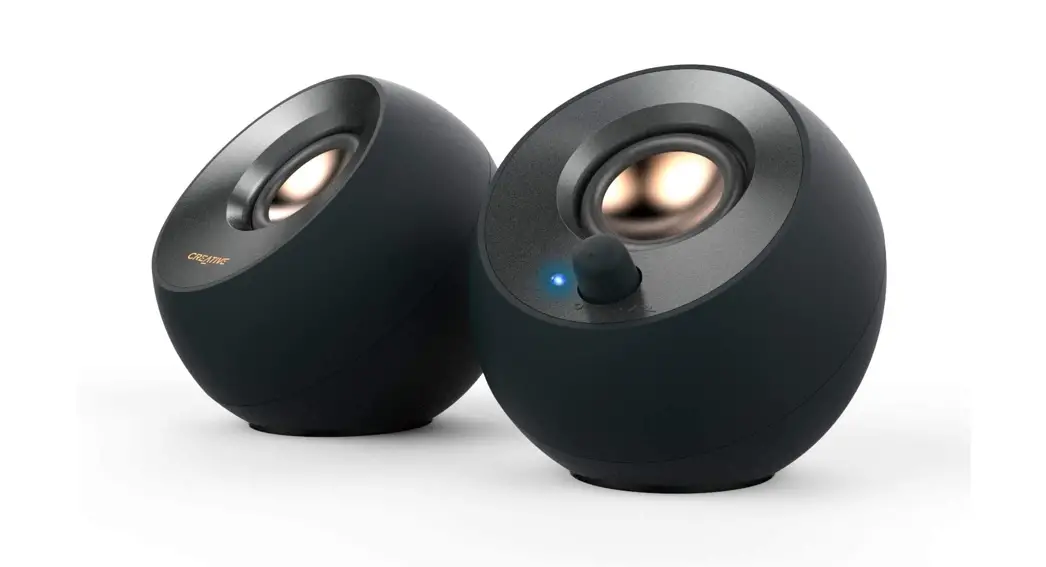
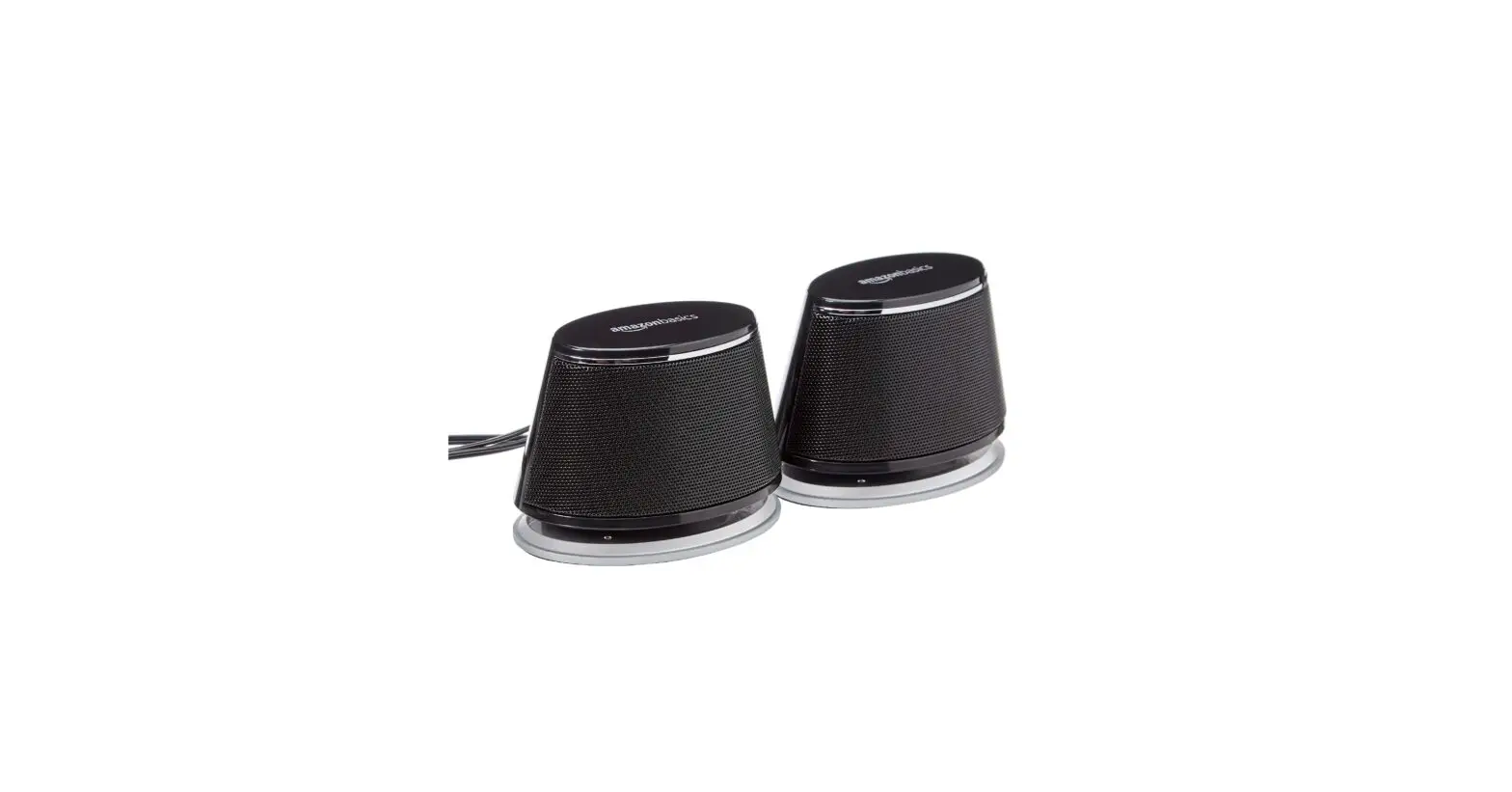
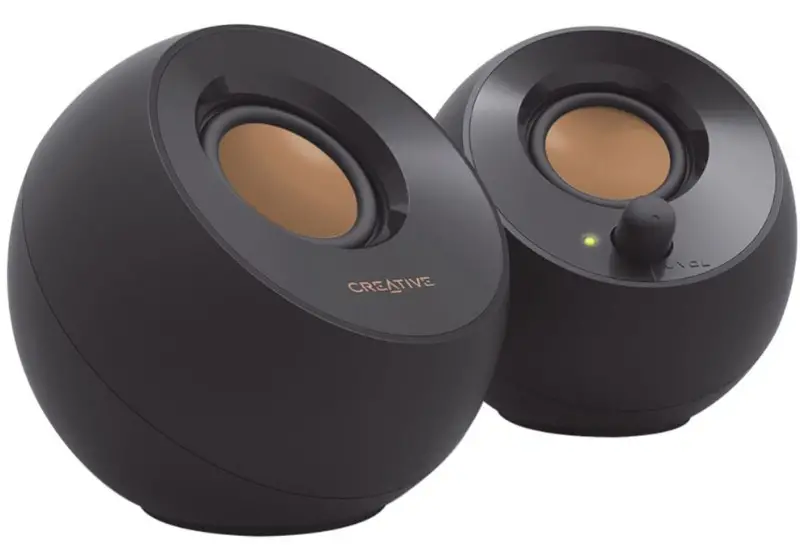
Shaped like a smooth pebble one would find in a Japanese rock garden, the orb shaped Creative Pebble speaker takes its aesthetic design inspiration from elements in Zen architecture and design and would look perfect in today’s modern homes and offices. Featuring a 45° elevated custom-tuned far-field driver solution that works with rear facing passive radiators, the Pebble delivers a personal listening experience that surprises with its degree of detail, immersiveness and depth for a speaker of its size. Made to work seamlessly with a PC or laptop, the Pebble is powered by a single USB cable without the need for a power adapter. Pebble also features an easily accessible volume control button built into the front of the right speaker. The speaker is available in pure white and bold black.
- 45° Elevated Drivers: Elevated Sound Stage for Personal Listening
- Passive Radiators: Enhanced Bass Performance
- 4W RMS Power Output: Impressively Loud Audio
- Easy Access Volume Control: Front-Facing Control for Instant Adjustments
- USB Powered: No Wall Outlet Required
Technical Specifications
Product Weight
- Right Satellite:345 kg / 0.760 lbs
- Left Satellite:300 kg / 0.661 lbs
Product Dimension
- Satellite: (HxWxD): 114 x 113 x 116 mm / 4.5 x 4.4 x 4.6 inches
Packaging Weight
- O/Box:88 kg / 1.94 lbs
- C/Box: 10 kg / 22 lbs
Packaging Dimension
- O/Box: (HxWxD): 124 x 124 x 239 mm / 4.9239 x 4.9 x 9.4 inches
- C/Box: (HxWxD): 275 x 249 x 645 mm / 10.8 x 9.8 x 25.4 inches
Connector type: 3.5mm Analogue Stereo Connector
Molded Cable type
- Line In:2M cable terminated with 3.5mm Stereo Jack
- DC Power:2M cable terminated with USB type-A
- Color: Black, White
- System Configuration:0 system
- Frequency Response: 50Hz to 20Khz
- SNR: 86 dB
- 2″ Full Range Speaker Driver
Package Content
- 2 x speaker satellites
- 1 Warranty and Technical Support Booklet
Minimum System Requirement
- USB power via desktop/ laptop USB ports or USB power adapter up to 5V 1A output
- Analog audio devices with a 3.5mm stereo output
Warranty
- 1 year limited hardware warranty
User Support
© 2017 Creative Labs Pte. Ltd. All rights reserved. Creative, the Creative logo, Sound Blaster and the BlasterX logo are trademarks or registered trademarks of Creative Technology Ltd. in the United States and/or other countries. All other trademarks are properties of their respective owners. All specifications are subject to change without prior notice. Use of this product is subject to a limited hardware warranty. Actual contents may differ slightly from those pictured.
Frequently Asked Questions
Connectivity through USB-C The right and left satellite speakers are now connected by a longer wire on the Pebble V2 for the greatest audio experience. Simply connect the USB-C cord to the Type-C port on your smartphone and the 3.5 mm connector to the AUX-in port if it already has one.
There is no need for a wall outlet because these speakers are totally powered by a USB connection. Simply use the included universal 3.5 mm AUX-in connection to connect your devices to the Pebble Plus, and you’re ready to go! The main speaker is in front of the front-facing volume controls for additional convenience.
Put the USB connection of a set of USB speakers or headphones into an accessible USB port on your computer to connect them. The computer ought to recognize the device immediately. Consult the user manual for your device for more details.
To begin connecting, just press and hold the Bluetooth button next to the volume control knob. Then, choose Creative Pebble 2.0 from your device. After connection, launch your preferred music app to begin wirelessly playing music from your device!
Turn on the speaker by pressing the Power button. The speaker automatically enters Bluetooth pairing mode. Hold down the Multifunction (Bluetooth) button while the speaker is on until a voice prompts that the master reset is finished. After the reset, the speaker will return to Bluetooth connection mode.
If the monitor has speakers or a 3.5mm stereo in/out pass-through, you can send audio through this to the display if you’re utilizing HDMI or DP. The audio from the HDMI or Display Port can then be fed to an external audio device by plugging headphones or speakers into the monitor’s 3.5mm stereo out jack on many displays.
Price: $20. At an incredibly low cost, the Creative Pebble Modern 2.0 USB Desktop Speakers deliver excellent sound. Give the Creative Pebble a try if you’re searching for a compact set of desktop speakers that won’t break the budget and deliver decent quality.
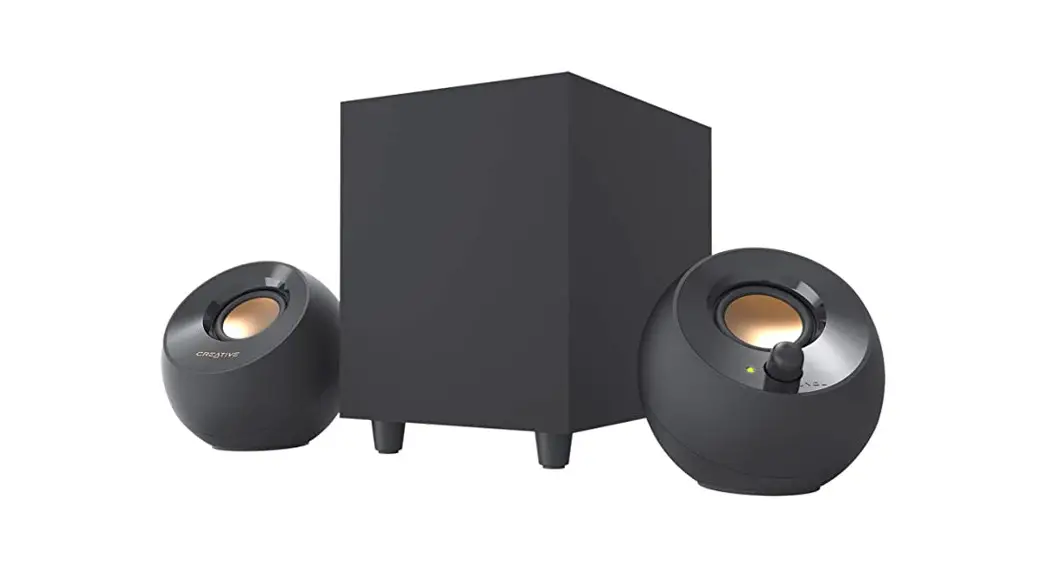
Therefore, using those analogue inputs is the simplest approach to connect your LED TV to your 2.1 speaker system. You’ll require one of the three cables listed below, 3.5mm (M) to 3.5mm (M), RCA to RCA, or 3.5mm (M) to RCA, depending on the available connectors.
The Creative Pebble contains a 3.5mm stereo port for connecting to an audio source and a USB plug for powering the device. The USB plug can be linked to a computer’s powered USB port or a USB power supply that supports 5V DC and 1A. If the audio source supports 3.5mm stereo output or headphones output, you can connect the speakers to it.
The 2.0 speakers now have a wireless connectivity option, allowing you to stream music wirelessly from smartphones using the most recent Bluetooth® 5.0 technology. Additionally, the Creative Pebble V3 includes the Clear Dialog audio processing method, which enhances spoken dialogue in shows and movies.
A speaker wire should be connected to each speaker’s positive terminal. The positive wires for both speakers should be connected to the same positive terminal. A speaker wire should be connected to each speaker’s negative terminal. Both ought to be connected to the same negative terminal on the amp’s output.
Use a micro plug to composite audio adapter cable to connect the computer speakers if the TV has a Composite Audio Out connector. The stereo mini jack of the computer speakers can be linked directly to the TV if it has a Mini plug jack.
All you need to do is connect your motherboard and display using the right 3.5 mm connections, and you’re ready to go!Simply connect the audio wire to the display, and then modify the volume using the monitor’s buttons.Attach the audio cable’s plug to the matching port on your computer.
Simply connect the USB-C cord to the Type-C port on your smartphone and the 3.5 mm connector to the AUX-in port if it already has one. Do not worry if you have USB Type-A devices! A USB-C to USB-A converter is supplied so you can start working right away.
Select [Settings] from the [Start] menu. Choose [Devices]. Make sure the [Bluetooth] button is set to [On] in the [Bluetooth & other devices]/[Bluetooth] tab. Select [Add Bluetooth or other device] after that.
With our extensive selection of expertly crafted home cinema soundbar systems, 2.0 desktop speakers, and wireless Bluetooth® speakers, you can take your audio enjoyment to the next level, one song at a time.