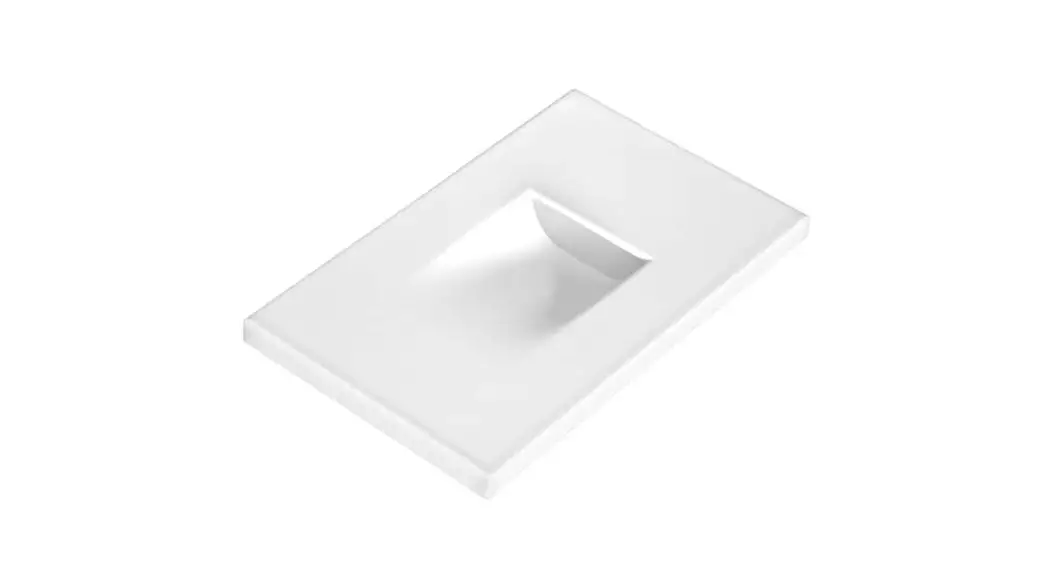
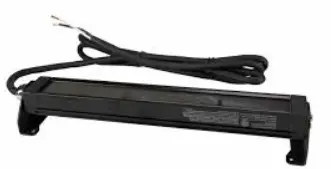
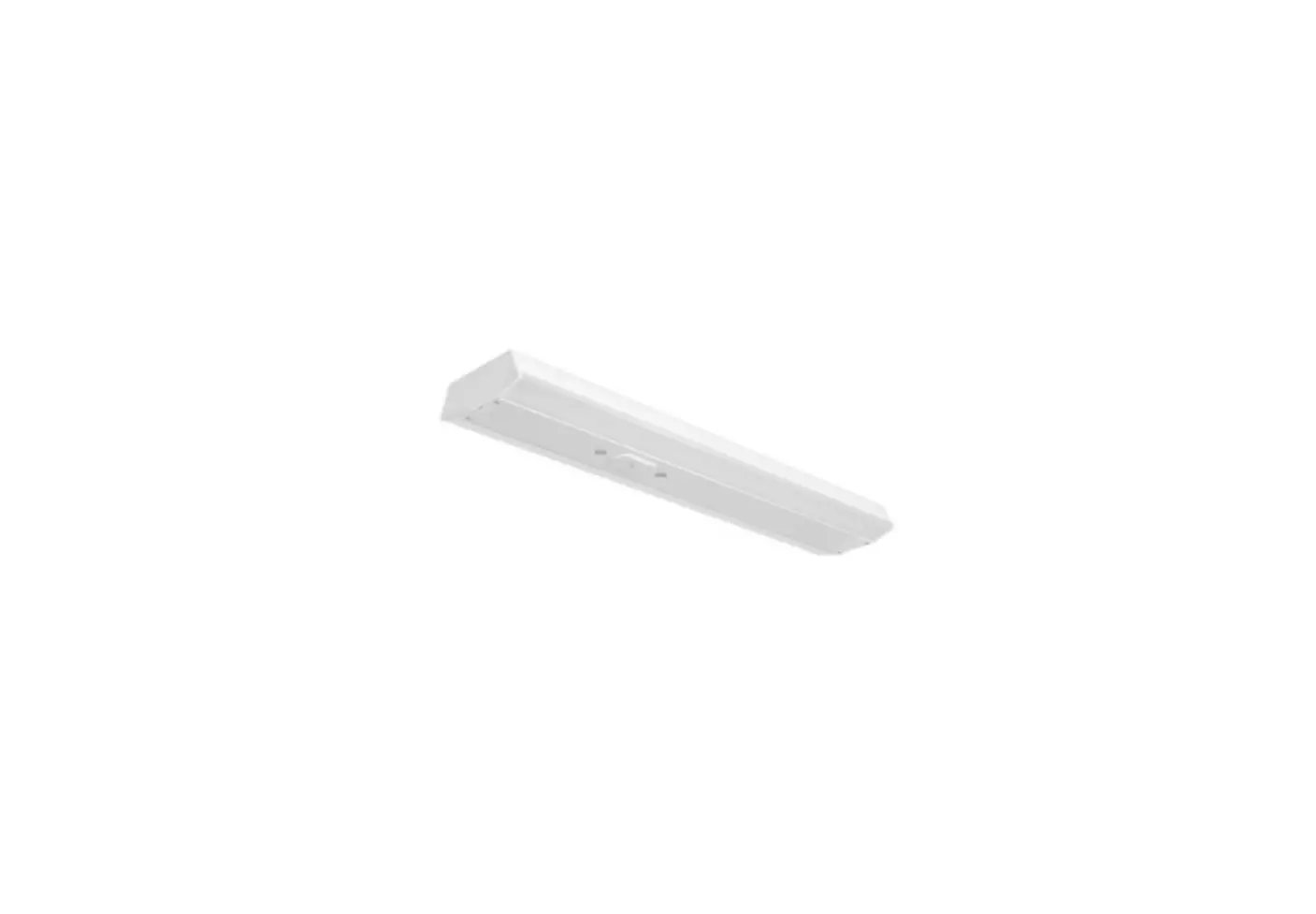
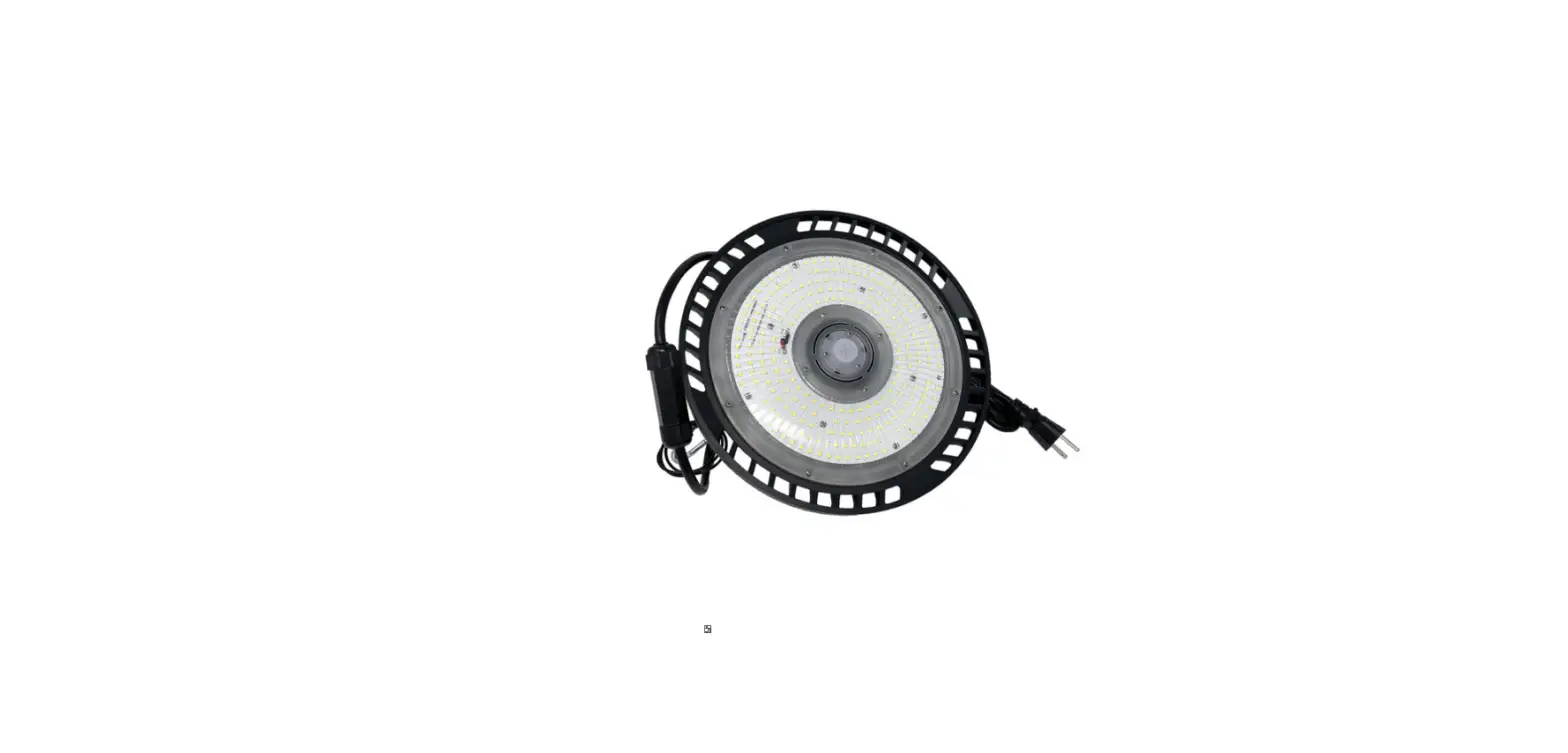
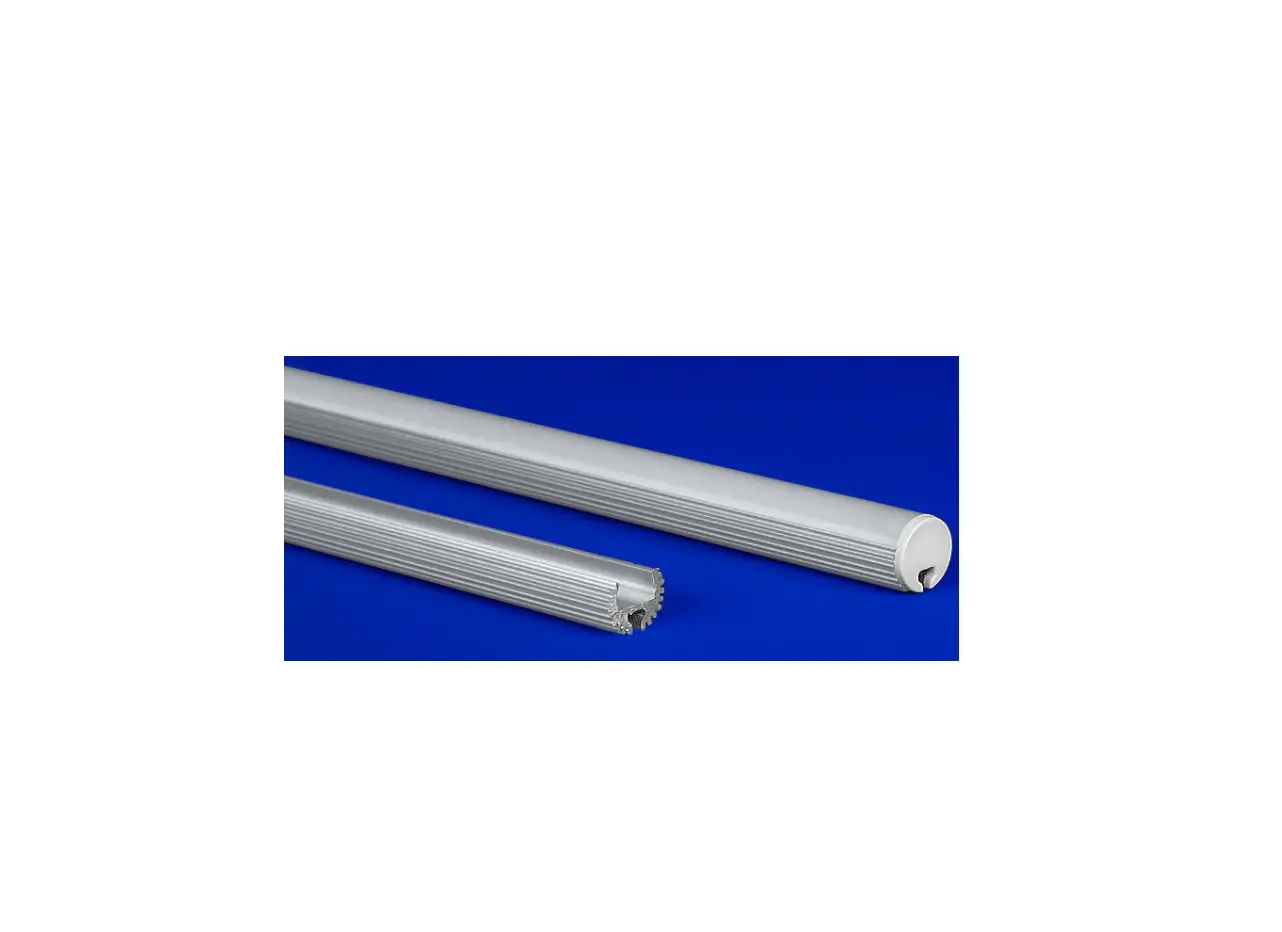
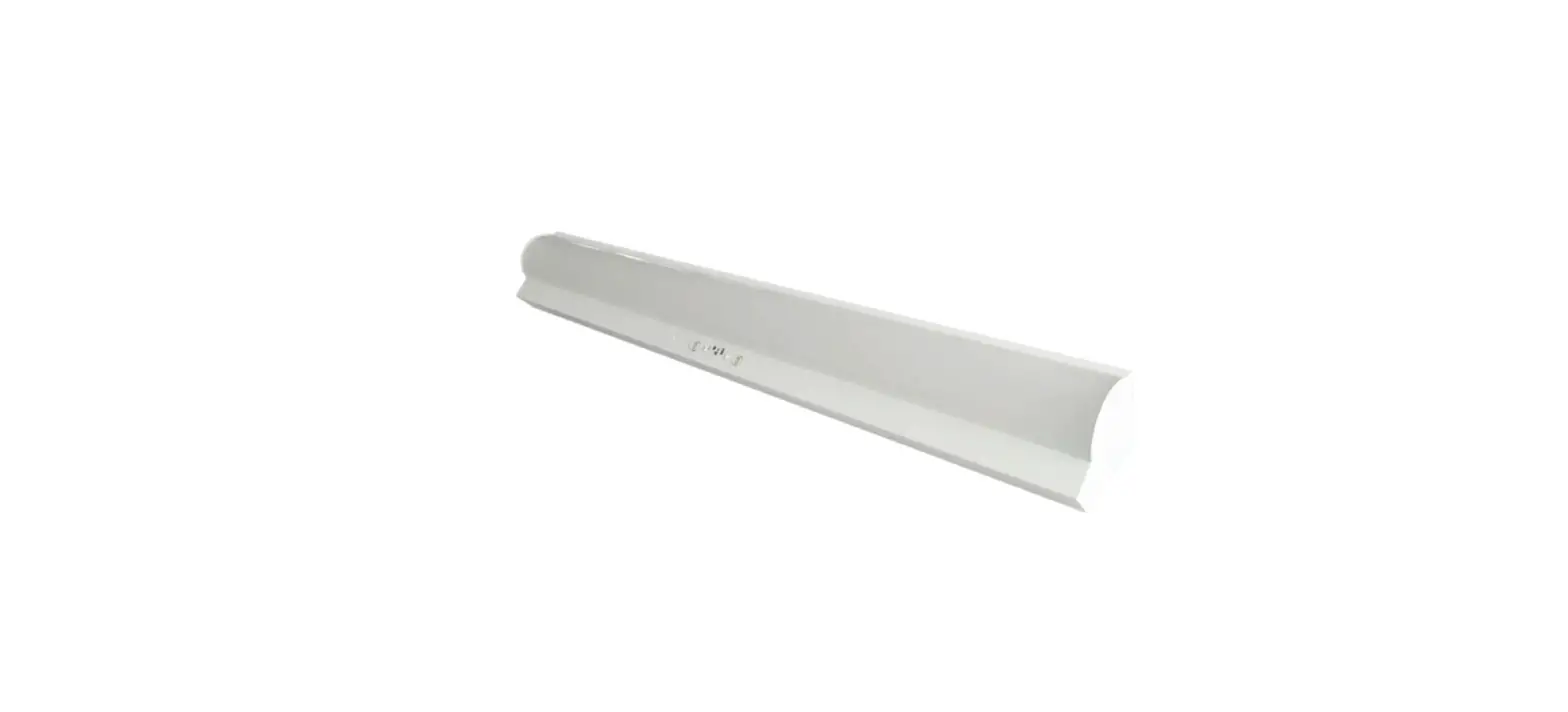
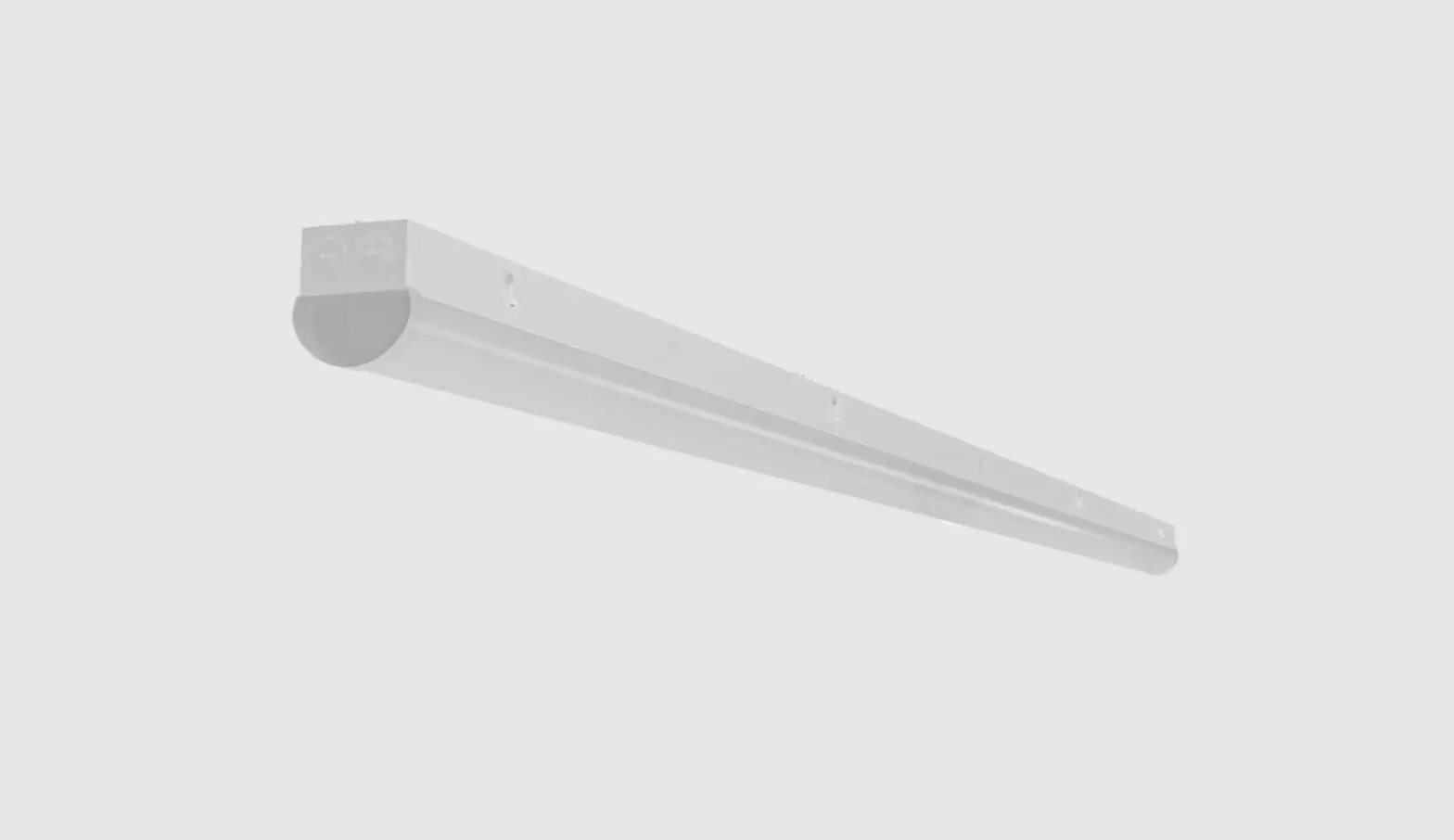
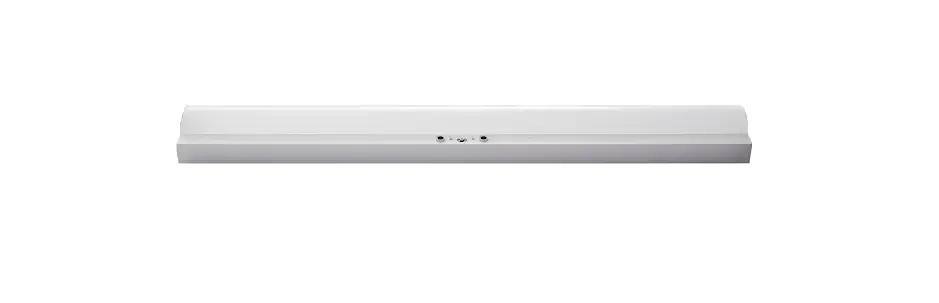
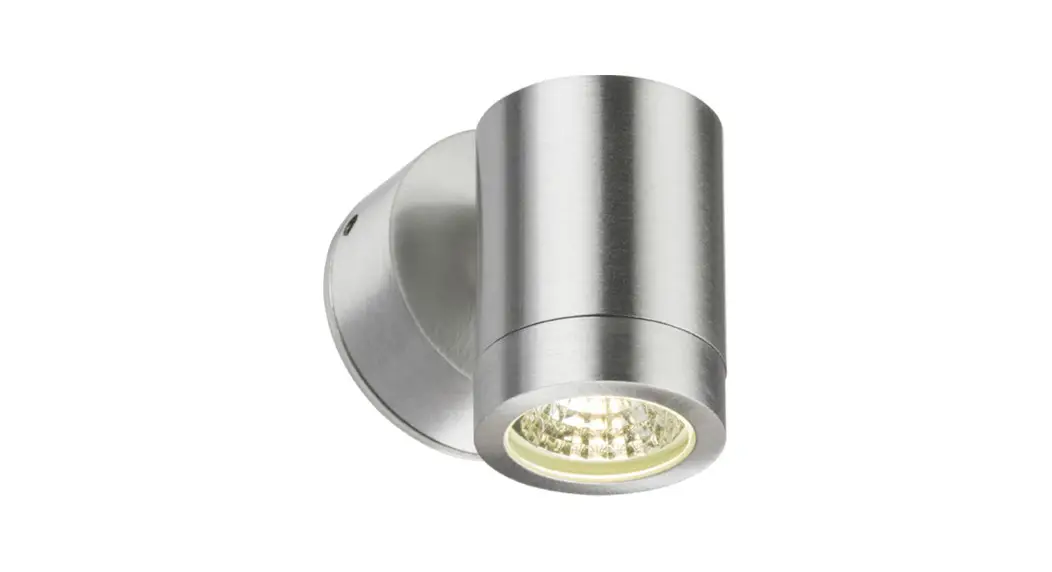
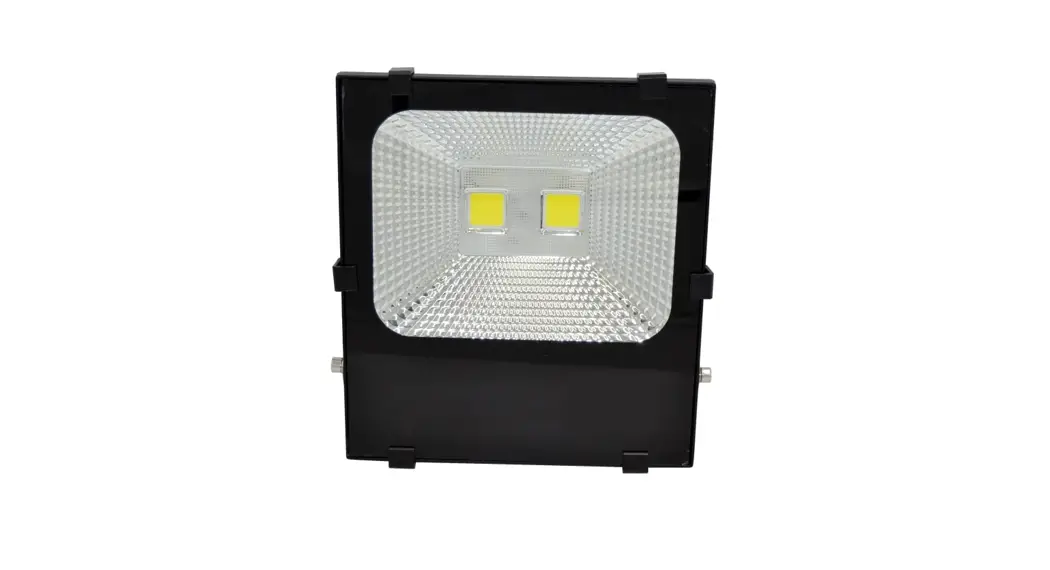
SWF Series LED Stairwell Fixture
Product Information:
The LED Stairwell Fixture is a lighting fixture designed for
stairwells. It comes with a built-in microwave sensor for occupancy
sensing and daylight harvesting. The fixture is available in
different wattages and color temperatures.
Ordering Code:
SWF Series
What Comes in the Box:
- 1 LED Stairwell Fixture
- 1 Installation instructions
- 3 Mounting screws and anchors
Tools Needed:
- Wire Stripper
- Wire Cutter
- Phillips Screwdriver
- Step Ladder
Safety Instructions and Warnings:
When using electrical equipment, basic safety precautions should
always be observed. Read and follow all safety instructions.
Product Usage Instructions:
- Before beginning installation, turn off power at the circuit
breaker. - Set the Stairwell Fixture on a flat surface. Open the fixture
by squeezing the locking mechanism simultaneously on each side of
the fixture while gently pulling the lamp from the housing. See
figure A. - Locate the surface mounting holes. Raise empty fixture into
place and drive two mounting screws directly into the mounting
surface/anchors. See figure B. - Once fixture is secure, make wiring connections:
- Black = AC Line
- White = AC Neutral
- Green = Ground
- Next, select the correct wattage and color temperature by
adjusting the slide switches located on the driver. See figure
B. - Now close the fixture by raising the lamp up into the housing
until it snaps into the locking mechanism. - Restore power and your installation is complete.
Sensor Programming:
The LED Stairwell Fixture includes a built-in microwave sensor
that enables occupancy sensing and daylight harvesting. These
settings can be adjusted via remote control (part # SCR053). Below
are the default settings that will be initially active:
- Sensitivity: 100%
- Hold Time: 10 Seconds
- Day Light: 30 lux
- Stand By Level: 30%
- Stand By Time: 60 minutes
If you have questions regarding specific product details, please
contact us at 800-860-3392 or via email at
[email protected].
Note: The information and product specifications contained
in these instructions are based upon data believed to be accurate
at the time of printing. This information is subject to change
without notice and without incurring liability. To check for an
updated version of these instructions, please visit www.litetronics.com.
Thank you for choosing Litetronics!
6969 W. 73rd Street Bedford Park, IL 60638
www.Litetronics.com
[email protected]
or 1-800-860-3392
Date: 6/3/22
LED Stairwell Fixture
Installation Instructions
Ordering Code: SWF Series
WHAT COMES IN THE BOX
(1) LED Stairwell Fixture (1) Installation instructions (3) Mounting screws and anchors
TOOLS NEEDED
Wire Stripper Wire Cutter Phillips Screwdriver Step Ladder
SAFETY INSTRUCTIONS AND WARNINGS
When using electrical equipment, basic safety precautions should always be observed. Read and follow all safety instructions.
· Installation should only be conducted by a qualified electrician in accordance with NEC and any relevant local building codes.
· Risk of fire or electric shock. Fixture installation requires knowledge of luminaires electrical systems. If not qualified, do not attempt installation. Contact a qualified electrician.
· Be certain electrical power is OFF before and during installation and maintenance. · Fixtures must be connected to a wiring system with an equipmentgrounding conductor. · Make sure the supply voltage is the same as the rated luminaire fixtures voltage. · Only those open holes indicated in the photographs and/or drawings may be made or altered as a result of this
kit strip installation. Do not leave any other open holes in an enclosure of wiring or electrical components. · To prevent wiring damage or abrasion, do not expose wiring to edges of sheet metal or sharp objects. · Suitable for damp locations.
INSTALLATION
BEFORE BEGINNING INSTALLATION, TURN OFF POWER AT THE CIRCUIT BREAKER.
1. Set the Stairwell Fixture on a flat surface. Open the fixture by squeezing the locking mechanism simultaneously on each side of the fixture while gently pulling the lamp from the housing. See figure A.
2. Locate the surface mounting holes. Raise empty fixture into place and drive two mounting screws directly into the mounting surface/anchors. See figure B.
· Note: Make sure power wires are inserted through the housing cover plate before securing fixture to the surface.
· For reference, mounting holes are spaced 36.22″ on the 4′ fixture.
3. Once fixture is secure, make wiring connections.
Black = AC Line
White = AC Neutral
Green = Ground
4. Next, select the correct wattage and color temperature by adjusting the slide switches located on the driver. See figure B.
· Wattage settings: 50W (6,500 lumens) | 40W (5,200 lumens) | 30W (3,900 lumens) · CCT settings: 5000K | 4000K | 3500K
5. Now close the fixture by raising the lamp up into the housing until in snaps into the locking mechanism.
6. Restore power and your installation is complete.
SENSOR PROGRAMMING
The LED Stairwell Fixture includes a built-in microwave sensor that enables occupancy sensing and daylight harvesting. These settings can be adjusted via remote control (part # SCR053). Below are the default settings that will be initially active.
SENSITIVITY 100%
HOLD TIME 10 Seconds
DAY LIGHT 30 lux
STAND BY LEVEL 30%
STAND BY TIME 60 minutes
Figure A
Figure B
30W 40W 50W
3500K 4000K 5000K
Thank you for choosing
6969 W. 73rd Street Bedford Park, IL 60638 www.Litetronics.com [email protected] or 1-800-860-3392
The information and product specifications contained in these instructions are based upon data believed to be accurate at the time of printing. This information is subject to change without notice and without incurring liability. If you have questions regarding specific product details, please contact us at 800-860-3392 or via email at [email protected].
To check for an updated version of these instructions, please visit www.litetronics.com.
6/3/22
 Commercial Lighting Company | LED Lighting Solutions