
Trial Guides Account Registration
INSTALLATION
- Go to www.trialguides.com
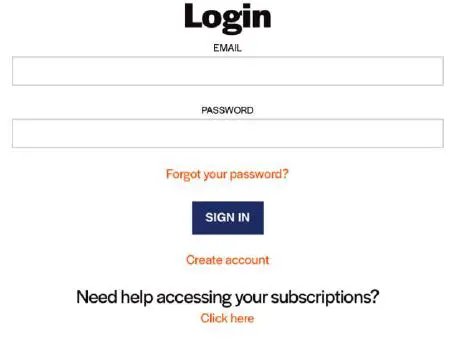
- Click on the profile icon on the top ribbon in the top-right corner of the screen.

- Log into your Trial Guides account with the same credentials as you used for your purchase.

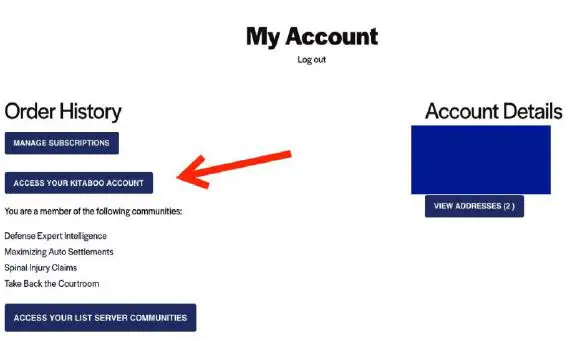
- Select the “Access Your Kitaboo Account” button.

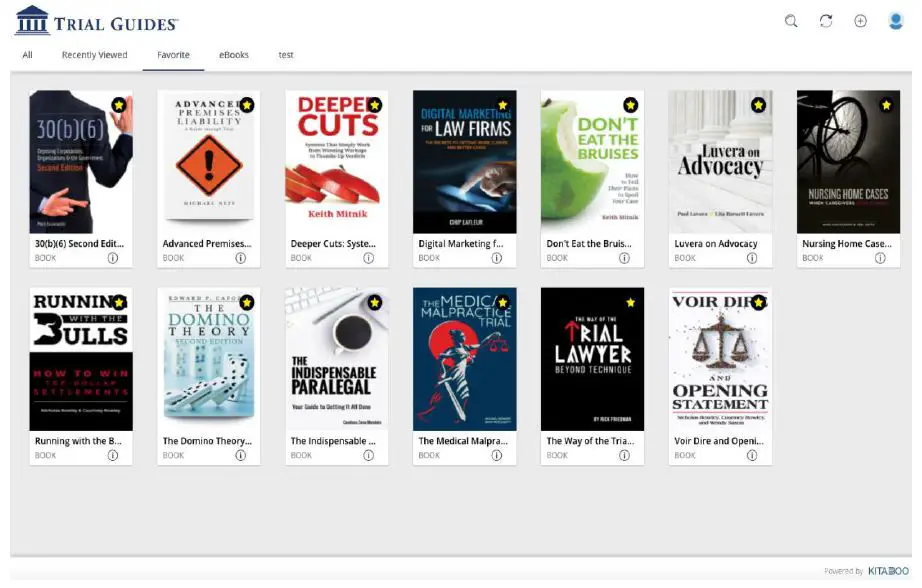
- All purchased eBooks and Articles will automatically populate on your Kitaboo bookshelf.

- Click on a book or article icon to open and start reading!


2350 NW YORK STREET ǀ PORTLAND, OREGON 97210 ǀ (800) 309-6845 ǀ FAX (503) 206-6438
 Trial Guides | Books & Media Products for Civil Plaintiff Lawyers