 WiComm Pro Wireless Device RF Transmissions
User Guide

WiComm Pro Wireless Device RF Transmissions
| Wireless Device | Transmission procedure |
| 2-Way LCD Keypad | Press  simultaneously for at least 2 seconds simultaneously for at least 2 seconds |
| 2-Way Panda Keypad | Press  simultaneously for at least 2 seconds. simultaneously for at least 2 seconds. |
| 2-Way Slim Keypad | Press  simultaneously for at least 2 seconds. simultaneously for at least 2 seconds. |
| PIR Detectors: •PIR •PIR camera •PIR-pet •PIR-pet camera | Press the tamper switch for 3 seconds. |
| Curtain Detector | After inserting battery, close the bracket and wait 3 seconds. |
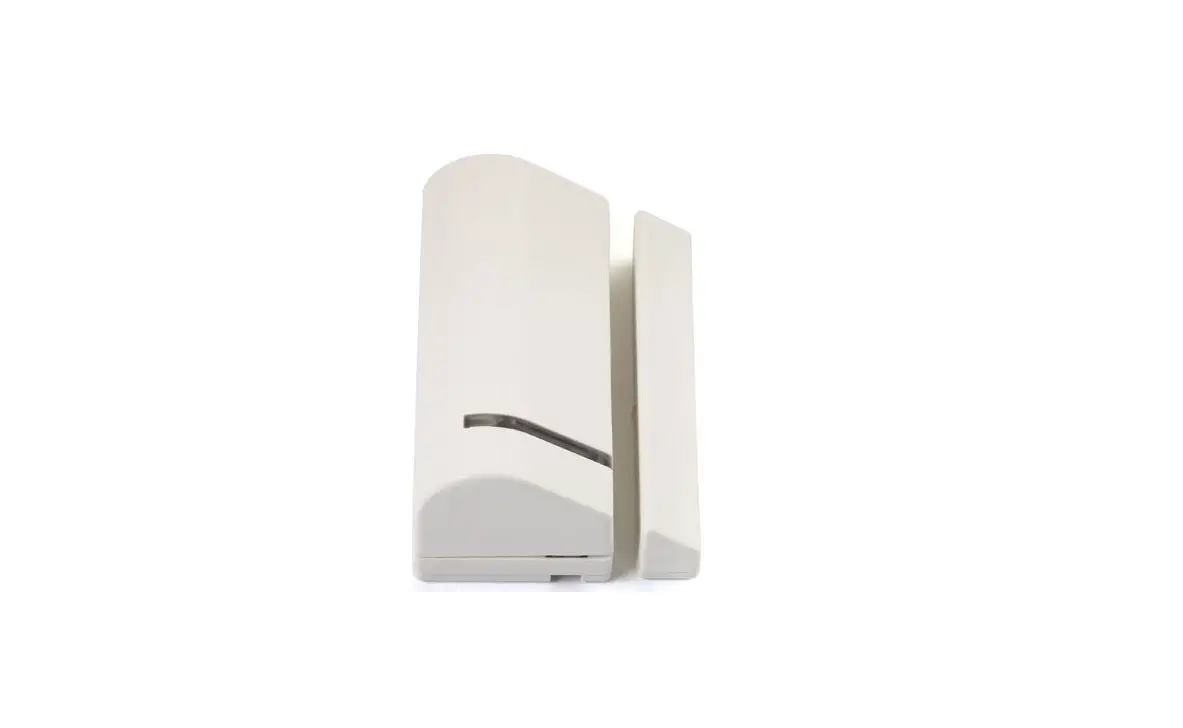
| 1-Way magnetic Contact Detectors | Press the tamper switch for 3 seconds. |
| 2-Way Magnetic Contacts Detectors | Press the tamper switch for 3 seconds. NOTE: After programming parameters for this device and exiting Programming mode, press the Tamper switch for 3 seconds, and then wait 1 minute for the main panel to download the parameters from the detector. |
| 2-Way Remote Control | Press  simultaneously for at least 2 seconds simultaneously for at least 2 seconds |
| 1-Way Keyfob | Click  for at least 2 seconds for at least 2 seconds |
| Wireless 2-Way Smoke Alarm & Heat Detector | Press the tamper switch for 3 seconds. |
| WL 2-Way Indoor Siren | Press the tamper switch for 3 seconds. |
| Siren | Press the reset switch on the siren. After a squawk sounds, within 10 seconds press tamper switch for at least 3 seconds. |
| 2-Button Panic Keyfob | Press both buttons for at least 7 seconds |
| Wrist Band Panic Transmitter | Press the button for at least 7 seconds. |