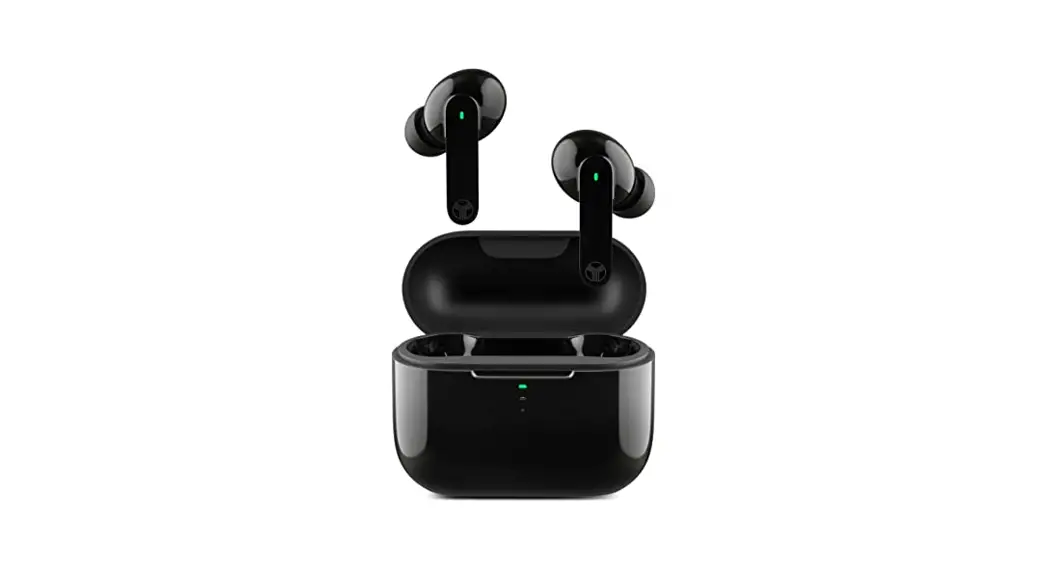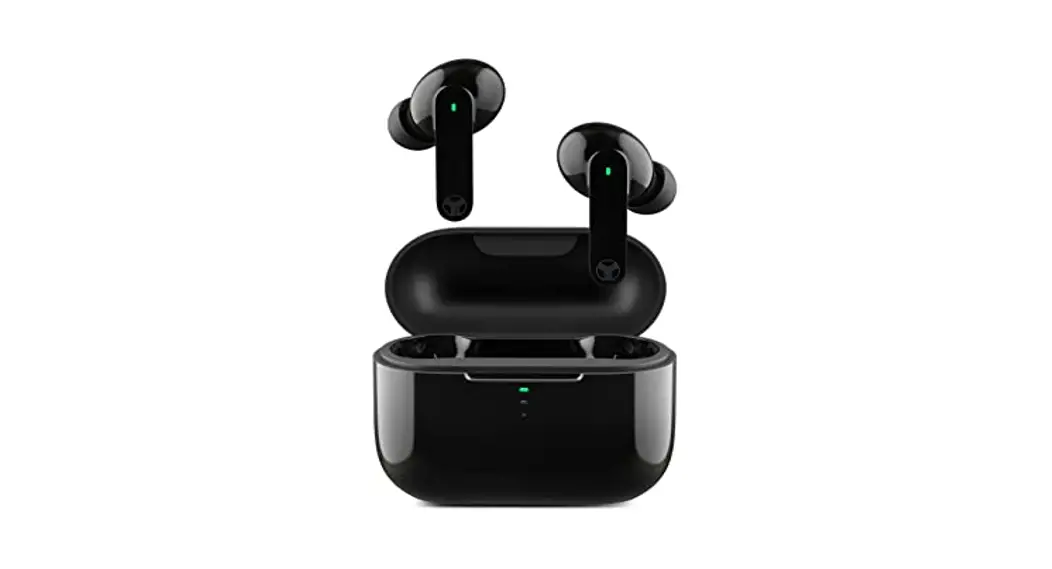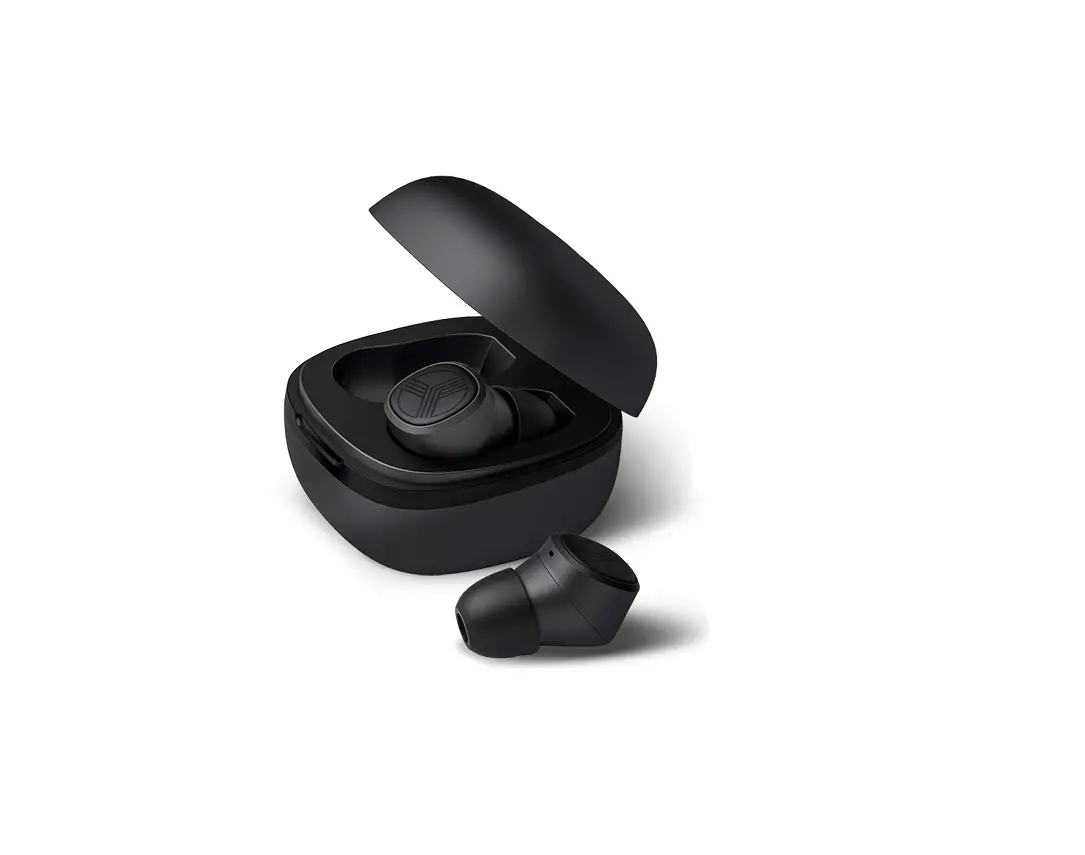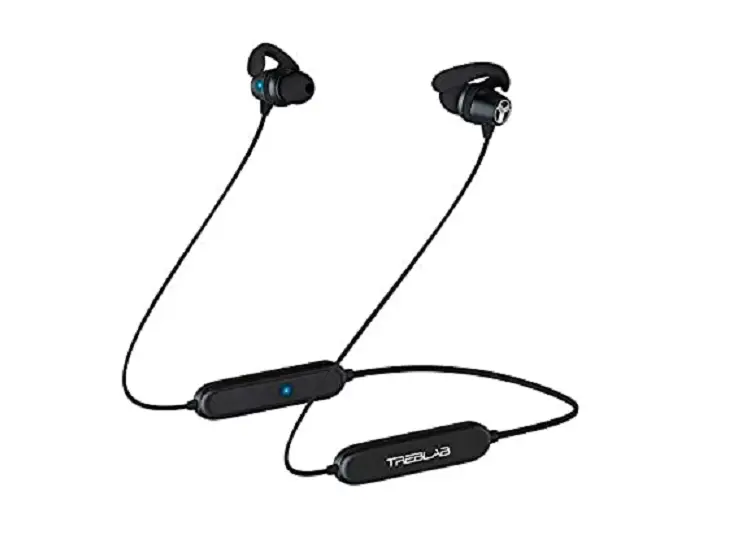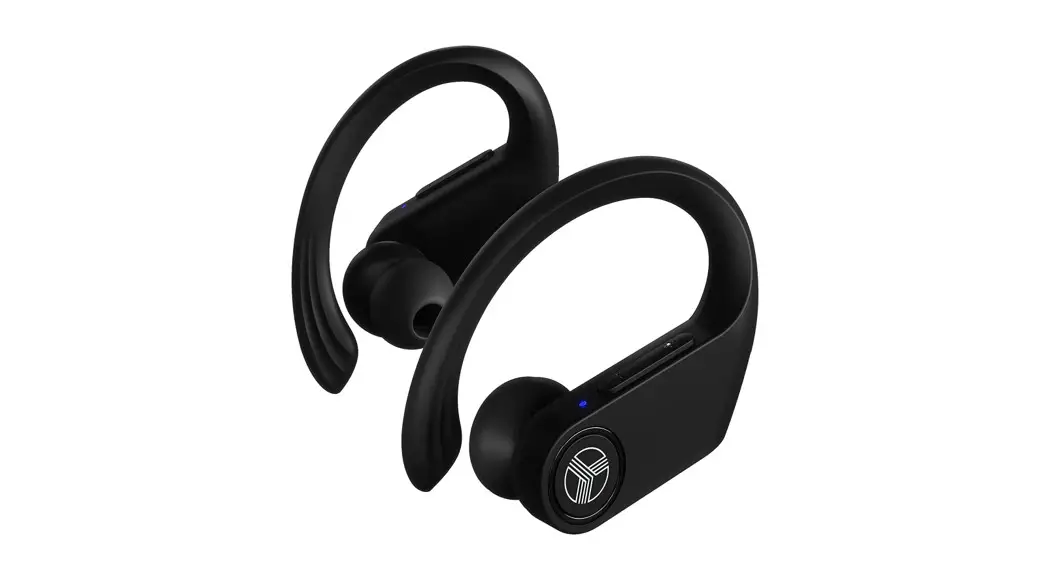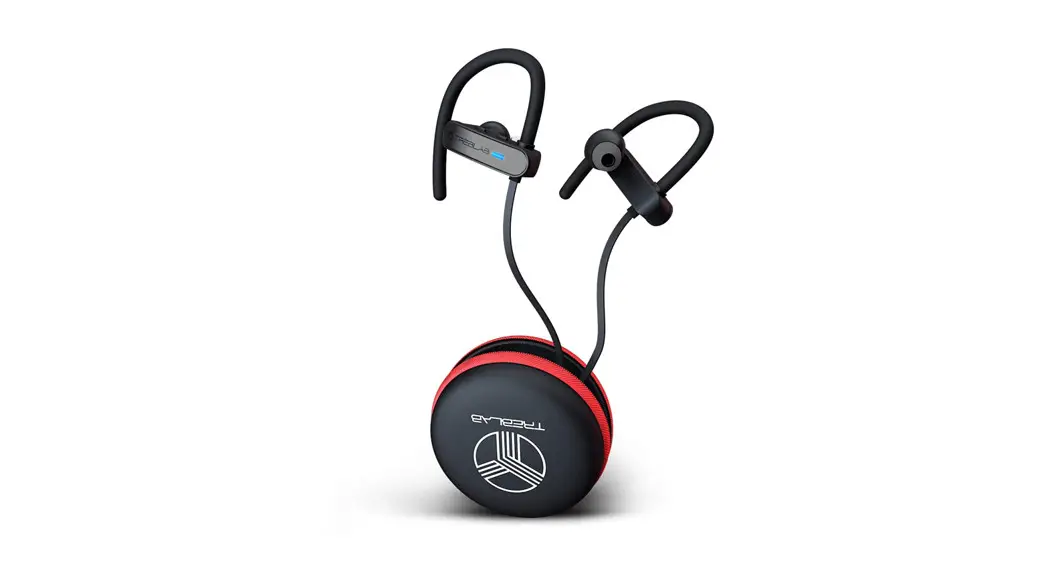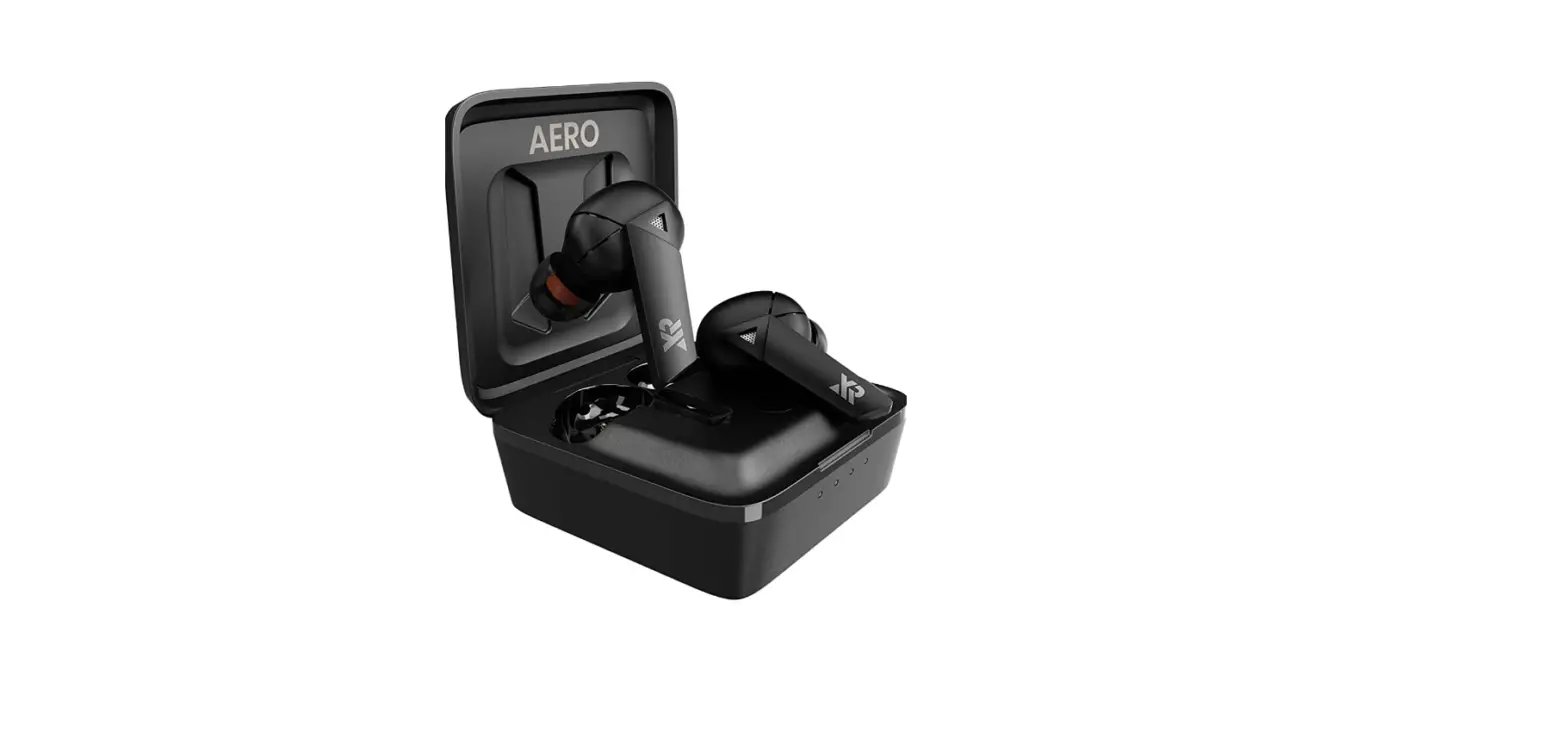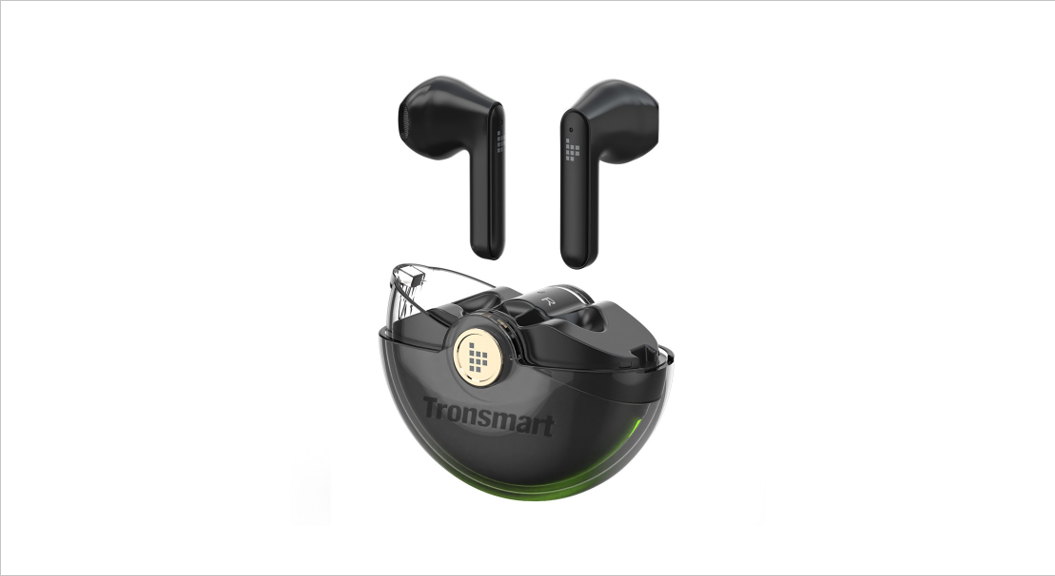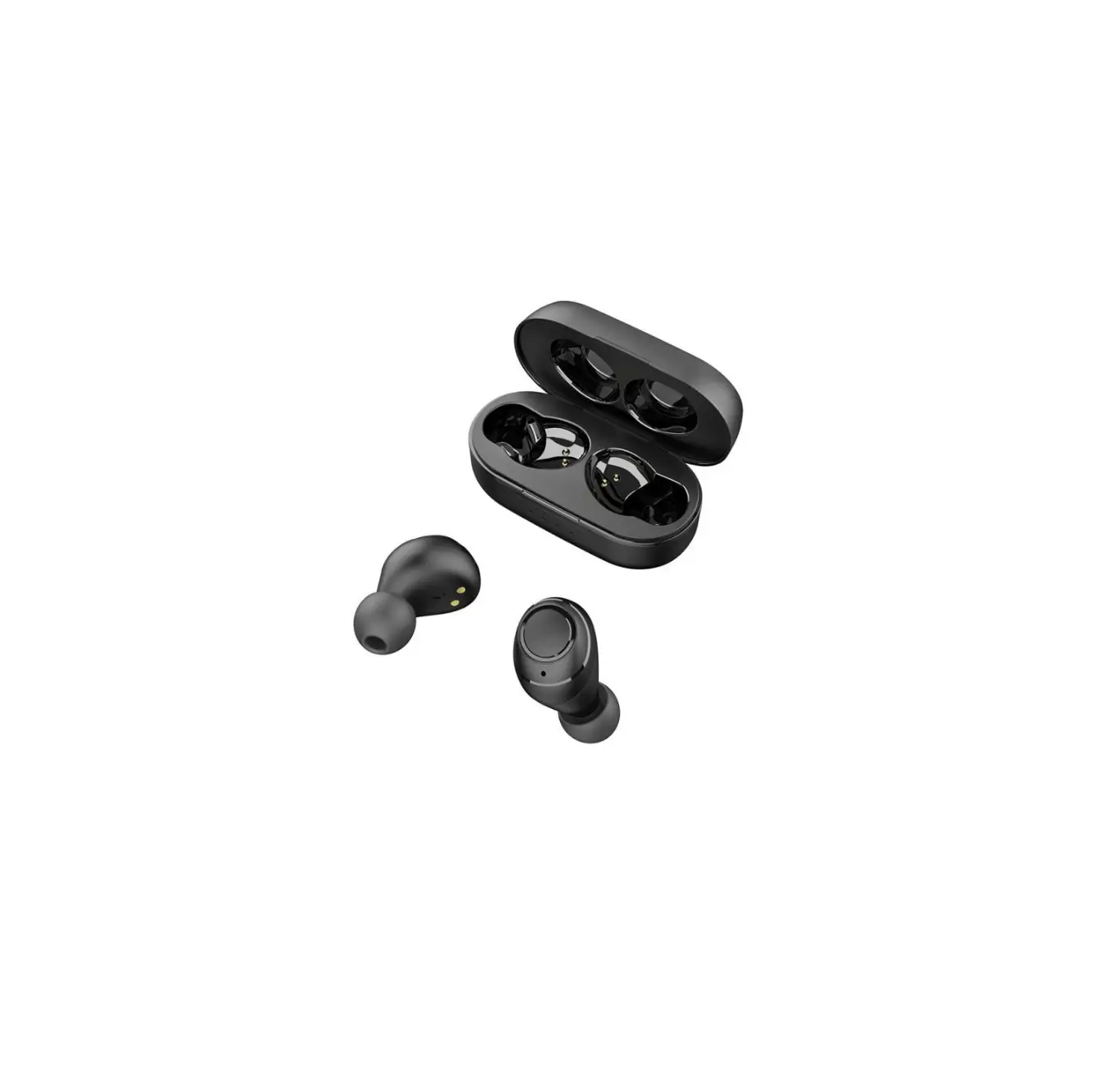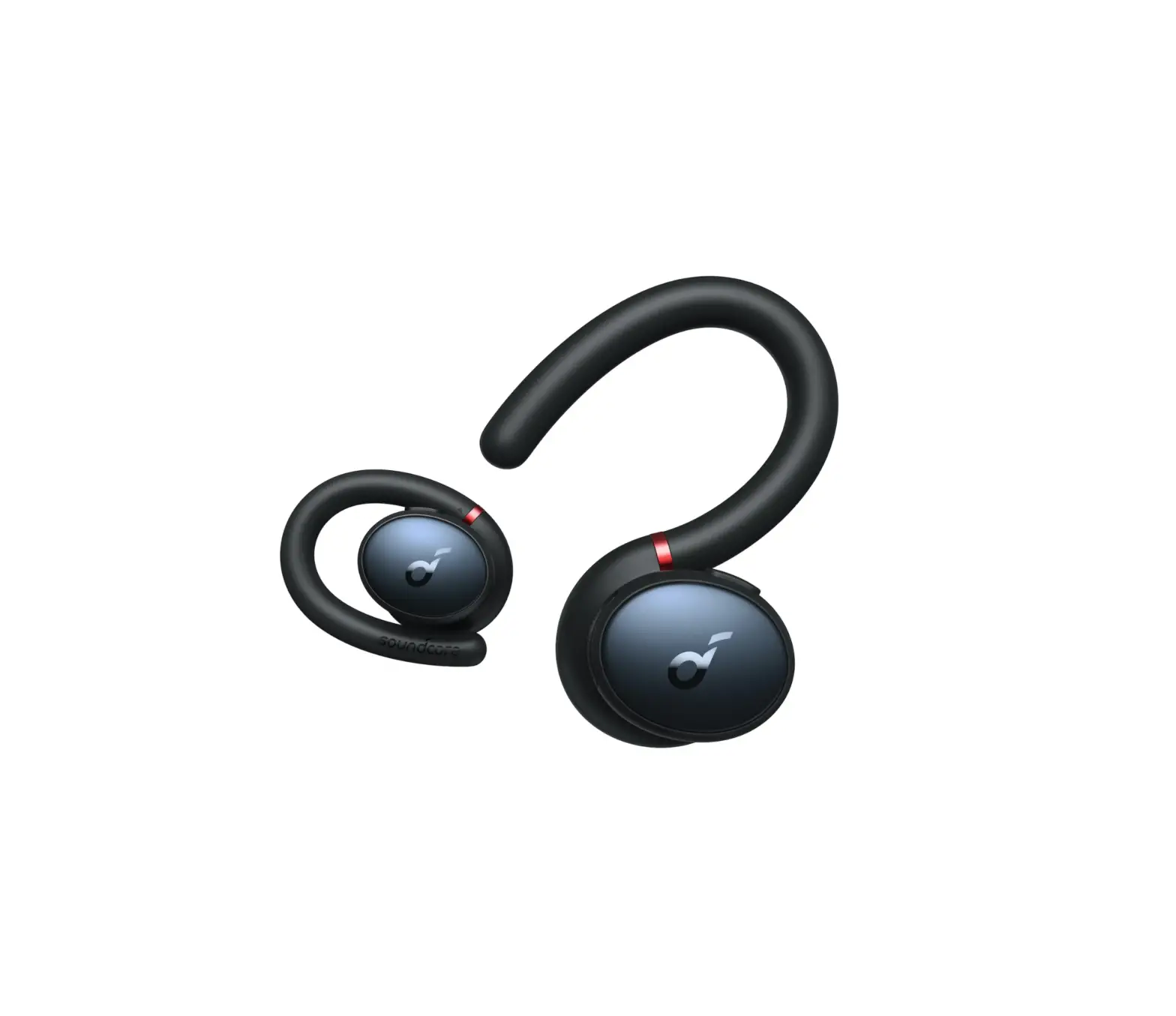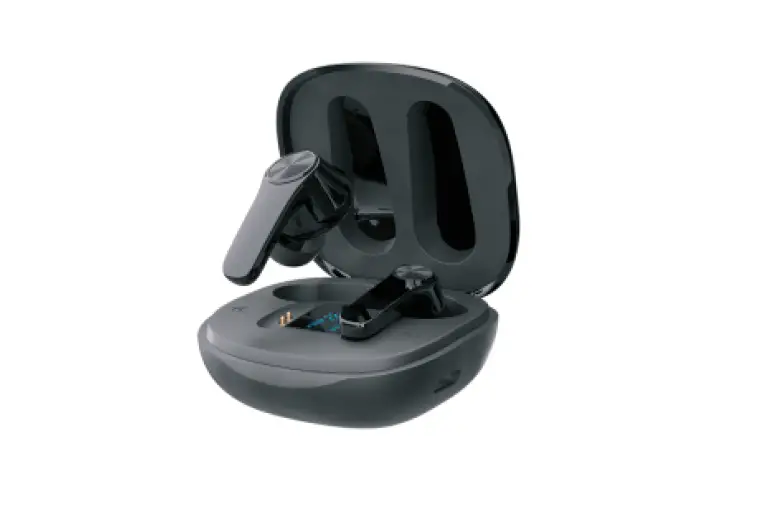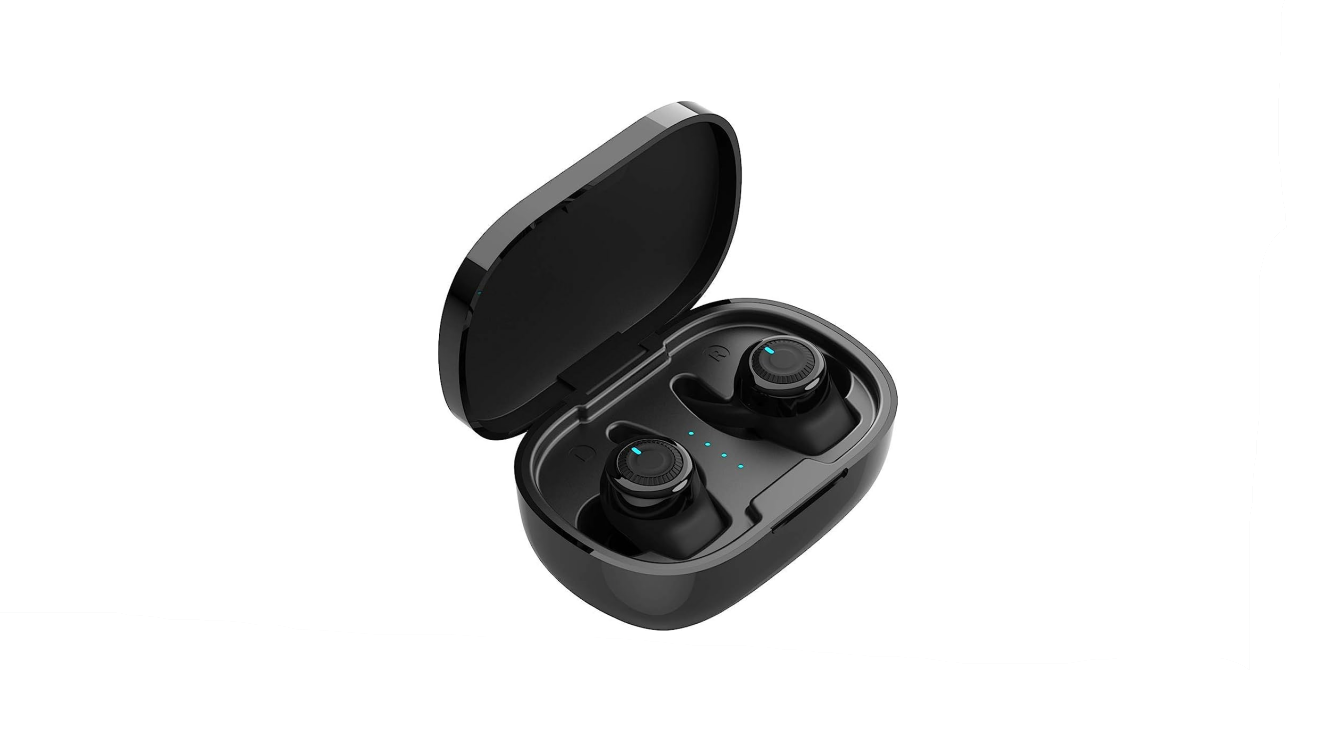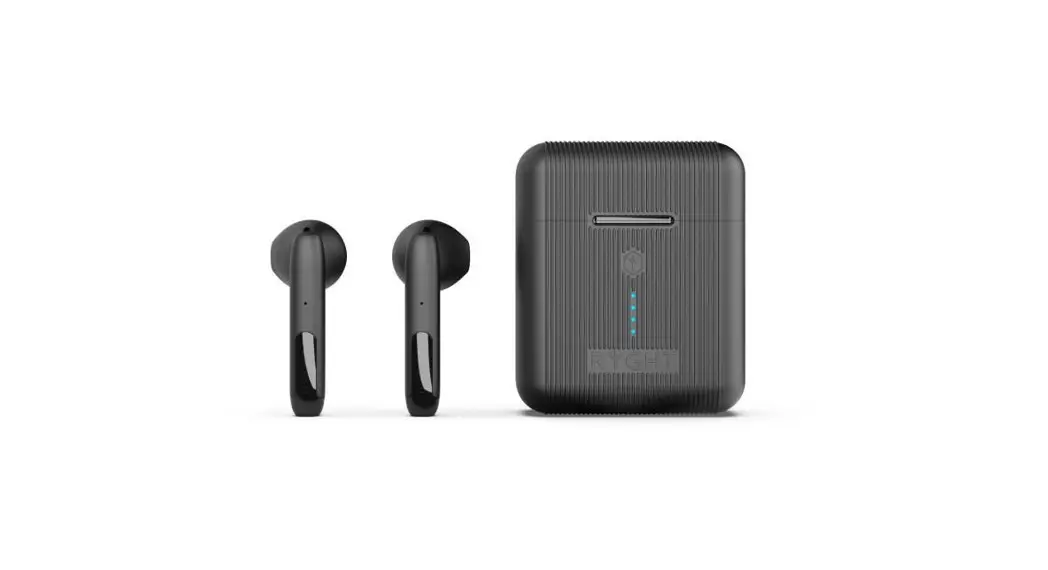
TREBLAB xRun Wireless Earbuds User Manual
Parts
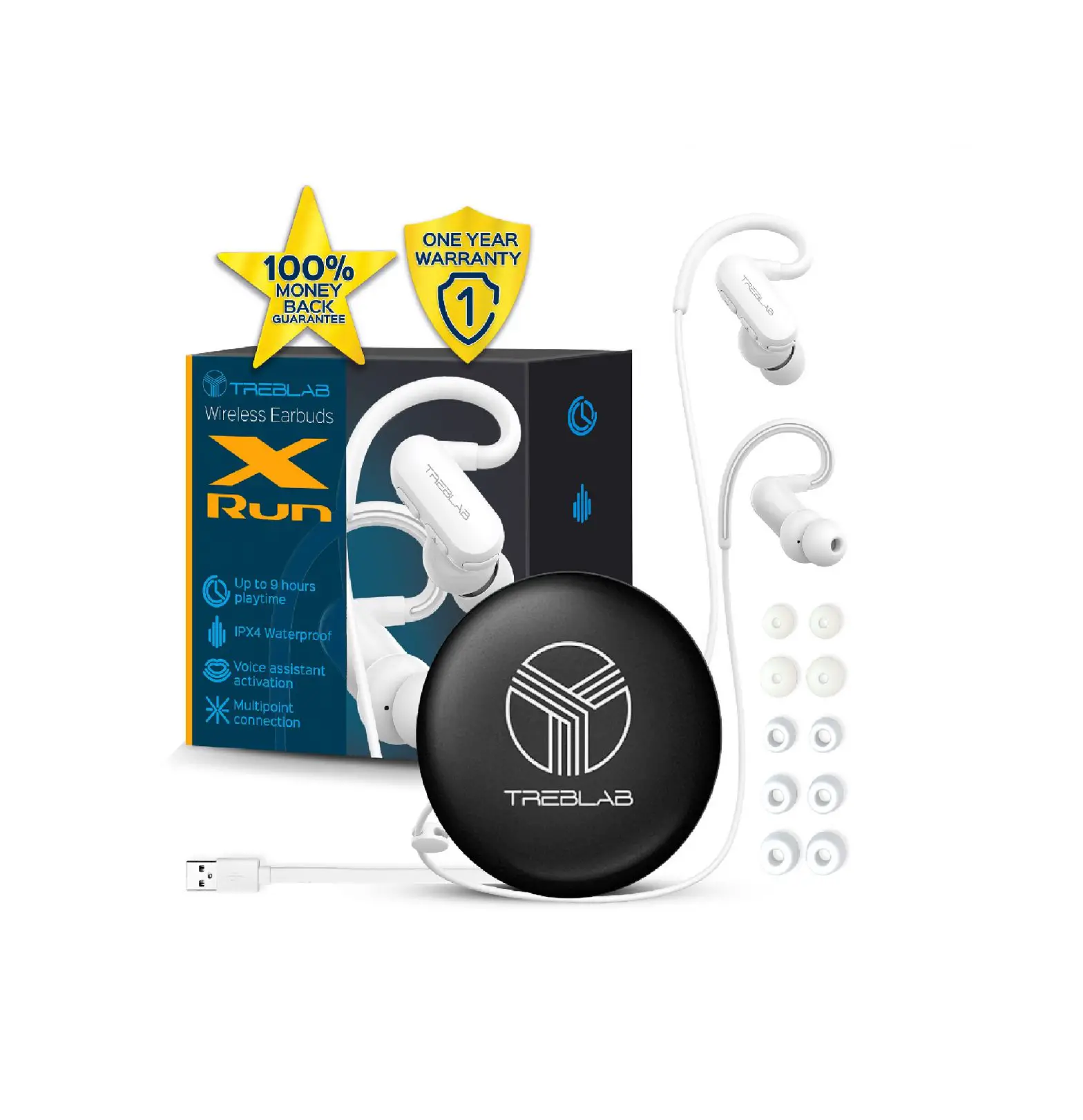
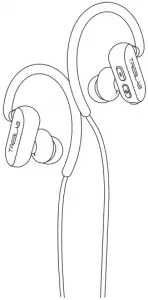
1. TREBLAB xRun
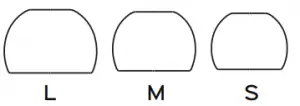
2. Silicone ear-tips
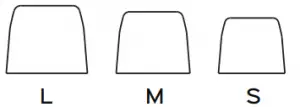
3. Foam ear-tips
4. Carrying case

5. User’s manual
6. Charging cable

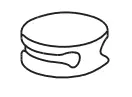
7. Cord minder
Thank you for choosing TREBLAB xRun!
Our earbuds provide superior sound quality and mobility, combined with light-weight construction and the convenience of hands-free wireless operation. Before using this product, please read this manual.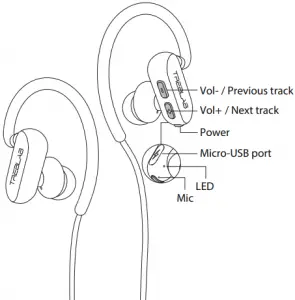
| Function | Operation |
| Power On | Press and hold POWER for 1 second |
| Power Off | Press and hold POWER for 3 seconds |
| Pause / Play | Press POWER button |
| Volume+ | Press Volume+ button |
| Volume | Press Volume- button |
| Next track | Press and hold Volume+ for 1 second |
| Previous track | Press and hold Volume- for 1 second |
| Answering call | Press POWER during the incoming call |
| End call | Press POWER during the conversation |
| Reject | Press and hold POWER during the incoming call |
| Redial | Press POWER button twice |
| Mute | Press POWER button twice during the conversation |
WEARING YOUR HEADSET
Using appropriate-sized ear-tips is critical for maximum external noise isolation and a snug, secure fit. It is also common to have different sized ear canals, so try the ear-tips one at a time to find the best fit for each side.
To seat the xRun earbuds firmly, try gently pulling on the outer rim of your ear to ease the tip into a comfortable position. You should notice a drop in ambient noise when the tip is seated correctly. And when you’re listening to music, you’ll notice more range.
To change the foam ear-tips:
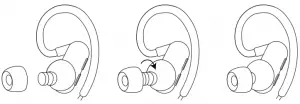
- Put the rubber inner part of the foam ear-tip on the top of the nozzle.
- Rotate and push down on the ear nozzle, trying to forcibly “wrap” it into the inner rubber part of the ear-tip, using a kind of screwing movement.
To change the silicone ear-tips:
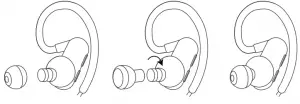
- Turn over the ear-tip upper cover.
- Rotate and firmly push the ear-tip tube to cover the earbud pillar.
- Turn the ear-tip upper cover back down on the nozzle.
SETTING UP YOUR TREBLAB xRun
Turn ON
Press and hold the POWER button for 1 second. You will hear a “Power ON” voice prompt, and the blue & red LED light will start flashing.
Turn OFF
Press and hold the POWER button for 3 seconds. You will hear a “Power OFF” voice prompt, and the flashing blue LED light will go off.
PAIRING
Make sure TREBLAB xRun is fully charged and turned OFF.
- Press and hold the POWER button on the right earbud for 1 second. You will hear the “Power ON” voice prompt, and “PAIRING” a few seconds later (LED will flash red and blue rapidly). Release your finger.
- Activate the wireless connection option on your smart device and keep it within 3 feet / 1 meter while pairing.
- Using your smart device, scan/search for available devices.
- Select TREBLAB xRun from the device list.
- If prompted for the password, enter “0000”.
- Once xRun is successfully paired and connected, you will hear “CONNECTED” voice prompt, and the LED will start flashing blue every 5 seconds.
When you turn the earbuds ON, they will try to reconnect with the most recently connected device. If reconnection does not happen automatically, the earbuds will try to find the next device in the pairing list.
MULTI-POINT CONNECTION
TREBLAB xRun is enabled with a multi-point connection function, meaning it can be paired to 2 devices at a time.
To connect xRun to the second device:
- Temporarily switch OFF the wireless mode on the first device you connected to.
- Repeat steps 1-6 and connect to the other device.
- Turn the wireless mode back ON for the first device.
When you turn the earbuds ON, they will try to reconnect with the most-recently connected device. If reconnection does not happen automatically, the earbuds will try to find the next device in the pairing list.
AUDIO PLAYBACK
To pause and resume playback, press the POWER button. To adjust volume, briefly press the Volume+ button to turn the volume up and Volume- button to turn the volume down.
To change tracks on xRun, press and hold Volume+ button to play the next track and Volume- button to play the previous track.
PHONE CALLS MANAGEMENT
TREBLAB xRun can be used to make and receive phone calls when connected wirelessly. Audio playback will be paused during calls.
| To Answer Call | Press POWER button during the incoming call |
| Reject Call | Press and hold POWER button for 2 seconds |
| End Call | Press POWER button while on the phone |
| Redial | Press POWER button twice. |
| Mute | Press POWER button twice during a call |
TROUBLESHOOTING
| Problem | Solution |
| Not powering on Not pairing
| Make sure the headset is fully charged. Charge for 2 hours, if necessary. Reset the earbuds: Press and hold the POWER and Volume+ buttons simultaneously for 3 seconds, while pairing, until the LED flashes blue and red 3 times. |
| Not npairing | Make sure the headset is not paired with any other devices, as it can only pair with two devices at a time. Press and hold the POWER and Volume+ buttons simultaneously for 3 seconds, while pairing, until the LED flashes blue and red 3 times. This will force the headset to forget previously paired devices. Repeat the steps for pairing as previously described. Alternatively, disconnect the device from your headset and remove TREBLAB xRun from your device’s pairing list. Try to pair again. |
| Not finding a wireless driver on your laptop | Make sure your laptop supports wireless connections. If it doesn’t, you will need an external wireless USB adapter compatible with your laptop. For further details, consult with your laptop manufacturer |
| Frequent disconnection and noise | Ensure that the distance between your device and the headset is less than 33 feet / 10 meters. Ensure that nothing is blocking the signal between your device and the xRun. Check if the music is paused. Check if the volume level is set both on the source device and on the earbuds. Check if the headset is running out of power. Check if the network speed is sufficient for music video streaming (when listening online). |
RESTORE FACTORY SETTINGS
To restore the earbuds back to factory settings:
- Turn the headset ON.
- While pairing, press and hold POWER and Volume+ buttons simultaneously for 3 seconds until the LED flashes blue and red 3 times. 3. Now the earbuds are restored back to factory settings and ready to be paired again.
CHARGING
One full battery charge provides up to 6 hours of playing time at maximum volume, and up to 9 hours at 40% volume. When the battery is running low, you will hear a “BATTERY LOW” voice prompt.
SAFETY RULES
- Don’t disassemble or modify your earbuds for any reason. Doing so may cause the earbuds to malfunction or become combustible. Such damage to your device can void the manufacturer’s warranty.
- Make sure the headset is completely dry before charging. Charging a wet device may cause serious damage.
- Clean only with a dry cloth.
- Avoid exposing TREBLAB xRun to extreme temperatures (below 37°F / 3°C or above 112°F / 45°C). Extreme temperatures can cause deformation of xRun components and reduce battery life and the lifespan of your headset.
- Don’t put the device’s LED lights close to humans’ or animals’ eyes.
- Do not use xRun during a thunderstorm. Thunder-storms can cause serious malfunction and increase the risk of electric shock.
RECYCLING
The earbuds can be recycled, and they should be in order to keep our planet clean. Where should you bring them?
In the US, there are a couple of options:
1 . Best Buy has a recycling program. Just take the broken earbuds with you next time you visit a BestBuy store. This link will help you to find the best location: https: //www.bestbuy.com/site/store-locator/
2. Check for other possible locations next to you on these websites (just enter your ZIP to find a location): https: //search.earth911.com https: //recyclenation.com/find https: //www.cta.tech/Consumer-Resources/Greener-Gadgets
In Canada, please visit the link below for help: https: //thinkreuse.net
In UK, please visit the link below for help: https: //www.recycle-more.co.uk/
SPECIFICATIONS
| Battery | Up to 9 hours playing time (40% volume) Up to 6 hours (100% volume) 90mAh 3.7V, rechargeable Li-Ion Input 5V / 1A |
| Charging time | up to 2 hours |
| Standby time | approx. 160 hours |
| Wireless connection version | 5.0, HFP v1.7, A2DP v1.3, AVRCP v1.5 |
| Signal Range | 33 ft / 10 m |
| Frequency response | 20 Hz-2 KHz |
| Water resistance | IPX4 |
| Charging port | Micro-USB |
THANK YOU
We truly appreciate that you chose TREBLAB as your trusted brand of wireless earbuds and sincerely hope you enjoy the great sound and seamless usability TREBLAB xRun provides. We love making our customers happy by providing true value with our products. If for any reason you are not completely satisfied with your purchase or have any questions, please visit www.treblab.com and clicking Support g Contact Us. We care about our customers more than anything and are always here to serve you.
1 YEAR WARRANTY
Parts and Labor Warranty.
Please visit www.treblab.com
to register YOUR product.
Manufactured by: Productech Corp
WIRELESS EARBUDS

 Find A Recycling Location – RecycleNation Impact Podcast with John Shegerian
 Recycling Center Search - Earth911.com
 thinkreuse.net
 Everything you need to know to Recycle More
 Online Shopping for Bluetooth Audio Devices | Treblab.com