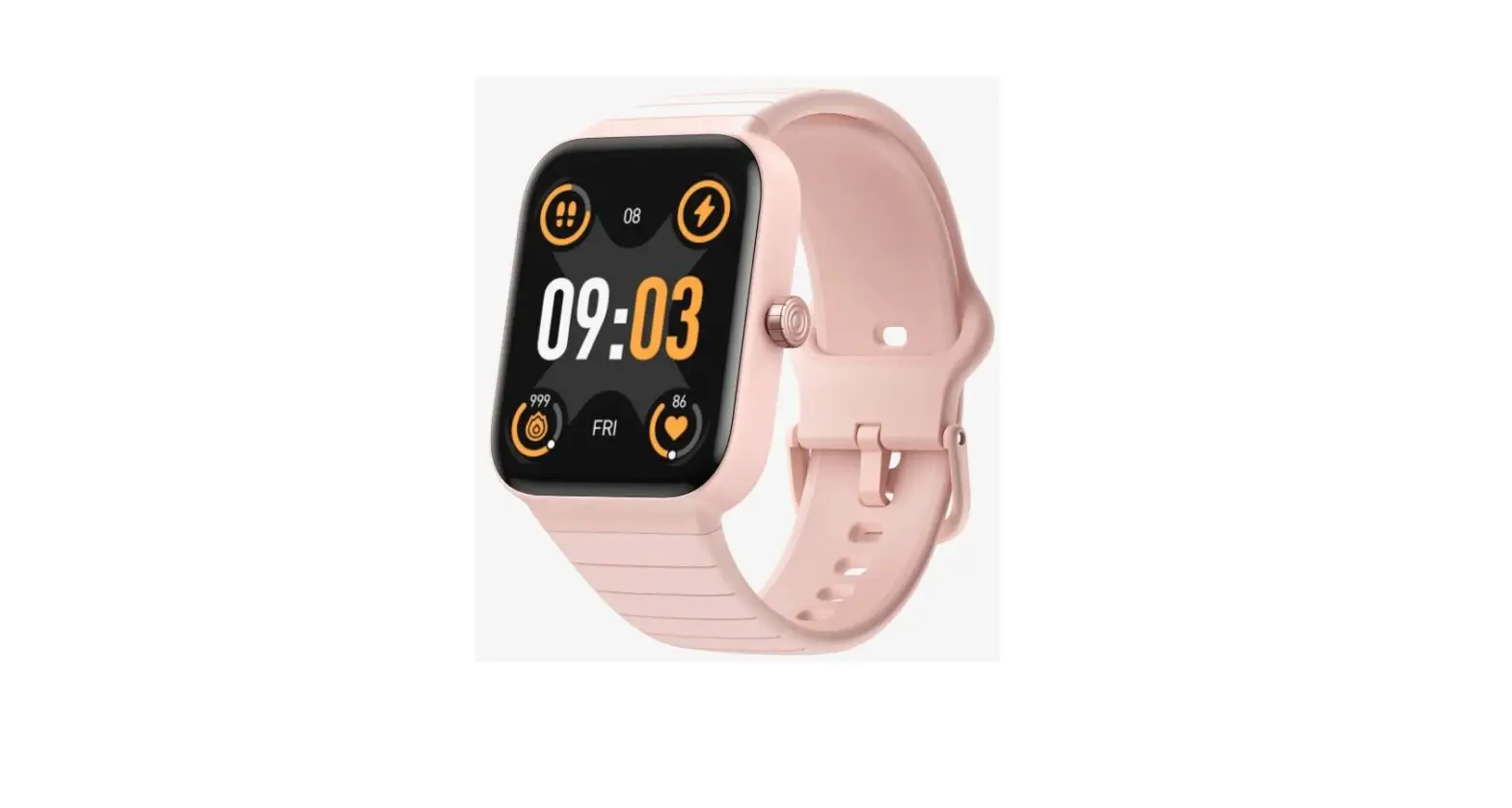
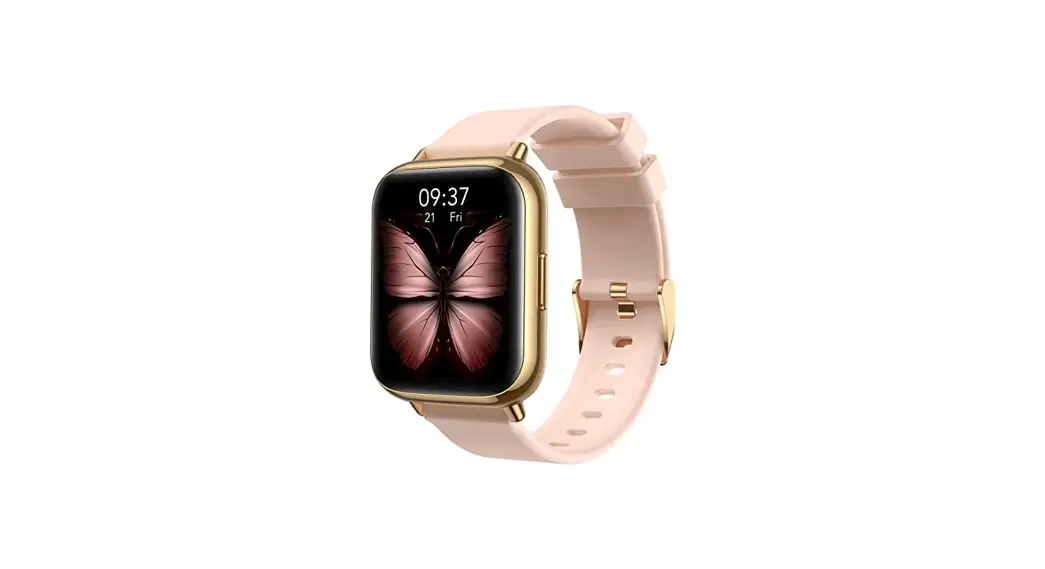
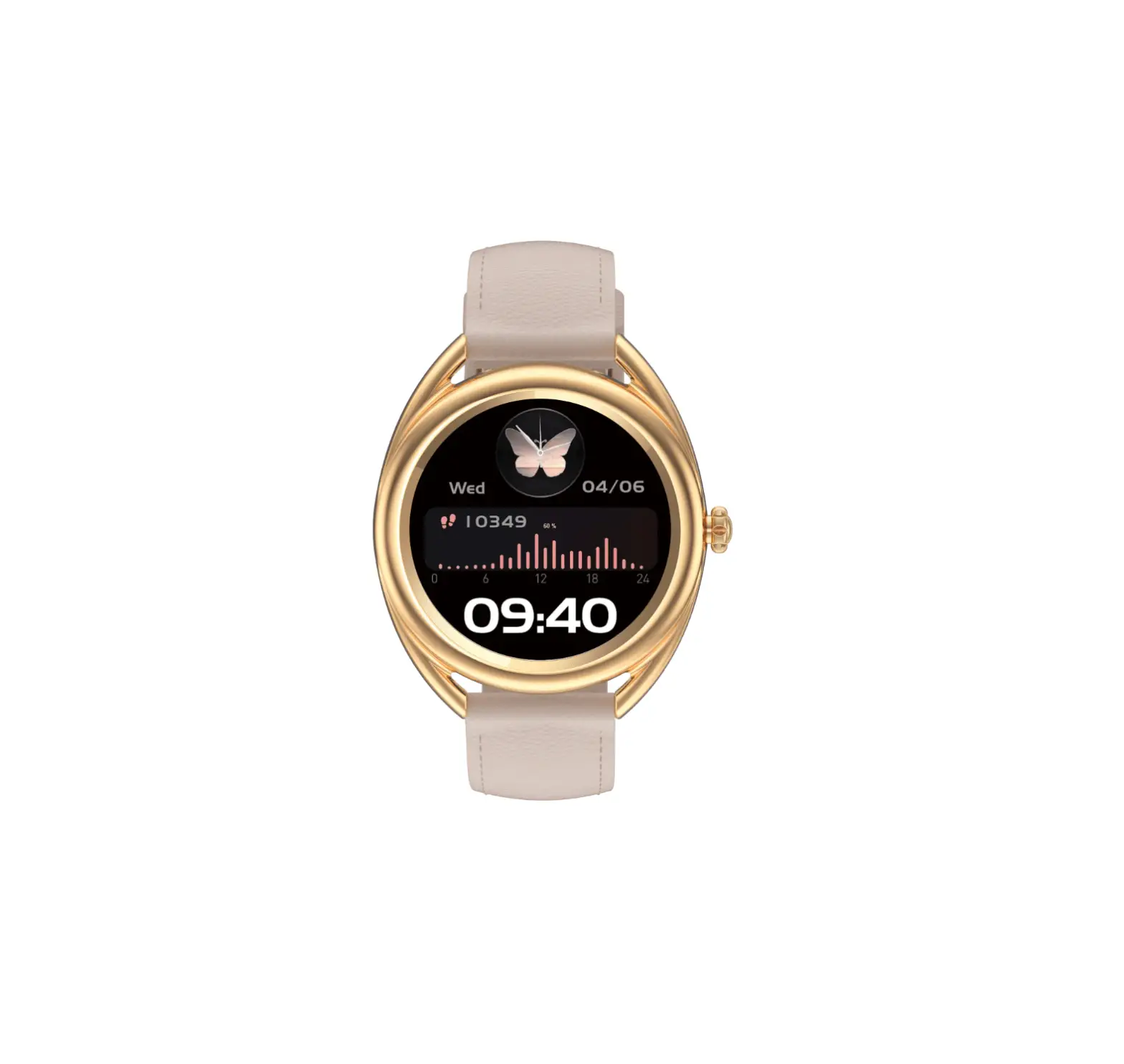
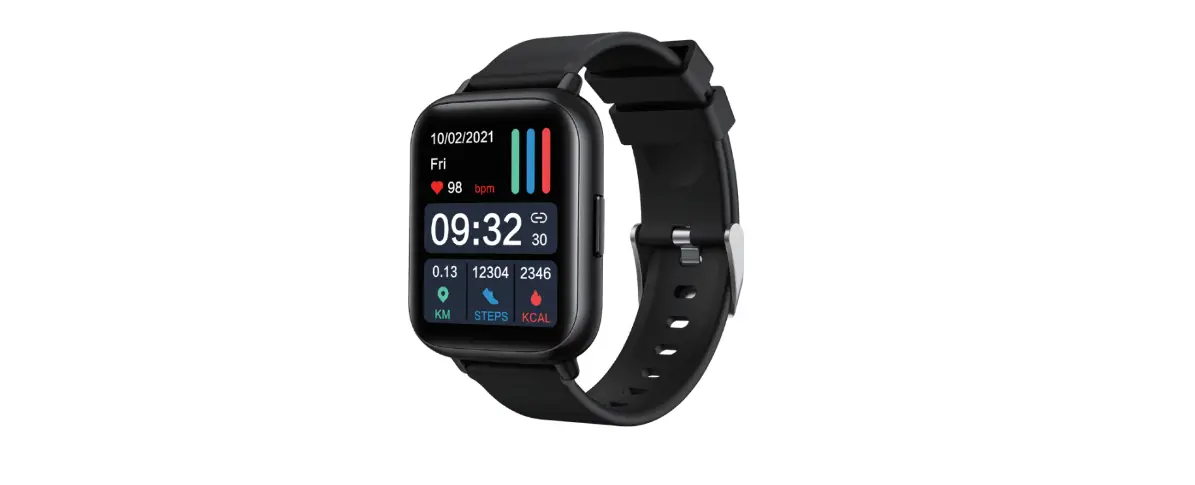
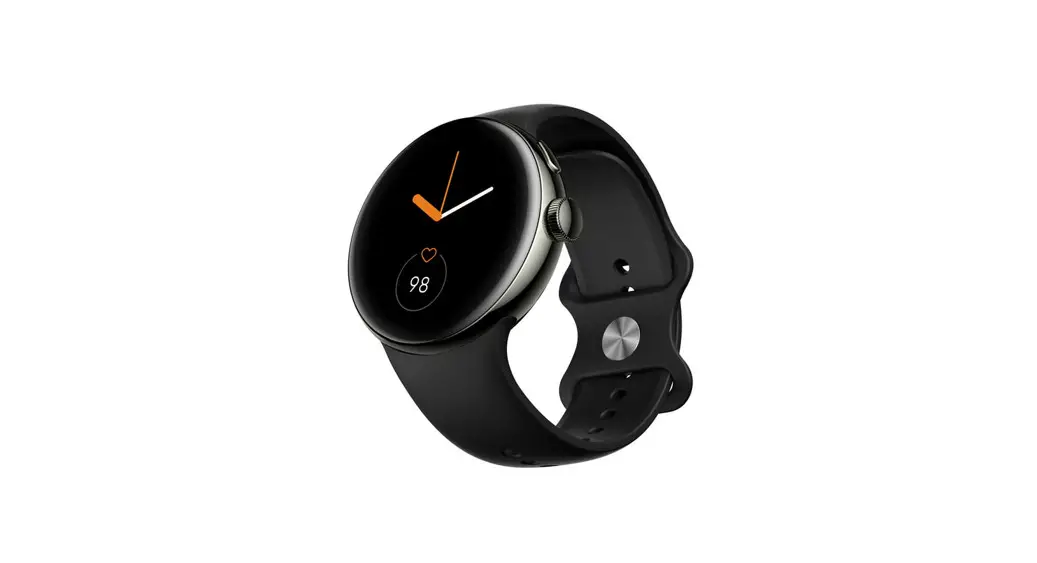
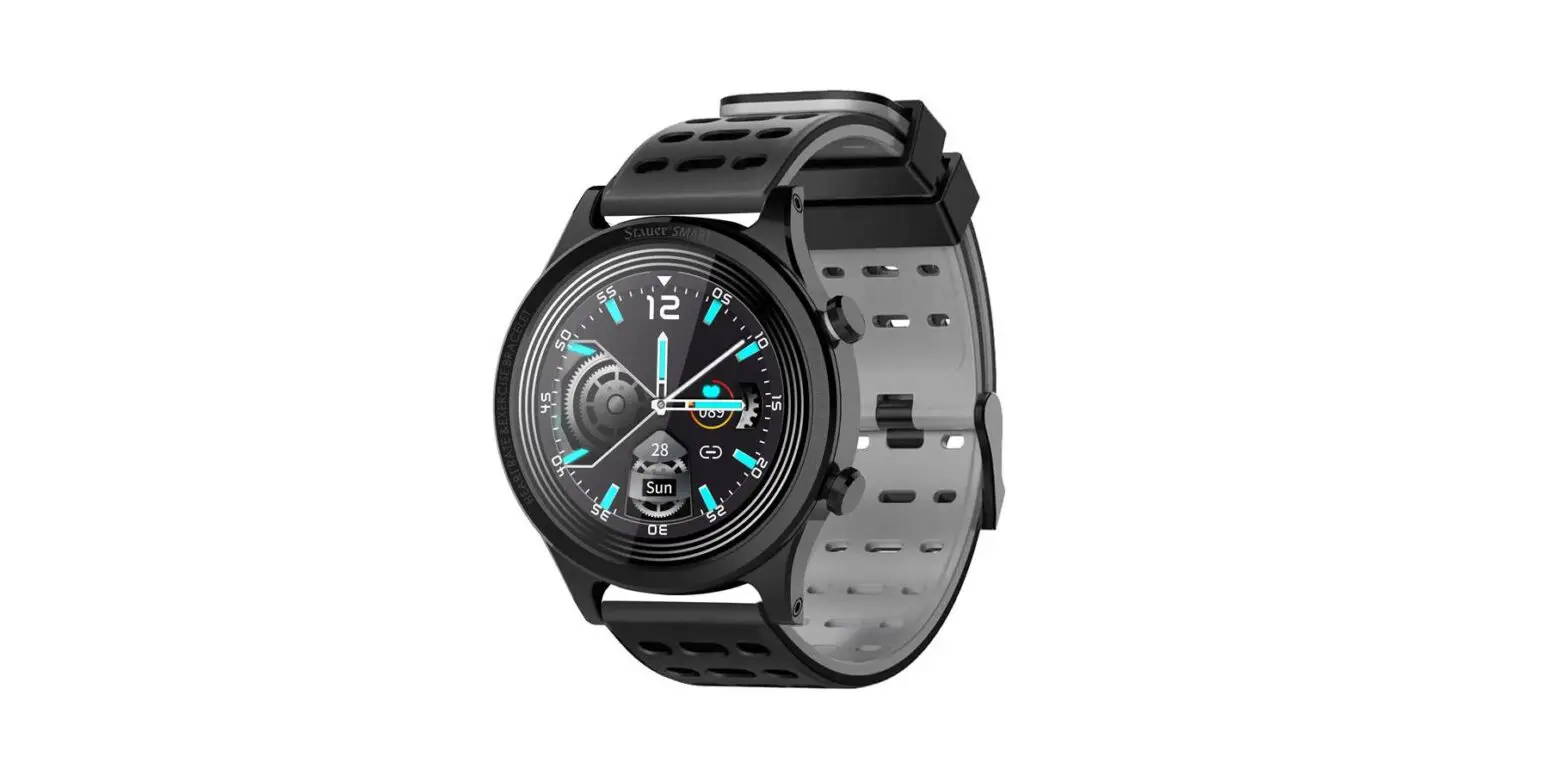
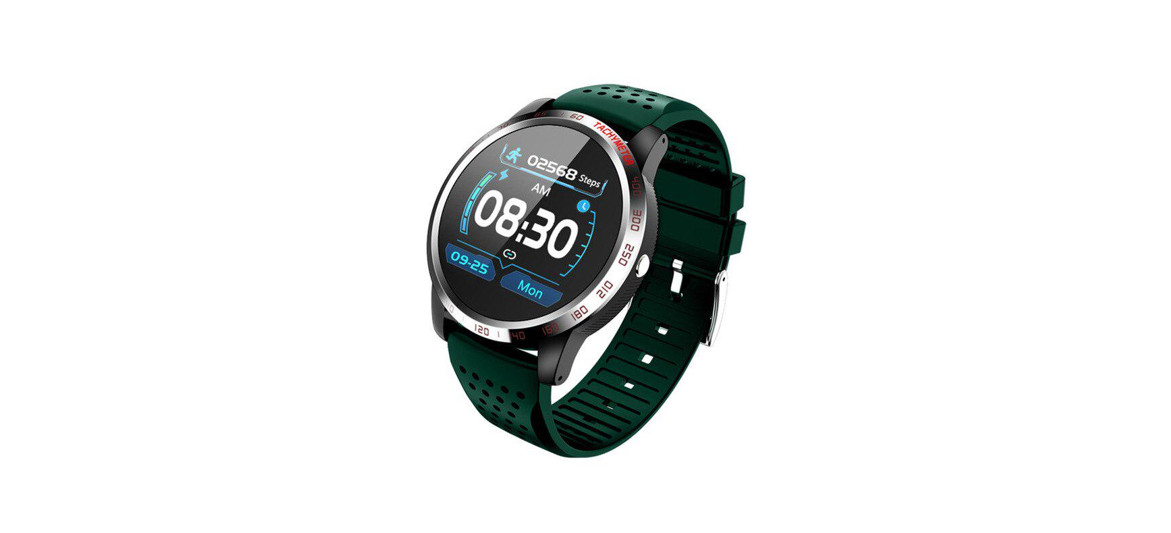
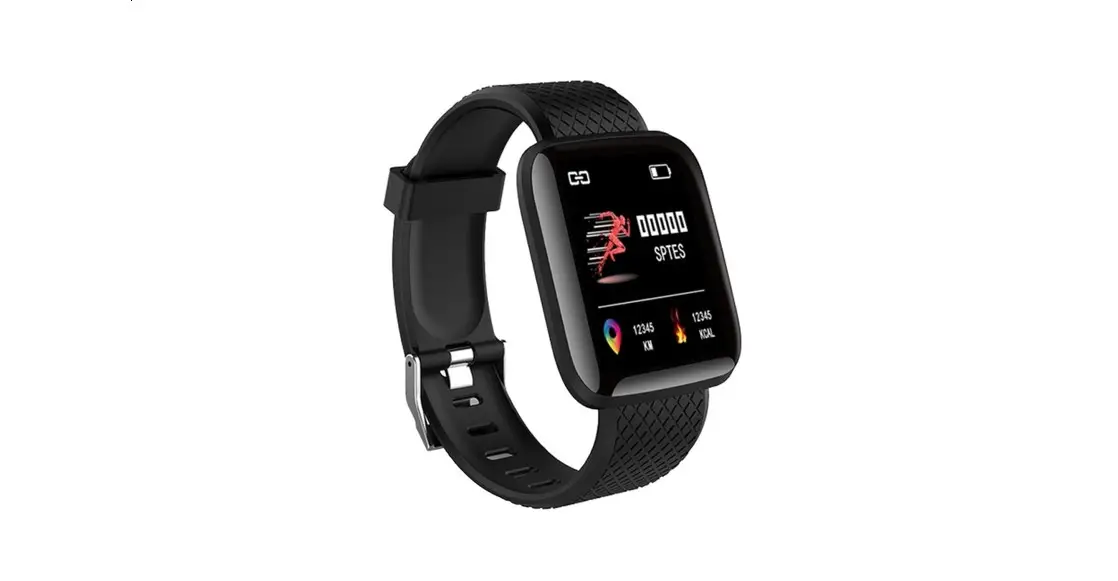
SR1 Smart Watch
Product Information:
The SR1 is a smartwatch that offers a range of features to
enhance your daily activities and monitor your health. It can be
connected to a mobile app for seamless synchronization of data and
notifications. Here are some key features of the SR1:
- Dial interface with various gesture controls
- Frequent contacts for easy dialing
- Call log to view and make calls
- Motion data tracking including steps, distance, and
calories - Information push for receiving notifications
- Language assistant for voice control
- Heart rate monitoring
- Blood oxygen monitoring
- Sleep monitoring
- Motion modes for different sports activities
- Sports record to track your exercise data
- Alarm clock function
- Weather synchronization
- Secondary watch functions like stopwatch and timer
- Music control
- Camera control
- Respiratory training
Product Usage Instructions:
Dial Interface Gesture Controls:
To navigate the dial interface, use the following gestures:
- Swipe from top to bottom to enter the shortcut interface.
- Swipe from bottom to top to enter the information list
interface. - Swipe from left to right to enter the function menu list
interface. - Swipe from right to left to enter steps, heart rate, sleep, and
other interfaces.
Frequent Contacts:
To add commonly used contacts, open the app and synchronize
contact information to the watch. You can then click on a contact
to dial their number.
Call Log:
After connecting the watch to the app via Bluetooth, incoming
call information will be saved in the call record. Click on a
record to make a call.
Motion Data:
Swipe from right to left on the touch screen to enter the sports
data interface. Here, you can check the number of steps, distance,
and calories for the day.
Information Push:
Once the watch is connected to the mobile app, any new
notifications from your phone will be pushed to the watch
simultaneously. The watch can store multiple pieces of
information.
Language Assistant:
After connecting the watch to the mobile app, activate the voice
assistant by lighting up the voice ball.
Heart Rate Monitoring:
To measure your heart rate, start the measurement by activating
the bottom green light. The measurement will be completed in about
30 to 60 seconds using PPG technology.
Blood Oxygen Monitoring:
To measure your blood oxygen level, start the measurement by
activating the bottom red light. The measurement will be completed
in about 30 to 60 seconds using PPG technology.
Sleep Monitoring:
The watch displays the sleep monitoring status of the day. The
data is updated daily and can be viewed in the app for more
specific details.
Motion Modes:
Enter the interface to select and engage in various sports modes
such as outdoor walking, running, cycling, mountain climbing,
basketball, rope skipping, football, cricket, badminton, elliptical
machine, baseball, swimming, rowing machine, yoga, and free
training.
Sports Record:
View your exercise data including duration, distance, calories,
pace, and more in the sports record section.
Alarm Clock:
Find the alarm function in the list and add alarms according to
your desired settings.
Weather:
Once the watch is connected to the mobile app, the weather
information will automatically synchronize to the watch.
Secondary Watch Functions:
- Stopwatch: Click the triangle to start, the left button to
pause, and the right button to resume. - Timer: Select the desired time and start the timer. The watch
will vibrate when the timer ends.
Music Control:
After connecting the app, open the music player to control
playback of music.
Camera Control:
When the watch is connected to your phone, you can use it to
take pictures. Simply click on the watch to capture a photo, which
will be saved on your phone.
Respiratory Training:
Select the desired time and follow the interface’s instructions
to practice inhaling and exhaling for respiratory training.
SR1 User Instructions
Please read the instructions before use: The company reserves the right to revise the contents of this notice without prior notice. Under normal circumstances, some functions differ in specific software versions. The product should be charged for more than 2 hours before use, but avoid long-term charging in an unattended environment when charging. Please attach the magnetic charging cable to the charging port of the bracelet automatically. Please use the input voltage: 5V/1A charging head, with the original charging cable provided by the manufacturer. Before using the product, please download the login application to your mobile phone and set your personal information. It is forbidden to use the car charger to charge (the car voltage is unstable when the car is turned off).
APP download login
APP download method “OnWear Pro”: 1. Apple mobile phones can be downloaded from the App Store; 2. Android phones can be downloaded from Google play store and App Store; 3. Or scan the QR code in the watch to download the APP (compatible: IOS12.0 or above /Android6.0 or above); To install the APP, please follow the interface prompts to register and log in, and you need to turn on Bluetooth; Select the Bluetooth name SR1 on the APP device interface to bind. After the binding is successful, the BT binding interface pops up on the phone. Please click Allow Bluetooth pairing. Watch calls and other functions can be used normally.
How to operate In the dial interface, draw from top to bottom, Enter the shortcut interface In the dial interface, draw from bottom to top,
Enter the information list interface In the dial interface, draw from left to right, Enter the function menu list interface In the dial interface, draw from right to left, Enter steps, heart rate, sleep and other interfaces
More function introduction:
Frequent contacts Adding commonly used contacts through the app, contact information will be synchronized to the watch side, clicking the contact person to dial.
Dial After connecting the APP, match the watch BT Bluetooth with the mobile phone, the Bluetooth display connection state, you can call from the watch.
Call log If there is an incoming call after connecting BT Bluetooth, the incoming call information will be
saved in the call record. Click the record to make a call.
Motion data Swipe the touch screen from the right to the left, enter the sports data interface, and check the data of the day: the number of steps, distance, calories.
Information After the watch is connected to the mobile app, the newly popped information of the mobile phone will be pushed to the watch end simultaneously. The watch will store multiple pieces of information.
Language assistant After the watch is connected to the mobile phone app, light the voice ball to wake up the voice assistant.
Heart rate monitoring
Heart rate measurementThe bottom green light starts to measure, and the measurement is completed in about 30 to 60 seconds. At this time, the measurement value is based on PPG technology measurement.
Blood oxygen monitoring Blood oxygen measurementThe red light at the bottom starts to measure, and the measurement is completed in about 30 to 60 seconds. At this time, the measurement value is based on PPG technology measurement.
Sleep monitoring Display the sleep monitoring status of the day, the data is updated every day, and the specific data can be used to the APP to view.
Motion mode Enter the interface to carry out various sports modes: outdoor walking, outdoor running, outdoor cycling, mountain climbing, basketball,
rope skipping, football, cricket, badminton, elliptical machine, baseball, swimming, rowing machine, yoga, free training.
Sports record Sports record can view the sports data you have exercised: duration, distance, calories, pace, etc.
Alarm clock Find the alarm function in the list and add alarm clock according to the corresponding settings.
Weather After the watch is connected to the mobile app, the weather will automatically synchronize to the watch end.
Secondary watch Stopwatch timing – click the triangle to start, click the left button to pause, and then click the right button to restore.
Timer The timer function -After selecting the corresponding time, open the timer, and the timer end the vibration reminder.
Music Music function-After connecting the app, open the music player to control the playback of music.
Camera After the watch is connected to the phone, turn on the camera, click to take a picture, and the photo will be saved in the phone.
Respiratory training Choose the corresponding time and follow the interface to inhale and exhale to achieve the purpose of practice.
Find your phone After the watch is connected to the mobile phone, click to find the mobile phone, and the mobile
phone will give a vibration prompt.
Female health Women’s Health: APP on the link needs to set the gender to women in the app. According to the prompts of physiological health, the watch will prompt the corresponding state.
Dial switch Can be selected for dials, which can be switched by long pressing dial to support push dial (multiple dial built -in watches).
Style Menu style: Adjust the menu style selection in the watch settings, and the menu style supports the list style, simple style, and nine grid mode.
Turn off Long press the button for 3 seconds to turn on. The watch will automatically turn on when charging. Click the shutdown icon to shut down.
System message View information about the Bluetooth name, MAC address, firmware version number and other information of the watch.
Restore Factory It is confirmed that the restoration of the factory setting will clear all personal data.
Product parameters Please read this manual first to ensure safety and correct use: The data of this product is for health management reference only. Please do not serve as medical data. If you find abnormal physical data, you should prevail for hospital testing. The waterproof level of the watch is IP68. You can use it normally in life scenarios such as hand washing and rain. Do not place your watch in hot water. Do not perform underwater keys or deep
dives. Do not contact the watch to corrode.Liquid to prevent damage to the watch.The waterproof function is not permanent and effective, and the protection function may decrease due to daily wear.
Waterproof level: IP68 Sensor: 3 axis g-sensor Battery capacity: 250mAh Synchronous method: Bluetooth Differential rate: 360*360 Show screen: 1.43TFT Working hours: about 7-10 days Work temperature: -10 50 Packing list: host, charging cable Compatible system: iOS 12.0 or above, Android 6.0 or more
nchronous WaWaterproof
FCC Statement This equipment has been tested and found to comply with the limits for a Class B digital device, pursuant to part 15 of the FCC Rules. These limits are designed to provide reasonable protection against harmful interference in a residential installation. This equipment generates, uses and can radiate radio frequency energy and, if not installed and used in accordance with the instructions, may cause harmful interference to radio communications. However, there is no guarantee that interference will not occur in a particular installation. If this equipment does cause harmful interference to radio or television reception, which can be determined by turning the equipment off and on, the user is encouraged to try to correct the interference by one or more of the following measures: ·Reorient or relocate the receiving antenna. ·Increase the separation between the equipment and receiver.
·Connect the equipment into an outlet on a circuit different from that to which the receiver is connected. ·Consult the dealer or an experienced radio/ TV technician for help. Caution: Any changes or modifications to this device not explicitly approved by manufacturer could void your authority to operate this equipment. This device complies with part 15 of the FCC Rules. Operation is subject to the following two conditions: (1) This device may not cause harmful interference, and (2) this device must accept any interference received, including interference that may cause undesired operation.
RF Exposure Information The device has been evaluated to meet general RF exposure requirement. The device can be used in portable exposure condition without restriction.