
Xirium Pro
Certified for
U-NII-3 ISM band
Quick Start Guide
Liechtenstein (Headquarters)
Neutrik AG, Im alten Riet 143, 9494 Schaan
T +423 237 24 24, F +423 232 53 93, [email protected]
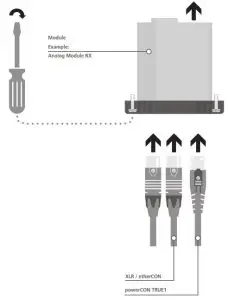
Important notes
Please read the safety information provided in the User Manual.
The User Manual for this device is available for download as a PDF file from our website at www.neutrik.com.

Module TX
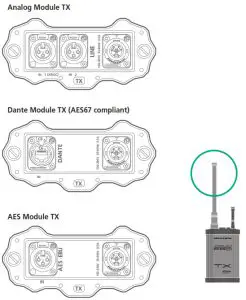 Analog Module TX
Dante Module TX
AES Module TX
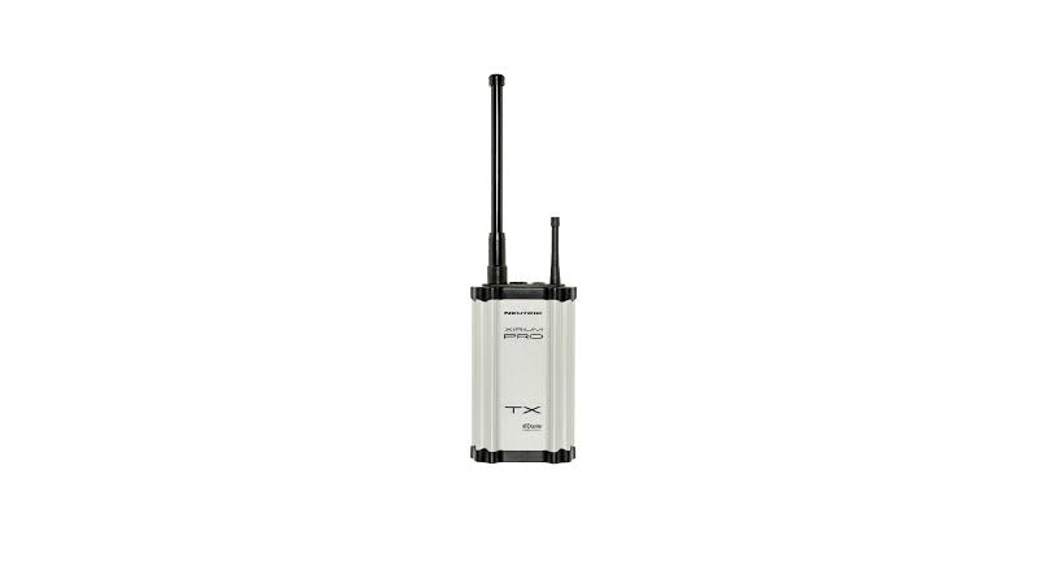
Use these modules with a TX in combination with the omnidirectional antenna NXPA-6-360-25
Module RX
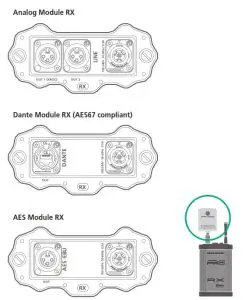
Analog Module RX
Dante Module RX
AES Module RX
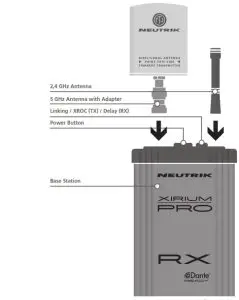
Use these modules with an RX in combination with the directional antenna NXPA-14-40-35
Repeater
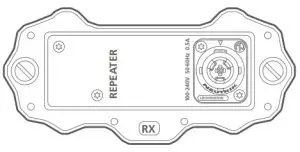
To comply with legal RF requirements it is not allowed to use the directional antenna in combination with an RX with an inserted repeater module. All other RX modules should be used in combination with the directional antenna to increase the RSSI level!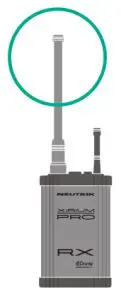
 The repeater has to be used with an RX in combination with the omnidirectional antenna NXPA-6-360-25
 http://www.xirium.net/xiriumpro
Read the User Manual: www.xirium.net/xiriumpro
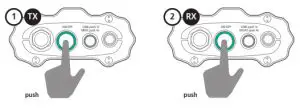
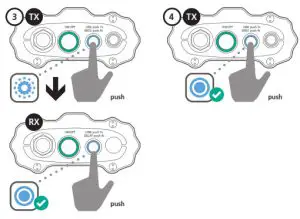
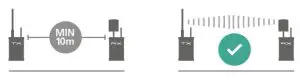
Linking an RX to a TX
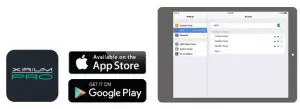
Use the free app – a useful tool to monitor and edit your XIRIUM PRO setup!
Download App
Where can the password for connecting to a XIRIUM PRO device be found?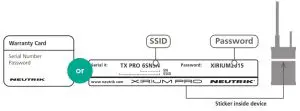
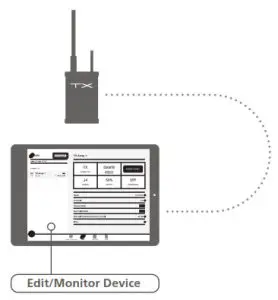
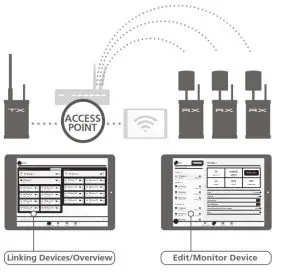
Connect to your devices in either Standalone Mode or Network Mode:
Standalone Mode
 Network Mode
BDA 488 V3 – XIRIUM PRO Quick Start Guide 2020/06 – Data subject to change without prior notice / © 2020NEUTRIK ® / NEUTRIK ® XIRIUM ® are registered trademarks of NEUTRIK AG. All RIGHTS RESERVED.