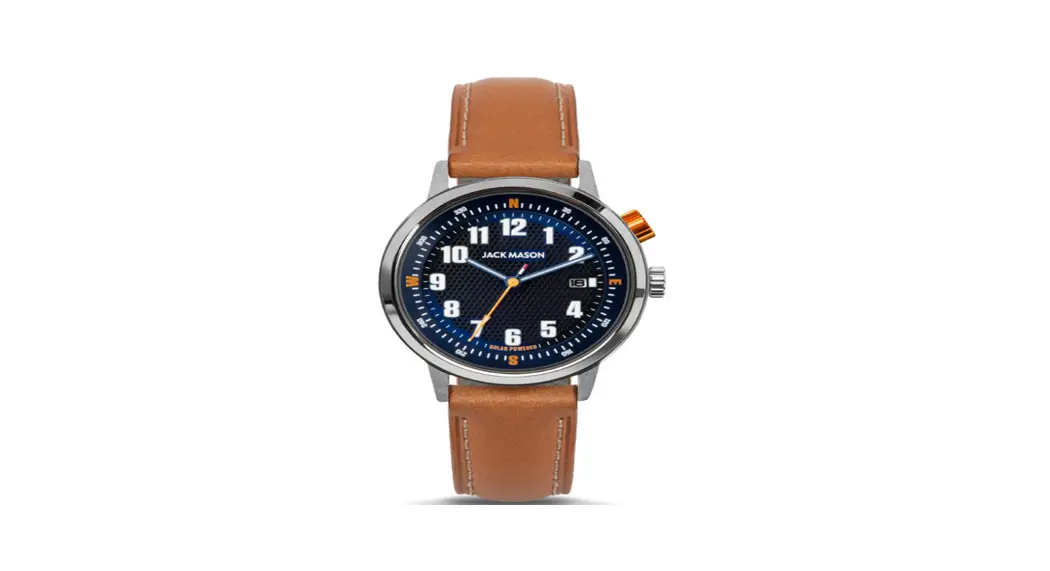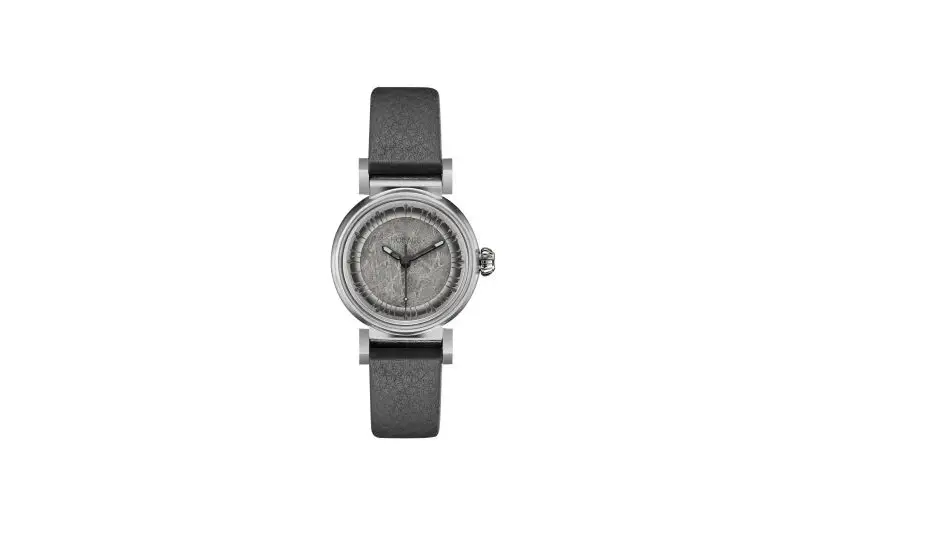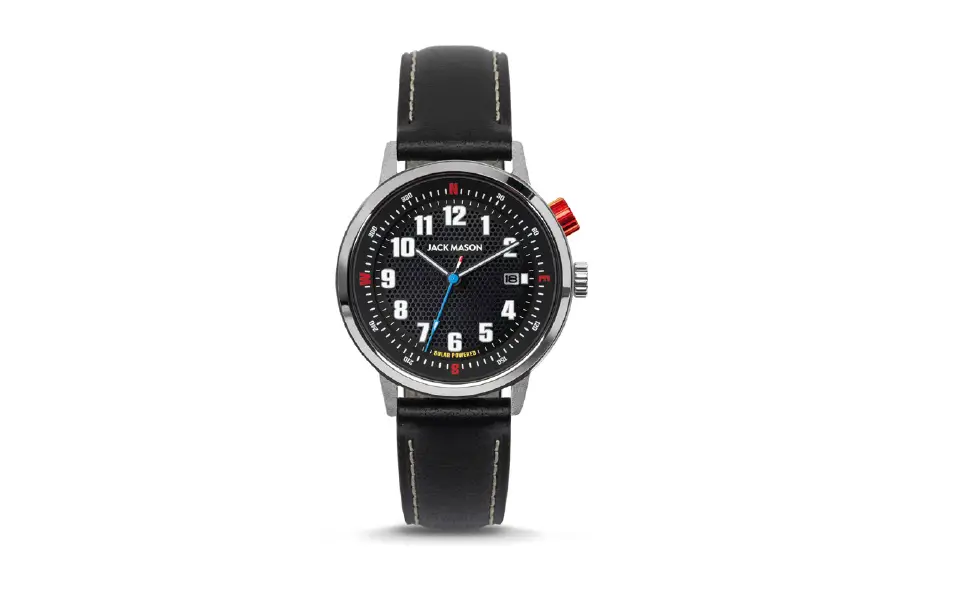

JACK MASON JM-F111-009 42mm Overland Solar Watch  Epson Caliber No. VS42 3-Hand Function
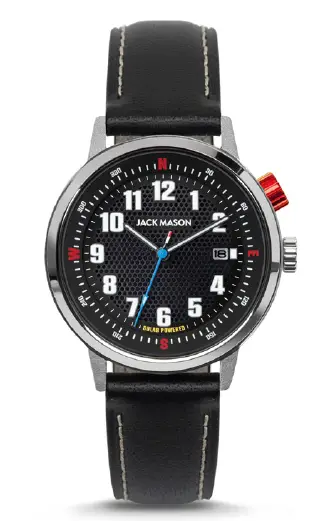 Epson Caliber No. VS42 3-Hand Function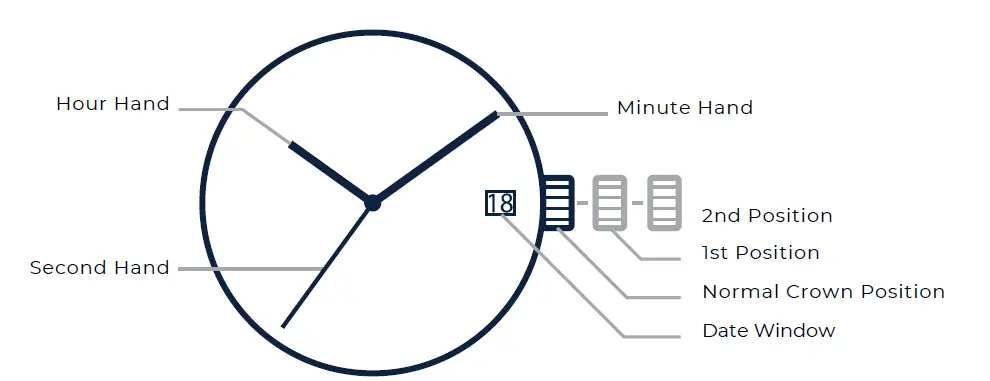
Setting The Time
- Pull the crown out to the 2nd Position when the Small Second Hand is at
the 12 o’clock position. - Turn the crown to set Hour and Minute Hands. Take am/pm into consideration when setting the hour and minute hands to the desired time.
* When setting the Minute Hand, advance it 4 to 5 minutes ahead of the desired time and then turn it back to the exact time. - Push the crown back to Normal Position.
Setting The Date
When the date and day of the week change during the daytime, it happens when am/pm is wrongly set. Advance the hour hand by 12 hours.
- Pull the crown out to the 1st Position.
- Turn the crown to set the Date.
* Set the date between the hours of 2:00 am to 8:00 pm to ensure the date changes the following day. - Push the crown back to Normal Position.
Features of the Solar Watch
This watch is a solar-powered watch containing a solar cell underneath the dial to convert any form of light into “electrical energy” and store the power in a secondary battery.
Unlike conventional quartz watches, this watch does not use a silver oxide battery, thus eliminating the need for battery replacement.
- Running time – Expected running time from full charge to stoppage will be around 6 months.
- Quick Start Function – It starts running within a few seconds after exposure to light more than 1000 Lx.
- Over Charge Prevent Function – If the secondary battery is charged more than a predetermined voltage, the overcharge prevent function is operated to prevent the secondary battery from deterioration and breakage.
Power Depletion Warning Function
When the battery nears its end, the small second-hand moves at two-second intervals instead of the normal one-second intervals. In that case, have the battery replaced with a new one as soon as possible.
How to Charge and Start the Watch
Charging the watch:
- Expose the watch to sunlight or strong artificial light (of more than 1,000Lx).
- When the watch has stopped operating, the second hand will start moving
at two-second intervals. - The second hand immediately starts moving at two-second intervals, but the energy stored in the secondary battery is not yet sufficient. If the watch is turned away from the light, it may stop operating.
- It is not necessary to charge the watch fully. It is important, however, to charge the watch sufficiently, especially in the case of initial charging.
- When the watch has stopped operating, the second hand will start moving
- Keep the watch exposed to the light until the second-hand moves at
one-second intervals. - When the watch is charged after it has completely stopped set the date and time before wearing the watch.
* When you start the watch or when the energy remaining in the secondary battery is very low, charge it sufficiently by exposing the watch to light.
Caution:
When charging the watch, do not place it too close to a fluorescent lamp or other light sources as the watch temperature will become extremely high, causing damage to the parts inside the watch.
To Prevent Energy Depletion:
Avoid covering the watch face with your clothing while wearing it.
When the watch is not in use, leave it in a brightly lit place for as long as possible. Make sure that the watch temperature does not exceed 50° Celsius.
Guidelines for Charging Time: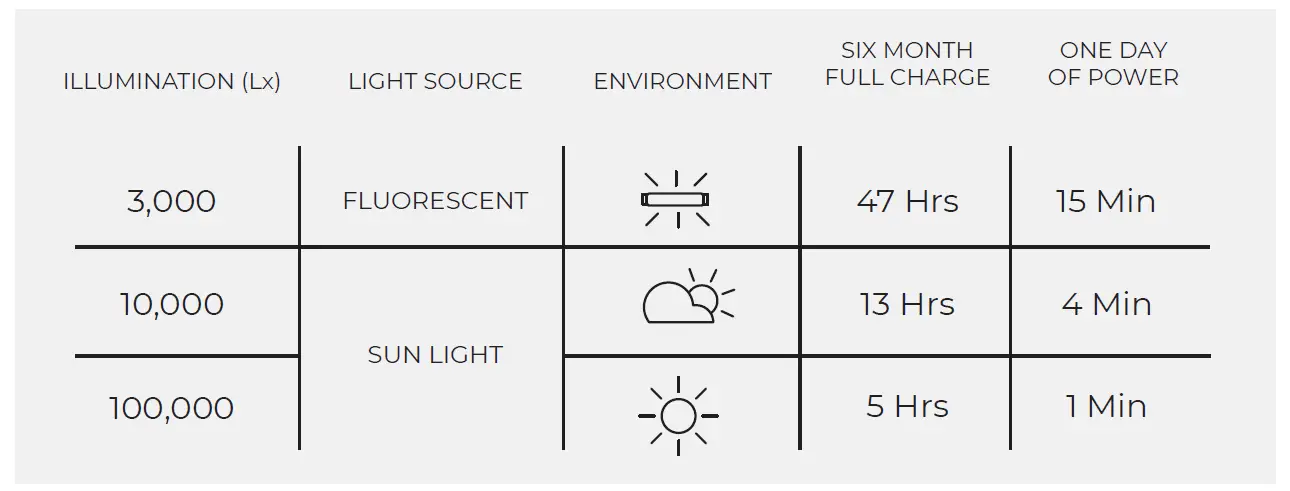
Rotating Compass Bezel
How To Use Compass (Northern Hemisphere)
- Find the sun’s position in the sky.
- Holding the watch level, point the hour hand in direction of the sun.
- Rotate the compass bezel using a secondary crown until the South marking is between the hour hand (sun’s position) and 12 o’clock.
- Once South is set, you can use the rest of the directionals.
NOTES:
- For Southern Hemisphere use “North” marker instead of “South”.
- A watch should be set to standard time, not daylight savings.
- This method can only provide a very general bearing, and should not be relied upon for precise orienteering.