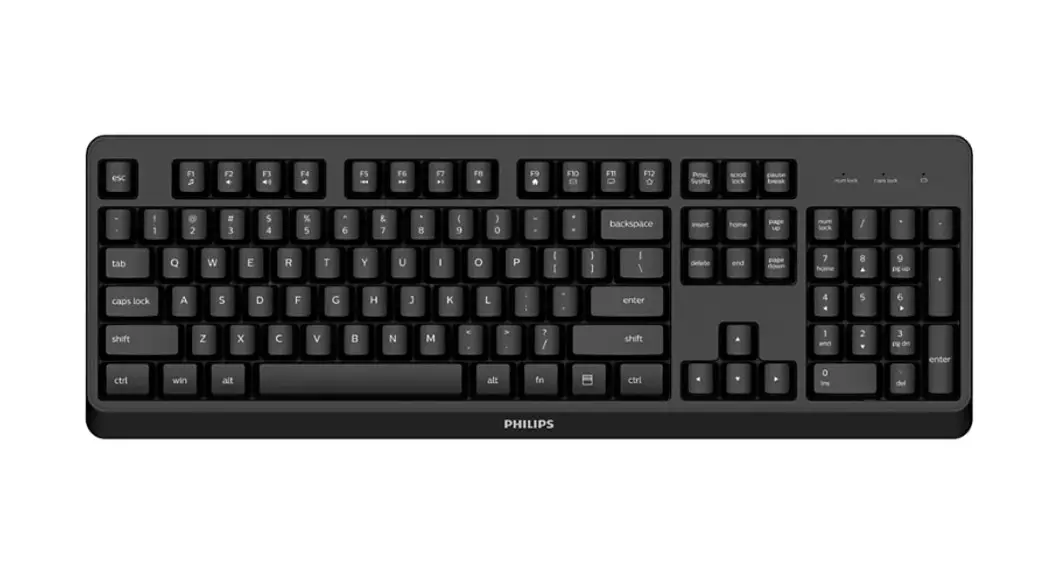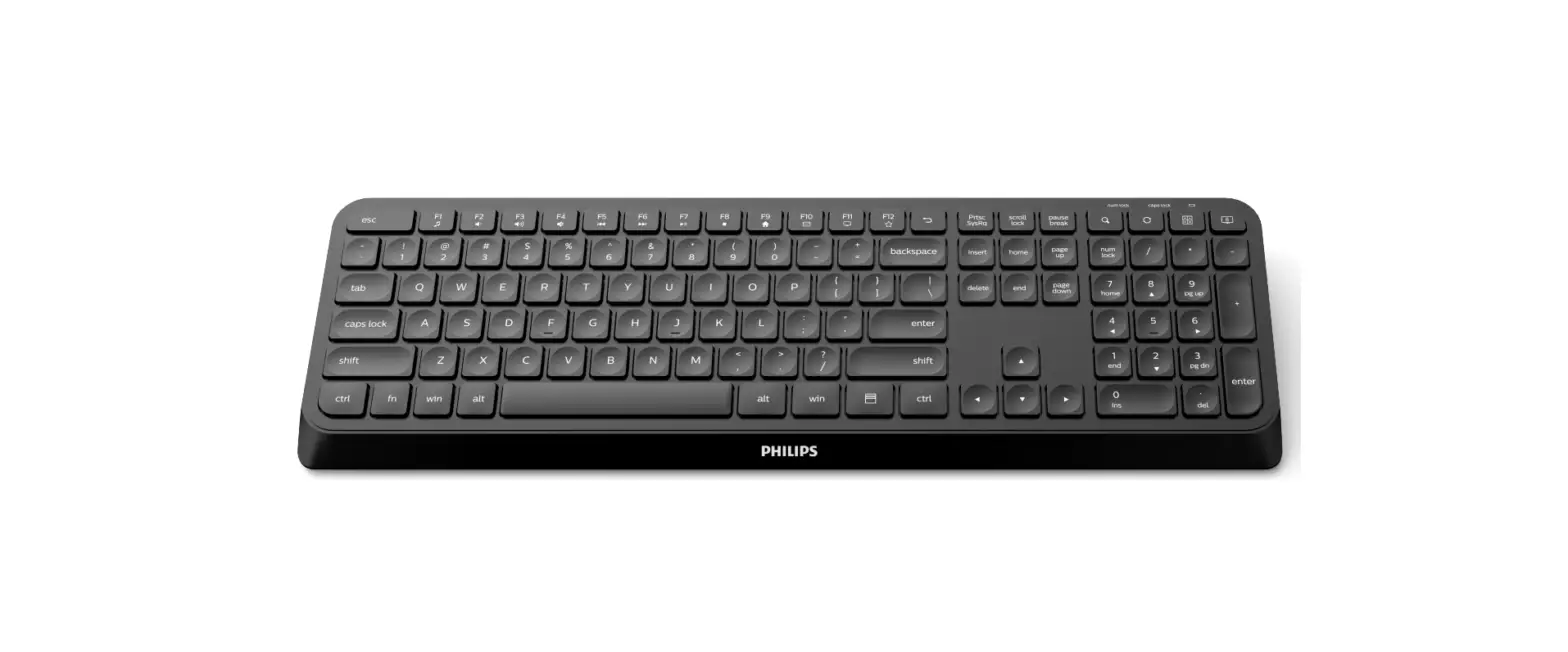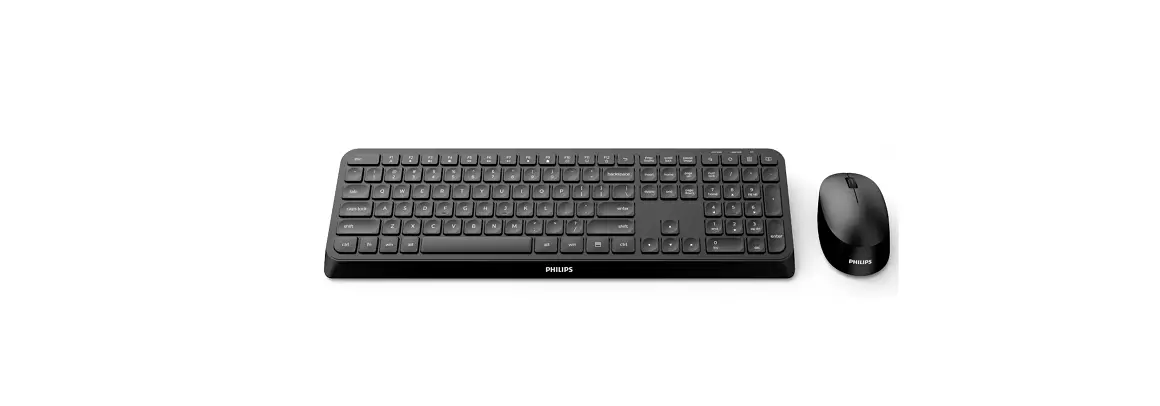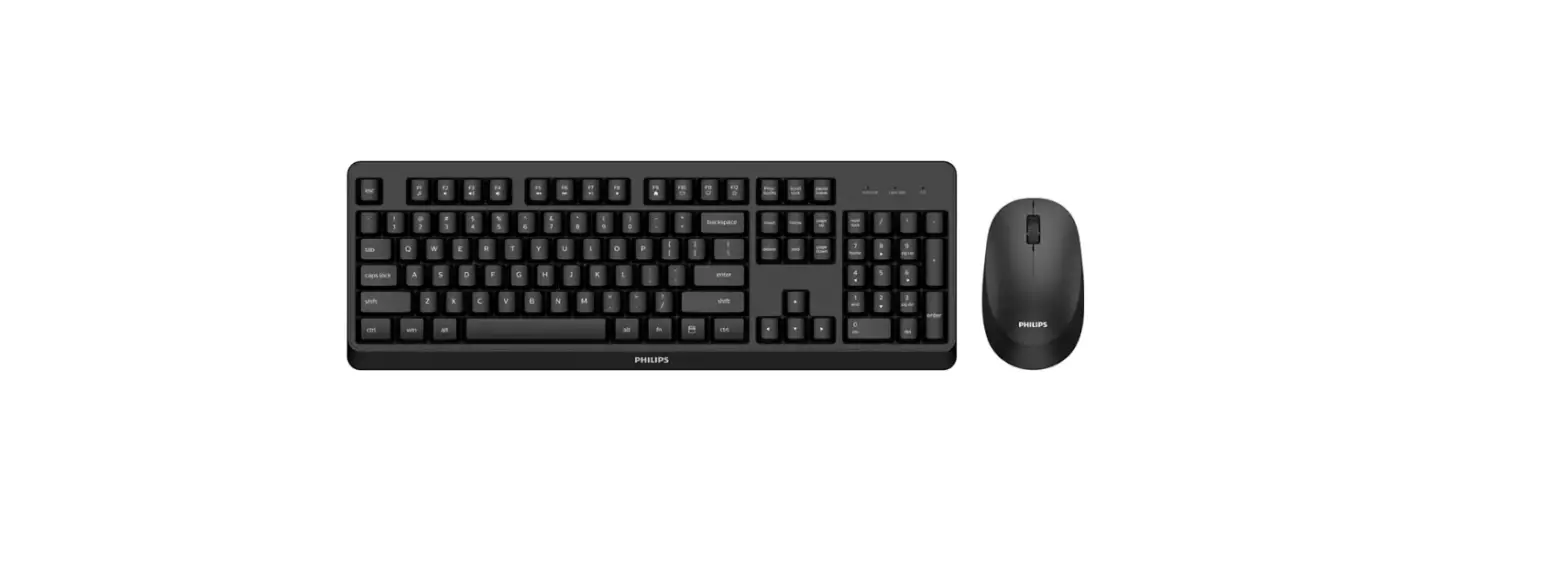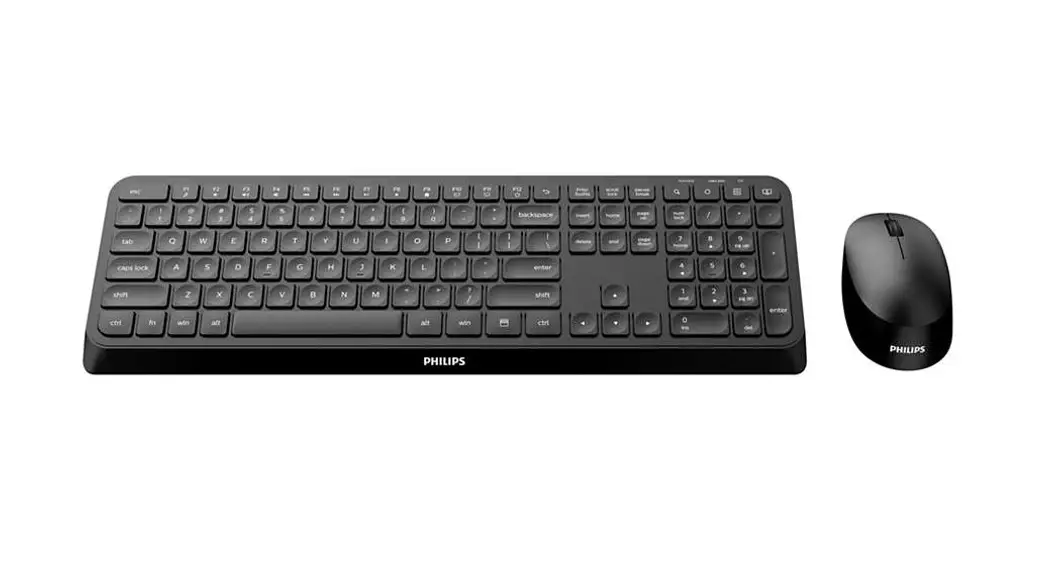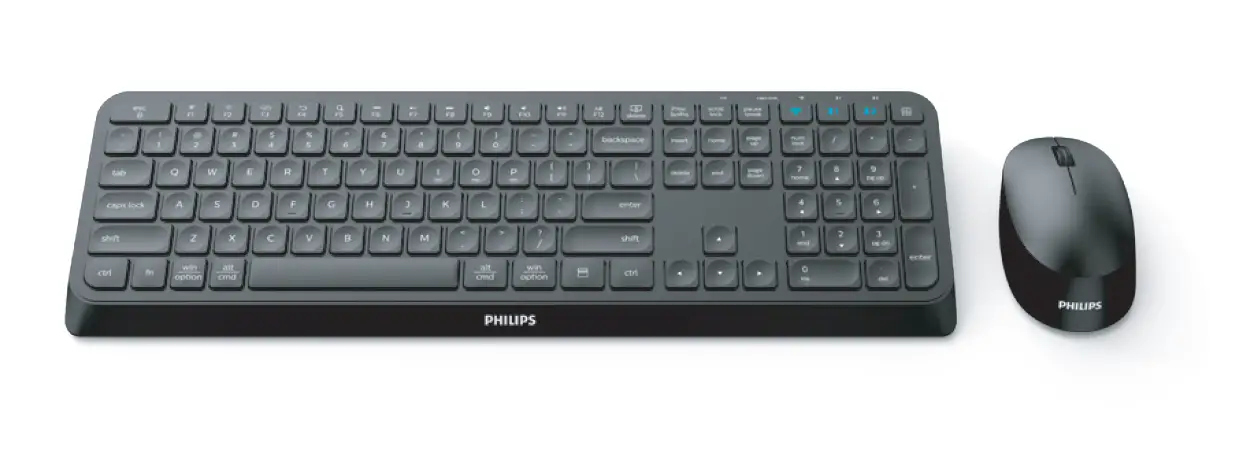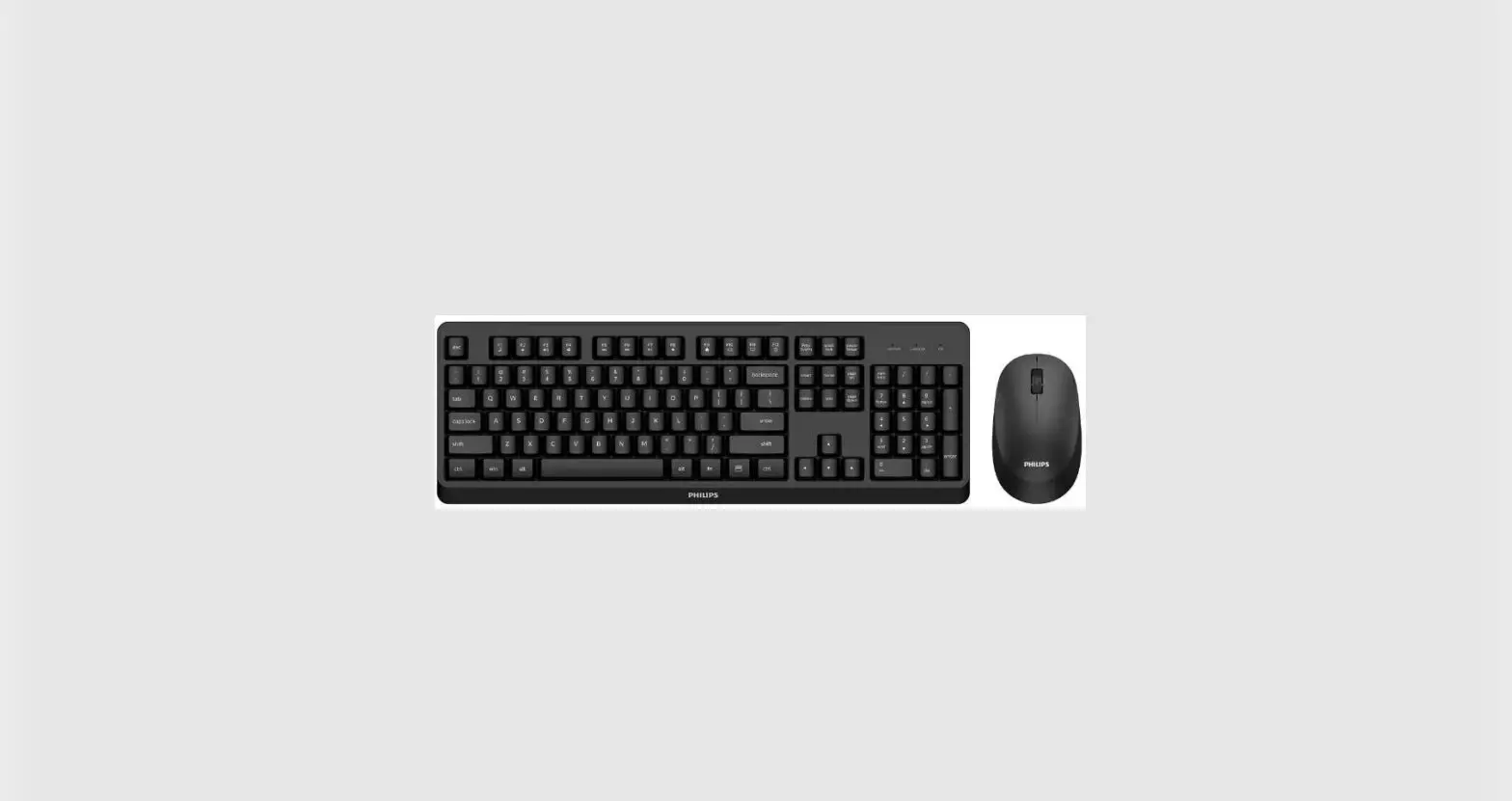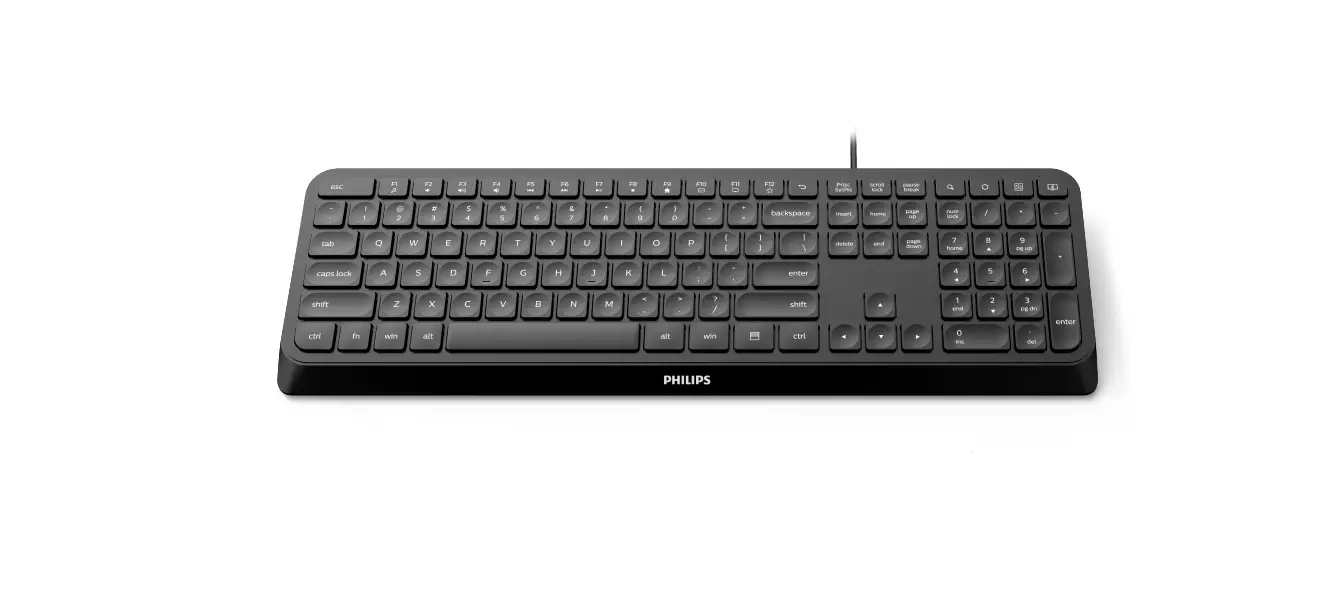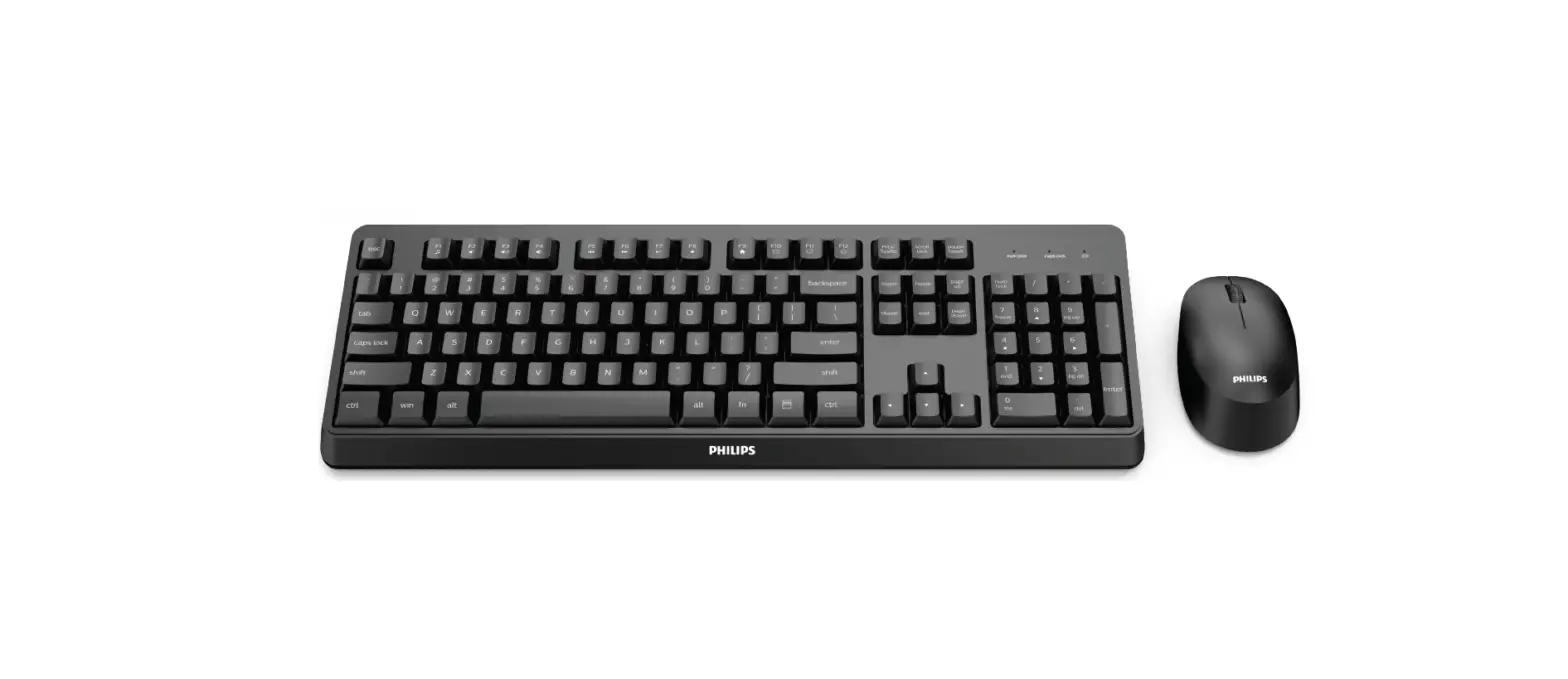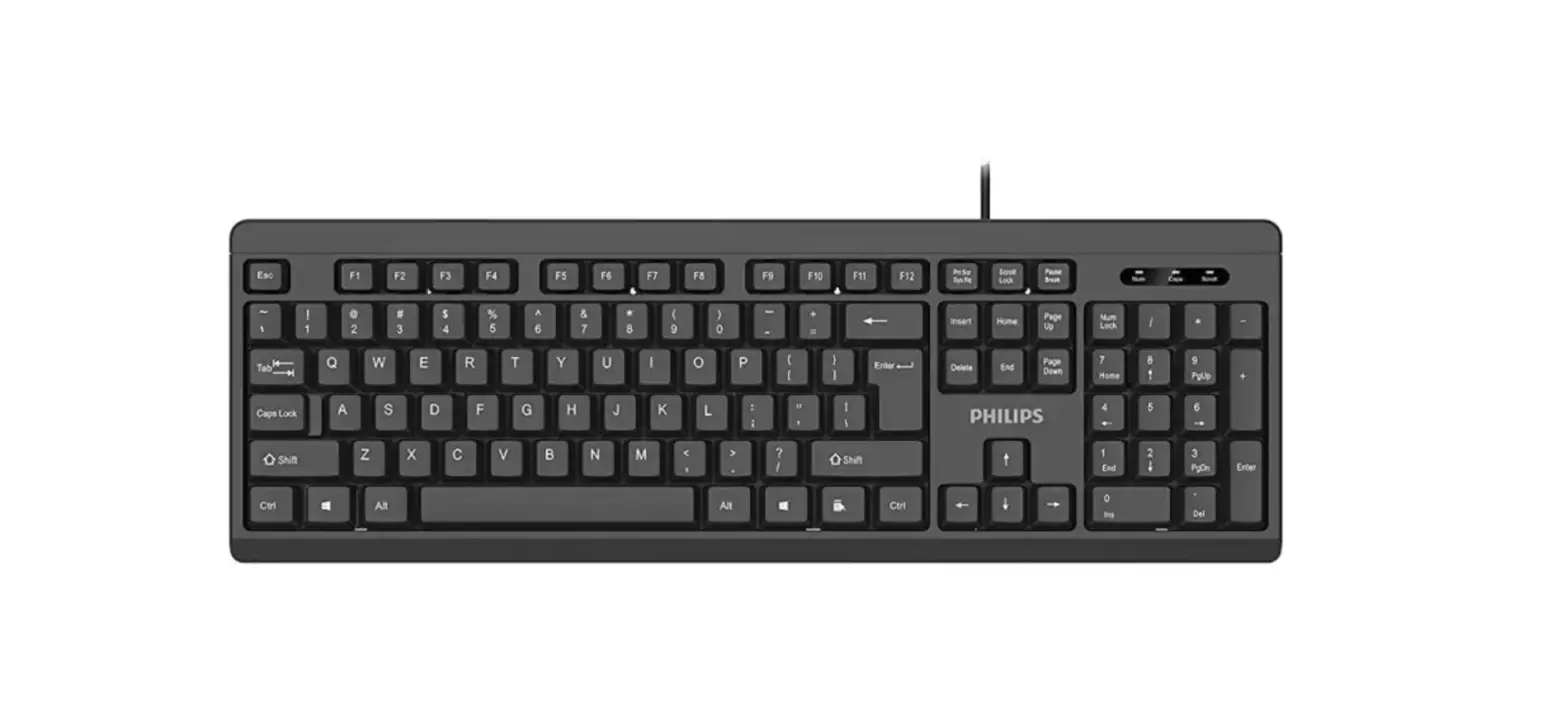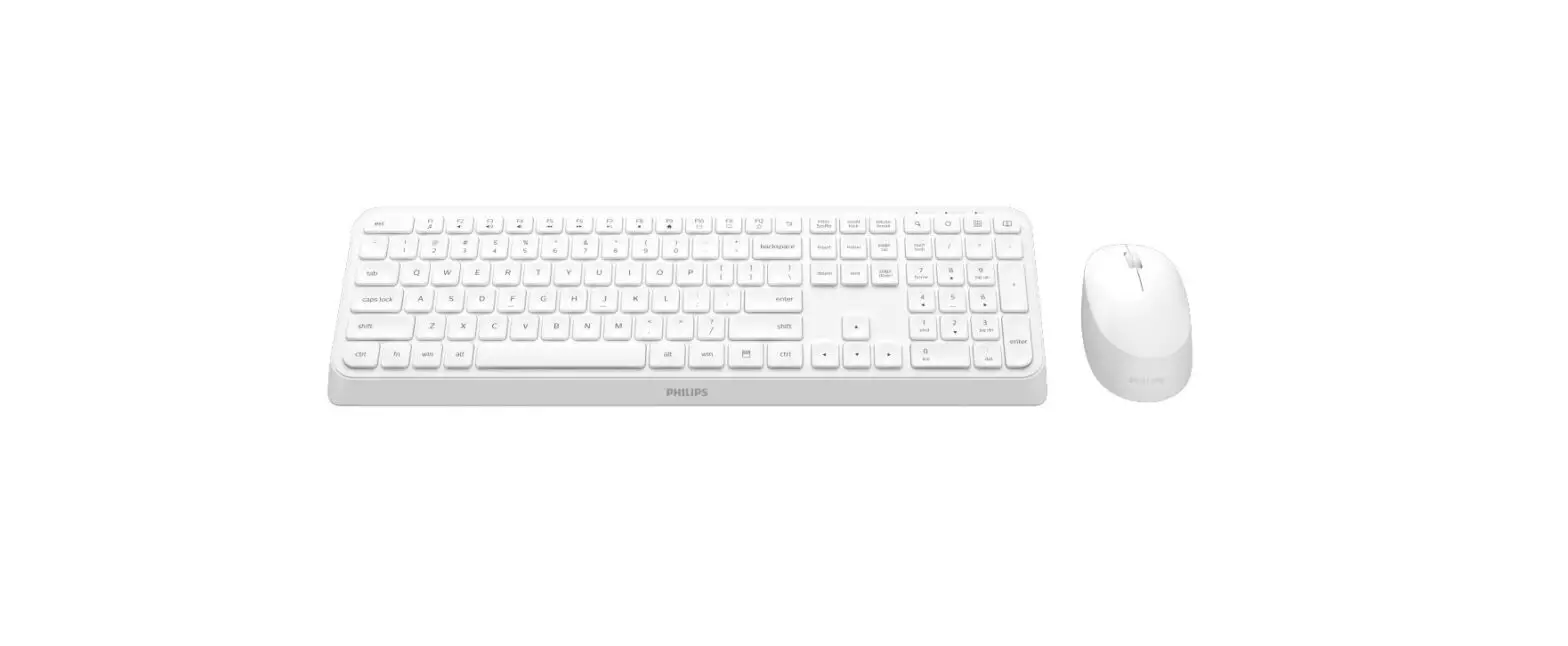

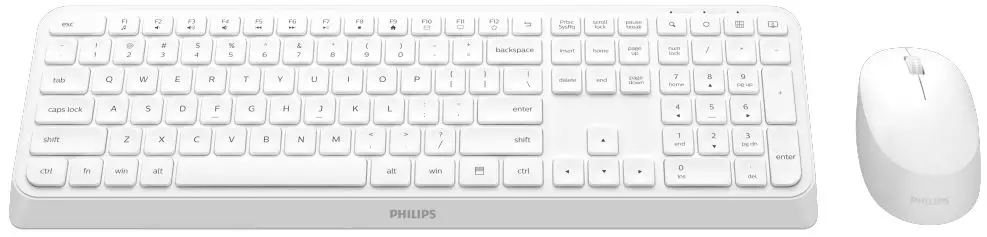
Philips SPT6307W 3000 series Keyboard RF Wireless
Function overview of the keyboard
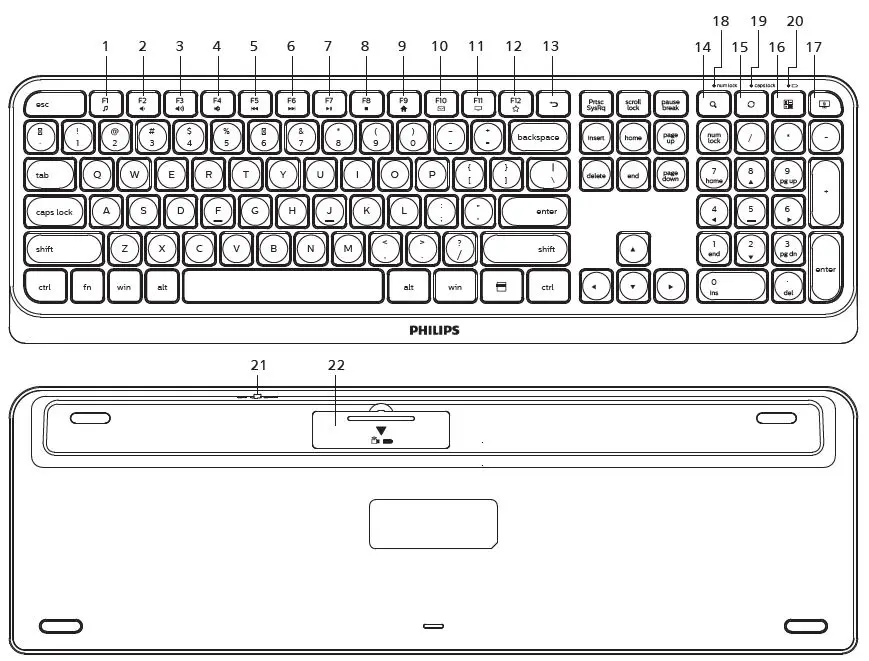
- fn+
 : Media player
 - fn+
 : Volume –
 - fn+
 : Volume +
 - fn+
 : Mute
 - fn+
 : Prev song
 - fn+
 : Next song
 - fn+
 : Play/Pause
 - fn+
 : Stop
 - fn+
 : Homepage
 - fn+
 : Email
 - fn+
 : My computer
 - fn+
 : Favorite
  Return
 Search
 Refresh
 Calculator
 Lock screen
- Number lock indicator
- Caps lock indicator
- Low battery indicator
- ON/OFF switch
- Battery door
 : Media player
 : Volume –
 : Volume +
 : Mute
 : Prev song
 : Next song
 : Play/Pause
 : Stop
 : Homepage
 : Email
 : My computer
 : Favorite
 Return
 Search
 Refresh
 Calculator
 Lock screen
Function overview of the mouse
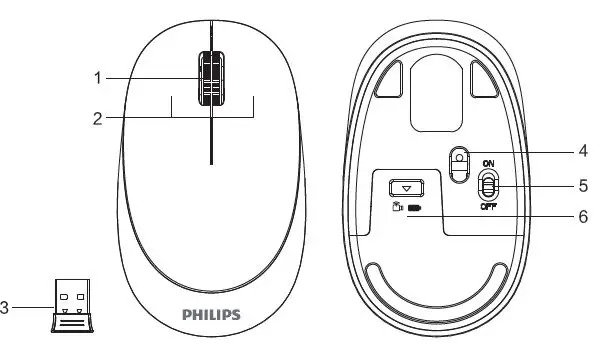
- Scroll wheel
- Left and right buttons
- Wireless receiver
- Optical sensor
- ON/OFF switch
- Battery door
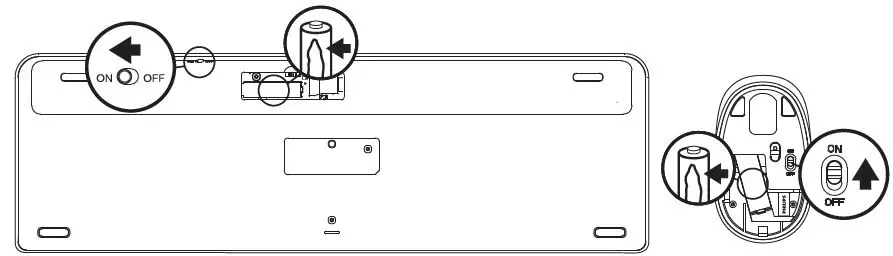
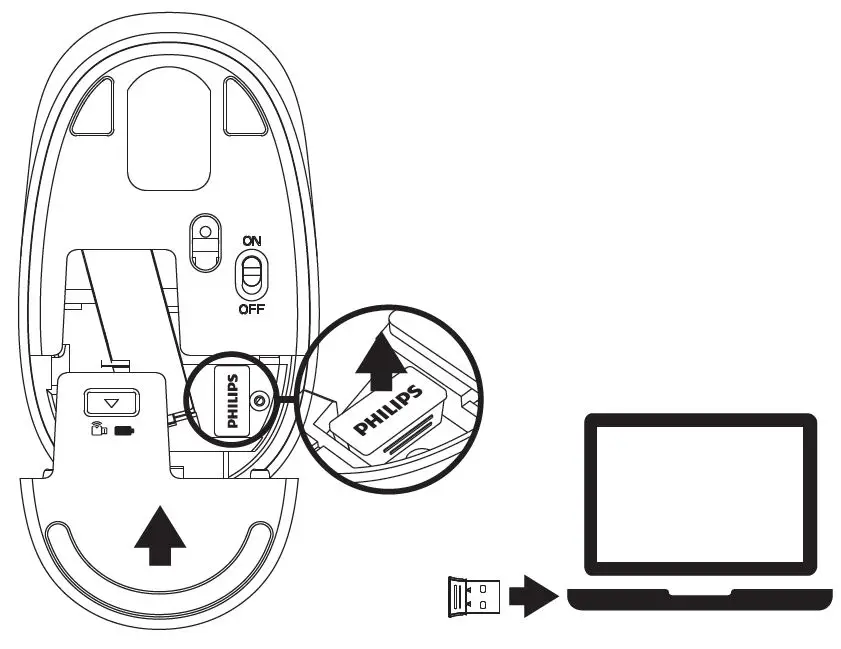
Connection Guide
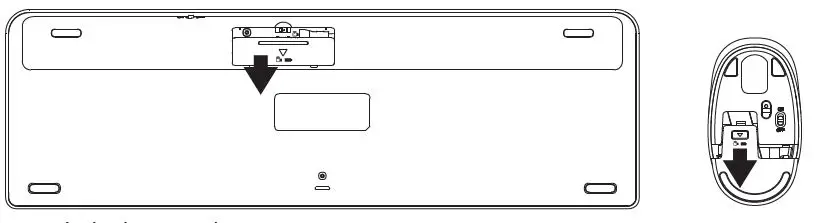
- Push the battery door away.

- Pull off the battery insulating lm. Turn on the power switch.

- Take out the receiver and close the battery door.
- Plug the receiver into the USB port of a PC.
Packaging contents
- Wireless keyboard and mouse
- Wireless receiver
- User manual and important information
- 1*AA battery (inside mouse)
- 1*AAA battery (inside keyboard)
System requirement
- 1 x USB port
- Windows® 7,Windows® 8,Windows® 10 or later,
Android 3.2 and above; Mac OS 10.5 or later
Note:Multimedia functions are partially invalid in different OS versions.
Technical specifications
- Connectivity: 2.4GHz wireless
- Wireless Effective distance: 15m
- Number of buttons: 3
- Mouse buttons lifespan: 3 million keystrokes
- Keyboard keys lifespan: 10 million keystrokes
- Resolution: 1600 DPI
- Power supply: 1*AA Philips battery (mouse), 1*AAA Philips battery (keyboard)
- Interface: USB wireless receiver
- Product dimension: 110*66*35mm (mouse), 433*136*22mm (keyboard)
- Product weight: 649g
- Operating temperature range: 0 ° C to 40 ° C
- Operating humidity range: 10% – 85%.
Trouble shooting
- Make sure that the USB wireless receiver of the product is correctly plugged into the USB port of the computer.
- Make sure the computer meets the minimum system requirement.
- If the distance between the product and the receiver exceeds an effective range, please reduce the distance for better performance.
If you can’t solve the problem, please try to nd the solution from Philips website or nearest retailer. Please do not disassemble the product by force.
Attention
- Photoelectric technology can correctly detect the movement of mouse on most surfaces. Do not use the mouse on any reflective, transparent or uneven surfaces.
- Please use dry and soft cloth to clean the product.
- Do not disassemble the product by force.
- Do not direct the light from the bottom of the mouse to your eyes.
- Do not get in the rain or in the sun or fire.
- Do not flush directly with water.
2023 © Top Victory Investments Limited . All rights reserved.
Philips and the Philips Shield Emblem are registered trademarks of Koninklijke Philips N.V. and are used under license.
This product has been manufactured by and is sold under the responsibility of Top Victory Investments Limited , and Top Victory Investments Limited is the warrantor in relation to this product.
Specifications are subject to change without notice
Made in China
Register your product and get support at:
www.philips.com/welcome
 Product registration | Philips