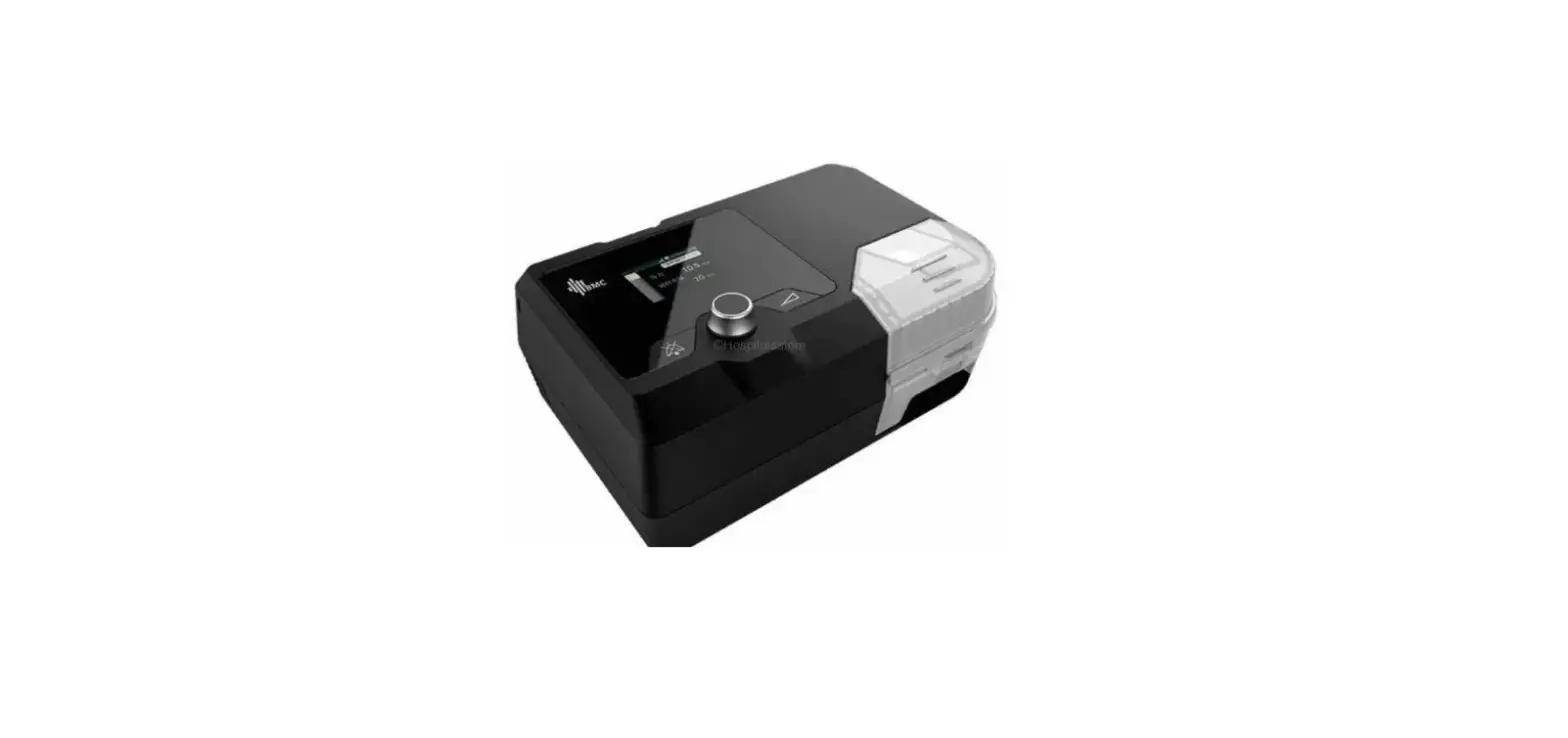
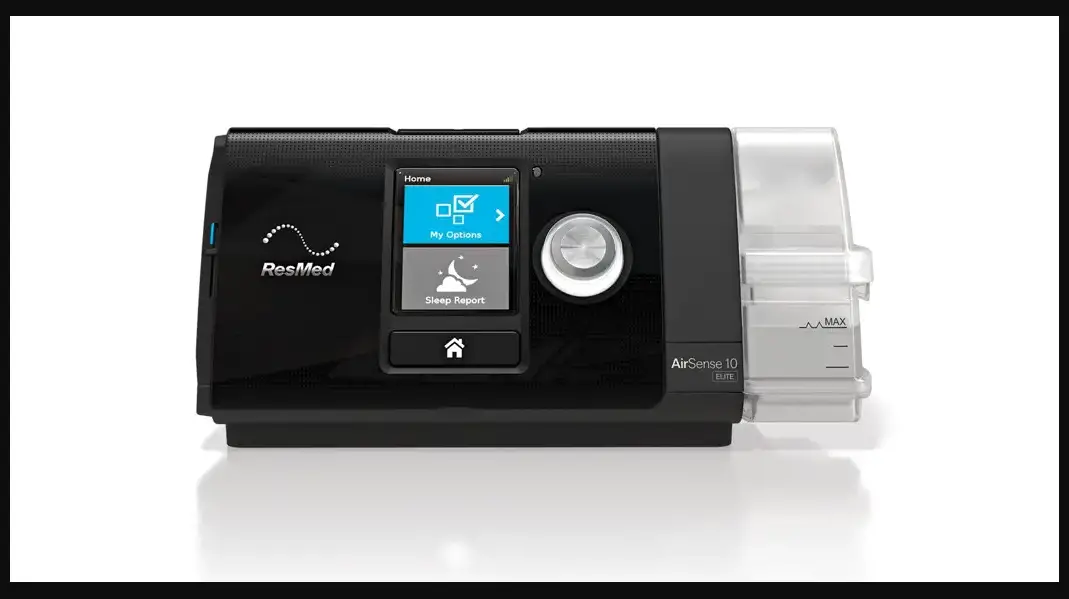
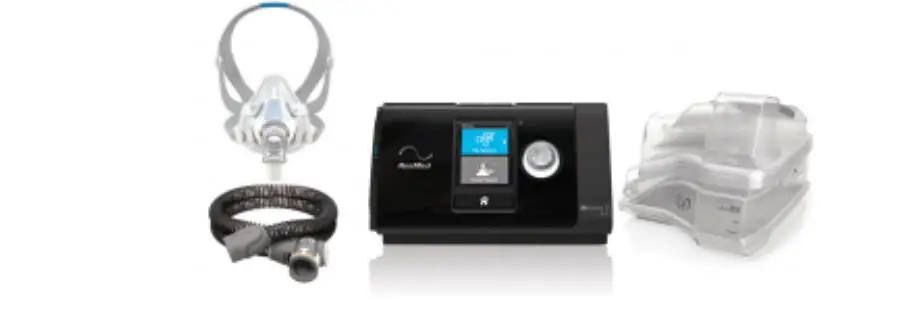
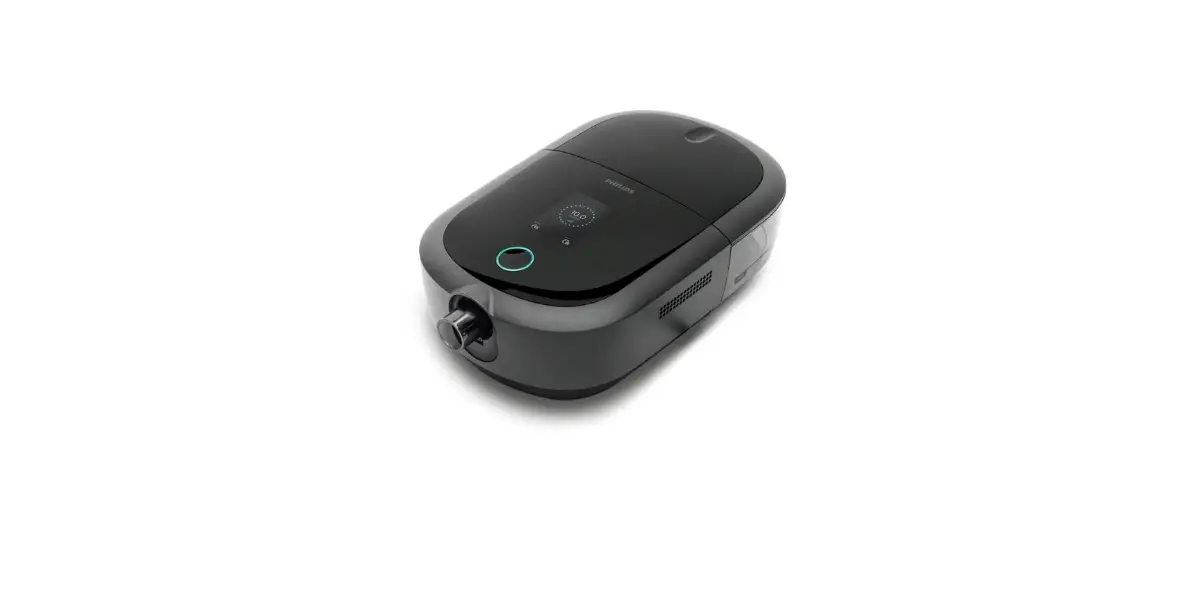
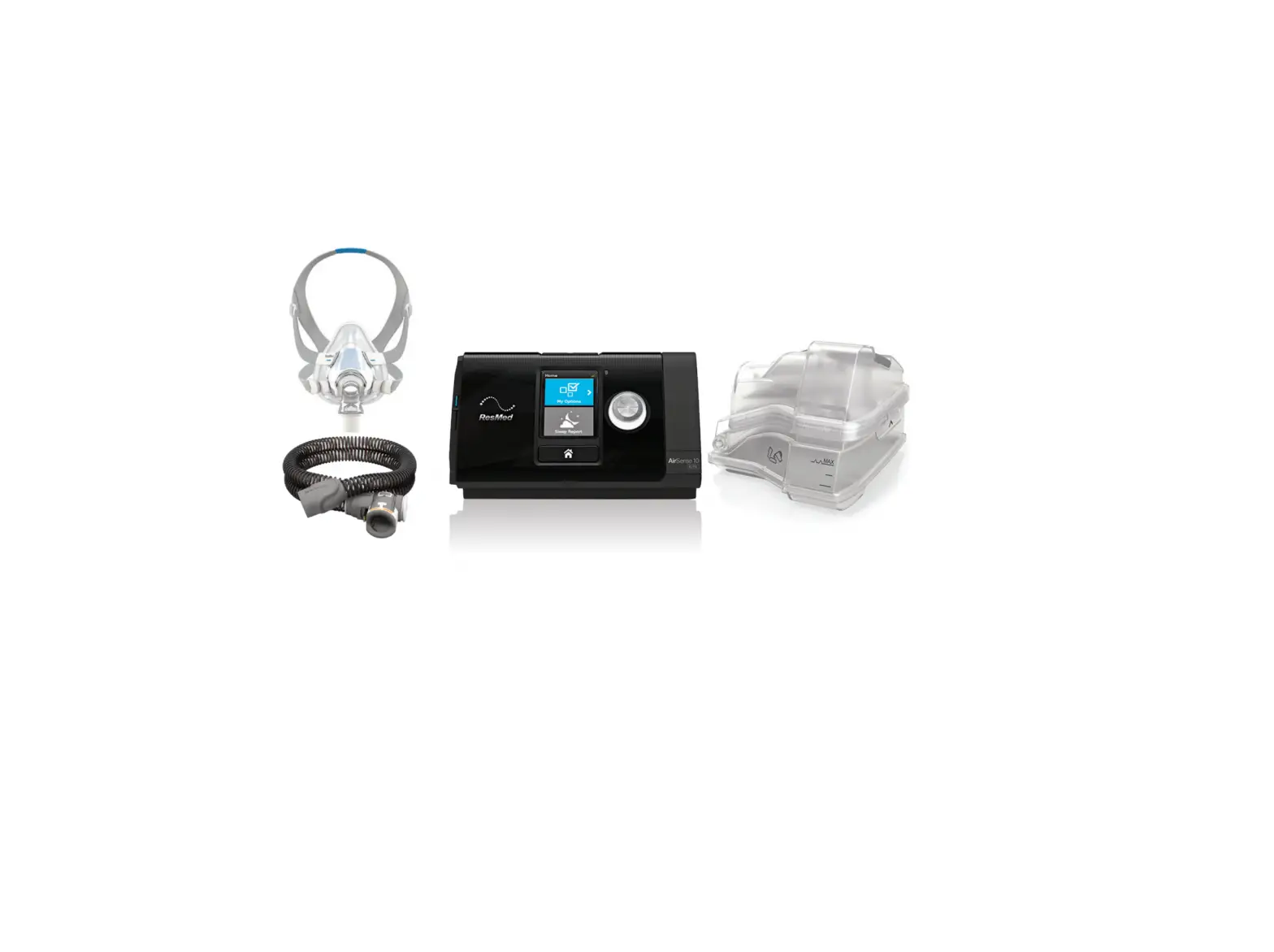
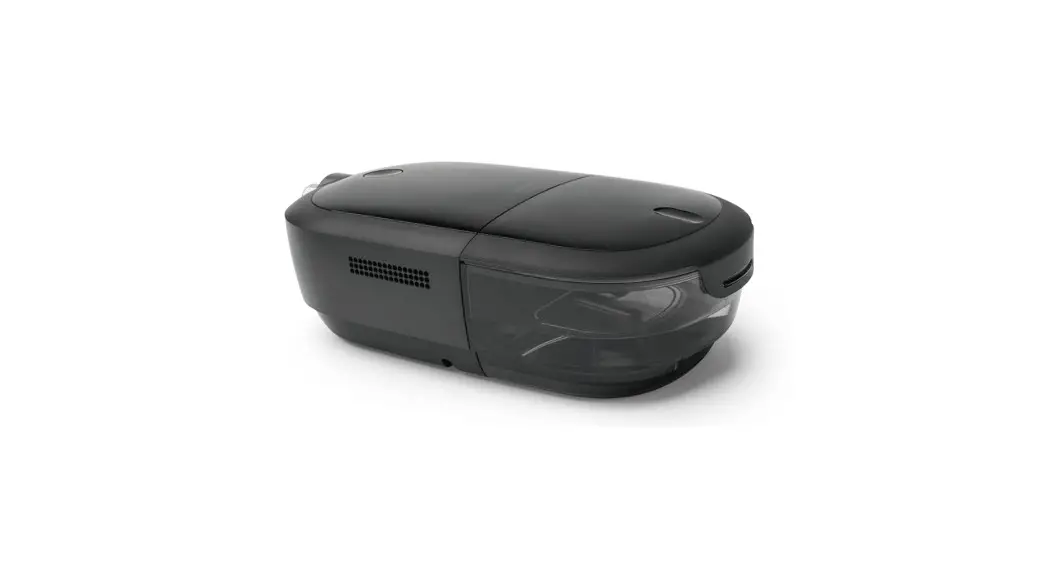
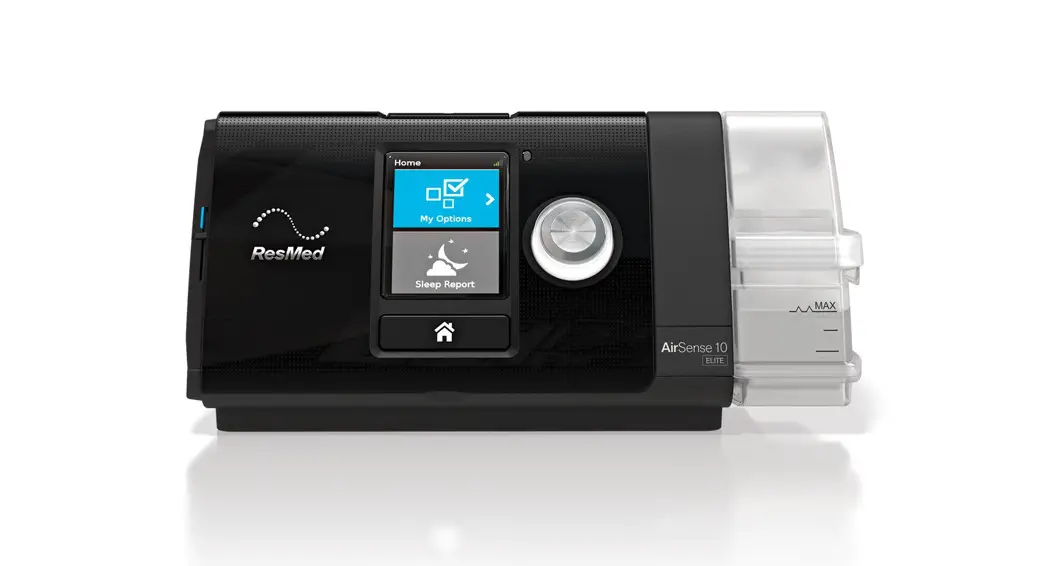
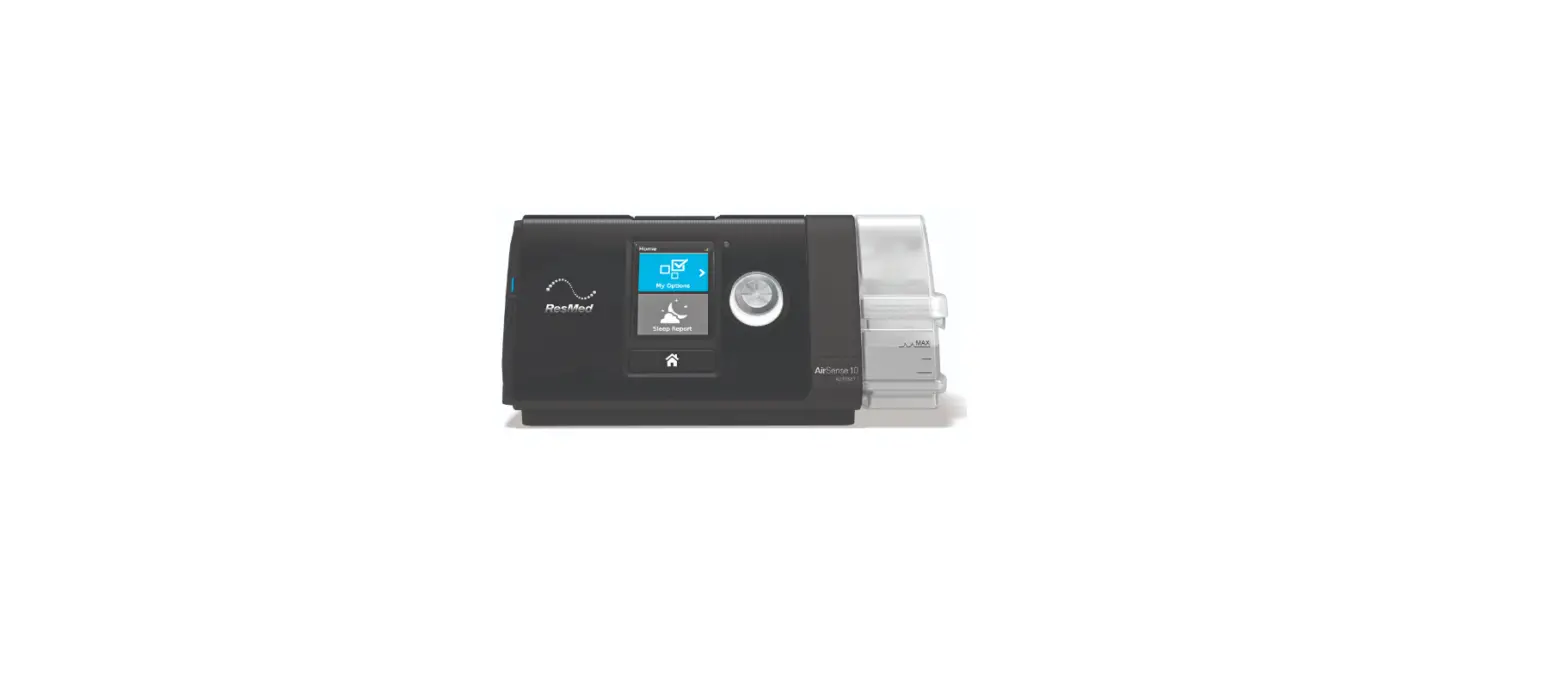
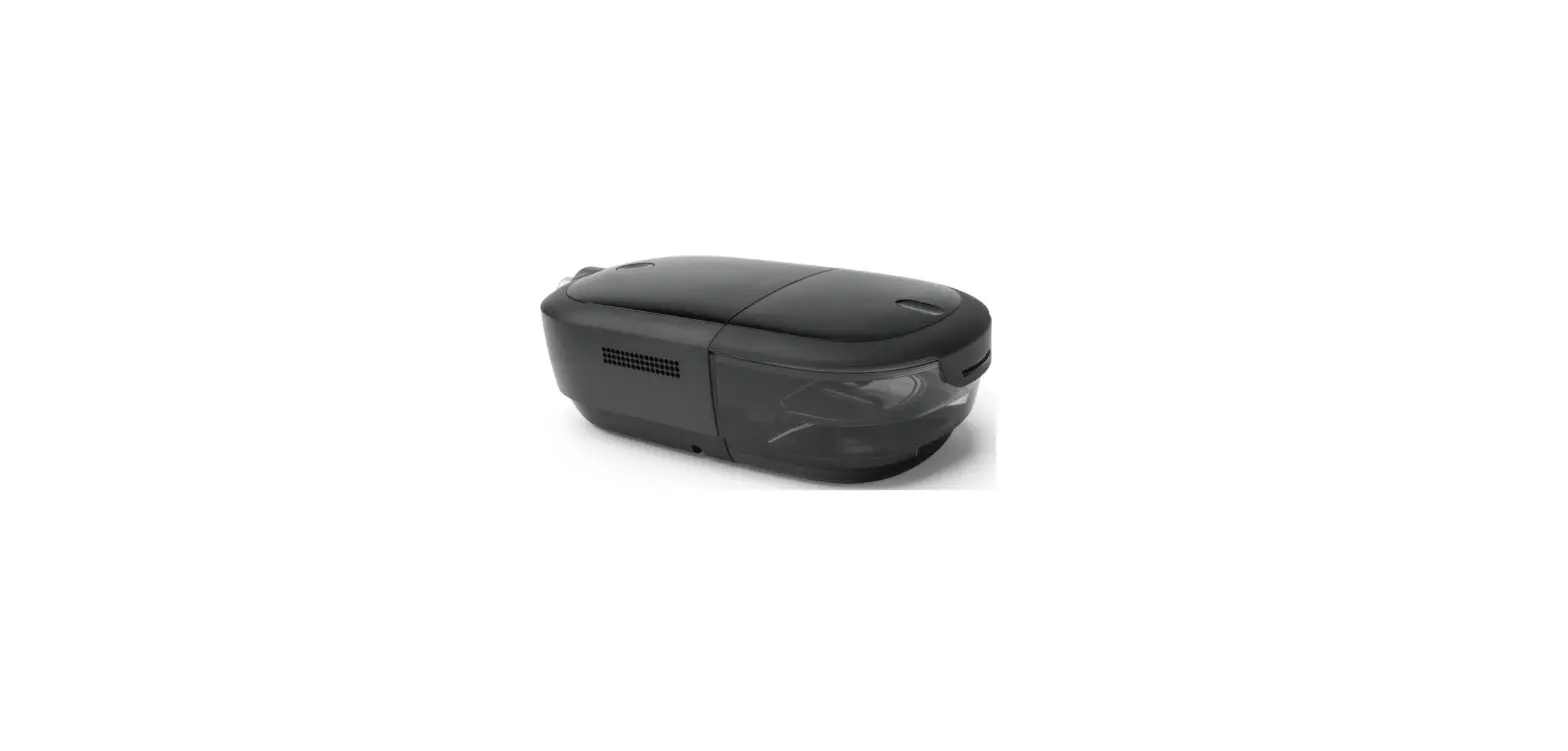
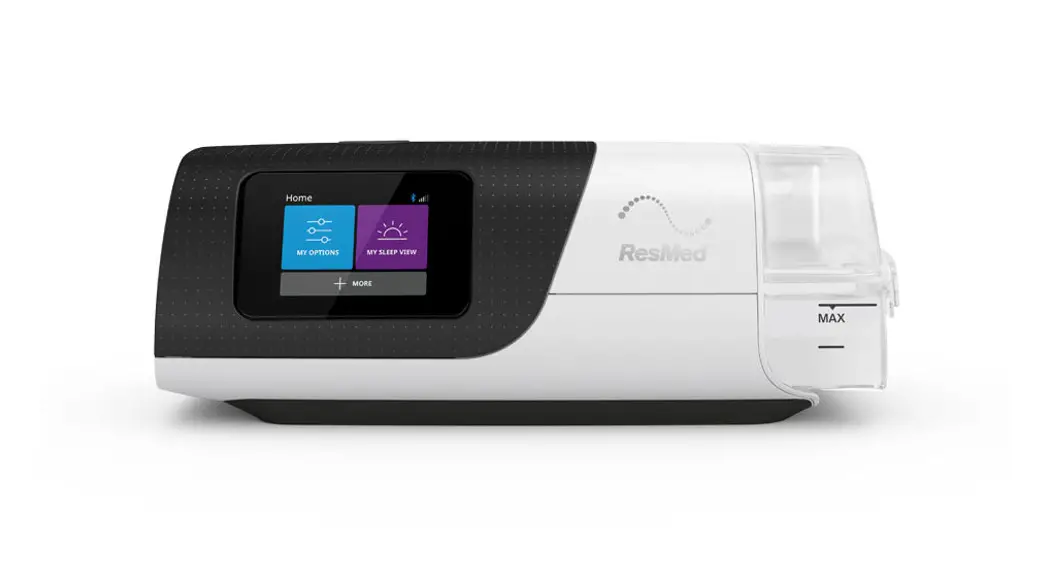
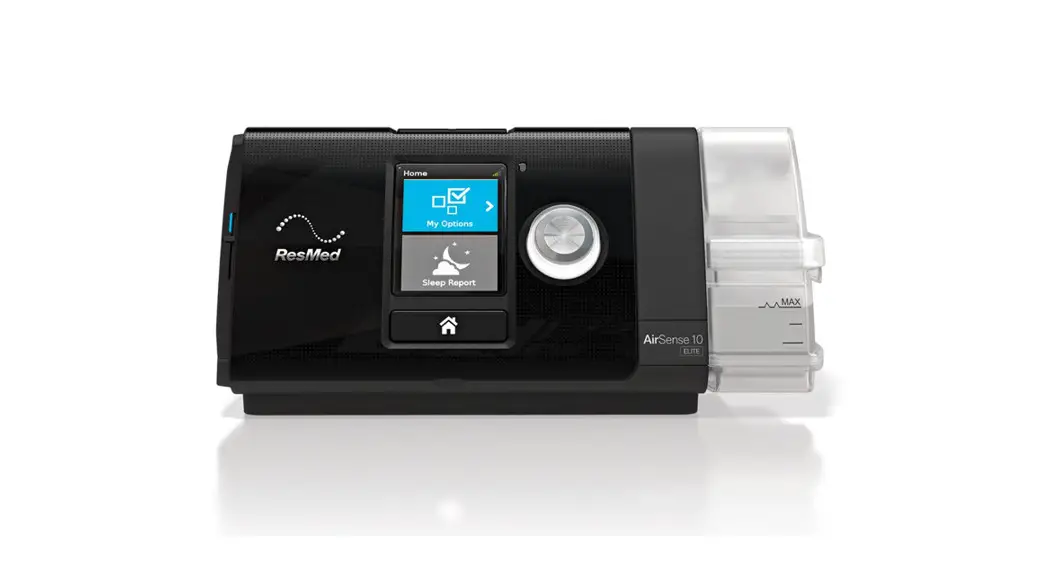
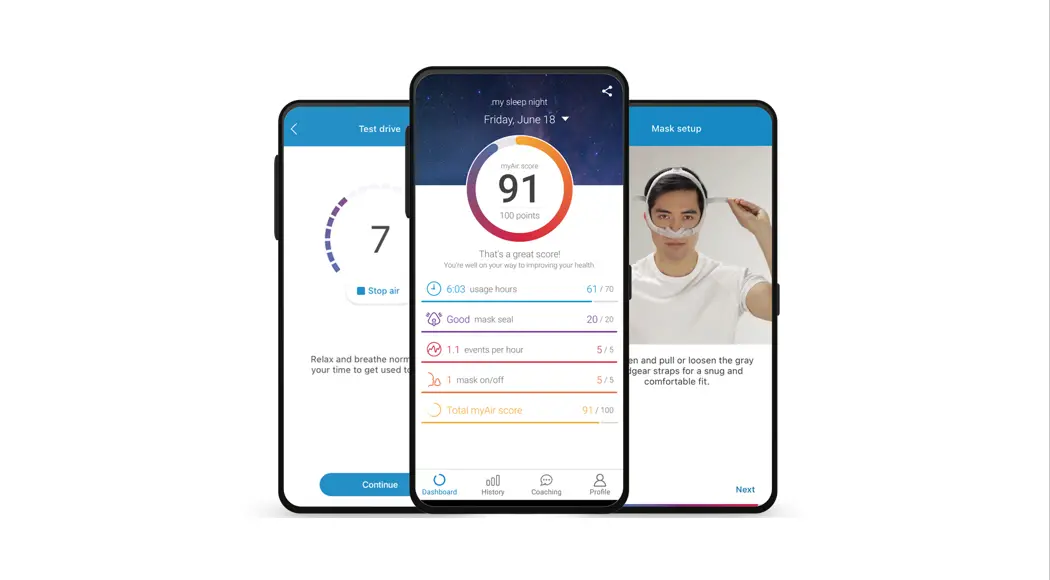
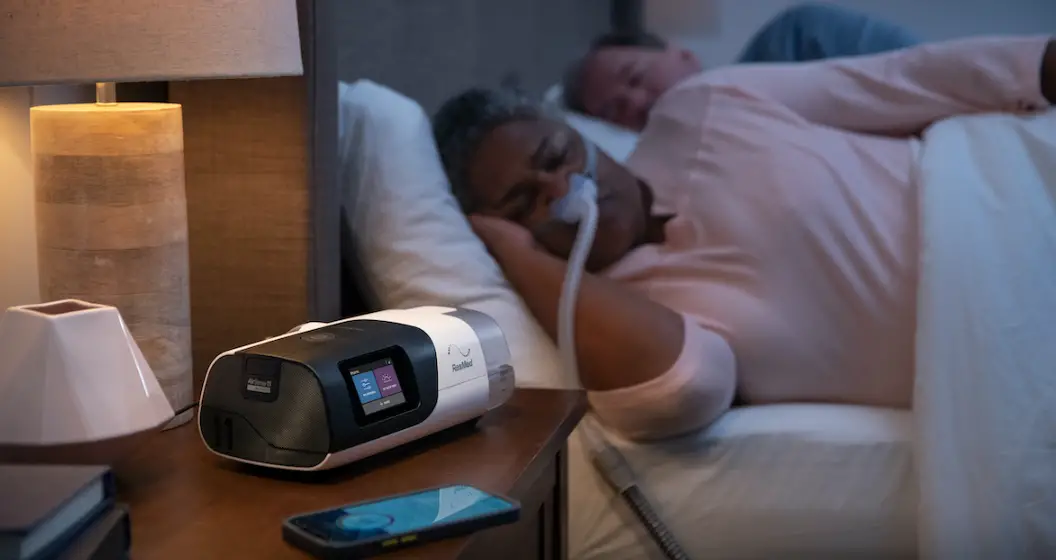
Luna II Sleep Therapy
Apria Sleep Therapy
Product Information
Formerly known as 3B Medical, Inc.
Quick Start Guide
Reference your Apria Sleep Therapy
User Guide or visit Apria.com/Sleep for more details.
Product Usage Instructions
Step 1: Attach the Power Cord
Attach the power cord to the PAP machine and connect the device
to a power outlet.

Step 2: Remove the Water Chamber
Remove the water chamber from the PAP machine.

Step 3: Fill the Water Chamber
Open the water chamber lid and fill it with water.

Step 4: Reinsert the Water Chamber
Reinsert the water chamber into the PAP machine.
Step 5: Connect the Tubing
Connect the tubing to the PAP machine.
Step 6: Insert the SD Card (if applicable)
If you received an SD card, insert it into the SD card slot.
Note: Newer devices may not require an SD card.
Step 7: Power On the PAP Machine
Turn the knob to power on the PAP machine and begin therapy.
Step 8: Fit Your Mask
If your doctor prescribed a specific mask and size, follow the
fitting instructions provided by the manufacturer. If you received
a mask with multiple cushions, follow the instructions below:
– There is a mask cushion currently attached to the frame of
your mask. This size fits most patients.
– If your mask is leaking or feels uncomfortable, try removing
the existing cushion and replacing it with a different size
cushion.
– If you are between sizes, it is best to use the larger
cushion.
– Use the Fitting Template (for nasal mask and full face mask)
and/or the manufacturer’s instructions included with your mask for
help.
Step 9: Put on Your Mask
Attach the tubing to your mask.
Step 10: Check for Air Leaks
Check for air leaks. Small leaks are acceptable. If large leaks
occur, consult your Apria Sleep Therapy User Guide.
Step 11: Lie Down and Take Deep Breaths
Lie down and take four deep breaths. The machine should start
automatically. If it doesn’t, press the Start Therapy/Standby
button. Relax and begin to take slow breaths through your nose.
Step 12: Your Setup is Complete
You are now ready to begin your PAP therapy!
Step 13: Cleaning and Maintenance
Make sure to follow the cleaning and maintenance instructions
provided and review the recommended supply replacement
schedule.
For Assistance
If you have any questions or need help setting up your device
and getting started, please call us at 877.265.2426 or visit
Apria.com/Sleep.
Support hours:
Monday – Friday: 8 a.m. – 10 p.m. ET
Saturday: 11 a.m. – 7:30 p.m. ET
SLP-4389 Rev. 07/23_v8
Your Apria Sleep Therapy
Quick Start Guide
React Health Luna® II
Formerly known as 3B Medical, Inc.
Get Started
Reference your Apria Sleep Therapy User Guide or go to Apria.com/Sleep for more details.
1
Attach the power cord to the PAP machine
and connect device to
a power outlet.
DC Inlet
See User Guide page 5
Power Adapter Power Cord
2 Remove the water chamber from the PAP machine.
See User Guide page 5
3 Open the water chamber lid and fill with water.
See User Guide page 5
4 Reinsert the water chamber into the PAP machine.
See User Guide page 6
5
Connect the tubing to the PAP machine.
See User Guide
page 6
Air Outlet
Tube
6
If you received an SD card, insert it into the
SD card slot.
SD Card Slot
Note: Newer devices
do not need an SD card.
See User Guide page 6
7
Turn knob to power on PAP machine and begin therapy.
See User Guide page 12
Turn knob
8 Fit your mask. If your doctor prescribed a
specific mask and size, follow the fitting instructions provided by the manufacturer. If you received a mask with multiple cushions, follow these instructions:
There is a mask cushion currently attached to the frame of your mask. This size fits most patients. Once you begin therapy, if your mask is leaking or feels uncomfortable, try removing the existing cushion and replacing it with a different size cushion. If you are between sizes, it is best to use the larger cushion. Use the Fitting Template (for nasal mask and full face mask) and/or the manufacturer’s instructions included with your mask for help.
See User Guide page 7
11 Attach the tubing to your mask.
(If using prescribed oxygen, consult page 11 in your Apria Sleep Therapy User Guide.) See User Guide page 11
12 Lie down and take four deep breaths.
The machine should start automatically. If you do not hear the machine start, press the Start Therapy/Standby button. Relax and begin to take slow breaths through your nose. See User Guide page 13
Nasal Mask
Nasal Pillow Mask
Full Face Mask
13 Check for air leaks.
Small leaks are acceptable. If large leaks occur, consult your Apria Sleep Therapy User Guide.
See User Guide pages 1314
9 Put on your mask.
See User Guide pages 810
14 Your setup is complete. You are now ready to
begin your PAP therapy! See User Guide page 15
10
Attach the tubing to the PAP machine.
See User Guide page 11
15
Make sure to follow the cleaning and maintenance instructions provided and review
the recommended supply replacement schedule.
See User Guide pages 2021
©2023 Apria Healthcare Group LLC
If you have any questions or need help setting up your device and getting started, please call us or visit Apria.com/Sleep.
877.265.2426
Monday – Friday: 8 a.m. – 10 p.m. ET Saturday: 11 a.m. – 7:30 p.m. ET
SLP-4389 Rev. 07/23_v8
 Apria Sleep Care