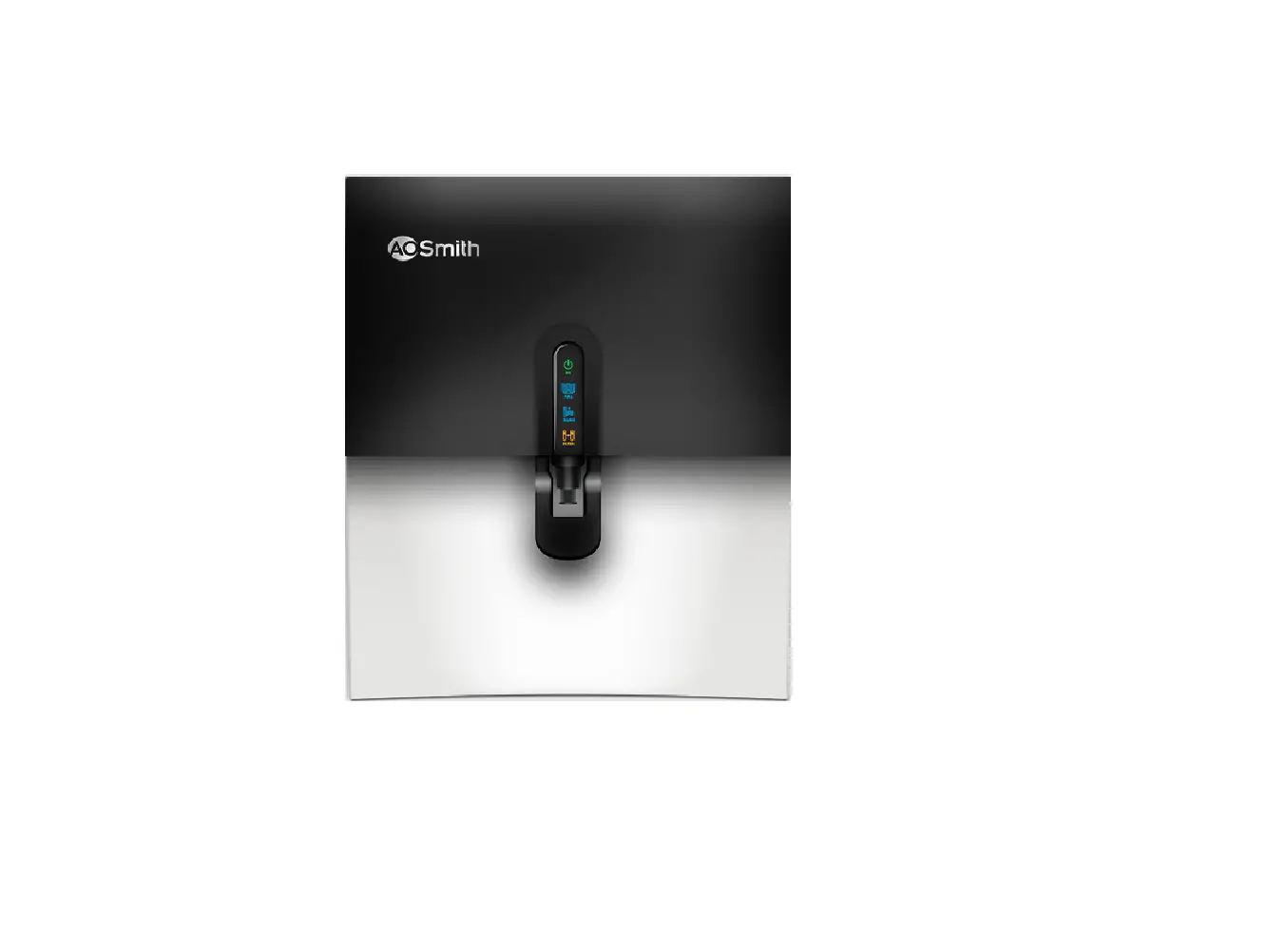
AirOxPro Water Treatment System
Product Information:
The AirOxPro is a programmable device that allows users to set
various settings related to service calls, day override,
regeneration time, and time of day. It features a display screen
and control buttons for easy navigation and adjustment.
Product Usage Instructions:
- Start from the time of day screen.
- Press and hold the NEXT and down arrow buttons simultaneously
until the display changes. - After the display changes, “CALL” will be shown on the valve
after a time period of your choosing to prompt the user to call for
service. - Press the NEXT button once you have set the desired time period
for the service call prompt. - You will now be back at the time-of-day screen.
- Press and hold the NEXT and up buttons simultaneously until the
display changes. - Set the Day Override to “3 DAYS” by using the appropriate
buttons. - Press the NEXT button to confirm the Day Override setting.
- Set the Time of Regen to “12:30 AM” using the control
buttons. - Press the NEXT button to confirm the Time of Regen
setting. - Set the Time of Day according to your preference using the
control buttons. - The system is now ready for use.
AirOxPro PROGRAMMING MANUAL
1. From the time of day screen, press and hold the NEXT and down arrow buttons until the display changes.
2. Push the up arrow until you get to IRON FILTER and press NEXT. 3. Set the First Backwash to 10 minutes. Press NEXT. 4. Set Rinse for 8 minutes. Press NEXT. 5. Set the Brine Draw to 40 minutes. Press NEXT. 6. Set the Second Backwash to OFF. Press NEXT. 7. Set the Pounds of Salt to OFF. Press NEXT. 8. If metered valve, set the Capacity to 5.0×1000. Press NEXT. 9. Set the Regen to OFF. Press NEXT. 10. Set the Relay to OFF. Press NEXT. 11. The Call setting can either be ignored or set to your preference.
This setting will display CALL on the valve after a time period of your choosing to prompt the user to call for service. Press NEXT once you’ve got this set to your preference. 12. You should be at the time-of-day screen again. Press and hold the NEXT and up buttons until the display changes. 13. Set the Day Override to 3 DAYS. Press NEXT. 14. Set the Time of Regen to 12:30 AM. Press NEXT. 15. Set the Time of Day and the system is ready.
8150 N. Lehigh Ave, Morton Grove, IL 60053 · www.chargerwater.com/kenaiwater Kenai is a trademark of Charger Water Treatment Products.
 Water Treatment Supplier - Water Treatment Professionals - Wholesale Water Treatment Products