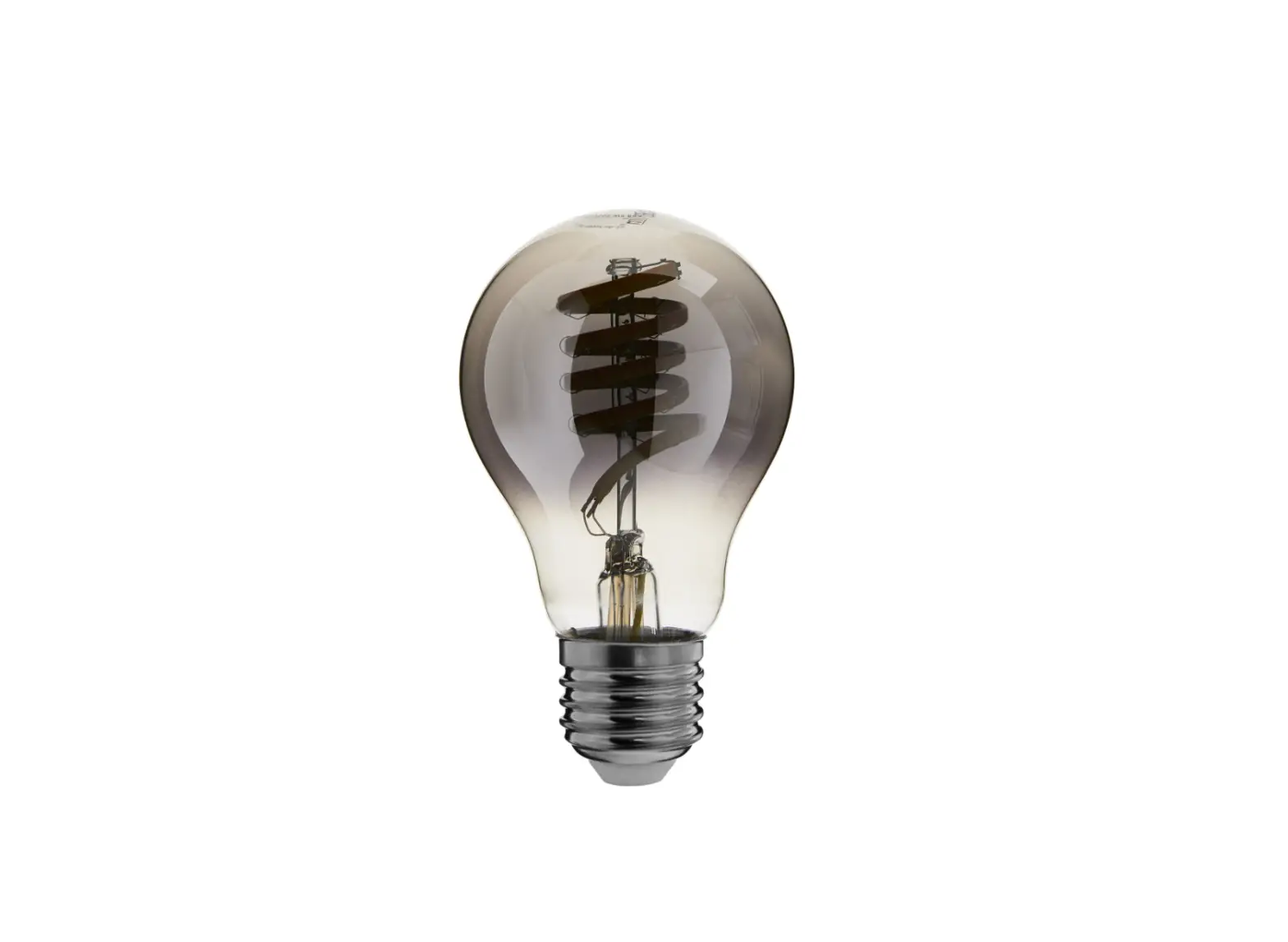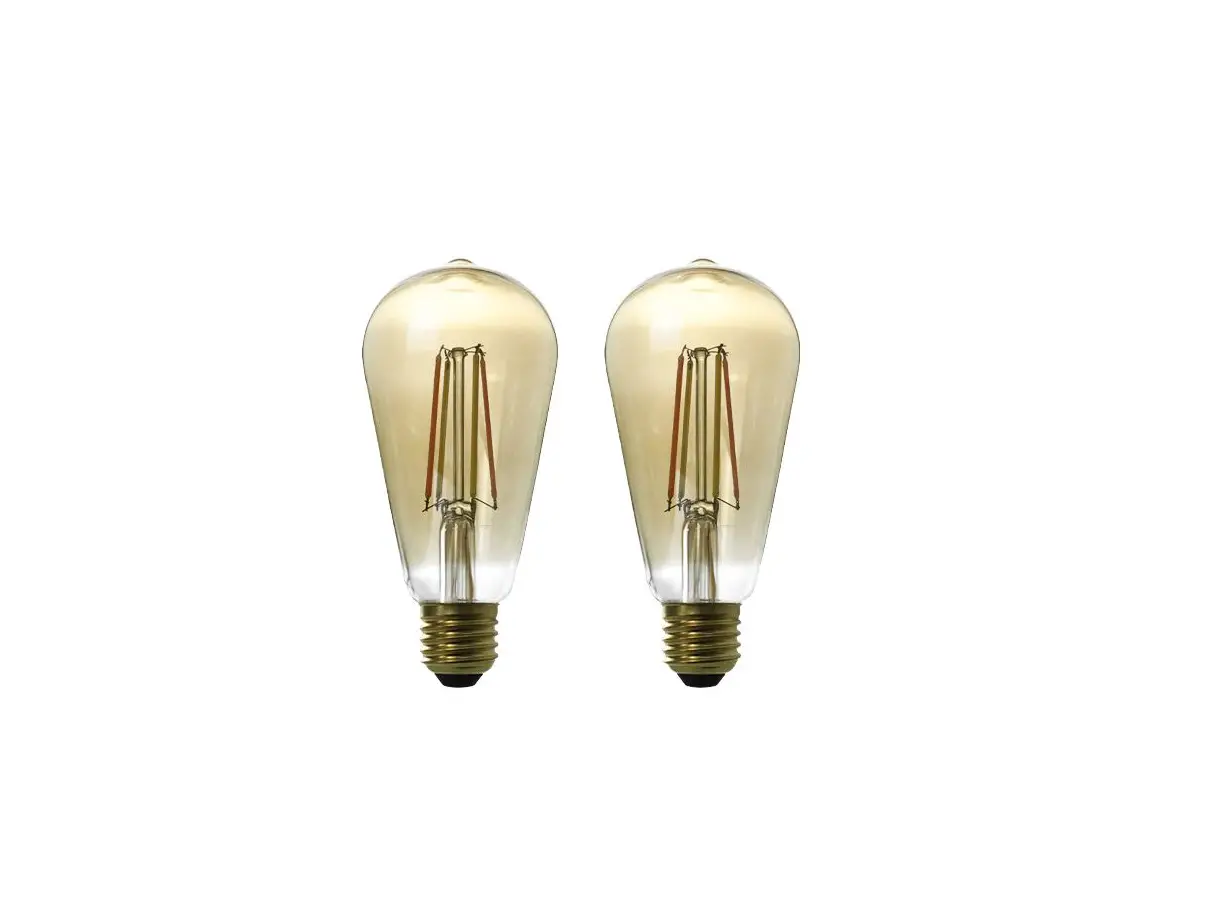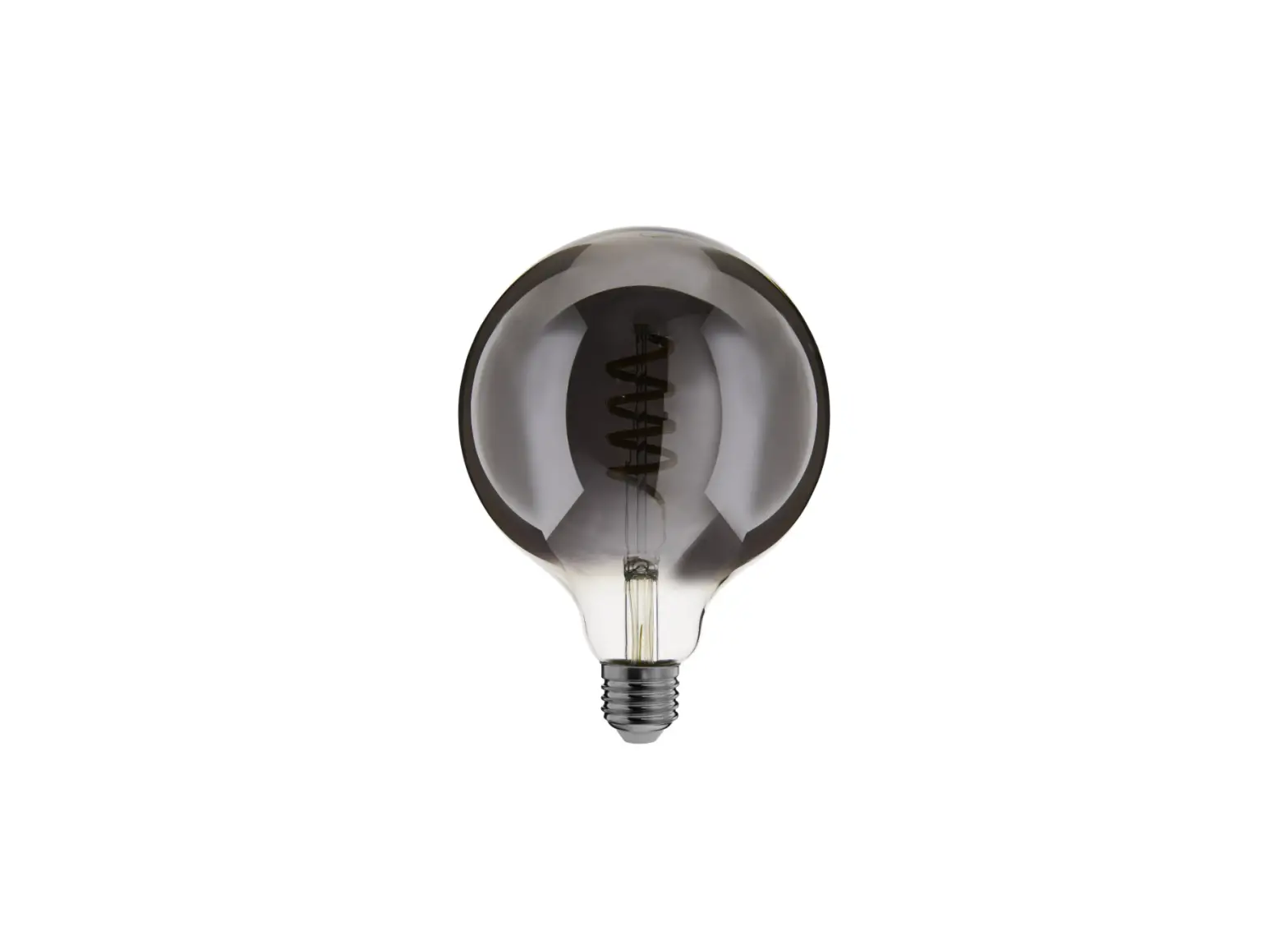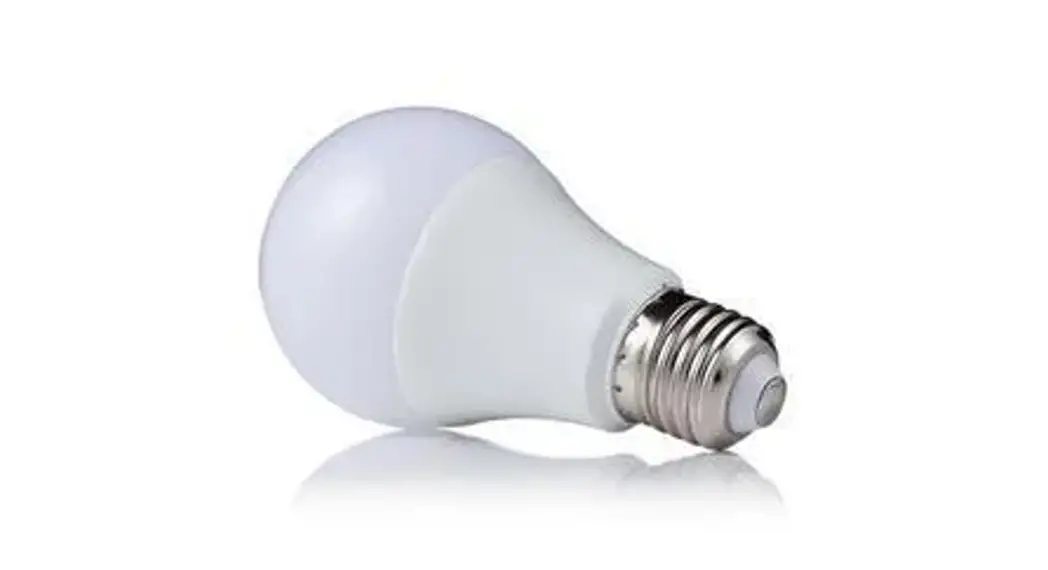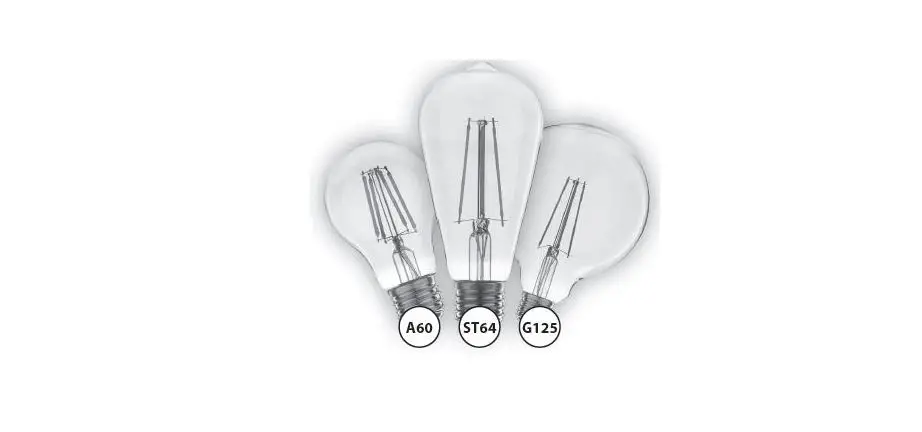

EcoDim ST64 Zigbee LED Filament Lamp
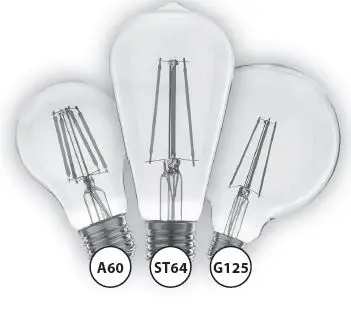
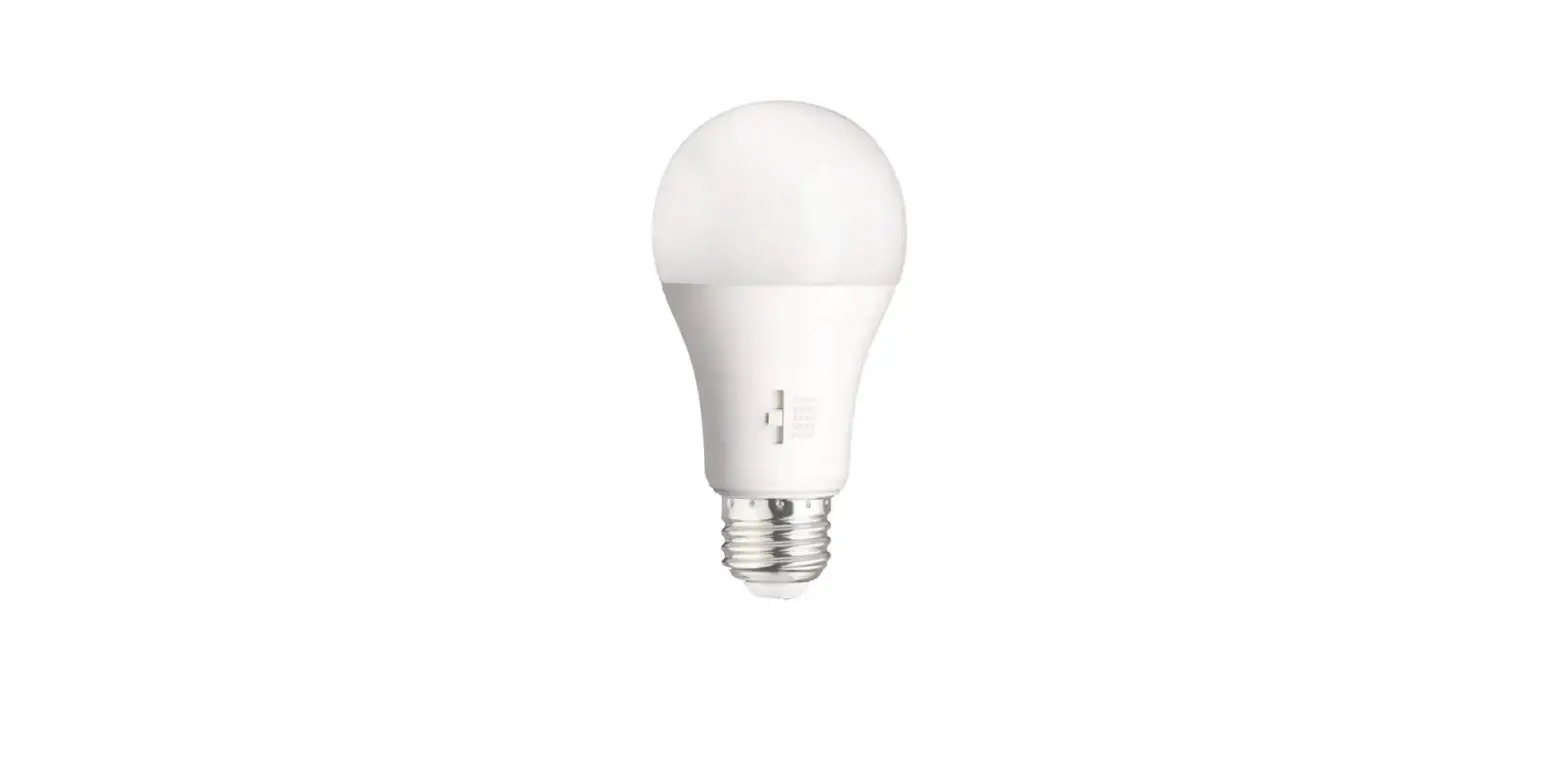
Smart led filament lamps
| Wattage: | 5W | Voltage: | 230V | ||||
| Kelvin: | 2200K | Fitting: | 2200k | ||||
| CRI: | >80 | Dimmable: | Yes | ||||
| Lumen: | 400LM | IP Rate: | 20 | ||||
| Beam Angle: | 360º | Lifetime: | 15000Hours | ||||
| Guarantee: | 2 Years |
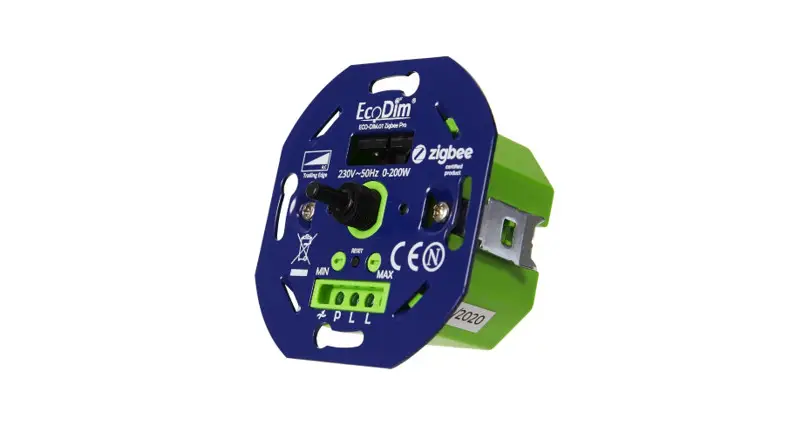
The EcoDim Zigbee LED filament has a flame light colour 2200K and has excellent dimming performance 0-100%. You can control the dimmability in your smart home system. The LED filament also offers Touchlink support, making it easy to connect wireless switches (which also support Touchlink). In addition, the bulb can be voice-controlled by using Amazon Alexa or Google Assistent. This may require a hub.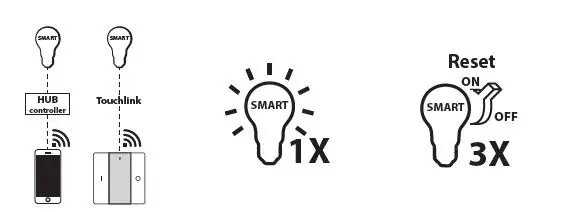
- When you switch on the lamp, it is immediately in pairing mode. The lamp remains connected at all times.
- When you are successfully connected to the lamp, the lamp will flash 1 time. Switch the lamp on / off a total of 3 times, then the light flashes and the smart LED lamp is reset. If you have the app, you can use the app to reset/remove the smart LED lamp.
Works with
- Amazon Alexa
- Google Home (via e.g. Hue Bridge)
- Philips Hue
- Homey
- Aduro Smart
- Trust Smart Home (KlikAanKlikUit)
- Futurehome
- Samsung SmartThings
 -
-