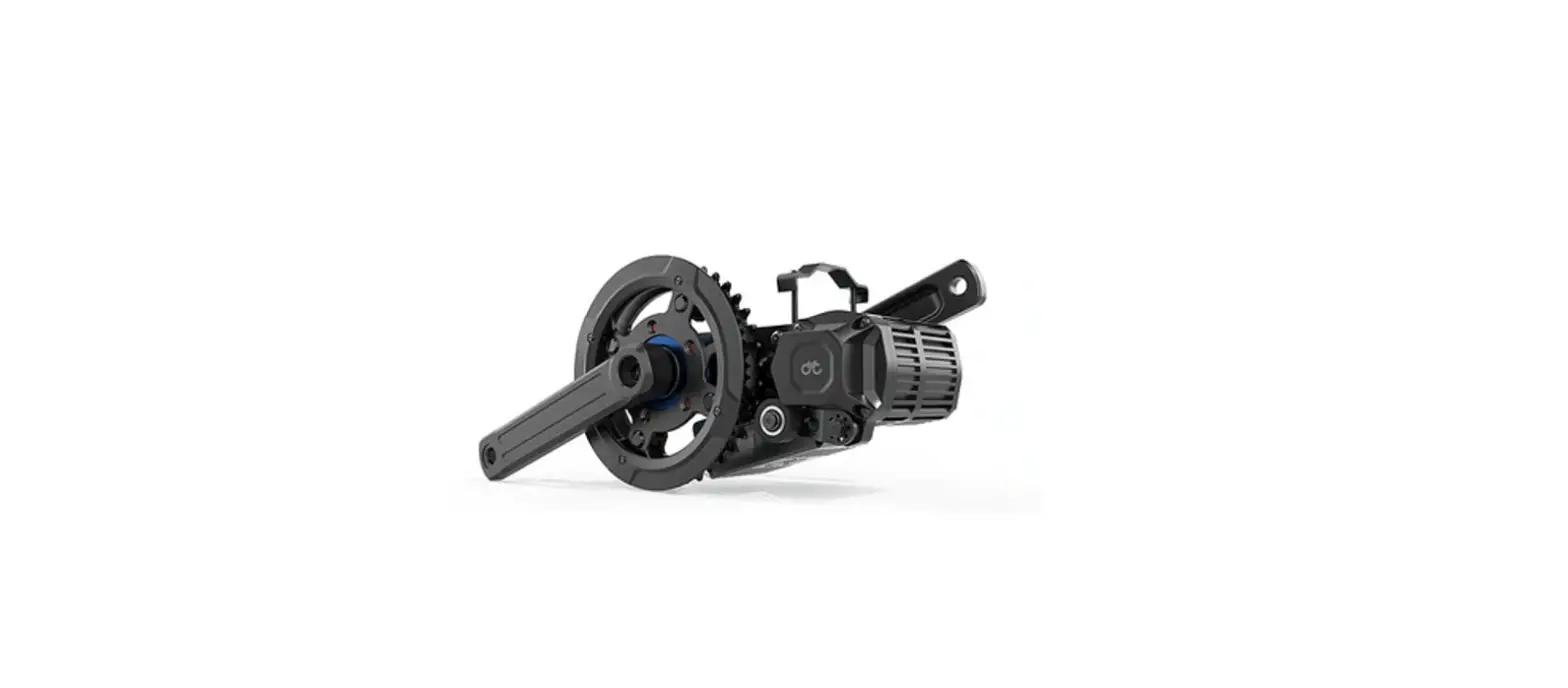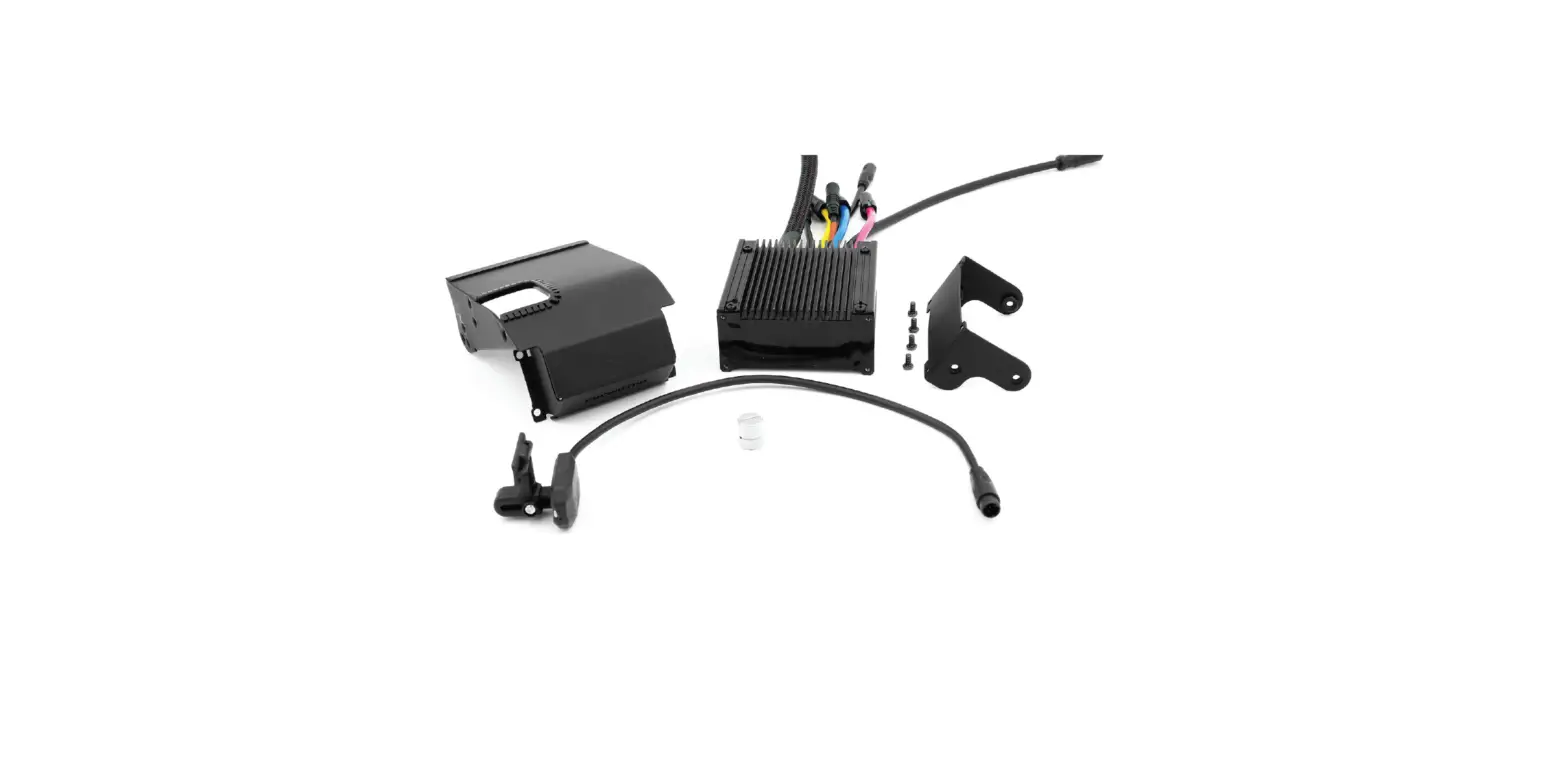

CYCMOTOR X6 Controller Upgrade Kit
Requirements
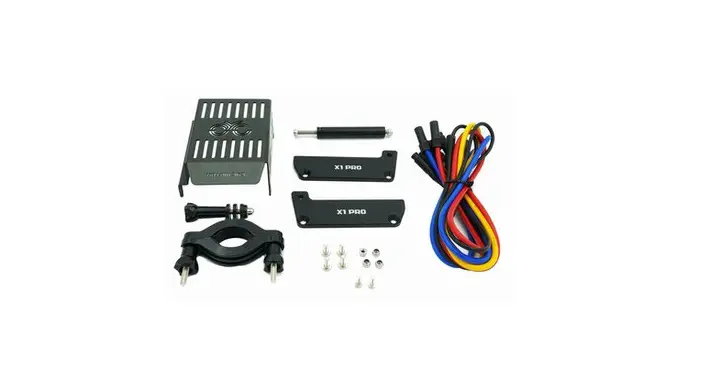
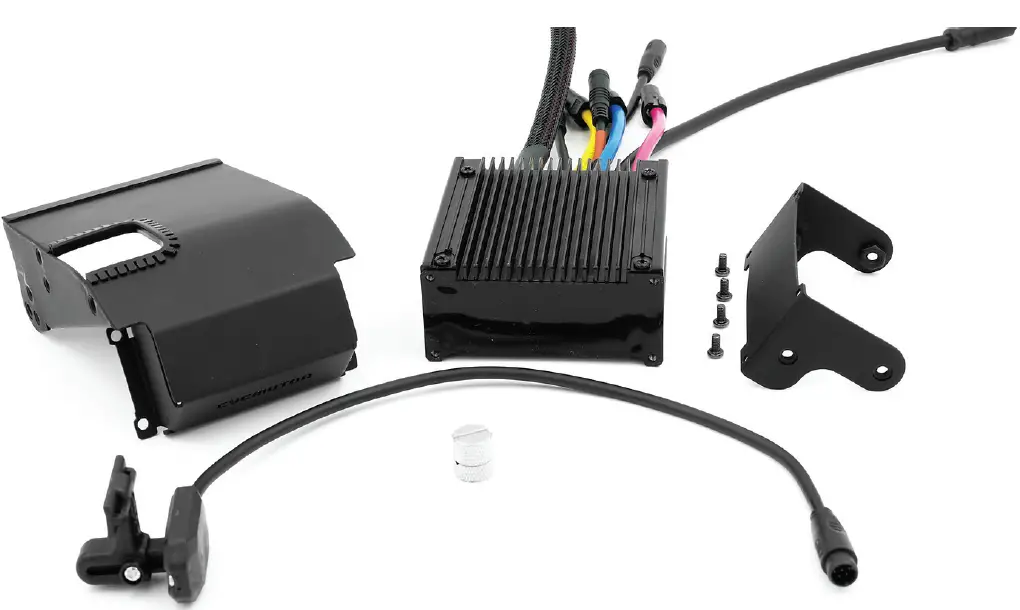
To upgrade from the ASI BAC855 to the CYC X6 Controller, the follow components are required for conversion:
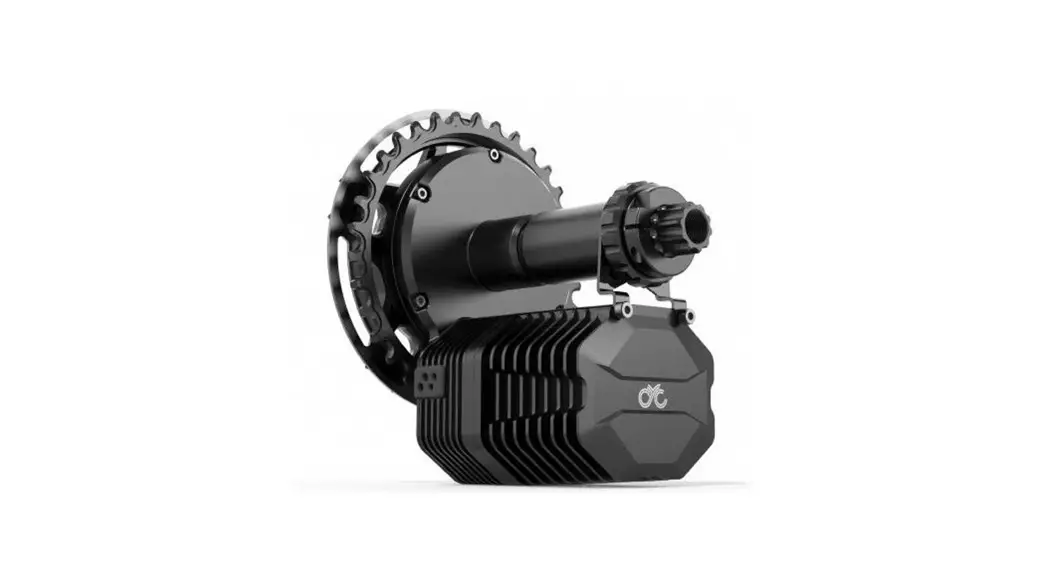
- X6 Controller
- Wire Cover Plate
- Bluetooth Speed Sensor & Magnet
- Speed Sensor Magnet
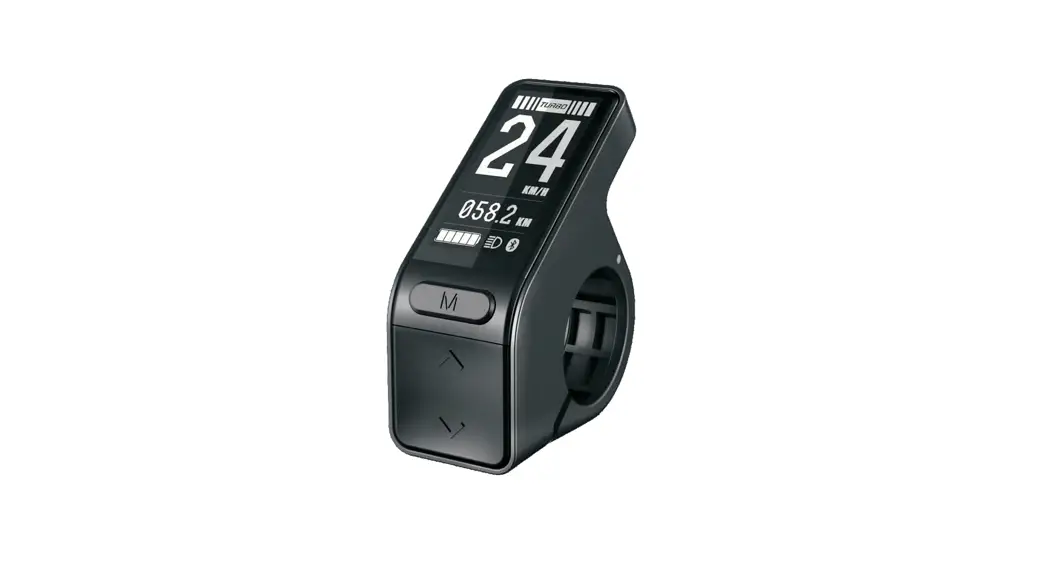
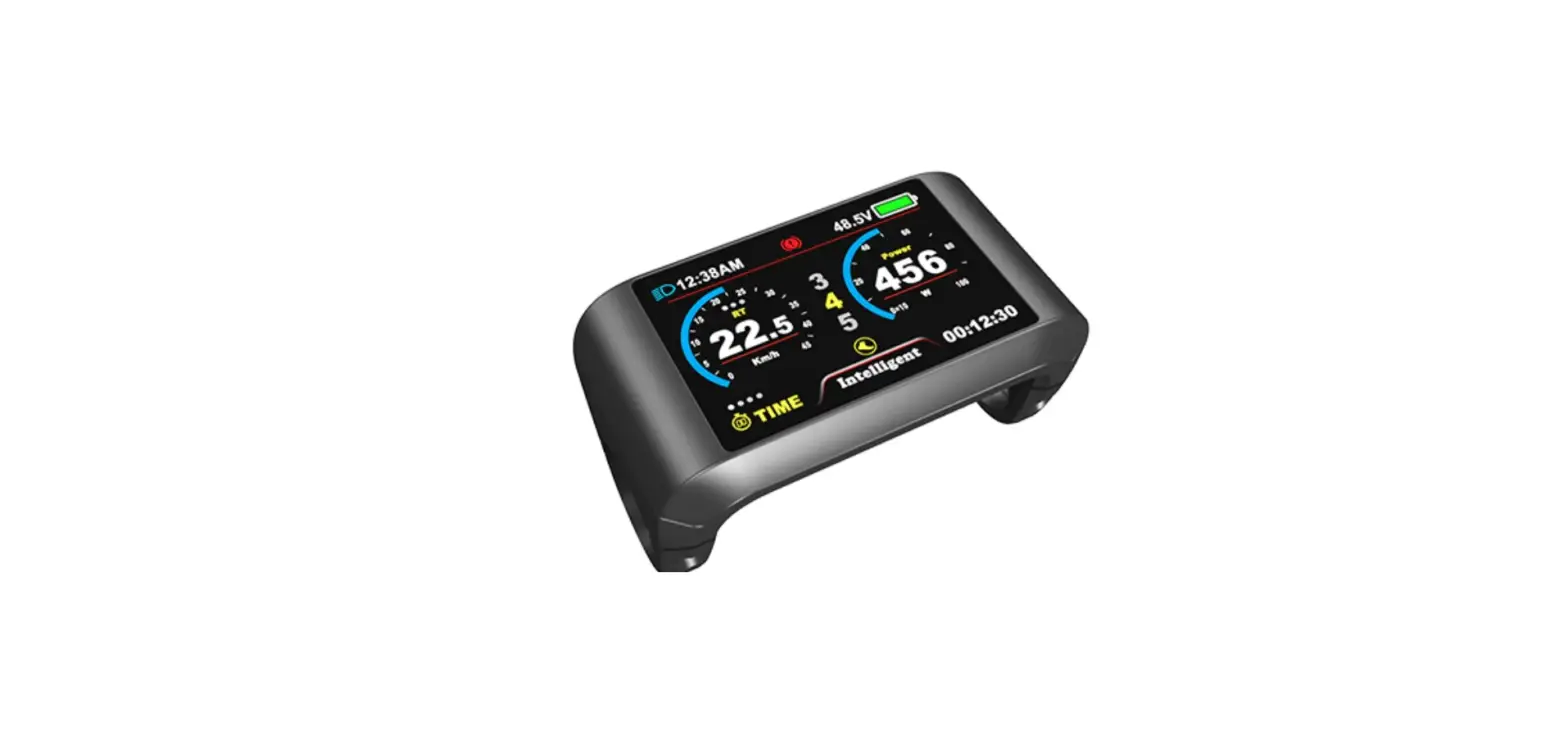
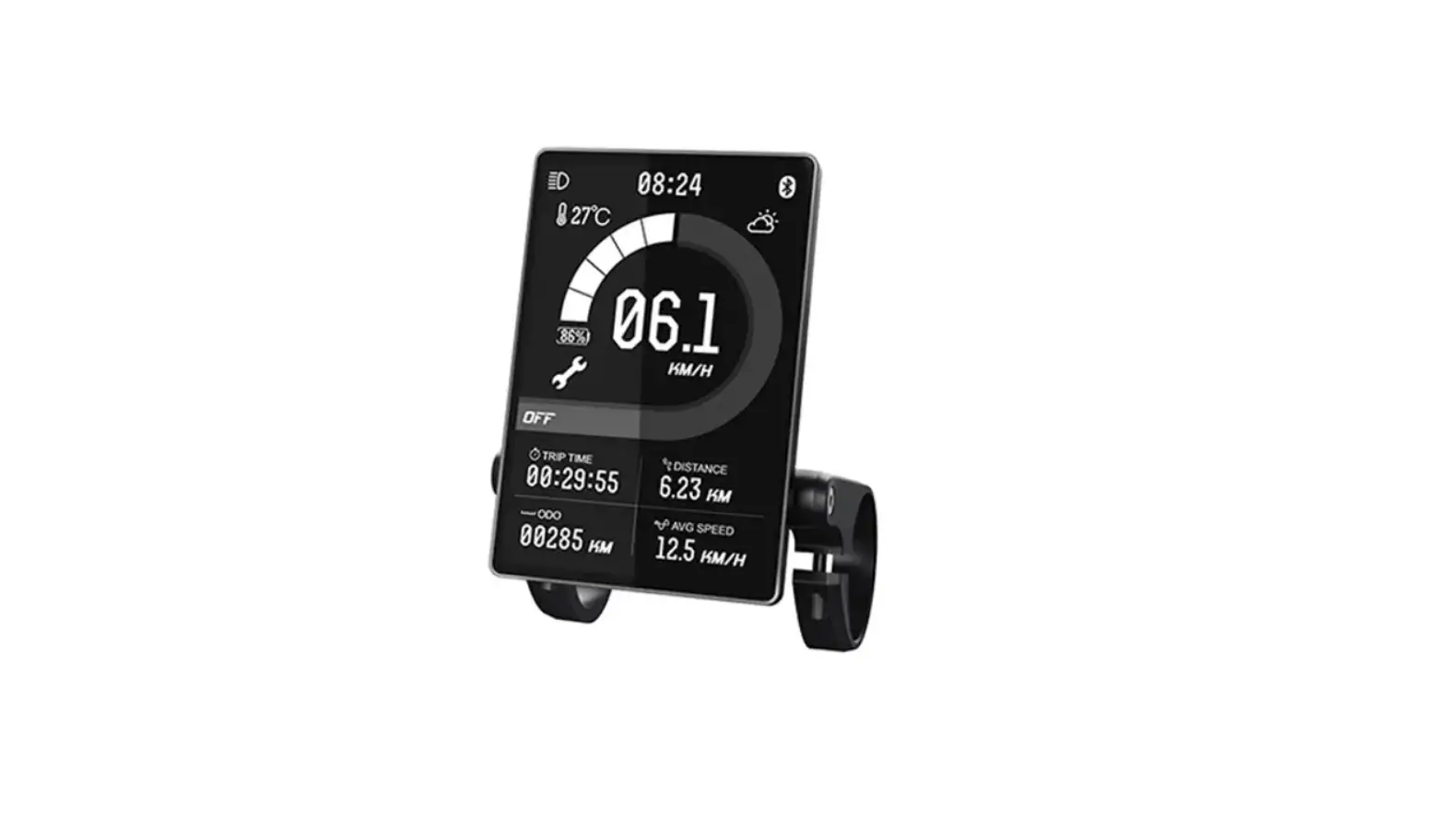
- SW102/ DS103 Display (optional)
Please note that the sptes and images used in the below guide are for reference only. We strongly encourage you to email [email protected] if you are uncertain about any of the steps described below.
CYC X6 Controller Upgrade Kit Guide
- STEP 1:
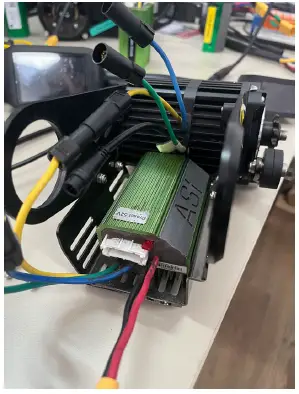
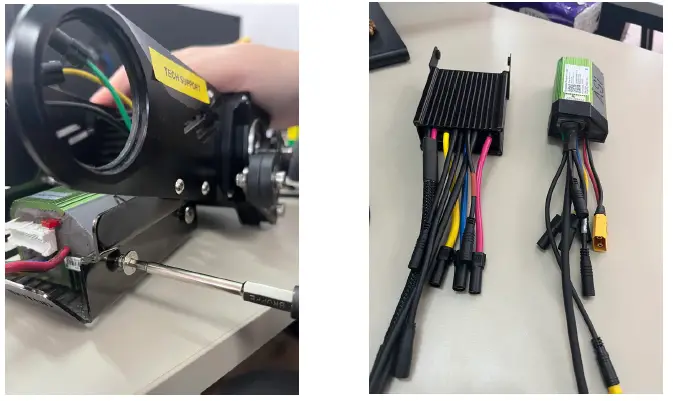
Unplug the phase wires (yellow, blue, red), torque sensor wire, motor wire & XT90 connector from the BAC855 controller mount.
- STEP 2:
Unscrew the BAC855 controller mount bolts from both sides and remove the controller & controller mount to install the X6 controller.
- STEP 3:
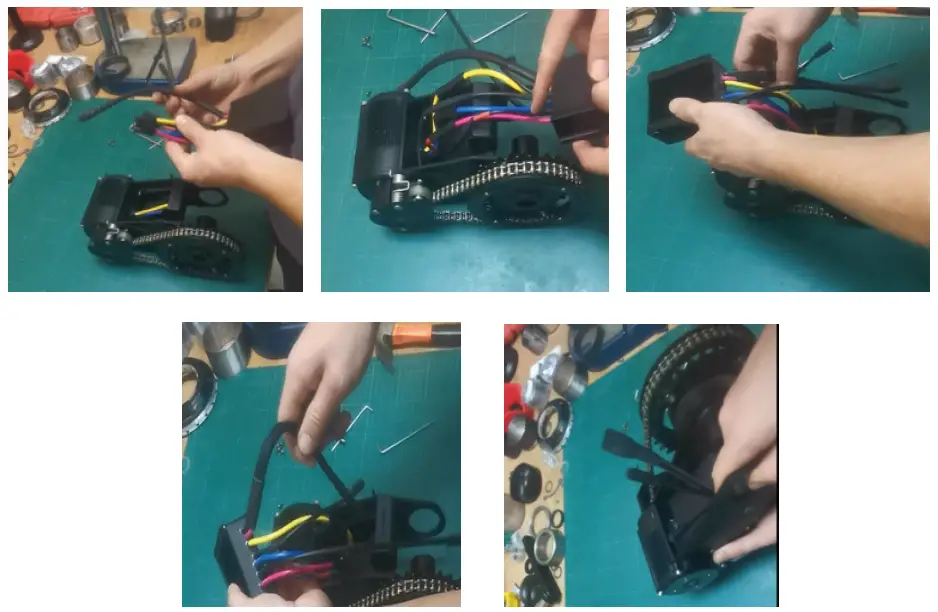
Plug in the phase wires (yellow, blue, (green = red)) & insert the torque sensor wire, motor wire, XT90 connector at the back of the controller mounting plate.
- STEP 4:
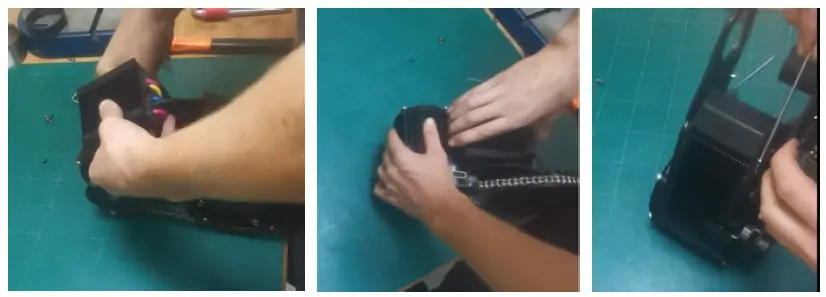
Gently bend all the wires, and the house them inside the controller housing, then tighten all the bolts on the controller mount.
And finished! As mentioned prior, kindly contact [email protected] if further assistance is needed. Thank you!. - STEP 5:
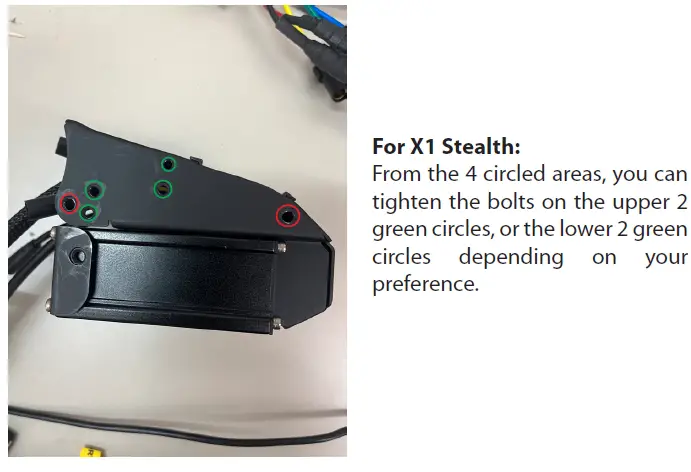
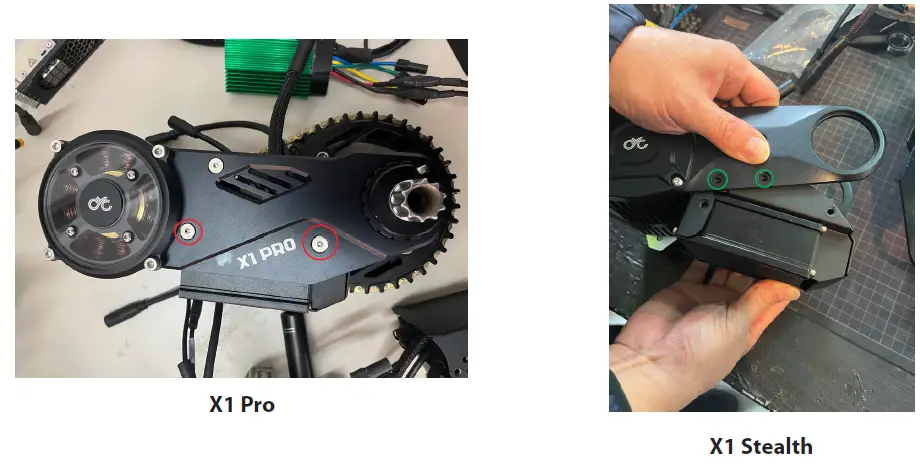
Tighten the bolts according to the kit you have as follows. (X1 Pro, M5 Bolts = red circle, X1 Stealth, M4 Bolts = green circle).

[email protected]
+852 3690 8938