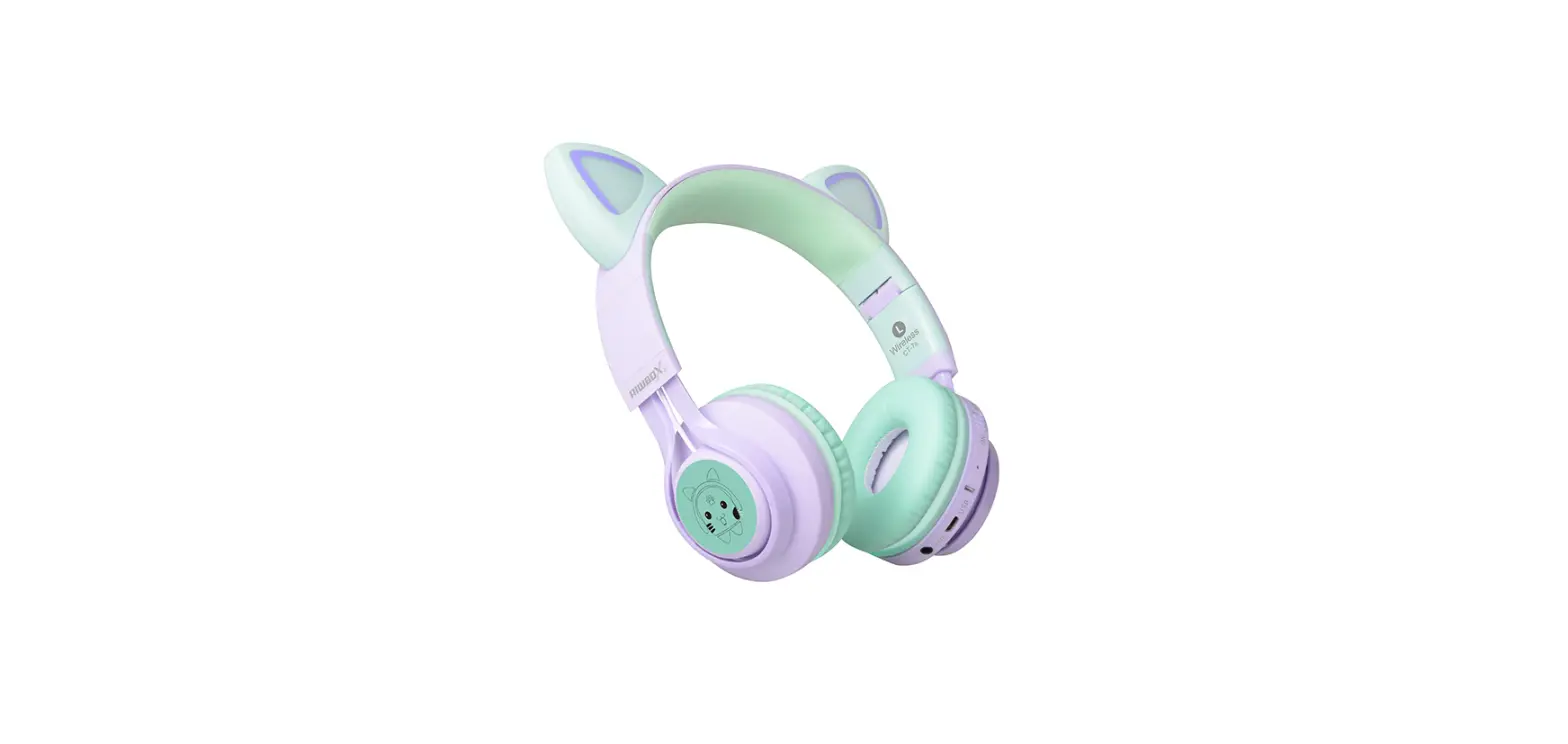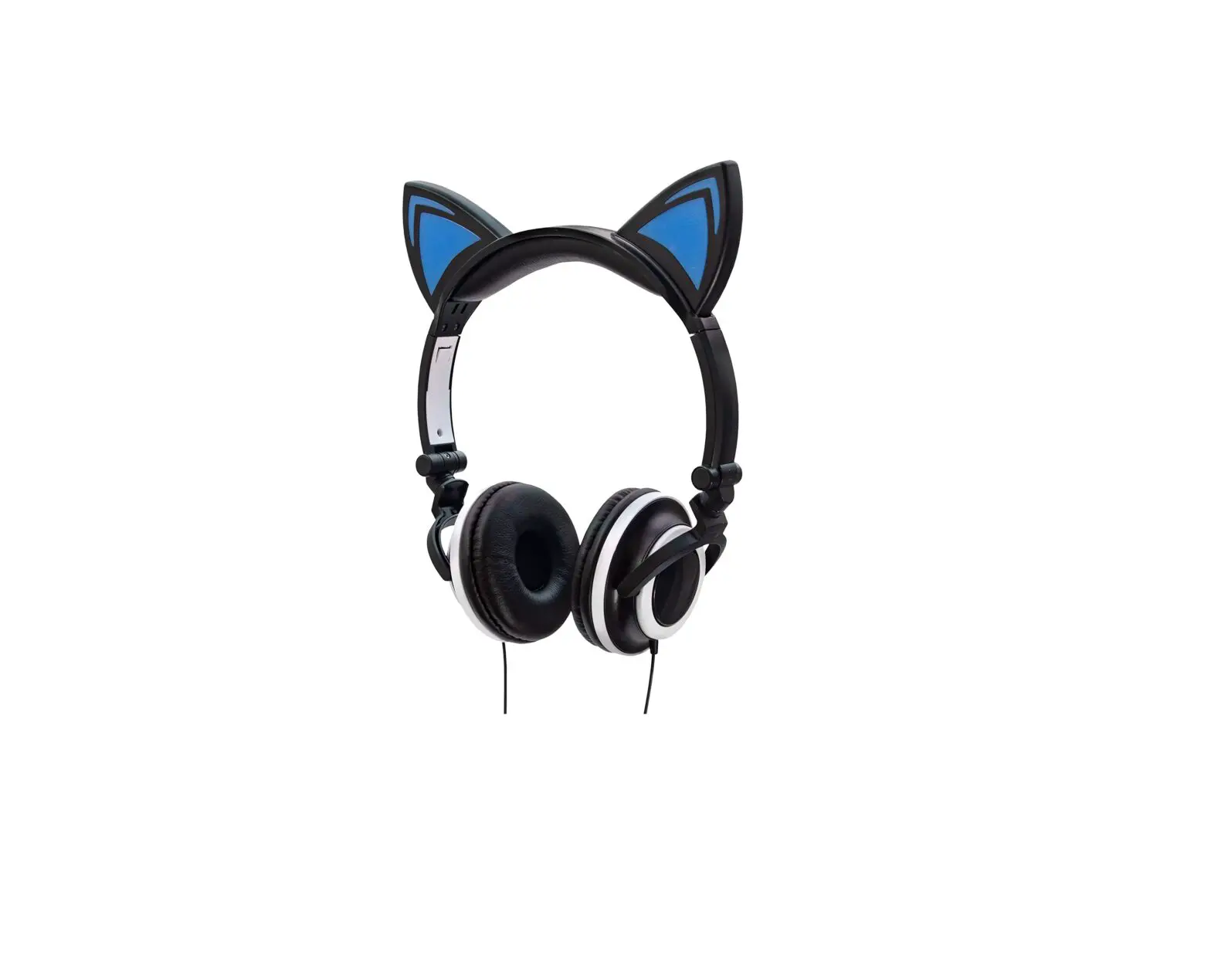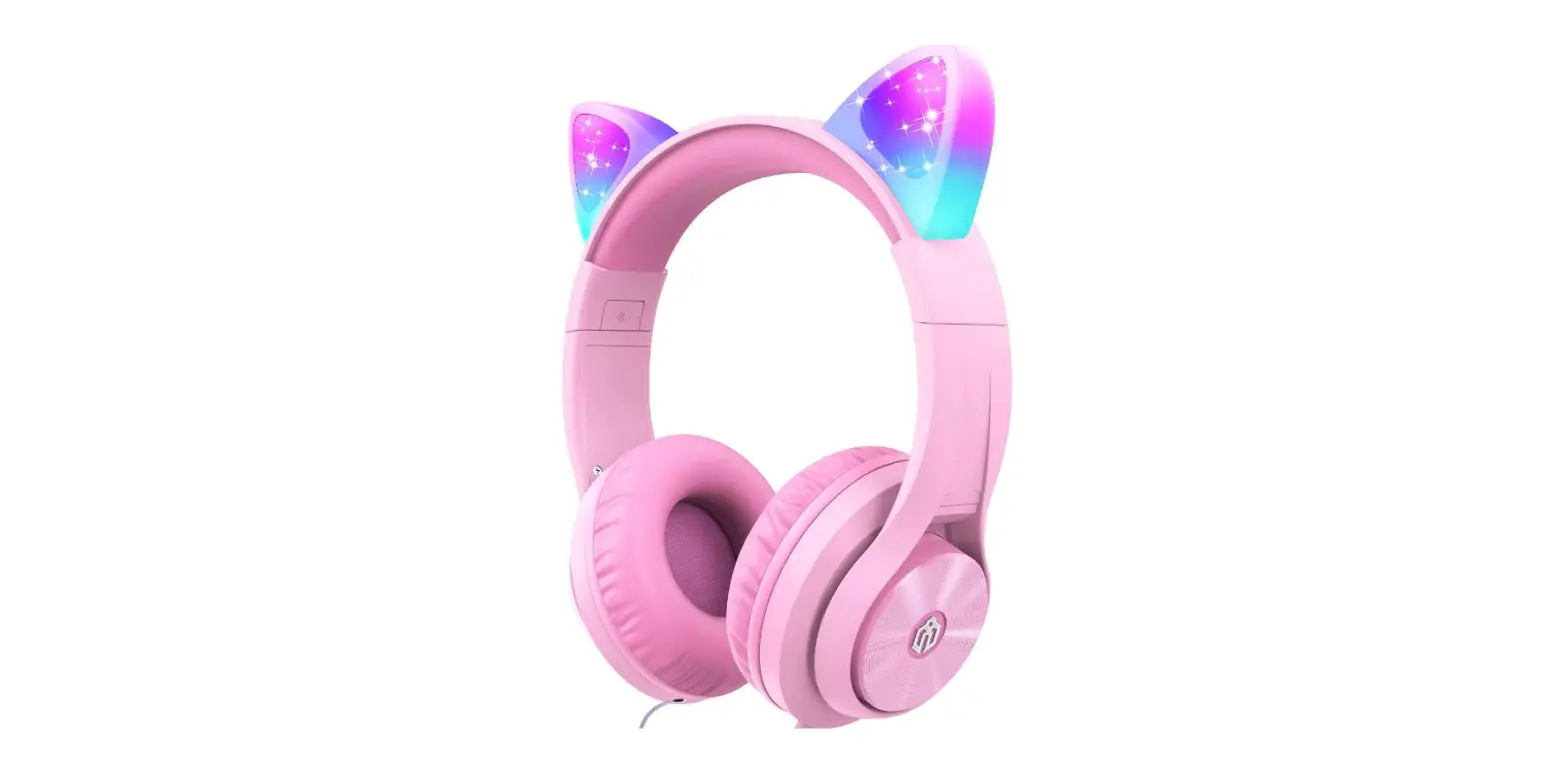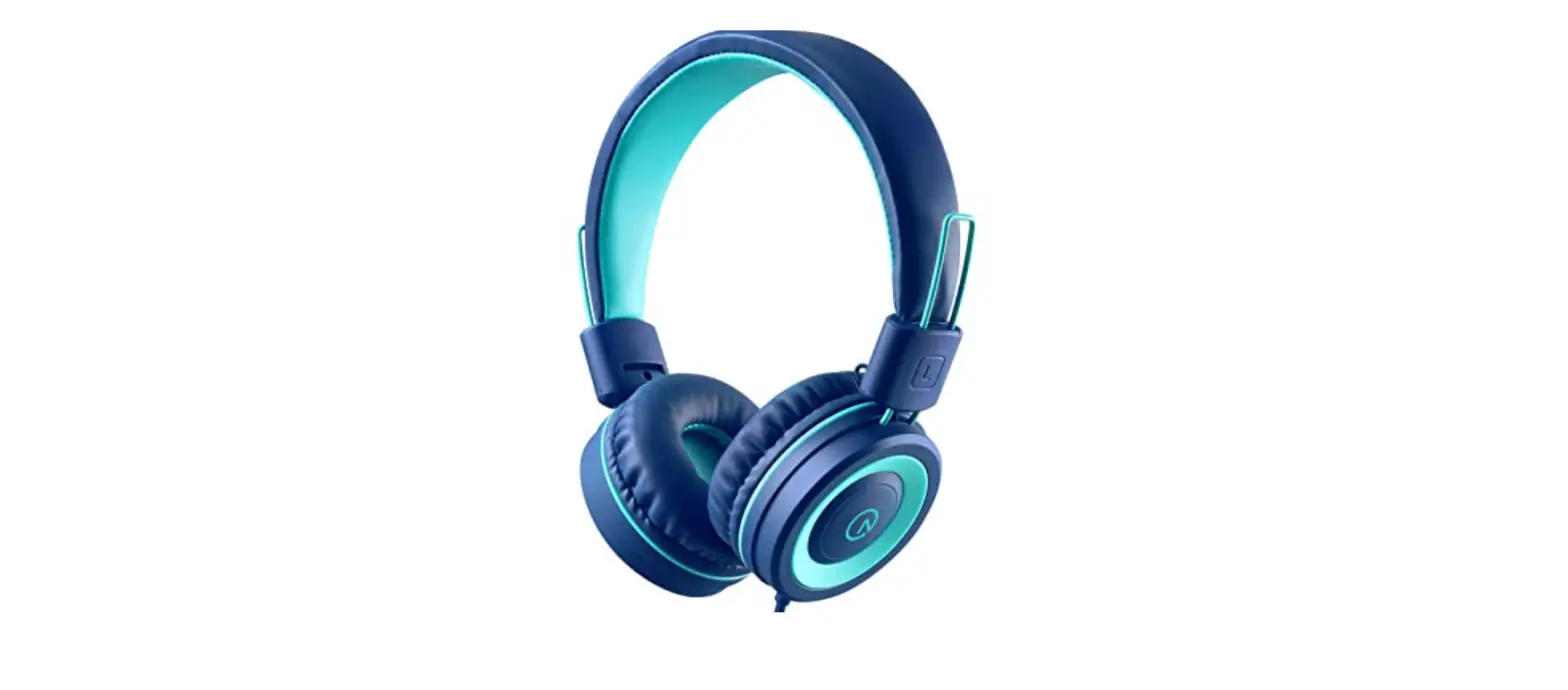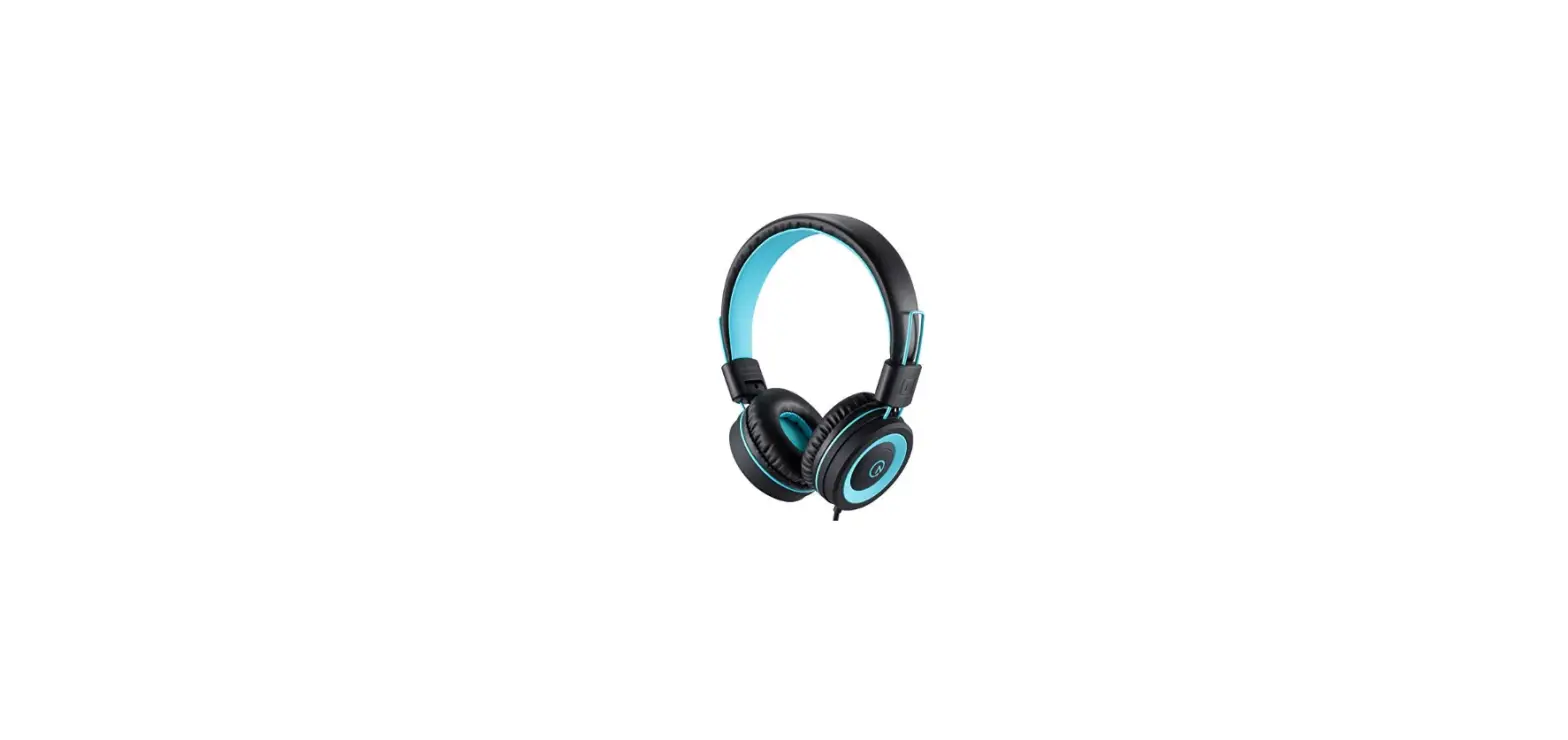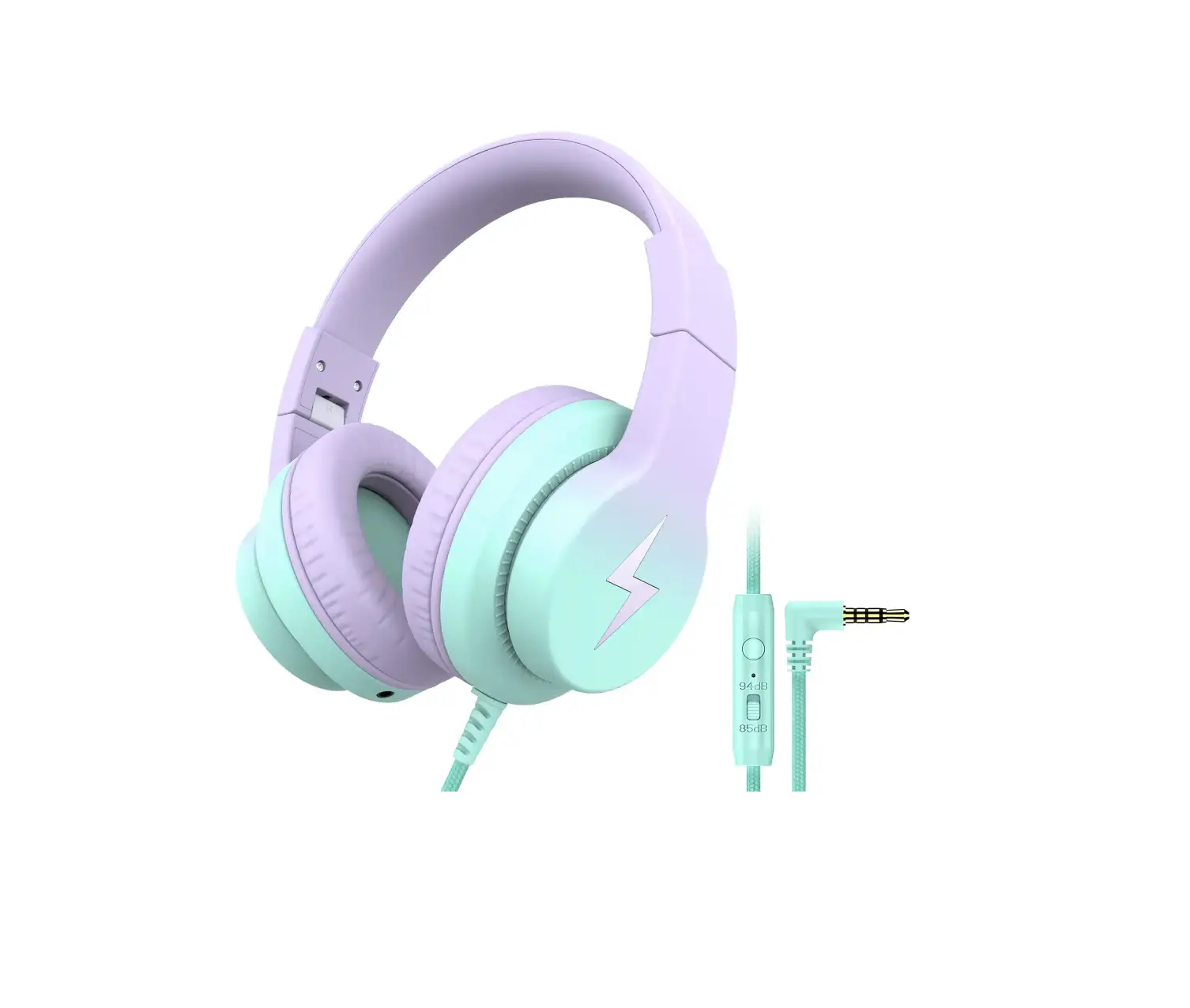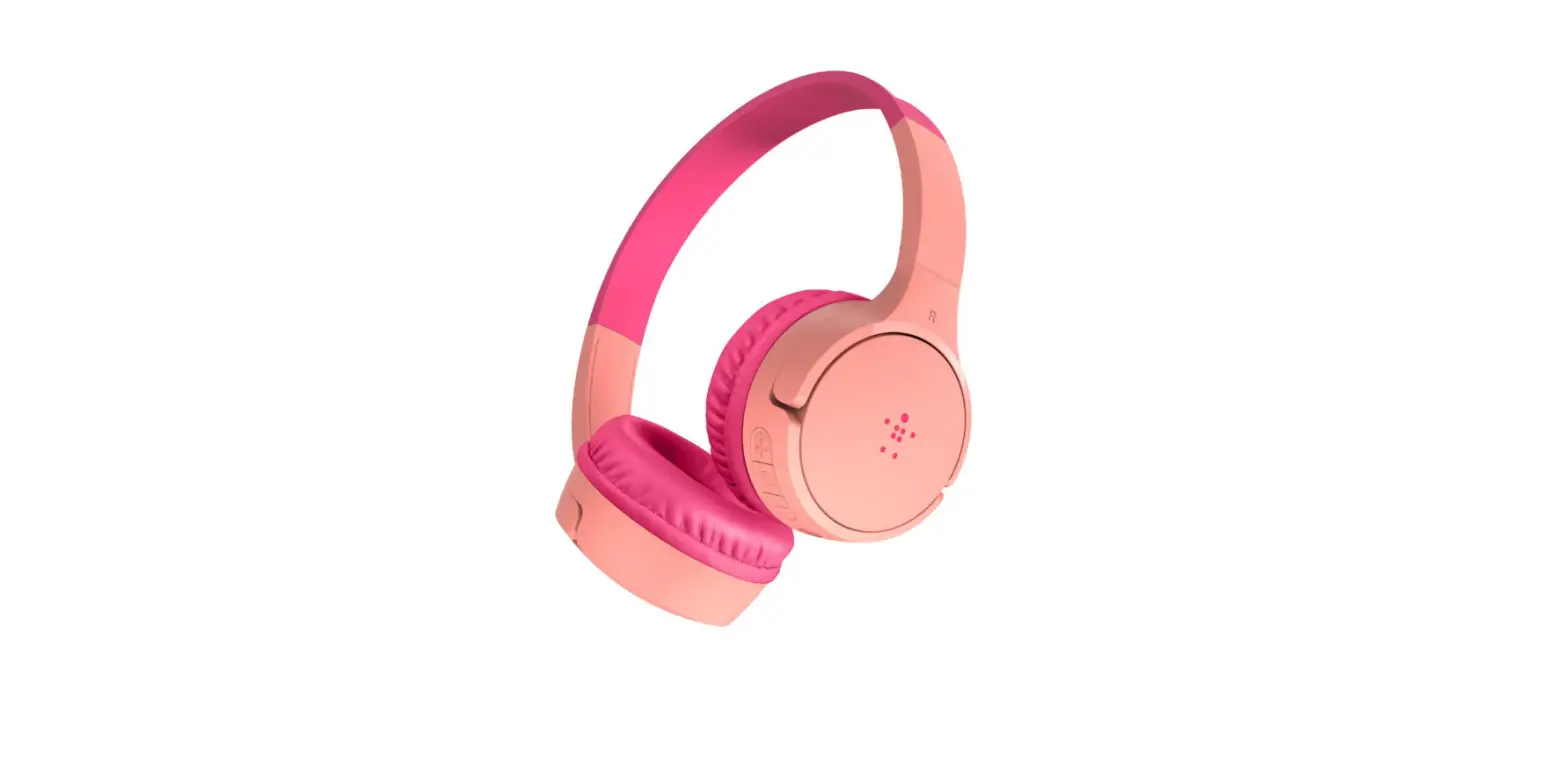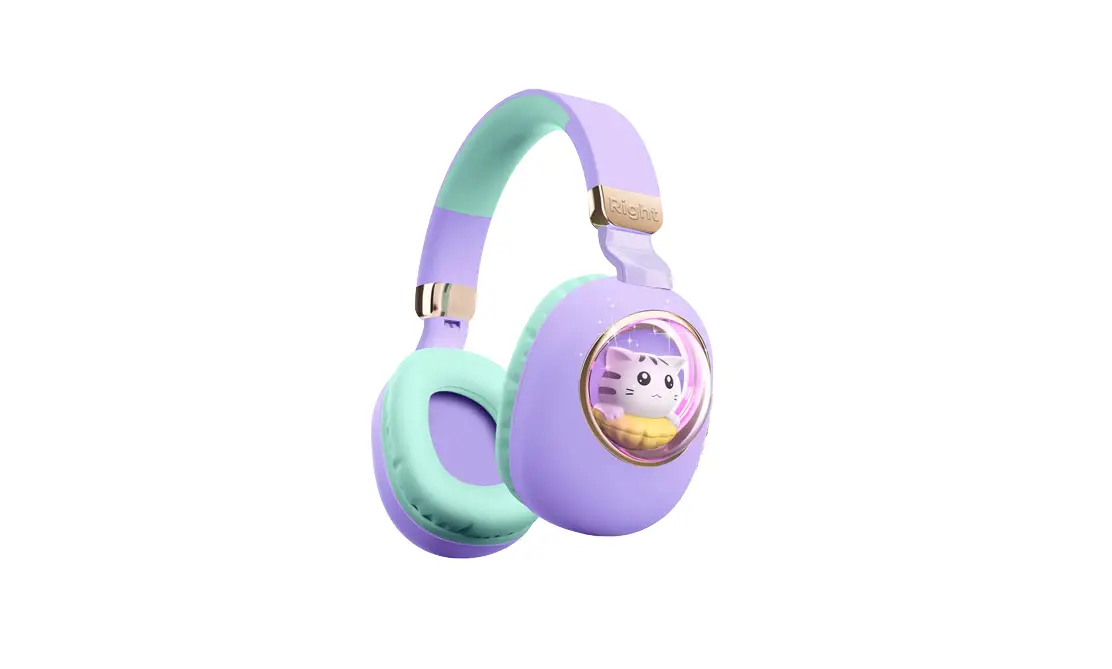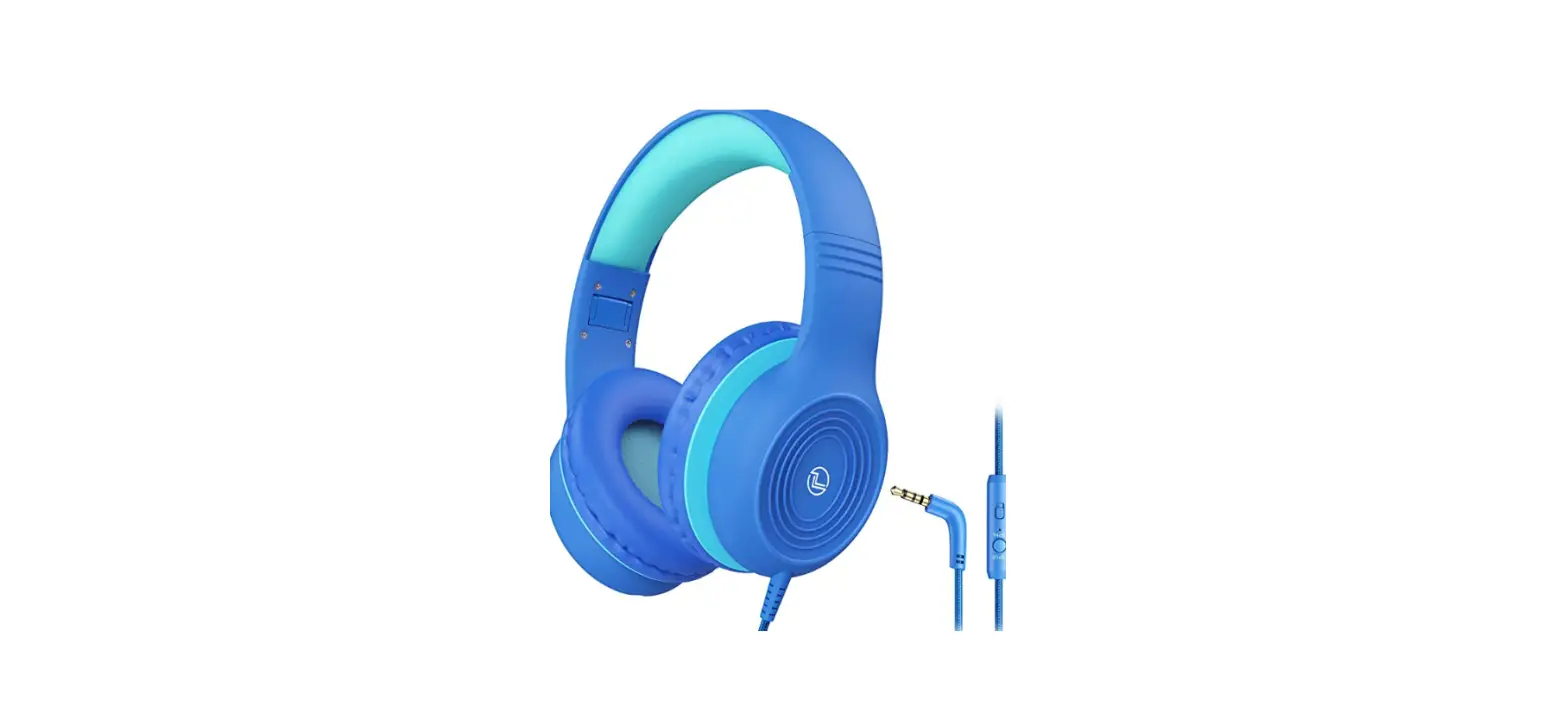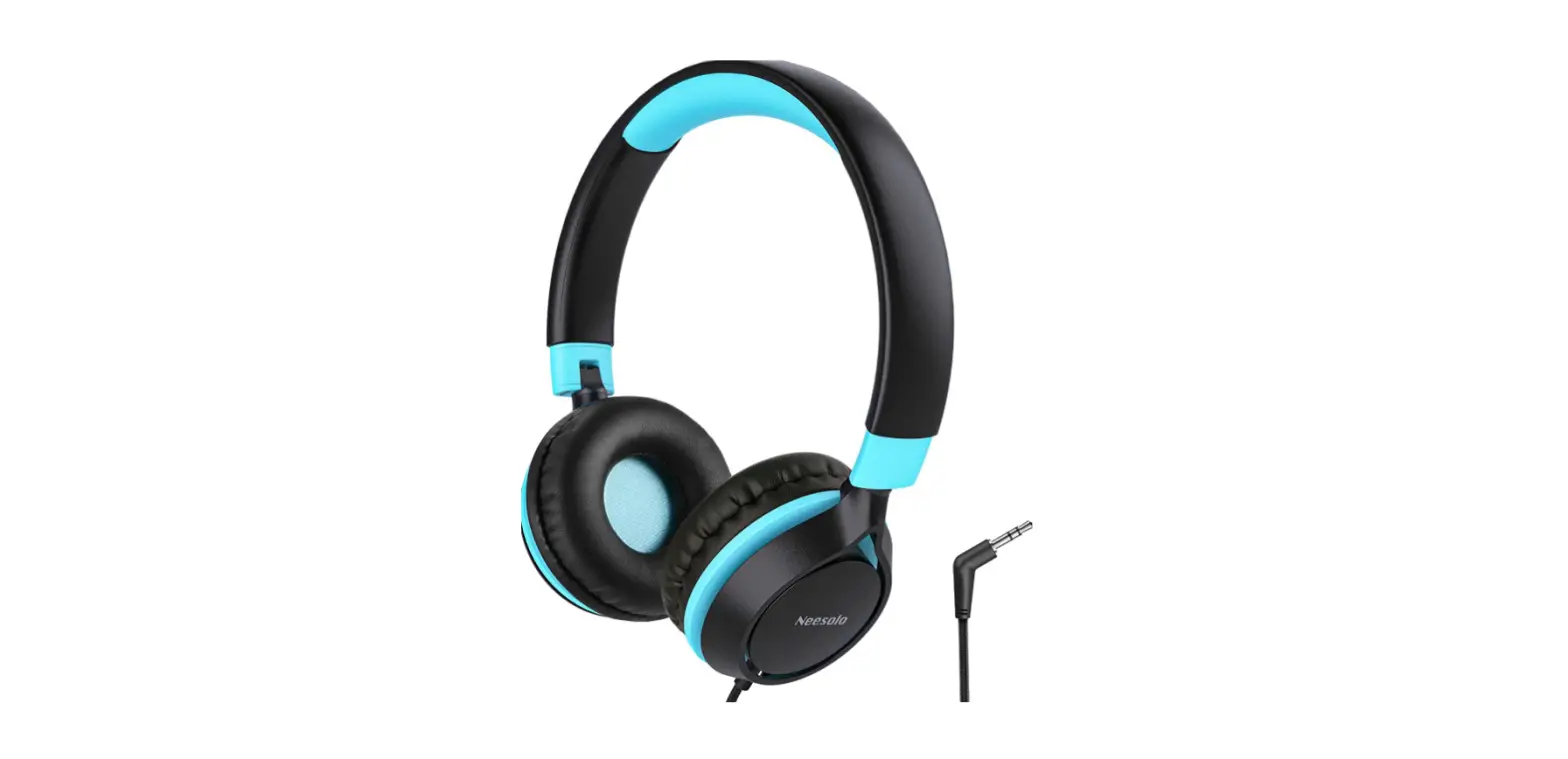

Kids Headphones, Riwbox CT-7S Cat Ear Bluetooth Headphones

Specifications
- PRODUCT DIMENSIONS: 6.69 x 3.15 x 7.48 inches,
- ITEM WEIGHT: 13.1 ounces,
- BRAND: Riwbox,
- CONNECTIVITY TECHNOLOGY: Wireless,
- FORM FACTOR: Over Ear
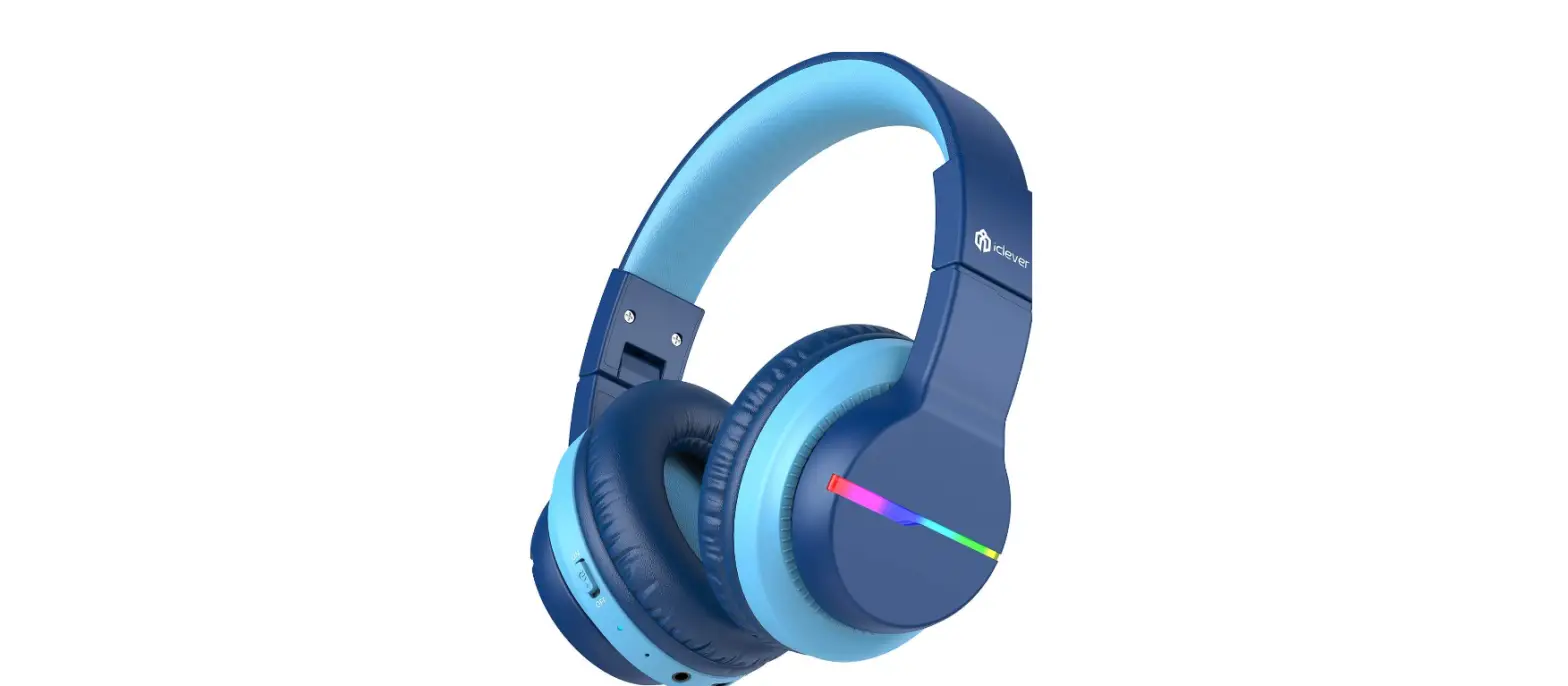
Riwbox CT-7S is a lighting-themed folding Bluetooth headset. We want to provide joy to every family and inject a little fun into our daily lives. The cat-ear with Red/Blue/Green LED implanted can blink and change color with the beat, and the headphone combines aspects of music, lighting, and color. Riwbox CT7 is different from CT 7S, because of the connectivity difference. The CT7 uses Bluetooth 4.2 and CT7s uses 5.0.
Bluetooth
A powerful 40mm speaker with Bluetooth 5.0 technology that meets your demands for high-quality natural sound and powerful bass while being portable. Once you’ve completed the matching, you can avoid having to do it again. Simply turn on the headset and it will automatically connect to your smartphone. The status of the connection will be displayed on the phone’s screen, and a voice reminder for the battery level will be provided. Great sound with limited voice, which is ideal for protecting children’s ears.
LED Lights
To switch the LED on or off, press and hold the M button for 3 seconds. When using the headset in Bluetooth mode, you may switch off the LED blinking effect to save battery power and listen to music for longer.
Connectivity
When utilizing Bluetooth mode, switches are situated on both sides of the headset, allowing you to conveniently manage: next song, previous song, and volume control. Even if your headphone’s battery has died, you may still use it by plugging in the Riwbox D1 braided audio cable. The microphone comes with a D1 braided audio wire, allowing you to make crisp phone conversations. The connection may be used to operate a variety of devices, including cellphones, tablet computers, and music players.
What’s in the box
- Riwbox CT7s
- charging cable
- audio cable
Functions
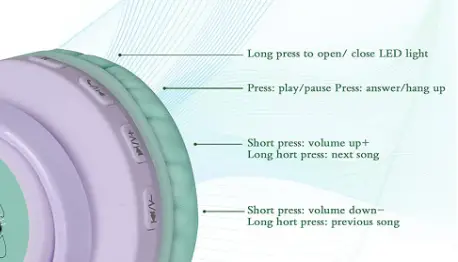
Controls
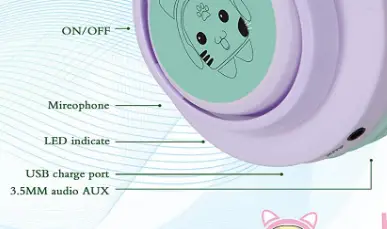
How do I switch on/off CT7s?
- Press the “ON” button on the button. For 1 second, the LED indicator lights blue.
- The headset is switched off when the button is pressed to the “OFF” position. Before turning off, the LED indicator glows blue for 1 second.
How to pair CT7s with phone
To link the headphones, follow these steps:
- Press the button to the “ON” position while the device is turned on; the multicolored lights will turn on, Bluetooth will pair, and the red and blue lights will alternately flash.
- Turn your phone’s Bluetooth on. Then look for and choose the” CT 7S “Bluetooth pairing name in the device list for Bluetooth pairing.
PROS$
- Good sound quality.
- Advanced Bluetooth version.
- Available in good colors.
CONS
- Led lights get out of order.
Verdict:
CT7S are a cutting-edge pair of headphones created specifically for children. If you want a wireless headset with the most features, the Riwbox CT7S is the best choice. These are cost-effective and simple to use.
Frequently Ask Question
- Is Riwbox based in China?
The firm is based in China’s Shenzhen, and they have a fantastic Amazon store. They are among the most well-known brands of children’s headphones, therefore we had to include them in our list of the Best Headphones for Kids. - What is the procedure for connecting my Riwbox headphones to WT 7?
Simply turn on the headset and it will automatically connect to your smartphone. The status of the connection will be displayed on the phone’s screen, and a voice reminder for battery level will be provided. - What is the procedure for turning off the LED on my Bluetooth headphones?
Put the headphones in pairing mode (flashing red and blue) and then push the volume down button to turn off the flashing LED indication light. After that, turn the headphones off, then on, and connect them to your device in the usual way. - What is the best way to charge Riwbox wireless headphones?
Close the charging case after placing each earphone in the correct place. The LED STATUS INDICATOR turns red when charging the earbuds with the charging case. When the battery is completely charged, the LED STATUS INDICATOR turns green for one minute before turning off. - What does the blue blinking on your Bluetooth mean?
The speaker is linked to a Bluetooth device if the blue light blinks.