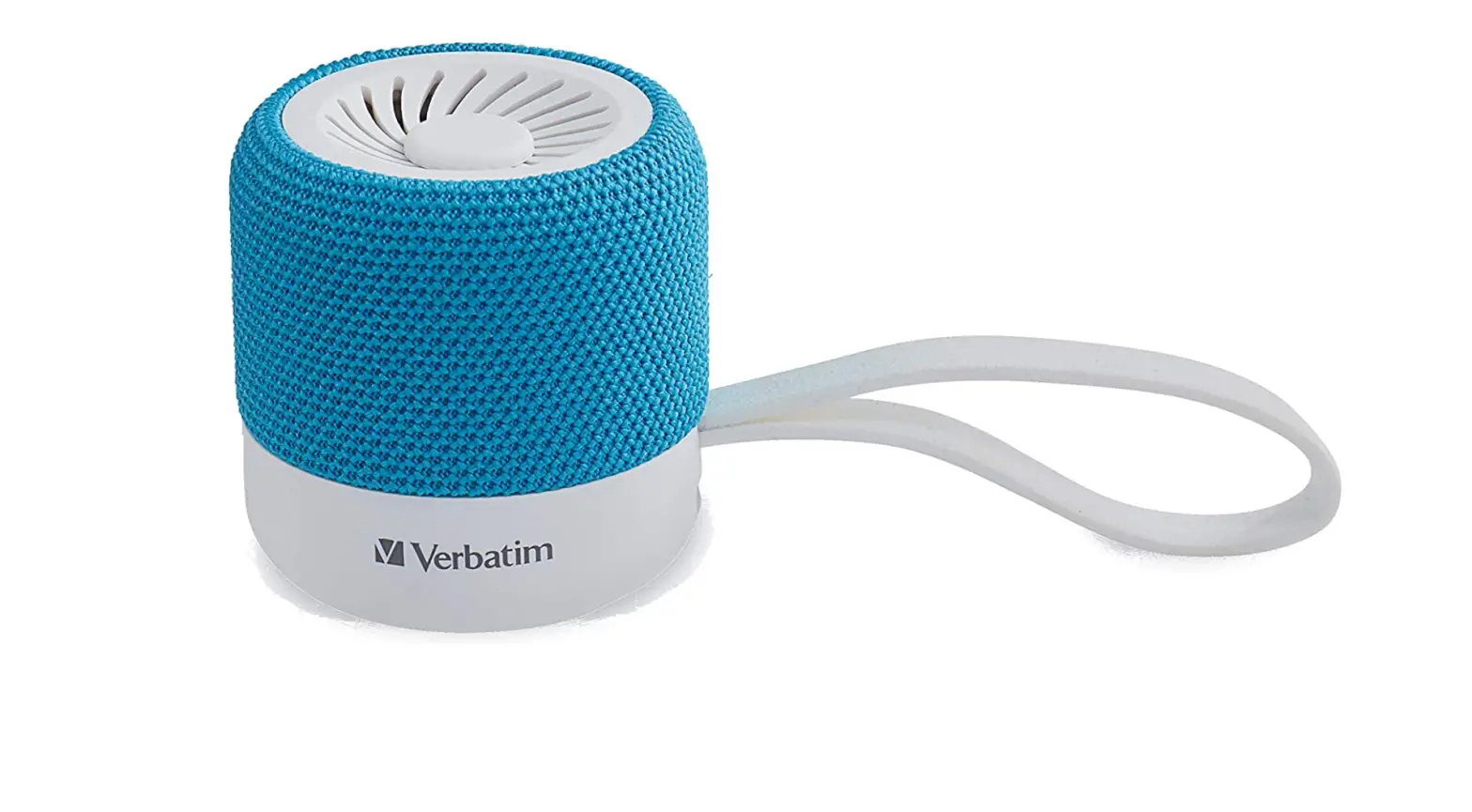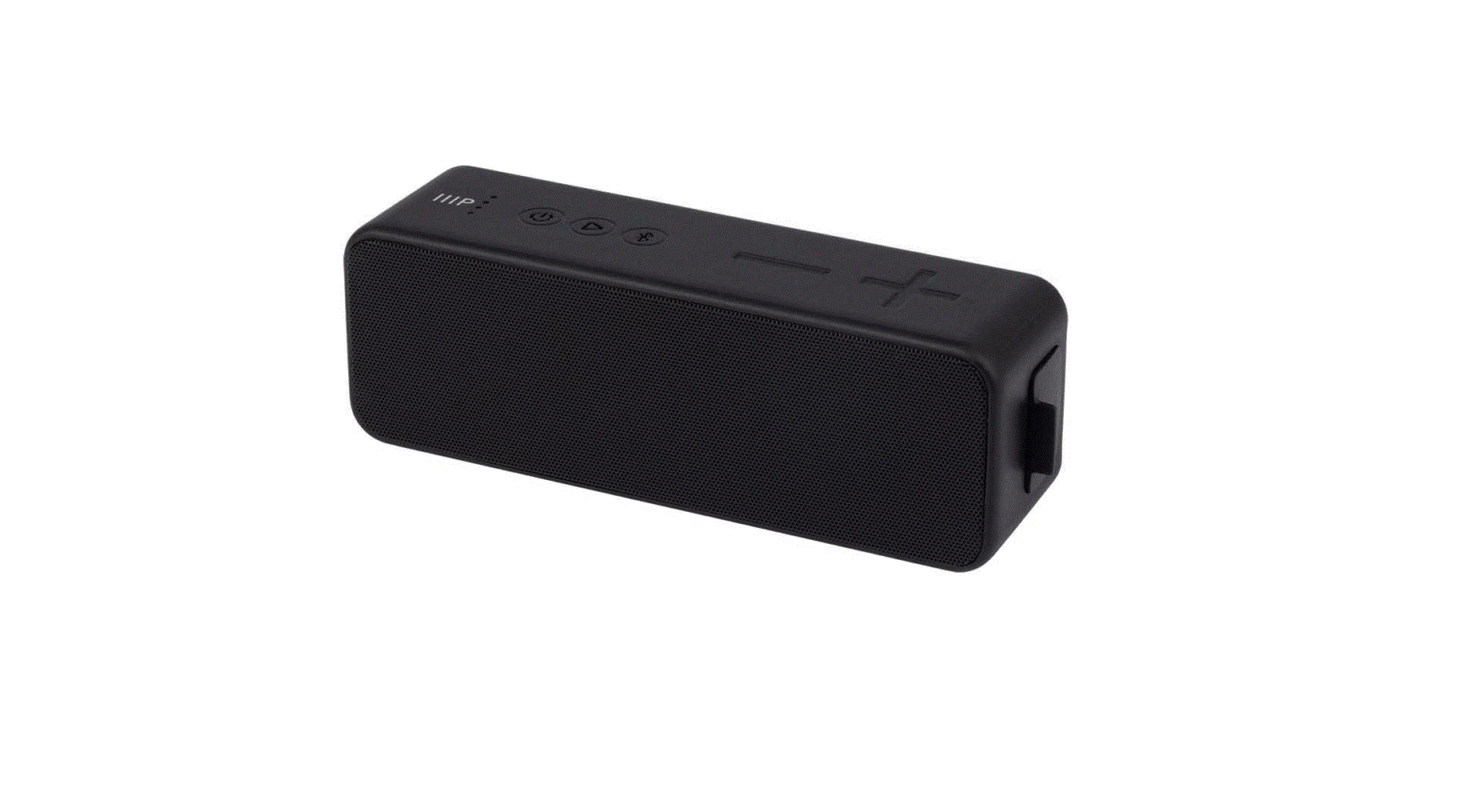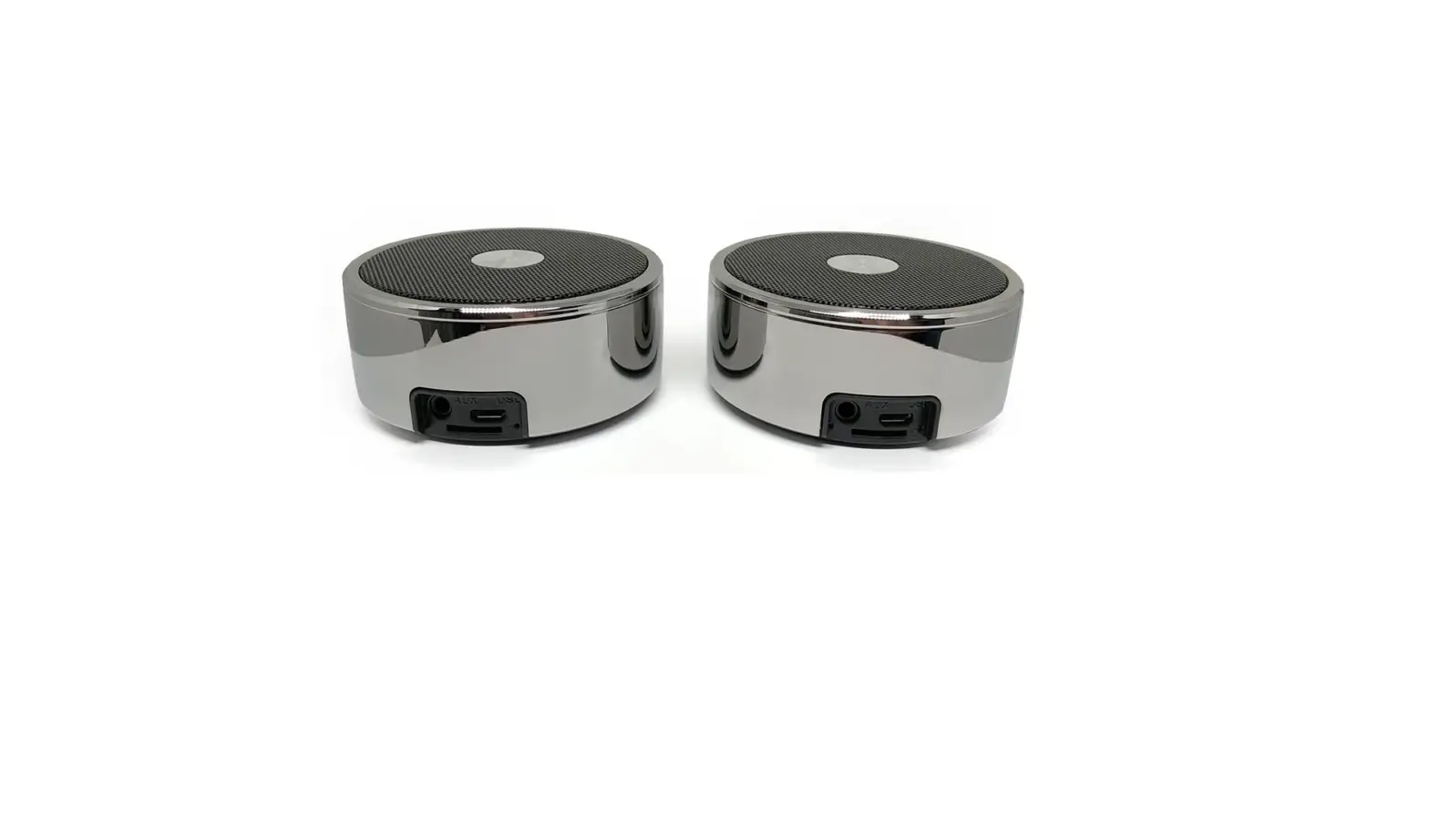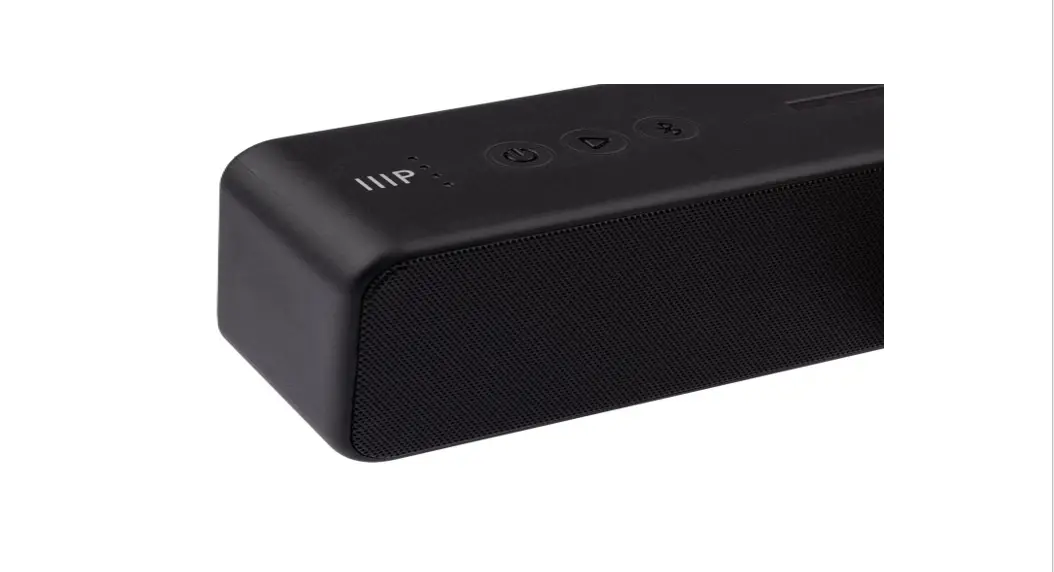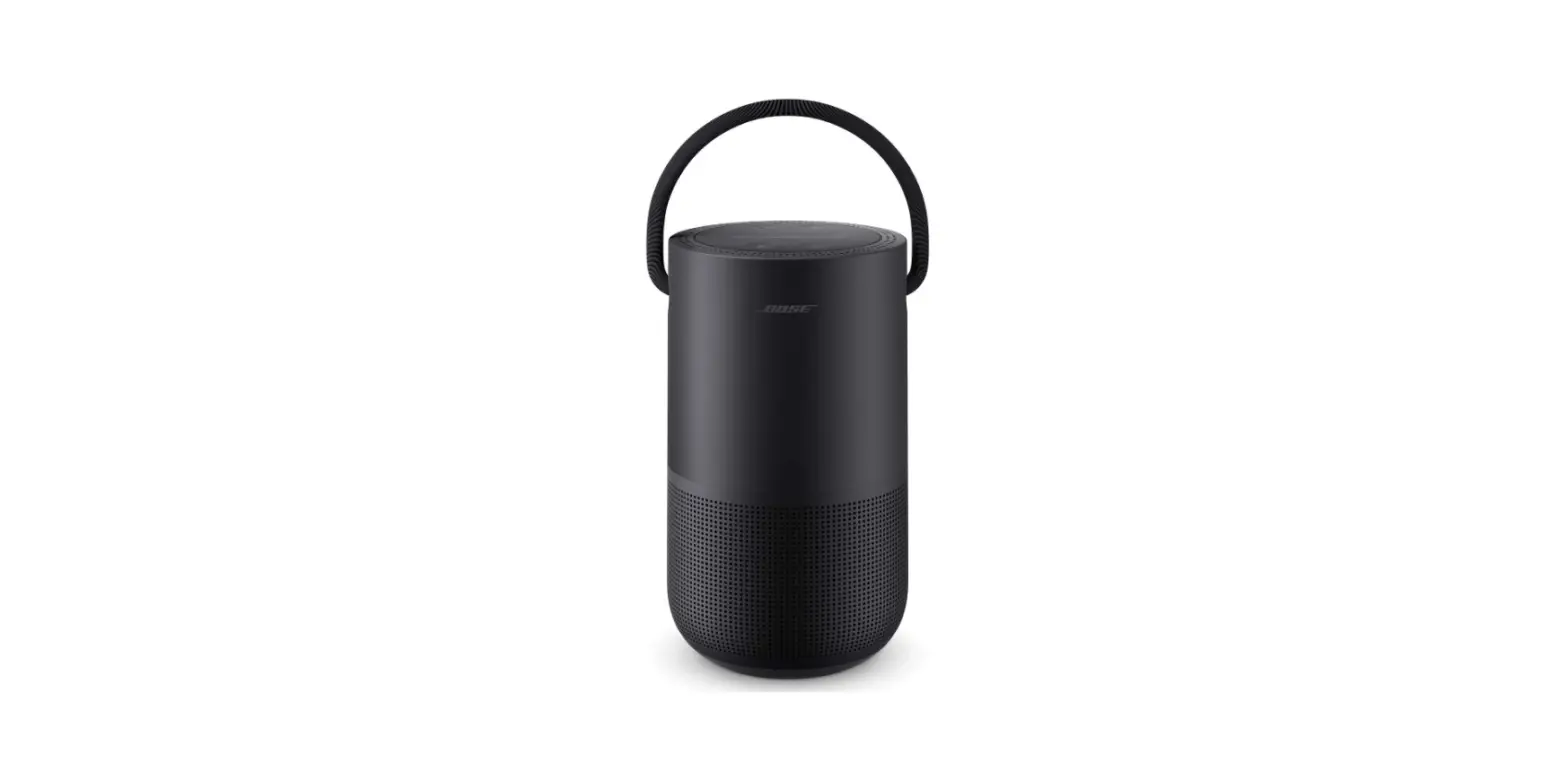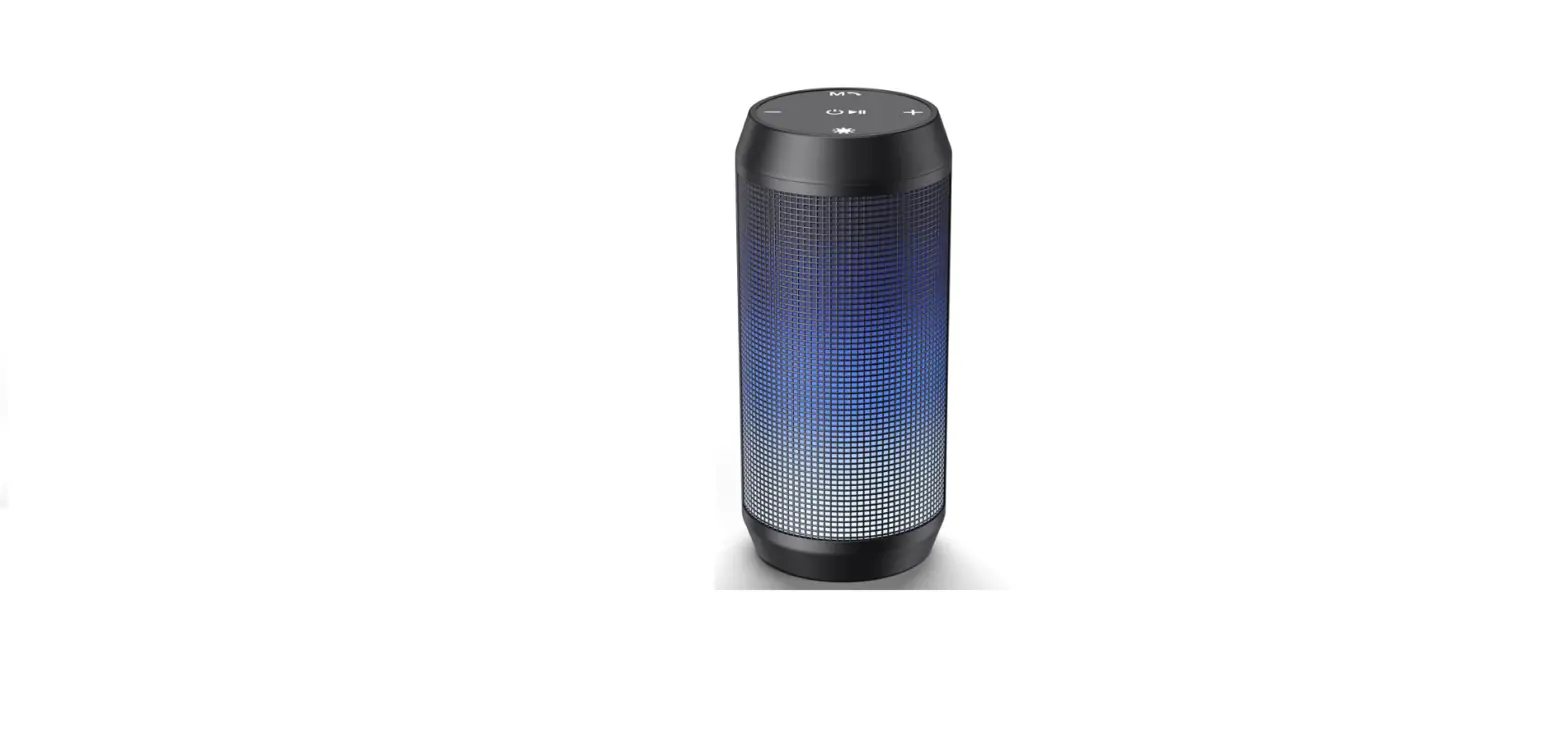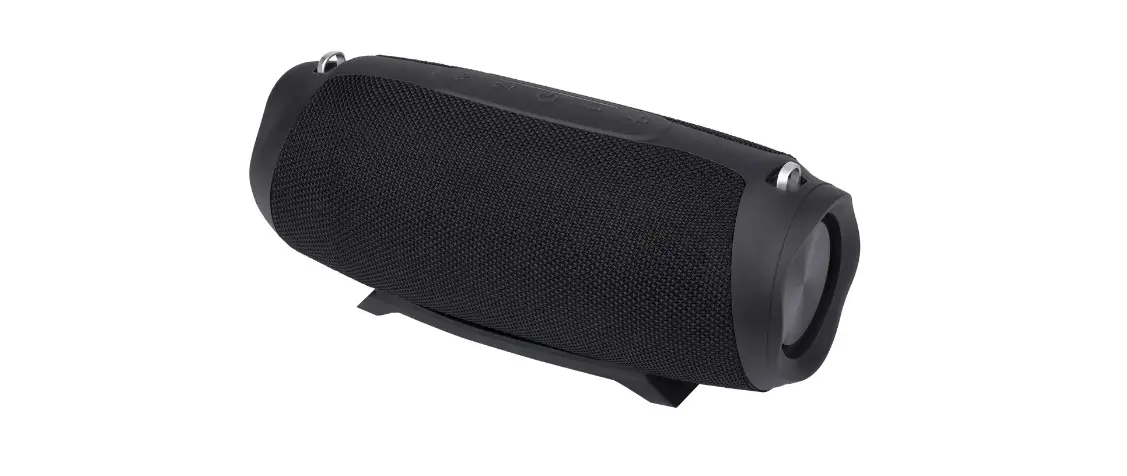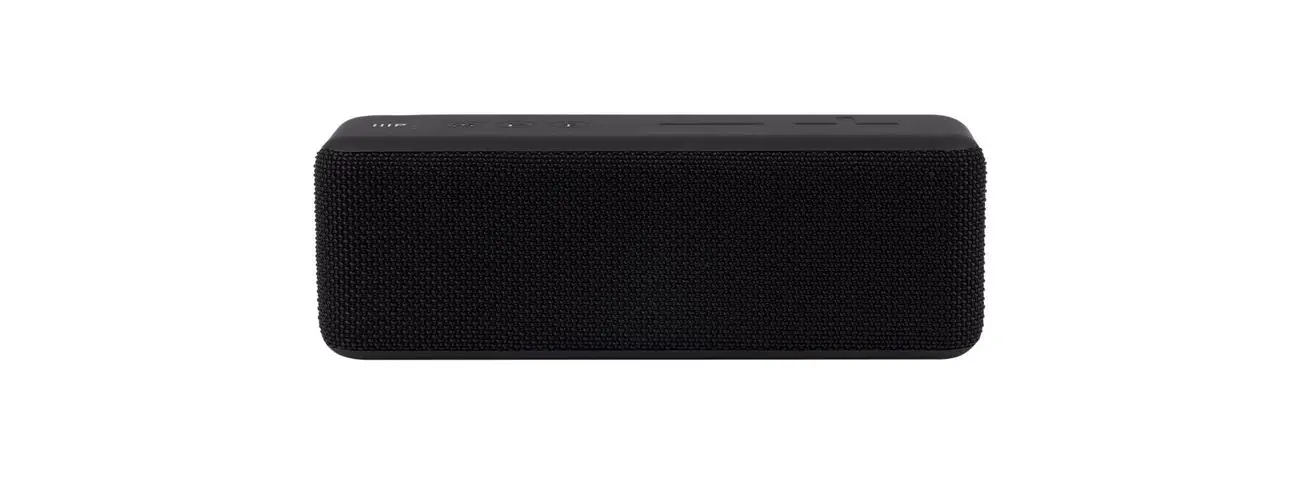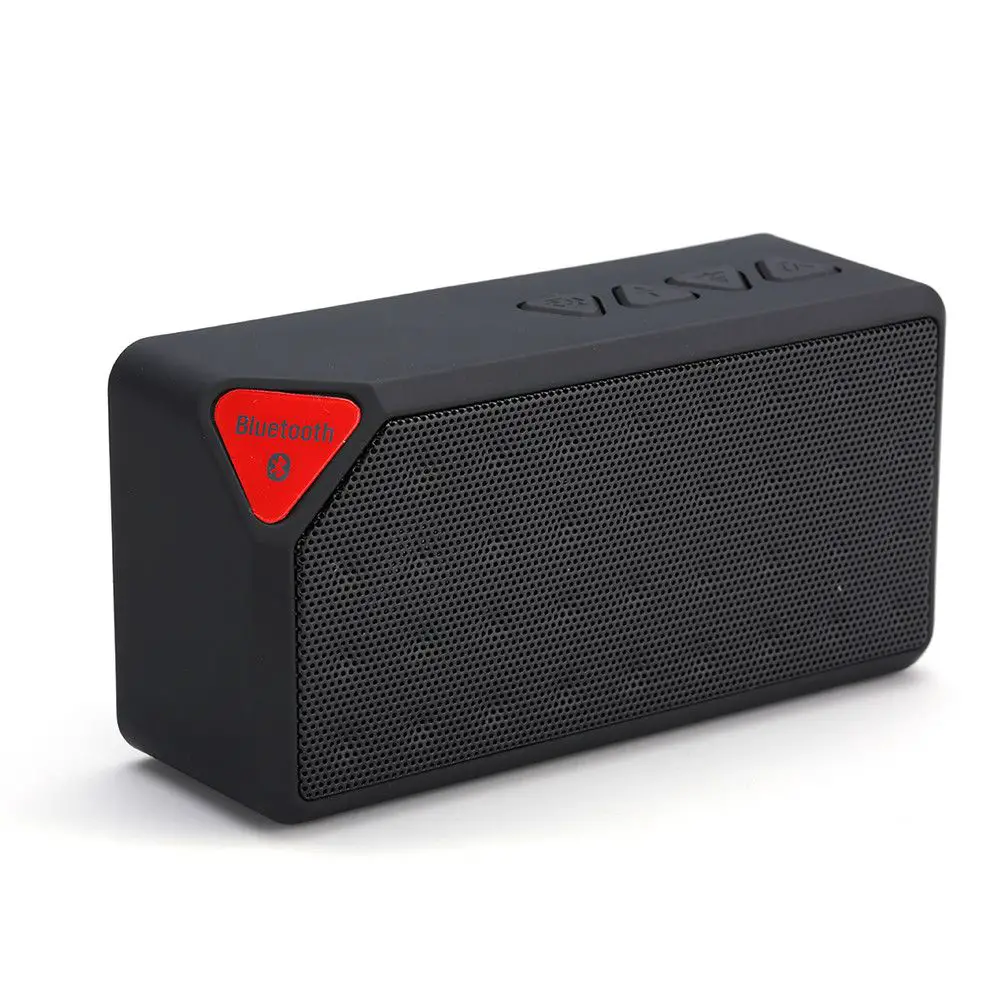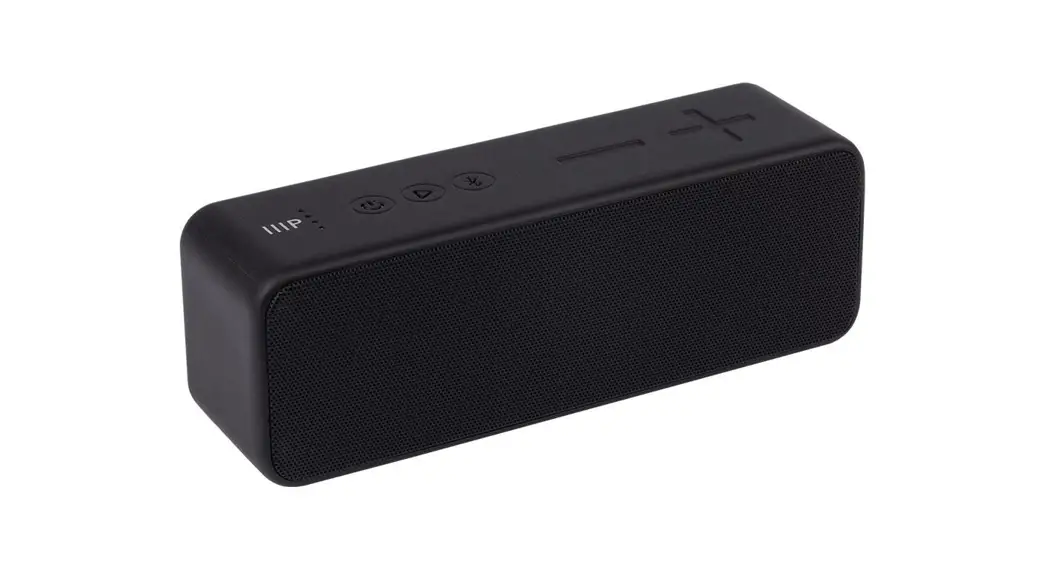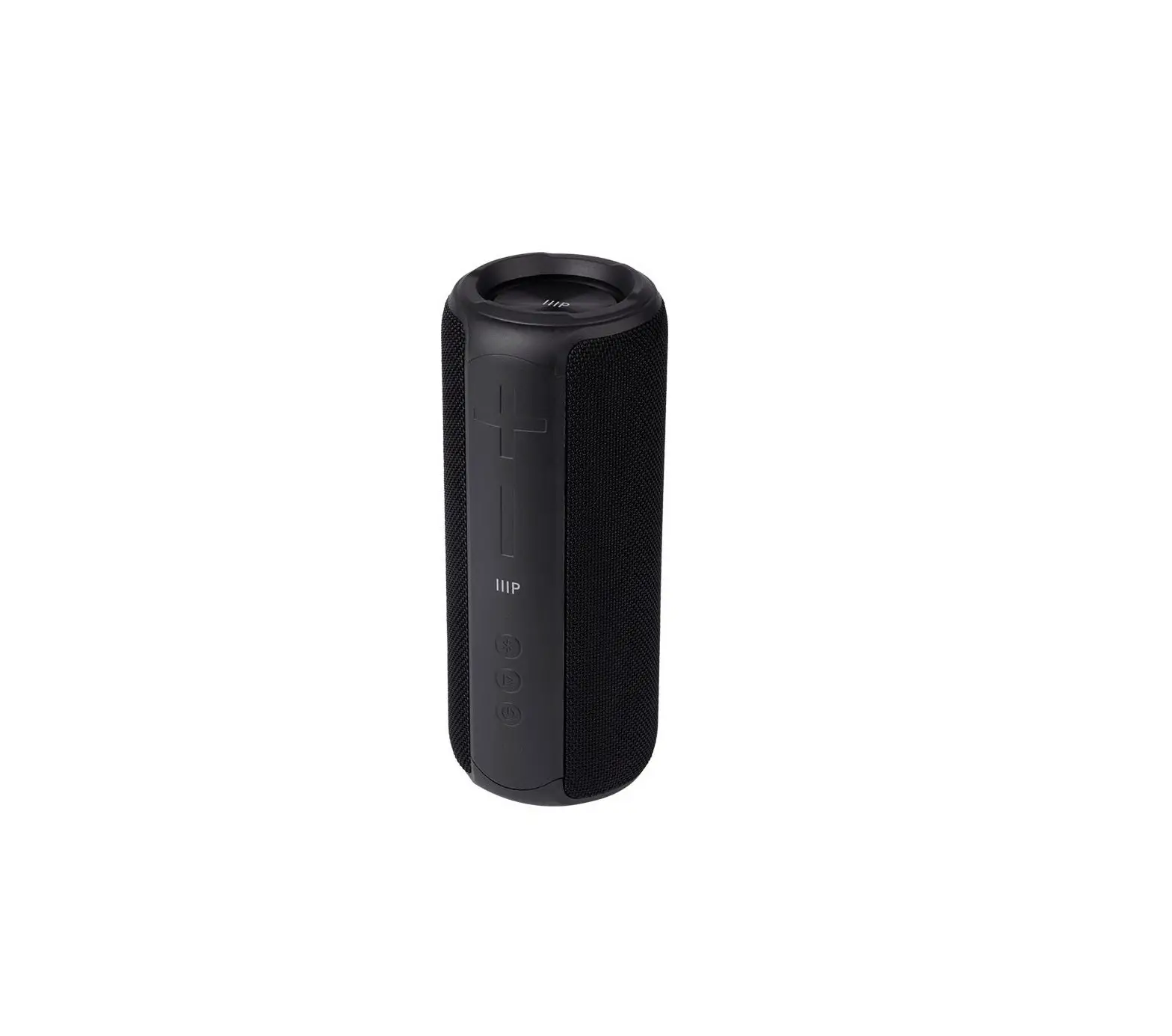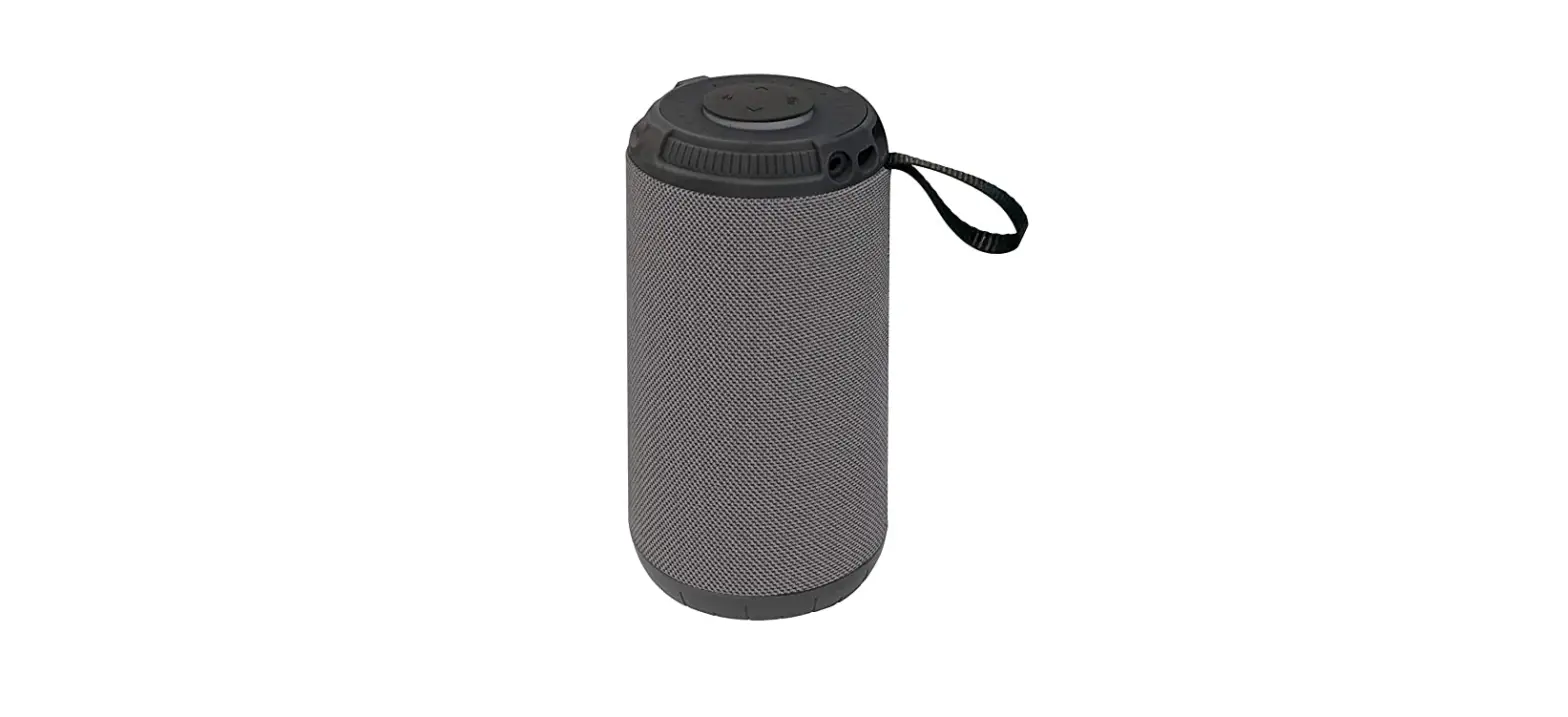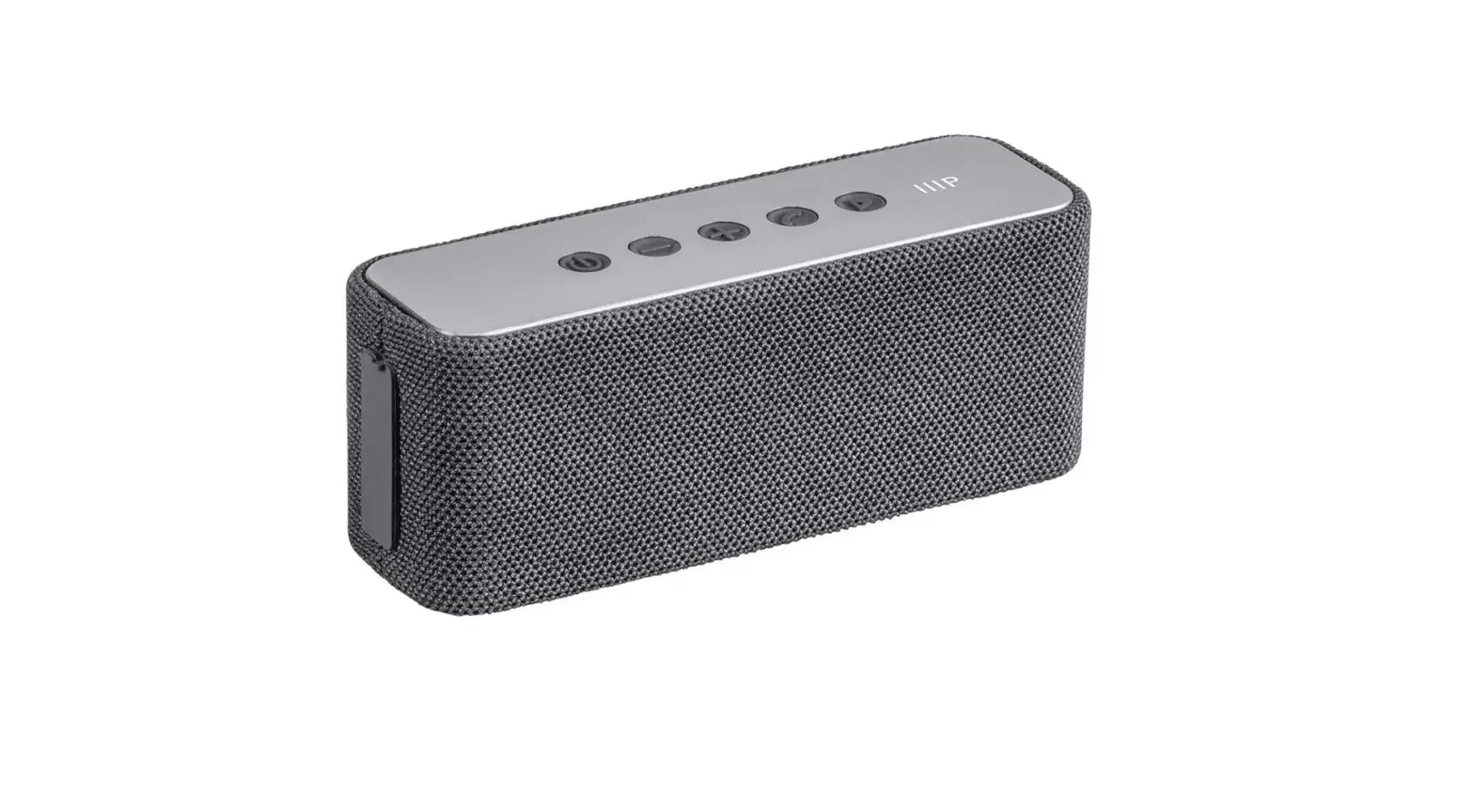

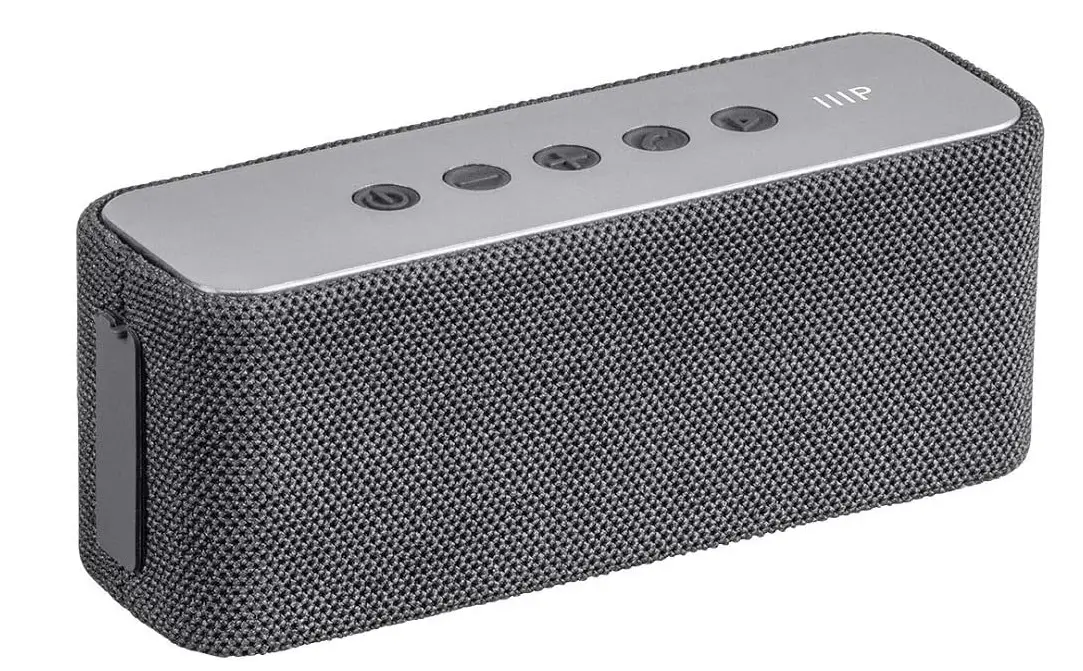
Monoprice Harmony Mini Bluetooth Wireless Speaker
Specifications
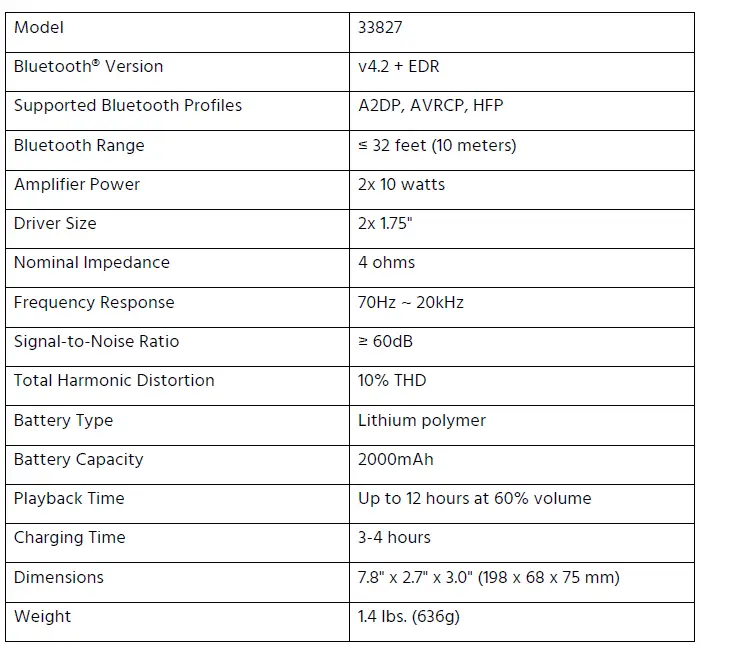
- Product Dimensions
8.5 x 4 x 2.6 inches - Item Weight
13.9 ounces - Batteries
1 Lithium Ion batteries - Speaker Maximum Output Power
10 Watts - Connectivity Technology
Bluetooth - Brand
Monoprice
Introduction
The small Bluetooth speaker from Monoprice, the Harmony Mini, is ideal for use at home or while traveling. The Monoprice Harmony Mini is a little speaker that can easily fit in a bag or backpack. It has two DSP-tuned drivers and 10 watts of power, which produces excellent sound for such a tiny speaker!
SAFETY WARNINGS AND GUIDELINES
Please read this entire manual before using this device, paying extra attention to these safety warnings and guidelines. Please keep this manual in a safe place for future reference.
- This device is intended for indoor use only.
- Do not expose this device to water or moisture of any kind. Do not place drinks or other containers with moisture on or near the device. If moisture does get in or on the device, immediately unplug it from the power outlet and allow it to fully dry before reapplying power.
- Do not touch the device, the power cord, or any other connected cables with wet hands.
- If operating this speaker in a humid environment, ensure that no condensation occurs. Condensation could cause damage to the speaker cone and could cause a short in the amplifier, which in turn could cause fire or severe electric shock.
- Do not expose this device to excessively high temperatures. Do not place it in, on, or near heat sources, such as a fireplace, stove, radiator, etc. Do not leave it in direct sunlight.
- Prior to operation, check the unit and power cord for physical damage. Do not use if physical damage has occurred.
- Before plugging the unit into a power outlet, ensure that the outlet provides the same type and level of power required by the device.
- This device contains a Lithium-polymer battery. Dispose of this device only in accordance with local, state, or federal regulations for electronic waste.
- Charge the battery before first use and at least once every three months.
- Clean using a soft, dry cloth only. Do not use chemical cleaners, solvents, or detergents. For stubborn deposits, moisten the cloth with warm water.
- This device has no user-serviceable parts. Do not attempt to open, service, or modify this device.
The Monoprice Harmony portable Bluetooth® speaker is the perfect speaker for the home or on the go. Small enough to fit in a backpack or bag, the Harmony features 20 watts of power delivered to two DSP tuned 1.75″ drivers, resulting in deep bass and clear, crisp highs. Utilize the True Wireless Stereo functionality by adding an additional Harmony and enjoy true stereo sound from a pair of portable Bluetooth speakers.
FEATURES
- Two DSP tuned 1.75″ drivers powered by two 10-watt amplifiers
- 70Hz ~ 20kHz frequency response
- Built-in 2000mAh rechargeable batteries
- Up to 12 hours of audio playback
- Includes a microSD™ card slot
- Bluetooth® 4.2 radio with support for the A2DP, AVRCP, and HFP profiles
CUSTOMER SERVICE
The Monoprice Customer Service department is dedicated to ensuring that your ordering, purchasing, and delivery experience is second to none. If you have any problem with your order, please give us an opportunity to make it right. You can contact a Monoprice Customer Service representative through the Live Chat link on our website www.monoprice.com or via email at [email protected] Check the website for support times and links.
PACKAGE CONTENTS
Please take an inventory of the package contents to ensure you have all the items listed below. If anything is missing or damaged, please contact Monoprice Customer Service for a replacement.
- 1x Harmony Bluetooth® speaker
- 1x Micro USB charging station
- 1x 3.5mm audio cable
- 1x User’s manual
PRODUCT OVERVIEW
Top View
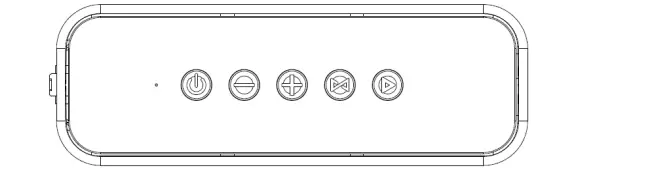
- The Connection Status LED flashes blue when in Bluetooth® pairing mode. The LED illuminates solid blue when a valid Bluetooth connection exists, but no incoming audio is detected. It will also illuminate solid blue when in AUX playback mode. The LED is off when in microSD™ card playback mode. Finally, the LED is off, but flashes blue every 15 seconds while actively streaming audio from the Bluetooth connection or the microSD card.
- With the speaker powered off, press and hold the button to turn the speaker on. If it is not already paired, it will also enter Bluetooth pairing mode. With the speaker powered on, press and hold the button to turn it off.
- Momentarily press the button to decrease the volume level. Press and hold the button to skip back to the previous track (Bluetooth and microSD card playback only).
- Momentarily press the button to increase the volume level. Press and hold the button to skip forward to the next track (Bluetooth and microSD card playback only).
- Press and hold the button to cancel an active Bluetooth connection. If another Harmony speaker is present and powered on, press and hold the button to enter two-speaker (TWS) pairing mode. Momentarily press or double press the button when in two-speaker (TWS) pairing mode to pair the speaker with another Harmony speaker. Momentarily press the button to switch between Bluetooth, AUX, and microSD card playback. Note that AUX playback can only be selected if there is a cable plugged into the AUX jack and microSD card playback can only be selected if there is a microSD™ card with compatible audio files inserted into the TF/microSD card slot.
- During Bluetooth® or microSD card audio playback, momentarily press the button to start or pause playback. When there is an incoming phone call, momentarily press the button to answer the call. When a phone call is in progress, momentarily press the button to hang up. When there is an incoming phone call, press and hold the button to reject the call. In AUX playback mode, press the button to turn audio muting on or off. Note that this does not pause playback on the source device.
Side Panel
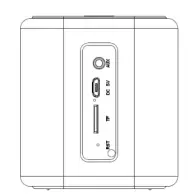
- Plug the included 3.5mm audio cable into the AUX jack, then plug the other end into the headphone jack on an audio source device. When a cable is inserted into the AUX jack, the speaker will automatically switch to AUX playback mode.
- Plug the included micro USB charging cable into the DC 5V port, then plug the other end into a USB power source. The LED next to the charging port will illuminate red while charging is in progress and will turn off when charging is complete.
- Insert a microSD™ card with compatible audio files into the TF/microSD card slot to play audio files from the card. If the speaker is powered on when the card is inserted, it will automatically switch to microSD card playback mode and begin playback from the card.
- Insert a paper clip into the RST hole and press down to reset the speaker to the factory default settings and to clear any Bluetooth® or TWS pairings.
CHARGING
The speaker has a built-in rechargeable battery. To charge the battery, plug one end of the included micro USB charging cable into the micro USB charging port, then plug the other end into a USB power source, such as a wall charger. The LED next to the charging port illuminates red while charging is in progress and is off when charging is complete. A full charge takes approximately 3-4 hours, if the battery is fully depleted. The battery should be fully charged before first use and at least once every three months.
BLUETOOTH PAIRING
Perform the following steps to pair the speaker with a mobile device.
- With the speaker powered off, press and hold the button to turn it on. The speaker will emit audio cues. If it is not already paired with a device, the Connection Status LED will begin flashing blue. If it is solid blue and you want to pair with a different device, press and hold the button to cancel the existing Bluetooth® pairing.
- Open the Bluetooth settings on your device, then scan for nearby Bluetooth devices.
- Locate and select the MP33827 entry. The Connection Status LED will stop flashing, will illuminate solid blue, and the speaker will emit audio cues.
TRUE WIRELESS STEREO (TWS) MODE
If you have two Harmony speakers, you can pair them together in TWS mode. When in TWS mode, each speaker operates in mono, with one playing left channel audio and the other playing right channel audio. This allows you to separate the two speakers for a true stereo listening experience. Note that TWS mode only works with Bluetooth® audio playback and the speakers must be within 15 feet of each other.
Perform the following steps to pair two Harmony speakers for the TWS operation.
- Press and hold the button on each speaker to power both speakers on.
- If either speaker is paired with a Bluetooth® device, press and hold the button on it to cancel the existing Bluetooth pairing.
- Identify which speaker you want to be the slave speaker. Momentarily press the button on it.
- Double press the button on the master speaker. The speaker will emit audio cues, indicating that a two-speaker pairing has begun.
- Wait about 3-5 seconds for the two speakers to pair. When paired, the Connection Status LED on the slave speaker will illuminate blue and the LED on the master speaker will blink slowly.
- Press and hold the button on one of the speakers. Both speakers will power off.
- Press and hold the button on the master speaker. Both speakers will power on, the master speaker will emit audio cues, and the Connection Status LED will start flashing blue.
- Open the Bluetooth® settings on your mobile device, then scan for nearby Bluetooth devices. Locate and select the MP33827 entry. The master speaker will emit audio cues and the Connection Status LED will start blinking slowly. The LED on the slave speaker will illuminate solid blue.
Notes
- If you want to disable TWS mode, turn the speakers on, then press the button on either speaker. The master speaker will emit audio cues.
- If the speakers have already been paired for TWS mode, turn them on and wait for 5 seconds to let the two speakers reconnect. The master speaker will emit audio cues when the connection is made.
AUDIO PLAYBACK
Use the following buttons to control audio playback.
- button to decrease the volume level for Bluetooth®, AUX, and microSD™ card playback.
- Press and hold the microSD card playback modes only). and microSD card playback modes only).
- Momentarily press the button to increase the volume level for Bluetooth, AUX, and microSD card playback.
- Press and hold the button to skip forward to the next track (Bluetooth and microSD card playback modes only).
- When in Bluetooth or microSD card playback mode, momentarily press the button to start or pause audio playback. When in AUX playback mode, press the button to turn audio muting on or off. Note that audio muting does not pause playback on the source device.
PHONE CALLS
If an incoming call is detected while Bluetooth audio playback is in progress, playback will automatically pause. Momentarily press the button to answer the call. If you want to reject the call, press and hold the button. When the call is over, momentarily press the button to hang up.
TECHNICAL SUPPORT
Monoprice is pleased to provide free, live, online technical support to assist you with any questions you may have about installation, setup, troubleshooting, or product recommendations. If you ever need assistance with your new product, please come online to talk to one of our friendly and knowledgeable Tech Support Associates. Technical support is available through the online chat button on our website
www.monoprice.com or through email by sending a message to [email protected] Check the website for support times and links.
REGULATORY COMPLIANCE
Notice for FCC
This device complies with Part 15 of the FCC rules. Operation is subject to the following two conditions: (1) this device may not cause harmful interference, and (2) this device must accept any interference received, including interference that may cause undesired operation.
Modifying the equipment without Monoprice’s authorization may result in the equipment no longer complying with FCC requirements for Class B digital devices. In that event, your right to use the equipment may be limited by FCC regulations, and you may be required to correct any interference to radio or television communications at your own expense.
This equipment has been tested and found to comply with the limits for a Class B digital device, pursuant to Part 15 of the FCC Rules. These limits are designed to provide reasonable protection against harmful interference in a residential installation. This equipment generates, uses and can radiate radio frequency energy and, if not installed and used in accordance with the instructions, may cause harmful interference to radio communications. However, there is no guarantee that interference will not occur in a particular installation. If this equipment does cause harmful interference to radio or television reception, which can be determined by turning the equipment off and on, the user is encouraged to try to correct the interference by one or more of the following measures:
- Reorient or relocate the receiving antenna.
- Increase the separation between the equipment and receiver.
- Connect the equipment into an outlet on a circuit different from that to which the receiver is connected.
- Consult the dealer or an experienced radio/TV technician for help.
Radio Notice for FCC
Caution
This FCC Part 15 radio device operates on a non-interference basis with other devices operating at this frequency. Any changes or modification to said product not expressly approved by Monoprice, including the use of non-approved antennas, could void the user’s authority to operate this device.
This device complies with Part 15 of the FCC Rules. Operation is subject to the following two conditions: (1) this device may not cause harmful interference, and (2) this device must accept any interference received, including interference that may cause undesired operation.
Notice for Industry Canada
This Class B digital apparatus complies with Canadian ICES-003.
Cet appareil numérique de la classe B est conforme à la norme NMB-003 du Canada.
Radio Notice for Industry Canada
Caution
This IC RSS-210 radio device operates on a non-interference basis with other devices operating at this frequency. Any changes or modification to said product not expressly approved by Monoprice, including the use of non-approved antennas, could void the user’s authority to operate this device. This device complies with IC RSS-210. Operation is subject to the following two conditions: (1) this device may not cause harmful interference, and (2) this device must accept any interference received, including interference that may cause undesired operation. The Bluetooth® word mark and logos are registered trademarks of Bluetooth SIG, Inc.
Frequently Asked Questions
with the correct ‘ Y ‘ connector/cable … or try blutooth , it should recognize both.
I assume with a 3 way 1/8″ headphone type y connector …. male X 2 female, then use extensions assuming you want distance between the speakers.
Unfortunately, no, it is not water safe.
Google it, manuals for everything are online
The speaker does not have the option for taking calls. You may hear the call if you are connected to a phone via Bluetooth, but no real way to control the call.
It takes roughly 3 hours to fully charge a Bluetooth speaker. Make sure the battery is fully charged before using your Bluetooth speaker once again if you notice that it isn’t lasting as long as it used to.
A row of LED lights on the front of your speaker will turn on once it is plugged in and remain on until charging is finished.
Yes. Without endangering the battery, you can use your Bluetooth speaker while it is charging. When using the speaker for the first time, you should fully charge it while it is off so that you may check the battery life.
Yes, the majority of wireless speakers plug into standard power outlets or power strips using AC adaptors. To become “truly wireless,” some systems employ rechargeable batteries, although this feature necessitates repositioning and charging as routine tasks in order to use this type of surround sound system.