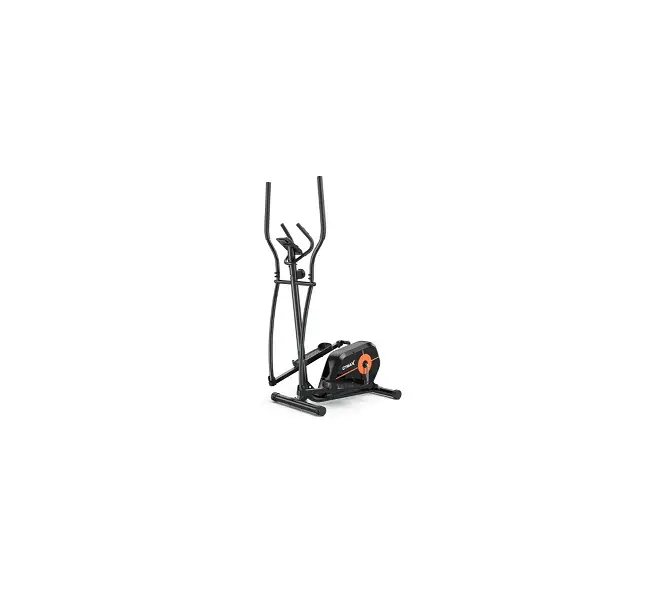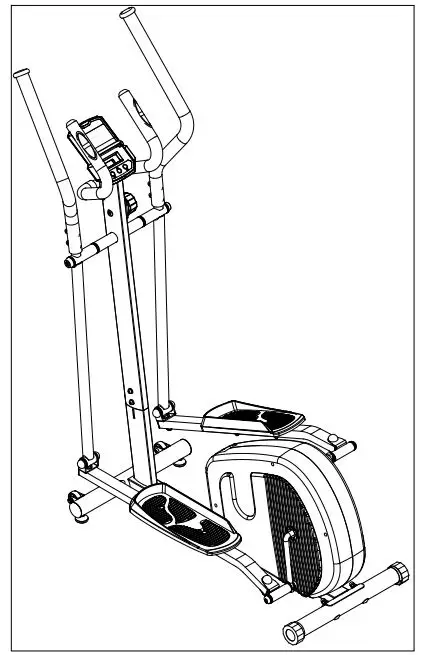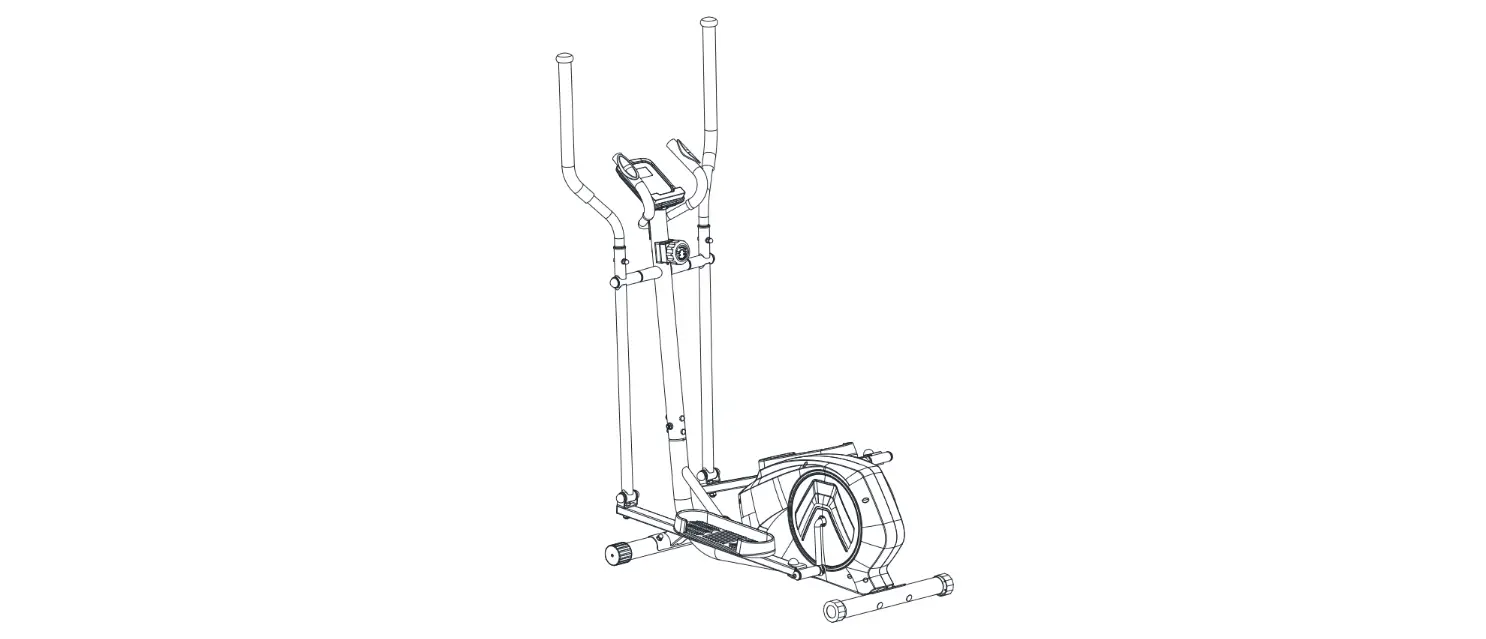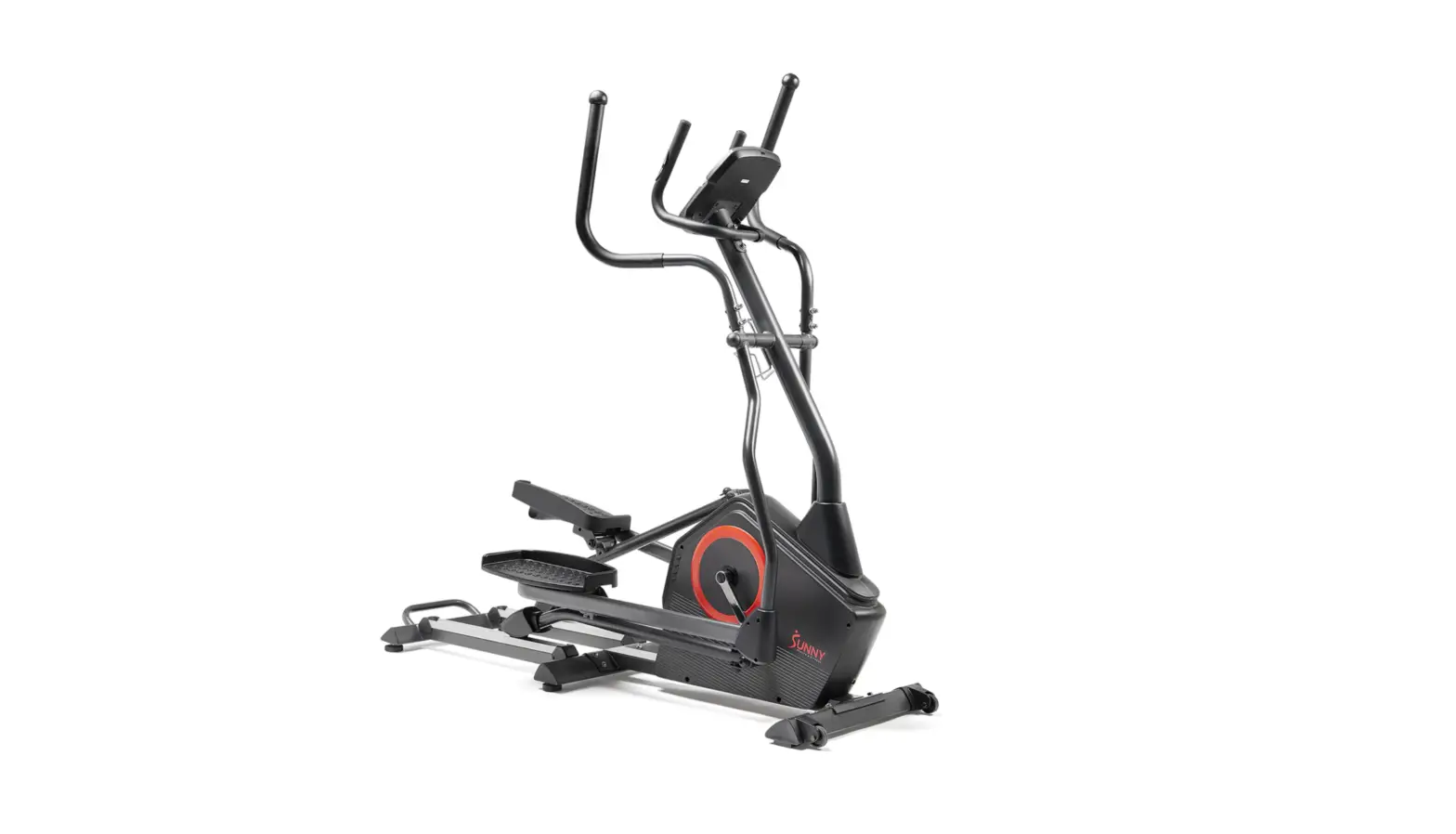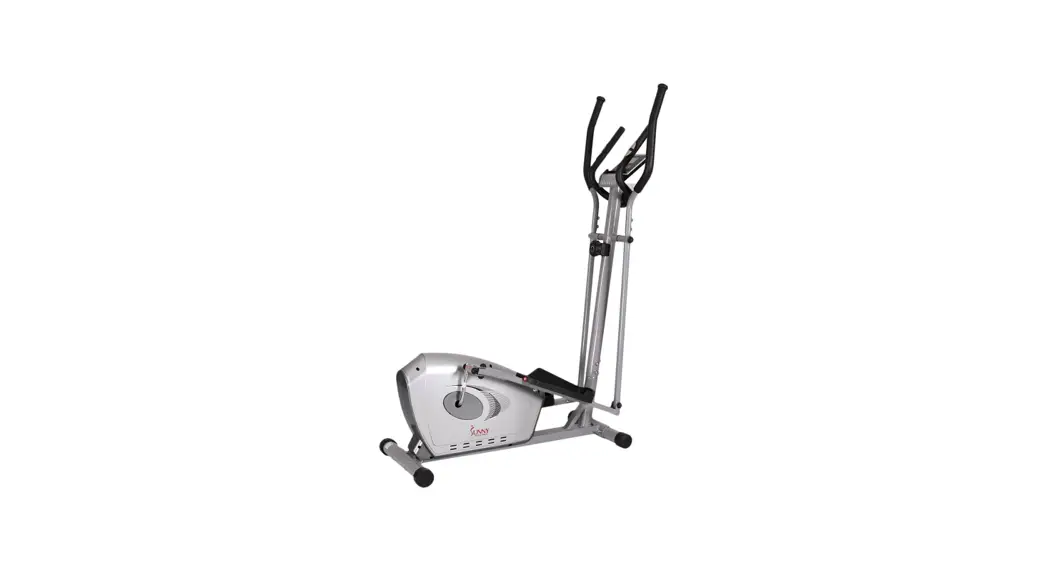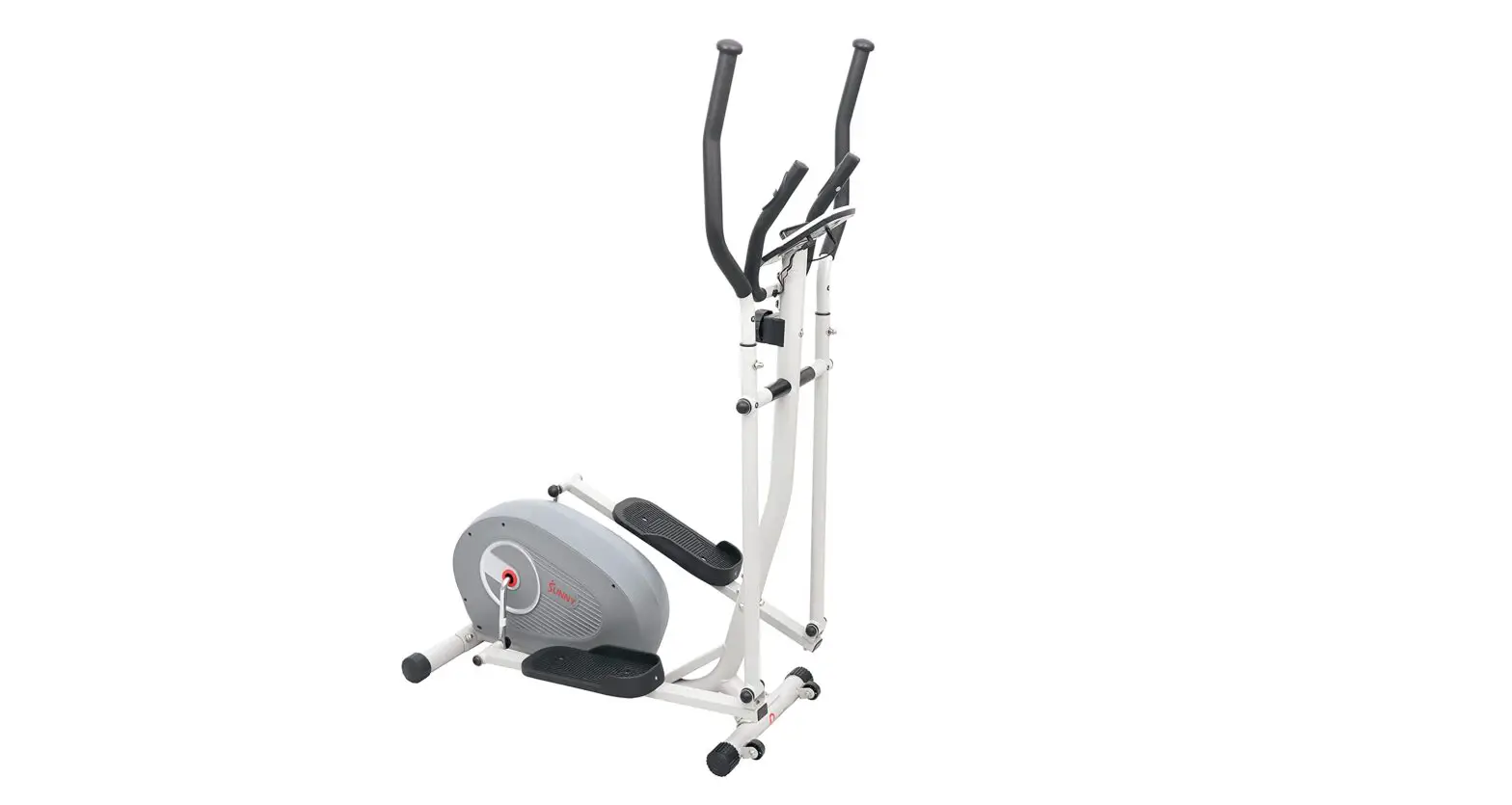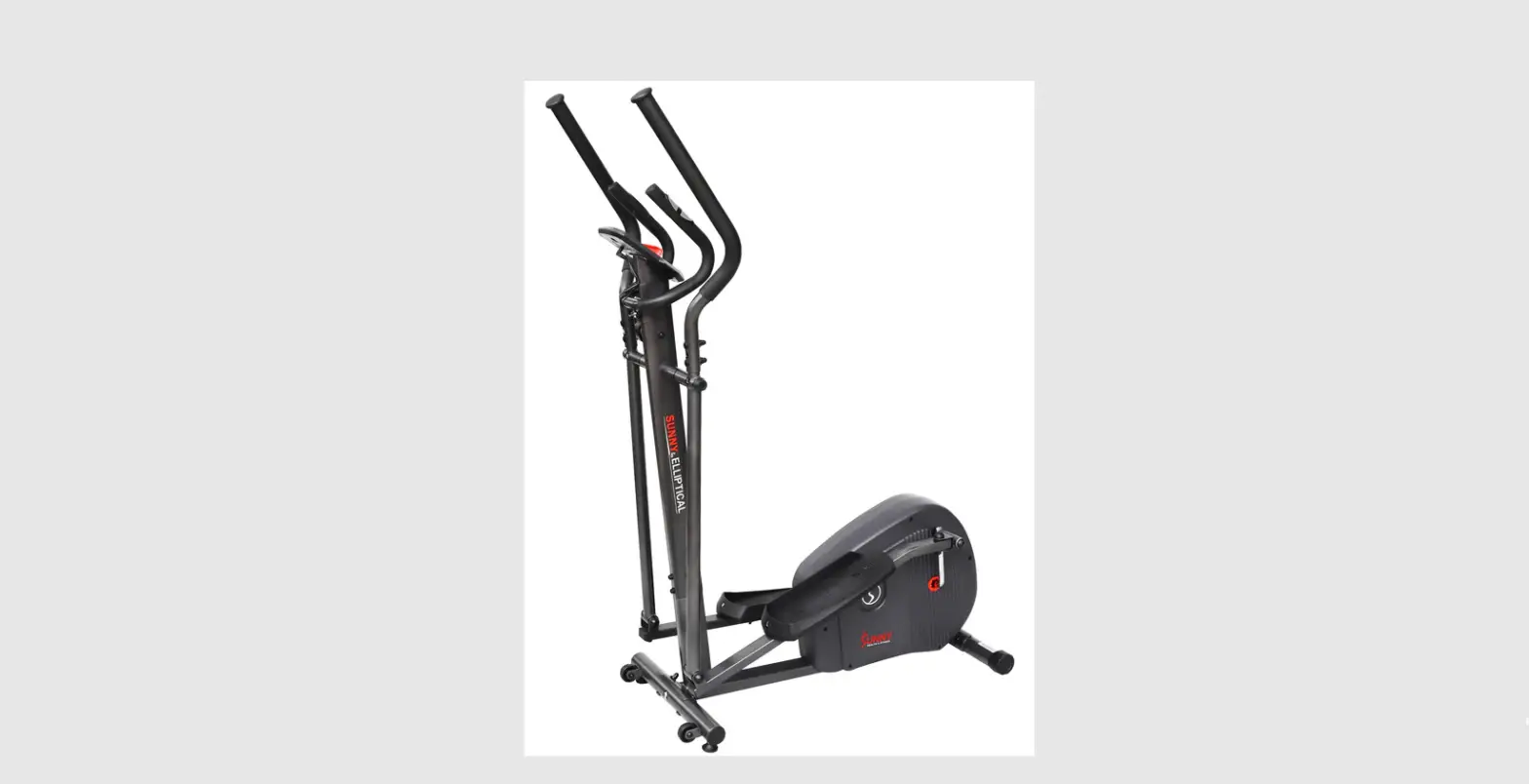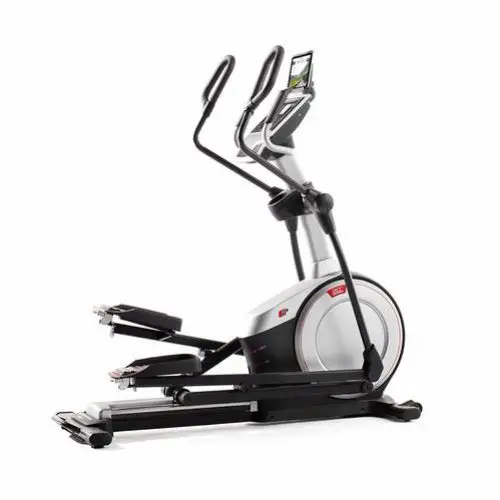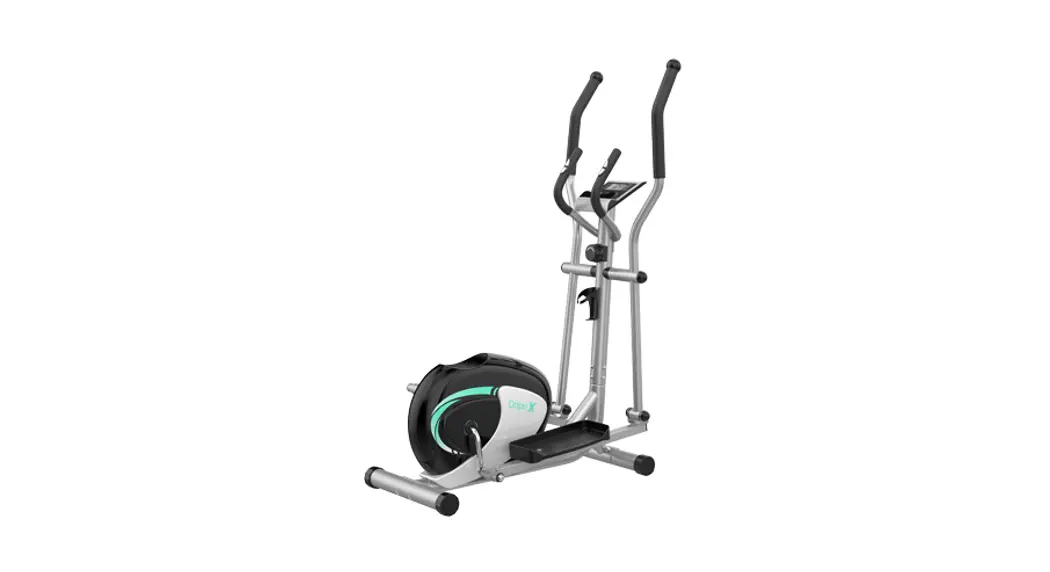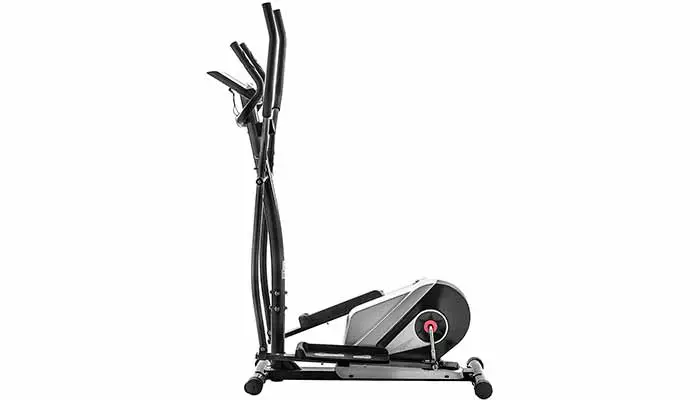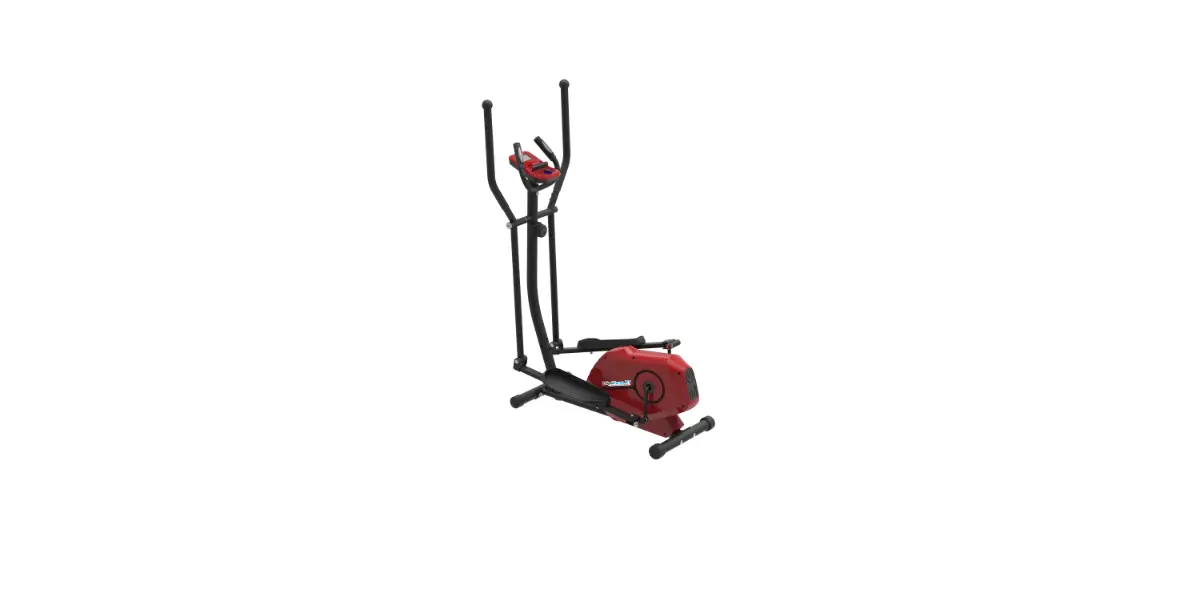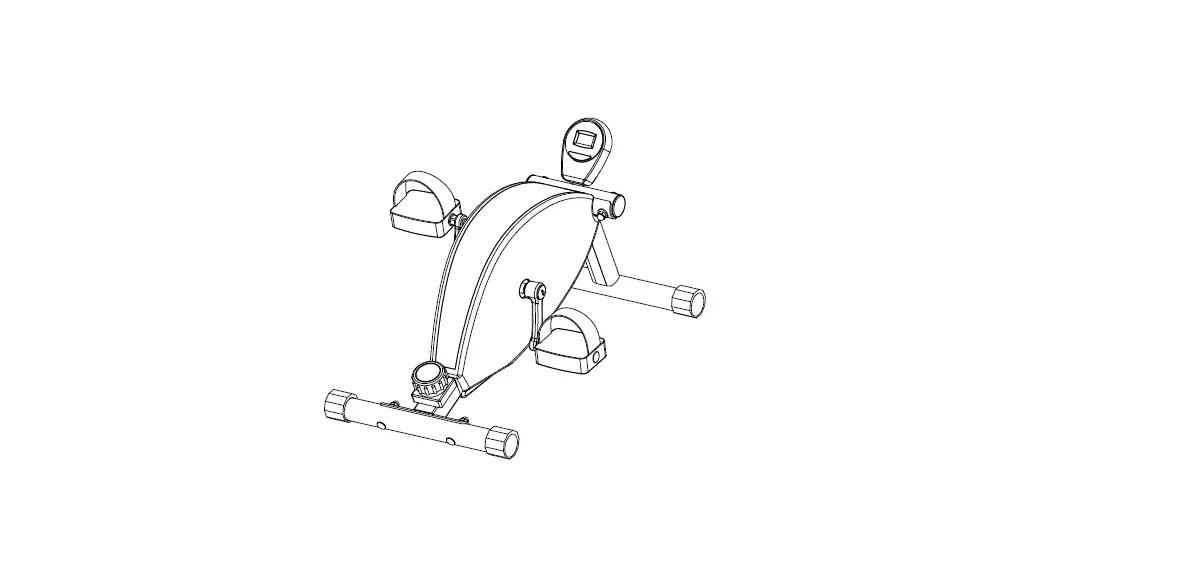

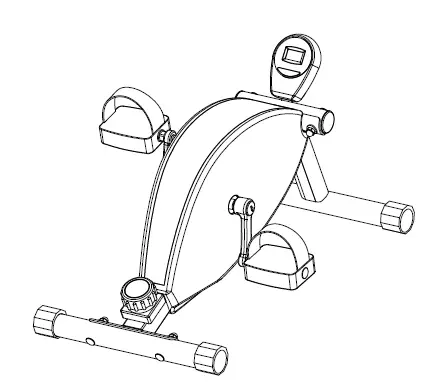
COSTWAY SP37617 Magnetic Elliptical Machine
Important Safety Information
ASSEMBLY INSTRUCTIONS
Caution The requirement that a complete visual inspection and test of the features and functions of the assembled exercise bike be made prior to use.The exercise bike shall be set up and operated on a solid level surface.
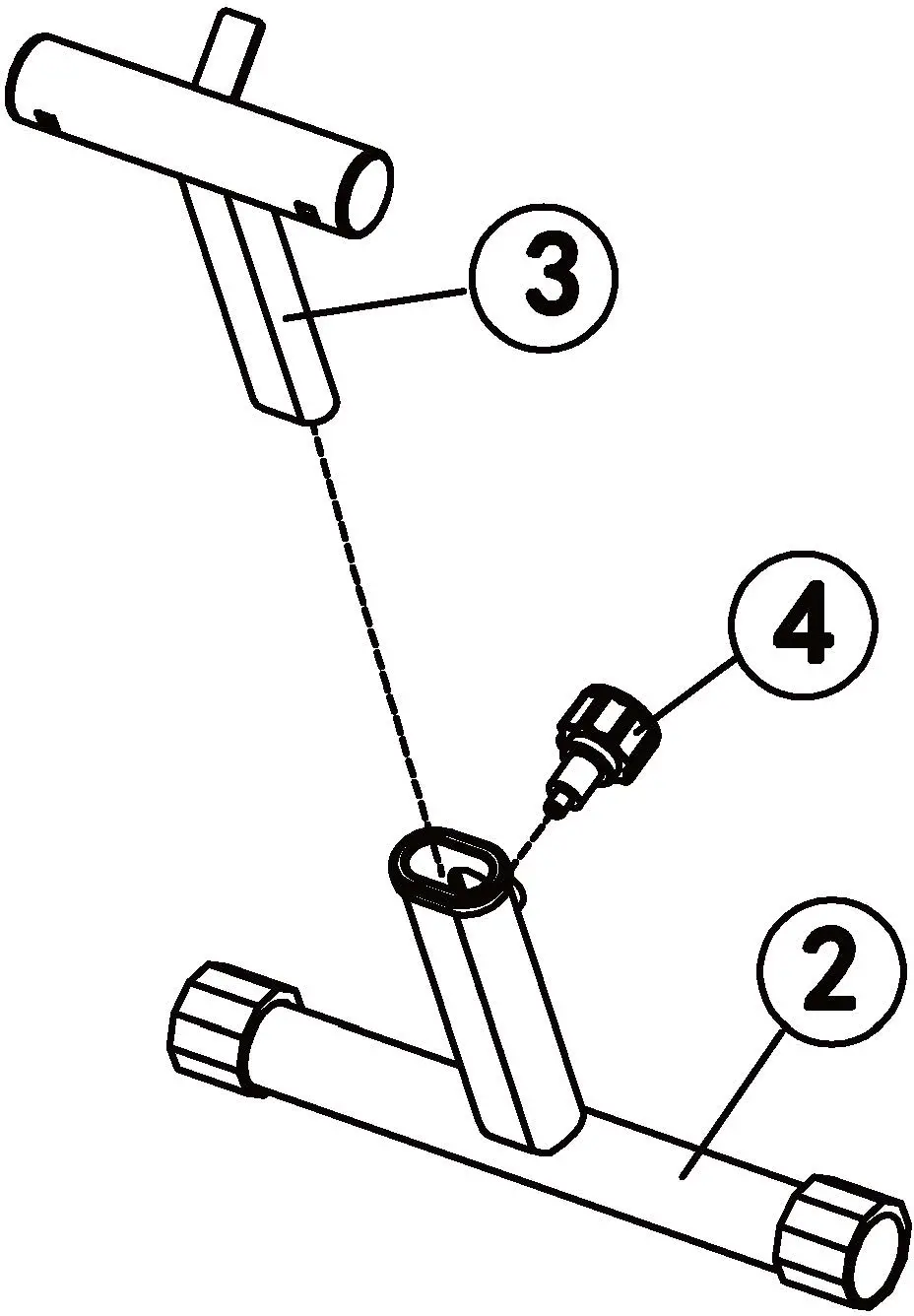
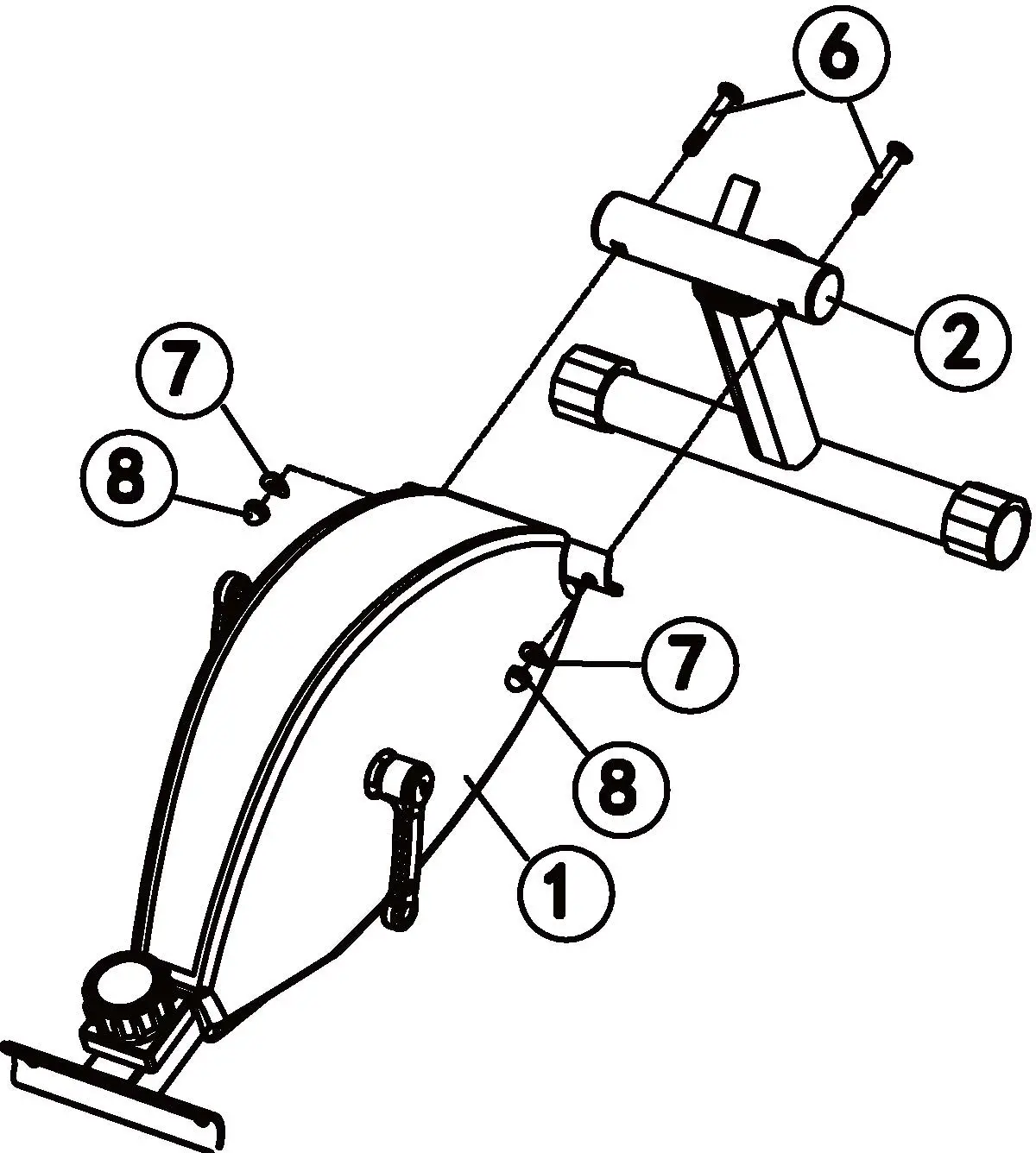
- STEP 1. Put the part (3) into the part (2) and adjust the height by knob (4) and fix.

- STEP 2. Connect part (3) to part (1) and fix by part (6)/(7)/(8).

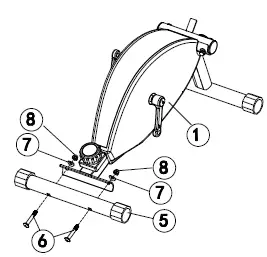
- STEP 3 Connect part (5) to part (1) and fix by part (6)/(7)/(8), then use wrench to fasten.

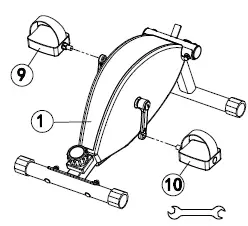
- STEP4 Align the bolt on part (9) /(10) with the crank on part (1), then use wench to tighten part (9)/(10).
Note: Please pay attention to the left and right direction of part (9)/(10) while installing.
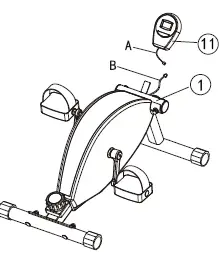
- STEP 5 Assemble the battery to computer first, then insert the computer to the plate of Part (1). Finally, connect the Part (A) to Part (B).

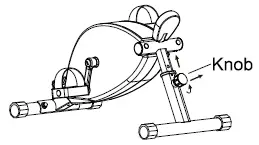
- How to adjust the height Loose the knob first and push out the knob to adjust the height you like, then to fix by knob.

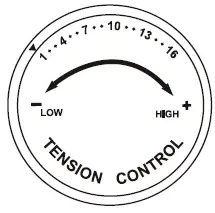
- How to adjust the tension Tension: 1-16 level You can Knob rotate the knob to choose the tension you like.

Exercise Computer
SPECIFICATIONS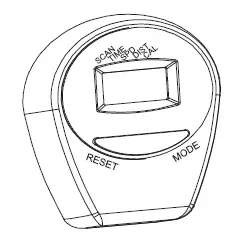
- TIME 00:00-99.59
- SPEED 0:00-99.9 KM/H
- DISTANCE 0:00-99.9 KM
- CALORIES 0.0-9999 KCAL
OPERATION PROCEDURES
- AUTO ON/OFF:
- The system turns on when any key is is pressed or the input signal of the speed sensor is received.
- The system turns off automatically when the sensor has no signal input or no key is pressed for about 4 minutes.
- RESET: The unit can be reset by either changing battery or pressing the mode key for 3 seconds.
- MODE: If you don’t want the scan mode, press the MODE key until the pointer on the function you want starts blinking.
- FUNCTIONS:
- TIME: Press the MODE key until the pointer advance to TIME. The total working time will be shown.
- SPEED: Press the MODE key until the pointer advance to SPEED. The total speed will be shown.
- DISTANCE: Press the MODE key until the pointer advance to DISTANCE. The distance of each workout will be displayed.
- CALORIES: Press the MODE key until the pointer advance to CALORIES. The calories burned will be displayed.
- SCAN: Automatically display the following functions in the
- order shown: TIME-SPEED-DISTANCE-PULSE-CAL (Repeat).
- BATTERY: 2PCS(Type AAA, l.SV). This monitor uses 2 pcs x AAA 1. SV batteries. IF the display on the monitor is incorrect, please reinstall the batteries to get a good result.
Operation Instructions
Notice: Please make sure that this machine is completely assembled before use. You can use this machine as like the below pictures.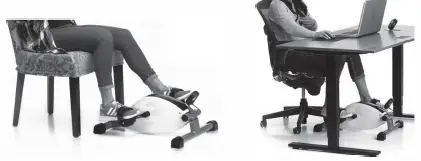
Maintenance Instructions
For your health and safety, please clean and maintain the machine regularly. After each use, clean the sweat and dust with a dry clean cloth. Plating parts can be sprayed with anti-rust oil every week to prevent rust. If you need to replace accessories such as meters, Pedals, End Cap, etc., please contact after-sales service. These need to be purchased from the manufacturer. If the warning labels are blurred or lost, please contact our after-sales department.