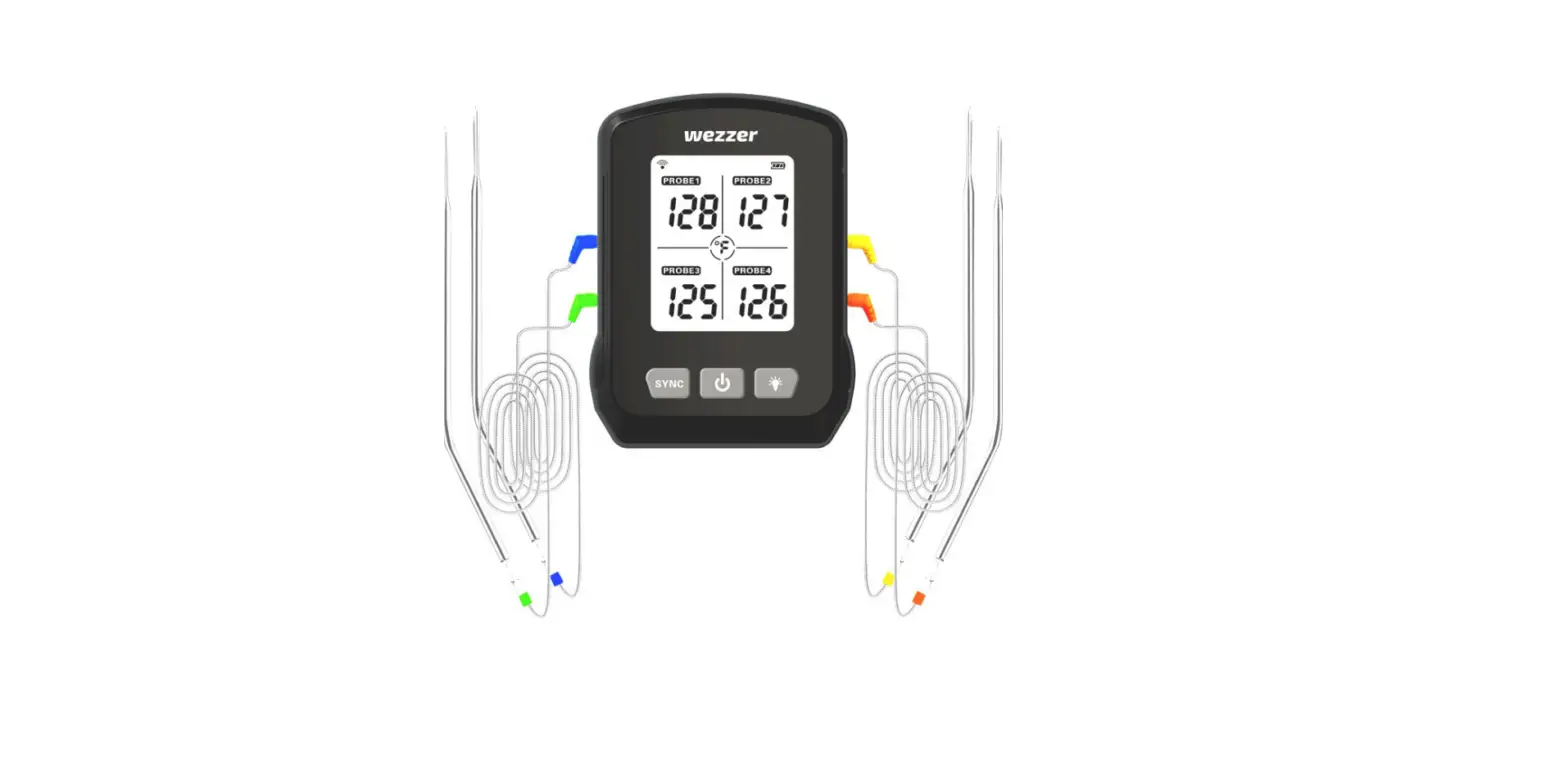

levenhuk Wezzer MT90 Cooking Thermometer
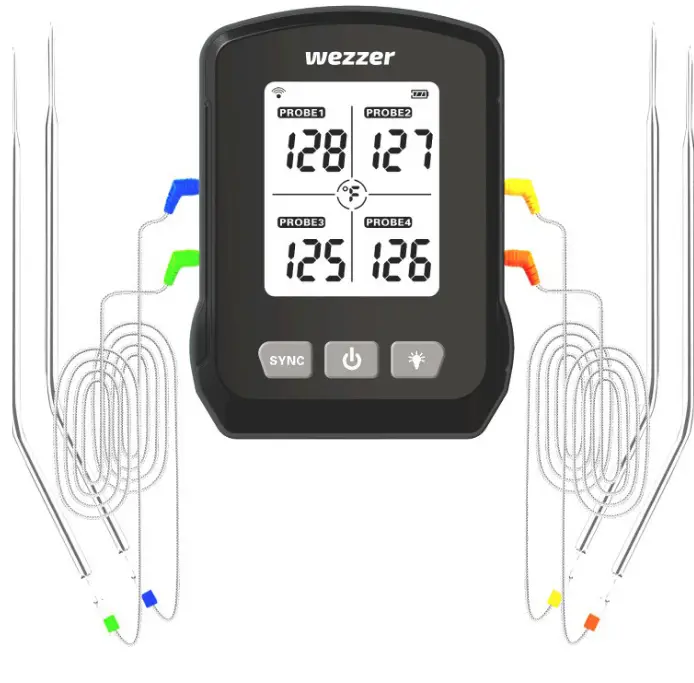
OVERVIEW
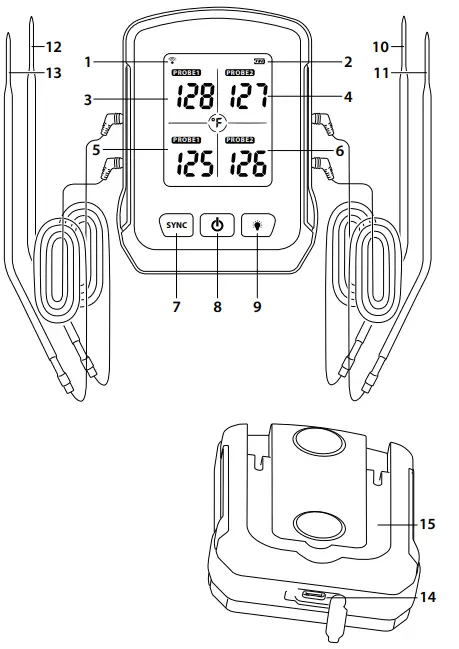
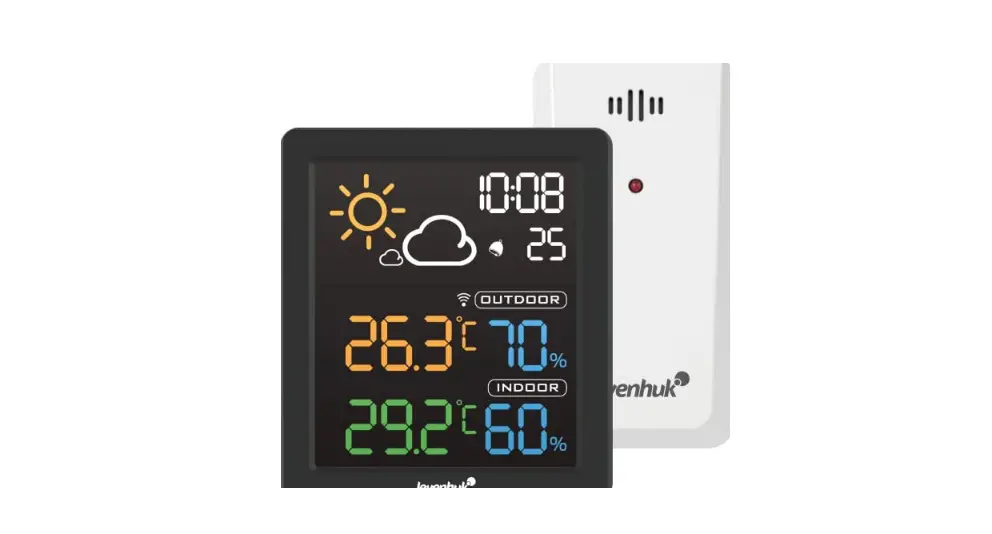
- Wi-Fi icon
- Low battery indicator Probe 1
- temperature Probe 2
- temperature Probe 3
- temperature Probe4
- temperature
- SYNC button
- N/OFF button
- LIGHT button
- Probe 1
- Probe2
- Probe 3
- Probe 4
- Power input
- Table stand (fold out)
Levenhuk Wezzer Cook MT90 Cooking Thermometer
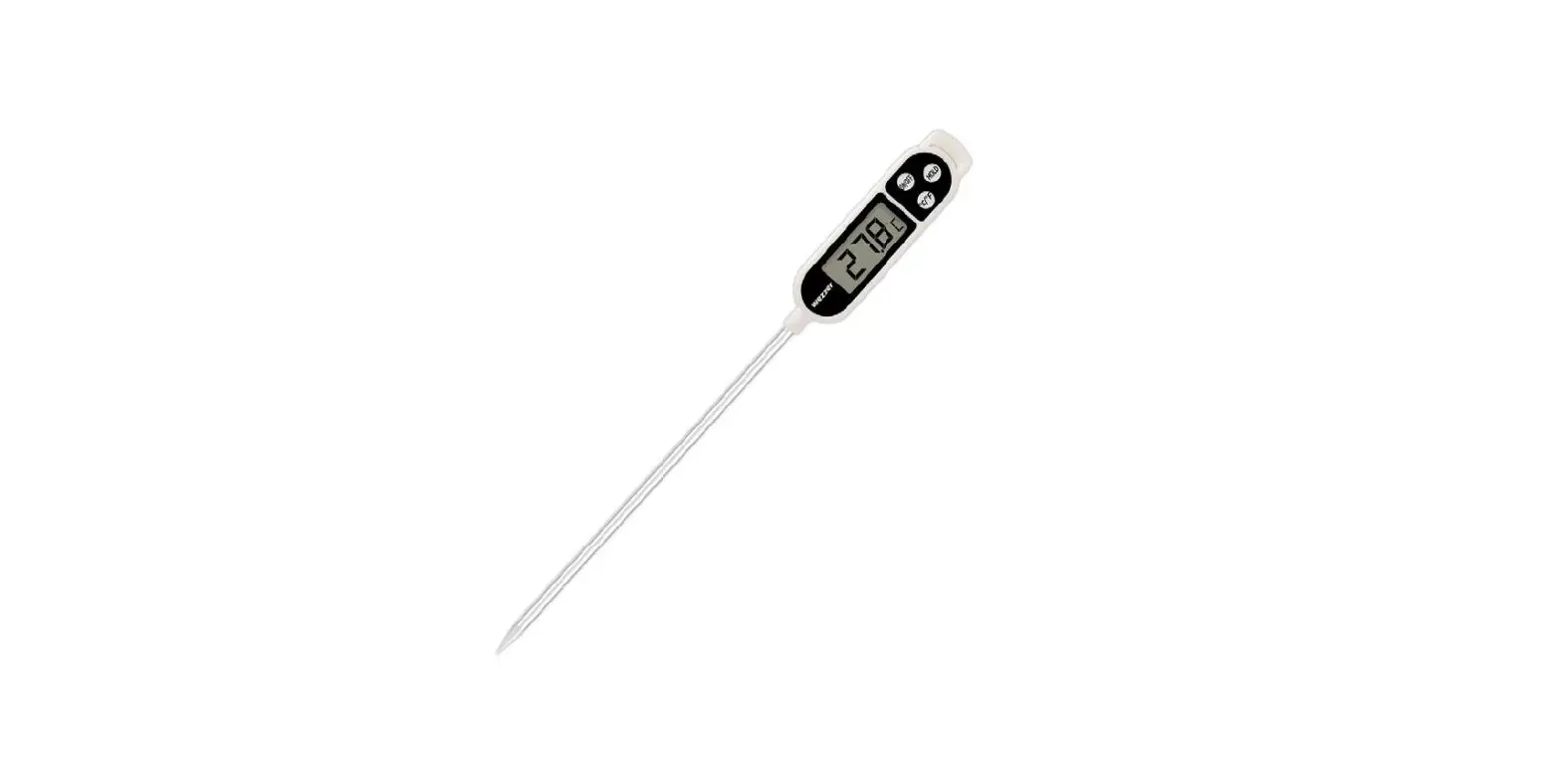
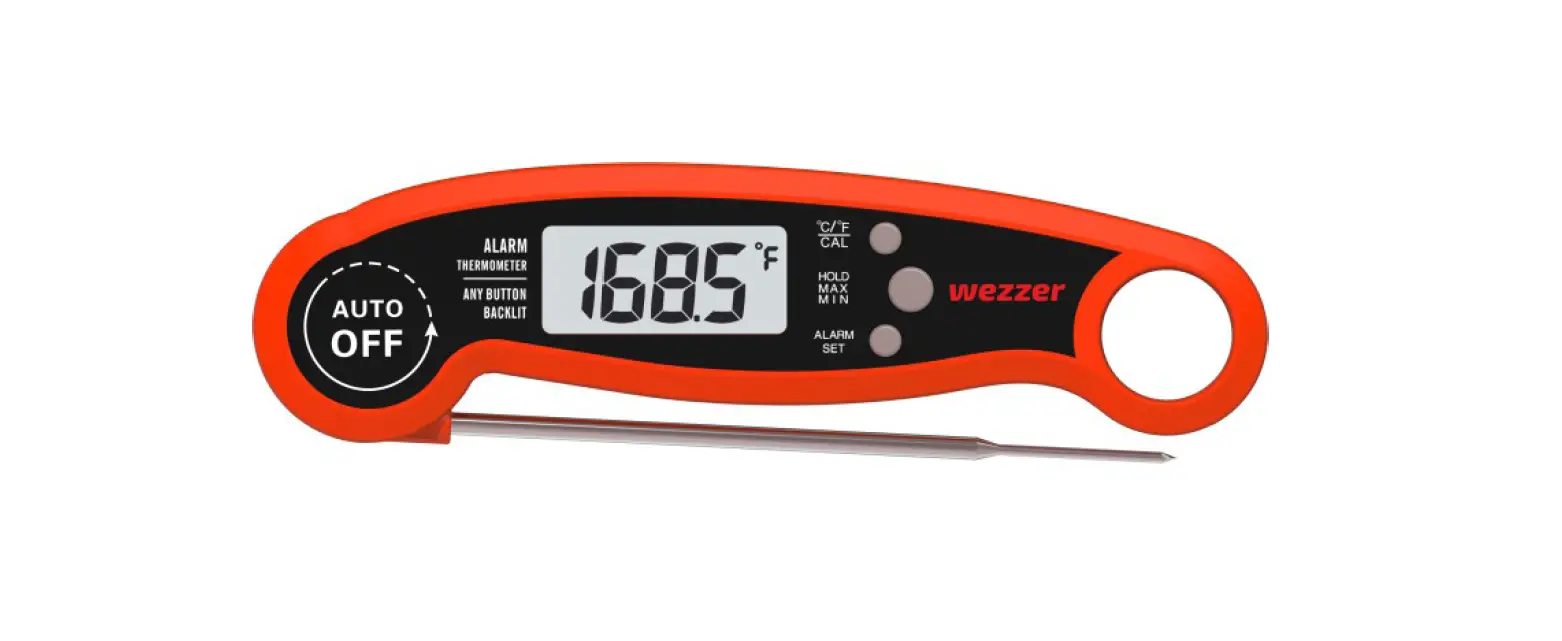
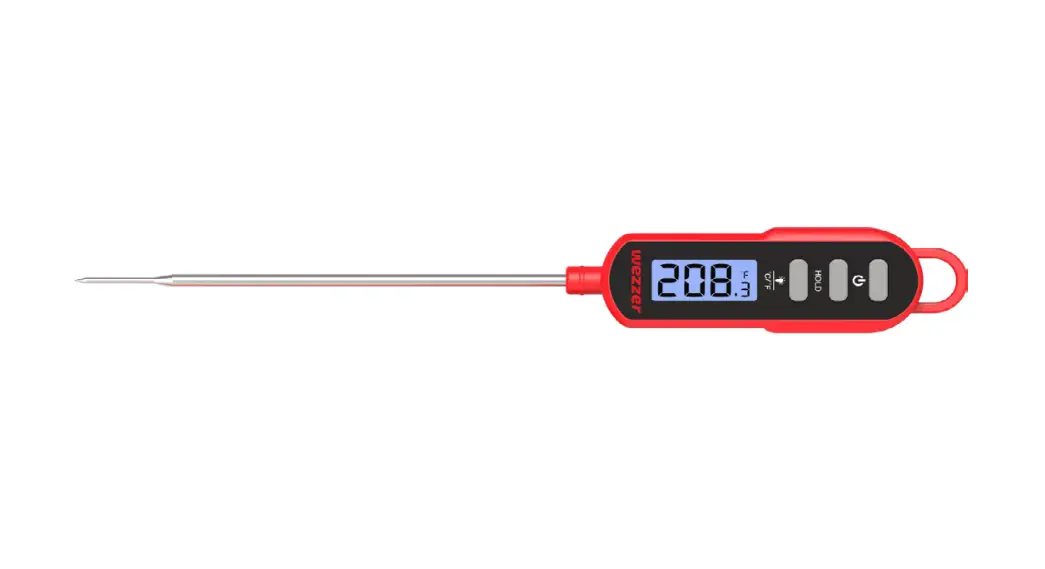
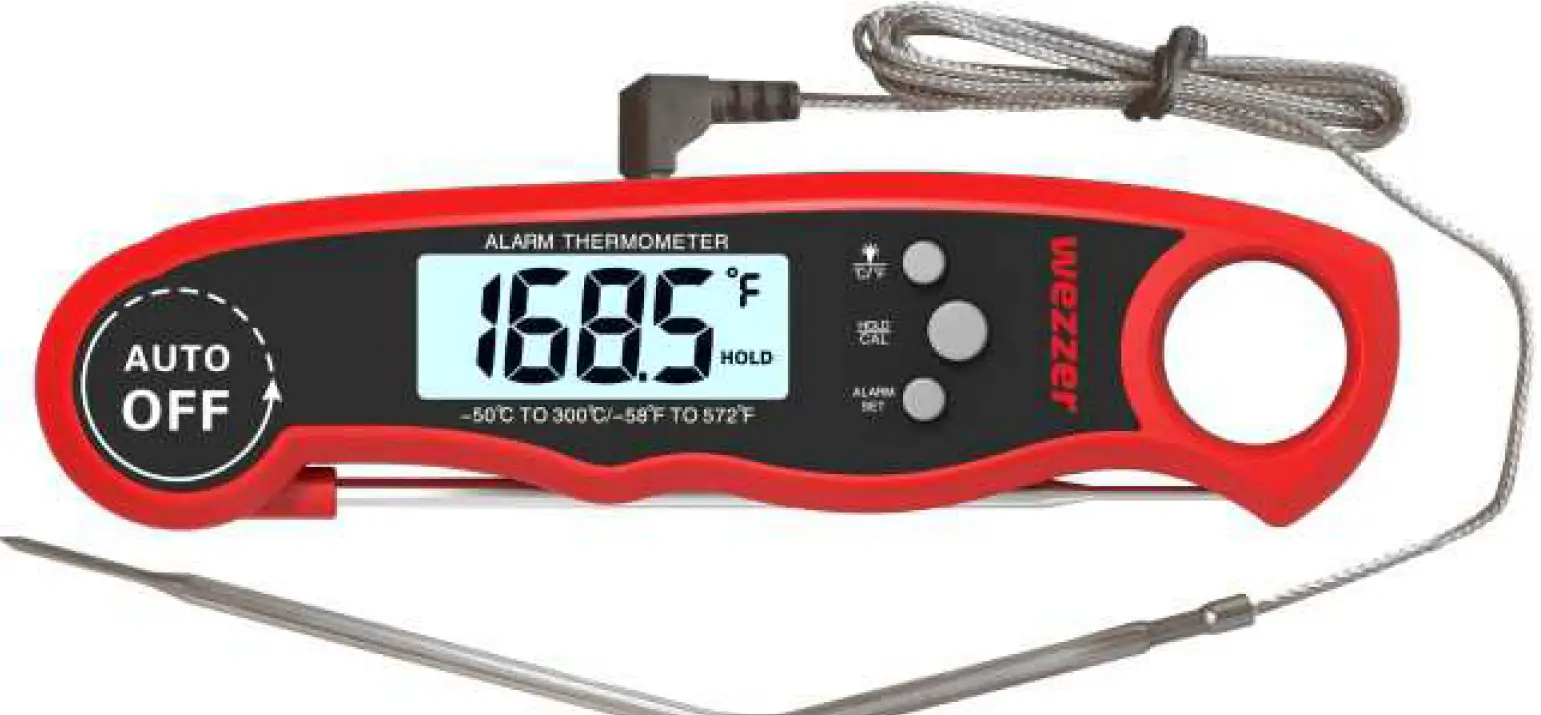
Levenhuk Wezzer digital cooking thermometers are designed for the temperature measurement of various types of food and dishes during the cooking process.
WARNING: Clean the probe thoroughly before and after every use.
Using
Press (8) to turn the device on. Insert the probes into the corresponding sockets. The temperature readings for probes 1, 2, 3 and 4 will appear on the LCD right away. Press (9) to turn on the backlight.
Configuration/Setting up a Wi-Fi connection
An active and reachable 2.4 GHz Wi-Fi network as well as an active Bluetooth connection on the smart device are required. The access data for the Wi-Fi network to be used must be known.
- Download and install the “Tuya smart” app or “Smart Life” app on the smart device through Apple App Store or Google Play. Complete the registration. The availability of a particular application depends on your region.
Tuya Smart
Apple App Store:
https://apps.apple.com/mm/app/tuya-smart/id1034649547
Smart Life
Google Play
https://play.google.com/store/apps/details?id=com.tuya.smart
Apple App Store
https://apps.apple.com/mm/app/smart-life-smart-living/id1115101477
Google Play
https://play.google.com/store/apps/details?id=com.tuya.smartlife - Connect the base station to the AC power supply; establish a connection with the sensor.
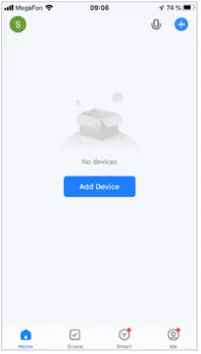
- Launch the “Tuya Smart” or “Smart Life” app.

- On the base station, press and hold the (7) button for 3 sec. A dot will blink from the Wi-Fi icon of the base station.

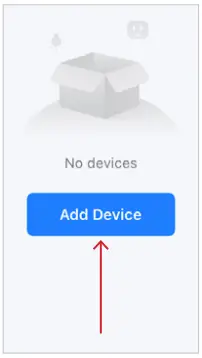
- Click the Add Device button in the application.

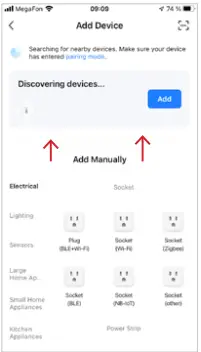
- When the “thermometer” icon appears, click the Add button.

- In the list of found devices, select your device and click the “+” button. In the app, you can:
- Set the timer
- Set the temperature warnings
- View the temperature graph
- Select the temperature unit
- and so on.





Suggested temperatures for various meat types and degrees of doneness:
| Meat type | Doneness | °C | °F |
| Ground Beef | Well done | 71°C | 160°F |
| Ground Poultry | Well done | 74°C | 165°F |
| Beef | Well done | 77°C | 171°F |
| Medium Well | 71°C | 160°F | |
| Medium | 66°C | 151°F | |
| Medium rare | 60°C | 140°F | |
| Rare | 52°C | 126°F | |
| Veal | Well done | 74°C | 165°F |
| Medium Well | 71°C | 160°F | |
| Medium | 66°C | 151°F | |
| Medium rare | 60°C | 140°F | |
| Rare | 52°C | 126°F | |
| Chicken/Poultry | Well done | 74°C | 165°F |
| Pork | Well Done | 77°C | 170°F |
| Medium Well | 74°C | 165°F | |
| Medium | 71°C | 160°F | |
| Lamb | Well done | 77°C | 171°F |
| Medium Well | 74°C | 165°F | |
| Medium | 71°C | 160°F | |
| Medium rare | 63°C | 145°F | |
| Rare | 60°C | 140°F | |
| Fish | Well done | 63°C | 145°F |
Specifications
- Operating temperature range, °C/°F: –20… +300/–4… +572
- Probe length, mm: 100
- Сable length, m: 1
- Power supply: USB cable
The manufacturer reserves the right to make changes to the product range and specifications without prior notice.
Care and maintenance
Never leave the thermoprobe inside a working oven or microwave, remove the device immediately after measuring the temperature. Keep the device away from open flames and hot surfaces. Always wear protective gloves during and after using the thermoprobe due to the risk of burns. After each usage, wash the steel probe in soapy or running water. Place the steel probe in hot water for a few minutes in order to sterilize it. Do not submerge the digital device in water; only the steel probe is waterproof. The device is not dishwasher safe. Never use a damaged device. Use the device only for its intended purpose. The device is suitable for indoor use only. Strictly follow the instructions and do not disassemble or drop the device as it may result in a loss of functionality. Children should use the device under adult supervision only.
Battery safety instructions
Always purchase the correct size and grade of battery most suitable for the intended use. Always replace the whole set of batteries at one time; taking care not to mix old and new ones, or batteries of different types. Clean the battery contacts and also those of the device prior to battery installation. Make sure the batteries are installed correctly with regard to polarity (+ and –). Remove batteries from equipment that is not to be used for an extended period of time. Remove used batteries promptly. Never short-circuit batteries as this may lead to high temperatures, leakage, or explosion. Never heat batteries in order to revive them. Do not disassemble batteries. Remember to switch off devices after use. Keep batteries out of the reach of children, to avoid risk of ingestion, suffocation, or poisoning. Utilize used batteries as prescribed by your country’s laws.
Levenhuk International Lifetime Warranty
All Levenhuk telescopes, microscopes, binoculars, and other optical products, except for their accessories, carry a lifetime warranty against defects in materials and workmanship. A lifetime warranty is a guarantee on the lifetime of the product on the market. All Levenhuk accessories are warranted to be free of defects in materials and workmanship for six months from the purchase date. The warranty entitles you to the free repair or replacement of the Levenhuk product in any country where a Levenhuk office is located if all the warranty conditions are met.
For further details, please visit: www.levenhuk.com/warranty
If warranty problems arise, or if you need assistance in using your product, contact the local Levenhuk branch.
Levenhuk Inc. (USA): 928 E 124th Ave. Ste D, Tampa, FL 33612, USA, +1-813-468-3001, [email protected]
Levenhuk Optics s.r.o. (Europe): V Chotejně 700/7, 102 00 Prague 102, Czech Republic, +420 737-004-919, [email protected] Levenhuk®, Wezzer® are registered trademarks of Levenhuk, Inc. © 2006–2022 Levenhuk, Inc. All rights reserved.
www.levenhuk.com
20221003
References
 Доживотна гаранция на Levenhuk – Официален уебсайт на Levenhuk в България
 Levenhuk optical instruments store | Levenhuk - best optical equipment
-
Levenhuk lifetime warranty details | Levenhuk - best optical equipment
-
Doživotní záruka společnosti Levenhuk – Oficiální webové stránky Levenhuk pro Českou republiku
-
Levenhuk Lebenslange Garantie – Die offizielle Website von Levenhuk in Deutschland
-
| Levenhuk, los mejores equipos ópticos
-
Levenhuk Lifetime Warranty – Levenhuk’s official website in Europe
-
A Levenhuk élettartamra szóló szavatossága – A Levenhuk hivatalos magyarországi weboldala
-
Gwarancja bezterminowa Levenhuk – Oficjalna witryna internetowa Levenhuk w Polsce
-
Поддержка - Гарантийное обслуживание Левенгук - Levenhuk Russia
 Доживотна гаранция на Levenhuk – Официален уебсайт на Levenhuk в България
 Levenhuk optical instruments store | Levenhuk - best optical equipment
 Doživotní záruka společnosti Levenhuk – Oficiální webové stránky Levenhuk pro Českou republiku
 Levenhuk Lebenslange Garantie – Die offizielle Website von Levenhuk in Deutschland
 | Levenhuk, los mejores equipos ópticos
 Levenhuk Lifetime Warranty – Levenhuk’s official website in Europe
 A Levenhuk élettartamra szóló szavatossága – A Levenhuk hivatalos magyarországi weboldala
 Gwarancja bezterminowa Levenhuk – Oficjalna witryna internetowa Levenhuk w Polsce
 Поддержка - Гарантийное обслуживание Левенгук - Levenhuk Russia