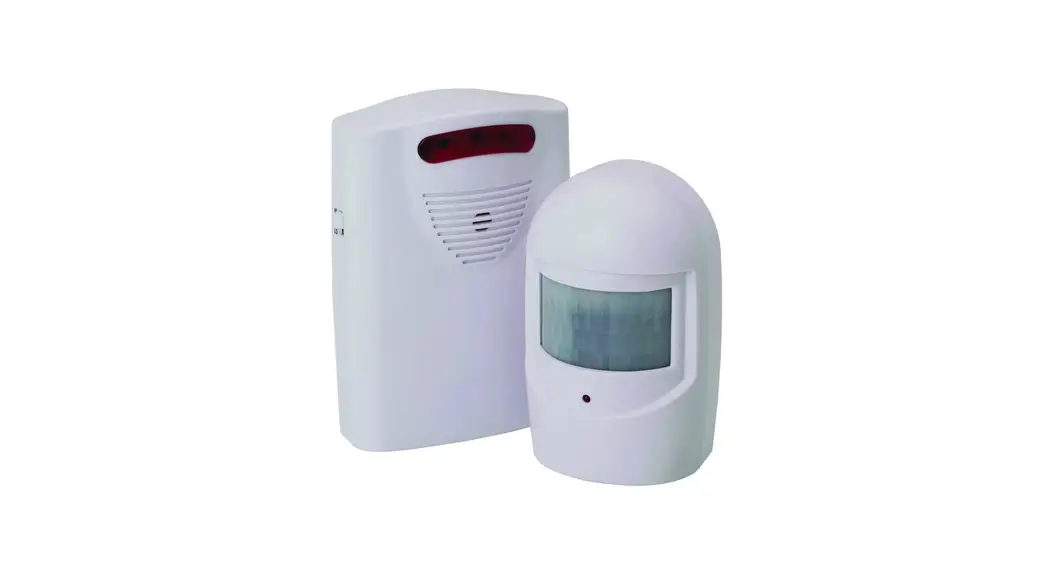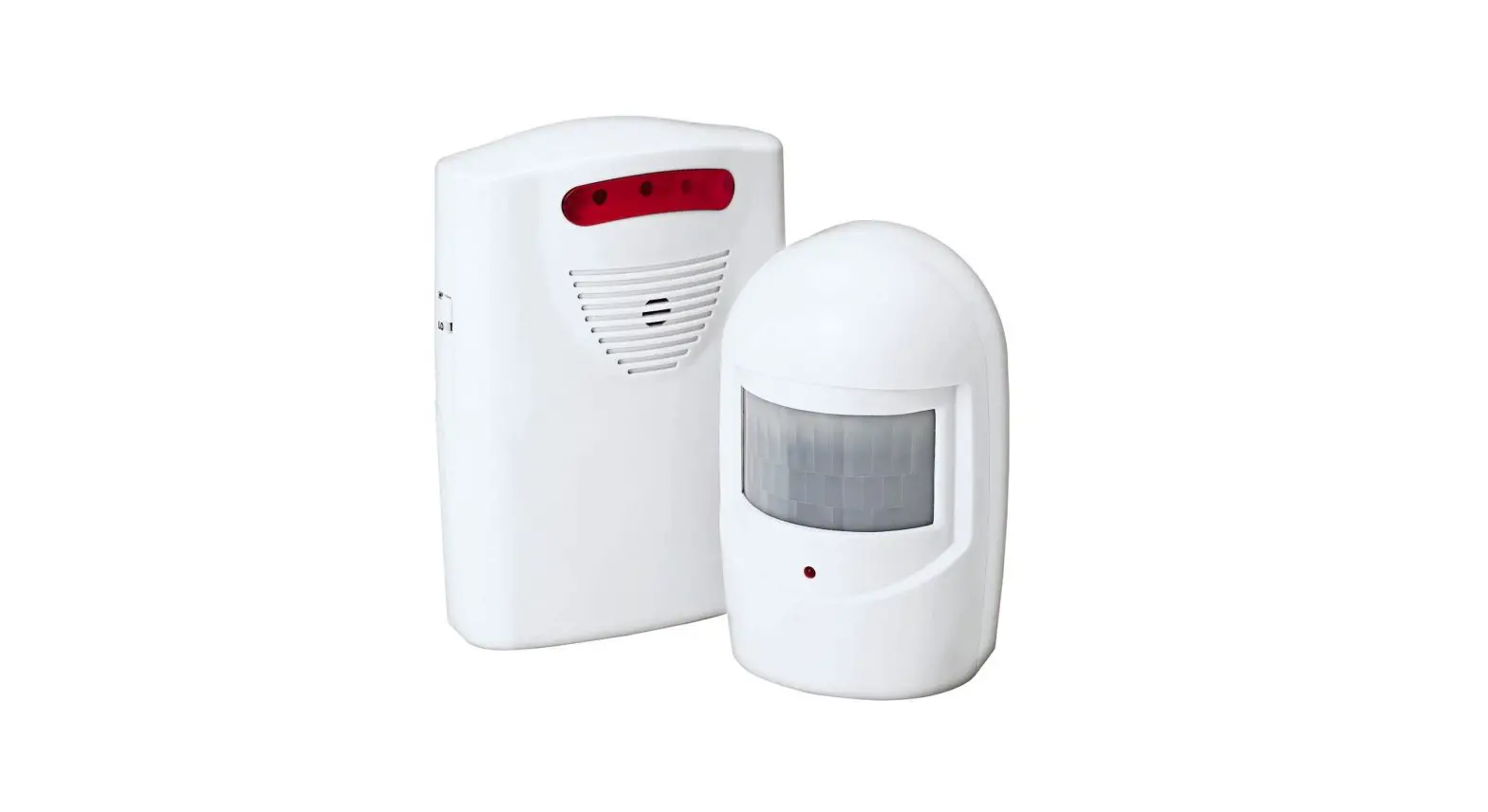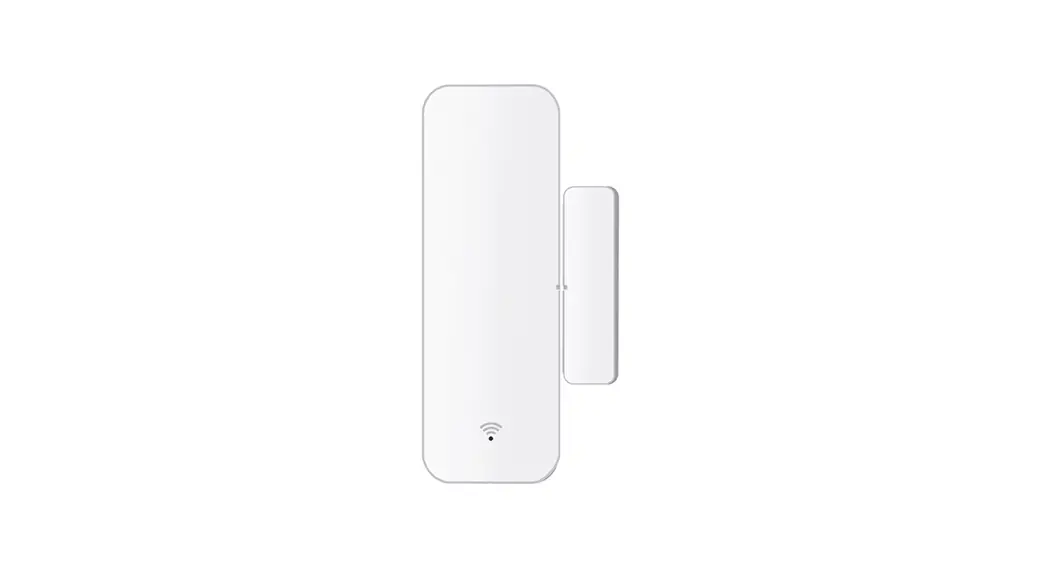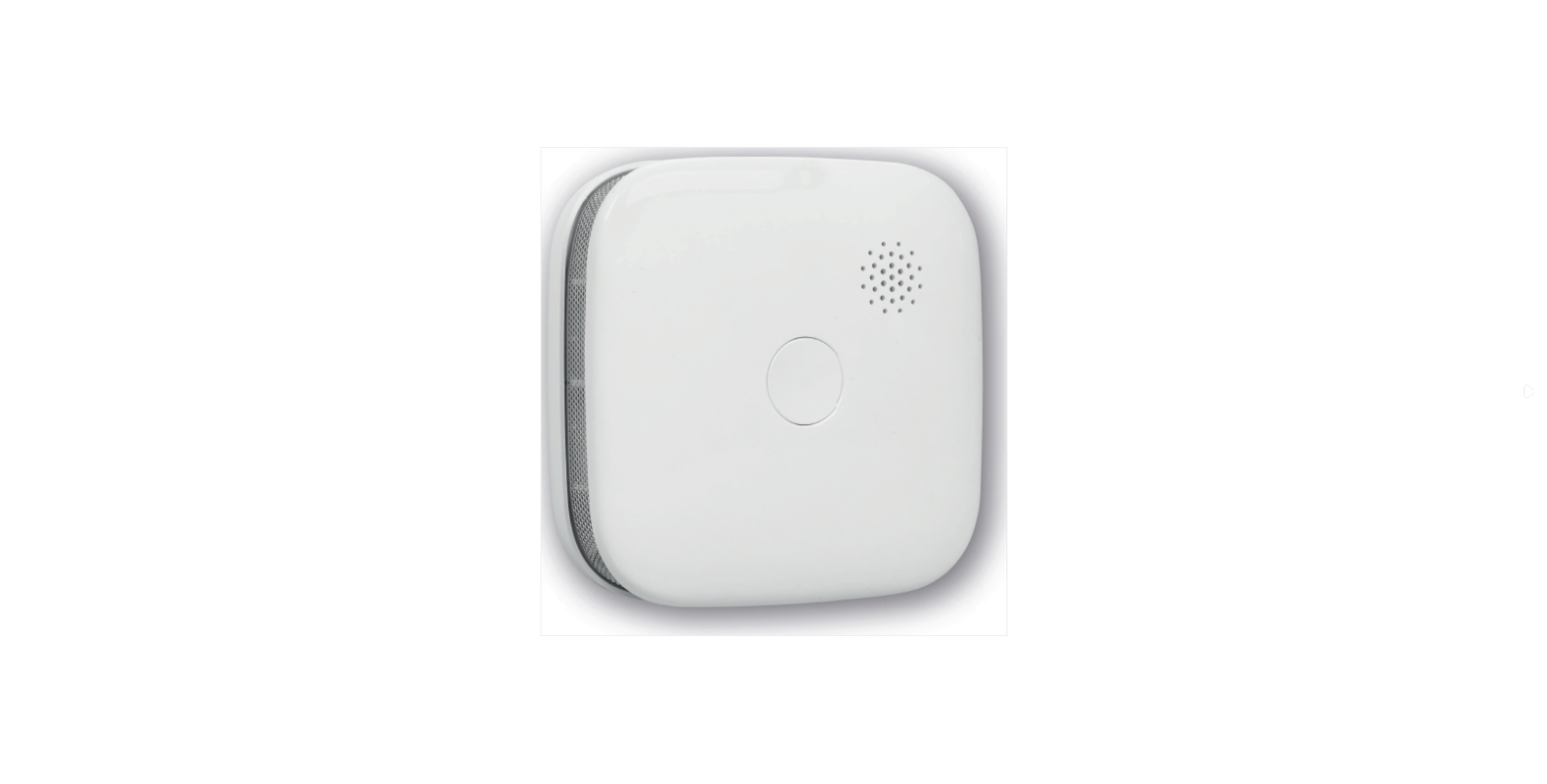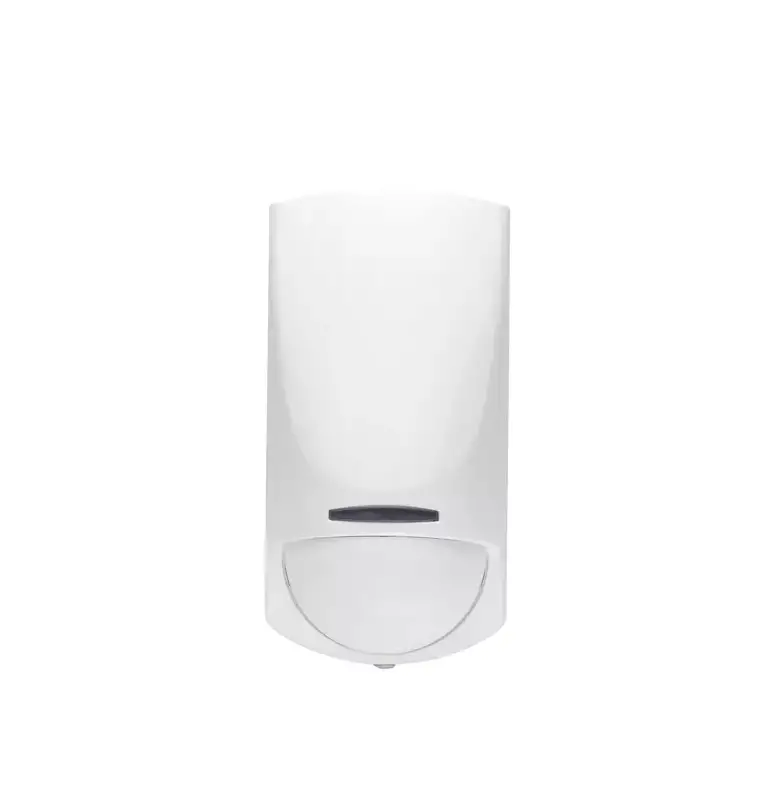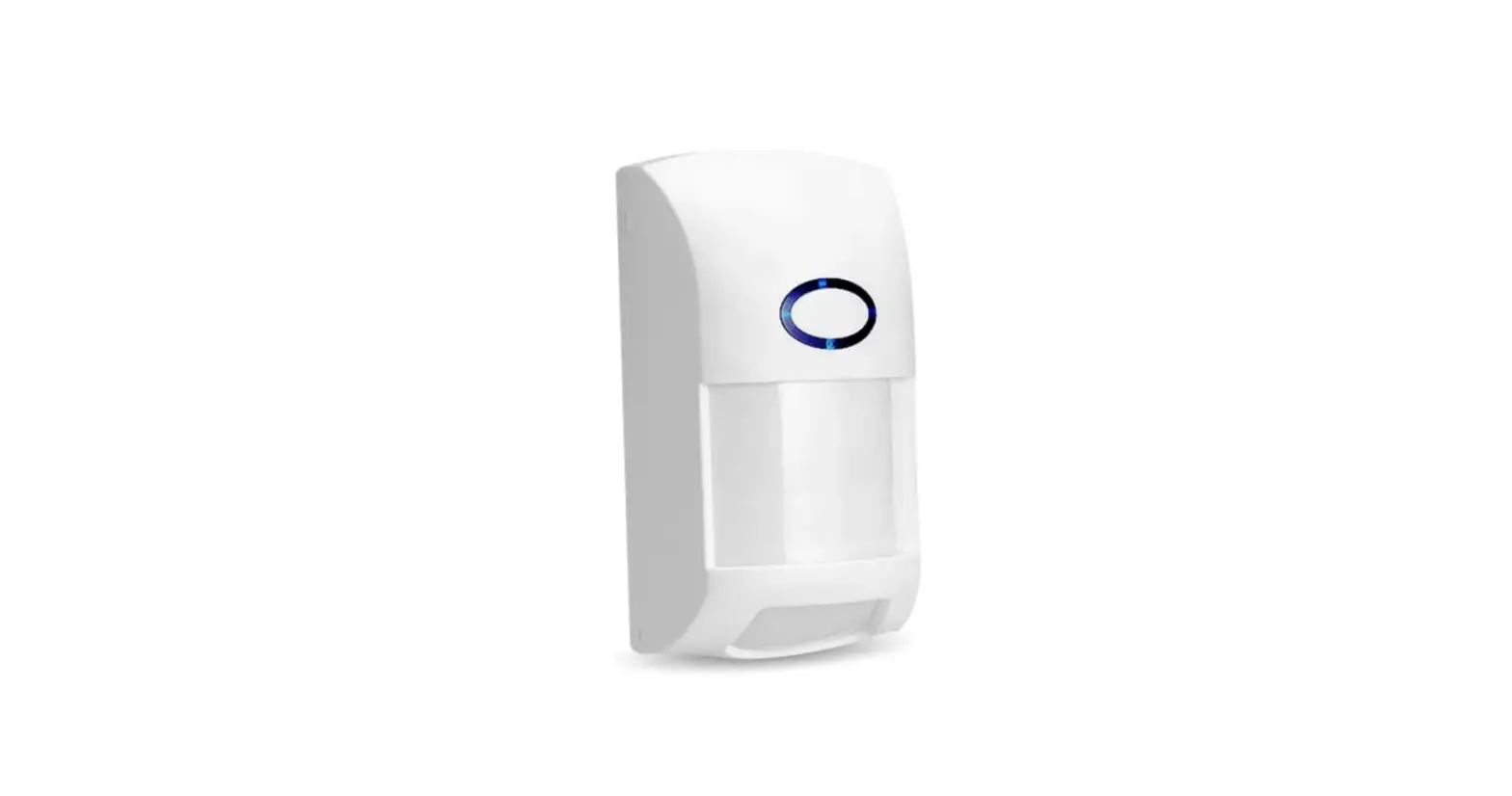

banggood CT60W WIFI Infrared Intrusion Alarm
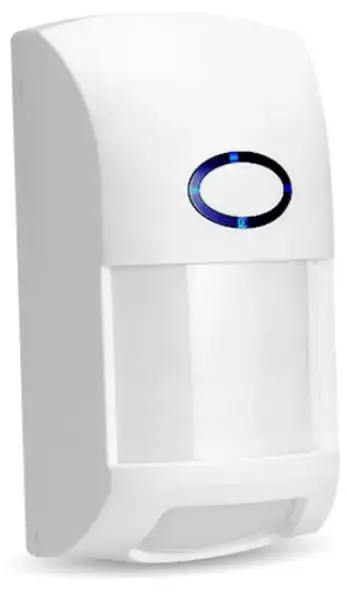
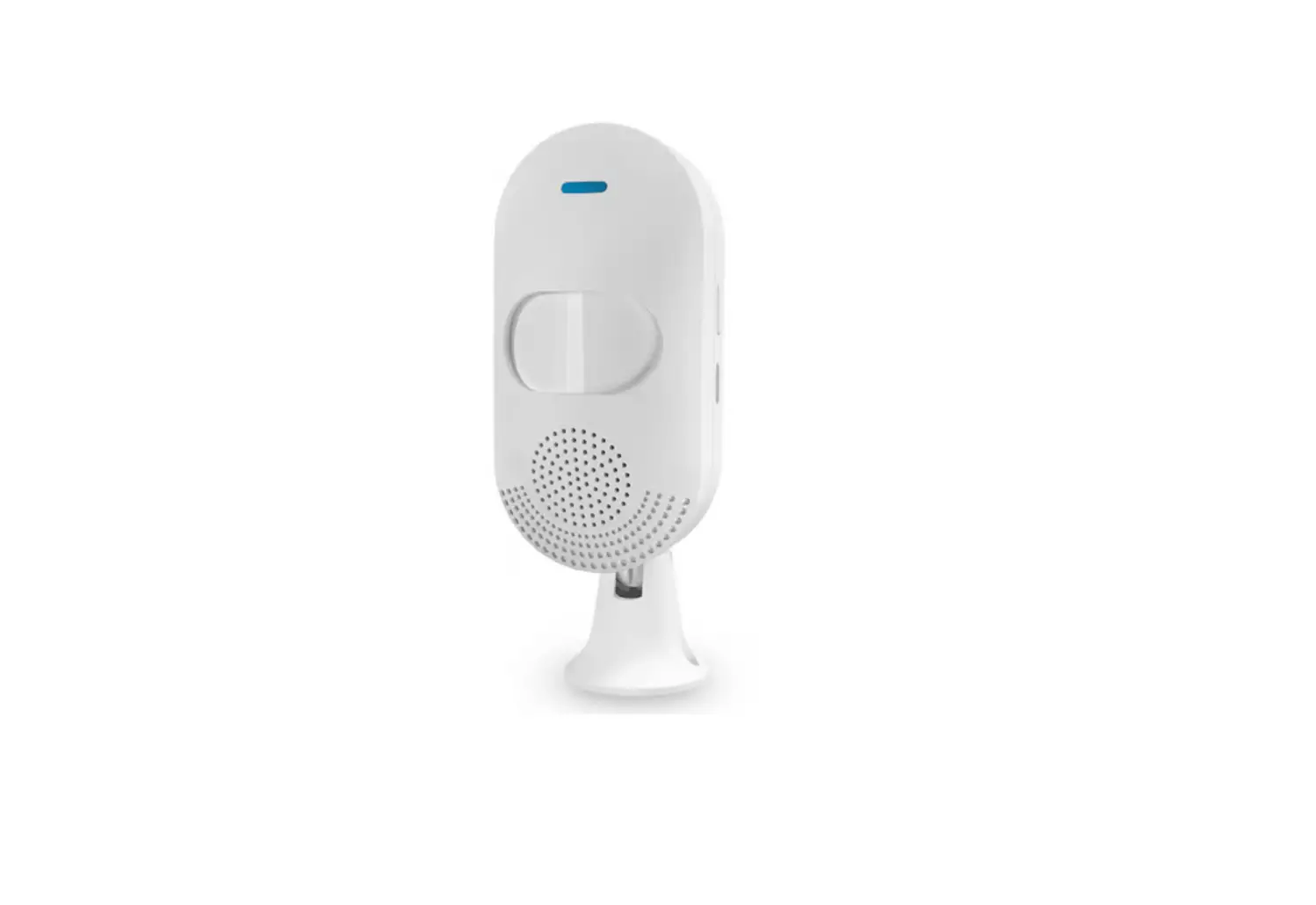
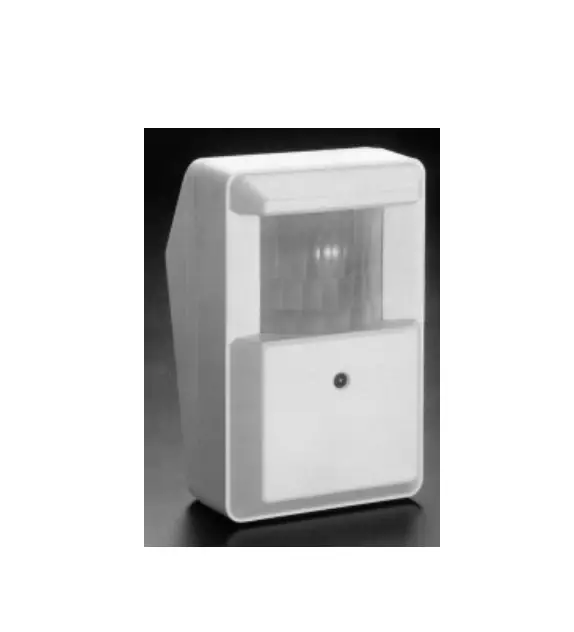
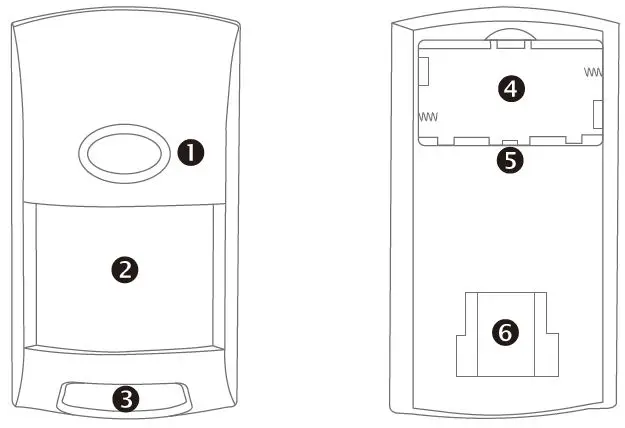
Product Diagram
- LED lights
- Front detection window
- Lower window detection window
- Battery bay
- Connection key
- Fixing the mouth of the bracket

First Use
- Install the battery.

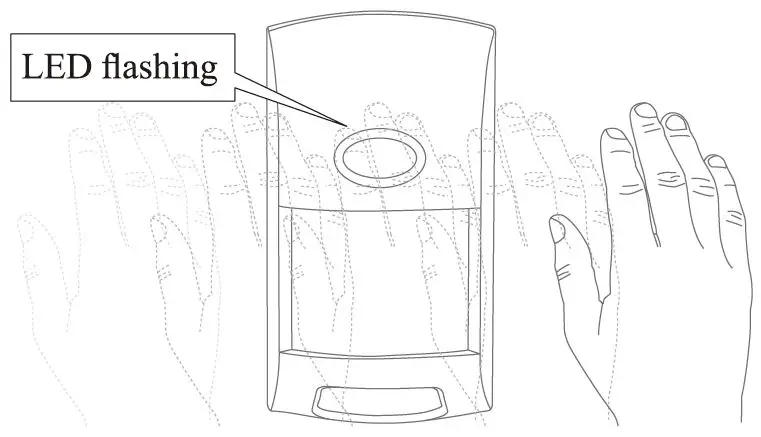
- Trigger an alarm.


Mobile APP
- Download the APP.

- Scan the QR code above to download.
- Search “Tuya Smart (Smart Life)” in the App Store.
- Precautions before connecting the phone.
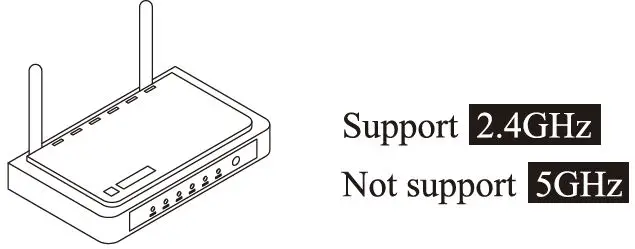
- WiFi frequency.

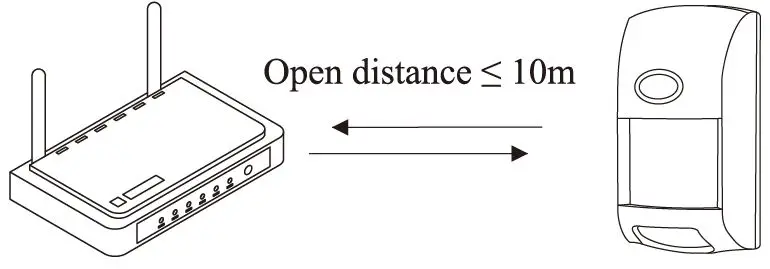
- The effective distance between the router and the infrared detector.

The infrared detector is too far from the router to connect to the phone.
- WiFi frequency.
- Connect the mobile phone.
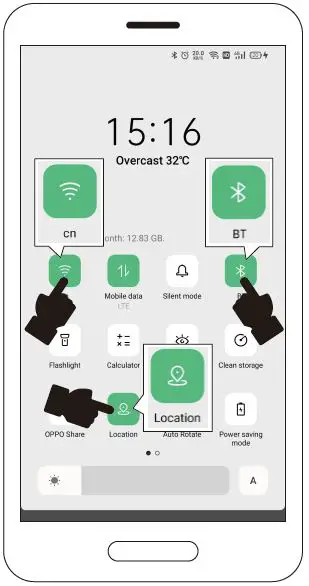
- Connect mobile WiFi / turn on BT / locate.

- Operating the product.

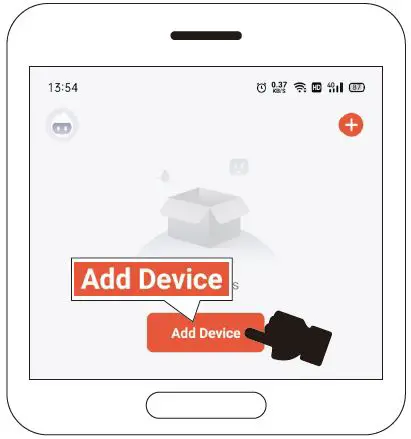
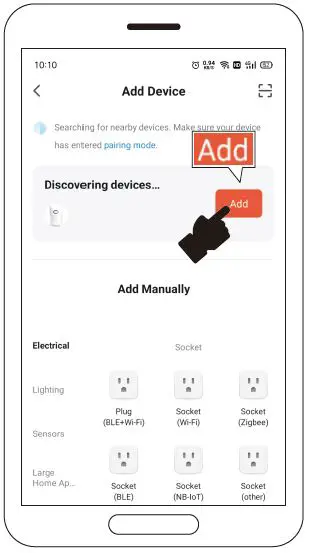
- Open the APP and click “Add Device”.

- Discover the device, and click “Add”.

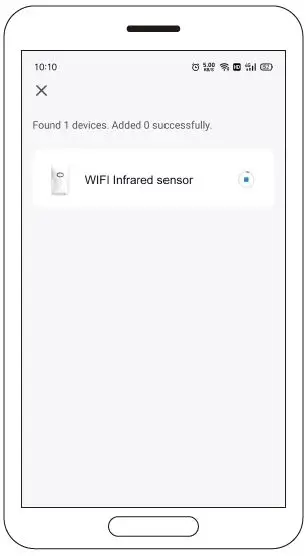
- Show adding.

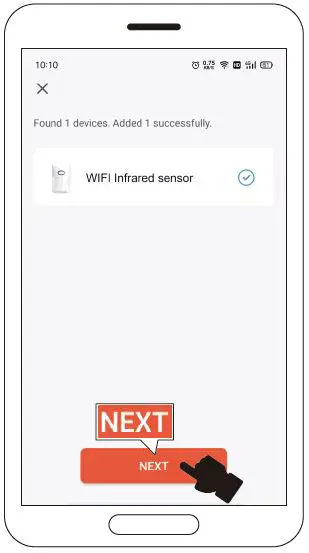
- The addition is complete, click “Next”.

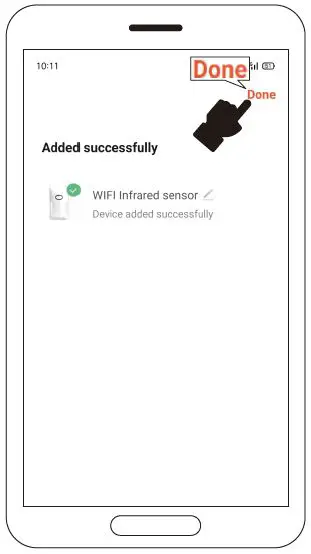
- Click “Done”.

- Connect mobile WiFi / turn on BT / locate.
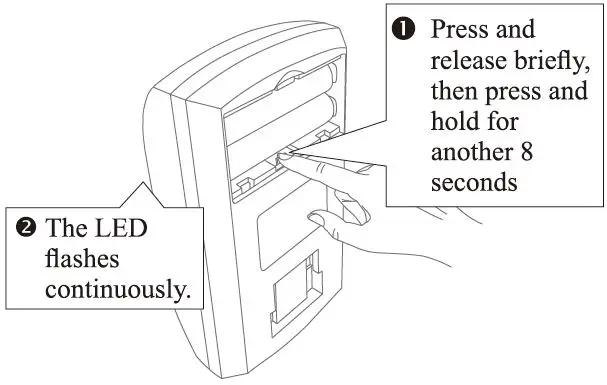
- Click

- Click “Share Device”.

- Click “Add Sharing”.
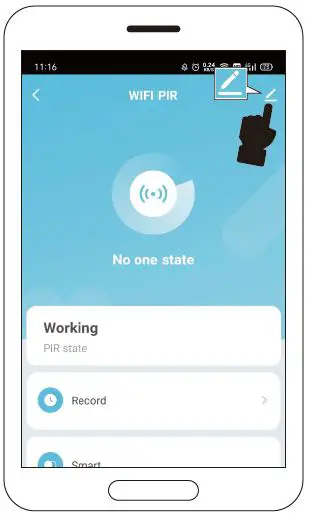
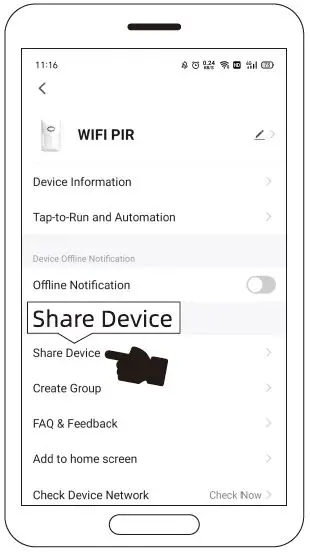
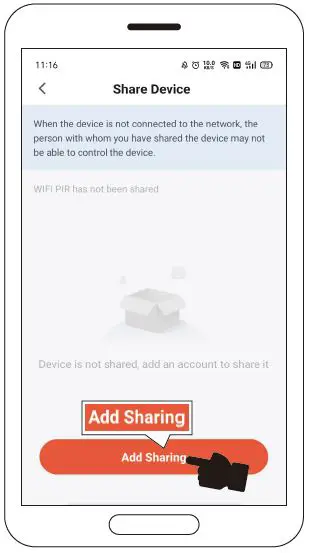
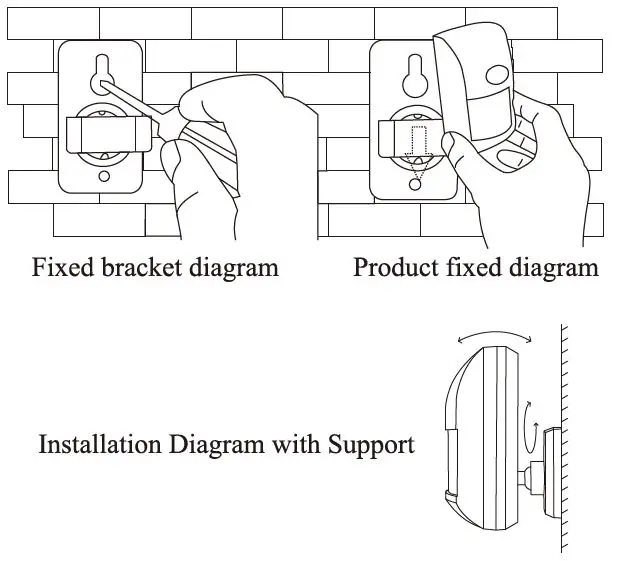
Installation
- About the installation height.

- Fixed installation.

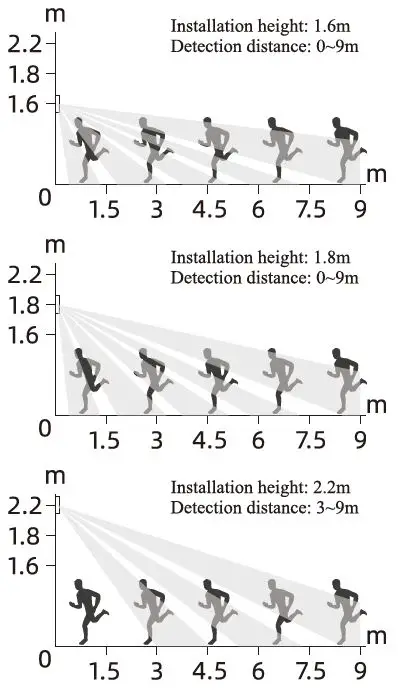
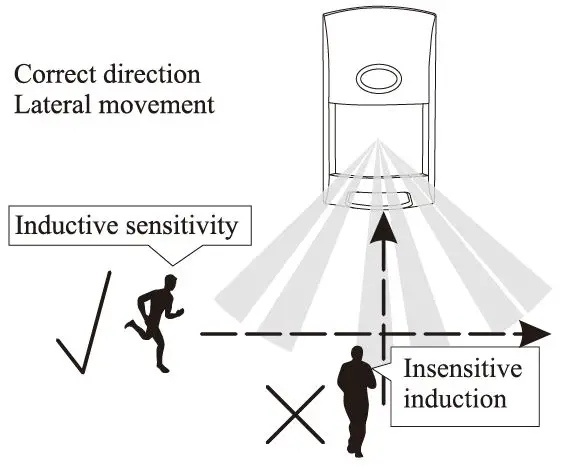
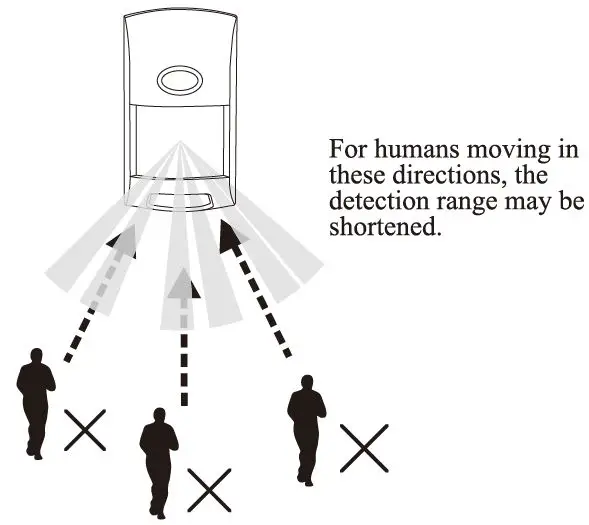
Test alarm
Technical Parameter
- Working voltage: 3V
- Standby current: <S30μA
- Alarm curreot: <‘.’70mA
- Battery: LR03 AAA ( l.5V*2)
- Detection distance: 9m ( Related to the adjustment of installation height, environment, and detection window)
- Detection angle: 110°
- Anti-white light intensity: 1 OOOOLux
- Prevent pet interference: <25KG
- Wi-Fi: IEEE 802.11 b/g/n 2.4G