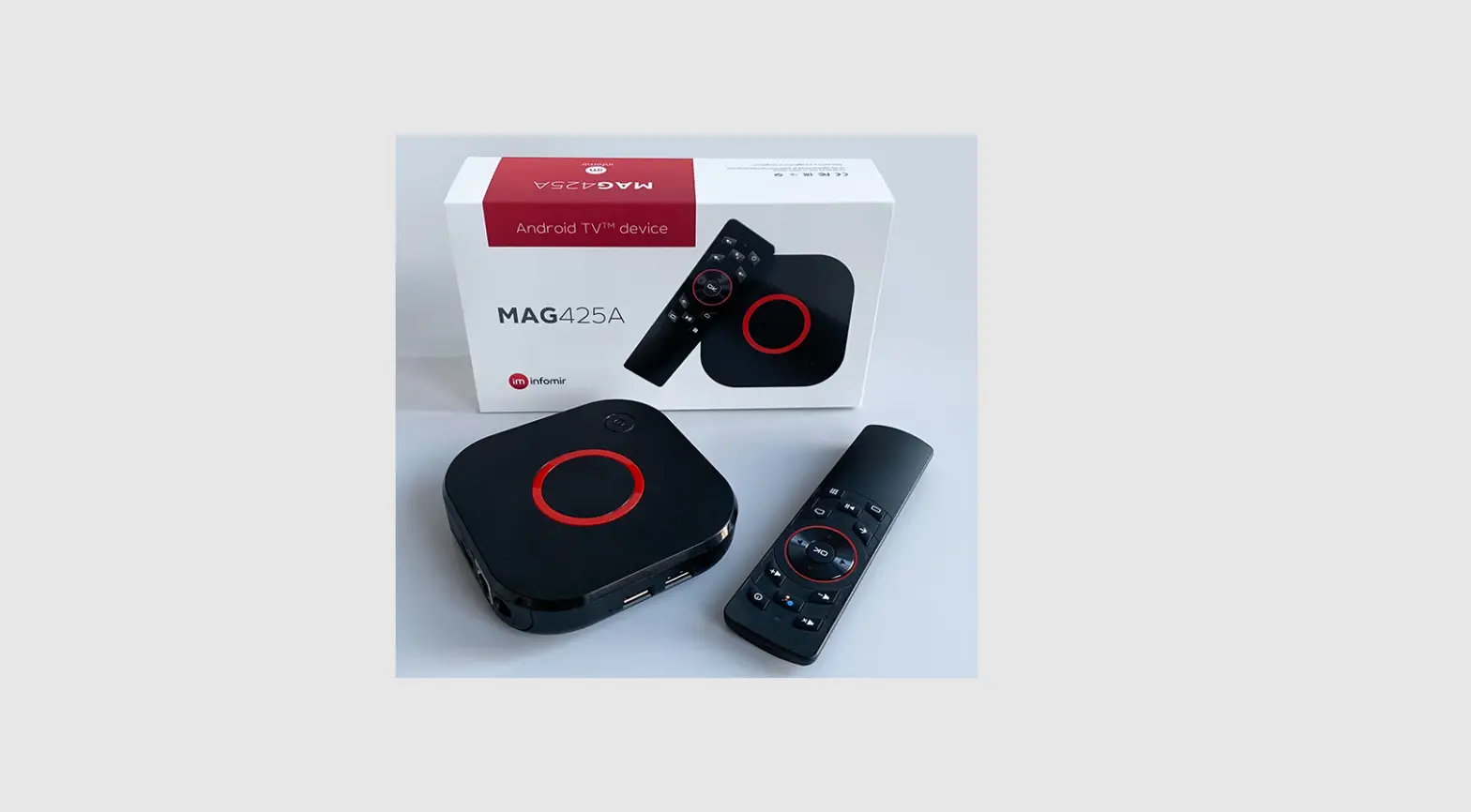
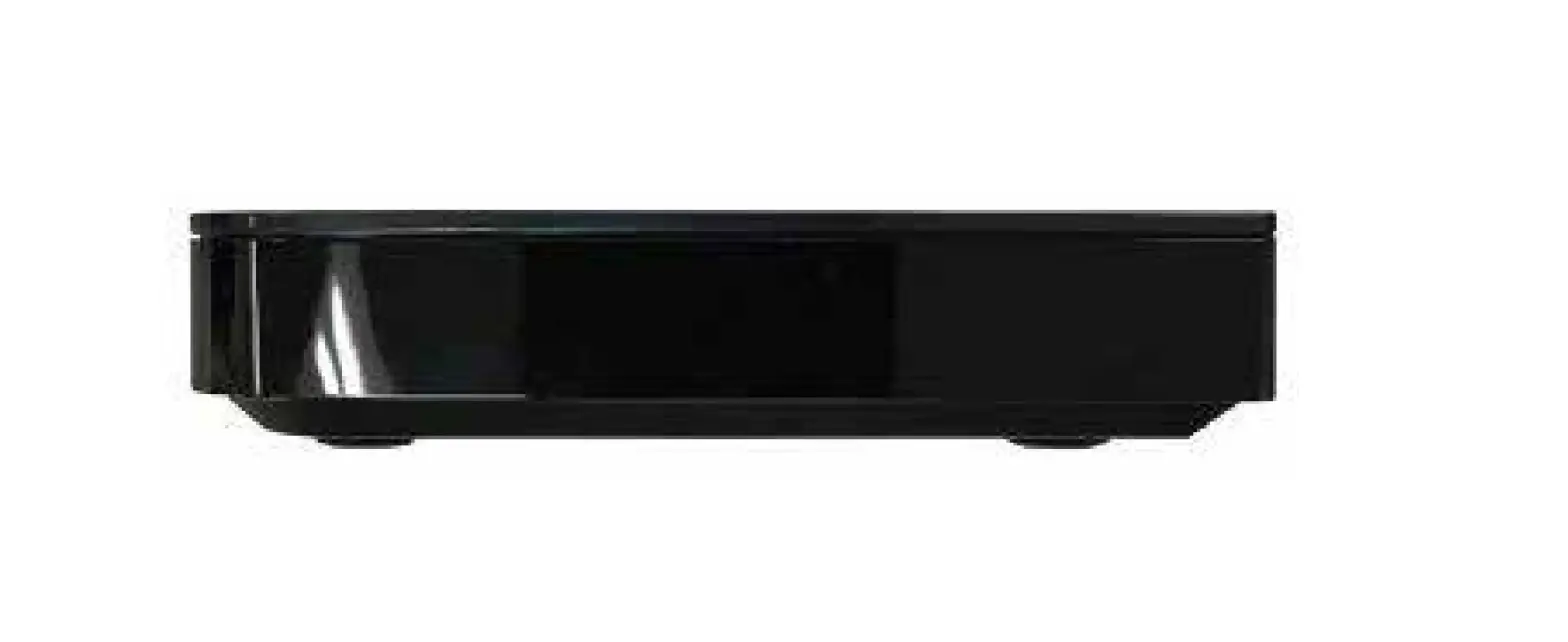
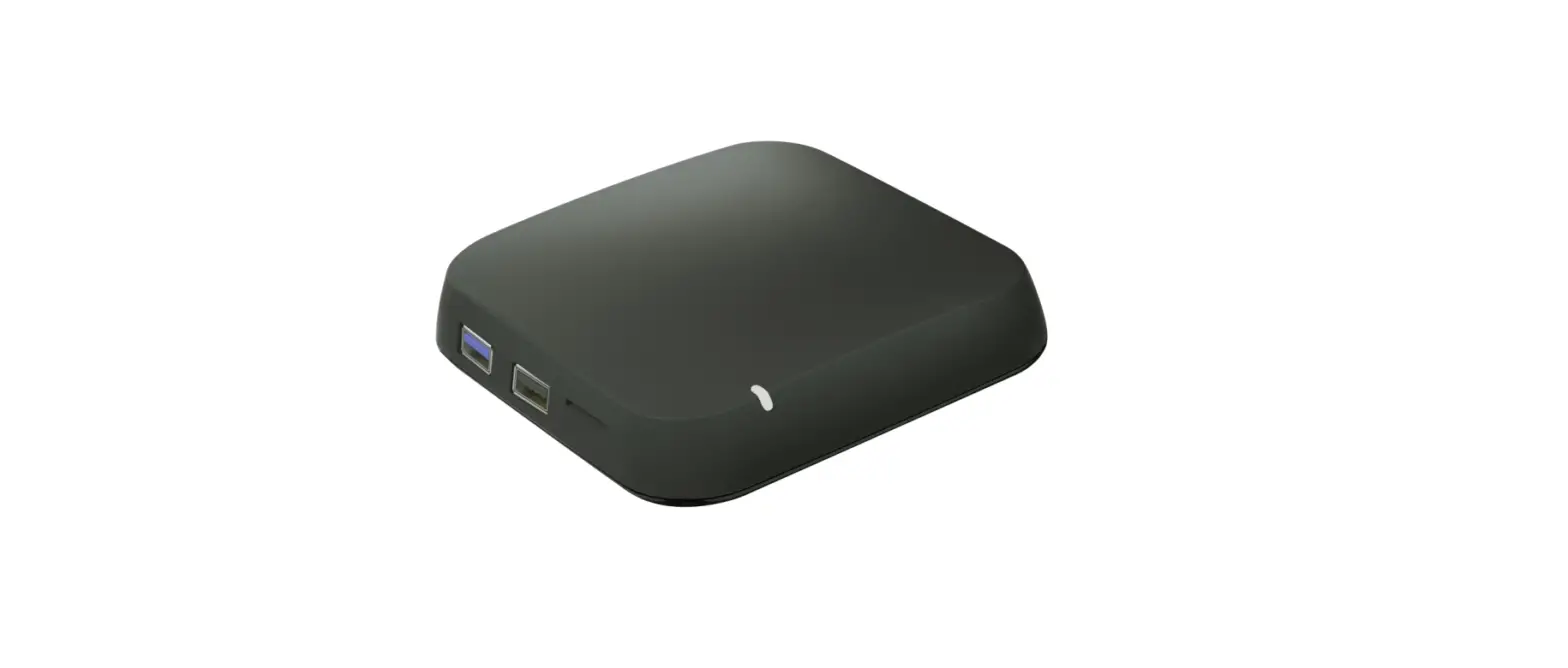
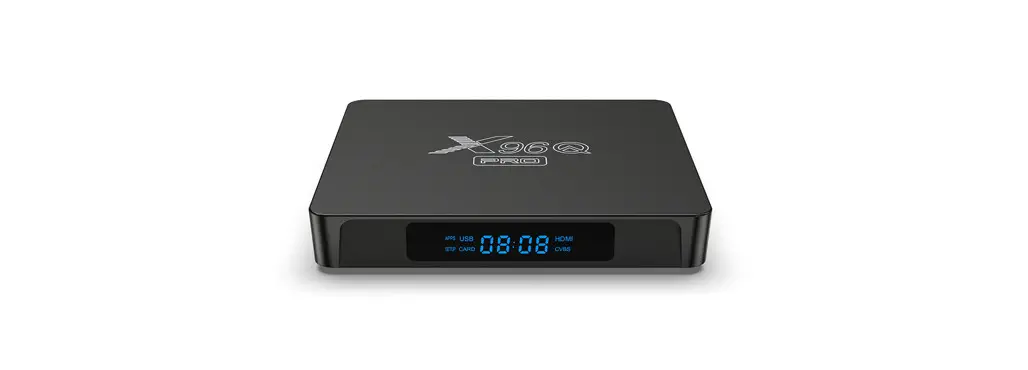
Amlogic S905Y4 STB Android TV Device
Product Information
The product is an Android TV device that allows users to access
over 400,000 movies and shows from various streaming services. It
has built-in Google Assistant for voice control, recommendations,
and smart home integration. The device comes with a remote control,
HDMI cable, power adapter, and a quick guide manual. It has a
hardware chipset of Amlogic S905Y4, 8GB eMMC flash and 1.5A DC
input range. The device supports various video file formats such as
*.mkv, *.wmv, *.mpg, *.mpeg, *.dat, *.avi, *.mov, *.iso, *.mp4,
*.rm, *.jpg, *.bmp, *.gif etc. It has HDMI 2.1 output and supports
auto/full-screen aspect ratio with up to 4Kx2K@60fps video
decoding.
Product Usage Instructions
- Connect the device to your TV using the HDMI cable
provided. - Connect the power adapter to the device and plug it into an
electric socket. - Press and hold the Back and Home button on the remote control
simultaneously until the red light flashes quickly. This indicates
that the remote control is in pairing mode. - Wait for a few seconds until a message pops up on the screen
indicating that the remote has paired successfully. - Follow the on-screen instructions to set up your Android TV
device. - Use your voice to control your TV by saying “Ok Google”
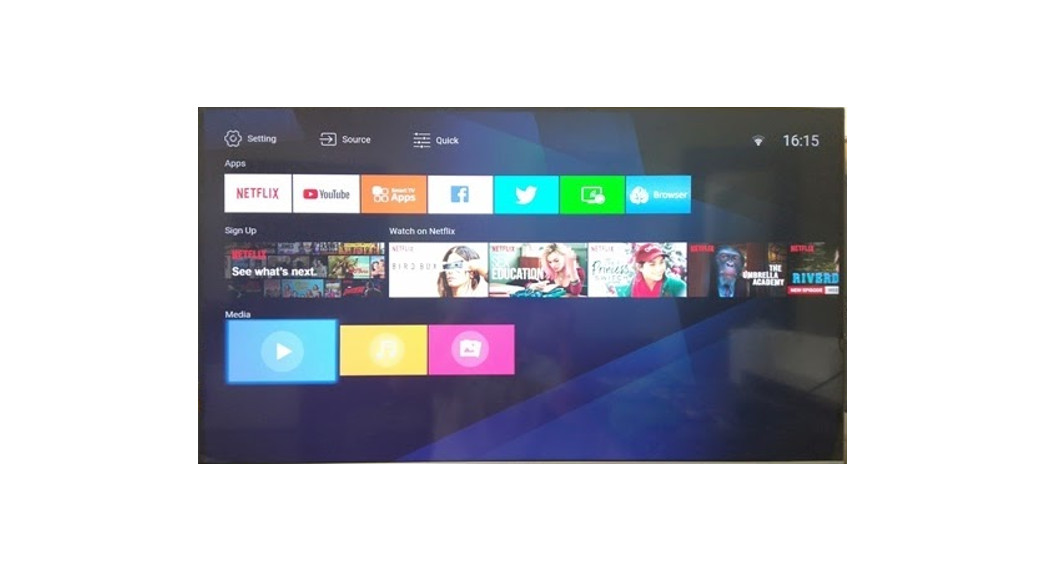
followed by your command. - Browse and select your preferred movies and shows from the
streaming services available on the device. - Cast photos, videos, and music from your smart devices to your
TV with Chromecast built-in. - When not in use, turn off the device to save power.
Note: The device should be installed and operated with a minimum
distance of 20cm between the radiator and your body. Also, Google
Assistant may not be available in certain languages and
countries.
2
STB Power Adapter
Quick Guide Battery
Remote Control HDMI Cable
SETUP
Micro SD
USB-C USB 2.0
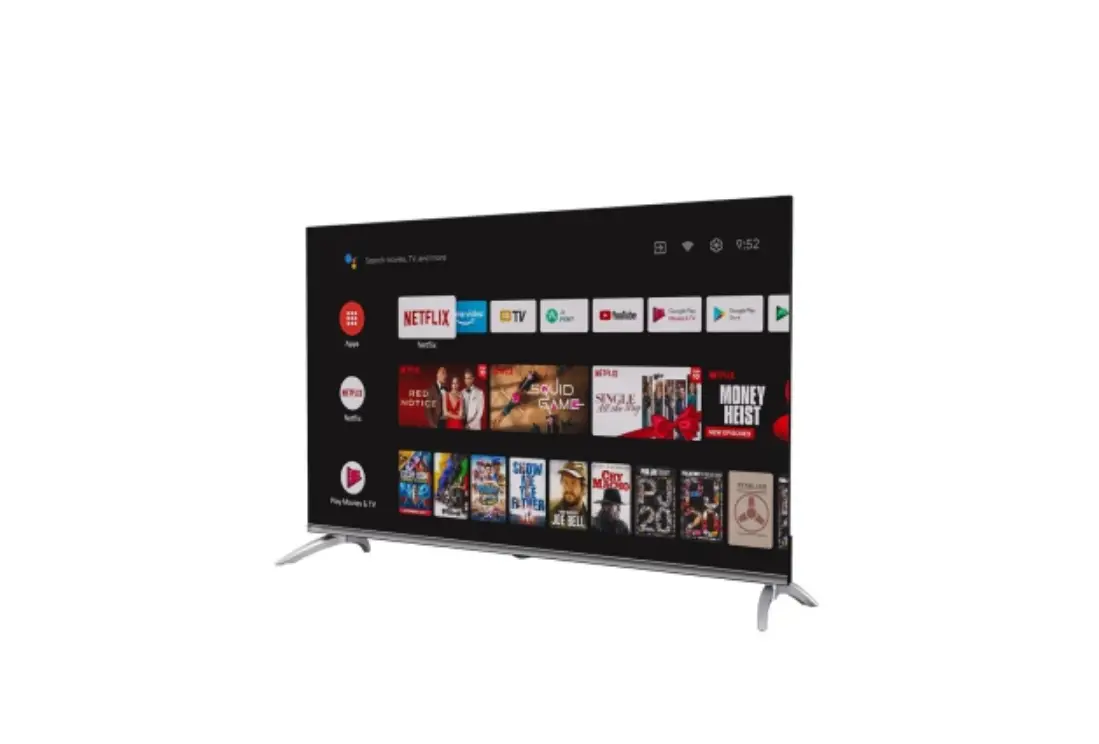
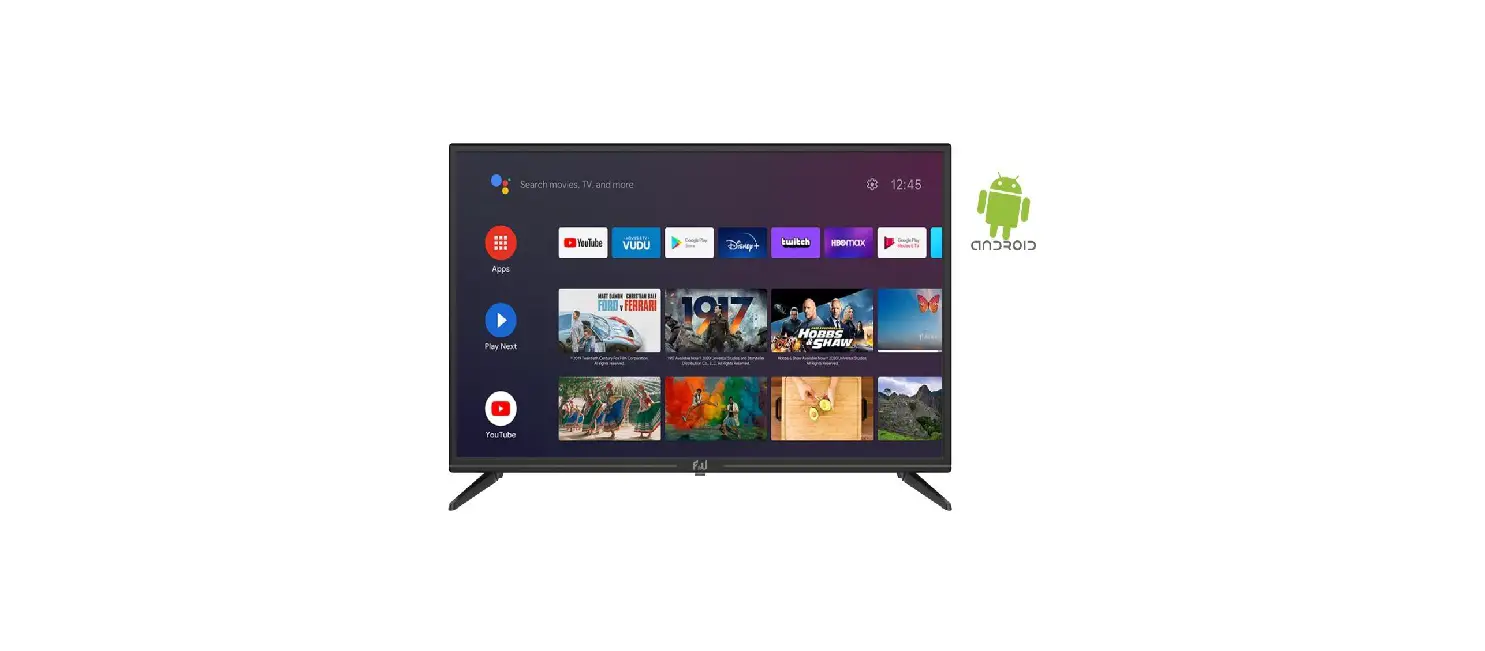
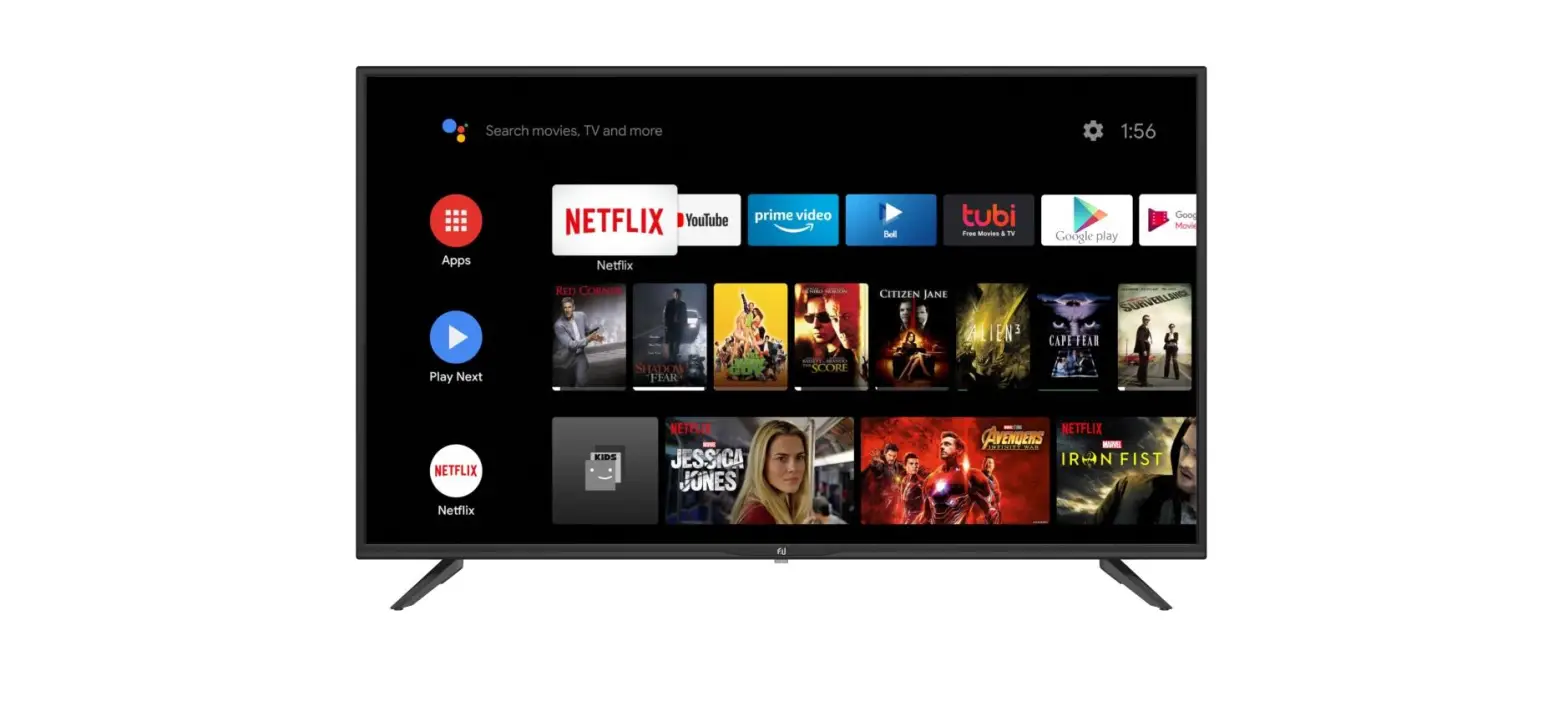
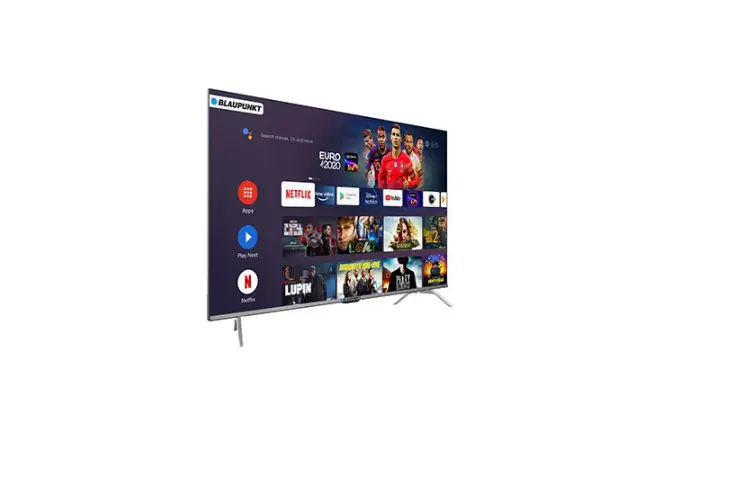
Android TVTM makes it easier to get more from your TV. Choose from 400,000+ movies and shows from across streaming services. Ask Google to control your TV, get recommendations of what to watch, dim the lights, and more with your voice. Cast photos, videos, and music from smart devices to your TV with Chromecast built-inTM.
Hardware Chipset RAM Flash Video
Video Decoding
Amlogic S905Y4 eMMC 8GB AV1 [email protected] up to 4Kx2K@60fps
Video File Format
Support *.mkv, *.wmv, *.mpg, *.mpeg, *.dat, *.avi, *.mov, *.iso, *.mp4, *.rm, *.jpg, *.bmp, *.gif etc…
Video Output
HDMI 2.1 , HDCP2.2
Aspect Ratio Video Resolution
Auto, Full screen
Power
DC Input Range
12V 1.5A
Power Consumption
18W
Do more on your TV with your voice Search for shows, get recommendations, even control your TV faster with your voice. Ask Google for a little help on your big screen.
Ok Google
Long press the Back and Home button at the same time until the red light flashes quickly, then release. This means the remote control has entered pairing mode. Wait for a few seconds without pressing any buttons until a message pops up on the screen that the remote has paired successfully.
device
device device
Google, Google Play, Android TV, Chromecast built-in and other marks are trademarks of Google LLC. Google Assistant is not available in certain languages and countries.
FCC Statement:
This device complies with part 15 of the FCC Rules. Operation is subject to the following two conditions:(1)This device may not cause harmful interference, and (2) this device must accept any interference received, including interference that may cause undesired operation.
This equipment has been tested and found to comply with the limits for a Class B digital device, Pursuant to part 15 of the FCC Rules. These limits are designed to provide reasonable protection against harmful interference in a residential installation. This equipment generates, uses and can radiate radio frequency energy and, if not installed and used in accordance with the instructions, may cause harmful interference to radio communications. However, there is no guarantee that interference will not occur in a particular installation. If this equipment does cause harmful interference to radio or television reception, which can be determined by turning the equipment off and on, the user is encouraged to try to correct the interference by one or more of the following measures: · Reorient or relocate the receiving antenna. · Increase the separation between the equipment and receiver. · Connect the equipment into an outlet on a circuit different from that to which the receiver is connected. · Consult the dealer or an experienced radio/TV technician for help.
&DXWLRQ$QFKDQJHVRUPRGLÀFDWLRQVWRWKLVGHYLFHQRWH[SOLFLWODSSURYHGE manufacturer could void your authority to operate this equipment.
This equipment complies with FCC radiation exposure limits set forth for an uncontrolled environment. This equipment should be installed and operated with minimum distance 20cm between the radiator and your body.