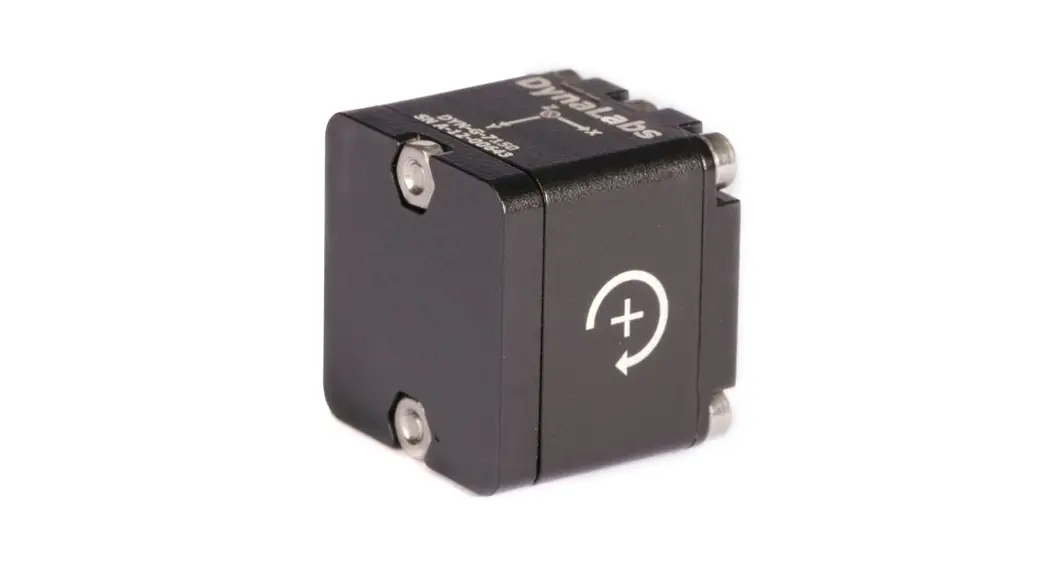
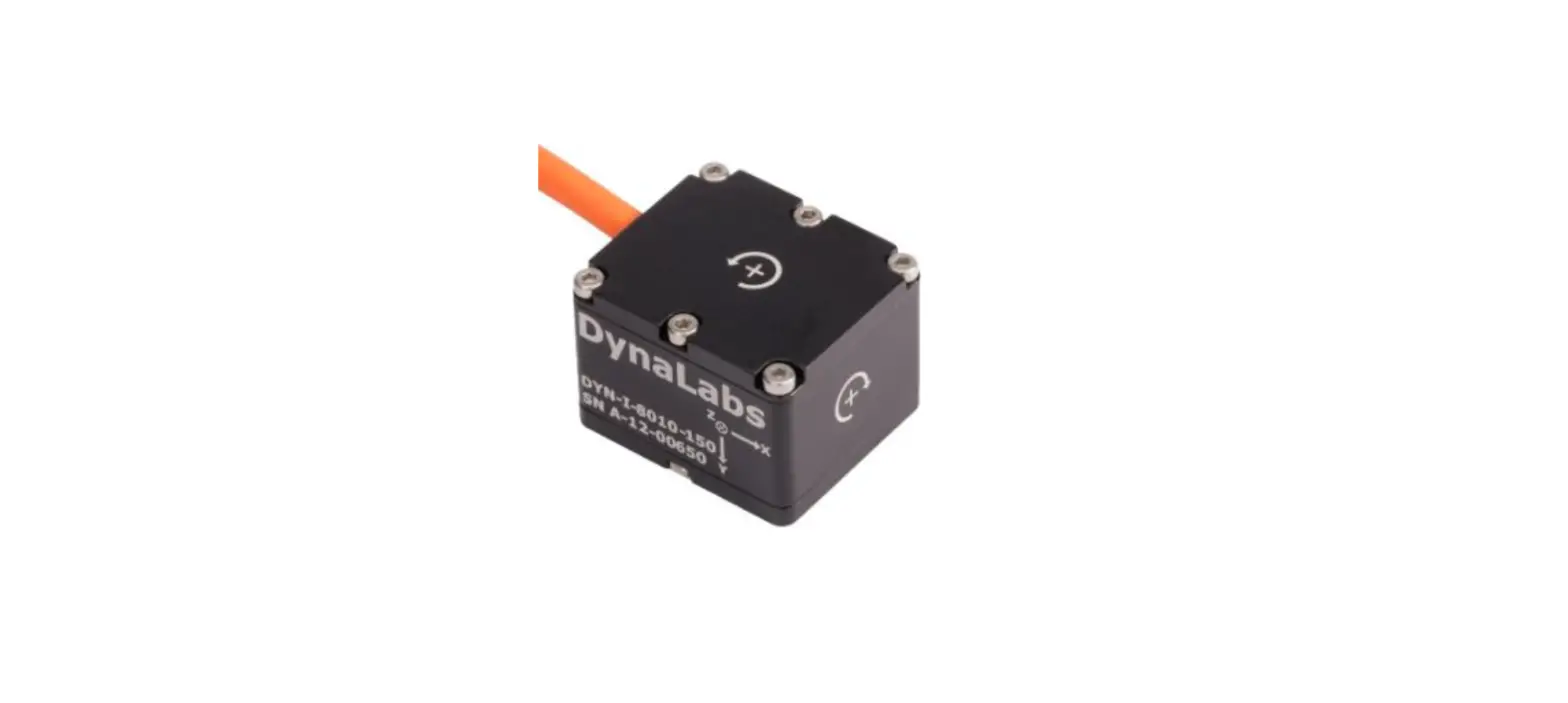
MV5-AR M-Series Gyro Stabilized Inclinometer
Product Information: LORD Sensing M-Series Gyro Stabilized
Inclinometer
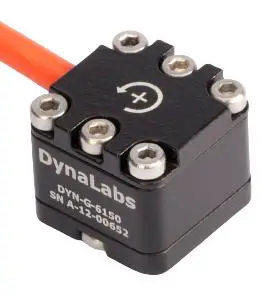
The LORD Sensing M-Series gyro stabilized inclinometer is a
compact and robust unit designed to deliver consistent
high-precision data in the most difficult operating environments.
The unit has a high MTBF (Mean Time Between Failures) and is
equipped with a CAN Bus Attitude Reference and Gyro Stabilized
Inclinometers.
About this Guide
This Quick Start Guide (QSG) contains only the essential
information to install and connect to the sensor. For full details
and protocol information, refer to the J1939 or CANopen product
manual. These, along with a .DBC file, can be found on the LORD
Sensing website.
Mounting the Sensor
The M-Series sensor can be mounted using an M8 (5/16) clear fit
in 3 places.
Connecting to the Sensor
The mating connector for the M-Series sensors is an AMPSEAL 16
Series, with gold plated pins. LORD Sensing suggests two USB
interface dongles for CAN connectivity:
- Suggestion 1: Customers with existing CAN
networks who wish to verify communications with a specific sensor
may utilize this unit from Peak-System GmbH. It comes complete with
communications monitor software, PCAN-View. For full details and
ordering information: peak-system.com. LORD Sensing
Sales ([email protected]) has a CAN cable and power kit to
facilitate quick test operation. Ask for p/n 6212-3017. - Suggestion 2: An alternative, and somewhat
less expensive interface is manufactured by Lawicel-AB. The CANUSB
interface is a small dongle which provides instant CAN
connectivity. It can be identified by software as a virtual COM
port, with the FTDI USB drivers. Sample programs in C, C++, C#,
VB6, Delphi and Linux are found on their downloads page: can232.com/?page_id=75.
Purchase directly from Lawicel CANUSB.com. This device may also be
purchased from LORD Sensing sales sensing_ [email protected] (P/N
6212-3014). It includes a short CAN bus connector for the sensor,
USB dongle and power, and a power supply with global plugs.
LORD recommends split termination on both ends of the CAN bus
cable for optimum EMC performance.
CAN Command Detail
For full CAN command detail, refer to the J1939 or CANopen
version of the M-Series user manual. These are found on the LORD
Sensing website microstrain.com/inertial/m-series.
Usage Instructions
- Mount the sensor using an M8 (5/16) clear fit in 3 places.
- Connect the sensor using an AMPSEAL 16 Series mating connector
with gold plated pins. - For CAN connectivity, use one of the two suggested USB
interface dongles:- Suggestion 1: Use the unit from Peak-System
GmbH along with communications monitor software, PCAN-View. LORD
Sensing Sales has a CAN cable and power kit to facilitate quick
test operation. Ask for p/n 6212-3017. - Suggestion 2: Use the CANUSB interface
manufactured by Lawicel-AB. This device may be purchased directly
from Lawicel or from LORD Sensing sales (P/N 6212-3014). It
includes a short CAN bus connector for the sensor, USB dongle and
power, and a power supply with global plugs.
- Suggestion 1: Use the unit from Peak-System
- Use split termination on both ends of the CAN bus cable for
optimum EMC performance. - Refer to the J1939 or CANopen version of the M-Series user
manual for full CAN command detail. These are found on the LORD
Sensing website.
LORD Sensing Quick Start Guide
MV5-AR & ML5-AR
CAN Bus Attitude Reference and Gyro Stabilized Inclinometers
Congratulations on your purchase of the LORD Sensing M-Series gyro stabilized inclinometer. Your unit’s compact, robust package and high MTBF are designed to withstand the most difficult operating environments, and deliver consistent high-precision data.
ABOUT THIS GUIDE
This QSG contains only the essential information to install and connect to the sensor. Refer to the J1939 or CANopen product manual for full details and protocol information. These, along with a .DBC file can be found on the LORD Sensing website. Select your model, and scroll down to documentation for the user manual, or downloads for the CAN J1939 Configuration file. www.microstrain.com/inertial/m-series.
MOUNTING THE SENSOR
After identifying the desired mounting location on the vehicle, and verififying proper clearances, mount the sensor using M8 or 5/16″ machine screws, in the three clear fit holes provided. For temporary installation to verify clearances, 3M VHB double faced tape is recommended. Torque the screws to 20Nm ± 2Nm (14.75 ft-lbs ±1.47 ft-lb.)
CONNECTING TO THE SENSOR
The mating connector for the M Series sensors is an AMPSEAL 16 Series, with gold plated pins.
M8 (5/16″) clear fit 3 places
Best in Class Inertial Measurement
M-Series Sensor Quick Start Guide
LORD Sensing suggests two USB interface dongles for CAN connectivity.
Suggestion 1 Customers with existing CAN networks who wish to verify communications with a specific sensor may utilize this unit from Peak-System GmbH. It comes complete with communications monitor software, PCAN-View. For full details and ordering information: peak-system.com. LORD Sensing Sales ([email protected]) has a CAN cable and power kit to facilite quick test operation. Ask for p/n 6212-3017.
Suggestion 2 An alternative, and somewhat less expensive interface is manufactured by Lawicel-AB. The CANUSB interface is a small dongle which provides instant CAN connectivity. It can be identified by software as a virtual COM port, with the FTDI USB drivers.
Sample programs in C, C++, C#, VB6, Delphi and Linux are found on their downloads page: http://www.can232.com/?page_id=75. Purchase directly from Lawicel CANUSB.com. This device may also be purchased from LORD Sensing sales sensing_ [email protected] (P/N 6212- 3014). It includes a short CAN bus connector for the sensor, USB dongle and power, and a power supply with global plugs.
For full CAN command detail, refer to the J1939 or CANopen version of the M-Series user manual. These are found on the LORD Sensing website www.microstrain.com/inertial/m-series.
LORD recommends split termination on both ends of the CAN bus cable for optimum EMC performance.
 CAN Tools by LAWICEL | canusb.com
 Home: PEAK-System
 CANUSB Support | canusb.com
 M-Series Inertial Sensors for Ruggedized Applications | Parker
 Home: PEAK-System