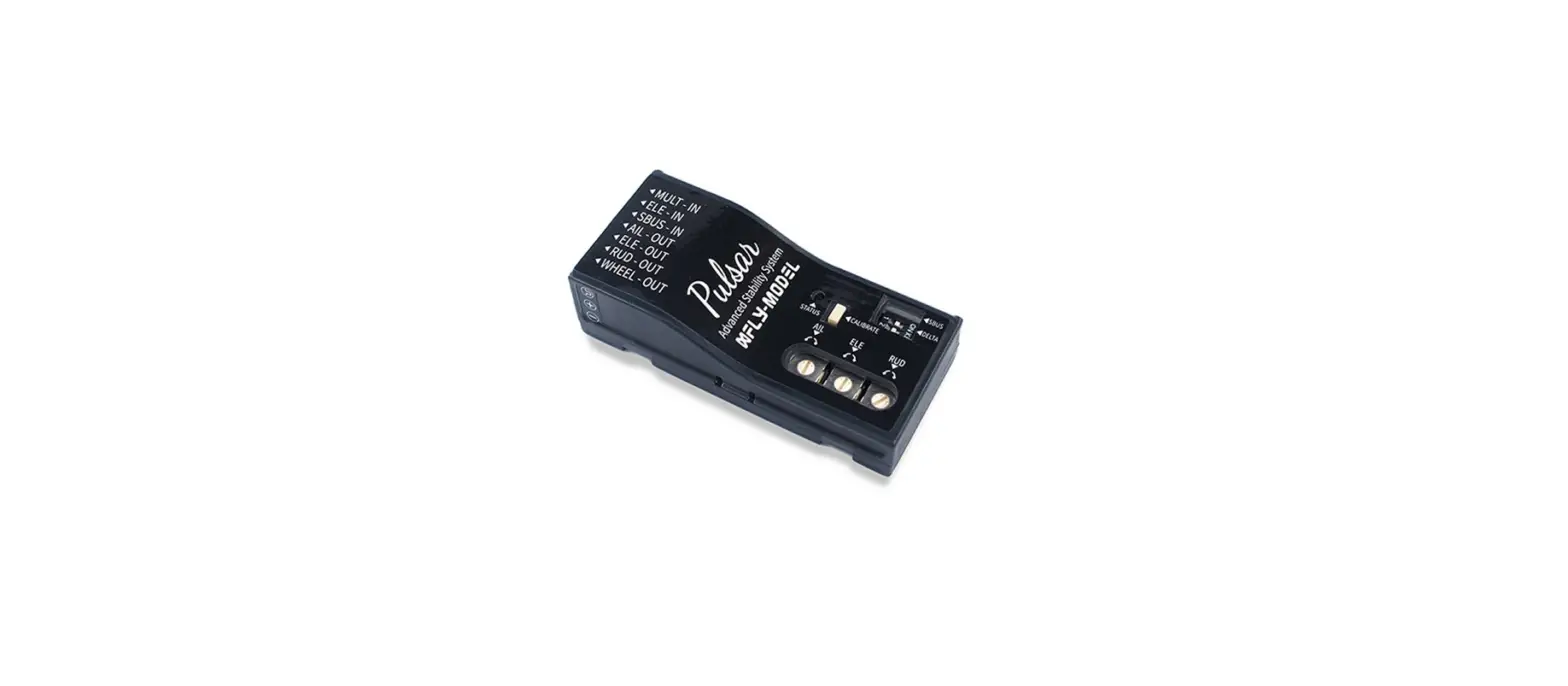
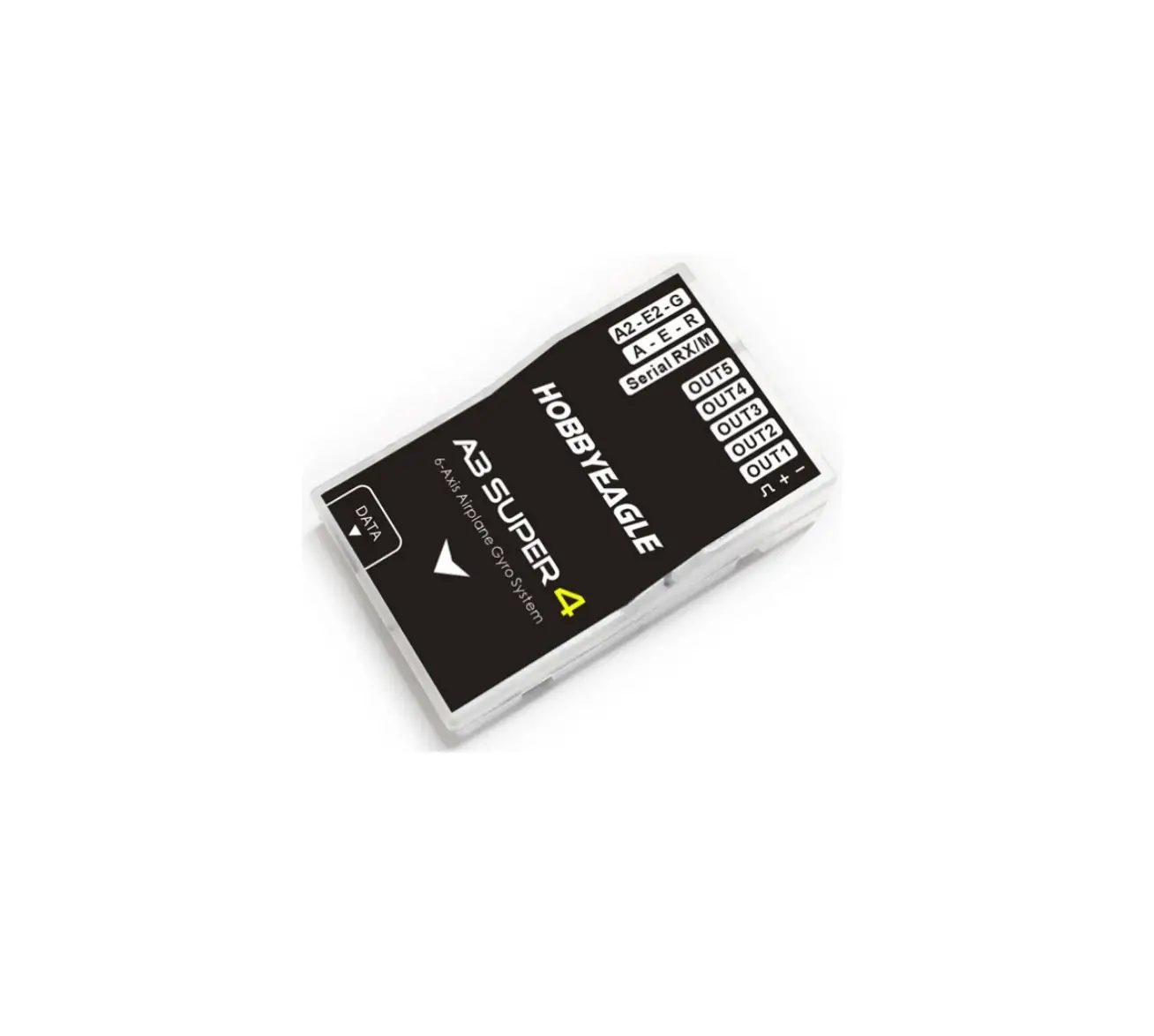
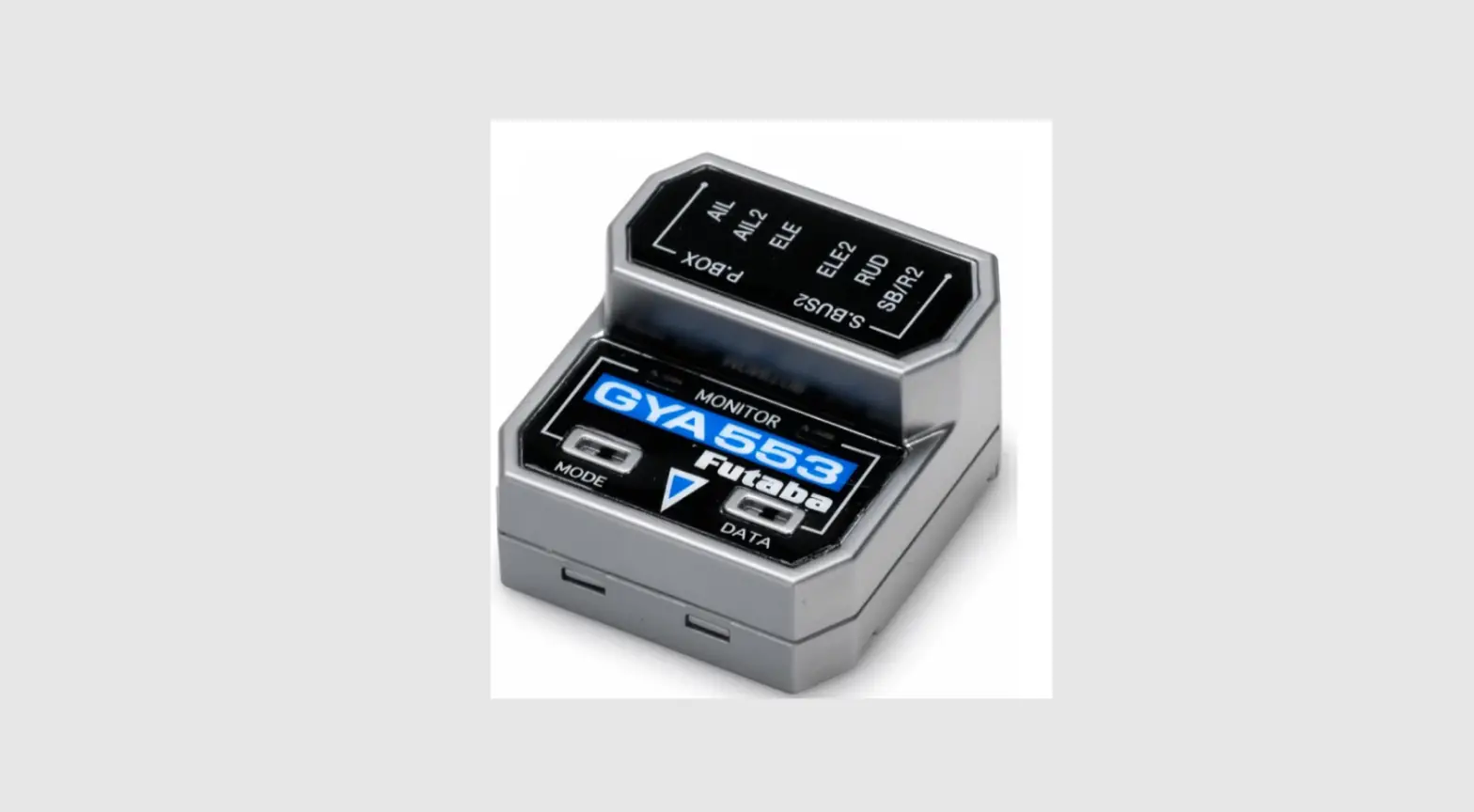
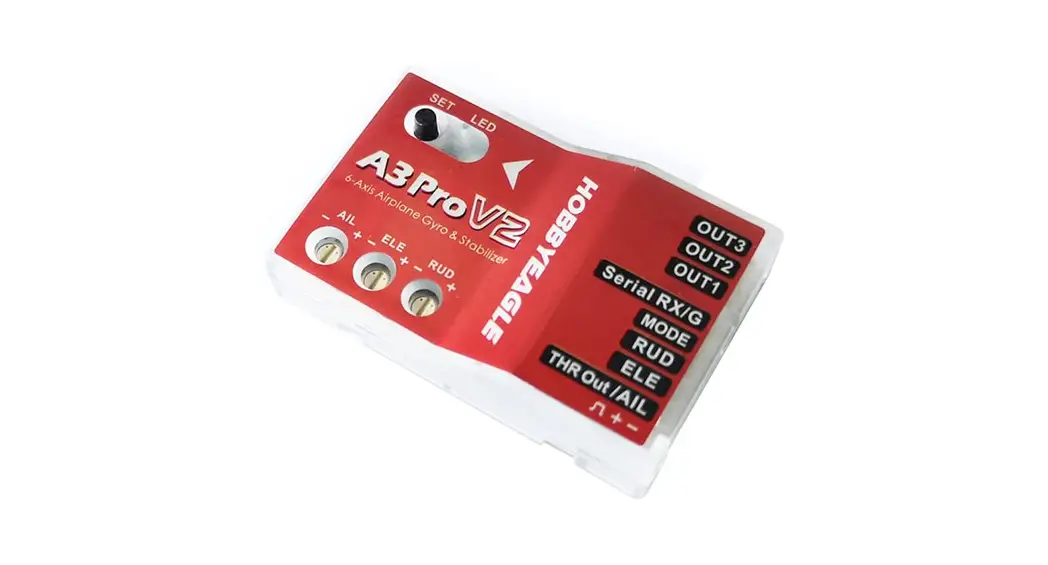
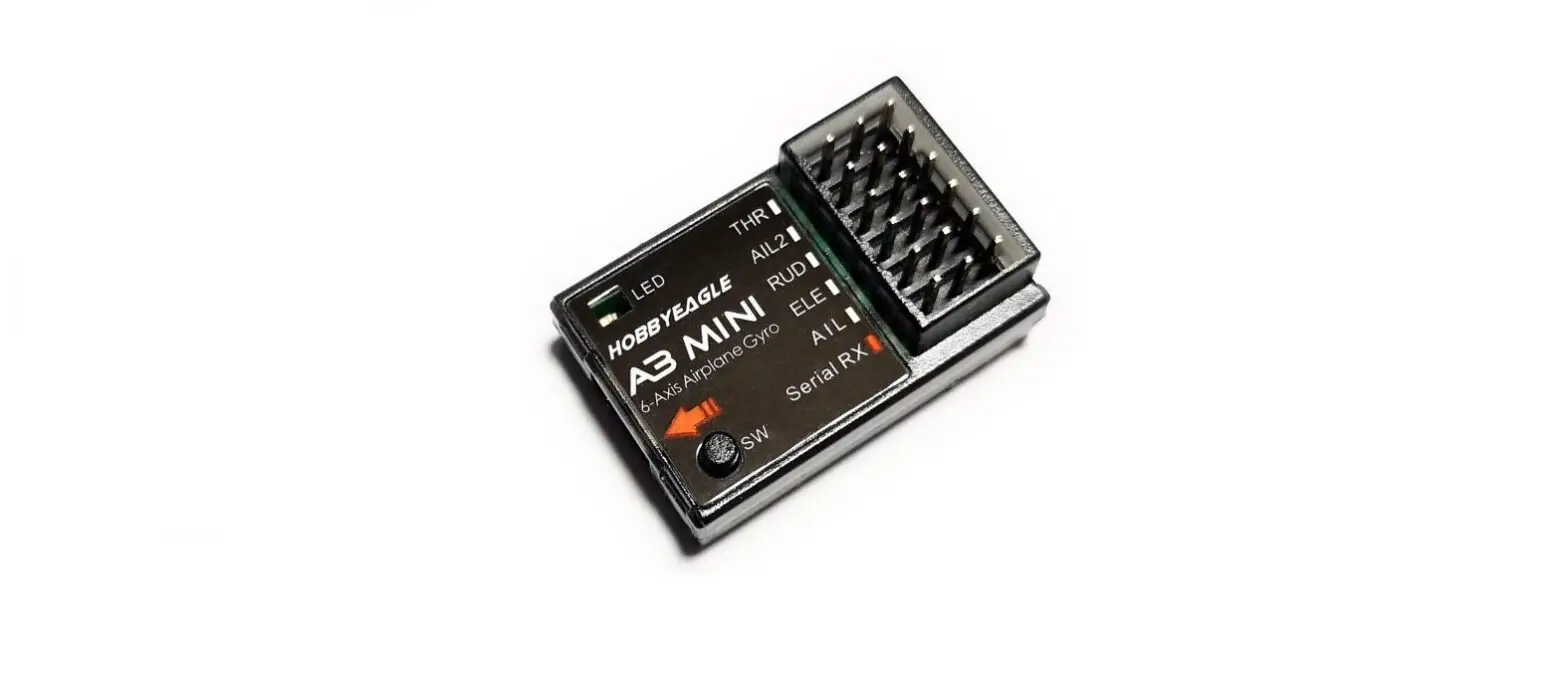
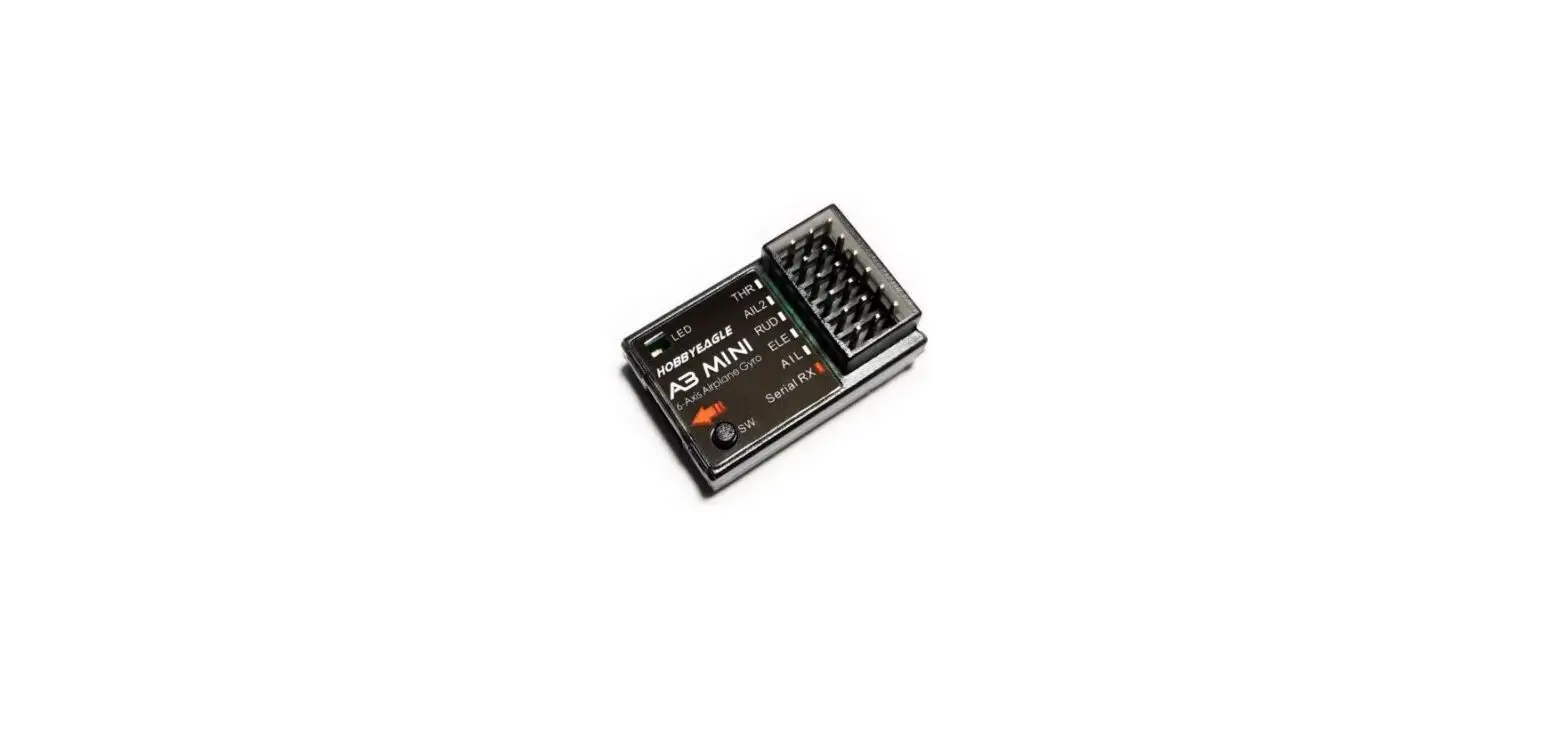
Gyroscope Flight Controller
Product Information
| Specification | Value |
|---|---|
| Working Voltage | 4.5-6V |
| Response Frequency | 100Hz |
| Working Temperature | 0-50°C |
| Size | 43*28*15mm |
| Weight | 11g |
Product Usage Instructions
Notice for first use:
- The voltage drop caused by the use of the servo may affect the
stability of flight control. Please pay attention to ensure a
stable working voltage. - For Delta wing/V-tail models, please turn off the internal
mixing control of the remote control firstly. - If micro adjustments are made during flight, please perform
power off and restart or neutral point calibration after
landing.
Equipment installation & line connection:
Equipment installation:
- Install and debug the fixed-wing electronic equipment
normally. - Place the long side of the flight control device parallel to
the fuselage, the label surface upwards, and as close to the center
of gravity as possible and glue firmly at the center line.
Line connection (Channel definitions vary for different
receivers, please note.):
- Aileron y-Y-line pattern
- Left and right aileron are independently controlled (remote
control requires to set up double aileron channel, suitable for
flap aileron mixing mode) - Power test: After about 5 seconds, the three rudder surfaces in
the direction of aileron lifting will shake markedly, which means
that flight control has been started. The first connection may
require a power off restart.
Mode selection/Mode description:
| Mode | Description | Signal Light | Roll Speed |
|---|---|---|---|
| Mode-1 | Aileron balance mode. This mode keeps the fuselage self-stable and limits the rolling speed of the aircraft. Horizontal and vertical tail assisted stabilization. This mode does not support left and right aileron independent control. | – | Limited |
| Mode-2 | Aileron lock mode. This mode locks the attitude of the aircraft and limits the rolling speed of the aircraft. Horizontal and vertical tail assisted stabilization. | HOLD | Limited |
| Mode-3 | Aileron enhancement mode. This mode locks the attitude of the aircraft and limits the rolling speed of the aircraft slightly. Horizontal and vertical tail assisted stabilization. | HOLD | Fast |
| Mode-4 | Wind Resistant mode. This mode locks the aircraft attitude, horizontal tail, and vertical tail to assist stability. | HOLD | Extremely fast |
| Mode-5 | One-click Rescue Mode. In this mode, the fuselage attitude is adjusted to the level at a faster speed, and then the horizontal tail rudder is raised to pull the body up. This mode needs to keep the switch position, and the switch can be reset after the rescue is completed. This mode still requires throttle control. If the horizontal tail is not raised but lowered, the horizontal tail rudder can be reversed. | CH5 Momentary | – |
TM
Gyroscope Flight Controller Instruction
Product specifications
4.5-6V 100Hz 0-50 43*28*15 11g
Working voltage 4.5-6V Response frequency 100Hz Working temperature : 0-50 Size : 43*28*15mm Weight: 11g
Notice in first use
1 The voltage drop caused by the use of the servo may affect the stability of flight control. Please pay attention to ensure a stable working
voltage. 2 /V
For Delta wing/V-tail models, please turn off the internal mixing control of the remote control firstly. 3
If micro adjustments are made during flight, please perform power off and restart or neutral point calibration after landing.
&Equipment installation & line connection
Equipment installation
1 Install and debug the fixed wing electronic equipments normally.
2 Place the long side of the flight control device parallel to the fuselage, the label
surface upwards, and as close to the center of gravity as possible and glue firmly at the center line.
Line connection (Channel definitions vary for different receivers, please note.) 1 Y
Aileron y-Y-line pattern
2 Left and right aileron are independently controlled (remote control require to set up double aileron channel, suitable for
flap aileron mixing mode)
3 5 Power test: After about 5 seconds, the three rudder surfaces in the direction of aileron lifting will shake markedly, which
means that flight control has been started
The first connection may require a power off restart
/ Mode selection/Mode description
AIL-2
AIL ELE
OUT
RUDD
Training AIL-2 ELE IN Multi
LED
AIL ELE RUDD
Flight mode setting
-1 Mode -1 Aileron balance mode
This mode will keep the fuselage self-stable and limit the rolling speed of the aircraft; horizontal and vertical tail assisted stabilization.
This mode does not support the left and right aileron independent control.
±75° The maximum Angle of the aileron in this mode is limited to ±75°
Mode-1
Aileron Balance Mode
Signal Light
– Roll speed – Limited
-2 Mode 2 – Aileron lock mode
This mode will lock the attitude of the aircraft and limit the rolling speed of the aircraft. Horizontal and vertical tail assisted stabilization.
Mode-2
Aileron Lock Mode
Signal Light
HOLD
– Roll speed – Limited
-3 Mode 3 – Aileron enhancement mode
This mode will lock the attitude of the aircraft and limit the rolling speed of the aircraft slightly. Horizontal and vertical tail assisted stabilization.
Mode-3
Aileron Enhancement Mode
Signal Light
HOLD
– Roll speed – Fast
-4 Mode 4 – Wind Resistant mode
This mode will lock the aircraft attitude, horizontal tail and vertical tail to assist stability.
Mode-4
Wind Resistant Mode
Signal Light
HOLD
– Roll speed Extremely fast
-5 Mode 5 – One-click Rescue Mode
In this mode, the fuselage attitude is adjusted to the level at a faster speed(quickly), and then the horizontal tail rudder is raised to pull the body up.
Mode-5
()
One-click Rescue Mode (When the flight control department is working normally)
CH5 CH5 Momentary
Signal Light
This mode needs to keep the switch position, and the switch can be reset after the rescue is completed.
This mode still requires throttle control.
If the horizontal tail is not raised but lowered, the horizontal tail rudder can be reversed according to the following
method.
Mode-5R
— One-click Rescue Mode Horizontal Tail Reverse
-6 / Mode-6 The vertical tail attitude lock function is on/off
/
Turn on/off the vertical tail posture maintenance function
-off Turn off flight control
In any mode, put the 3-points switch in the middle position to turn off all functions of flight control (including one-click rescue function).
Mode-off
Manual Mode
Signal Light
Sensitivity setting
AIL-2
AIL ELE
OUT
RUDD
Training AIL-2 ELE IN Multi
LED
AIL ELE RUDD
1 12 Sensitivity setting is an important part of flight control. When the knob is aligned to the 12 point direction, the corresponding
channel of flight control does not participate in the work. 2 1205/7
It is recommended to debug the sensitivity slowly from low to high, and the sensitivity is 0 at 12 o ‘clock; The closer you get to 5 /7, the greater your sense of direction. Please note that excessive sensitivity can affect flight. 3 AIL/
Take AIL aileron rudder surface as an example, flight control will start to work when the knob is rotated left/right. The greater the rotation Angle, the higher the flight control sensitivity. When the sensitivity exceeds the threshold, the flight control overcorrects and causes fixed-wing jitter in flight. The threshold is different for different aircraft. 4
In the flight state, if it cannot be locked, the feeling is too low; if the aircraft jitter, the feeling is too high.
5 When the rudder surface is corrected in the opposite direction, please adjust the sensitivity to the other half turn
Select a model
B3VB4 Select the corresponding model, open B3 for delta wing model and B4 for V-tail model.
– Mode Delta wing
-V
Mode- V-tail
Save neutral point
If the steering gear(servo) will drift when switching modes, it can be solved by power off and self-test, or reset the neutral point.
3CH6 When replacing the new adaptive model or remote control, most need to re-save the neutral point information, quickly switch the mode switch of the remote control three times, (CH6 three-stage switch) will automatically save the current steering gear neutral point.
Other
1 When debugging flight control, please lock the throttle or remove the propeller.
2 Please confirm that the mechanical part is working normally. For example, the longer horizontal vertical connecting rod may affect the
flight control rudder surface due to excessive resistance. 3
The faster the speed of the aircraft such as ducted fan aircraft, racing aircraft, etc., the lower the sensitivity to be required; The slower the speed of the aircraft such as training aircraft, gliders, etc. the higher the sensitivity to be required.