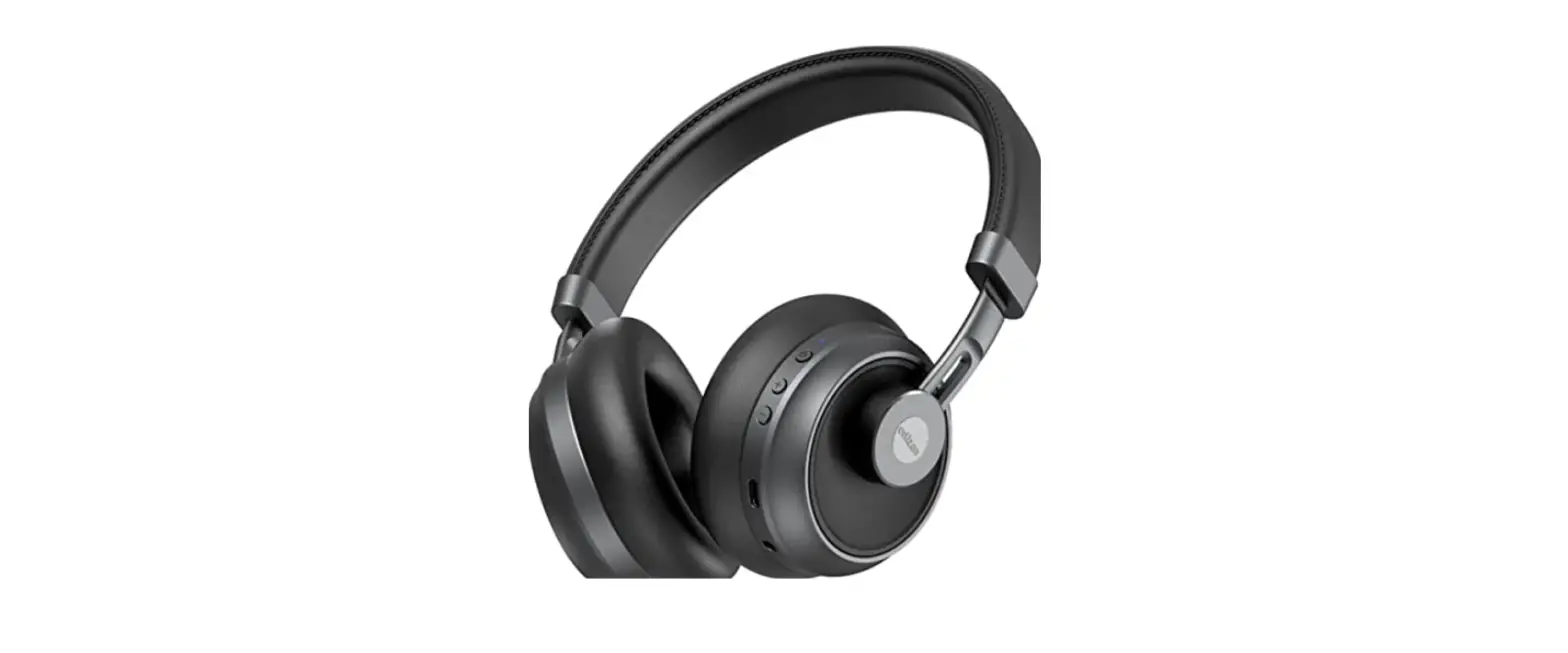
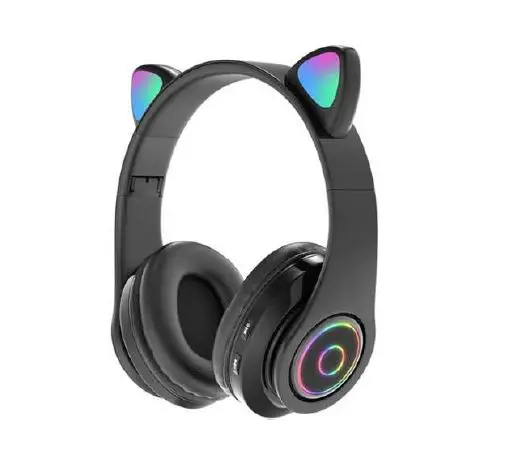
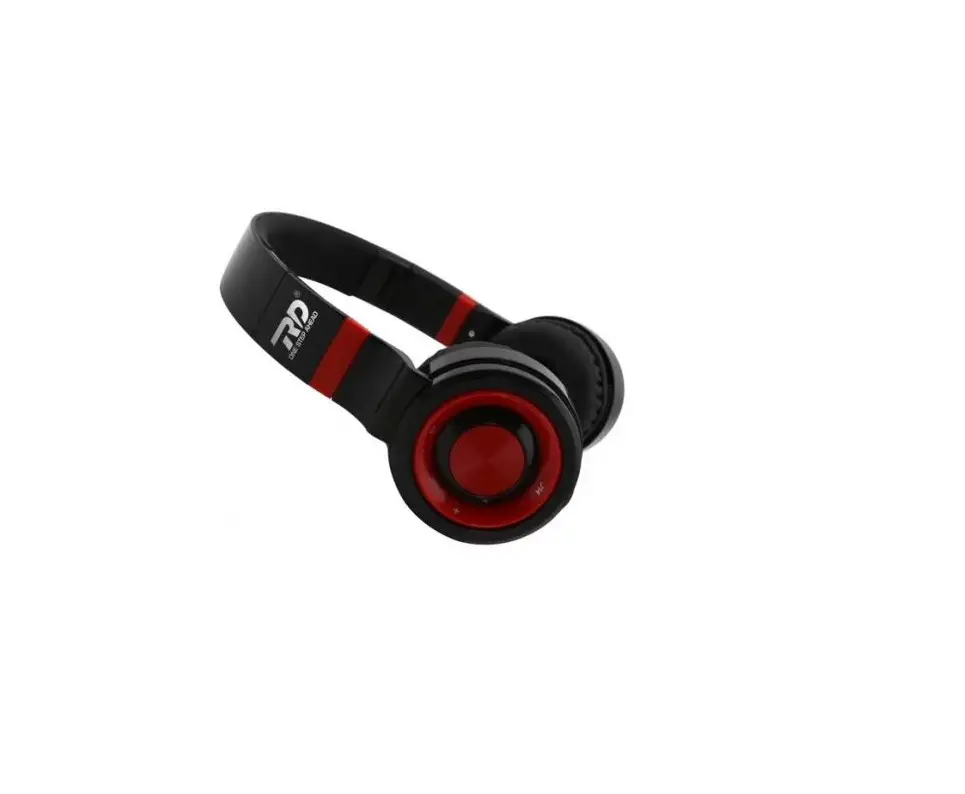
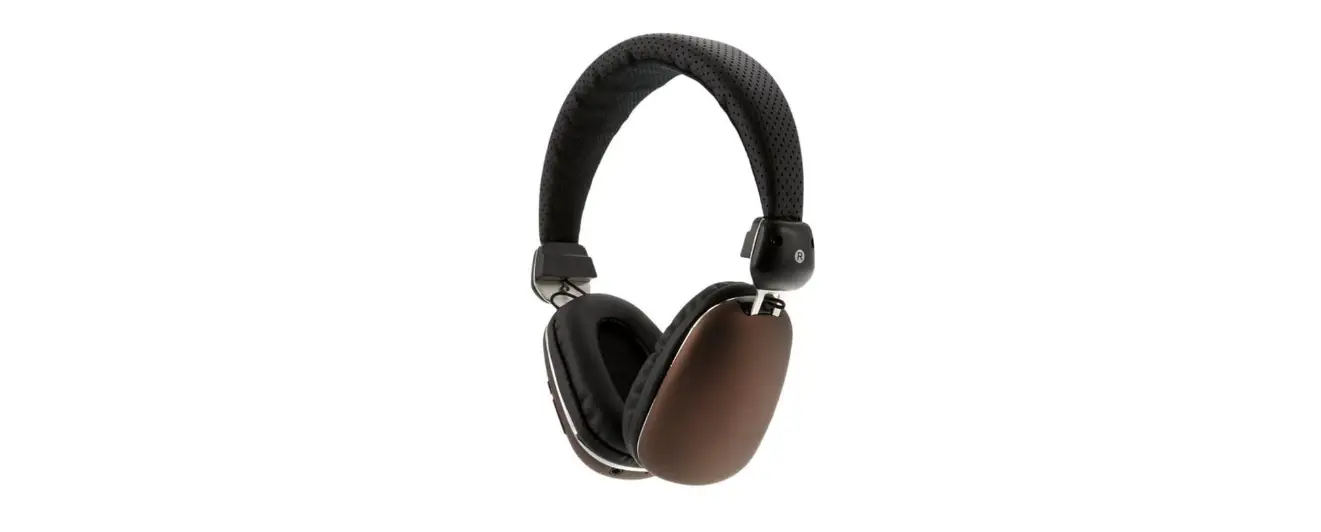
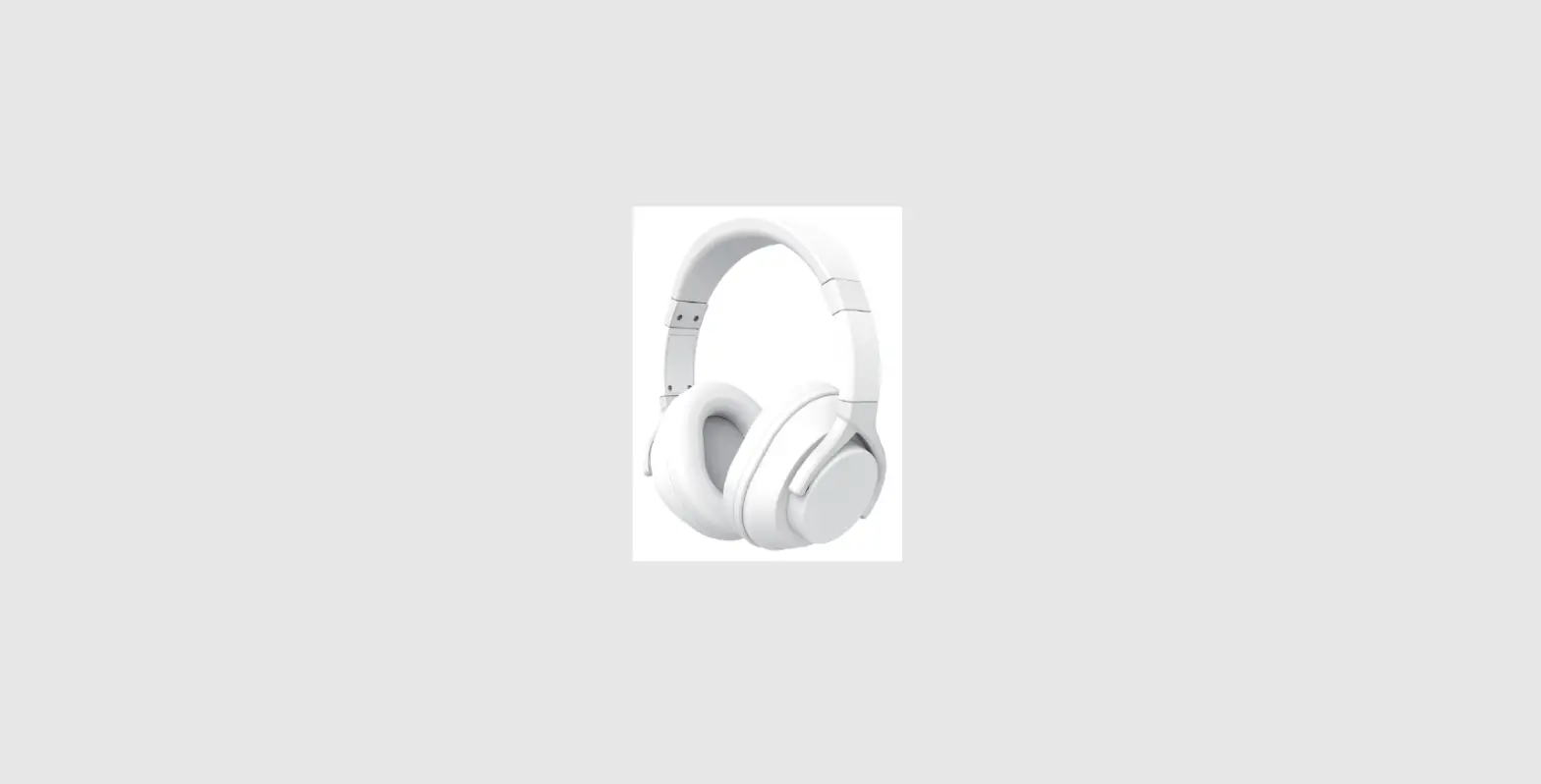
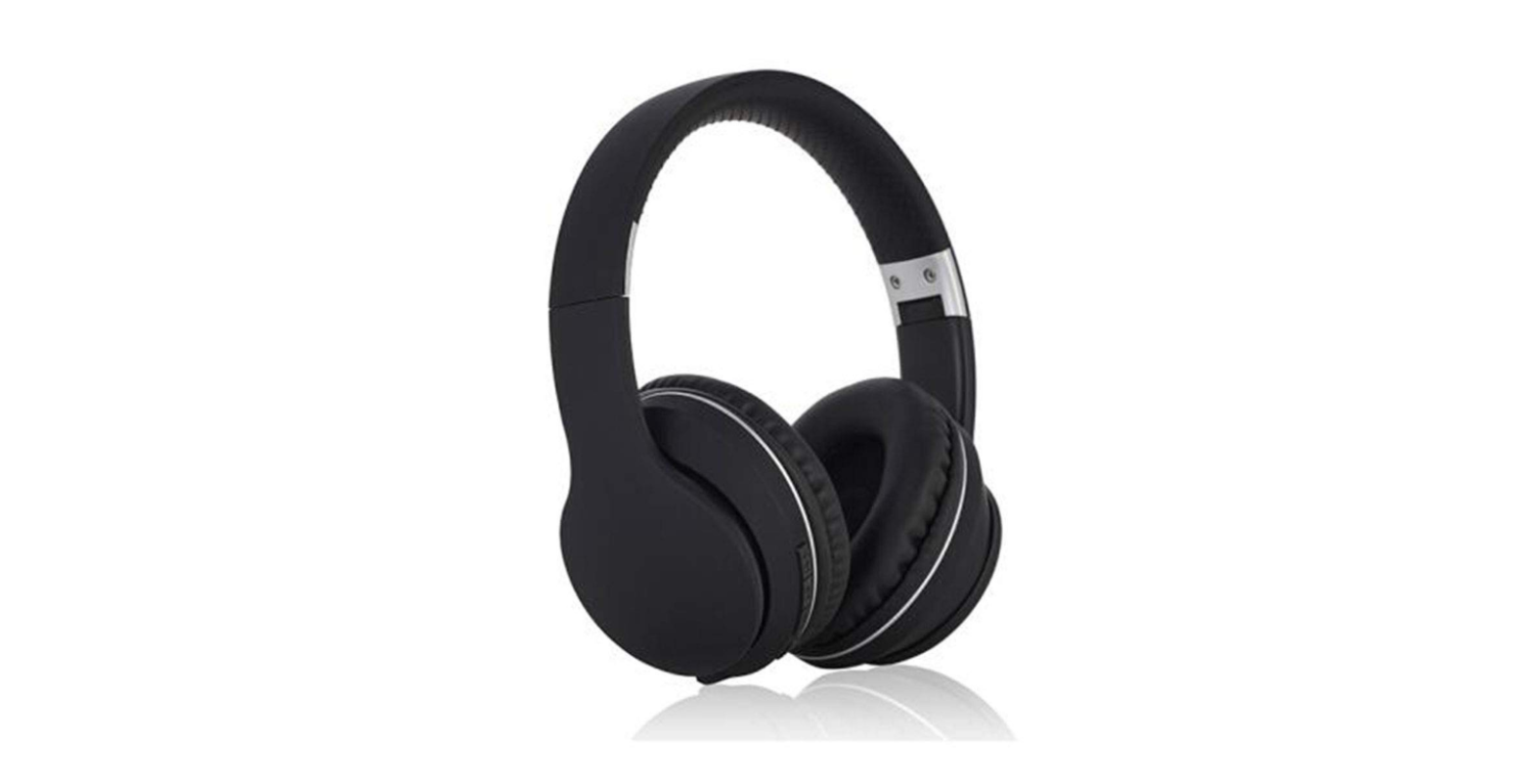
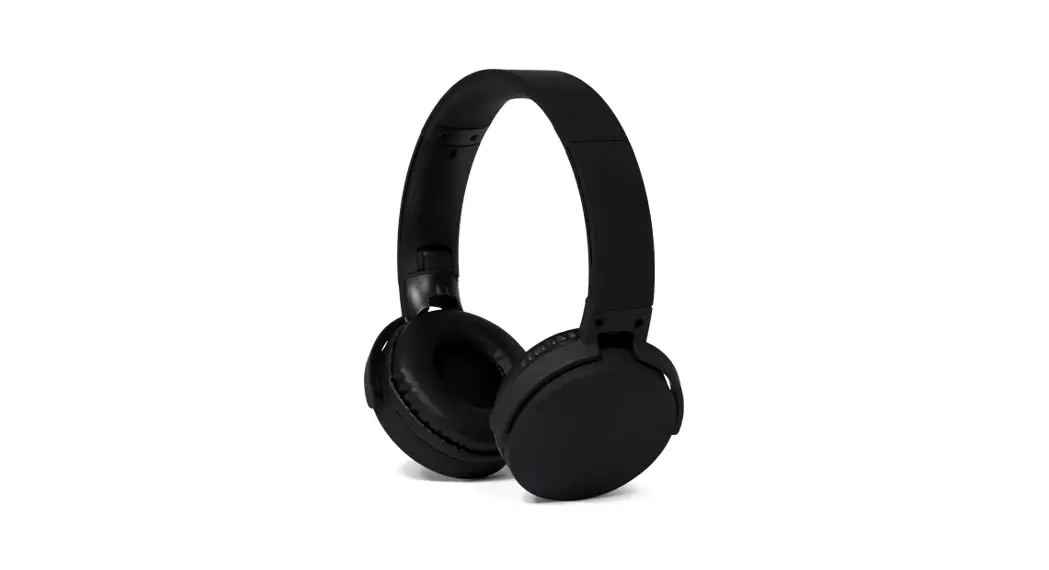
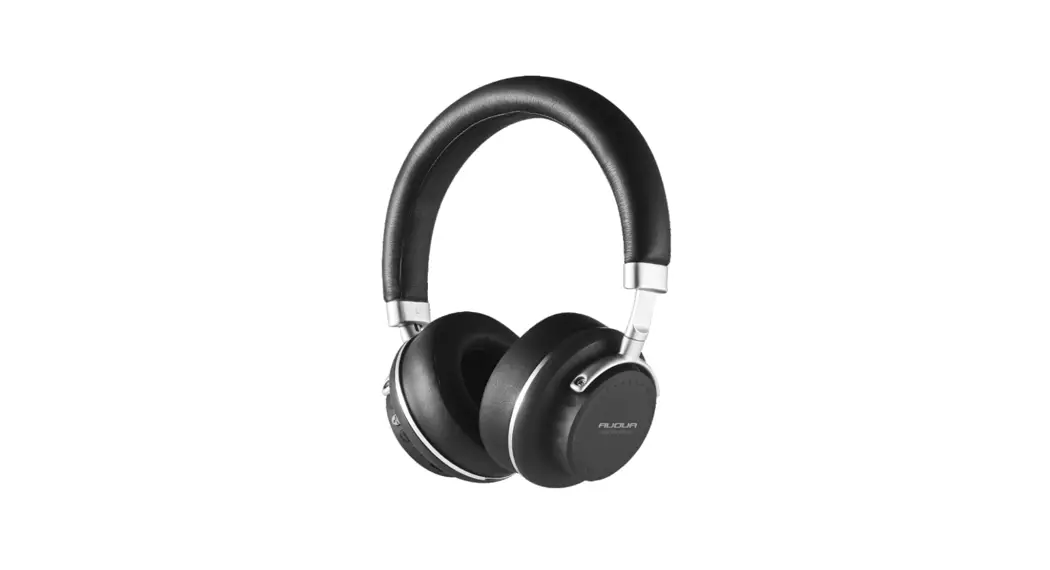
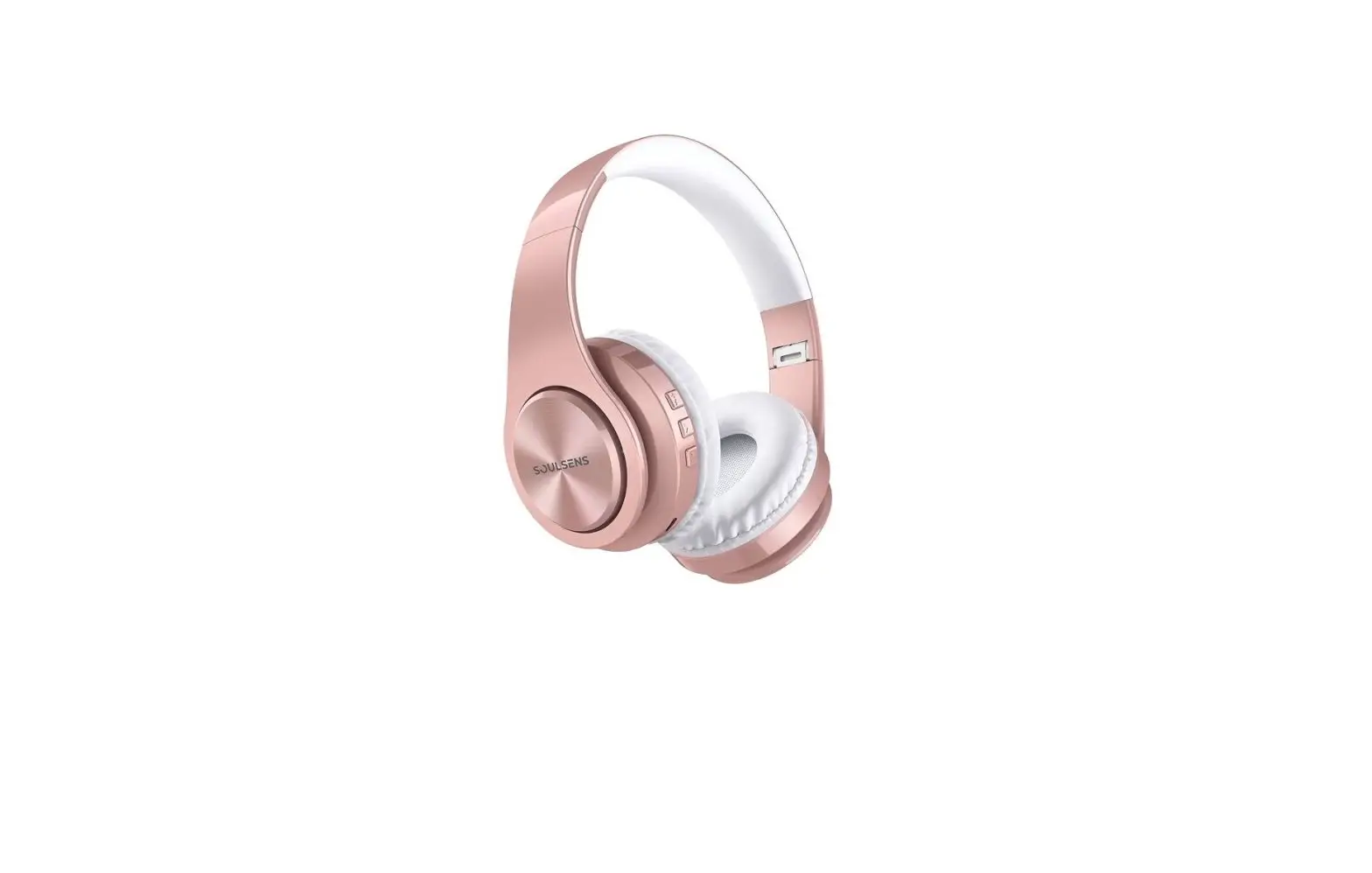
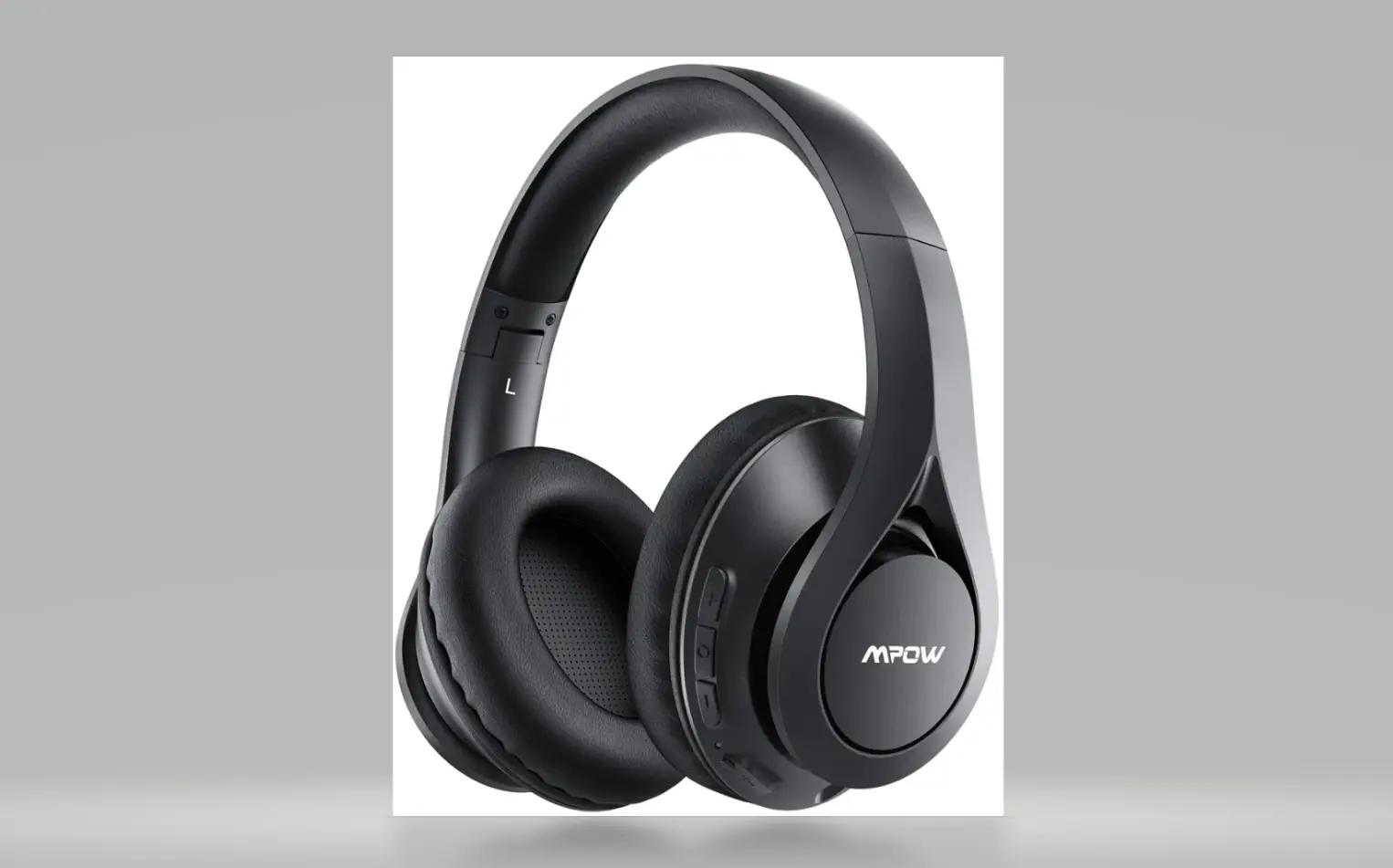
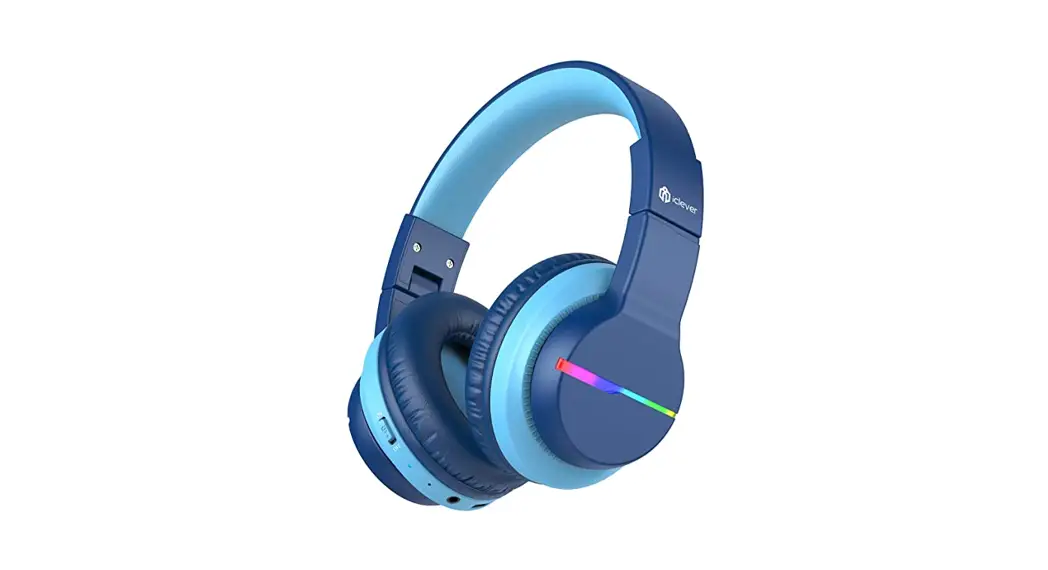
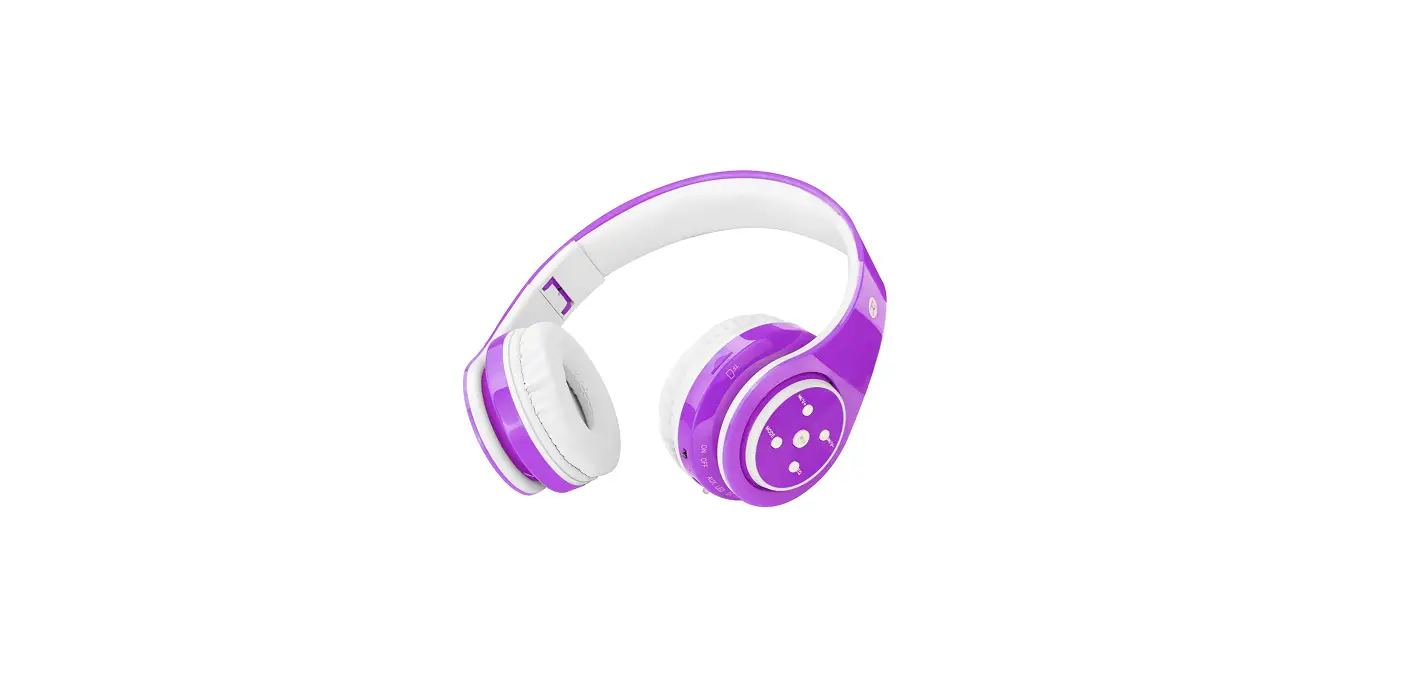
BTHP-2 Wireless Headphone
Wireless Headphone
The wireless headphones come with a power button, wireless
function, phone features, charging and accessories. The headphones
can be turned on/off, paired with a wireless device, and used to
receive calls and control volume.
Power ON/OFF
To turn the headphones on, press and hold the power button for 2
seconds. To turn them off, press and hold the power button for 5
seconds. The headphones will automatically enter wireless mode when
turned on.
Wireless Function
To pair the headphones in wireless mode, use your
wireless-enabled device to search for and select ‘FunFones’. The
indicator light will flash blue and red, and the headphones will
prompt when the device is successfully paired. The indicator light
will turn steady blue.
Listen to Music
When playing music in wireless mode, press the ‘answer call’
button to receive an incoming call. Press the same button once
again to end the call. The indicator light turns steady blue. Short
press the volume buttons to increase or decrease the call volume.
To redial the last number, press the button twice. To reject an
incoming call, press and hold the button for 2 seconds.
Charging
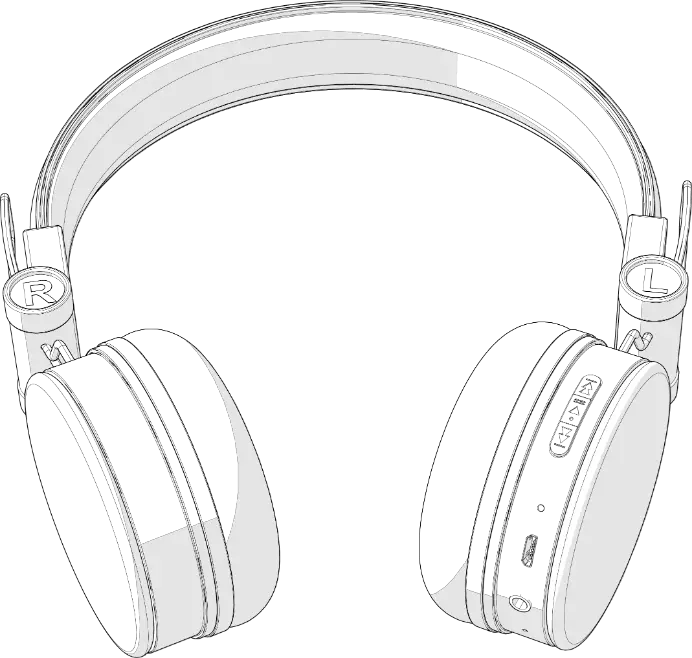
To charge the headphones, plug the Micro USB cable into the
Micro USB port on the side of the headset, and connect the other
end of the cable to any USB power source. The LED indicator will
glow red while the headphones are charging and turn off when fully
charged. Charging time is approximately 2 hours, and playing time
is approximately 4 hours.
Safety
Do not tamper with the battery to avoid danger of explosion. Do
not expose to environments with excessively high temperatures.
Accessories
USB Charging Cable x 1, Instruction Manual x 1
FCC Warning
This device complies with part 15 of the FCC Rules. Operation is
subject to the following two conditions: (1) This device may not
cause harmful interference, and (2) this device must accept any
interference received, including interference that may cause
undesired operation.
Any changes or modifications not expressly approved by the party
responsible for compliance could void the user’s authority to
operate the equipment.
This equipment has been tested and found to comply with the
limits for a Class B digital device, pursuant to part 15 of the FCC
Rules. These limits are designed to provide reasonable protection
against harmful interference in a residential installation. This
equipment generates uses and can radiate radio frequency energy
and, if not installed and used in accordance with the instructions,
may cause harmful interference to radio communications. However,
there is no guarantee that interference will not occur in a
particular installation. If this equipment does cause harmful
interference to radio or television reception, which can be
determined by turning the equipment off and on, the user is
encouraged to try to correct the interference by one or more of the
following measures:
- Reorient or relocate the receiving antenna.
- Increase the separation between the equipment and
receiver.
Wi r el ess Headphone
Power ON/OFF
Press and hold the ” ” button for 2 seconds to turn headphones On. Press and hold the ” ” button for 5 seconds to turn headphones Off. The headphones automatically enter into wireless mode when turned on.
Wireless Function
Wireless Pairing: While headphones are in wireless mode (the indicator light will flash blue and red), use your wireless enabled device to search for and select “FunFones” , the headphones will prompt when the device is successfully paired. The indicator light will turn steady blue.
Listen to Music
Pause/Play Music: Press ” ” button located on the left side of the headset. The blue indicator light is on once every 5S. Volume: Press and hold ” + ” to increase the volume; press and hold ” – ” to decrease the volume on the headphones. Headphones will play a warning tone when maximum and minimum volume levels are reached. You can also adjust the volume on your device. The blue indicator light is on once every 5S. Next/Previous Song: Short press ” + ” to choose the next song; short press ” – ” to choose previous song. You can also select the next/previous song on your device. The blue indicator light is on once every 5S.
Phone Features
Receiving a Call: While playing music in wireless mode, when there is an incoming call, press the ” ” button to answer call; press the ” ” button once again to end call. The indicator light turns steady blue.
Volume: When taking a call, short press ” + ” to increase the call volume; short press ” – ” to decrease the call volume. Redial: Press ” ” button twice to redial the last number. Reject an Incoming Call: Press & hold the ” ” button for 2 seconds to reject a call.
Charging Recharging: Plug the Micro USB cable into the Micro USB port on the side of the headset, and connect the other end of the cable to any USB power source. The LED indicator will glow red while headphones are charging, and turn off when full charged. Charging time is approximately 2 hours. Playing time is approximately 4 hours.
Safety Do not tamper with battery to avoid danger of explosion. Do not expose to environments with excessively high temperatures.
Accessories USB Charging Cable x 1 Instruction Manual x 1
FCC ID: 2AJXA-BTHP-2
FCC War ni ng
Thi s devi ce compl i es wi t h par t 15 of t he FCC Rul es. Oper at i on i s subj ect t o t he f ol l owi ng t wo
condi t i ons: ( 1) Thi s devi ce may not cause har mf ul i nt er f er ence, and ( 2) t hi s devi ce must accept any
i nt er f er ence r ecei ved, i ncl udi ng i nt er f er ence t hat may cause undesi r ed oper at i on.
Any Changes or modi f i cat i ons not expr essl y appr oved by t he par t y r esponsi bl e f or compl i ance coul d
voi d t he user ‘ s aut hor i t y t o oper at e t he equi pment .
Thi s equi pment has been t est ed and f ound t o compl y wi t h t he l i mi t s f or a Cl ass B di gi t al devi ce,
pur suant t o par t 15 of t he FCC Rul es. These l i mi t s ar e desi gned t o pr ovi de r easonabl e pr ot ect i on
agai nst har mf ul i nt er f er ence i n a r esi dent i al i nst al l at i on. Thi s equi pment gener at es uses and can
r adi at e r adi o f r equency ener gy and, i f not i nst al l ed and used i n accor dance wi t h t he i nst r uct i ons,
may cause har mf ul i nt er f er ence t o r adi o communi cat i ons. However , t her e i s no guar ant ee t hat
i nt er f er ence wi l l not occur i n a par t i cul ar i nst al l at i on. I f t hi s equi pment does cause har mf ul
i nt er f er ence t o r adi o or t el evi si on r ecept i on, whi ch can be det er mi ned by t ur ni ng t he equi pment of f
and on, t he user i s encour aged t o t r y t o cor r ect t he i nt er f er ence by one or mor e of t he f ol l owi ng
measur es:
–
Reor i ent or r el ocat e t he r ecei vi ng ant enna.
–
I ncr ease t he separ at i on bet ween t he equi pment and r ecei ver .
–
Connect t he equi pment i nt o an out l et on a ci r cui t di f f er ent f r om t hat t o whi ch t he r ecei ver
i s connect ed.
–
Consul t t he deal er or an exper i enced r adi o/ TV t echni ci an f or hel p.
The devi ce has been eval uat ed t o meet gener al RF exposur e r equi r ement . The devi ce can be used i n
por t abl e exposur e condi t i on wi t hout r est r i ct i on.