
Smart Battery Sense Manual
Introduction
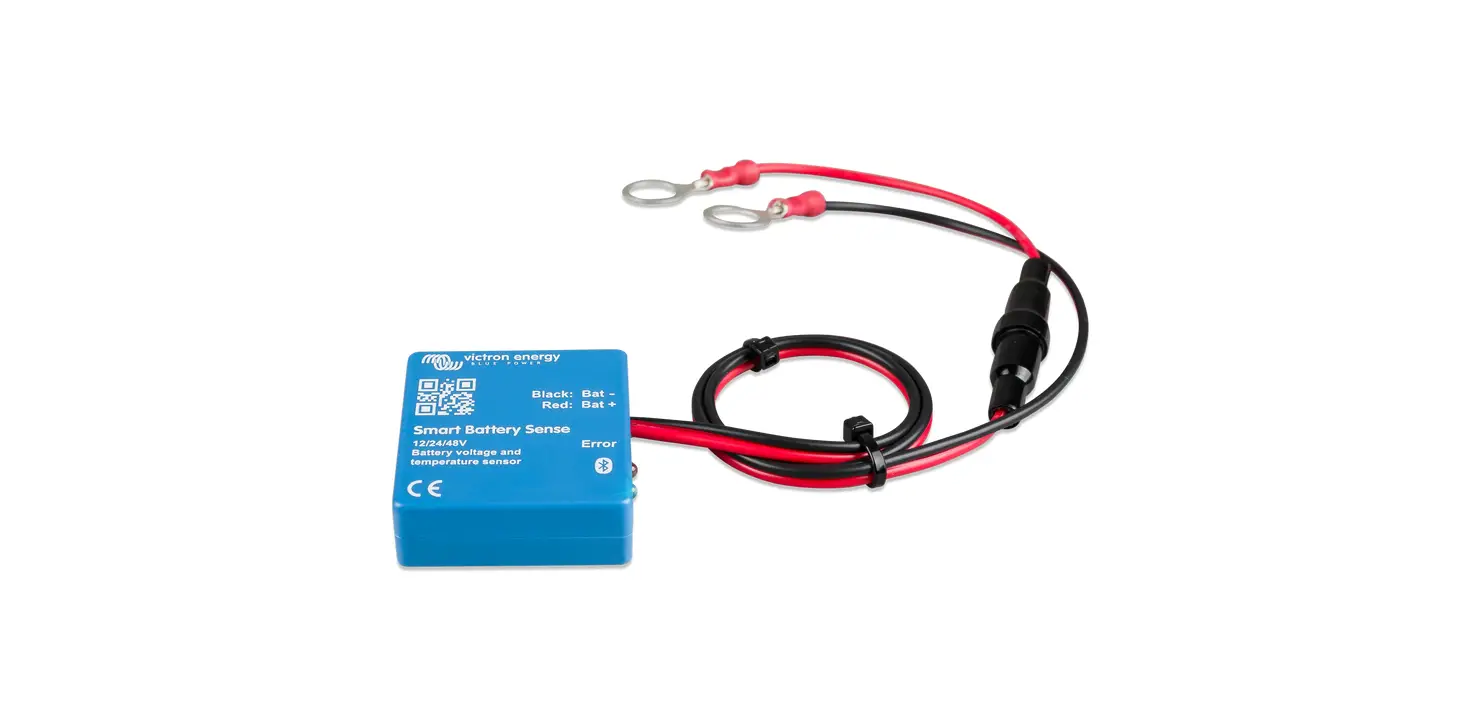
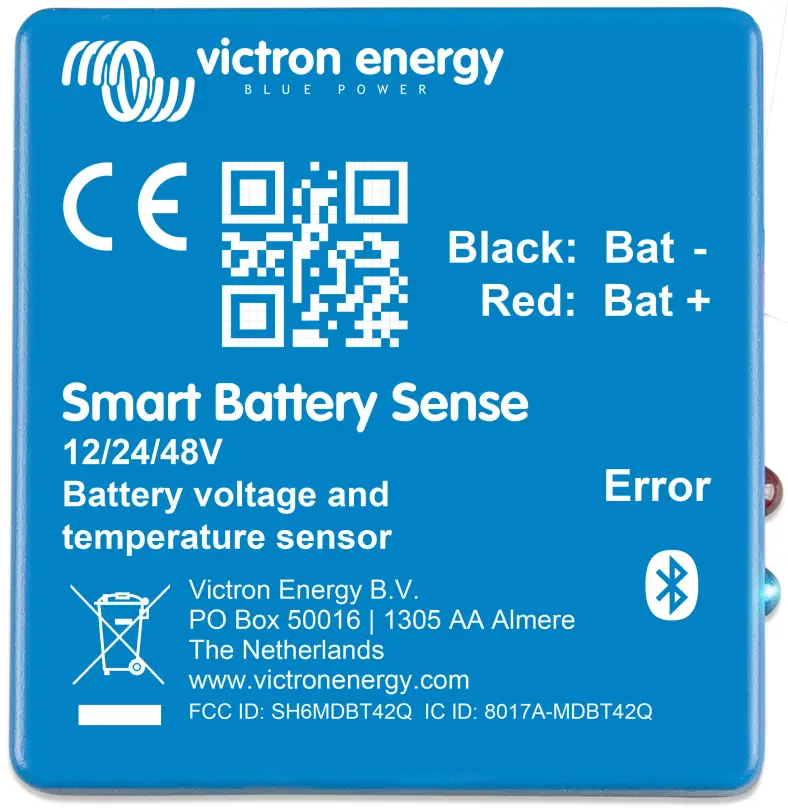
Smart Battery Sense is a wireless battery voltage-and-temperature sensor for Victron MPPT Solar Chargers.
The Solar Charger uses these measurements to optimize its charge parameters.
The connection between Smart Battery Sense and one or more Solar Charger(s) is wireless: It uses VE. Smart Network – a wireless technology based on Bluetooth Smart.
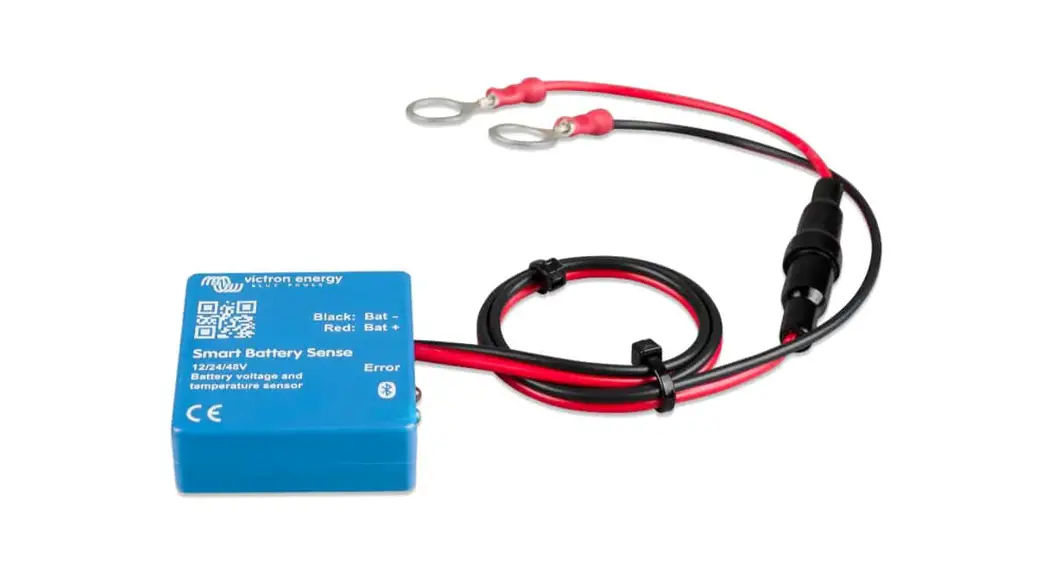
Simple to install & configure, Smart Battery Sense comes with an inline fuse and pre-crimped eyelets. Revealing the self-adhesive tape on the back allows you to mount it directly on the battery. A product page on our main.
website: https://www.victronenergy.com/accessories/smart-battery-sense
When can I use Smart Battery Sense …and when should I avoid using it?
- Check the VE. Smart Networking compatible products list for compatible Solar Chargers.
- Smart Battery Sense is not needed, or allowed, in systems that are already controlled by a Color Control GX or Venus GX, see FAQ Q6 for more info.
- Smart Battery Sense is not needed for installations that already have a BMV-712 (battery monitor) with a temperature sensor accessory.
- For installations using a BMV-702 together with its optional temperature sensor accessory – for wireless connectivity consider adding a VE.Direct Bluetooth Smart dongle instead of a Smart Battery Sense.
Installation
Connect the two eyelets to your battery terminals and attach the unit directly onto the battery body using its self-adhesive strip.
For banks of batteries, Smart Battery Sense may be connected to any one of the individual batteries.
If the bat+ and bat- cables are not long enough they may be extended – only make sure you use the same or a thicker, gauge of cable.
Configuration
This video will show you how to install Smart Battery Sense and includes step-by-step instructions for connecting it your mobile phone via VictronConnect victronenergy.com/live/victronconnect:ve-smart-networking manual. https://www.youtube.com/embed/v62wCfXaWXY
LED Status codes
Smart Battery Sense has two LEDs: a Bluetooth status LED (blue), and an Error LED (red).
On power-up, the Bluetooth LED will be slow-blinking – indicating that the device is ready to accept a Bluetooth connection.
If both LEDs remain illuminated, something is wrong with the Smart Battery Sense unit (Hardware error).
When the LEDs are alternating quickly for more than 30 seconds, the Smart Battery Sense is in firmware update mode and will need to complete the update before it can be used. Firmware updates are performed (where necessary) after connecting to VictronConnect.
| Blue LED | Red LED | Smart Battery Sense state | Connection State | Remark |
| On | On | Not functional | Disabled | Hardware error. Smart Battery Sense will not be visible in VictronConnect and it will not be contributing information to the VE. Smart Network. |
| Slow blinking | Off | Measuring V/T | Not connected | If VE. Smart Networking has been configured, the device will be contributing the voltage and temperature information to the VE.Smart network. |
| On | Off | Measuring V/T | Connected | If VE. Smart Networking has been configured, the device will be contributing the voltage and temperature information to the VE.Smart network. |
| Fast blinking | Fast blinking | Firmware update | Not connected | Red and Blue LED Alternating |
| On | Slow blinking | Firmware update | Connected | |
| On | Fast blinking | Firmware update | Programming |
Troubleshooting
See both the VictronConnect manual and the VE.Smart Network manual.
Technical product specification
Operation and Dimensions
| Description | Value |
| Dimension h x w x d (mm) | 14 x 38 x 38 |
| Cable length | 45cm |
| Eyelet hole size | 10mm (M10) |
| Fuse rating | T1A 250V |
| Operating temperature range | -10°C to +60°C |
| Operating voltage range | 8V to 60V |
| Absolute maximum voltage | 65V |
| Bluetooth Frequency | 2402-2480MHz |
| Bluetooth Power | -4dBm |
Power consumption
| battery voltage | Not Connected | Joining VE.Smart Network | Connected |
| 12 V | 0.3 mA | 0.5 mA | 1.6 mA |
| 24 V | 0.2 mA | 0.3 mA | 0.9 mA |
| 48 V | 0.2 mA | 0.3 mA | 0.6 mA |