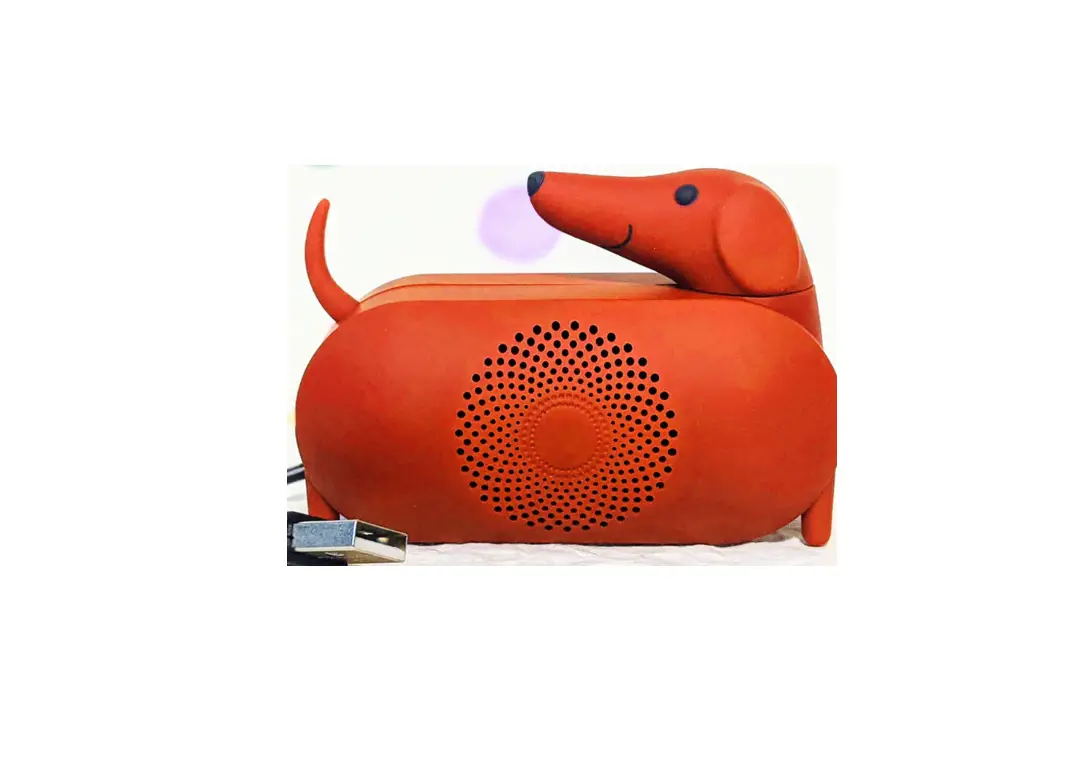
Tihebeyan
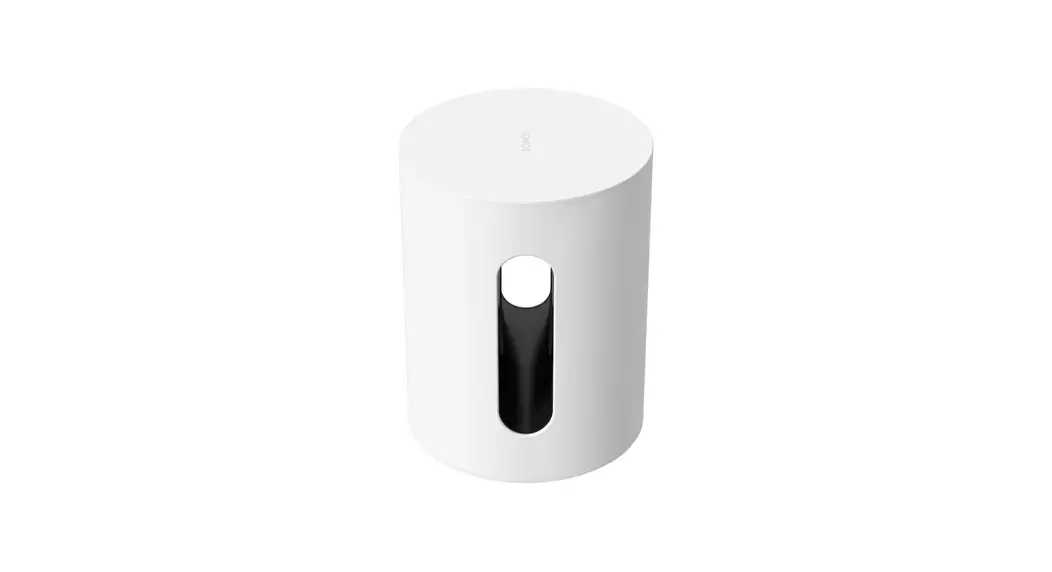
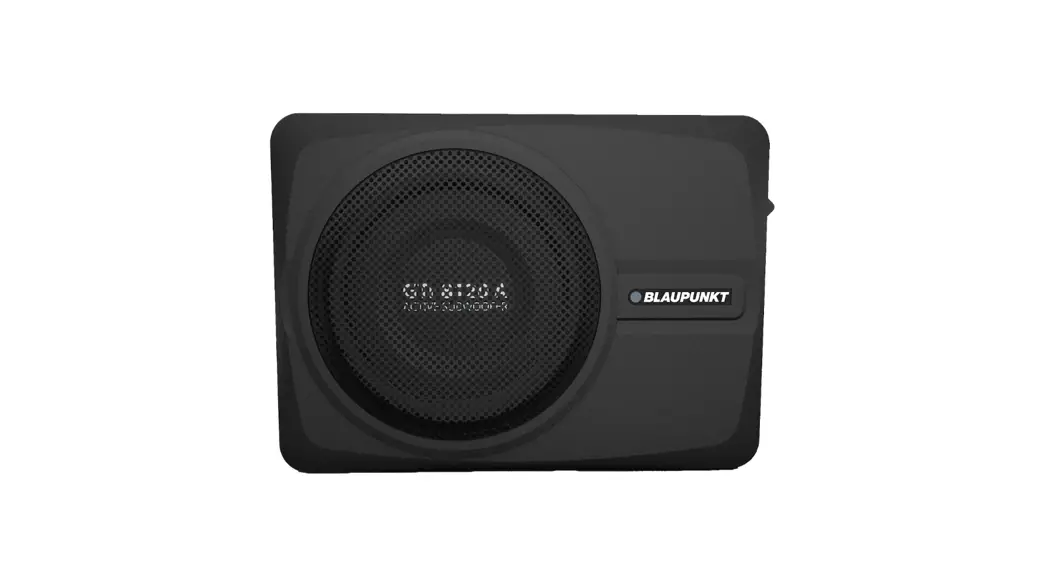
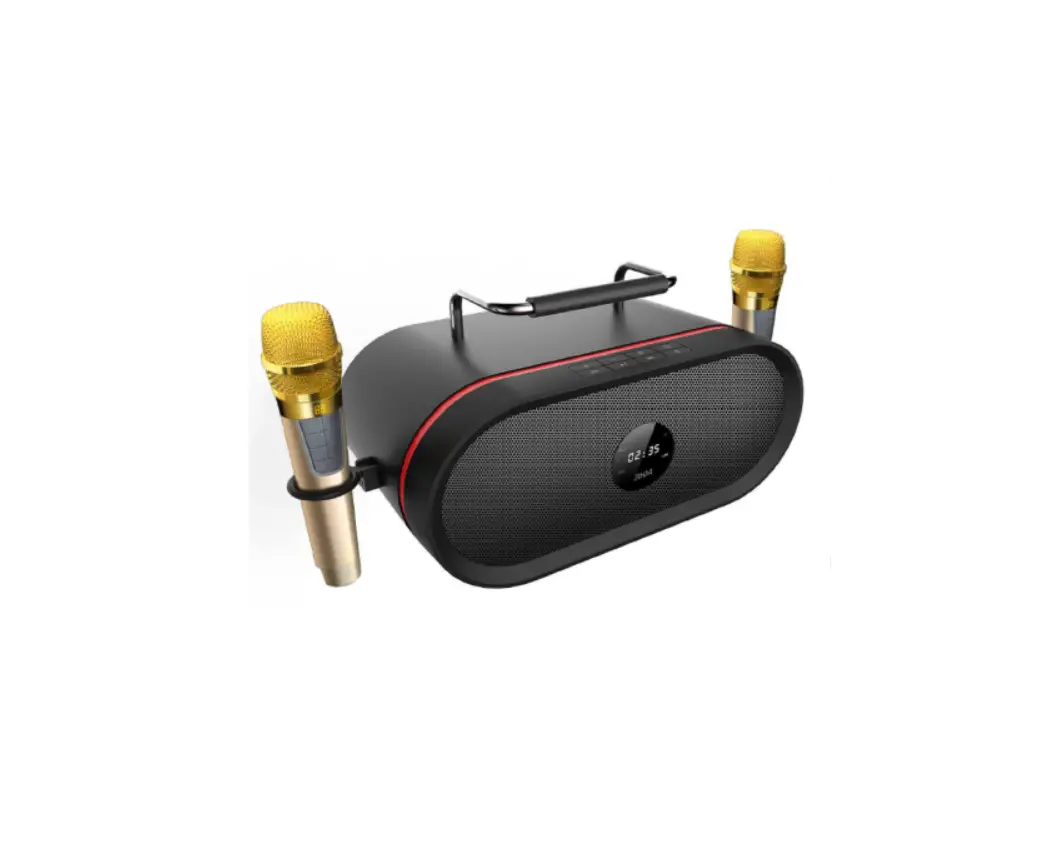
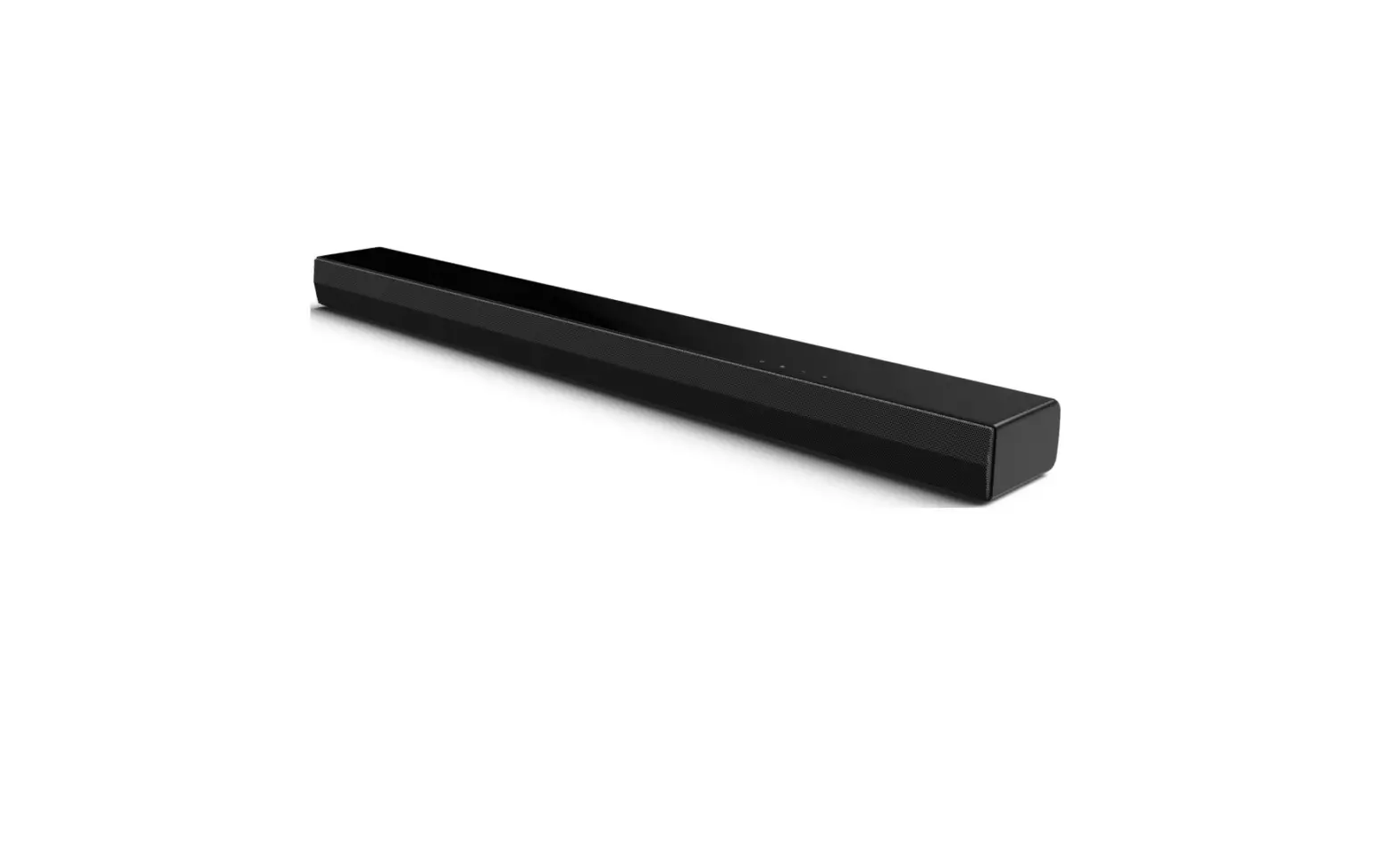
Tihebeyan Mini HD Audio Subwoofer Speaker
Specifications
- BRAND: Tihebeyan
- SPEAKER TYPE: Subwoofer
- CONNECTIVITY TECHNOLOGY: Auxiliary, USB
- SPECIAL FEATURE: USB
- COMPATIBLE DEVICES: Laptop, Personal Computer
- PLAYTIME: 3h
- MATERIAL: ABS
- SIZE: Approx. 52x52x38mm / 2.0×2.0x1.5in
- IMPEDANCE: 4 (Ω)
- DISTORTION: 0.5 (%)
- FREQUENCY RESPONSE RANGE: 200-20K (Hz)
- SENSITIVITY SNR: ≥ 89db (dB)
- SPEAKER UNIT SIZE: 3.5 (mm)
- CARRYING POWER: 2.2
- BATTERY CAPACITY: 180mah
- COLOR: Black, White (Optional)
- PACKAGE WEIGHT: 78g
Introduction
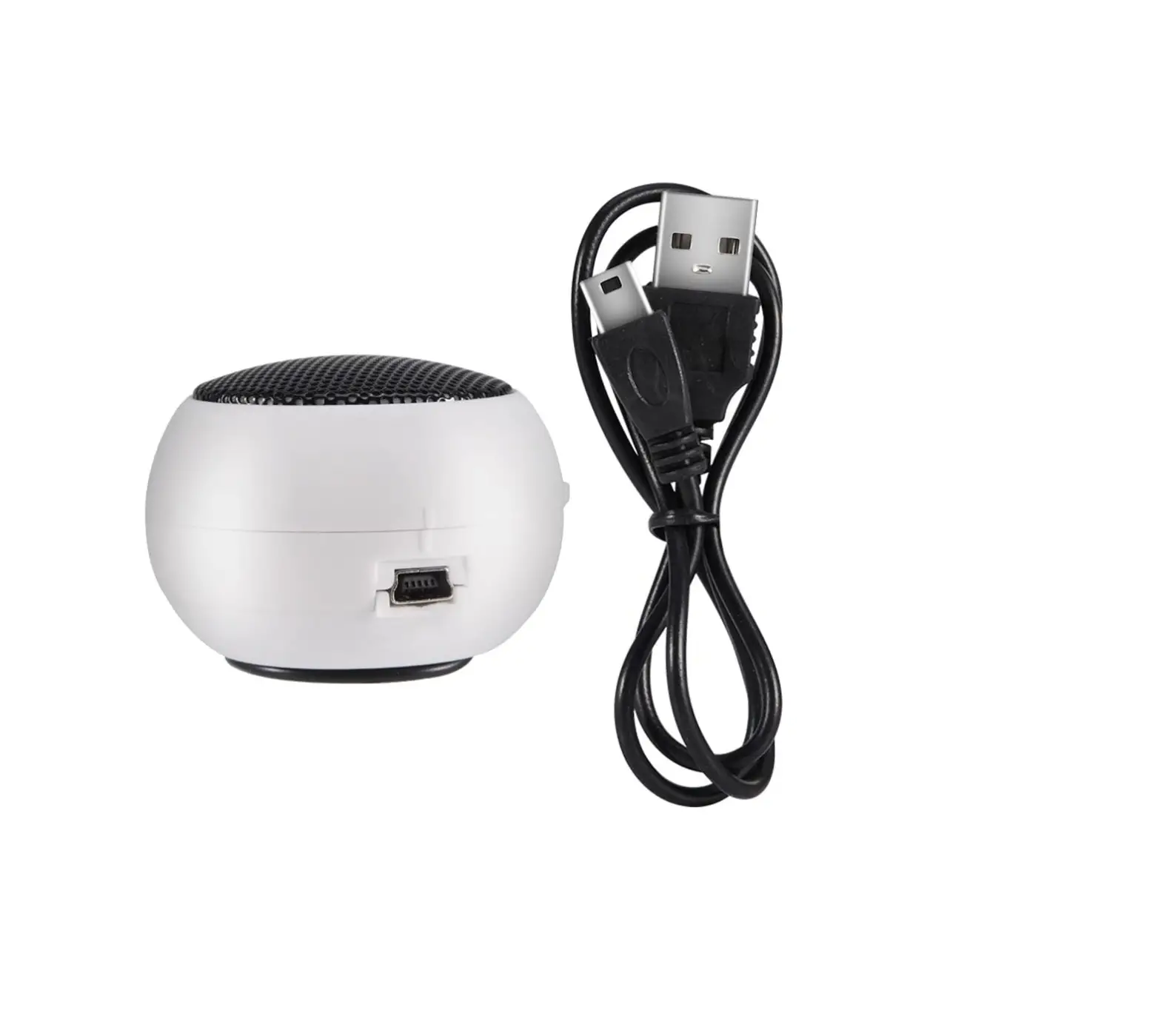
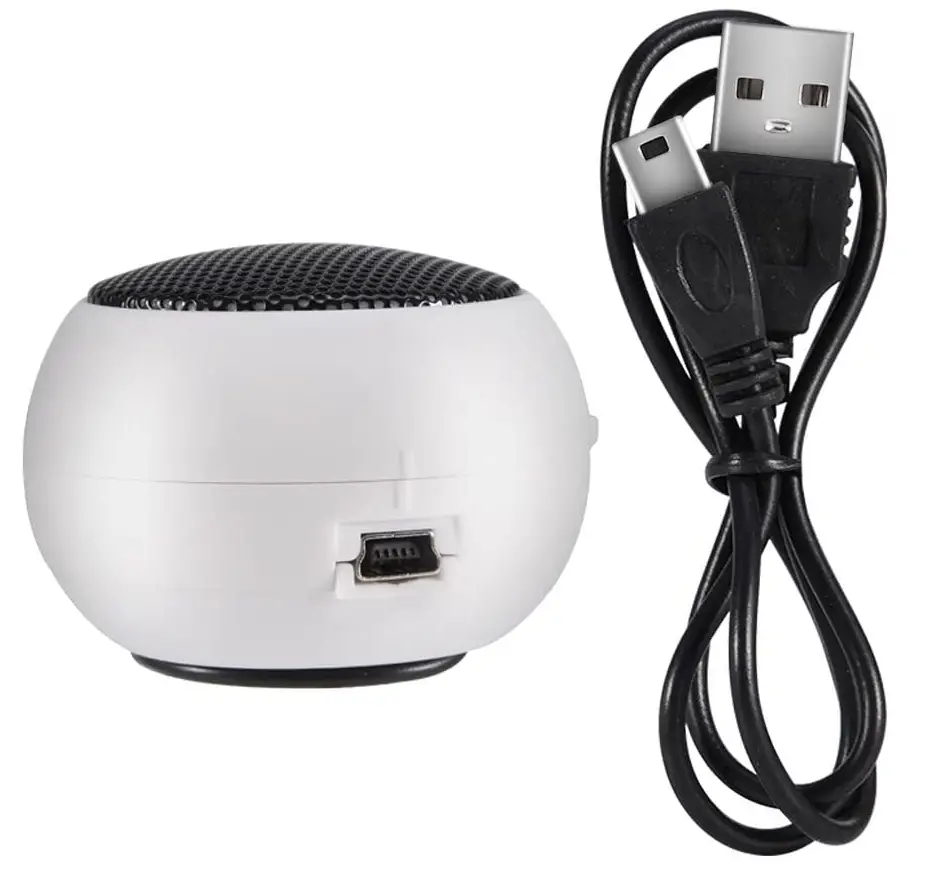
The speaker’s retractable form makes it lightweight and portable. The little speaker comes with an audio cord at the bottom and is compatible with iPod, MP3, MP4, MP5, mobile phones, laptops, and other devices having a 3.5mm audio port. Additionally, a USB charging cord is included. You get pure sound quality from the speaker thanks to its low voltage, low distortion, and low power consumption. No external power source is required; the built-in 180mah battery lasts for approximately three hours at 50% volume or 1.5 hours at maximum volume.
HOW USB SPEAKERS WORK
The signal for the amplified sound is already present in jack or analogue cinch cords. From the hard drive to the USB sound card, so-called frames or data packets are exchanged through USB before being transformed and amplified in the speaker.
HOW TO CONNECT TO COMPUTER
Put the USB connection of a set of USB speakers or headphones into an accessible USB port on your computer to connect them (as shown in the picture). The computer ought to recognize the device immediately. Consult the user manual for your device for more details.
HOW TO TEST IF COMPUTER SPEQAKERS ARE WORKING
- Your laptop’s Start menu should be opened.
- Go to the area on your screen where your sound and hardware components are accessible.
- View the audio equipment that is installed in your system.
HOW TO FIX SPEAKERS THAT ARE NOT DETECTED
- Check the output of your speakers.
- Activate the audio troubleshooter.
- Check to see if all Windows updates have been installed.
- Check your speaker, headphone, volume controls, wires, connectors, and jacks.
- Verify the sound settings.
- Update your audio drivers.
- Set the default device to your audio device.
Frequently Asked Questions
Yes this speaker system will work with an older iPod.
I returned the product too quickly to know the answer. The sound is tinny and awful.
I don’t know. The sound was so poor I returned them immediately.
The speaker was not very good did not serve my purpose I threw it away I would not recommend it I don’t know how many watch but it’s not much.
It just didn’t work that was it a lot of static and couldn’t hear it.
I plugged it up to my iPad and it worked fine.
Connect the speaker cord to the desktop computer’s green “Line-out” port. This cable frequently has a green connector as well. Connect the speaker cord to the laptop’s headphone jack.
While USB speakers connect wirelessly via USB cables and conventional speakers need an interface (either internal or external) to connect to a computer, Bluetooth speakers connect wirelessly via Bluetooth.
Double-click the Sounds and Audio Devices icon located under or by choosing a Control Panel icon in the Sound, Speech, and Audio Devices window. Click the Audio tab in the Sounds and Audio Devices Properties box. Select USB Audio Device by selecting the down arrow next to Sound playback on the Audio tab.
The quickest and easiest way to add Bluetooth to almost any PC is via USB. You only need to install the driver and insert the dongle into a free USB port to finish!
Open Sound Settings & enter Audio Preferences can be chosen by performing a right-click on the speaker icon. Go to Manage Sound Devices from the Output section. Choose the choice after choosing the output device. Up until the audio begins to play, try using external speakers.
Lack of audio output, audio distortion, blown speakers, the absence of bass or treble, and popping noises are typical speaker issues. These problems can be resolved by switching the output channels, turning down the level, or changing the coils, wiring, and fabric. New speakers can be immediately harmed by loud music.
Manufacturers employ a standard test for mounting a microphone connected to a decibel meter in order to gauge sound quality. One watt of electricity is applied to a speaker, and the sound pressure level output is measured one meter away from the speaker.
Verify that the default output is selected on the external speaker. Make sure the connections are correctly connected and the external speaker is powered. Check for sound by connecting an external speaker or headphone to another device. Hardware-test your machine.
Typically, the ground, or negative, wire is black, and the positive wire is red. However, the majority of speaker wires are colorless.