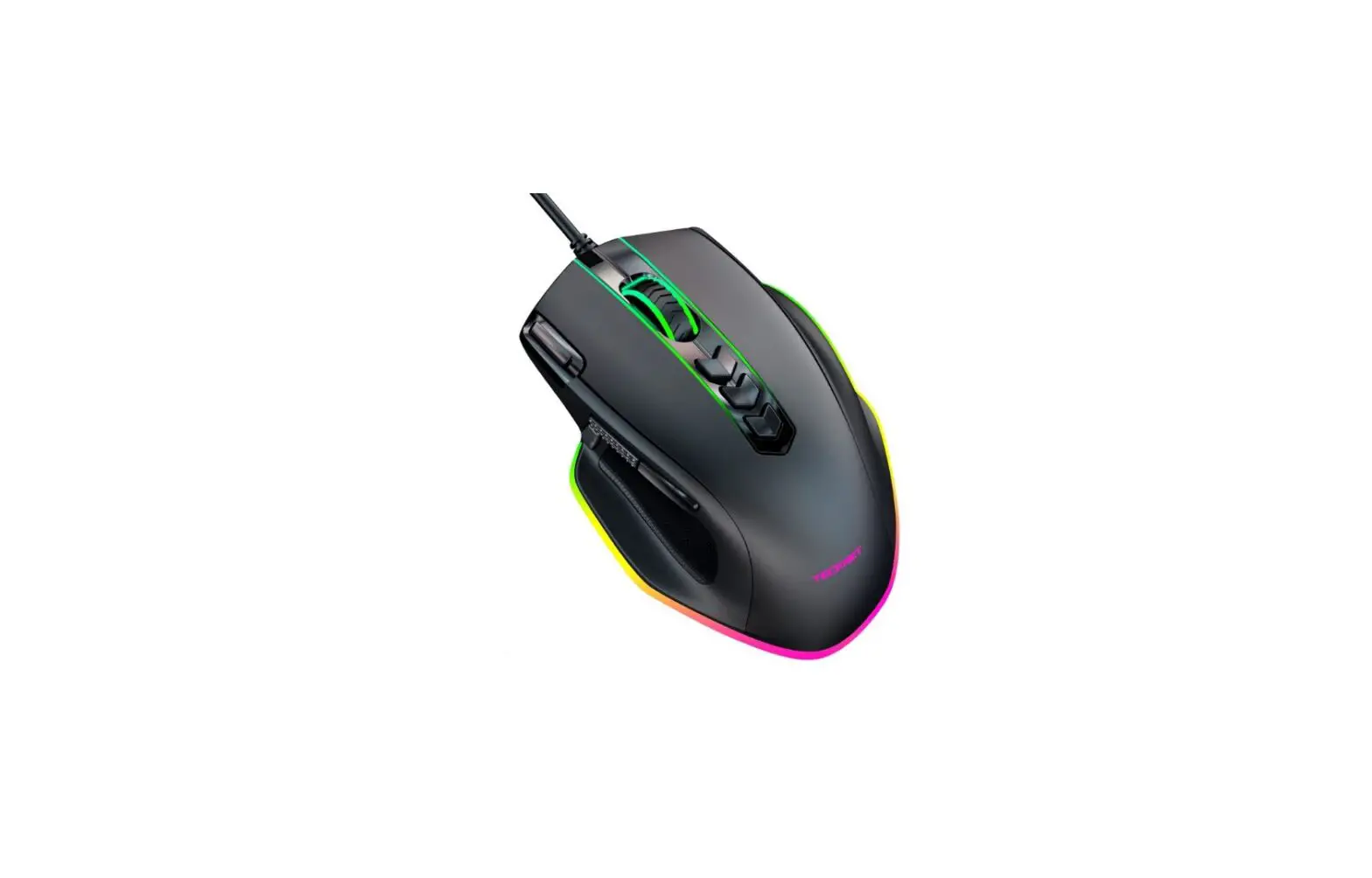
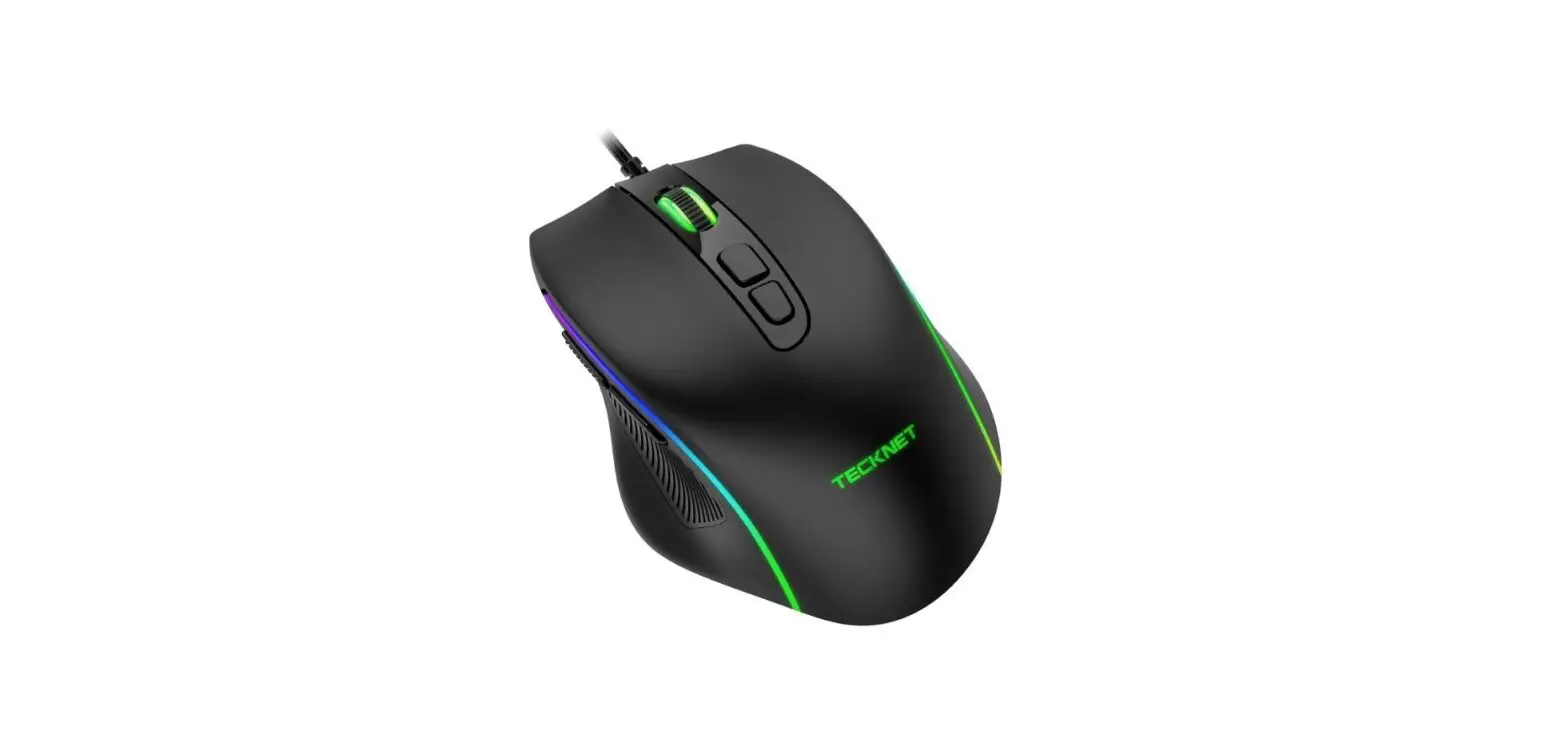
UM013 Wired Mouse
Product Information
Product Name: Wired Mouse
Model: UM013
Manufacturer: Shenzhen Unichain Technology Co.,
LTD. (Unichain)
Warranty: Limited 12-Month Warranty
Technical Specifications:
- Button Count: 6 buttons
- Receiver Interface: USB version 2.0
- Operating Voltage: 5V
- Operating Current: Not specified
Product Usage Instructions
- Connect the wired mouse to an available USB port on your
computer. - The mouse has six buttons, including left click, right click,
scroll wheel, DPI switch button, backward button, and forward
button. - To perform a left-click action, press the left click
button. - To perform a right-click action, press the right click
button. - Use the scroll wheel to scroll up or down on web pages or
documents. - The DPI switch button allows you to adjust the mouse
sensitivity. Press the button to cycle through different DPI
levels. - The backward and forward buttons are used for navigating
between web pages or documents. Press the backward button to go
back and the forward button to go forward. - If you encounter any issues with the product, refer to the
warranty information provided in the user manual or contact
retailers, visit the TECKNET website, or email
[email protected] for assistance.
Wired Mouse
Model: UM013
User Manual
EN
DE
FR
ES
IT
JP
Limited 12-Month Warranty
12
What this warranty covers.
Shenzhen Unichain Technology Co., LTD. (Manufacturer: “Unichain”) warrants to the original purchaser of this TECKNET product that the product shall be free of defects in design, assembly, material, or workmanship.
What the period of coverage is.
Unichain warrants the TECKNET product for 12 Months.
What will we do to correct problems?
Unichain will repair or replace, at its option, any defective product free of charge (except for shipping charges for the product).
What is not covered by this warranty?
All above warranties are null and void if the TECKNET product is not provided to Unichain for inspection upon Unichain’s request at the sole expense of the purchaser, or if Unichain determines that the TECKNET product has been improperly installed, altered in any way, or tampered with. The TECKNET Product Warranty does not protect against acts of God such as flood, earthquake, lightning, war, vandalism, theft, normal-use wear and tear, erosion, depletion, obsolescence, abuse, damage due to low voltage disturbances (e.g. brownouts or sags), non-authorized program, or system equipment modification or alteration.
How to claim the warranty
Please contact retailers or visit TECKNET website or email [email protected] for more information. To extend the warranty period, please visit TECKNET website and register your TECKNET products within 90 days of purchase.
Disclaimer
Every effort has been made to ensure that the information and procedures in this guide are accurate and complete, no liability can be accepted for any errors or omissions and we reserve the right to make any changes without further notice to any products mentioned herein.
Product Layout
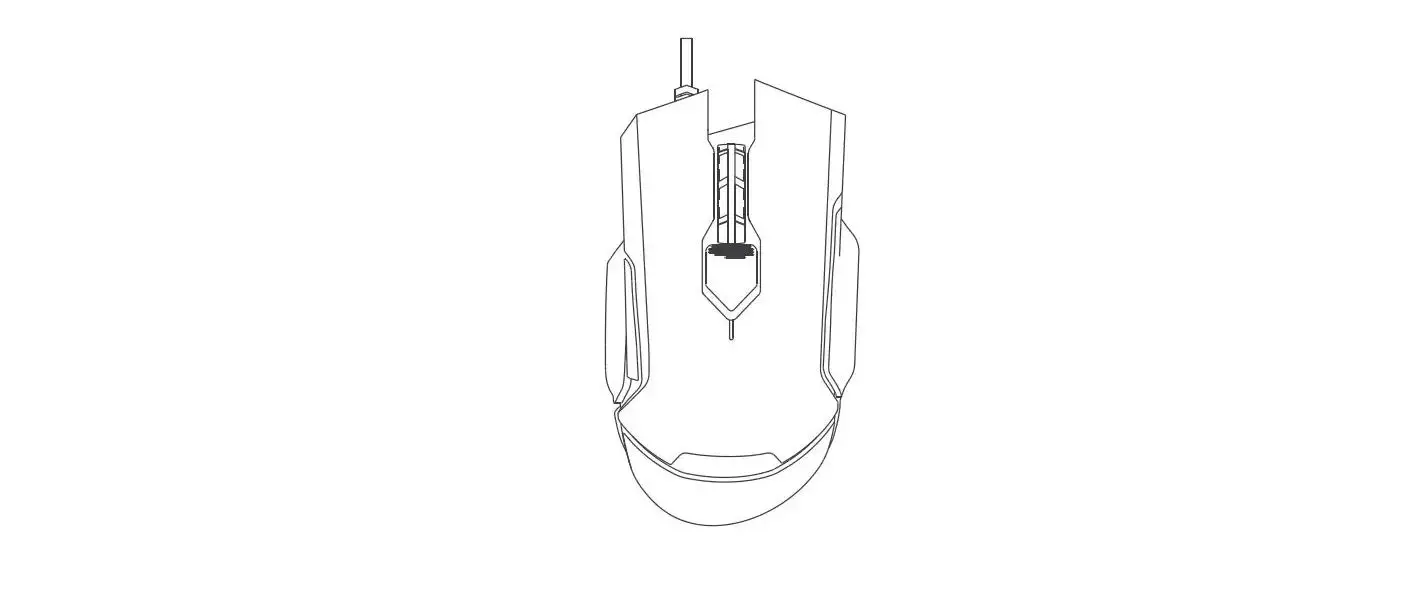
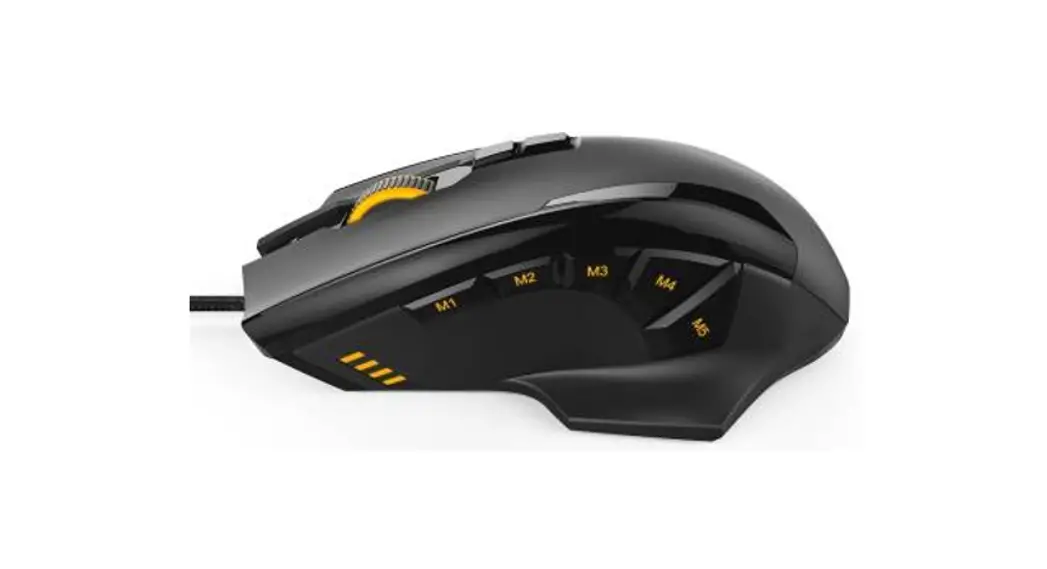
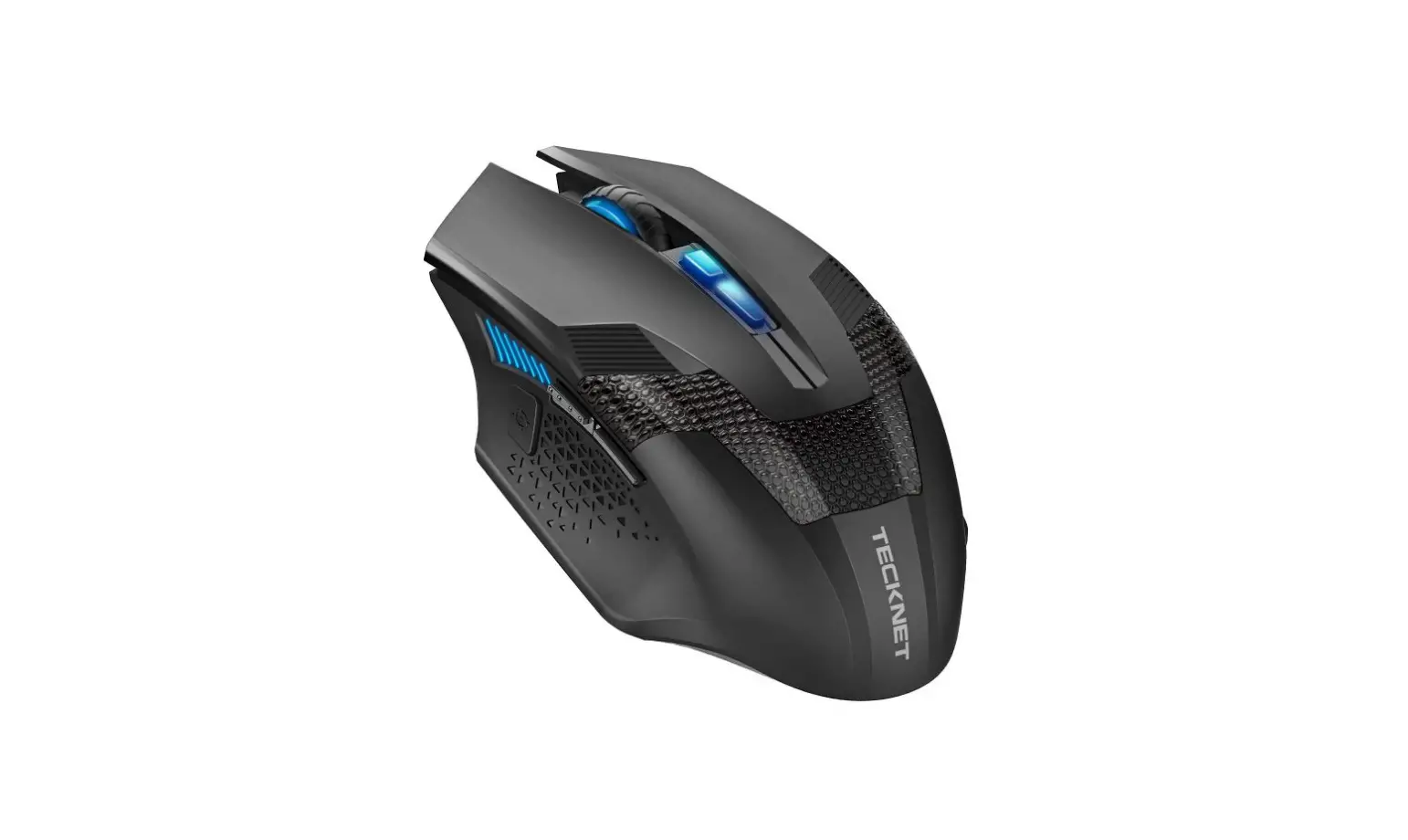
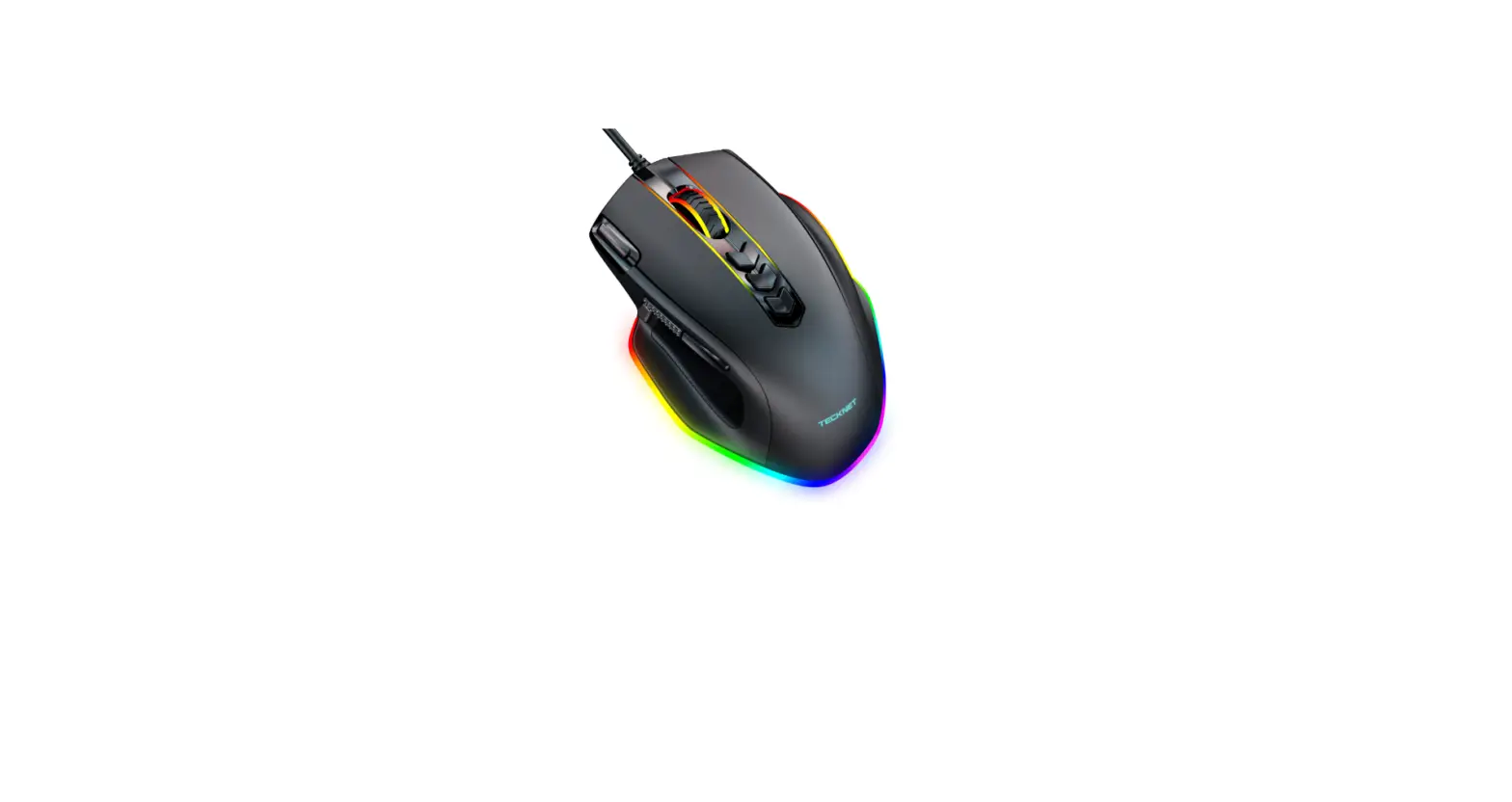
DPI Switch Button 4 Scroll Wheel 3 2 Right Click Button
6 Backward Button 5 Forward Button 1 Left Click Button
Technical Specifications Button Count: Receiver interface: Operating Voltage: Operating Current:
6 buttons USB version 2.0 5V <50mA
EN
SIMPLIFIED EU DECLARATION OF CONFORMITY
Hereby, Shenzhen Unichain Technology Co., Ltd. declares that the product type UM013 is in compliance with Directive 2014/30/EU. The full text of the EU declaration of conformity is available at the following internet address: https://eu.tecknetonline.com/
FCC STATEMENT
This device complies with Part 15 of the FCC Rules. Operation is subject to the following two conditions: (1) This device may not cause harmful interference, and (2) This device must accept any interference received, including interference that may cause undesired operation.
Correct Disposal of This Product
( Waste Electrical& Electronic Equipment ) This Marking shown on the product or its literature, indicate that it should not be disposed with other household wastes at the end of its working life. To prevent possible harm to the environment or human health from uncontrolled waste disposal, please separate this from other types of wastes and recycle it responsibly to promote the sustainable reuse of material resources.Household user should contact either the retailer where they purchased this product, or their local government office, for details of where and how they can take this item for environmentally safe recycling. Business users should contact their supplier and check the terms and conditions of the purchase contact. This product should not be mixed with other commercial wastes for disposal.
Package Contents 1 x UM013 Wired Mouse 1 x User Manual
System Requirements Hardware · PC with a Pentium processor or equivalent AMD processors · USB 2.0
Operating System · Windows 2000, 2003, XP, Vista, Win7, Win8, Win8.1, Win10 Note: The scroll wheel only works under the operating systems listed above. If you use the mouse under a different operating system, the mouse may either not work or lose its enhanced features.
DPI Switch Press the DPI button to cycle through 2 DPI levels.
FAQ What should I do if the mouse does not work? Make sure the USB connector is firmly inserted into the USB port of your computer.
DPI Switch
IMPORTANT SAFETY INSTRUCTIONS-CAREFULLY FOLLOW THESE INSTRUCTIONS.
1. SAVE THESE INSTRUCTIONS – This sheet contains important safety and operating instructions.
2. Before using the product, read all instructions and caution markings on the product, accessories and device using our product.
3. This appliance is not intended for use by persons (including children) with reduced physical, sensory or mental capabilities, or lack of experience and knowledge, unless they have been given supervision or instruction concerning use of the appliance by a person responsible for their safety.
4. Children should be supervised to ensure that they do not play with the appliance.
5. Keep the product away from fire or explosion may occur.
6. Do not place product in or near inflammable, explosive or hazardous object.
7. Do not place in or near water, rain, excess moisture or extreme heat.
8. Do not operate product with damaged cord or plug.
9. Do not operate product if it has been damaged in any way.
10. Do not disassemble the product. Disassembly may result in a risk of safety hazards.
11. Do not throw or shake the product.
12. To reduce the risk of electric shock, unplug the product from the power supply when not in use or switch off the power supply.
Produktlayout
4 DPI-Umschalttaste Scrollrad 3
2 Rechtsklick-Taste
EN
6 Rückwärts-Taste 5 Vorwärts-Taste 1 Linksklick-Taste
Technische Spezifikationen
Tastenanzahl:
6 Tasten
Empfängerschnittstelle: USB-Version 2.0
Betriebsspannung:
5V
Betriebsstrom:
<50 mA
Packungsinhalt 1 x UM013 Kabelgebundene Maus 1 x Benutzerhandbuch
System Anforderungen Hardware · PC mit Pentium-Prozessor oder gleichwertigen AMD-Prozessoren · USB 2.0
Betriebssystem · Windows 2000, 2003, XP, Vista, Win7, Win8, Win8.1, Win10 Hinweis: Das Scrollrad funktioniert nur unter den oben aufgeführten Betriebssystemen. Wenn Sie die Maus unter einem anderen Betriebssystem verwenden, funktioniert die Maus möglicherweise nicht oder verliert ihre erweiterten Funktionen.
DPI-Schalter Drücken Sie die DPI-Taste, um durch 2 DPI-Stufen zu schalten.
FAQ Was soll ich tun, wenn die Maus nicht funktioniert? Stellen Sie sicher, dass der USB-Stecker fest in den USB-Port Ihres Computers eingesteckt ist.
DPI Switch
DE
DE
Schéma du produit
4 le département de
l’information l’interrupteur
Parchemin Volant 3 2 Cliquez sur le bouton
droit de bouton
6 l’arrière bouton
5 Méthode bouton
1 Cliquez sur le bouton
gauche de bouton
Spécifications techniques
Nombres de boutons :
6 boutons
Interface du récepteur :
USB version 2.0
Tension de fonctionnement : 5V
Courant de fonctionnement : <50mA
Contenu du paquet 1× Souris câblée UM013 1 x Mode d’emploi
Matériel · Ordinateur équipé d’un processeur Pentium ou d’un processeur AMD équivalent · USB 2.0 Système d’exploitation · Windows 2000, 2003, XP, Vista, Win7, Win8, Win8.1, Win10 Remarque : La molette de défilement ne fonctionne qu’avec les systèmes d’exploitation énumérés ci-dessus. Si vous utilisez la souris avec un autre système d’exploitation, la souris ne pourra pas fonctionner ou perdra ses fonctionnalités améliorées.
Bouton DPI Appuyez sur le bouton DPI pour faire défiler les 2 niveaux DPI.
FAQ Que dois-je faire si la souris ne fonctionne pas ? Assurez-vous que le connecteur USB est bien connecté au port USB de votre ordinateur.
DPI Switch
Struttura del Prodotto
4 Botón interruptor DPI 3 Rueda de desplazamiento
Botón derecho 2
6 Botón para retroceder 5 Botón para adelantar 1 Botón izquierdo
Especificaciones técnicas Cantidad de botones: Interfaz del receptor: Velocidad máxima: Aceleración: Voltaje: Corriente operativa:
6 USB versión 2.0 25 pulgadas/seg 15G 5V <50mA
Contenido del paquete 1 x Ratón con cable UM013 1 x Manual del usuario
Requerimientos del sistema Hardware · PC con procesador Pentium o procesadores AMD equivalentes · USB 2.0
Sistema operativo · Windows 2000, 2003, XP, Vista, Win7, Win8, Win8.1, Win10 Nota: La rueda de desplazamiento solo funciona con los sistemas operativos arriba mencionados. Si usa el ratón con un sistema operativo distinto, el ratón podría no funcionar o perder sus características destacadas.
Interruptor DPI Presione el botón DPI para recorrer los 2 niveles de DPI.
Preguntas frecuentes ¿Qué debo hacer si el ratón no funciona? Aegúrese de que el conector USB esté firmemente insertado en el puerto USB de su computadora.
DPI Switch
FR Struttura del Prodotto
4 le département de
l’information l’interrupteur
Parchemin Volant 3 2 Cliquez sur le bouton
droit de bouton
6 l’arrière bouton
5 Méthode bouton
1 Cliquez sur le bouton
gauche de bouton
Specifiche Tecniche Numero Pulsanti: Interfaccia Ricevitore: Tensione Funzionamento: Corrente Funzionamento:
6 Pulsanti USB versione 2.0 5V <50mA
IT
FR
Contenuto della Confezione 1 Mouse con Filo UM013 1 Manuale Utente
Requisiti di Sistema Hardware · PC con processore Pentium o processori AMD equivalenti · USB 2.0
Sistema Operativo · Windows 2000, 2003, XP, Vista, Win7, Win8, Win8.1, Win10 Nota: la rotella di scorrimento funziona solo con i sistemi operativi sopra elencati. Se si utilizza il mouse con un sistema operativo diverso, il mouse potrebbe non funzionare o perdere le funzionalità avanzate.
Interruttore DPI Premere il pulsante DPI per scorrere 2 livelli DPI.
FAQ Domande Frequenti Cosa devo fare nel caso in cui il mouse non funzionasse? Assicurarsi che il connettore USB sia fermamente ben inserito nella porta USB del tuo computer.
DPI Switch
%1* 4 3 2
ES
6
5
1
64# 7 N”
w1FOUJVN”.%1$ w64#
IT
JP
ES
Y6. Y
w8JOEPXT917JTUB8JO8JO8JO8JO
DPI
%1*%1*
FAQ
64#64#
%1*
JP
 TECKNET EU