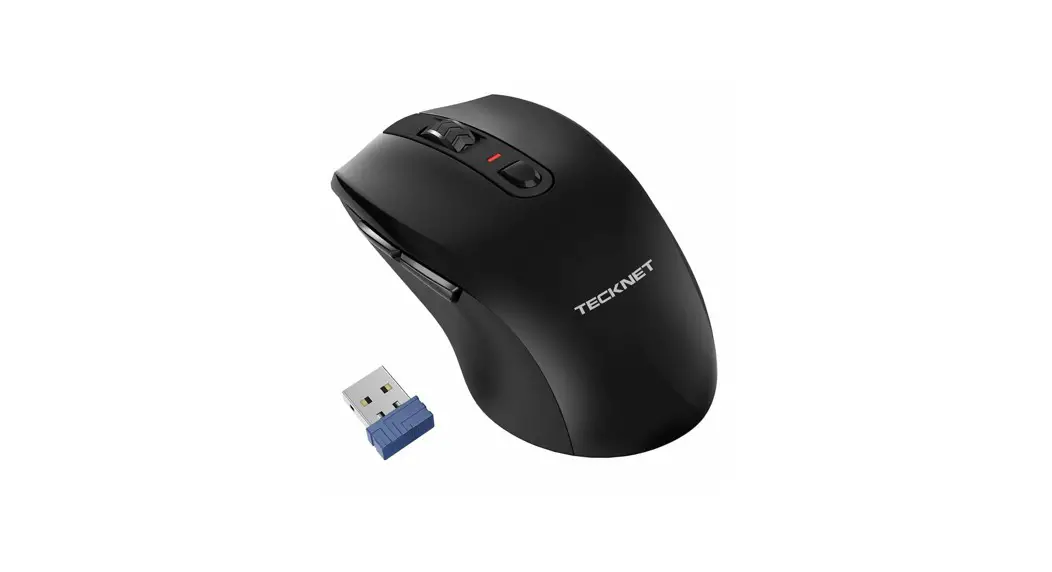
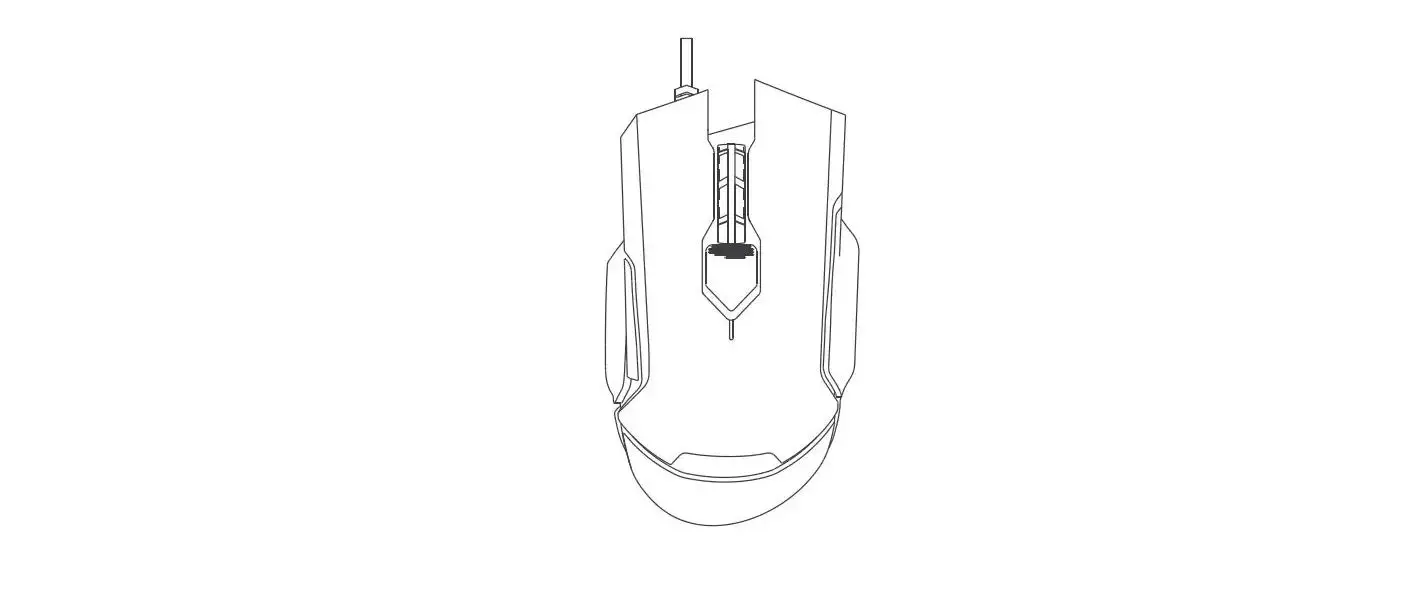
EWM01004 Wireless Mouse
User Manual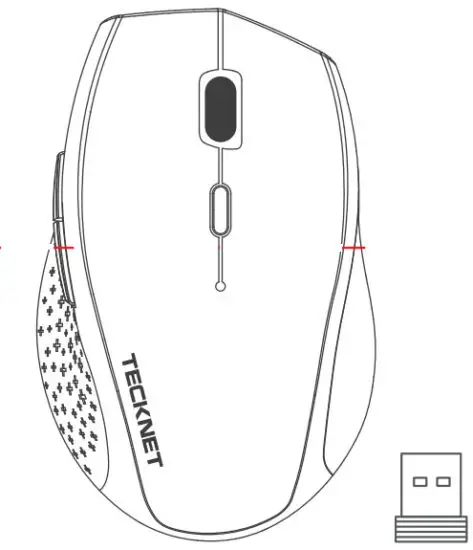
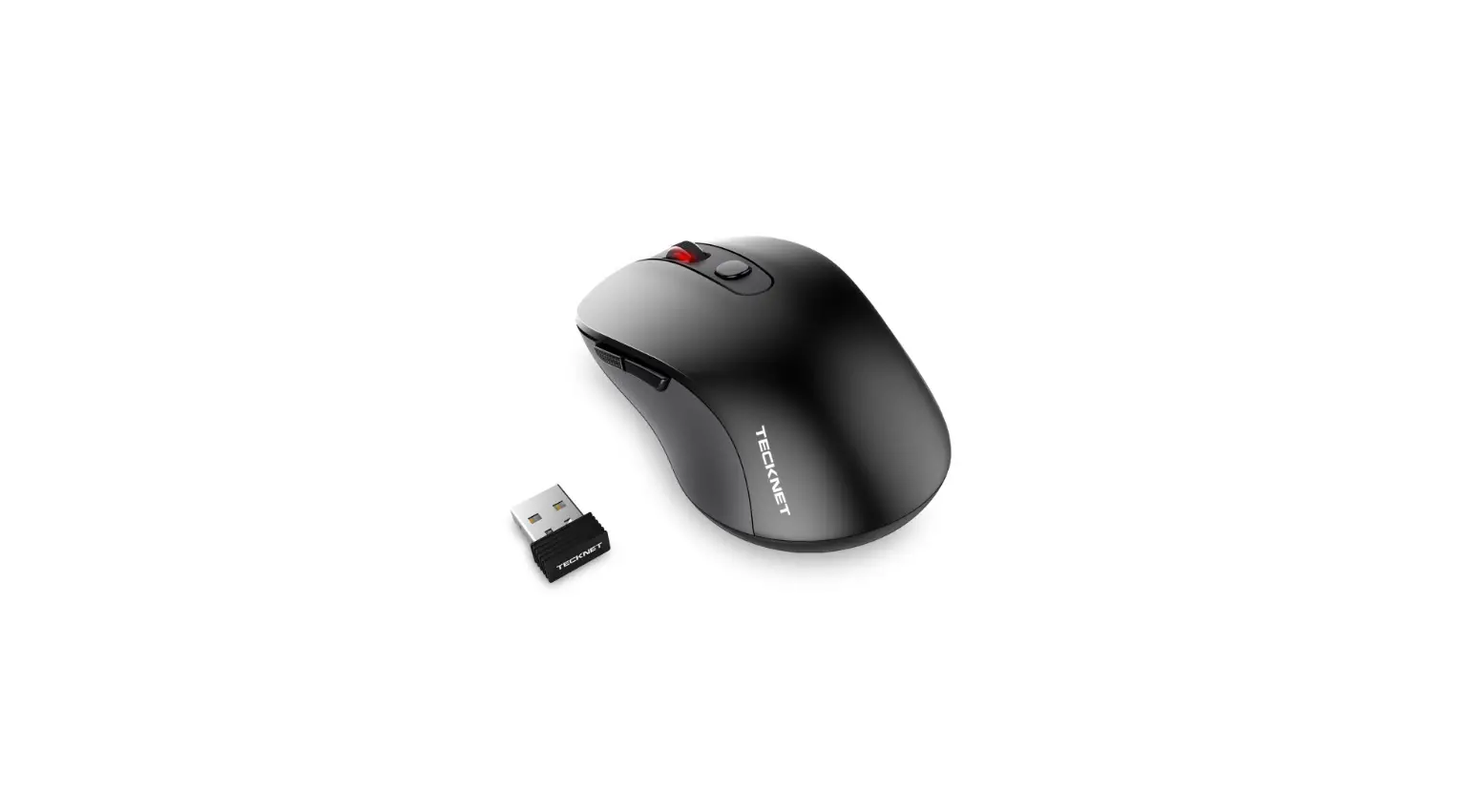
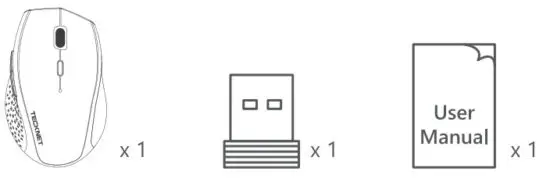
Package Contents:
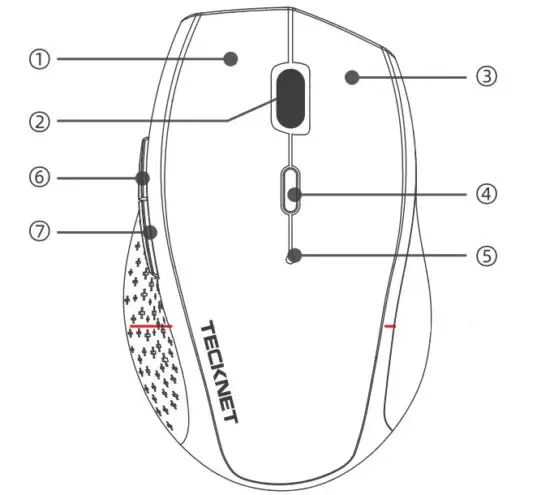 | 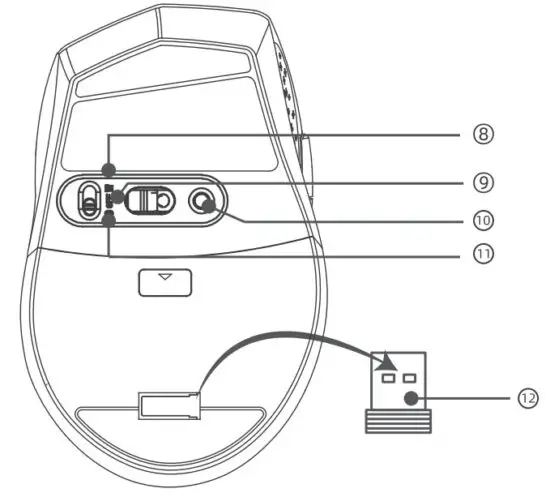 |
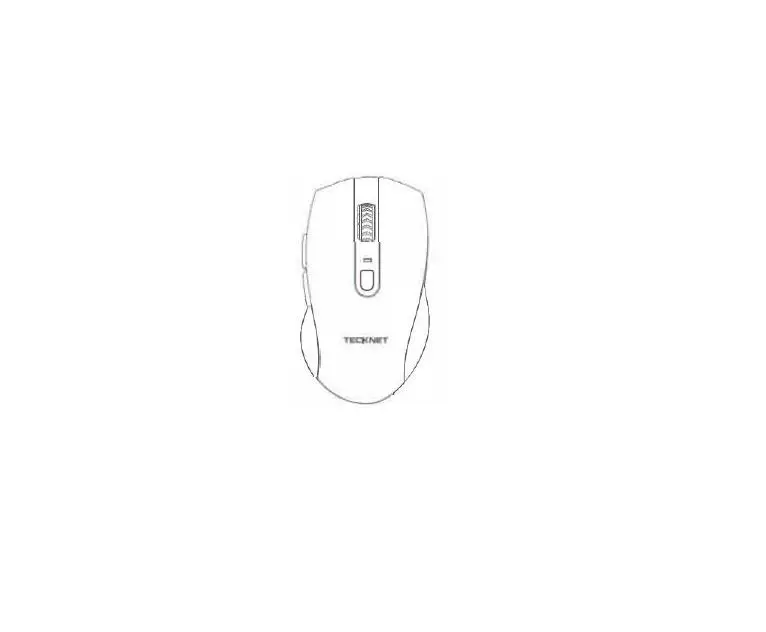
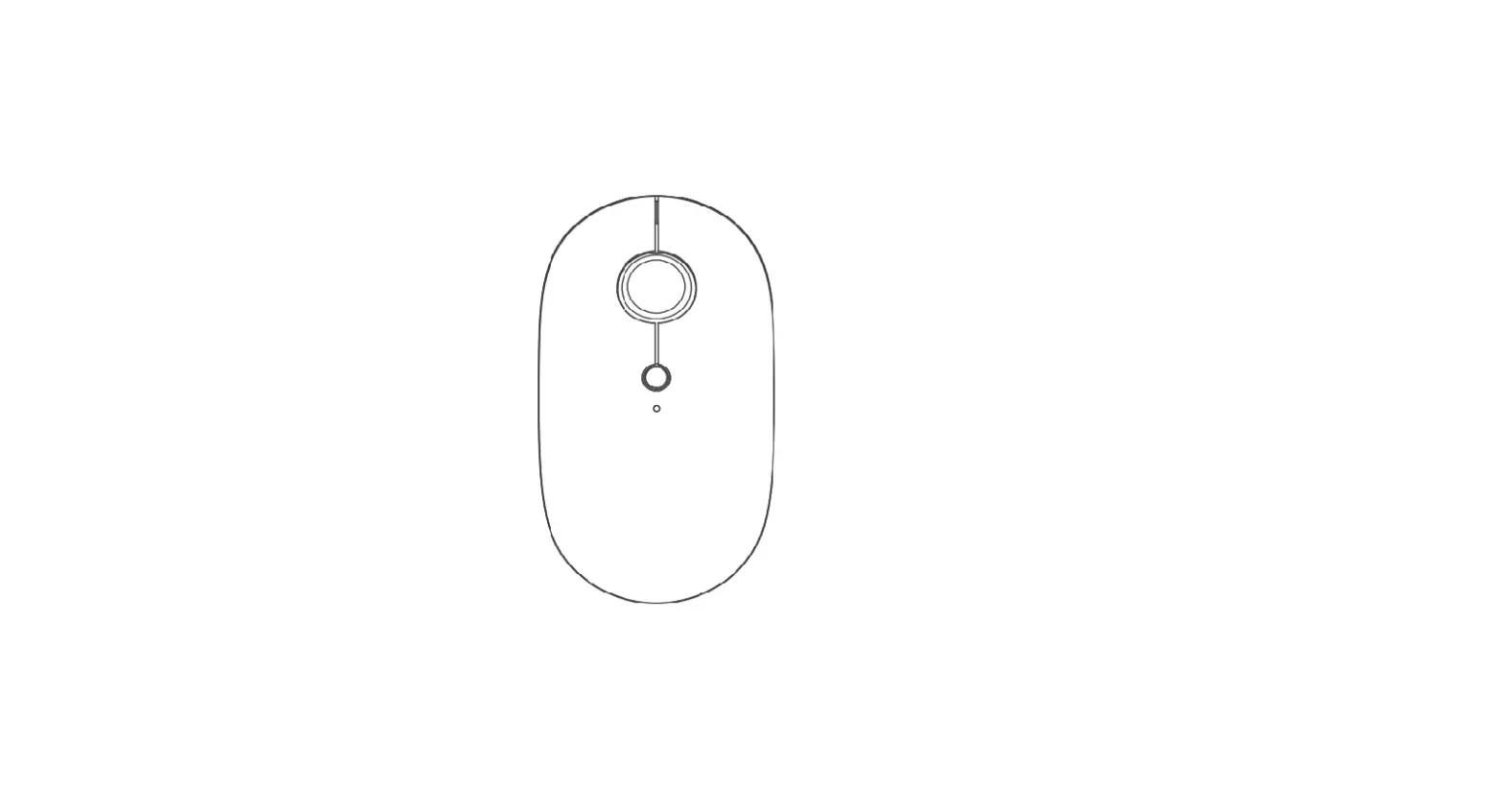
| 1. Left click button | 7. Backward button |
| 2. Scroll wheel | 8. 246mode |
| 3. Right-click button | 9. Power off |
| 4. DPI Switch button | 10. Pairing button |
| 5. Indicator hight | 11 Bluetooth mode |
| 6. Forward button | 12 Receiver |
Product Parameters:
Wireless Version BT3.0/BT5.0
Default 1200DP
Receiver Interface: USB version 2.0
Battery Type: 2x AA Batteries (not included)
Working Voltage: 3.0V
Working Current <8mA
Receiver distance <8m
System Requirements
Systems compatible: Windows 2000, 2003, XP Vista, Win7 Win8 Win81 Win10 MAC Linux
Note: The scroll wheel only works under the operating systems listed above.
If you use the mouse under a different operating the system, the mouse may either not work or lose its enhanced features
Bluetooth Pairing:
- Open the battery cover Insert the batteries into the amp5rment, ensuring They correspond with the 5olaity marking. Replace the battery cover.
- Turn on the Bluetooth mode by adjusting the switch under the mouse.
- Press the pairing button for 2-3 seconds and the LED indicator will flash. Now the mouse is in pairing mode. The mouse will be detected by your device. then click Pairing’ It will take a few seconds for pairing. Your device will show ‘Connected’if successful.
- The mouse is equipped with a low power indicator When the battery power gets low during use. the indicator under the scroll wheel will flash. Please replace the batteries.
Note
When switching to 800DP1, the LED indicator will flash once
When switching to 1200DP], the LED indicator will flash twice
When switching to 1600DPl, the LED indicator will flash 3 times
When switching to 2000DPI, the LED indicator will flash 4 times
When switching to 2400DPI, the LED the indicator will flash 5 times
When switching to 3200DP1, the LED indicator will flash 6 times
IMPORTANT SAFETY INSTRUCTIONS-CAREFULLY FOLLOW THESE INSTRUCTIONS.
 SAVE THESE INSTRUCTIONS – This sheet contains important safety and operating instructions
- Before using the product read all instructions and caution markings on the product accessories and device using our product
 This appliance is not intended for use by persons (including children) with reduced physical, sensory or mental capabilities, or lack of experience and knowledge. unless they have been given supervision or instruction concerning the use of the appliance by a person responsible for their safety
 Children should be supervised to ensure that they do not play with the appliance
 Keep the product away from fire or explosion may occur.
- Do not place the product in or near any inflamma be. explosive or hazardous object
 Do not place in or near water rain, excess moisture, or extreme heat
- Do not operate the product t with a damaged cord or plug.
 Do not operate the product if it has been damaged In any way.
- Do not disassemble the product. Disassembly may result in a risk of safety hazards.
 Do not throw or shake the product.
 SAVE THESE INSTRUCTIONS – This sheet contains important safety and operating instructions
 This appliance is not intended for use by persons (including children) with reduced physical, sensory or mental capabilities, or lack of experience and knowledge. unless they have been given supervision or instruction concerning the use of the appliance by a person responsible for their safety
 Children should be supervised to ensure that they do not play with the appliance
 Keep the product away from fire or explosion may occur.
 Do not place in or near water rain, excess moisture, or extreme heat
 Do not operate the product if it has been damaged In any way.
 Do not throw or shake the product.
Correct Disposal of This Product
 (Waste Electrical& Electronic Equipment)
This Marking showed on the product or its literature. indicate that it should not be disposed of with other household wastes at the end of its working life
To prevent possible harm to the environment or human health from uncontrolled waste disposal, please separate this from other types of waste and recycle it responsibly to promote the sustainable reuse of material resources Household users should contact either the retailer where they purchased this product or their local government office. for details of where and how they can take this item for environmentally safe recycling
Business users should contact their suppliers and check the terms and conditions of the purchase contract. This product should not be mixed with other commercial wastes for
disposal
Limited 12-Month Warranty

What does this warranty cover?
Shenzhen Unichain Technology Co. LTD. (Manufacturer Unichain’) warrants to the original purchaser of this TECHNET the product that the product shall be free of defects in design assembly, material, or workmanship.
What is the period of coverage is?
Unichem warrants the TECHNET product for 12 Months.
What will we do to correct problems?
Unchain will repair or replace. at its option, any defective product is free of charge (except for shipping charges for the product)
What is not covered by this warranty?
All above warranties are null and void if the TECHNET product is not provided to Unchain for inspection upon Unichain’s request at the sole expense of the purchaser or if Unichain determines that the TECHNET product has been improperly installed, altered in any way, or tampered with. The TECHNET Product Warranty does not protect against acts of God such as flood, earthquake lightning, war vandalism, theft, normal-use wear and teat erosion, depletion, and obsolescence. abuse. damage due to low _voltage disturbances(e.g brownouts or sags), non-authorized, programs, or system equipment modification or alteration.
How to claim the warranty
Please contact retailers or visit the TECHNET website at www.tecknetonline.com or [email protected] for more information. To extend the warranty period, please visit our website and register your TECHNET products within 90 days of purchase.
Disclaimer
Every effort has been made to ensure that the information and procedures in this guide are accurate and complete. no liability can be accepted for any errors or omissions and we reserve the right to make any changes without further notice to any products mentioned herein.
FCC Statement:
This device complies with Part 15 of the FCC rules. Operation is subject to the following two conditions. 1) this device may not cause harmful interference. and 2) this device must accept any interference received, including interference that may cause undesired operation
This equipment has been tested and found to comply with the limits for a Class B digital device. pursuant to Part 15 of the FCC rules. These limits are designed to provide reasonable protection against harmful interference in a residential installation. This equipment generates, uses, and can radiate radio frequency energy and if not installed and used in accordance with the instructions, may Cause harmful interfer ence to radio communications. However, there is no guarantee that interference will not occur in a particular installation. If this equipment does cause harmful interference to radio o television reception, which can be determined by turning the equipment off and on, the user is encouraged to try to correct the interference by one or more of the following measures.
- Reorient the receiving antenna
- Increase the separation between the equipment and receiver
- Connect the equipment into an outlet on a circuit different from that to which the receiver ts connected
- Consult the dealer or an experienced radio/TV technician for help
Changes or modifications not expressly approved by the party responsible for compliance could void your authority to operate the equipment
SIMPLIFIED EU DECLARATION OF CONFORMITY
The simplified EU declaration of conformity referred to in Article 10(9) shall be provided as follows
Hereby, Shenzhen Unichain Technology Co. Ltd. declares that the radio equipment type EWM01004 is in compliance with
Directive 2014/53/EU
The full text of the EU declaration of conformity is available at the following internet address. https://www.tecknet.com / https://wwwtecknet.co.uk/support
 UE Fast Refund GmbH
Friedrich-Alfred-StraBe 184 Duisburg 47226 Deutschland +49 (0)211-97538868
[email protected] 
TSR Commercial Limited
Unit 10.5,The Matchworks,Speke Road,Garston,Liverpool,L19 2RF +44(0)151 427 4433
[email protected]
Manufacturer: Shenzhen UniChain Technology Co., Ltd
Manufacturer Address: 201, 111-3, Huangjinshan District, Bantian Community, Bantian Street, Longgang District, Shenzhen, China
EU Importer: UE Fast Refund GmbH
EU Importer Address: Friedrich-Alfred-StraBe 184 Duisburg 47226 Deutschland UK Importer: TSR Commercial Limited
UK Importer Address: Unit 10.5, The Matchworks, Speke Road, Garston, Liverpool, L19 2RF
 MADE IN CHINA