
XUANZIT / XKX / YOFANQI
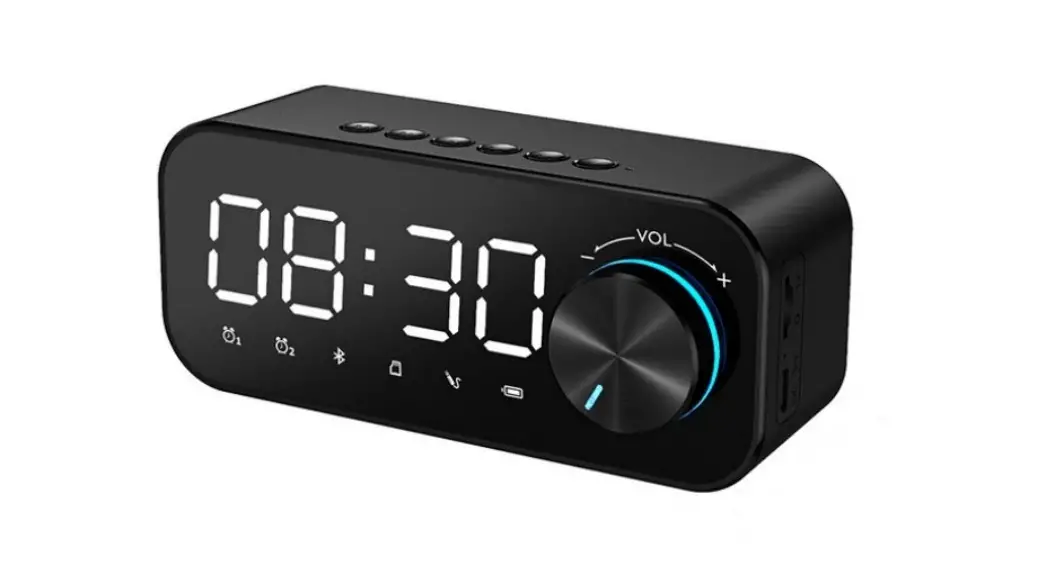
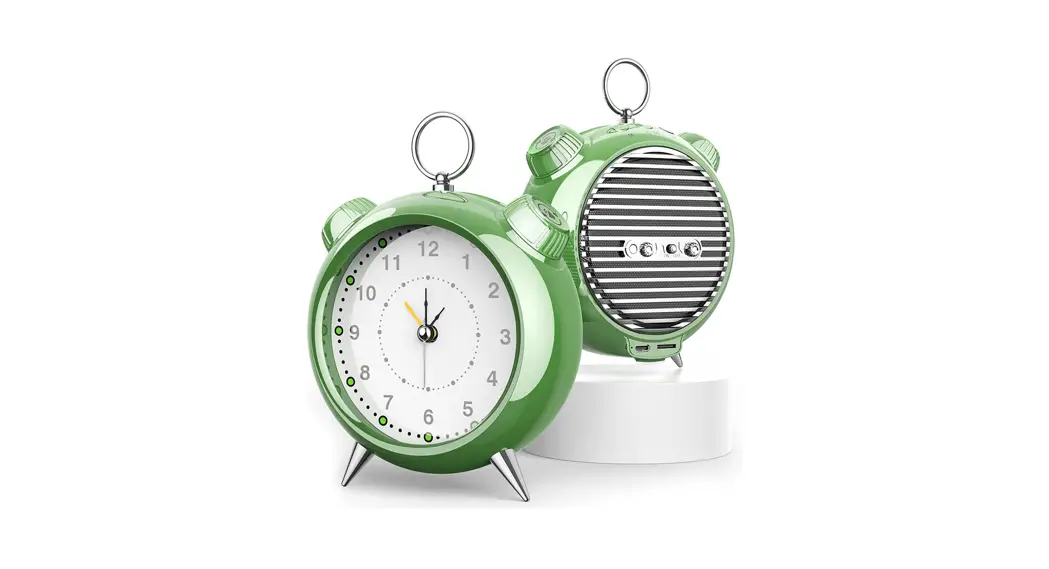
Alarm Clock Speaker
Model: LLR088
LLR088 Alarm Clock Speaker
1.1 ) Note Before Using
This alarm clock speaker needs to be plug in, there is no built-in rechargeable battery.
1.2) Installation
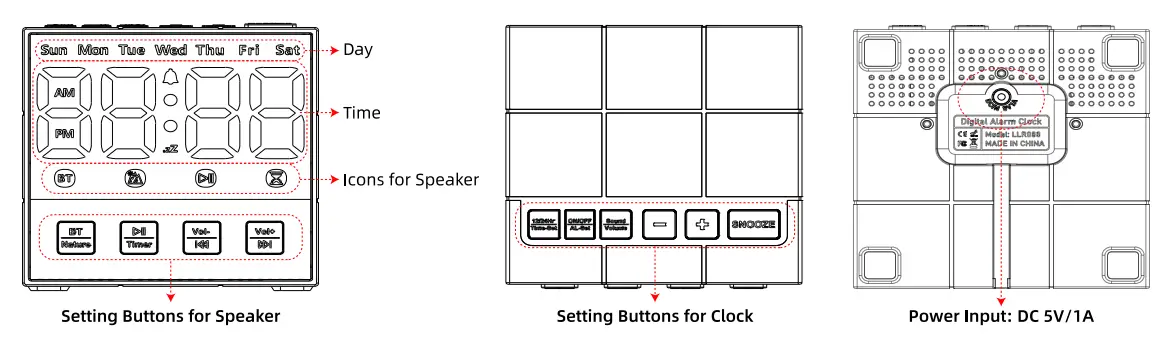
Plug the USB adapter into an AC household outlet and plug the USB cable into the DC jack on the bottom of the unit, then this alarm clock speaker is ready to work for you.
1.3) Adjusting Display Brightness
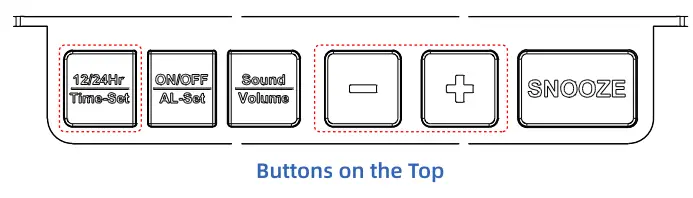
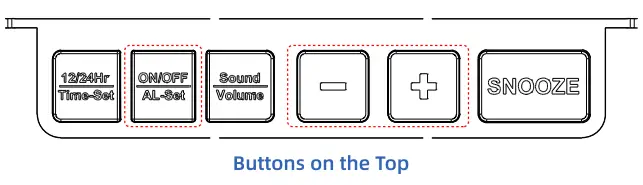
Under normal condition, press  button can adjust brightness of the LED display.
※ Adjustable Brightness: 6-Level
1.4) Switch 12/24 Hour Time Format
In time mode, single press  button to switch 12/24-hour time format, the time display will change correspondingly.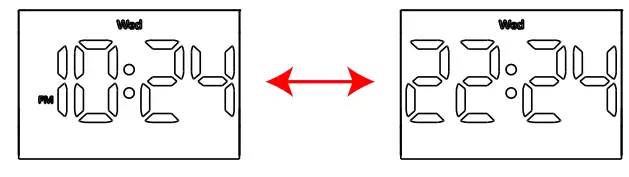
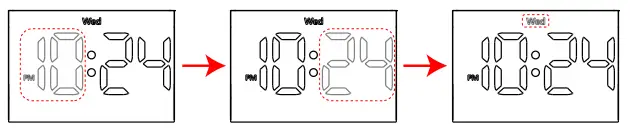
1.5) Setting Time
In time mode, press and hold button for 2 seconds to enter into time-setting mode, the hour digits flash.
Press button to set hour (hold to advance rapidly).
Press button again, the minute digits flash. Press 0 button to set minute.
Press button again, the day digits flash.
Press button to set day.
Press button again, save and exit time-setting mode.
1.6) Switching Alarm ON/OFF
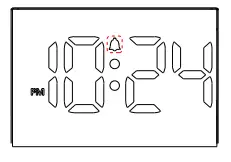
In time mode, single press  button to switch on/off the alarm, the alarm’s icon will be lighted on/off correspondingly.
1.7) Setting Alarm Time
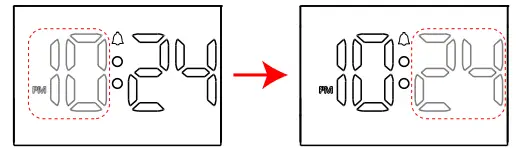
In time mode, press and hold button for 2 seconds to enter into alarm-setting mode, the hour digits flash.
Press button t o set hour (hold to advance rapidly).
Press button again, the minute digits flash.
Press button t o set minute.
Press button again, save and exit alarm-setting mode.
1.8) Setting Alarm Sound and Volume
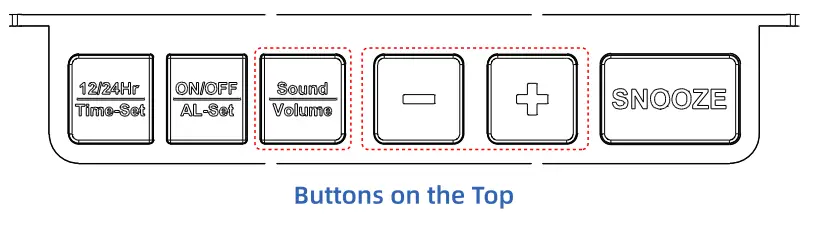
An In time mode, press and hold  button for 2 seconds to enter into alarm-sound-setting mode. Then the alarm sound will be playing.
Press button to switch alarm sound. )
※ Optional Sound: 6 Beep Sounds
Press button again, the volume digits flash.
Press button to adjust alarm volume. XAdjustable Volume: 6-Level
Press button again, save and exit alarm-sound-setting mode.
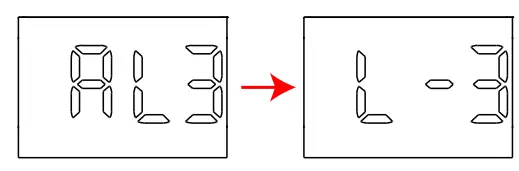
1.9) Stop Alarm When I t Goes off
When alarm is sounding, press any buttons (except SNOOZE) to stop and reset the alarm to go off the next day .
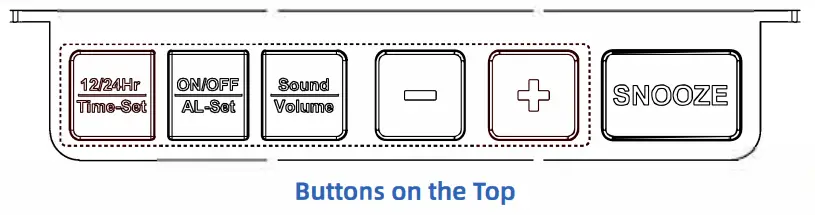
1.10) Activate Snooze When Alarm Goes off
When alarm is sounding, press  button, then the alarm will suspend and go off again after the set snooze time.
1.11) Setting Snooze Time
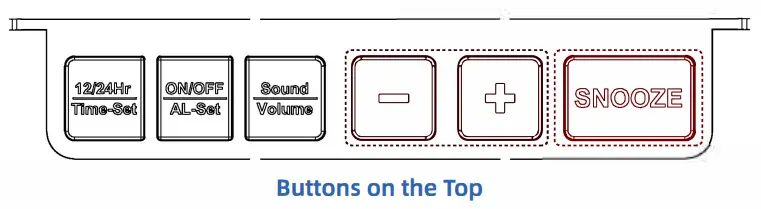
In time mode, press and hold button for 2 seconds to enter into snooze-time-setting mode and the digits flash.
Press button to set the snooze time.
※ Snooze Time: Default 9 minutes (1~15 minutes adjustable)
Press button again, save and exit snooze-time-setting mode.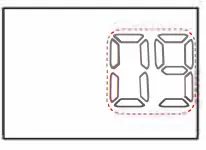
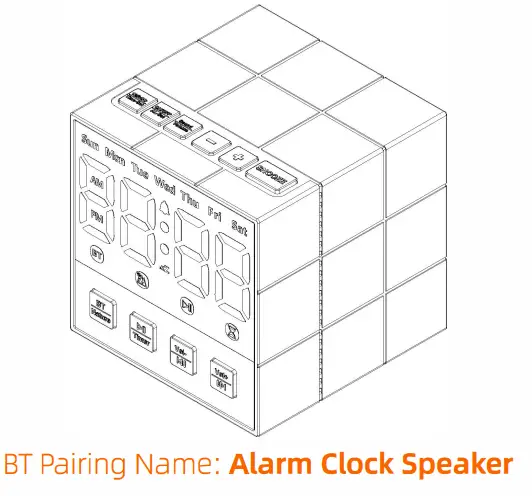
BT Speaker / Natural Sound
2 .1) Tarn on/off the Speaker
Press and hold  button for 2 seconds to turn on/off the speaker.
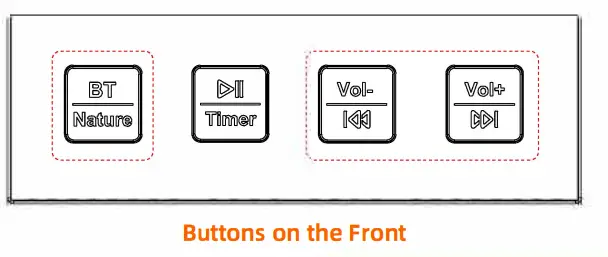
※ When turned on, the speaker will automatically connect to the last paired device if available. If not, it will enter pairing mode.
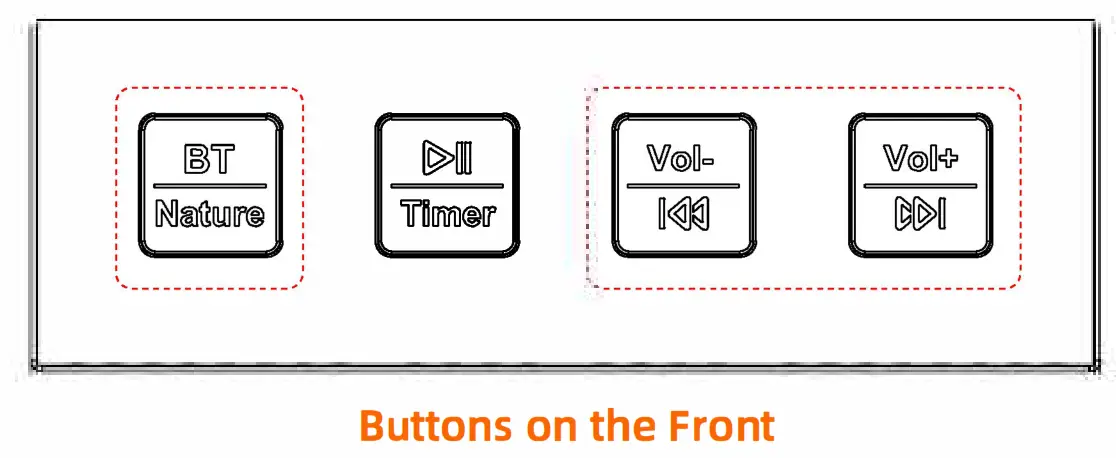
2.2 ) Fow to Use the Speaker
After turned on the speaker, single press button to switch Bluetooth mode and Natural-Sound mode.
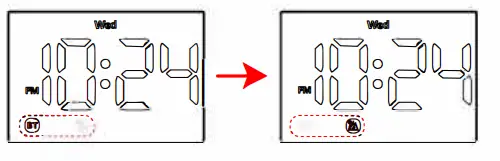
When the speaker is on, single press  button to play/pause the sound.
When the speaker is on, single press  button to adjust the volume.
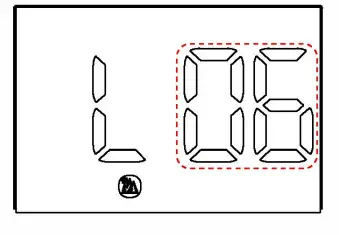 ※ Sound Volume: 16-Level
When the speaker is on, long press button can switch to Previous/Next song or natural sound.
※ Natural Sound: 7 Sounds (White Noise | Bonfire Night | Ocean Waves | Spring Rain | Flowing Water | Summer Night | Early Birds)
2.3) Wireless Connection
Pairing Name: Alarm Clock Speaker BT Version: 5.3 | Efficient Wireless Range: 10Ft
2.4) Status of The BT Indicator
 | Blinking | Pairing Mode / BT Disconnected |
| Always on | Bluetooth Connected |
※ The Bluetooth Speaker will be turned off automically if no connection within 5 minutes.
2.5 ) Setting Auto-off Sleep Timer
When the speaker is on, press and hold the button for 2 seconds to enter into Auto-off-Timer setting mode and the digits flash.
Press button to set the time.
※ Auto-off Timer: 1~90 minutes adjustable.
When it is in setting status, press and hold the button for 2 seconds can switch off the timer.
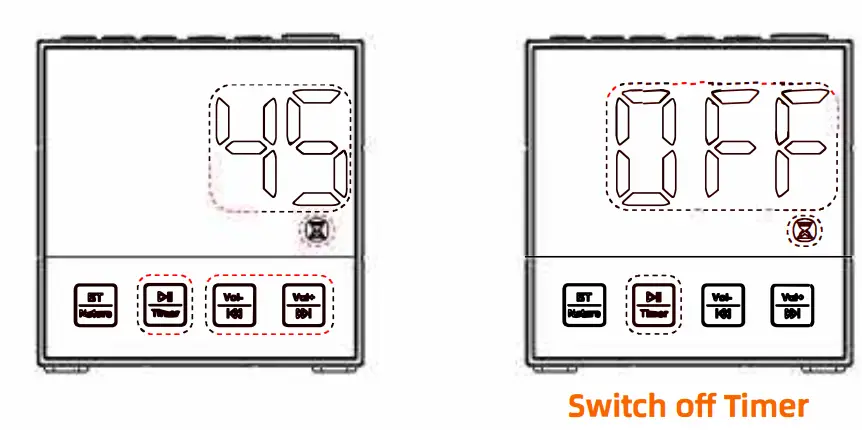 Press button again, save and exit Auto-off-Timer setting mode. The speaker will automatically turn off after the time i s up.
FCC Warning
15.19 Labeling requirements.
This device complies with part 15 of the FCC Rules. Operation is subject to the following two conditions: (1) This device may not cause harmful interference, and (2) this device must accept any interference received, including interference that may cause undesired operation.
15.21 Information to user.
Any Changes or modifications not expressly approved by the party responsible for compliance could void the user’s authority to operate the equipment.
15.105 Information to the user.
Note: This equipment has been tested and found to comply with the limits for a Class B digital device, pursuant to part 15 of the FCC Rules. These limits are designed to provide reasonable protection against harmful interference in a residential installation. This equipment generates uses and can radiate radio frequency energy and, if not installed and used in accordance with the instructions, may cause harmful interference to radio communications. However, there is no guarantee that interference will not occur in a particular installation. If this equipment does cause harmful interference to radio or television reception, which can be determined by turning the equipment off and on, the user is encouraged to try to correct the interference by one or more of the following measures:
- Reorient or relocate the receiving antenna.
- Increase the separation between the equipment and receiver.
- Connect the equipment into an outlet on a circuit different from that to which the receiver is connected.
- Consult the dealer or an experienced radio/TV technician for help.
FCC RF Radiation Exposure Statement:
1.This Transmitter must not be co-located or operating in conjunction with any other antenna or transmitter.
2.This equipment complies with RF radiation exposure limits set forth for an uncontrolled environment.
This equipment should be installed and operated with minimum distance 20cm between the radiator and your body.

![Emerson Alarm Clock [cks1507 W/ Radio] User Manual](https://static-data1.manualsee.com/1/img/275/8730/2020/10/Emerson-Alarm-Clock-CKS1507.png "Emerson Alarm Clock [cks1507 W/ Radio] User Manual")