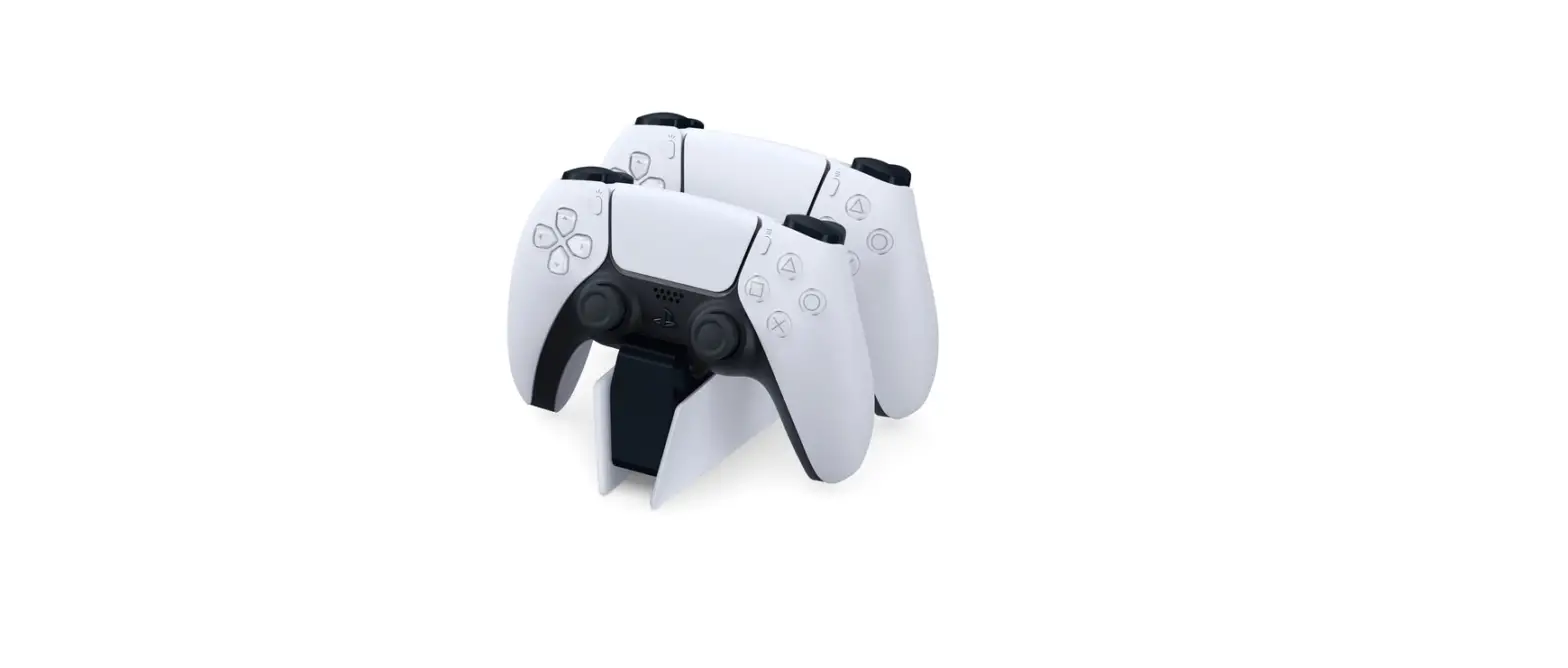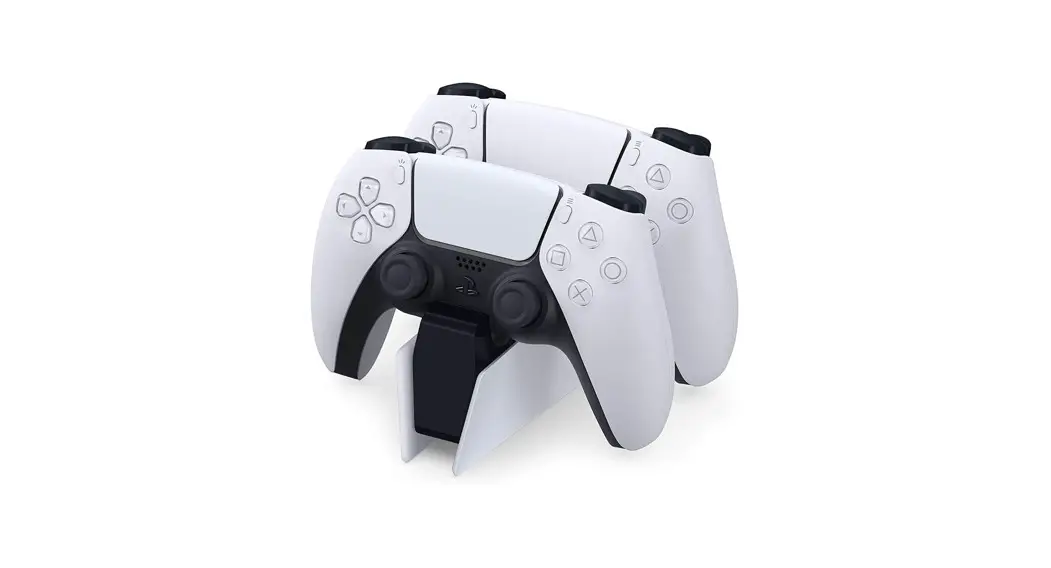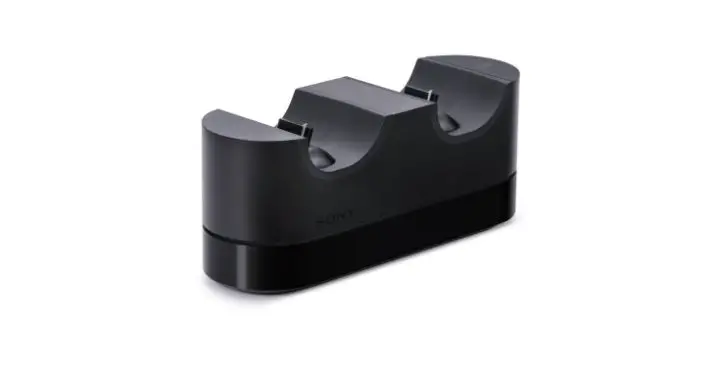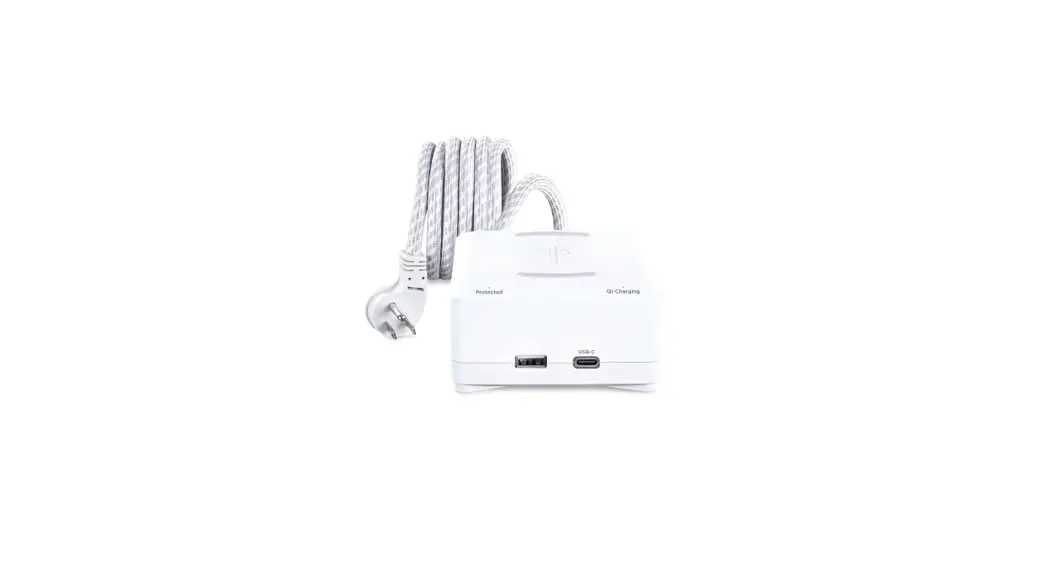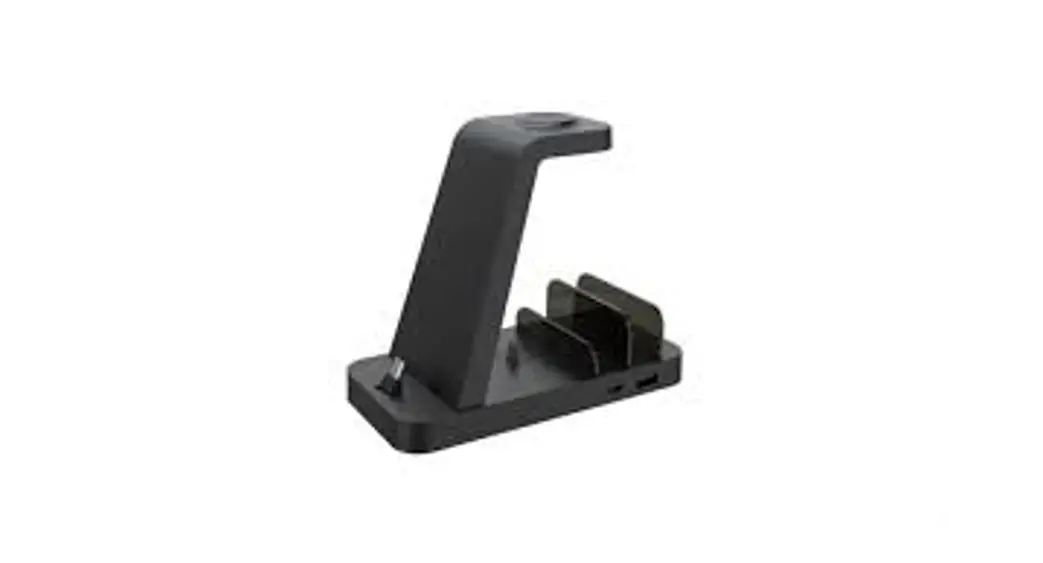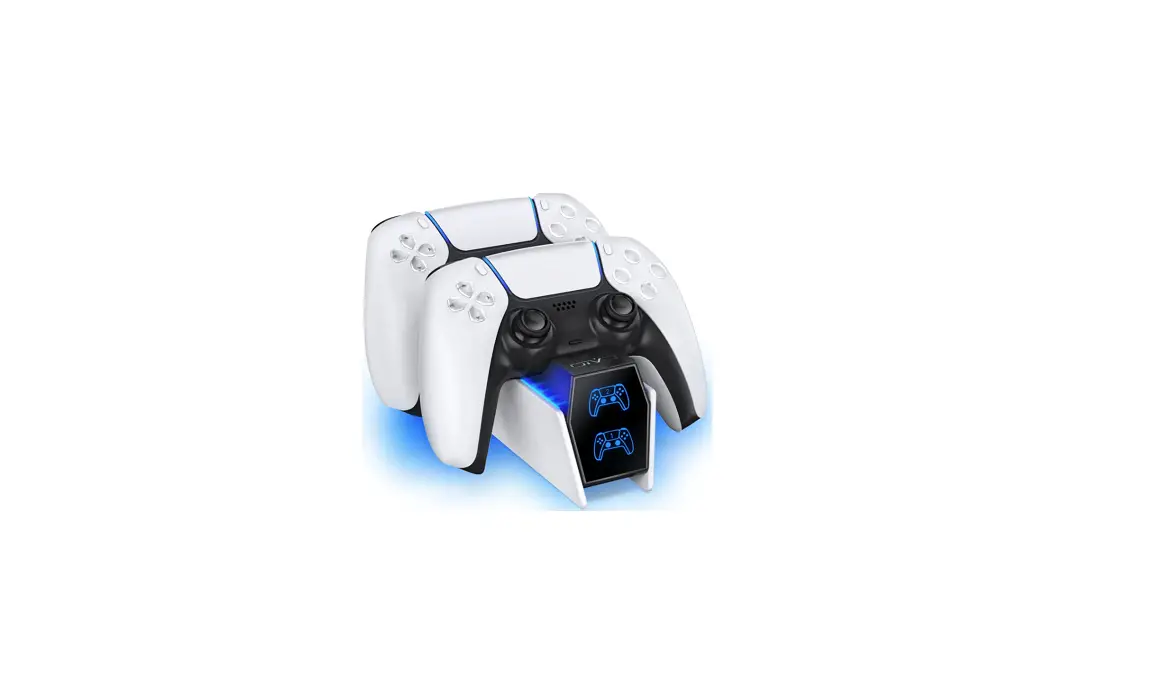

OIVO IV-P5211B PS5 Controller Charger Station
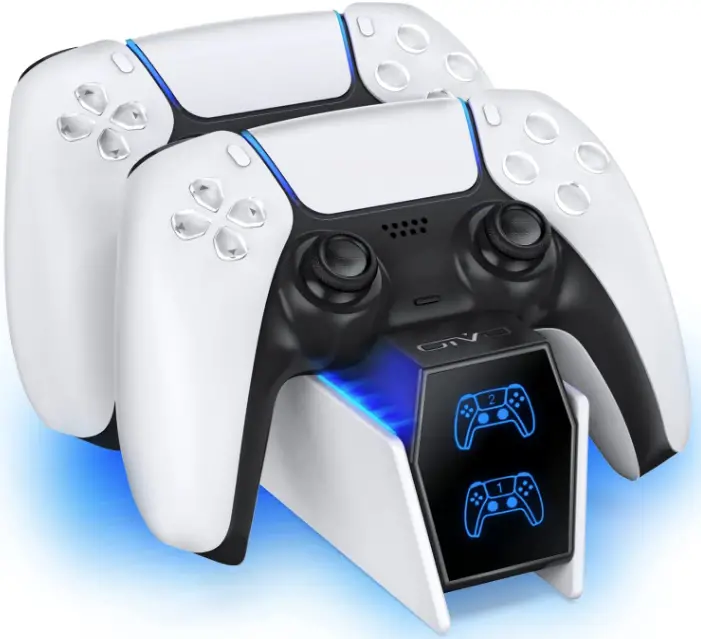
Specification
- Brand OIVO
- Model IV-P5211B
- Connectivity Technology USB-C Cable
- Connector Type USB Type C
- Compatible Devices Game Consoles
- Compatible Phone Models NO
- Included Components Charging station
- Special Feature LED Indicator
- Color White
- Input Voltage 5 Volts
- Product Dimensions 6.69 x 4.33 x 2.36 inches
- Item Weight 8.8 ounces
What’s In the Box
- PS5 Controller Charger Station
Introduction
We want you to be able to live without the hassle and dread of not knowing where your next bill will come from. Change the way you charge by joining our family of over 5 million content users.
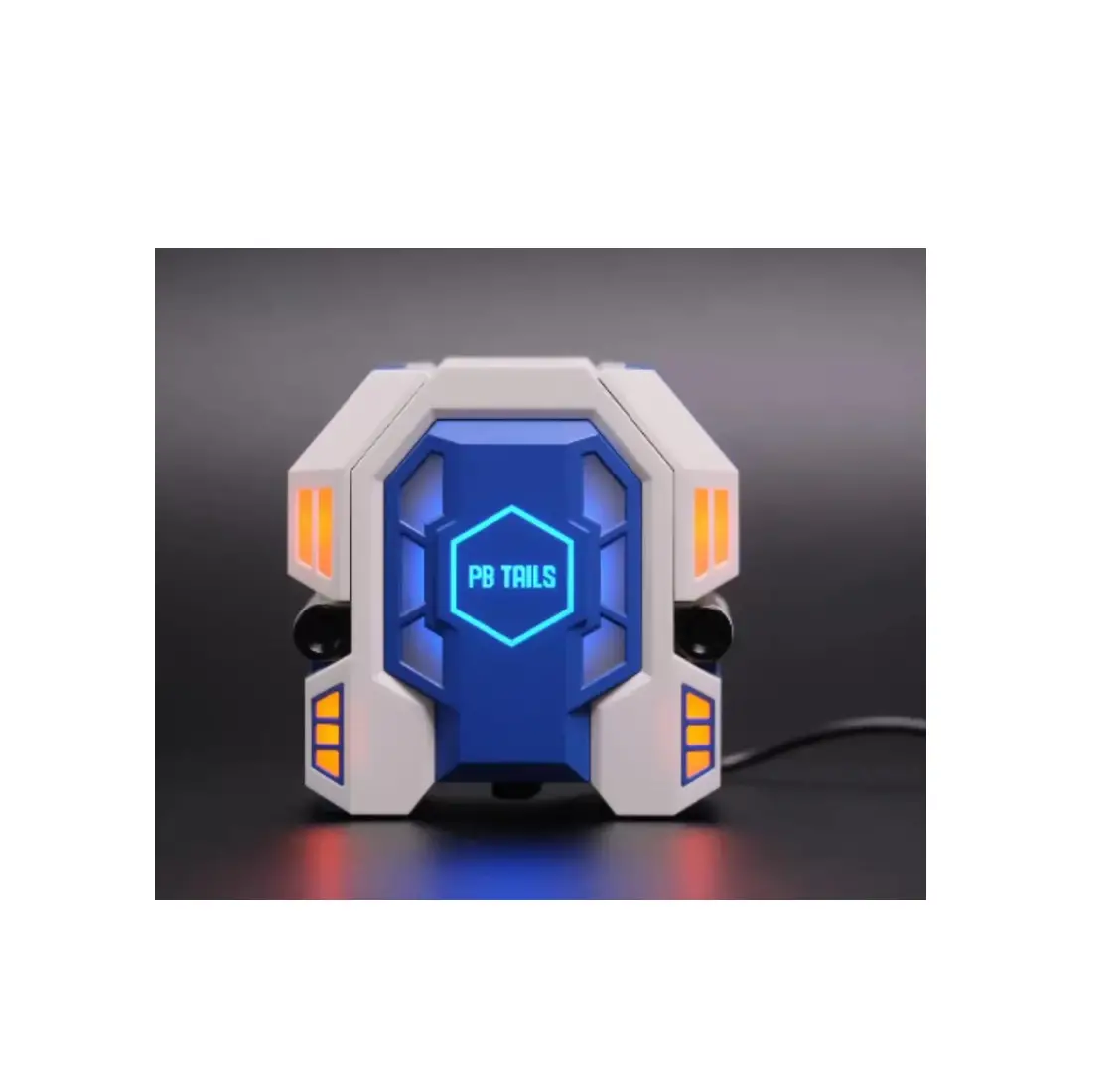
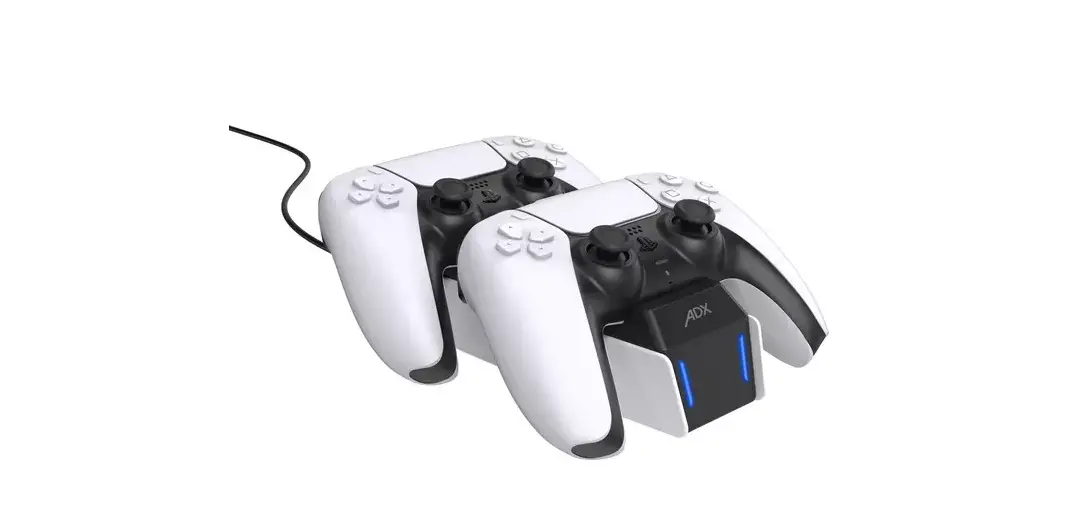
Accent Lighting In Blue With LED Indicators
A unique color nicely complements the PS5 console.
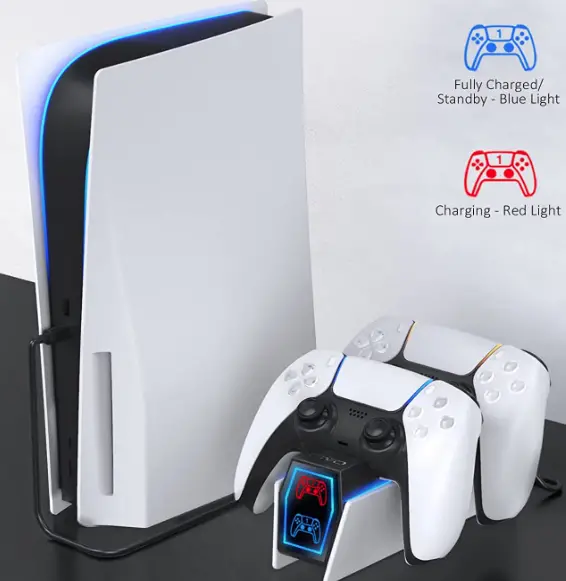
Product Layout
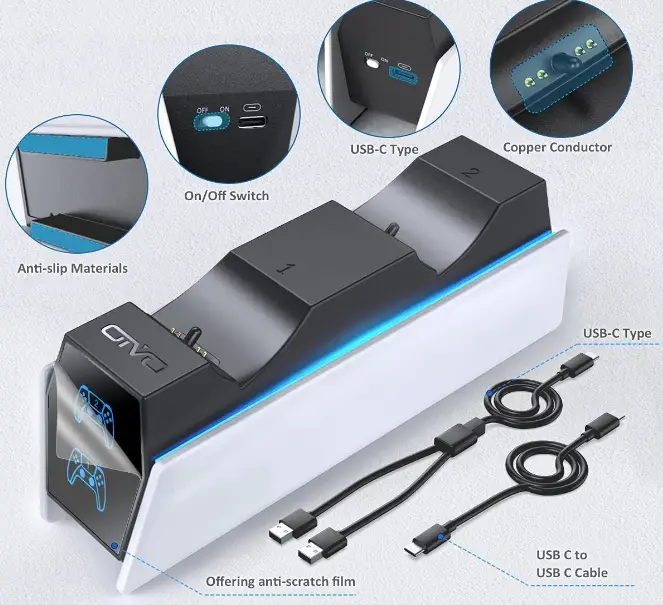
Uncomplicated Charging
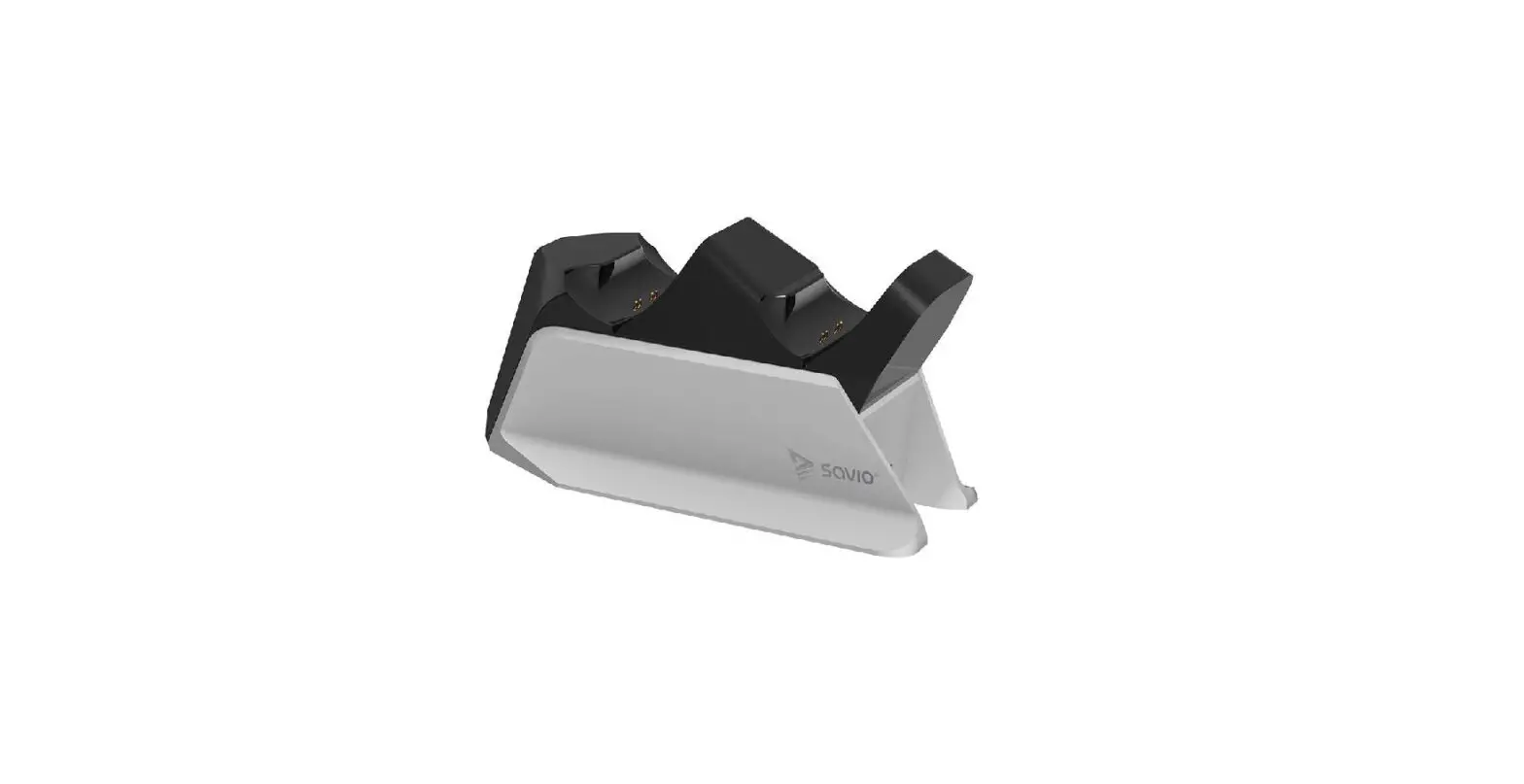
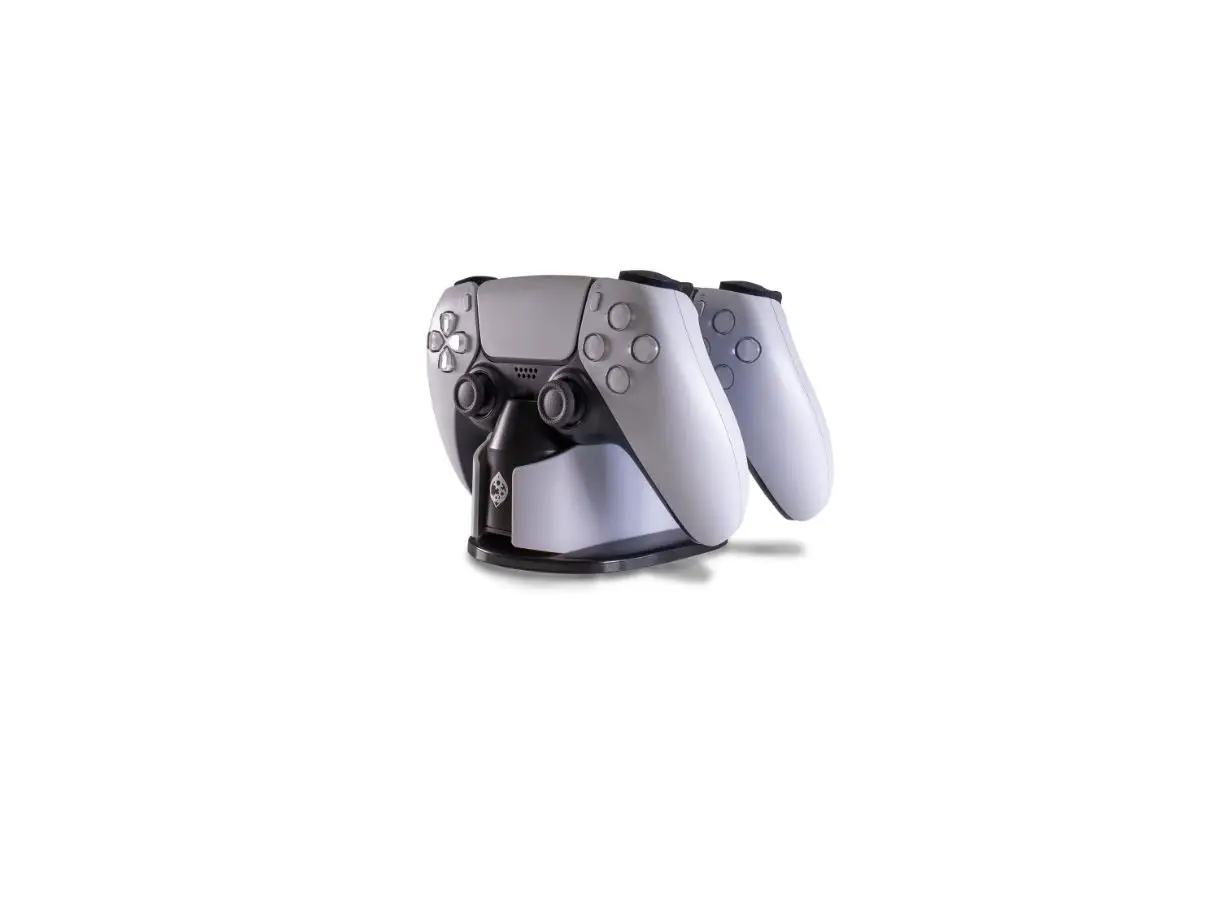
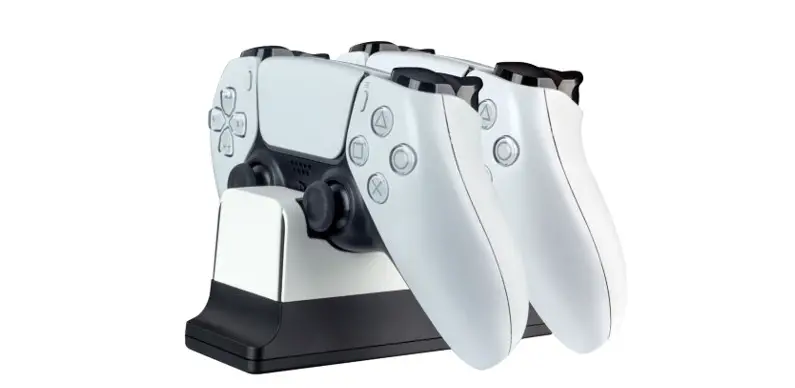
Just set two controllers on the dock to begin charging.
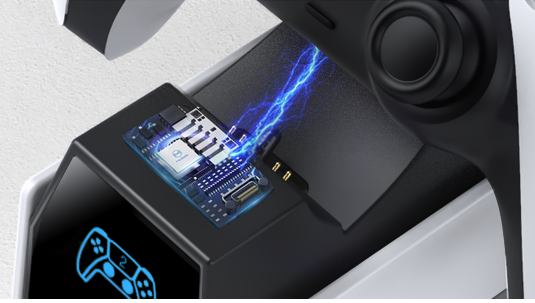
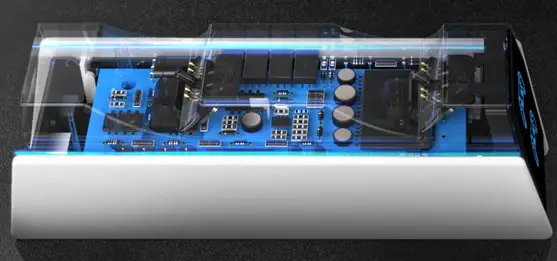
Dependable And Secure
An intelligent protection chip is a benefit of the charging station.
How To Use
You can use the charging dock by following the given steps:
- Insert the USB charging port of the end of the charging dock.
- Plug the dock with the power supply.
- Place the controllers on the Charging dock.
- It will start charging and the digital display will also show the charging of the controllers.
Product Description
PS5 Charging Station, PS5 Remote Control Charger, Charging Docking Station, PS5 Controller Charger Station with 2 Pack Fast Charging Cords Replacement for DualSense Controller
Features
- Dual PS5 controllers may be quickly charged
By using one of the provided PS5 charging cables, this PS5 controller charging station can charge two PS5 controllers at once when powered straight from the PS5 Disk/Digital console. The PS5 controller charging station can quickly recharge two PS5 controllers from dead in about two hours. For the PlayStation 5 Dualsense Edge Controller, it is a necessary accessory kit. - No Need for an AC Power Adapter
This PlayStation 5 charging station contains a clever chip that boosts energy while keeping your PS5 remotes completely protected. Two types of connections, one USB-C to USB-C and one 2-in-1 USB-C cable are used to charge the PS5 docking station straight from the PS5 console. It implies that two controllers can be quickly charged in about two hours. No USB converters are necessary to charge our upgraded PS5 stand; just set it down in the PS5 dual charger station. - Transparent LED Indicators
The PS5 charger dock matches the PS5 console’s black-and-white color scheme so it will fit in perfectly with your current decor. The front screen of the PS5 controller dock has charging lights, but unlike the official model, they flicker to show that the controllers are charging. While your controllers are charging, two on-screen indicators will be red; after they are fully charged, they will turn to blue. - Efficiency in Design
We’ve updated the back of the PS5 charging station with an On/Off switch after hearing comments from the gaming community. The dock’s ability to be turned off while not in use. Our twin charging station is a must-have PS5 controller accessory and a superb substitute for the genuine Sony DualSense PS5 charging station thanks to its user-friendly design and feature set. - Simple to Use
Our PS5 controller charging stand was made with convenience in mind. Place the controllers directly on the PS5 charging dock after connecting the dock to your PS5 console. The dual charging station has anti-slip cushions on the bottom that are also provided to keep it from sliding when put on your desk or entertainment system. To let you know that your satisfaction is our only goal, we offer 3-Year support as well as courteous service.
FAQs
Yes, the product comes with a power cord.
Yes, you can use this charging station for your Xbox One controller.
Align the charging terminals on the controller with the charging connector on the charging station. Press down on the controller until it clicks. The light bar on the controller slowly blinks orange while the controller charges. When the controller finishes charging, the light bar turns off.
You can charge a PS5 controller without the console by plugging it into a USB wall plug or charging station. The PS5 controller has a USB-C port for charging, so you can use a USB-C cable with a compatible power adapter or connect to a PC, docking station, or charging station if you don’t have your PS5 around.
Whether you use a USB cable or a charging dock, the DualSense controller takes approximately three hours to charge a depleted battery fully. If you’re using the USB cable provided with your PS5 console, you can continue playing games while the controller is charging, although it may take longer.
BATSOEASY USB C Charging Cable Compatible with PS5 Controller, 2 Pack 6Ft Fast Charging USB Type C Charger Cord Compatible with Playstation 5 PS5 Dual Sense, Xbox Series X/Series S Controllers. Amazon’s Choice highlights highly rated, well-priced products available to ship immediately.
Plug and charge, easy to use. It is not only a charging dock, but also a fashionable controller stand.
The charging station comes in a sleek design to complement the PS5 console itself. It charges two controllers at once and takes just 3 hours to charge them fully. While I only have one DualSense controller to test it out with, I found that 3-hour charging time to be accurate.
Yes, you can leave them on the charger they are amber-colored when charging, and then turn blue when charged. And yes you should be able to just unplug it without incident.
The USB cable that comes with your PS5 console is a Type-C to Type-A USB cable. The smaller end (which goes into the controller) is Type-C, and the larger, rectangular end is Type-A.
A fully charged PS5 controller lasts up to about 6 hours when playing demanding games like Call of Duty Warzone and Astro’s Playroom, which utilize the adaptive haptic feedback feature. However, this time can be extended for less demanding games.
The ps5 controller charging station can fast charge two PlayStation 5 controllers at the same time in 2~3 hours with 5V/2A power adapter.