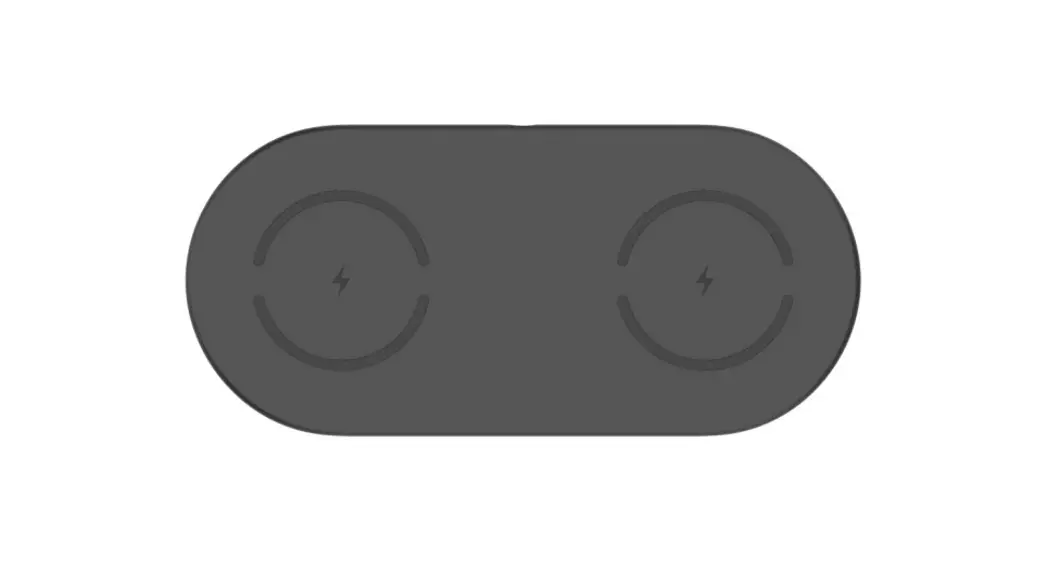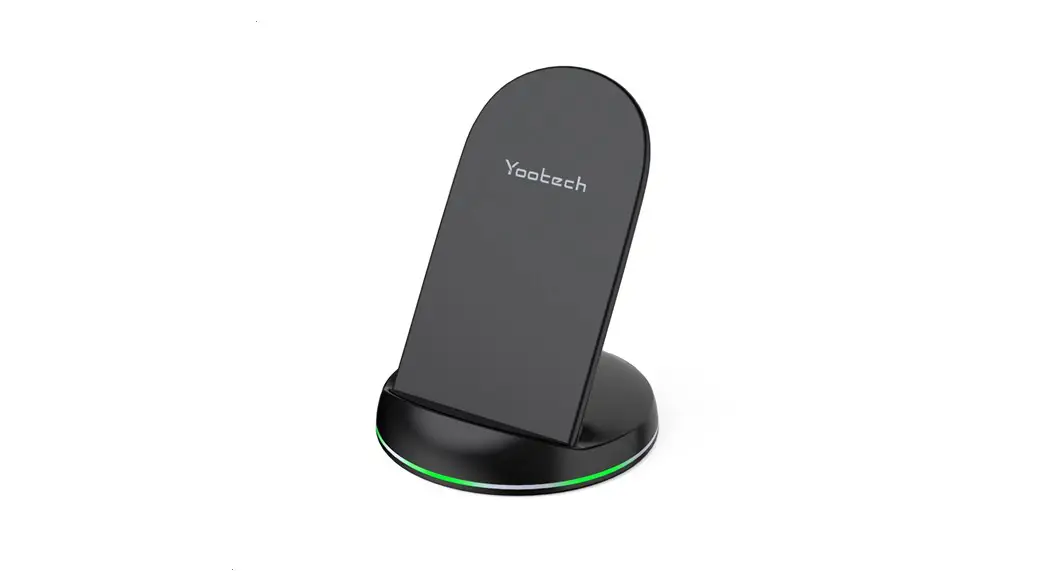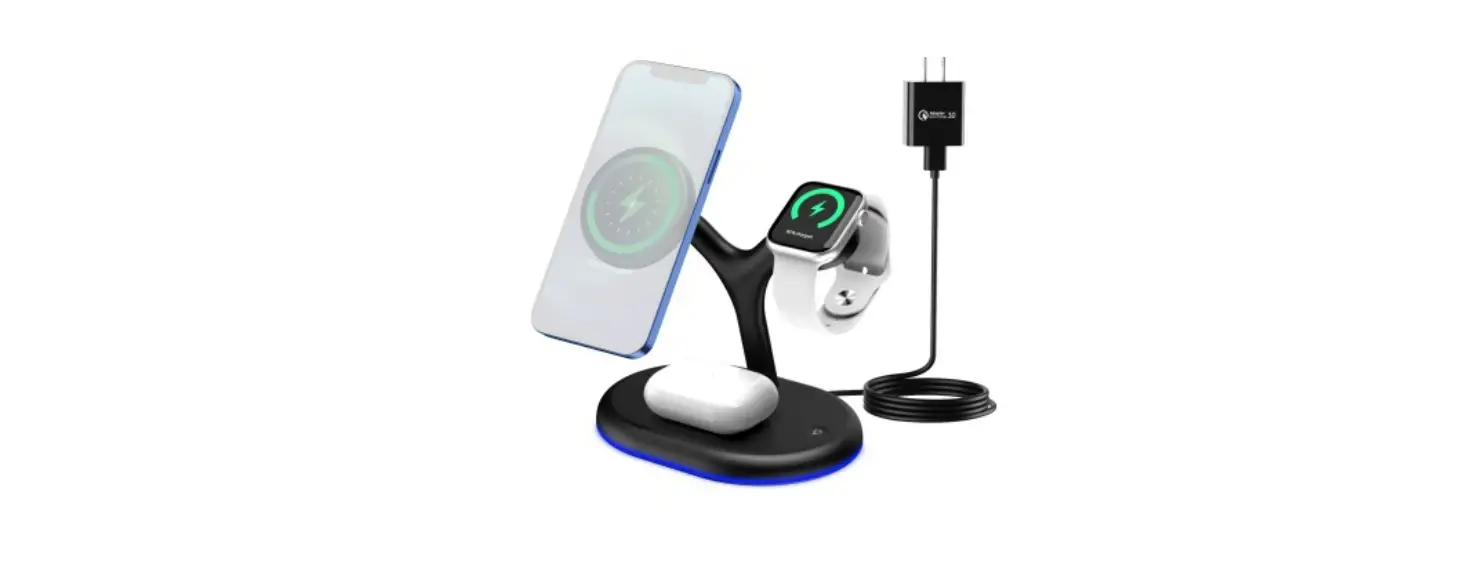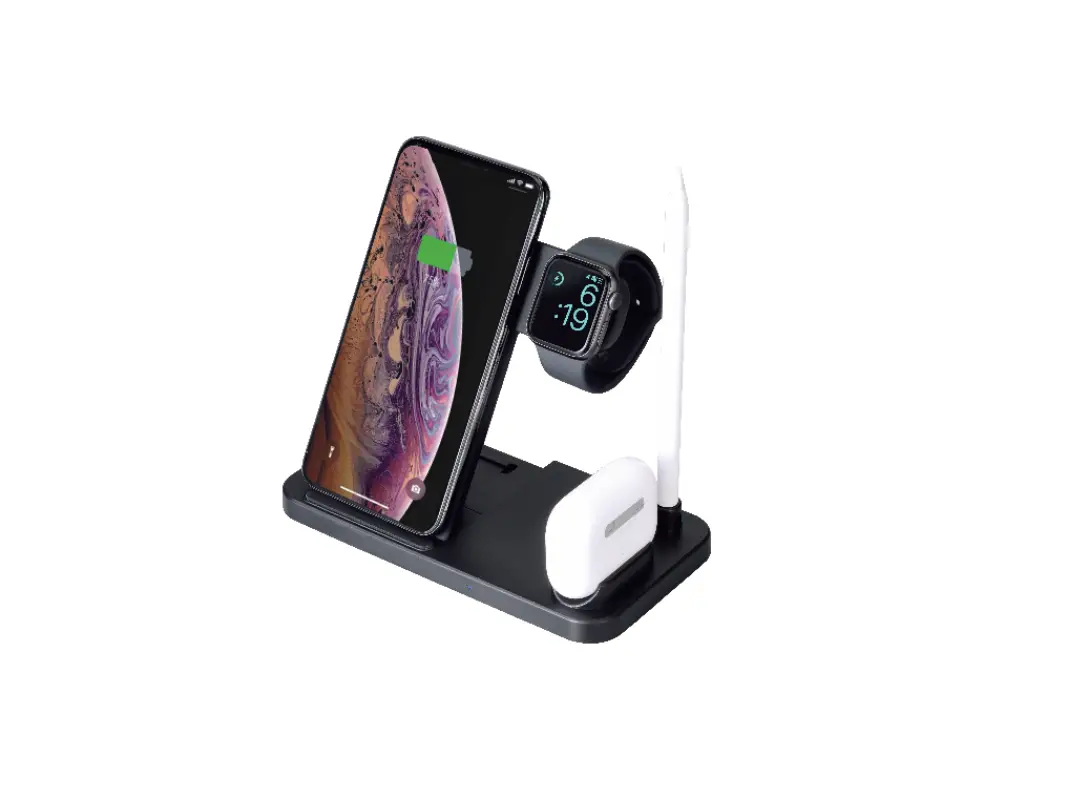
maxell Wireless Charger WP-PD30 Instruction Manual
Instruction Manual
Thank you for purchasing this MAXELL product. Before use, make sure to read this Instruction Manual and use the product correctly and safely.
Confirmation of packed items
Main Unit × 1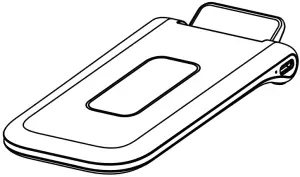
Accessory
Power cable
USB-A – USB Type-C
Approx. 95cm × 1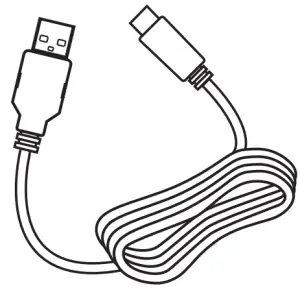
Instruction Manual×1 (this document)
Introduction
About the user manual
- Contents of this user manual might be changed in the future without prior notice.
- For product improvement, change of appearance or specification might not be announced in advance.
- Except for personal use, any unauthorized copying of part or all parts of this manual is prohibited. Unauthorized republication is strictly prohibited.
Disclaimer
- Maxell shall not be responsible for any damage caused by fires, earthquakes, action of a third party, any accidents, intended or unintended misuse or other usage under abnormal conditions.
- All explicit and implicit contents not stated in the warranty card are not covered.
- Maxell shall not be responsible for failure due to any damage caused by usage other than described in the instruction manual.
- Maxell shall not be responsible for any loss resulted from malfunction when connecting to interconnecting devices.
- This product is not being designed to be any equipment or device which could be concerned with human life such as medical device, nuclear device, astronomic device, transportation device etc., nor equipment or devices which requires high reliability. In case this product is used for the above equipment and/or systems, Maxell do not responsible for any injuries or fire accident cause by the failure of this product.
- This product is intended for use only in Japan. We assume no responsibility for use in any country other than Japan.
Safety Precautions
Please be sure to observe it for safe use.
 Danger:
Danger refers to misuse which might lead to death or serious injury*1 to a high degree.
Warning:
Warning refers to misuse which might lead to death or serious injury*1 .
Caution:
Caution refers to misuse which might lead to injury*2 and may cause property damage*3.
- Severe injury refers to things that have after effects such as blindness, injury, burns, electric shock, fractures, poisoning, etc., and those requiring hospitalization or long-term regular hospital visits for treatment.
- Minor injury indicate injury, burns, electric shocks that do not require hospitalization or long-term regular hospital visits for treatment.
- “Property damage” refers to indirect damage related to houses, household goods, livestock and pets.
KEY
 stands for caution to fire, explosion, high temperature when handling the product. Details will be illustrated inside the symbol.
 stands for prohibited actions when handling the product. Details will be illustrated inside or next to the symbol or with written description next to it. stands for instruction which must be followed. Details will be illustrated inside or next to the symbol or with written description next to it.


DANGER
Take power only from the USB port.
 When using the product, use the USB output AC adaptor. Use of any other power exceeding the rated power may result in heat generation, ignition, failure, electric shock or injury
WARNING
- Keep dry.
Dot not wet the product with water. Otherwise, fire or electric shock may occur.  Do Not Touch with Wet Hands
Do not touch the product with wet hands.
Otherwise, fire or electric shock may occur.- Do Not Disassemble
Do not repair, alter or disassemble the product.
Otherwise, fire, electric shock or injury may occur. - Disconnect the USB plug when an abnormal condition occurs.
When smoke, abnormal odor or noise emits from the product, or when water or a foreign objects has entered inside the product, or when the product is dropped, immediately disconnect the USB plug. Use of the product as it is may result in fire or electric shock. - Use only the included power cable.
Otherwise, fire or electric shock may occur. - Make sure to insert the USB plug completely.
Use of the product with the USB plug incompletely inserted may result in fire or electric shock due to contact failure. - Do not use a damaged power cable.
Do not pull forcibly, bend, damage, bind or place a heavy object on the power cable or lay the power cable under any object. Otherwise, flaw or disconnection of the cable may result in fire or electric shock. - Do not place the product in direct sunlight or in a place with abnormally high temperatures.
Do not place the product in a vehicle, in direct sunlight or near a heating appliance. Otherwise, fire may occur. - Do not place anything other than Qi compatible devices on the product.
Otherwise, fire, electric shock or burns may occur. In particular, metallic items may generate heat, resulting in fire or burns. - Do not sandwich any metal between the product and the device to be charged.
Do not sandwich any metallic piece such as a clip or coin between the product and the device to be charged. The metallic piece may generate heat, resulting in fire or burns. - Do not attach any seal or tape to the product or the device to be charged.
Otherwise, fire, electric shock or burns may occur. - Do not cover the product with a cloth or wrap the product in a cloth.
Otherwise, heat may be trapped, resulting in fire or burns. - A person using a cardiac pacemaker should consult a doctor before using the product.
The product may affect your cardiac pacemaker. - When using or storing the product, keep it out of the reach of children.
Otherwise, electric shock or injury may occur.
 Do Not Touch with Wet Hands
 Do Not Disassemble
 Disconnect the USB plug when an abnormal condition occurs.
 CAUTION
- Do not place the product in an unstable location.
Otherwise, you may drop or step on the product, resulting in injury. - Use the product in a temperature range from 0 to 35°C.
Otherwise, burns or failure may occur. - Read the Instruction Manual of the device to be charged before using the product.
Otherwise, burns or injury may occur.
It may also cause failure to the device to be charged. - Do not use the product in a vehicle.
Otherwise, use of the product may affect devices such as a vehicle antitheft system. - Do not bring the product close to any object vulnerable to magnetism.
Otherwise, an IC card, credit card or cash card, etc. may be affected by magnetism and heat, resulting in permanent damage to such cards.
Remove a card inserted into the cover before using the product. - Disconnect the USB plug if the product will not be used for a long time.
Otherwise, failure may occur.
Compatible devices
This product can charge Qi compatible devices.
This product may not be used or may not charge completely depending on the type of device to be charged.
Name and function of each part
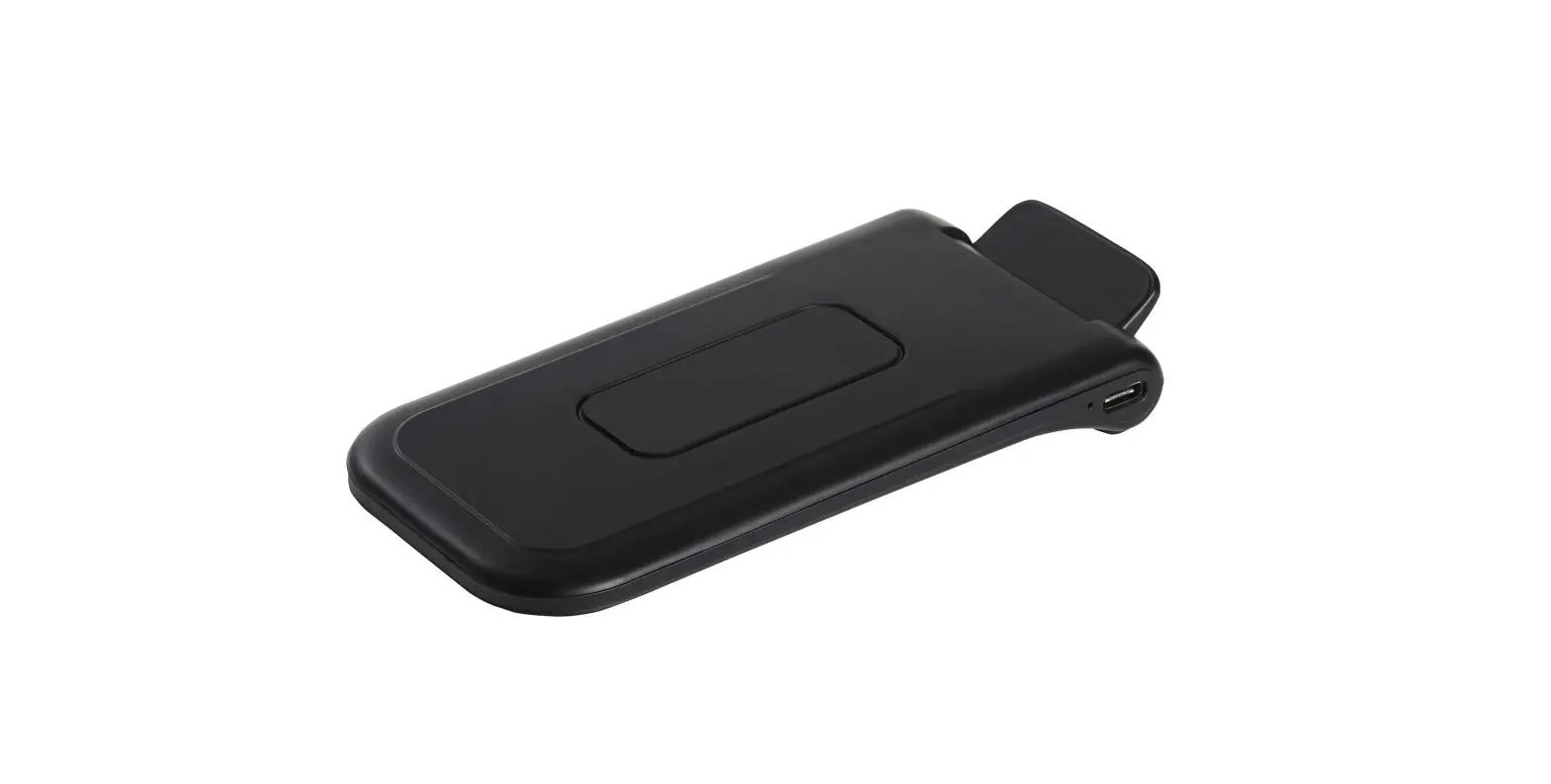
Main Unit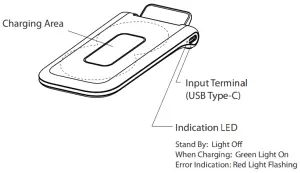
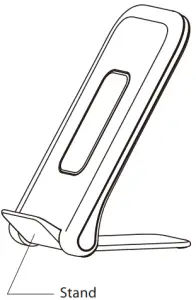
Preparation
Prepare an AC adaptor for USB output.
- An AC adaptor is not included with the product.
Prepare an AC adaptor (2A or more) for USB output. - If you need more than 5W output power, please use the USB output AC adapter that support Quick ChargeTM 2.0 and higher version
Recommended AC adapter
- maxell MACA-T03
- maxell MACA-TYC02
Connect the USB cable.
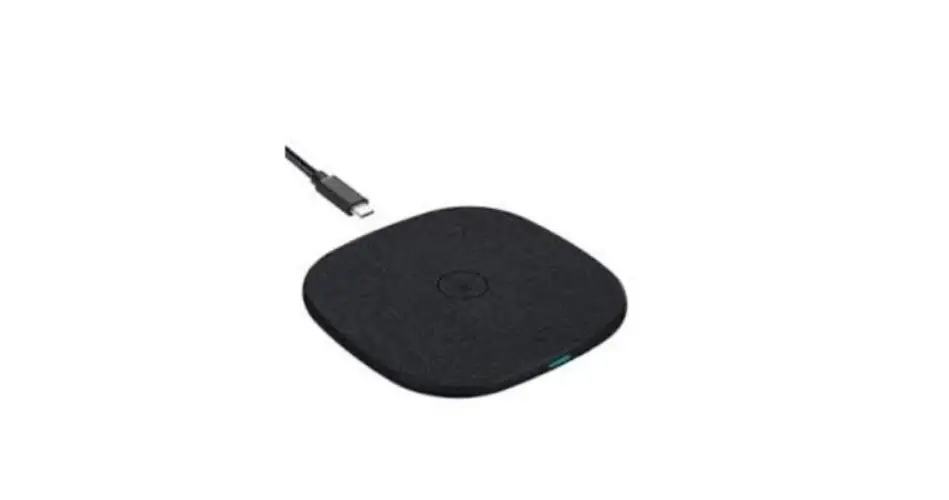
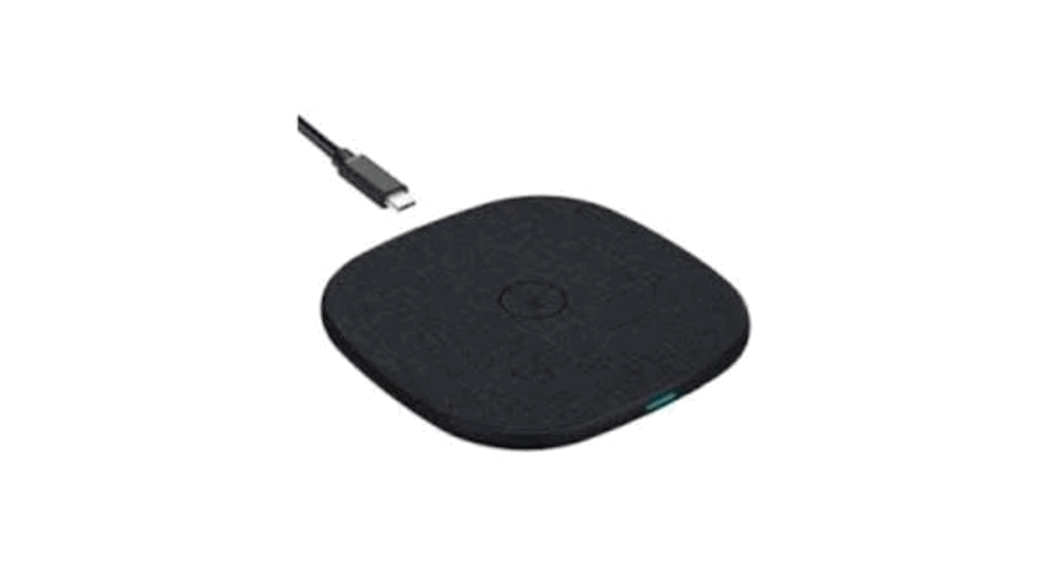
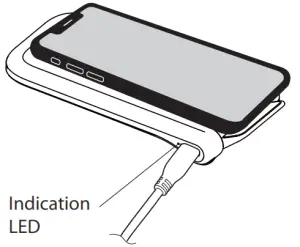
Connect the USB Type-C terminal on the main unit and the AC adaptor with the included power cable. When connected, the indicator will light on and after a while it will light off.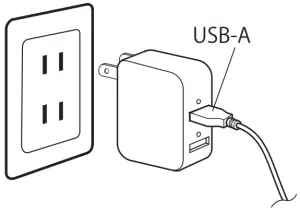
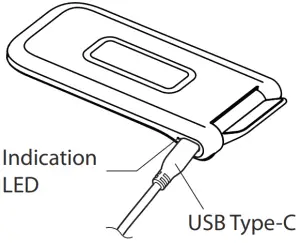
- Use only the included power cable.
Charge
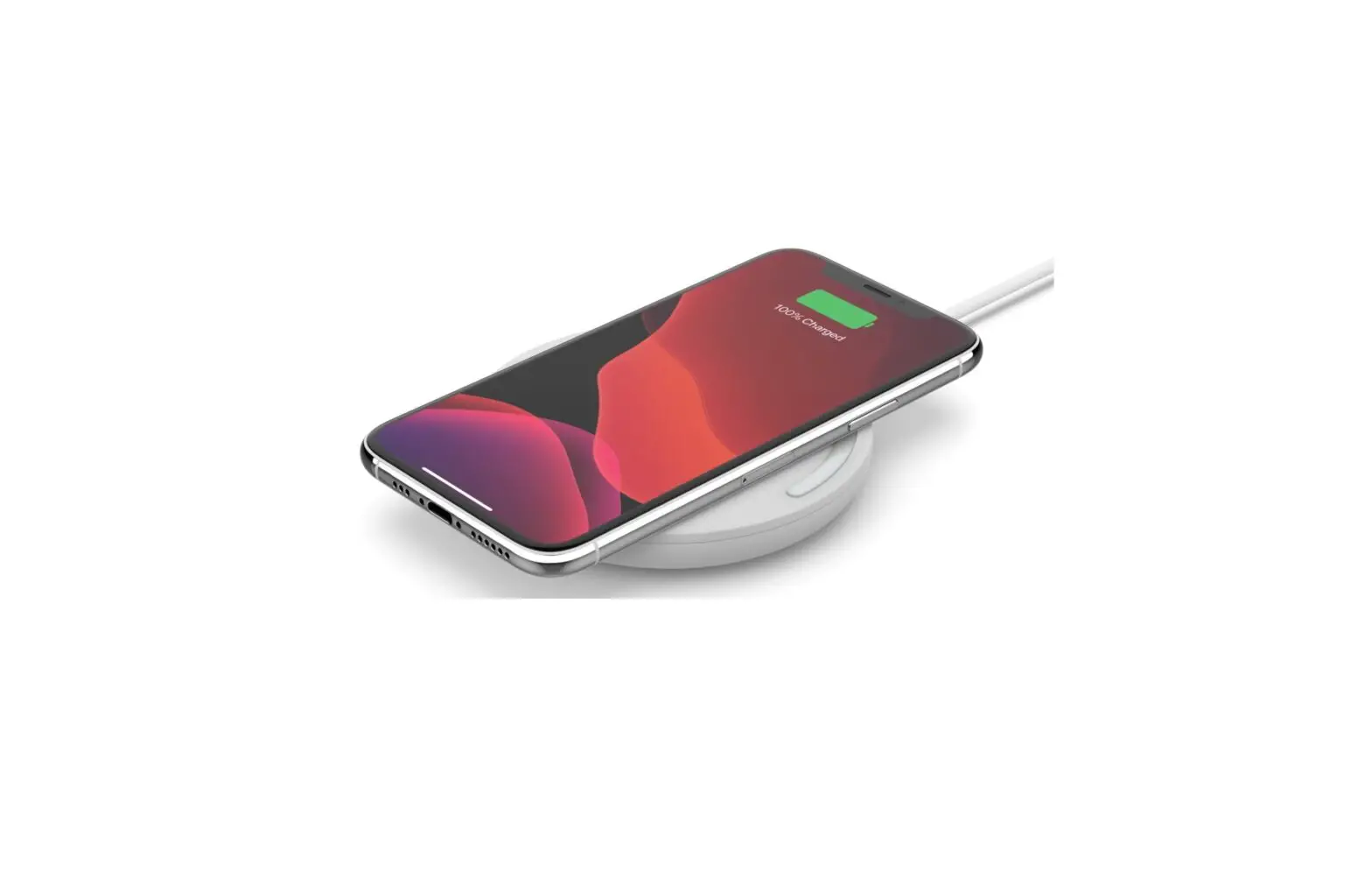
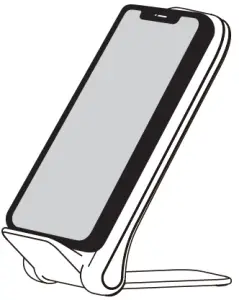
- Place the device to be charged on the center of the main unit.
- When the device is placed on the center of the main unit, the indication LED on the main unit lights ON and charging starts. At the time it starts charging, please also confirm the indication on the device to be charged.
If the device does not show in charging, please adjust the position of the device.

- When charging is completed, the indication LED on the main unit will OFF. Please also confirm the display on the device to be charged. When charging is completed, remove the device to be charged from the main unit.
- For some devices, even the charging is completed the indication LED on the main unit will not change and keep green.
- If the indicator LED flash, it means that there is a foreign object detected, high temperature protection, or a power supply error, and stopped charging. Remove any foreign objects such as coins or clips between the device to be charged and main unit before use. If the device to be charged does not support the Qi standard, it may be considered as a foreign object. If the charging place is hot, move it to a place with a lower temperature, or leave it for a while to lower the temperature before using it. If the power is abnormal, please replace the AC adapter.
- Depends on the devices to be charged, some devices may not indicate that the battery power is 100% even it had been fully charged.
Depending on the case material and thickness of the device to be charged, charging may not be possible. Also, depending on the case material, the rubber pad in the center of the charger may stain the color. In that case, please remove the case before use.
When a trouble occurs
| The device does not charged. (The indication LED does not light up.) |
|
| Charging is stopped in the process. |
|
| It takes long time to charge |
|
Specifications
Applicable standard | Qi Version 1.2.4 |
Output | Max. 10W |
| Input | DC5V/2A DC9V/1.7A Quick ChargeTM 2.0/3.0 |
Input terminal | USB Type-C |
| Dimensions | W66 x H113 x D86mm When folded: W66 x H138 x D20mm |
Weight | Approx. 160g |
Operating temperature | 0 ~ 35˚C |
| Included items | Charging cable (USB-A – USB Type-C) Approx. 95cm, Instruction Manual |
- In order to improve the product, specifications and external appearance may be subject to change without prior notice.
- Qi is a registered trademark of the Wireless Power Consortium.
- The described names, logos and service marks are registered trademarks or trademarks of MAXELL or other companies.
Maxell, Ltd.
30-13 Motoyoyogi-Cho, Shibuya-Ku, Tokyo 151-8527
http://www.maxell.co.jp