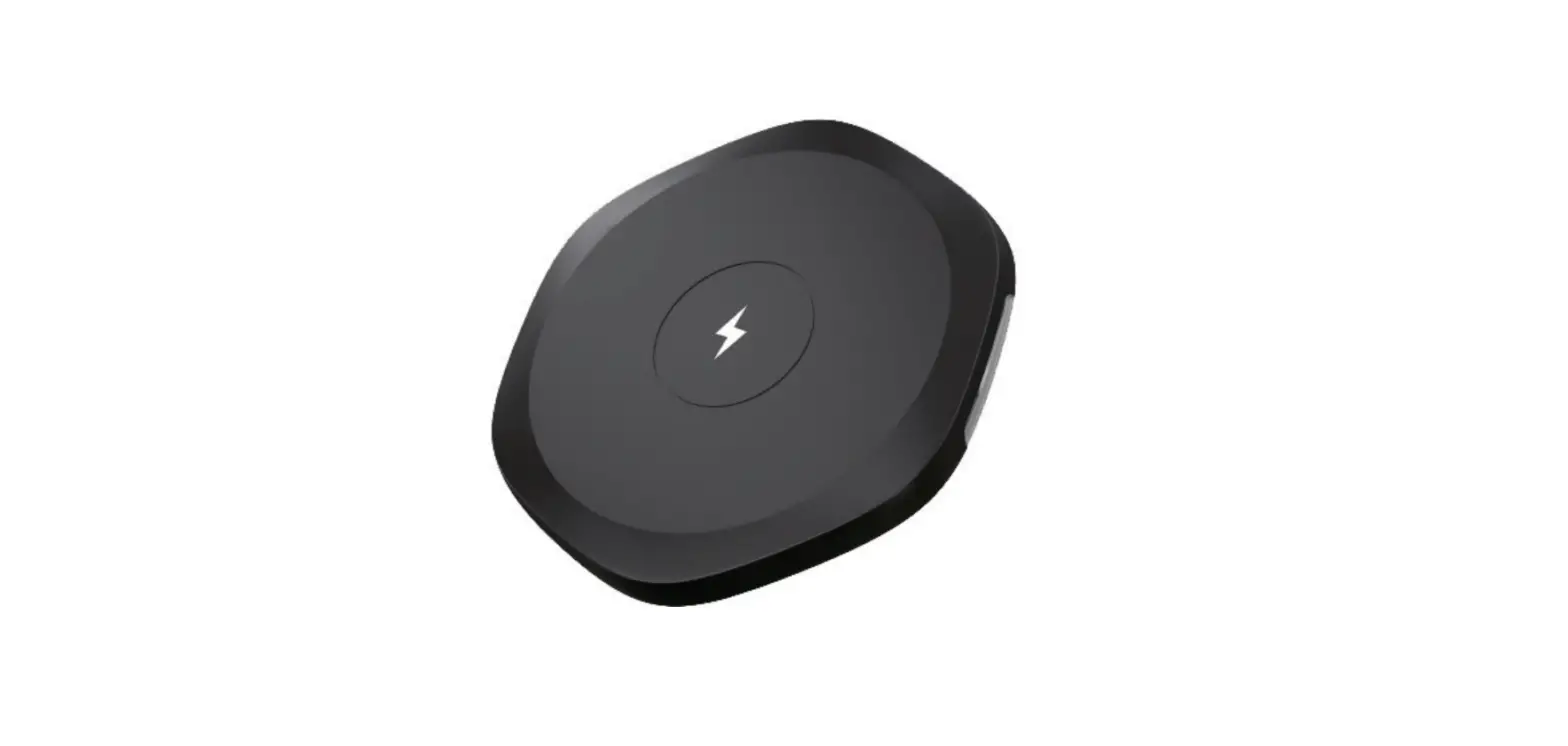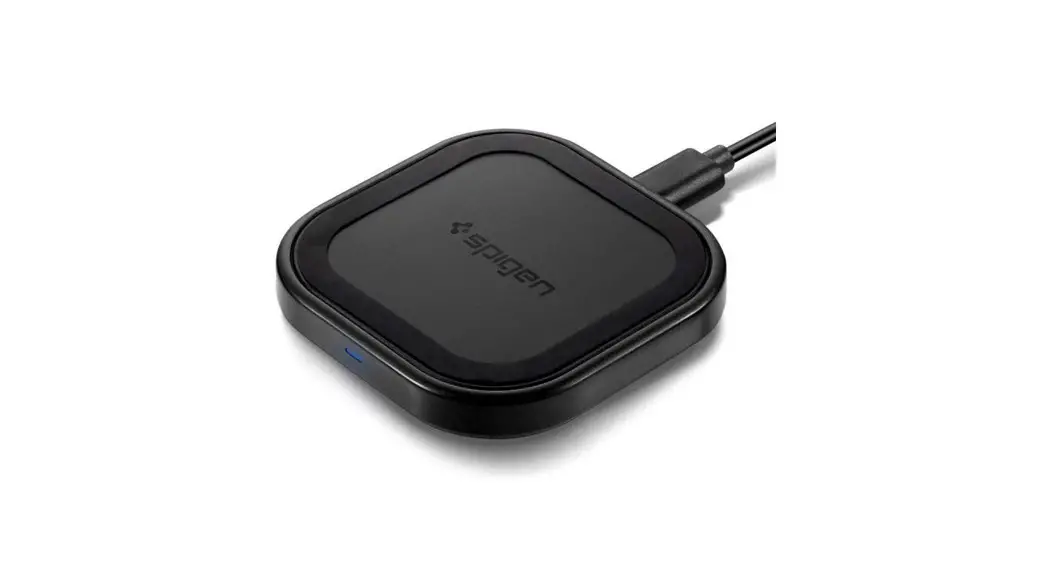
 Steadi Boost™ Compact I
Wireless Charger – F309W
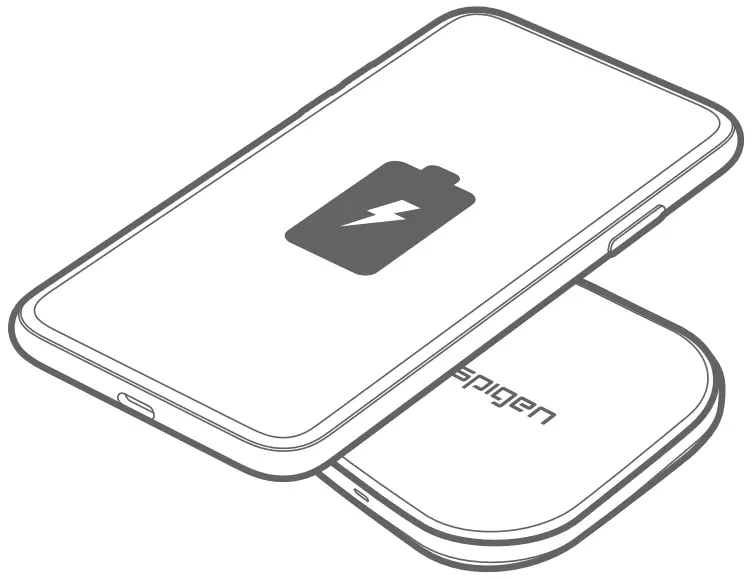 User Manual
 Intelligent Power Technology
 ControlHeat™ Technology (Overheat Protection)
 ControlLight™ Technology
 controlslip™ Technology
 Smart IC Chip Protection
Connect to Power Adapter
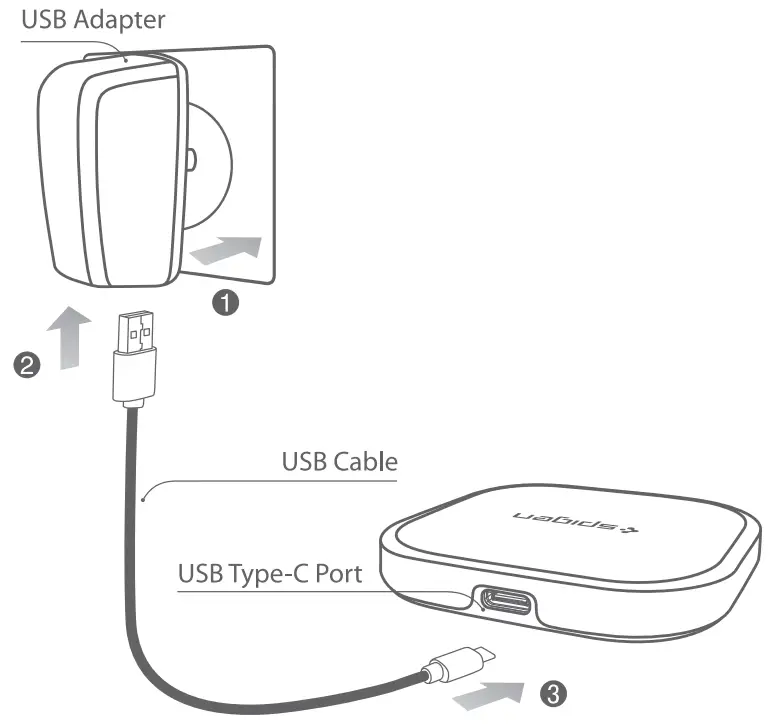
- Plug the USB Adapter into a power socket.
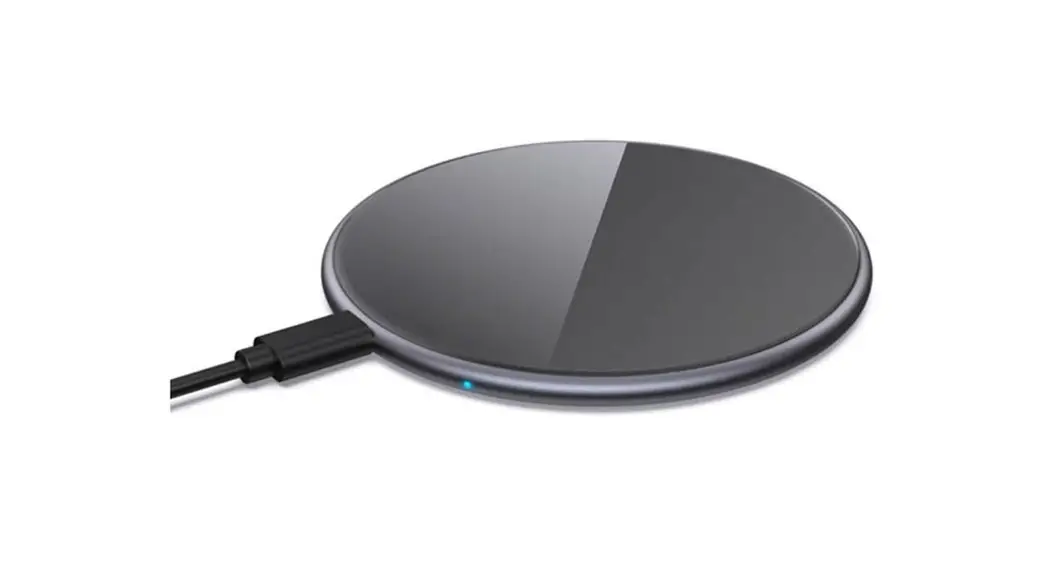
- Connect the USB Charging Cable to the USB Adapter and USB Type-C port to the charging pad.
- After the LED indicator flashes blue and red once, the charger enters into standby mode.
 Caution
Only the QC 2.0/3.0 standard power adapter supports this product’s quick charge function. You will need to buy a power adapter separately
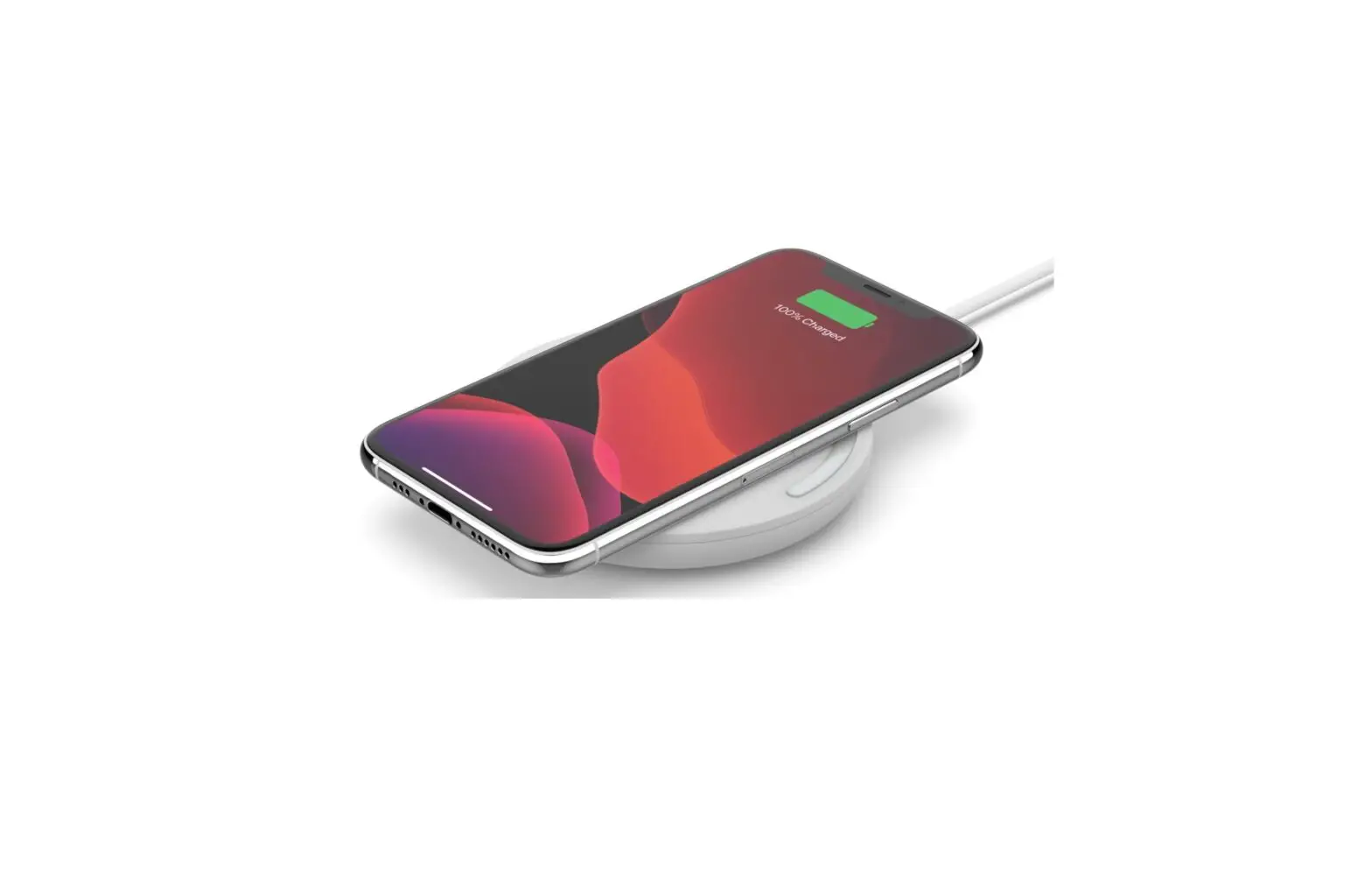
Charging Mode
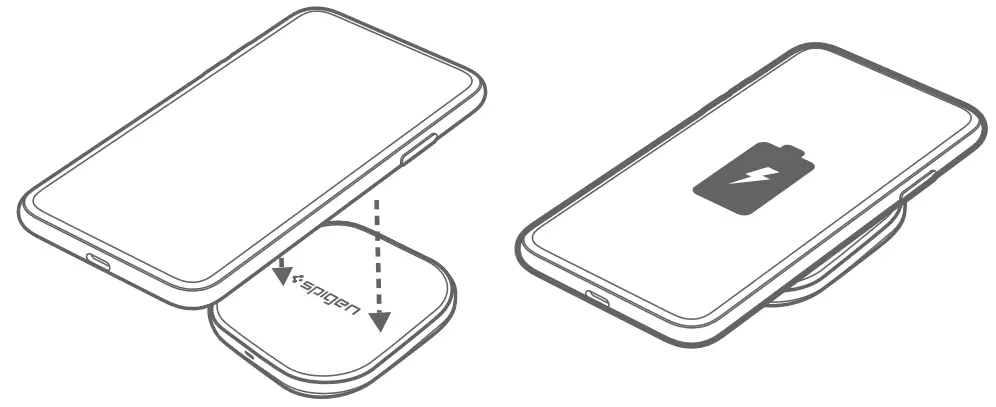
The blue LED indicator light will automatically turn off after 60 seconds of initial charging.
If you detach a charging smartphone from the charging pad, the blue LED will turn off and go into standby mode.
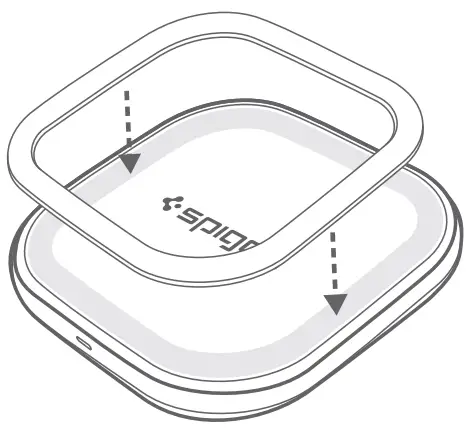
Please attach the provided Non-Slip Pad for maximum slip prevention.
LED light status
Status | LED |
| Power connection | LED flashes blue and red once and turns oft |
| Standby mode | The LED will turn off |
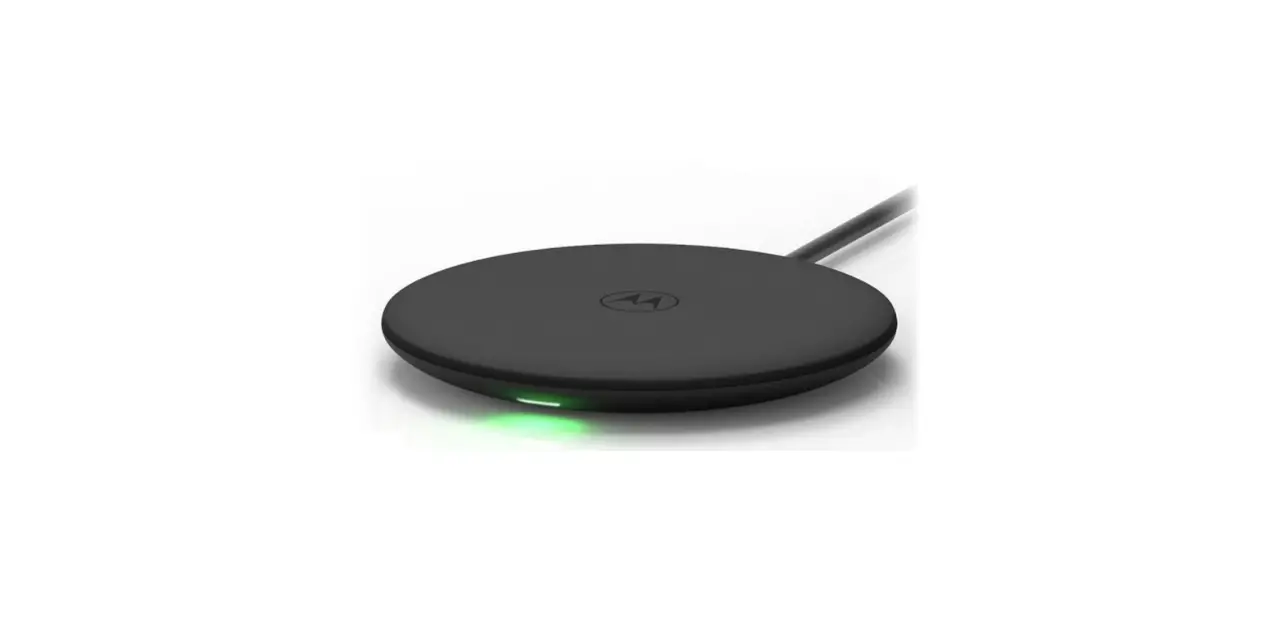
| When charging | The blue LED light will turn on for 60 seconds |
| If metal fragments are detected or input power lacking | The red LED will start blinking |
* Sleep Friendly LED indicator
Control light™ Technology turns off LED light after 60 seconds when charging starts
*If metal fragments are detected:
Make sure no metal fragments are between the
device and charging pad.
*Adapter recommendations:
Use AC adapters with over 9V 2A/ QC2.0(18W) in power supply output
Caution
- Do not apply heavy pressure.
2. Do not disassemble or directly expose the product to heat or water.
3. Do not use the product in severely hot or humid environments to avoid circuit damage.
4. Do not place the product too close to a card with a magnetic chip and/or strip (e.g., ID or credit card) to avoid magnetic failure or malfunction.
5. Maintain a minimum distance of 20cm between medical devices (e.g., pacemaker or hearing aid) and the product to avoid interference.
6. Keep out of the reach of children.
* The images shown are guidelines and examples of using the Portable Fast Wireless Charger F309W and can differ from the actual product.
* For devices incapable of wireless charging, a wireless charging patch or case can be used separately to wirelessly charge the device.
Note
B Class Equipment (Equipment for home use)
* This product is mainly for home use with radio wave acceptability registration; therefore, it can be used in all areas.
Specifications
- Input: 5V.2A, 9V
 2A/ QC2.0(18W)
 - Output: SW/ 7.SW / 10W
- Dimensions: 70 x 70 x 11 mm/ 2.76 x 2.76 x 0.43in
- Weight: 42g / 1.48oz
FCC Part 18 Compliance Statement:
This device complies with Part 18 of the FCC Rules.
- CAUTION: Changes or modifications not expressly approved by the party responsible for compliance could void the user’s authority to operate the product.
- NOTE: This equipment has been tested and found to comply with the limits for a wireless power transfer, pursuant to Part 18 of the FCC Rules. These limits are designed to provide reasonable protection against harmful interference in a residential installation.
This equipment generates, uses, and can radiate radio frequency energy and, if not installed and used in accordance with the instructions, may cause harmful interference to radio communica tions. However, there is no guarantee that interference will not occur in a particular installation.
If this equipment does cause harmful interference to radio or television reception, which can be determined by turning the equipment off and on, the user is encouraged to try to correct the interference by one or more of the following measures:
• Reorient or relocate the receiving antenna.
• Increase the separation between the equipment and receiver.
• Connect the equipment into an outlet on a circuit different from that to which the receiver is connected.
• Consult the dealer or an experienced radio/TV technician for help. - RF Exposure Compliance:
This equipment complies with FCC radiation exposure limits set forth for an uncontrolled environment. This equipment should be installed and operated with a minimum distance of 20cm between the radiator and your body. This transmitter must not be co-located or operating in conjunction with any other antenna or transmitter.
ISED Compliance Statement:
This device contains license-exempt transmitter(s)/receiver(s) that comply with Innovation, Science and Economic Development Canada’s licence exempt RSS(s). Operation is subject to the following two conditions:
- This device may not cause interference.
- This device must accept any interference, including interference that may cause undesired operation of the device.
RF Exposure Compliance Statement:
This equipment complies with IC RSS-102 radiation exposure limits set forth for an uncontrolled environment. This equipment should be installed and operated with a minimum distance of 20cm between the radiator and your body.
3MN005680