
MOBISUM
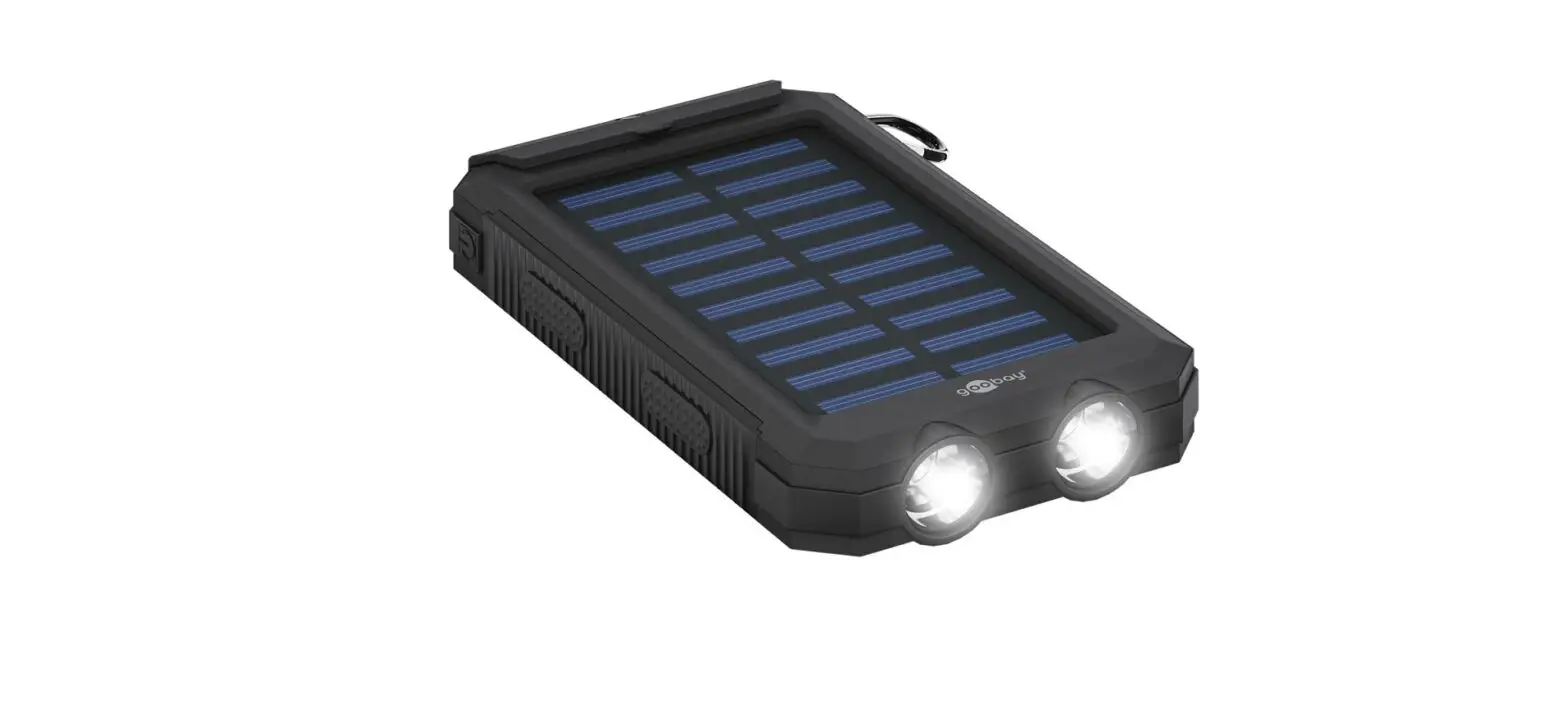
Outdoor Power bank
User Manual
www.mobisum.com

Please read the instruction manual carefully before use.
SPECIFICATIONS
| Capacity | 20000 mAh |
| Micro Input | DC 5V 2A |
| USB Type-C in & out | DC 5V 3A |
| USB Output/Output 2 | DC 5V 3A |
| Product size | 160 x 90 x 29.5 mm |
| Product net weight | 479 g |
| Fully charging time | 6 – 7 hours |
| Operation temperature | -/-10 ∼45 °C |
| Battery type | Rechargeable Lithium-ion batteries |
| Flashlight | White 1W LED |
FEATURES
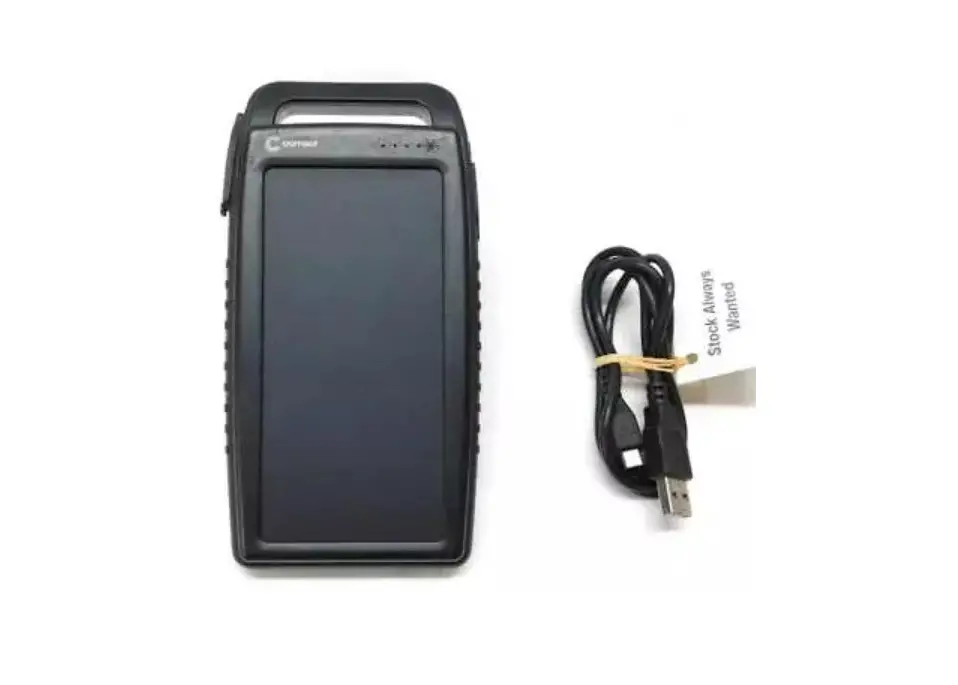
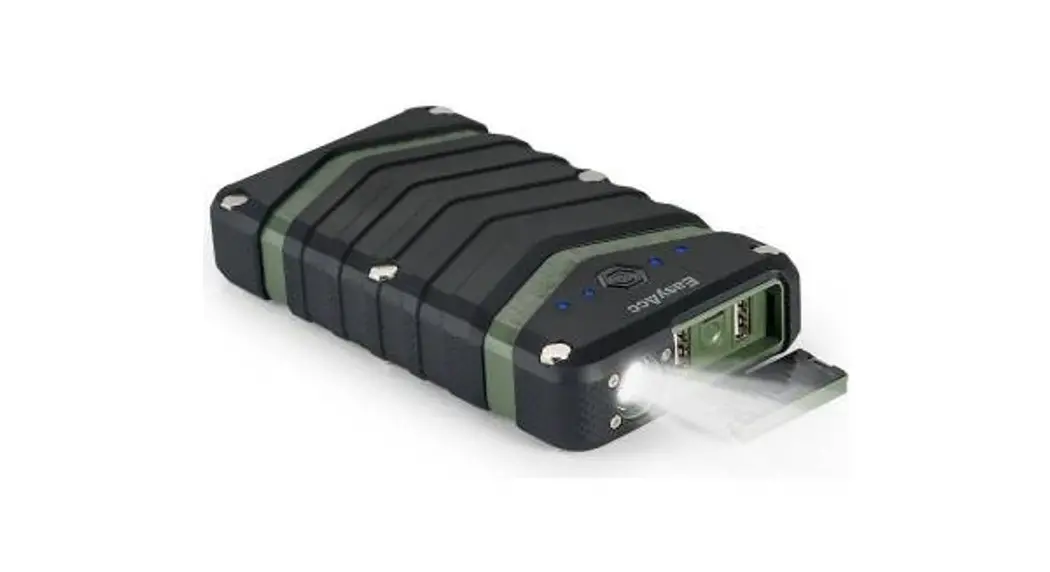
- Waterproof, dustproof, and shockproof, it is specially designed for outdoor sports enthusiasts, travelers, climbers, swimmers, hikers, and riders.
- Equipped with an LED flashlight that can also be used as a caution light or an SOS signal light.
- High capacity Li-ion 20000 mAh battery that is compatible with most 5V USB-charged devices.
- With Dual USB output & Type-C ports, the power bank is able to charge three devices simultaneously.
- Short circuit protection, over-discharging protection, and over-charging protection are designed in PCBA.
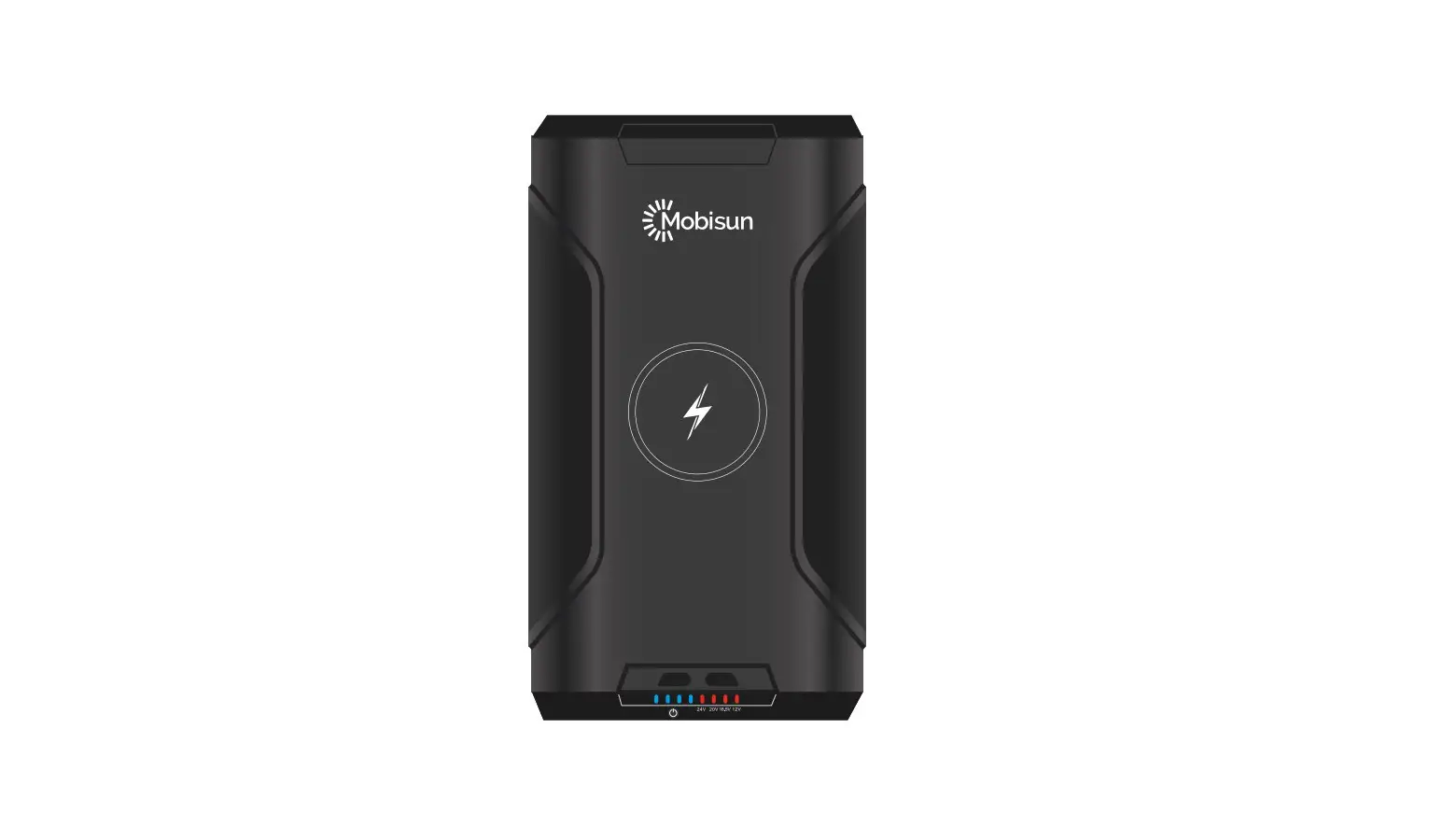
- 4 LED indicators to show battery level and status.
- 8 special screws provide great protection during dropping.
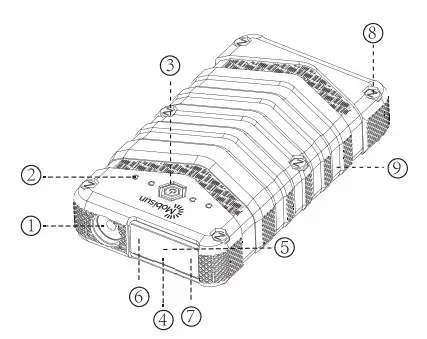
PRODUCT PRESENTATION
- Flashlight (SOS/Caution light).
- LED Indicators.
- ON/OFF Switch:
a. Press to activate the power bank.
b. Double press to activate the bright flashlight.
c. Press again to activate the low-power flashlight.
d. Press again to activate the caution light.
e. In any lighting state press 3 seconds for SOS mode.
f. Press the power button to turn off SOS mode. - Micro USB input: DC 5V 2A
- USB Type-C input and output: DC 5V 3A
- Output USB1: DC 5V 3A (USB1/USB2 total output is 3A)
- Output USB2: DC 5V 3A
- Big screws lock the power bank tightly to improve waterproof and shockproof functions.
- Rhombus design for firm grip and anti-slip.
Package contents: Power bank, USB charging cables, manual
OPERATING INSTRUCTIONS
CHARGING THE POWER BANK FROM AN EXTERNAL POWER SOURCE:
- Open the USB waterproof cover, plug in the micro USB- or USB-C cable, and connect it to a power source such as an AC power adapter or any other USB power source.
- Battery’s charging status is indicated by 4 LED indicators in the following manner:
| Charging Status LED Indicators | 0%-25% | 25%-50% | 50%-75% | 75%-99% | 100% |
| 1St LED Indicator | Flashing Blue |  | | | |
| 2St LED actor | OFF | Flashing Blue | | | |
| 3St LED Indicator | OFF | OFF | Flashing Blue | | |
| 4St Indicator LED | OFF | OFF | OFF | Flashing Blue | |
Solid Blue.
- LED indicators will be constant on and stop flashing when the power bank is fully charged.
- 1st LED indicator will be on red when the capacity level is low.
CHARGING OTHER DEVICES
- Press the power button to turn the power bank on.
- Connect the device to the USB port of the power bank using the appropriate charging cable. The power bank starts charging the
NOTE:
- Do not attempt to open or disassemble the power bank.
- Do not use this power bank in an environment in which that the temperature is higher dan 45°C or lower than -10°C.
- Do not allow children to play with the power bank.
- Do not throw the power bank into the fire.