Quick Start Guide
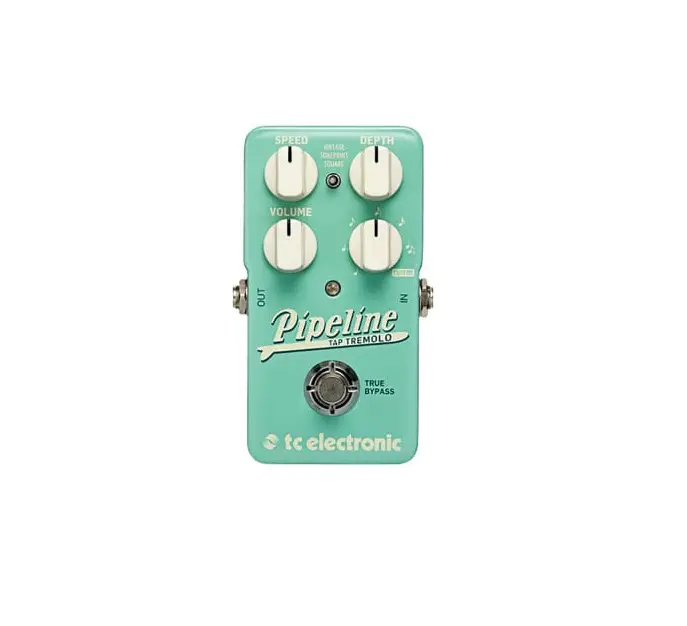
TC ELECTRONIC PIPELINE TAP TREMOLO
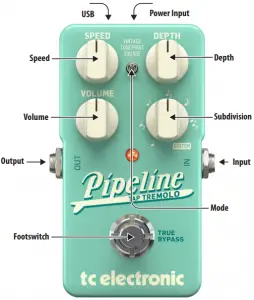
USB – Connects to your computer for firmware updates and TonePrint editing.
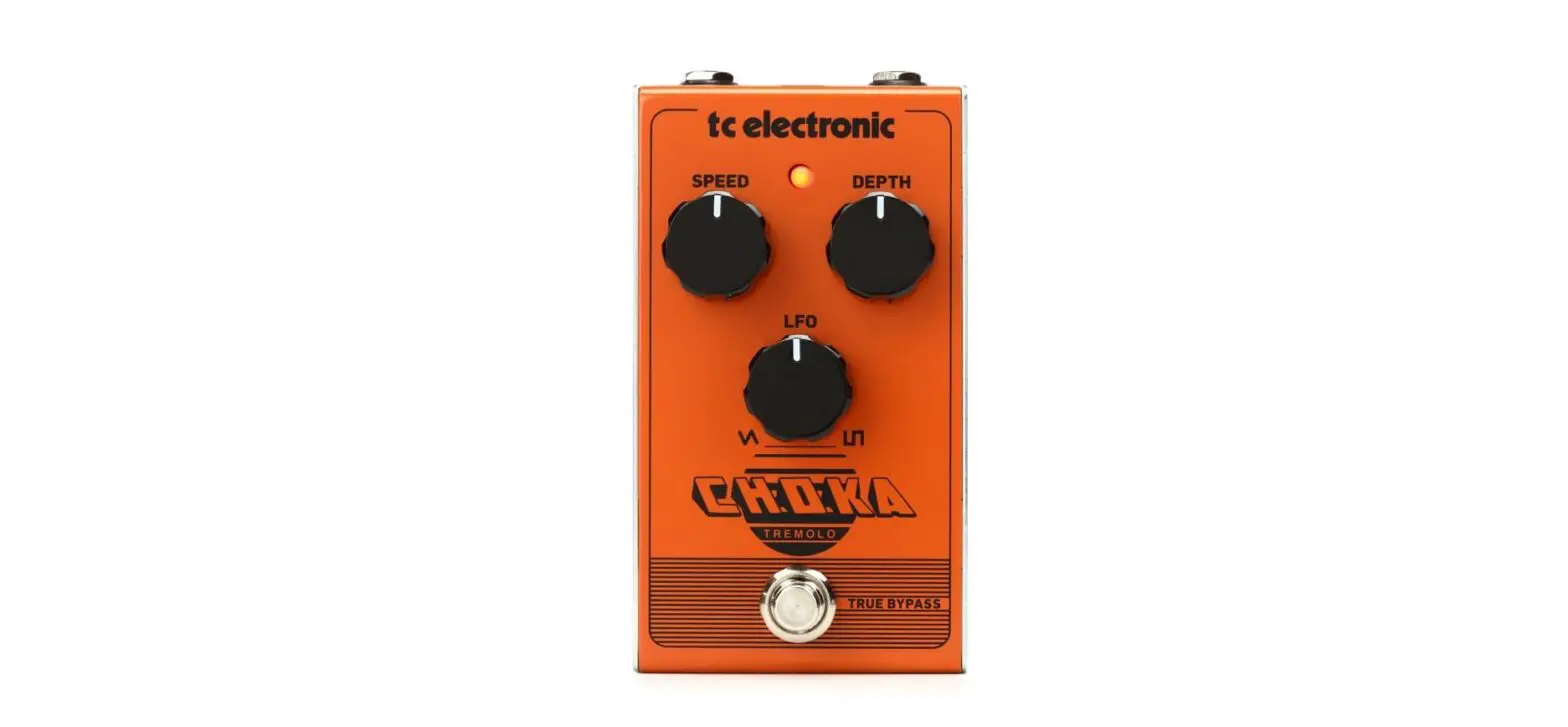
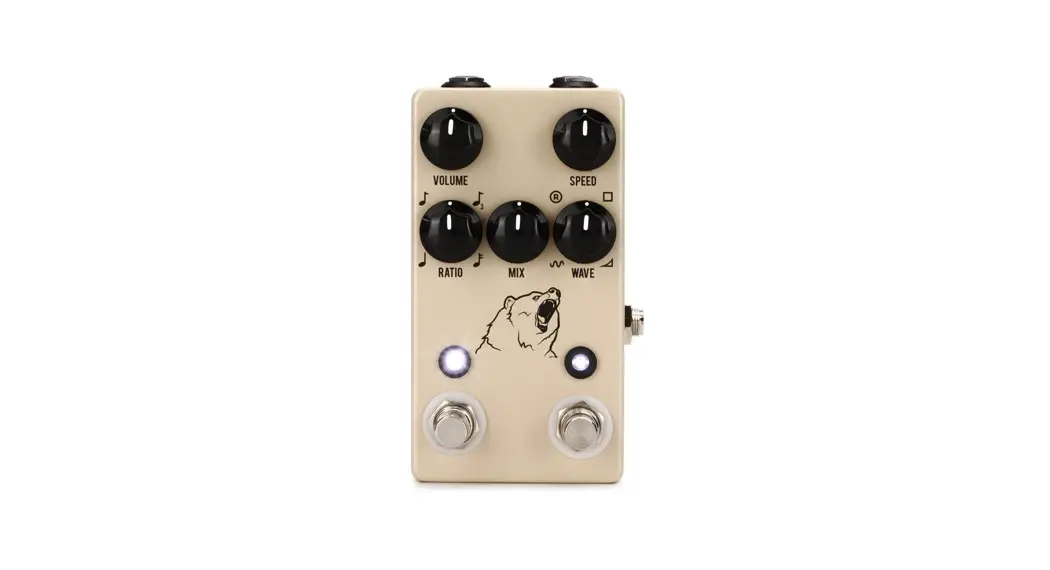
Speed – Controls the speed of the tremolo effect.
Volume – Varies the output level from unity gain to 6 dB of additional boost.
Output
Footswitch – Turns the effect on and off. Press and hold for 1½ seconds to access Tap Tempo mode.
Power Input – Connect a 9 V / >100 mA power supply.
Depth – Controls the amount of level drop between peaks.
Subdivision – Sets the tremolo to various rhythmic subdivisions of the active tempo.
Input
Mode – Choose between standard Vintage, TonePrint and Square settings.
Visit tcelectronic.com to download the full manual

 TC Electronic | Home