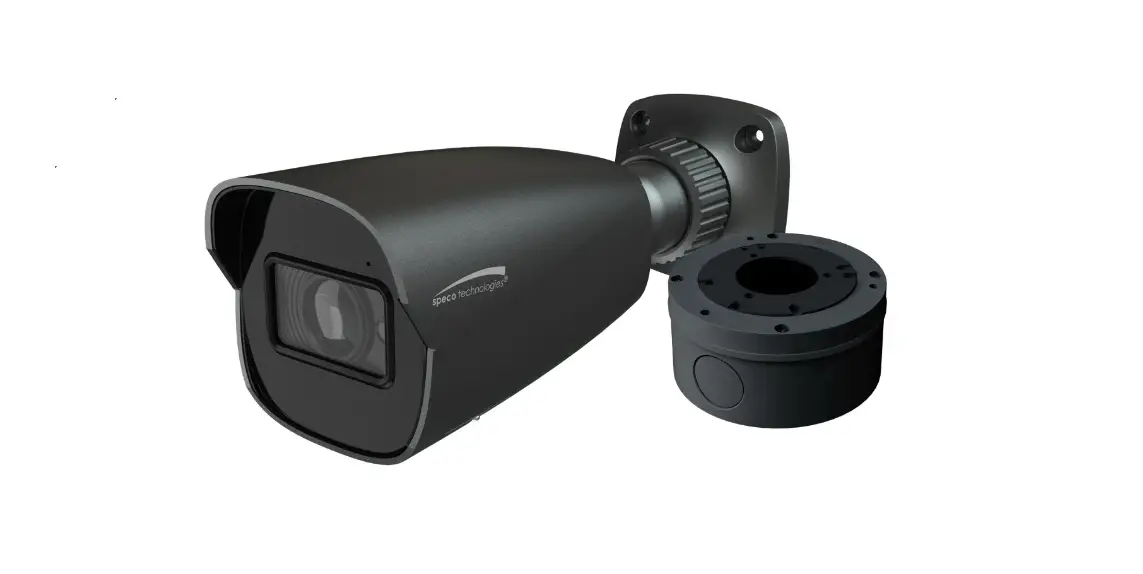
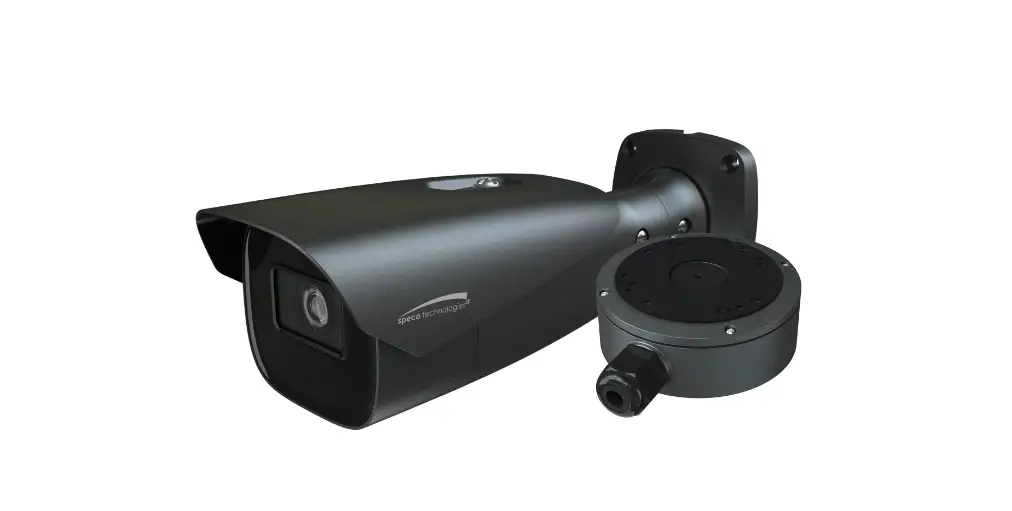
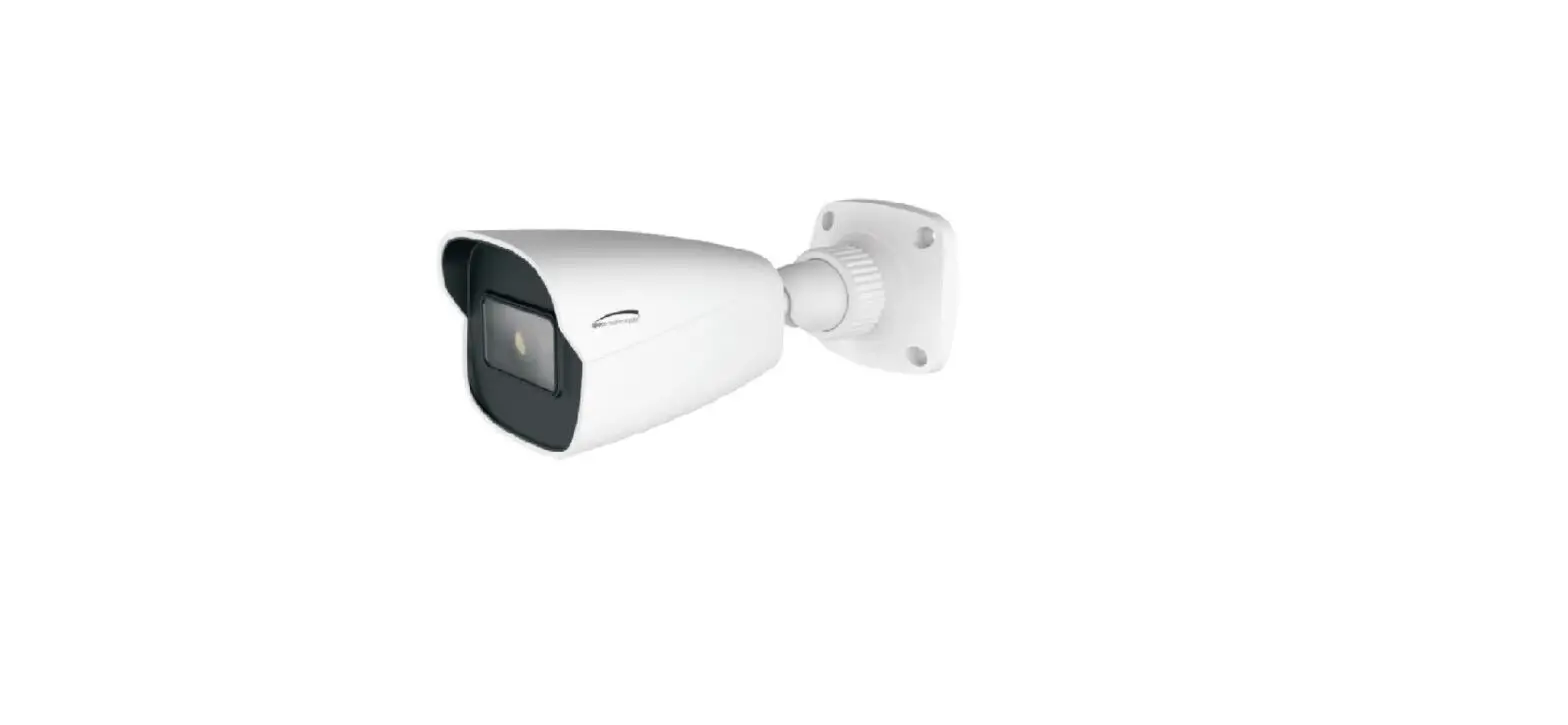
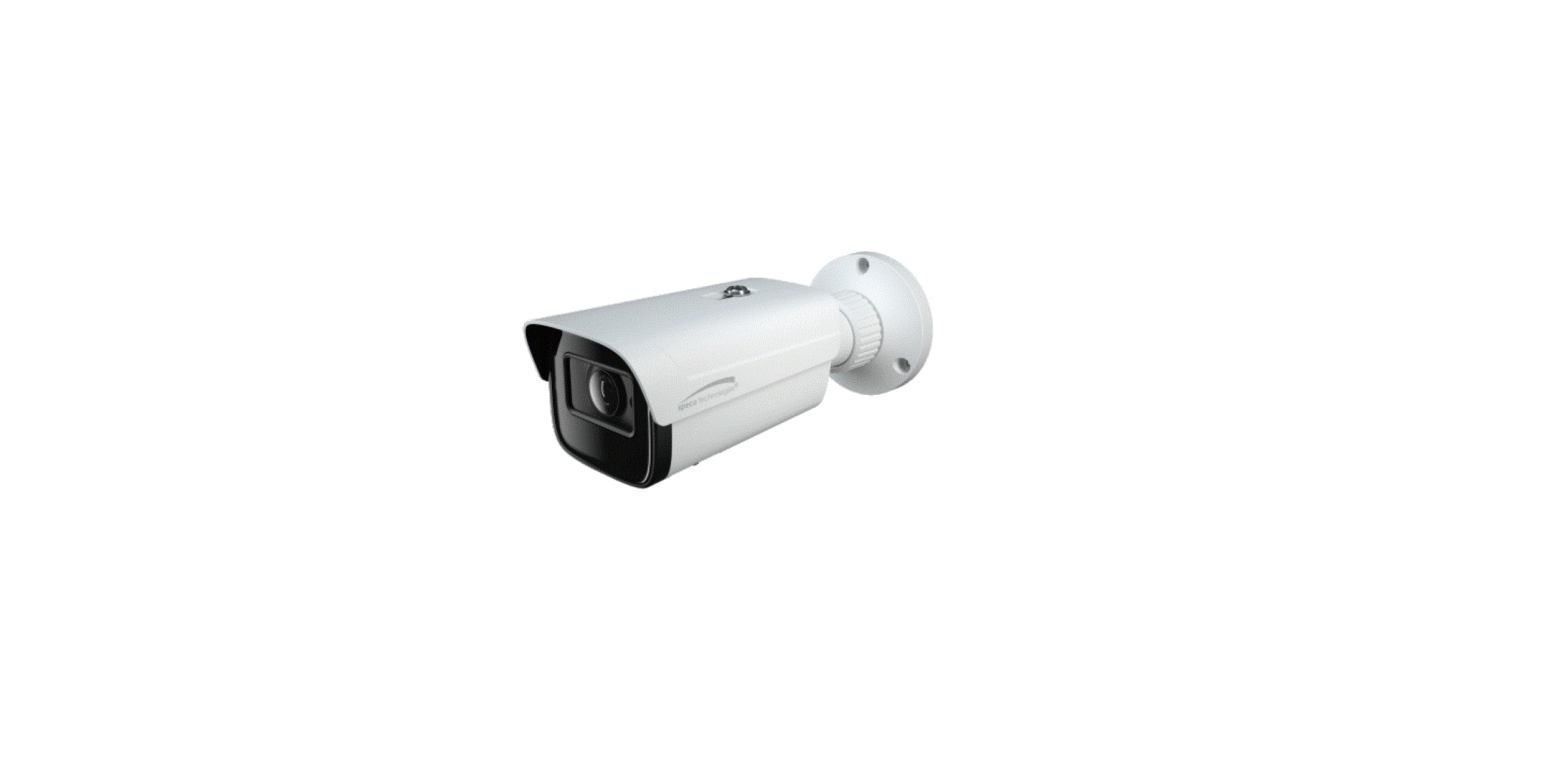
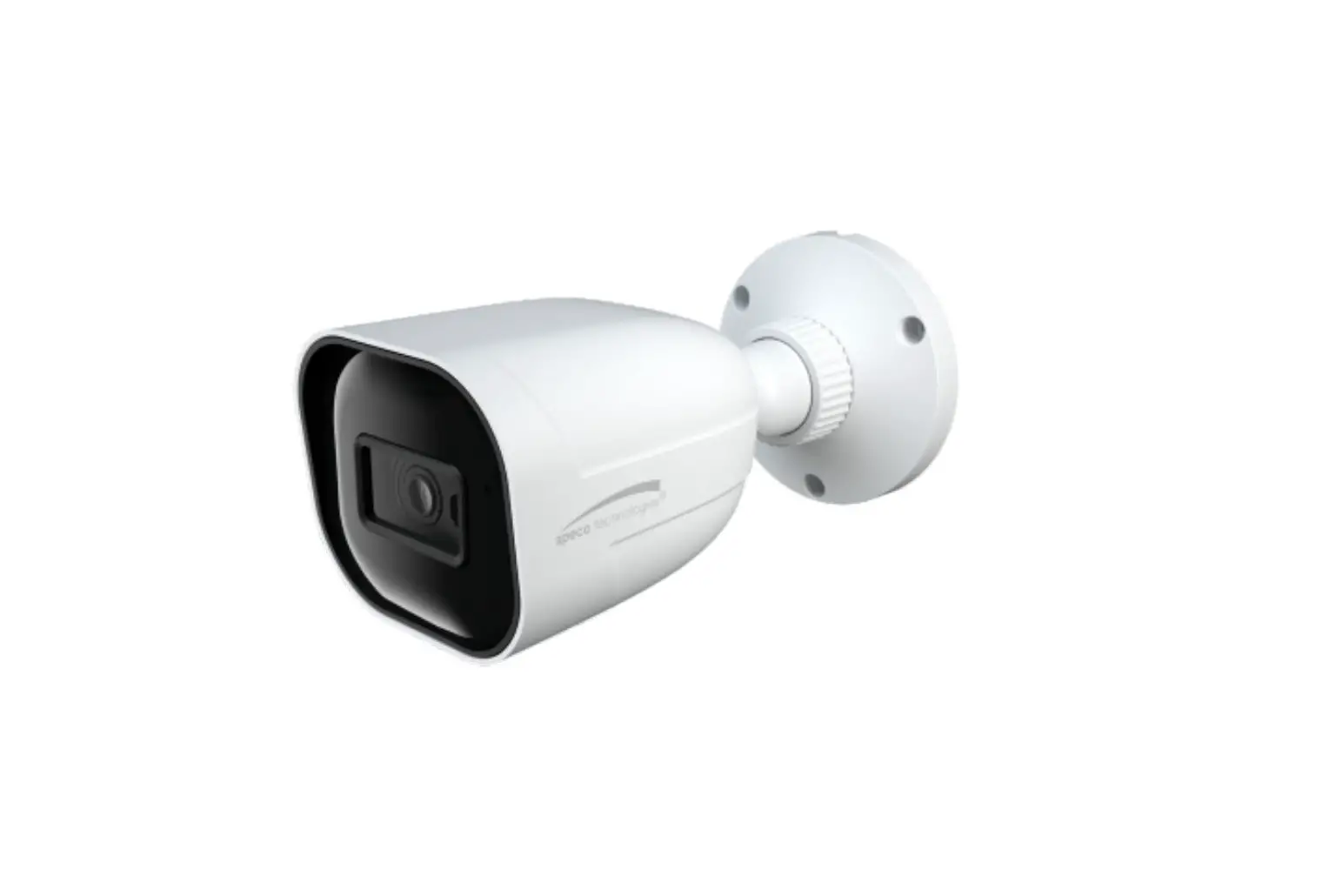
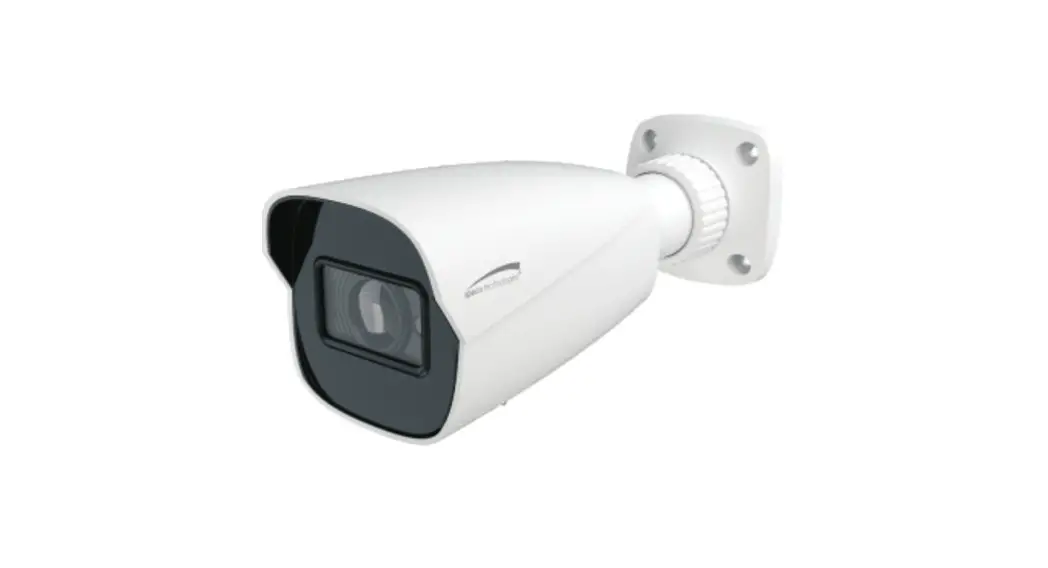
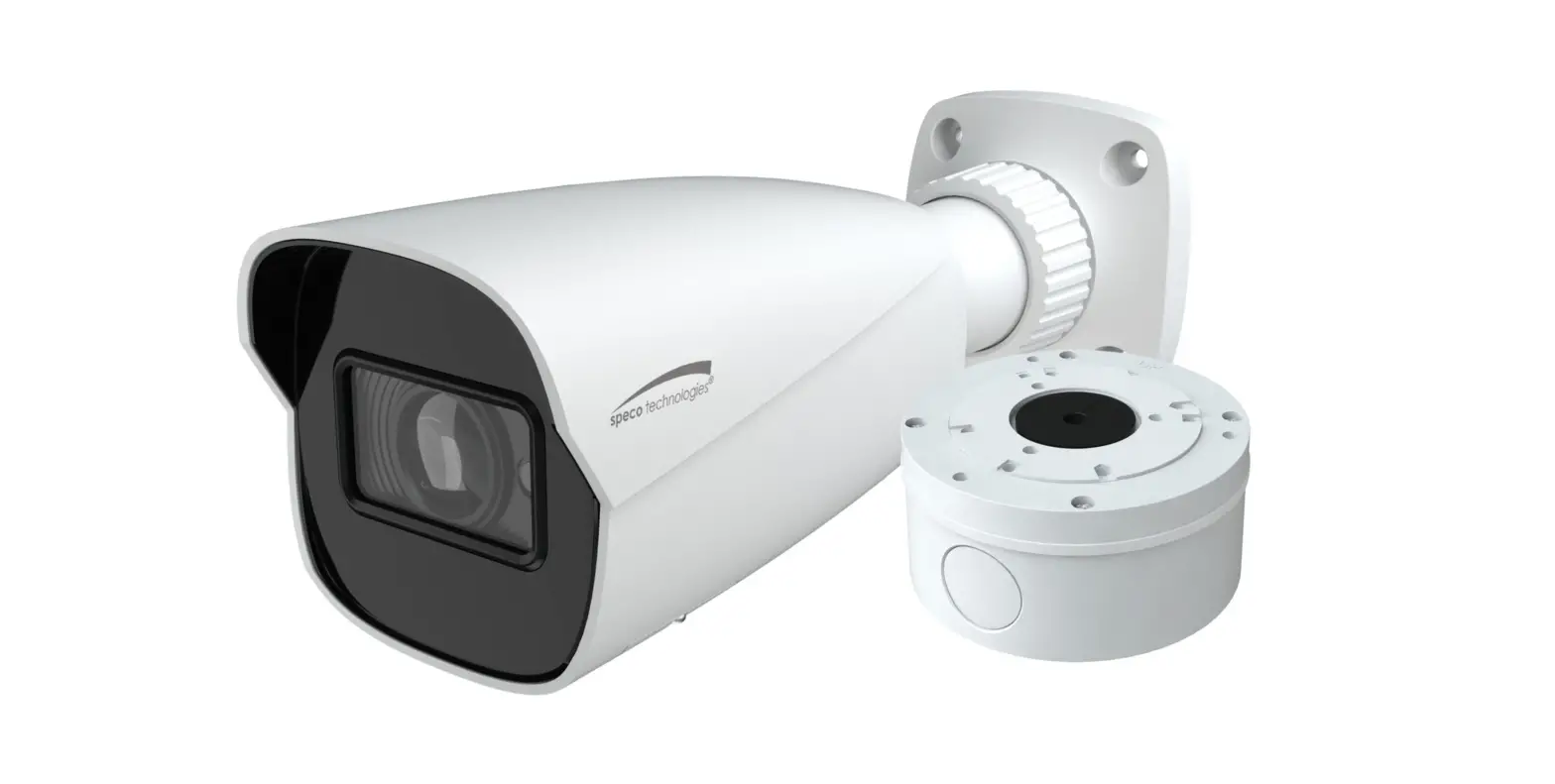
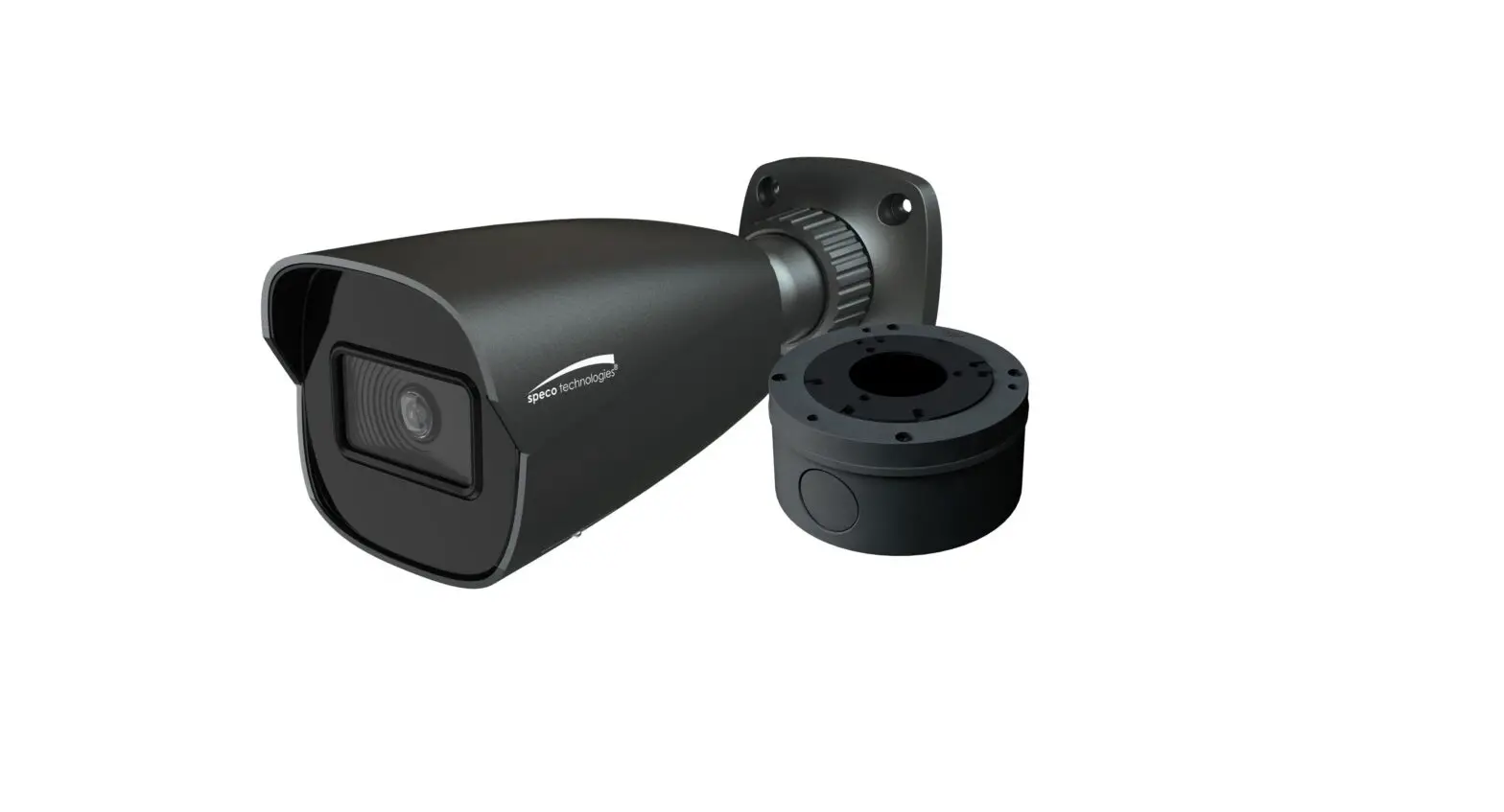
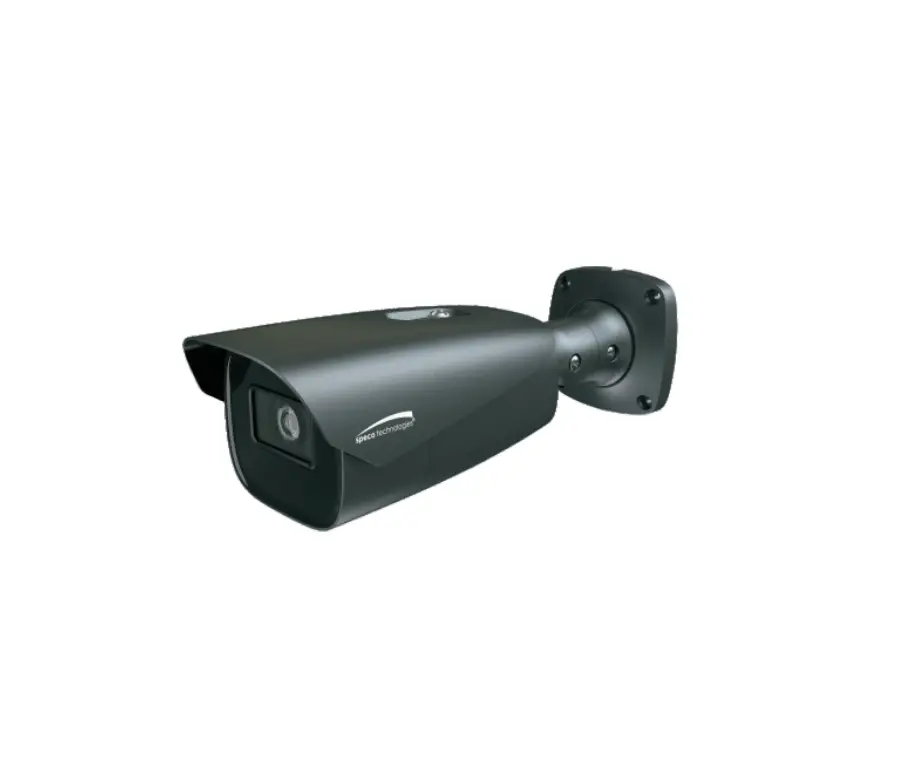
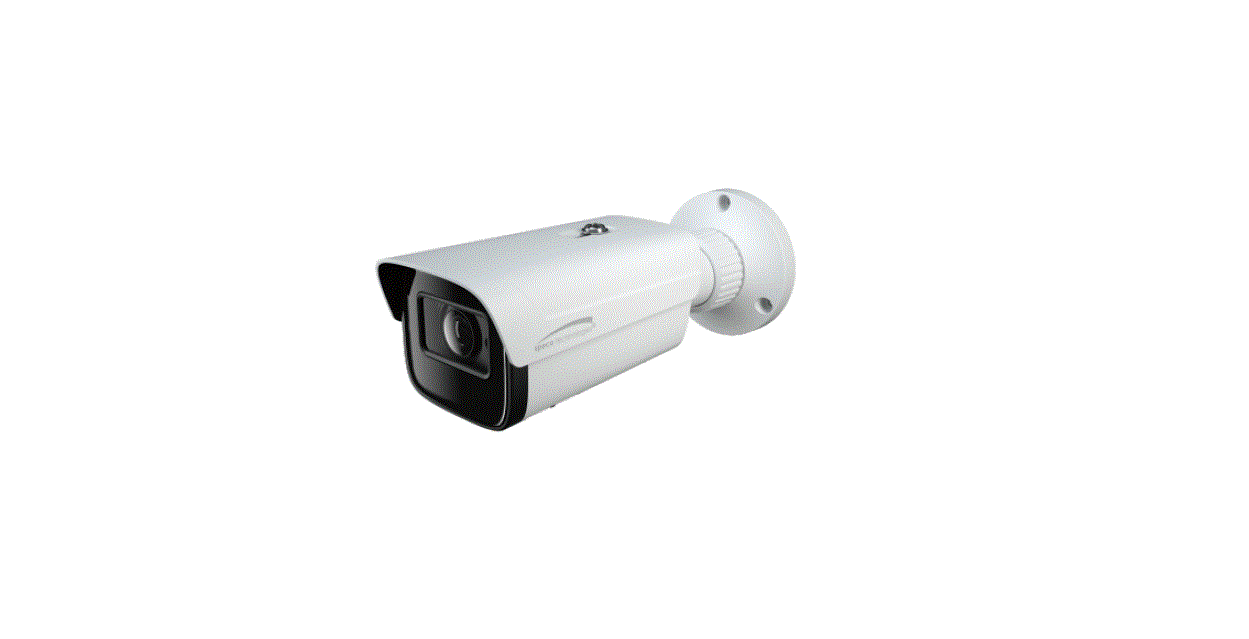
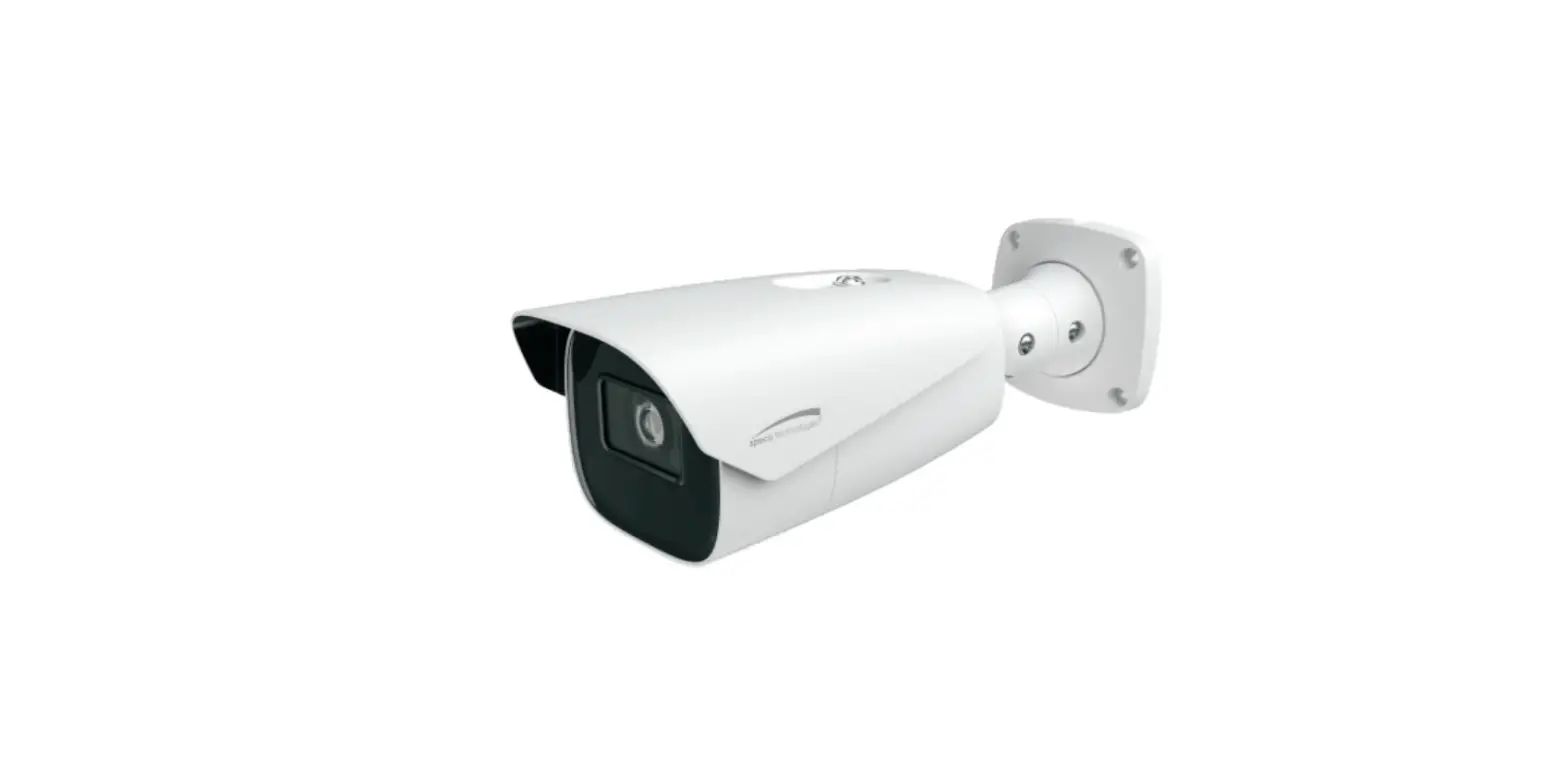
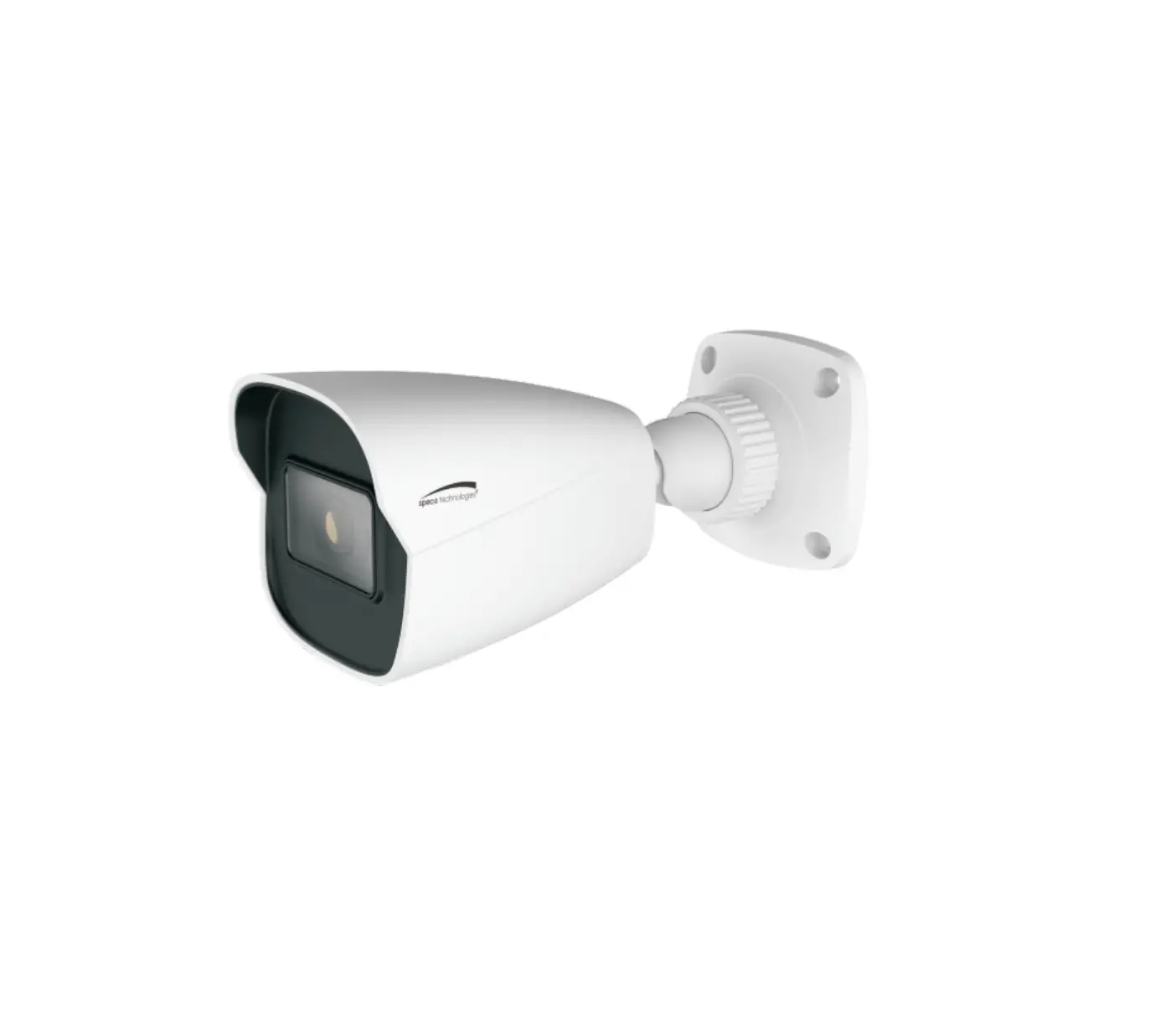
Speco Technologies O8FB1 8 Megapixel Network IR Outdoor Bullet Camera
Product Information
The product is a network camera designed for surveillance purposes. It comes with various features and components to ensure optimal performance. Some important information about the product includes:
- Model: O8FB1
- Manufacturer: Speco Technologies
- Power Supply: Certified/listed 12VDC Class 2 power supply or adequate PoE switch
- Connectivity: Ethernet connector, audio input, DC power connector, Micro SD card slot
- Additional Components: Camera, quick start guide, CD, plastic screw anchors, drill template, junction box, rubber o-rings for screws, rubber plug, fixed ring
- Warranty: Unauthorized changes or modifications may void the warranty
Product Usage Instructions
Before using the network camera, please ensure that you have read and understood the following instructions:
Electrical Safety
- 1. All installation and operation should comply with local electrical safety codes.
- 2. Use a certified/listed 12VDC Class 2 power supply or an adequate PoE switch.
- 3. Ground the product to reduce the risk of electric shock.
Operation and Daily Maintenance
- 1. Shut down the device and unplug the power cable before performing any maintenance work.
- 2. Avoid touching the CMOS sensor optic component.
- 3. Use a blower to clean the dust on the lens surface. For excessive dust, use a dry soft cloth.
Installation
- 1. Ensure that all components are included in the package before installation.
- 2. Make sure the wall or ceiling can withstand three times the weight of the camera.
- 3. Open the mounting base and the upper cover of the junction box.
- 4. Attach the drill template of the junction box to the desired installation location on the wall and drill the screw and cable holes according to the template.
- 5. Install the junction box onto the wall using the provided screws.
- 6. Mount the rubber plug to the gap of the mounting base and securely fasten the camera onto the mounting base.
- 7. Connect the necessary cables and install the camera onto the junction box.
Connecting Network Cable
- 1. Loosen the nut from the main element.
- 2. Run the network cable (without RJ 45 connector) through both elements.
- 3. Crimp the cable with an RJ 45 connector.
- 4. Connect the cable to the water-proof connector.
- 5. Tighten the nut and the main cover to secure the connection.
Please refer to the provided quick start guide and CD for more detailed instructions on using and configuring the network camera.
 IP Scanner | Speco Technologies