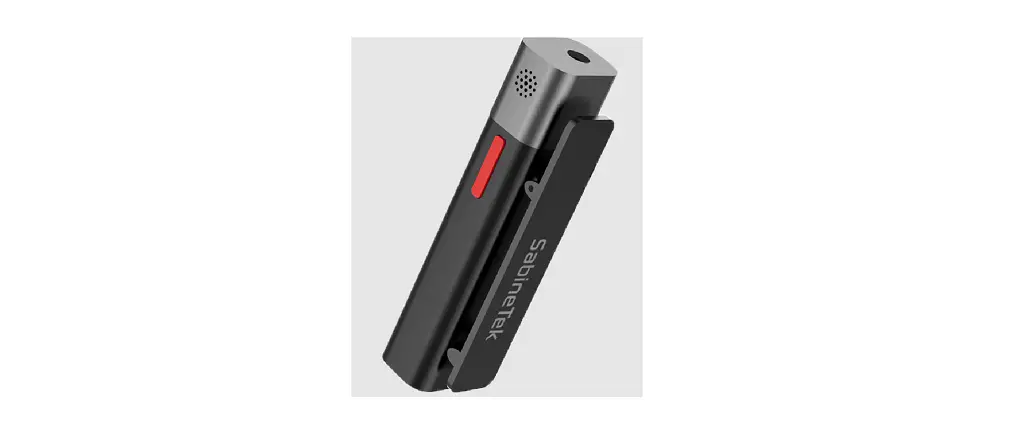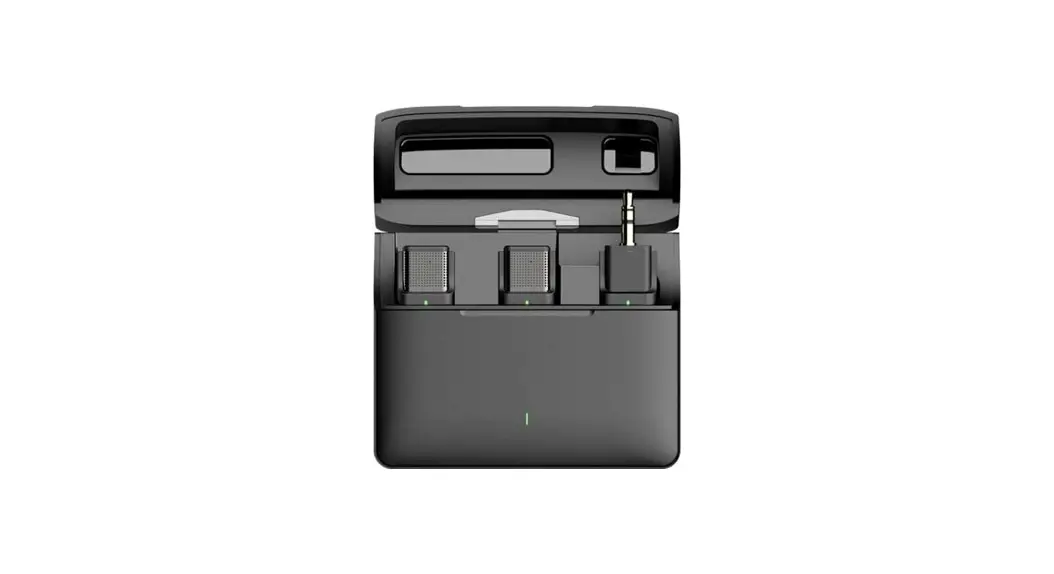
 KITHOUSE Bluetooth Wireless Microphone J10/J11
 KITHOUSE Bluetooth Wireless Microphone J10/J11
Specification parameters
| transport protocol | Bluetooth protocol |
| transmission distance | ≥ 10m |
| One drag two | Support (one for two, without battery compartment temporarily) |
| Earphone monitoring | Support (suitable for type-C connector headphones) |
| noise reduction | Support three-level noise reduction |
| reverberation | support |
| Sound delay | ≤25ms |
| Microphone | -38dB ± 3dB omnidirectional capacitance |
| frequency response | 20Hz-20KHz |
| sampling rate | 44.1KHz |
| Signal to noise ratio | ≥70dB |
| Working current | ≤12mA |
| ShutDown Current | ≤20uA |
| Endurance time | 6H |
| Charging bin battery | 300mA/H |
| Charging bin input voltage | 5v-20v (support fast charging and high withstand voltage input) |
| Battery over-temperature protection of charging bin | Support NTC function (charge 0 ℃ ~ 45 ℃; discharge – 10 ℃ ~ 60 ℃) |
| Adapter | 5V/1A |
| working temperature | -10℃-50℃ |
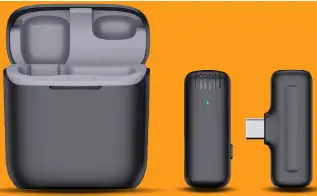
Launcher
| Key | LED status | remarks | |
| Power on | Press 3S to start | Flashing red and green | |
| Shut down | Press button 3S to shut down | All lights off | |
| Not connected | Flashing red and green | ||
| Connected |
| The green light is always on and the red light is off |
|
| Switch noise reduction level | Click the key to cycle, up to 3 levels, and cycle in turn. | Level 1: green light flashes once Level 2: green light flashes twice Level 3: green light flashes three times | Memory level before last power on, with noise reduction function |
| reverberation | hree click key to switch reverberation. It is not on by default and needs to be turned on manually. After three clicks again, it will exit reverberation | The green light goes out, the red light flashes once, and then the green light is always on |
|
| Mute | Double click to mute mic, and double click again to restore mic. | The green light flashes and the red light goes out |
|
| charge |
| The red light is always on and the green light is off |
|
| Fully charged | All lights off | ||
| Low electricity |
| the red light flashes once in 10s and the green light goes out | Lower than 3.4V to enter low power mode
Shutdown below 3.2V
|
| receiver | |||
| No key | LED status | remarks | |
| Power on | Plug in the mobile phone port and power on | Red light flashing |
|
| Shut down | Unplug the mobile phone port and turn it off |
|
|
| Not connected | Red light flashing | ||
| Connected | The red light is always on | ||
Special note: the lithium battery without protective plate is used for the battery at the transmitting end, and the battery in the charging bin must have its own protective plate!!
FCC Statement
This device complies with part 15 of the FCC rules. Operation is subject to the following two conditions: (1) this device may not cause harmful interference, and (2) this device must accept any interference received, including interference that may cause undesired operation.
Changes or modifications not expressly approved by the party responsible for compliance could void the user’s authority to operate the equipment.
NOTE: This equipment has been tested and found to comply with the limits for a Class B digital device, pursuant to part 15 of the FCC Rules. These limits are designed to provide reasonable protection against harmful interference in a residential installation. This equipment generates uses and can radiate radio frequency energy and, if not installed and used in accordance with the instructions, may cause harmful interference to radio communications. However, there is no guarantee that interference will not occur in a particular installation. If this equipment does cause harmful interference to radio or television reception, which can be determined by turning the equipment off and on, the user is encouraged to try to correct the interference by one or more of the following measures:
- Reorient or relocate the receiving antenna.
- Increase the separation between the equipment and receiver.
- Connect the equipment into an outlet on a circuit different from that to which the receiver is connected.
- Consult the dealer or an experienced radio/TV technician for help.
- The device has been evaluated to meet general RF exposure requirement. The device can be used in portable exposure condition without restriction.