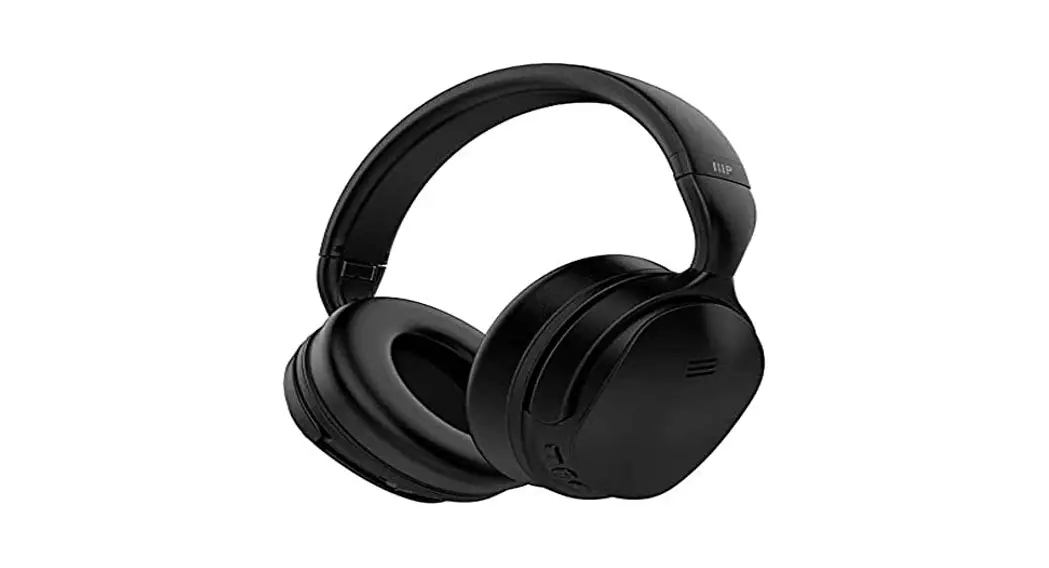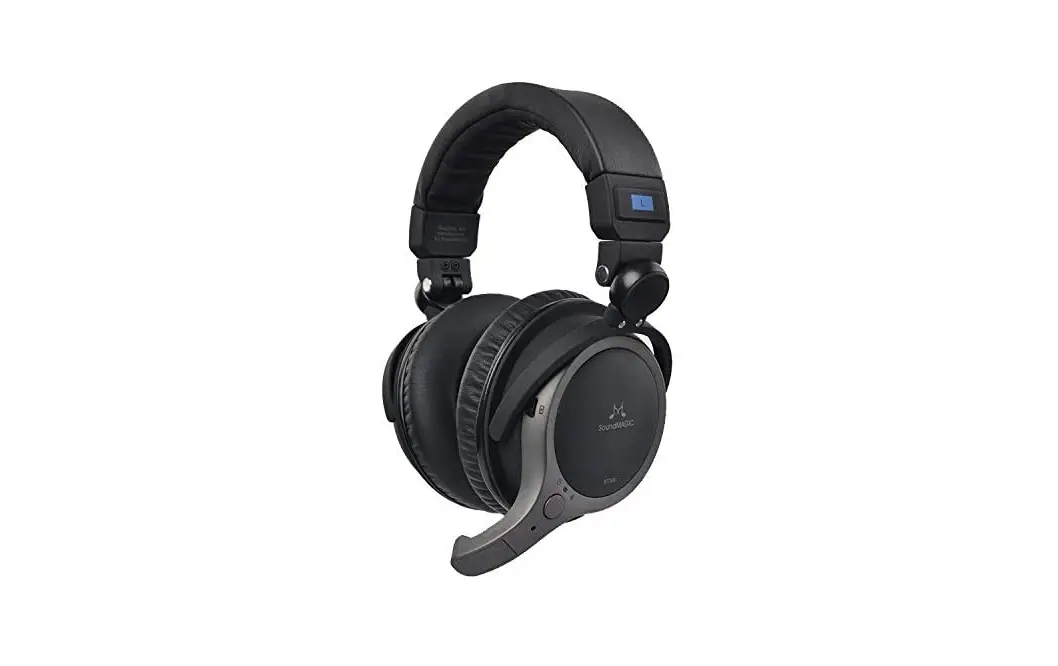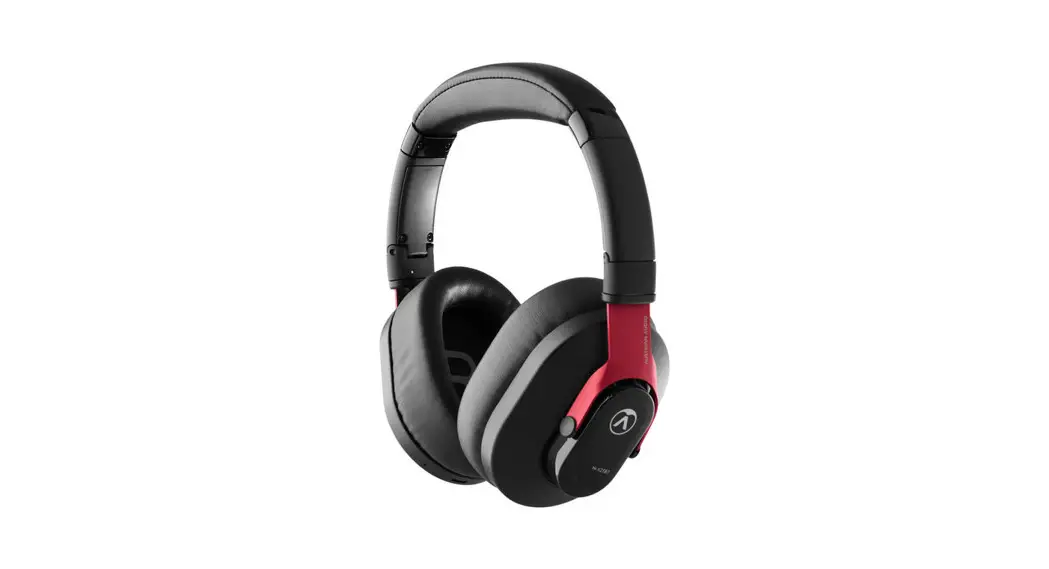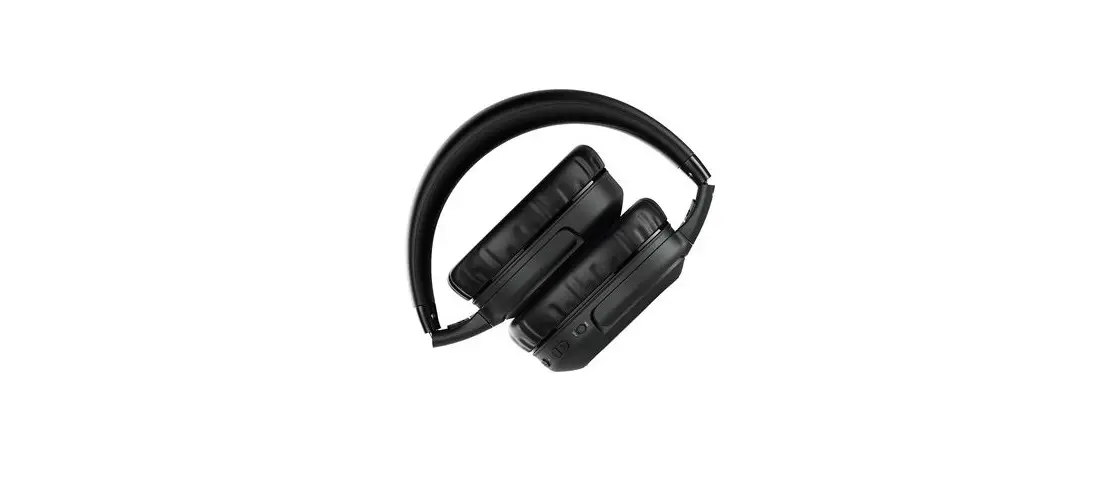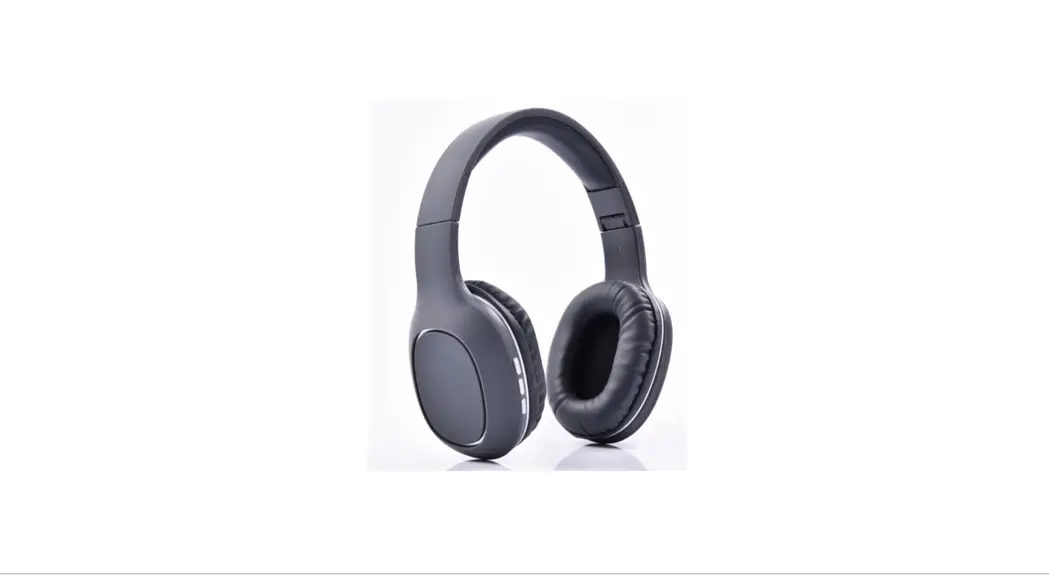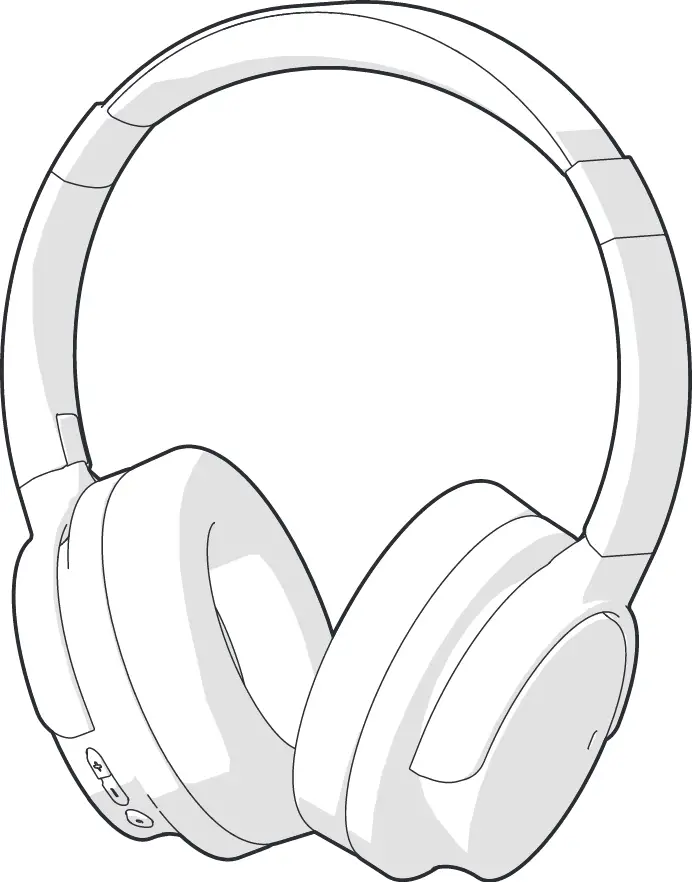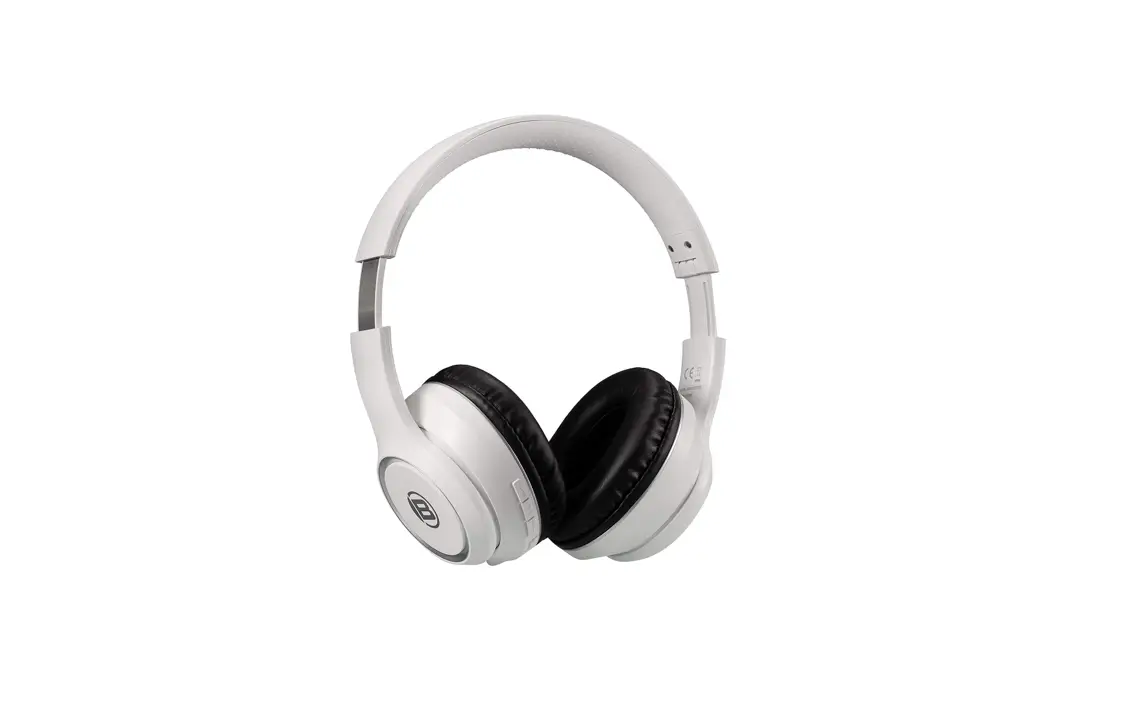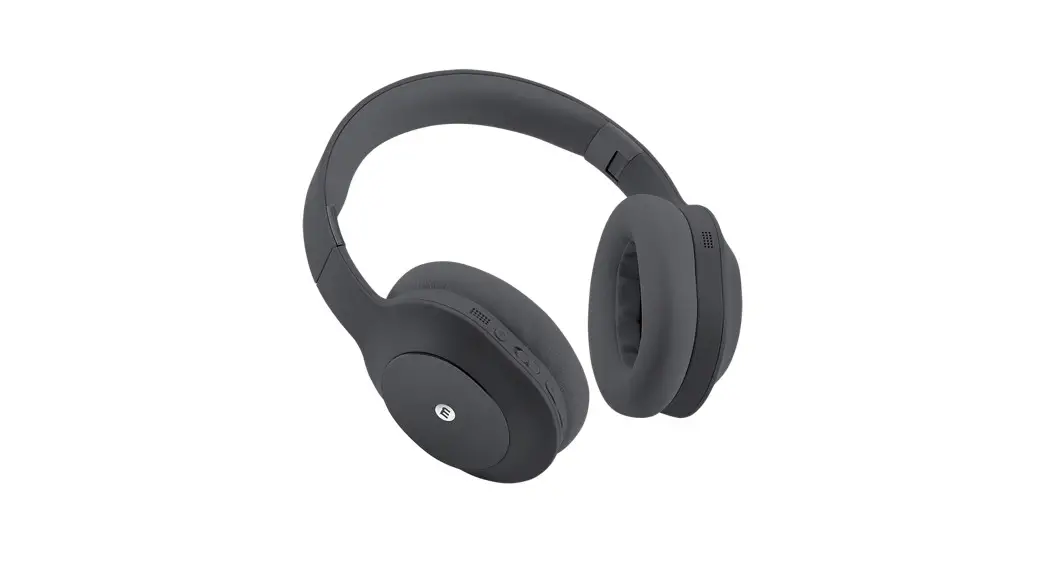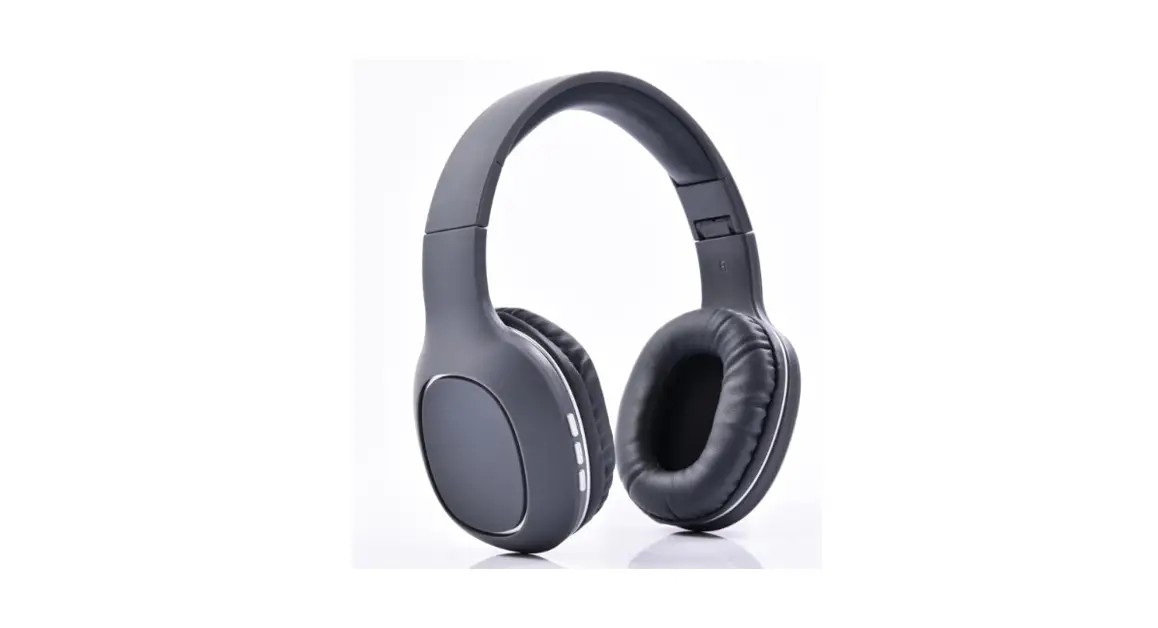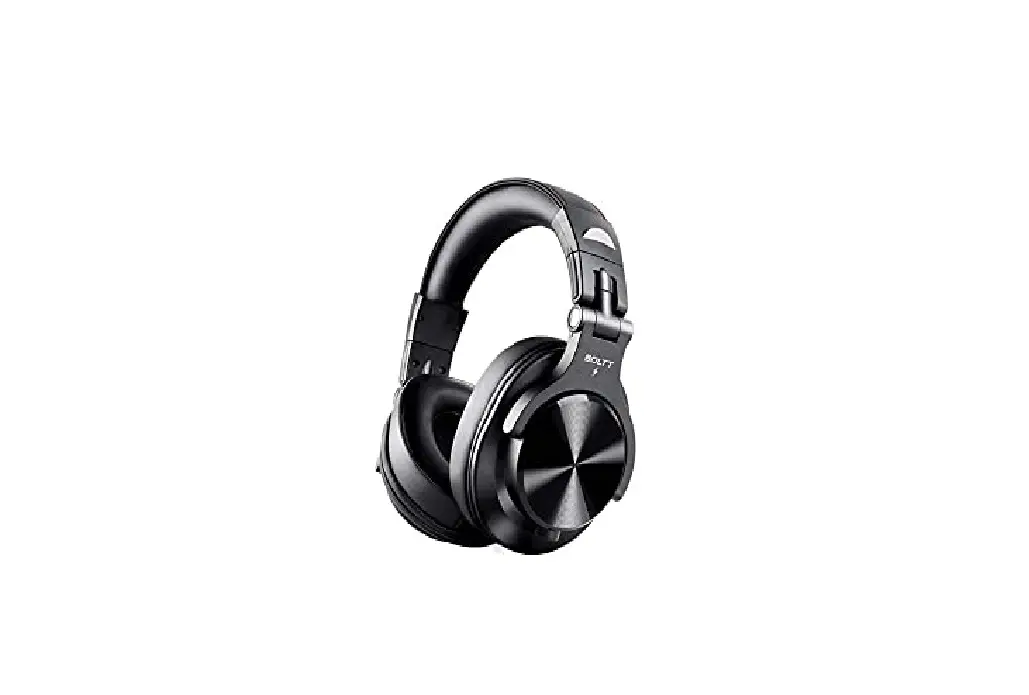
BOLTT Blast 1400 Over-Ear Bluetooth Wireless Headphones
How do I connect a new device to the headphones?
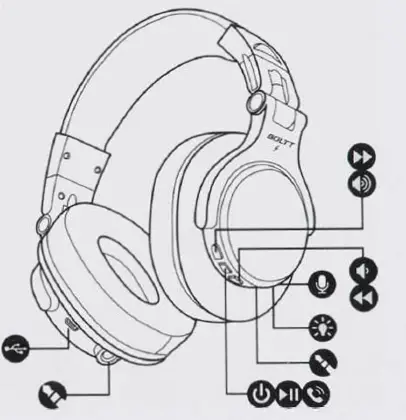
- Enable Bluetooth In the device that you wan1 to pair with the headphones.
- Turn on 1he headphones by holding down the C!!) button for 5 seconds. The notification O will stan to blink red/blue.
- Select ·soLTT BH1400. headphones from the Hsi displayed on your device
- The headphones will play a show sound to confirm that the connection has been established. and the notification C will burn blue. The devices will now be paired automatically when within range.
Charging
When the battery Is low. the headphones will play a show sound to signal they should be charged
- Connect the provided m, MicroUSB cable to the headphones.
- Connect the cable to an appropriate power source.
During charging. the notification C will be light red.
The headphones may also be used with a cable. Simply connect the AUX cable (provided] to the headphones and the source de\/lce.
How do I connect a previously paired device to the headphones?
- Enable Bluetooth In the device that was previously paired.
- Turn on the headphones by holding down the C!!) button.
- The headphones will automatically pa,r with the device.
Safety Information
- Use as directed
- Non-authorized repairs or taking the device to pieces make the warranty vo,d and may cause the product damage.
- Avoid hitting or friction with a hard object. otherwise, it will lead to grinding
surface or other hardware damage - Do not use the product in low and high temperatures, In strong magnetic fields, and In a damp or dusty atmosphere.
- Do not drop, knock. or shake the device. Rough handling can break 11.
- Slots and openings in the case are provided for ventilation and should not be obscure. Blocking the vents can cause overheating or the device
Package contents
- BOLTT BH1400 headphones
, MicroUSB power cable - Cable 3,5 mm minljack to 6,3 mm Jack
- Operating manual