
QUICK START GUIDE
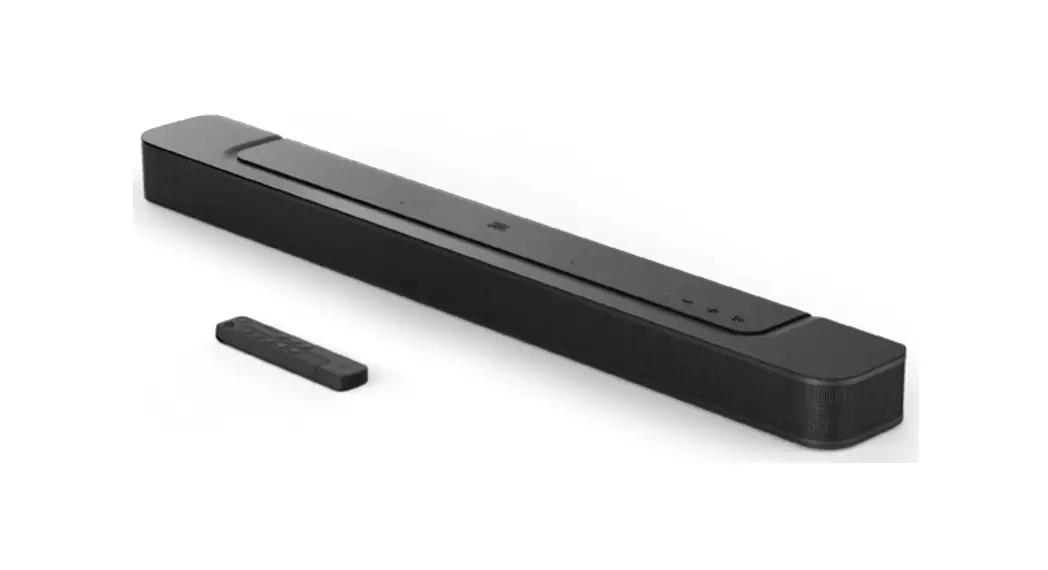
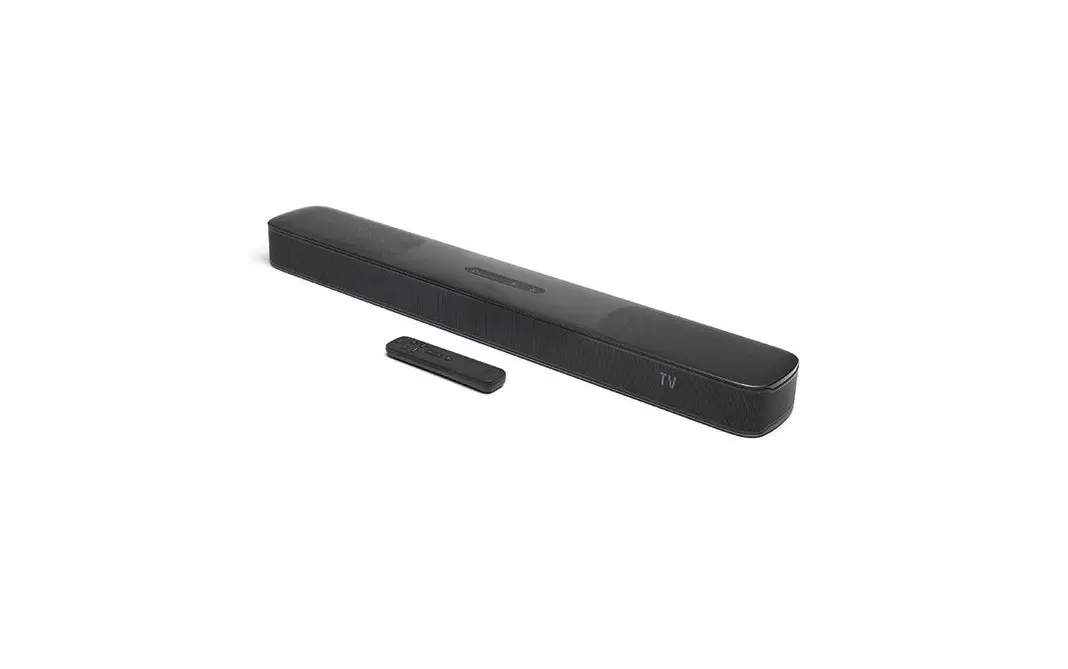
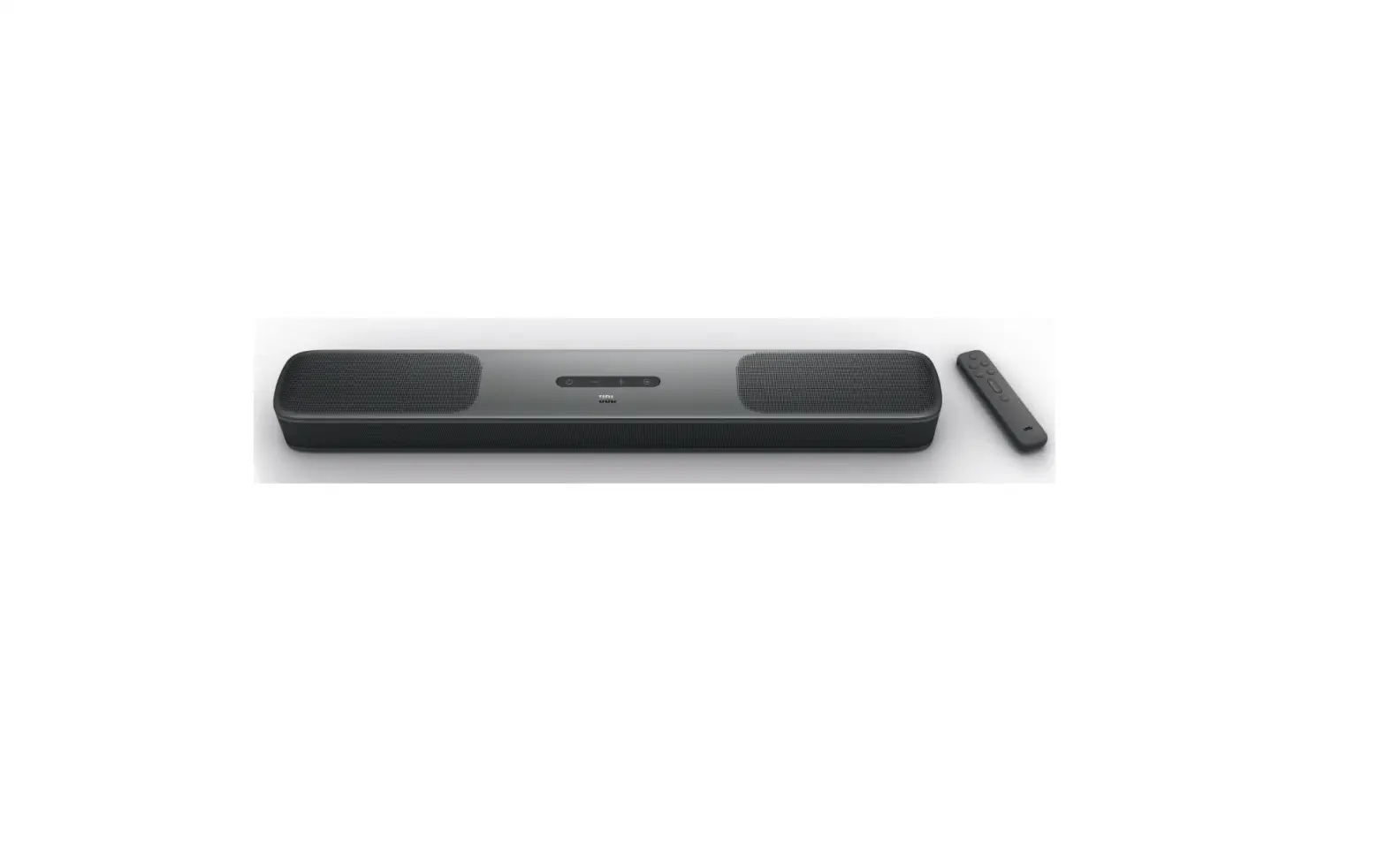
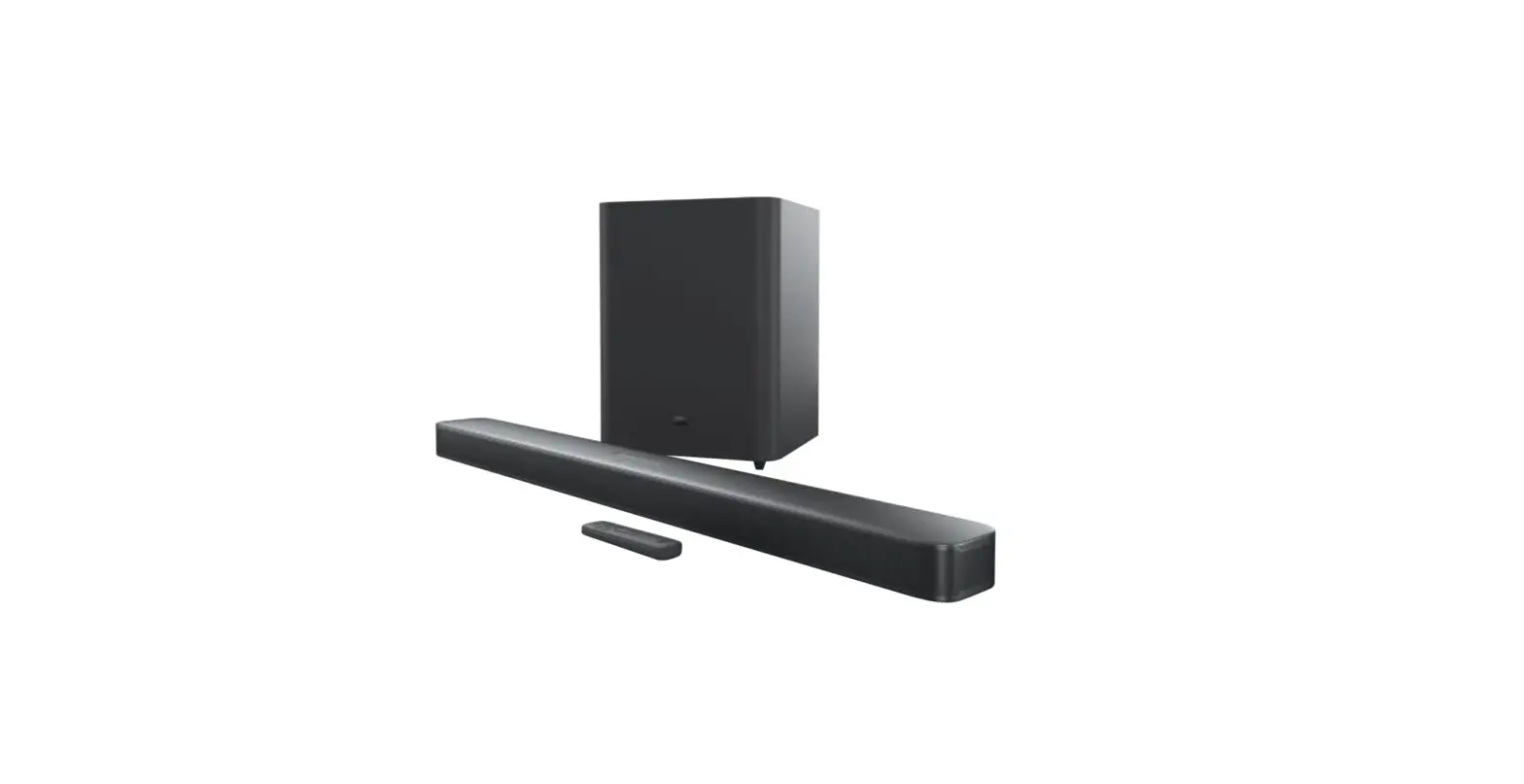
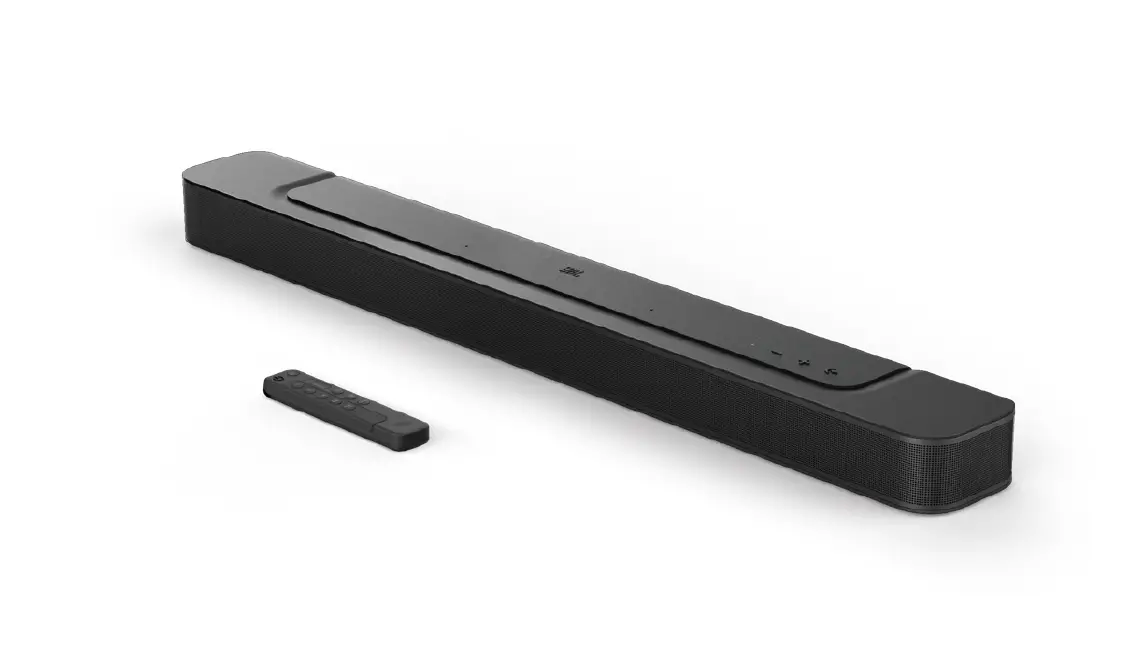
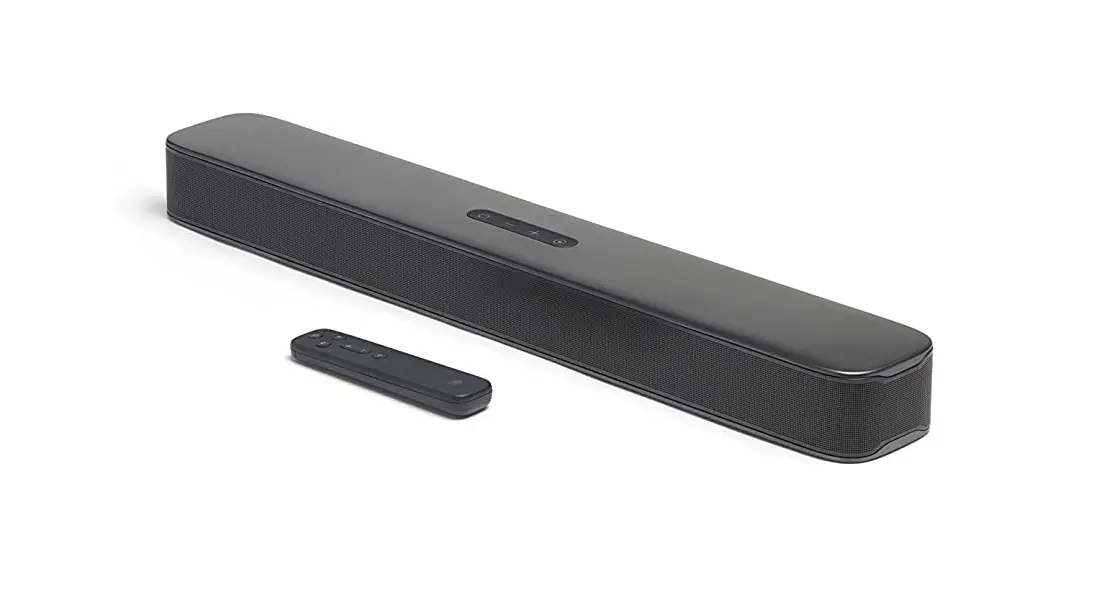
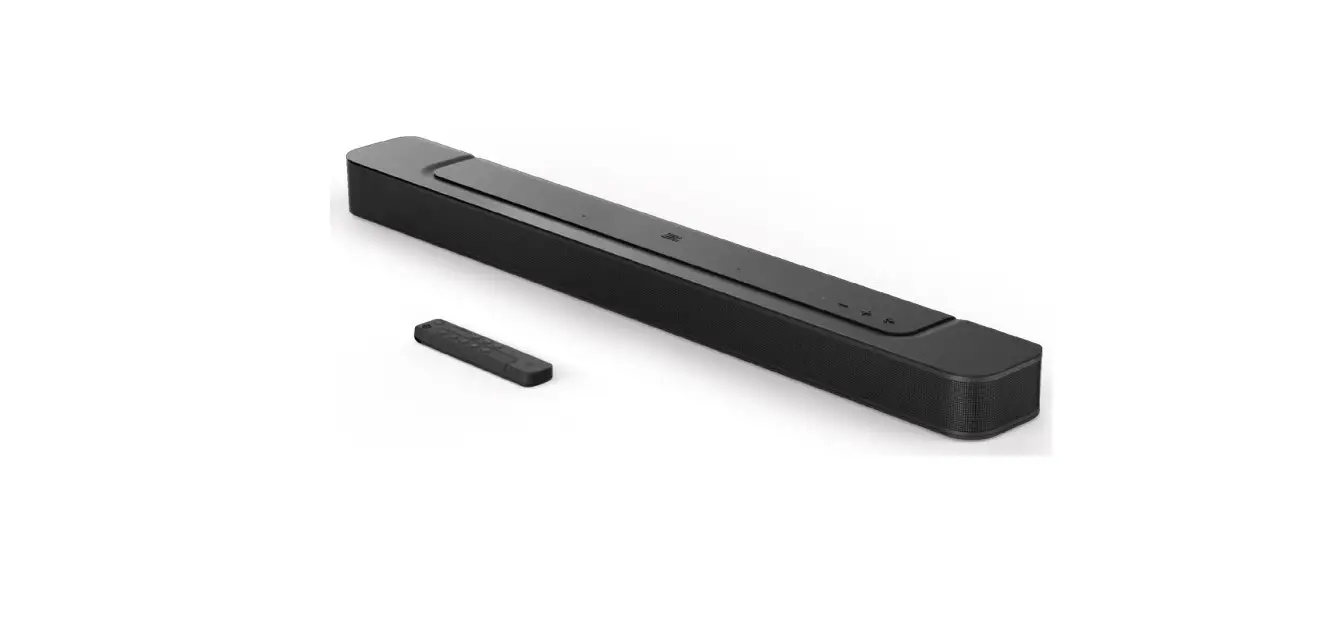
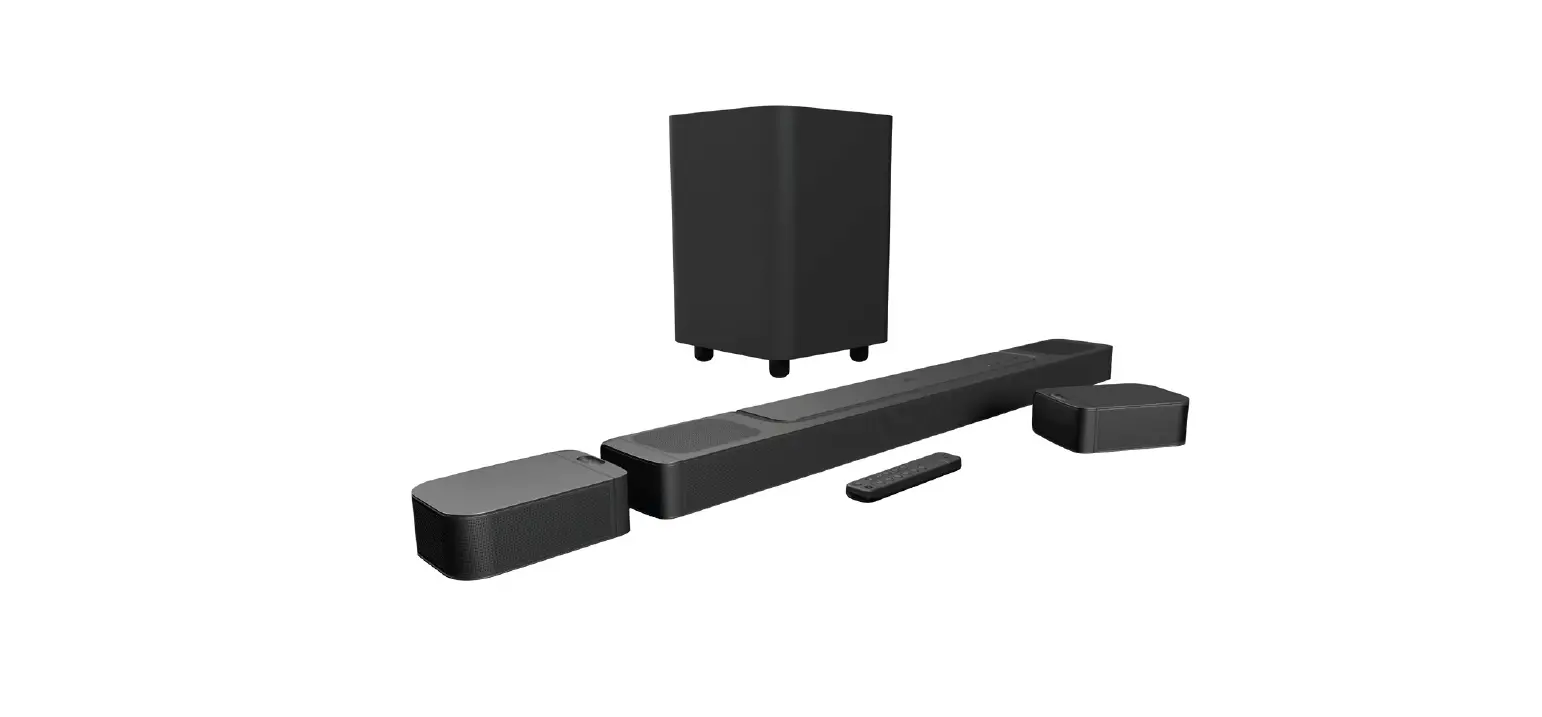
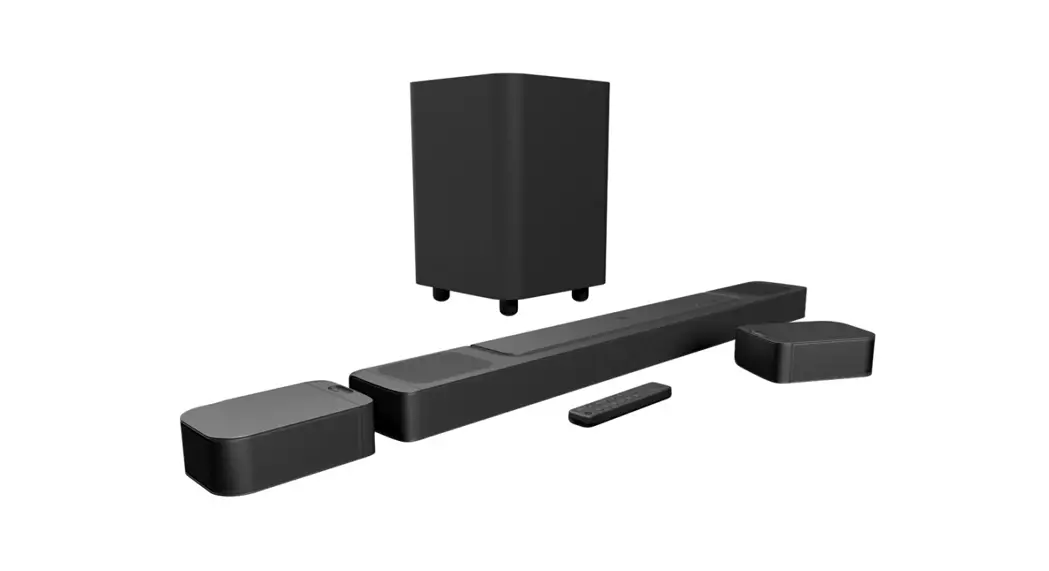
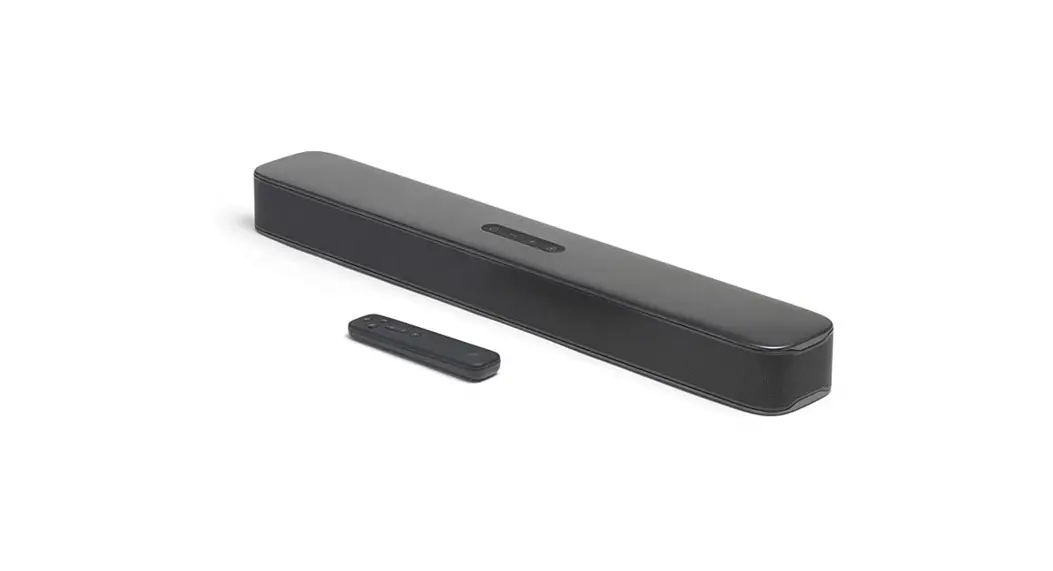
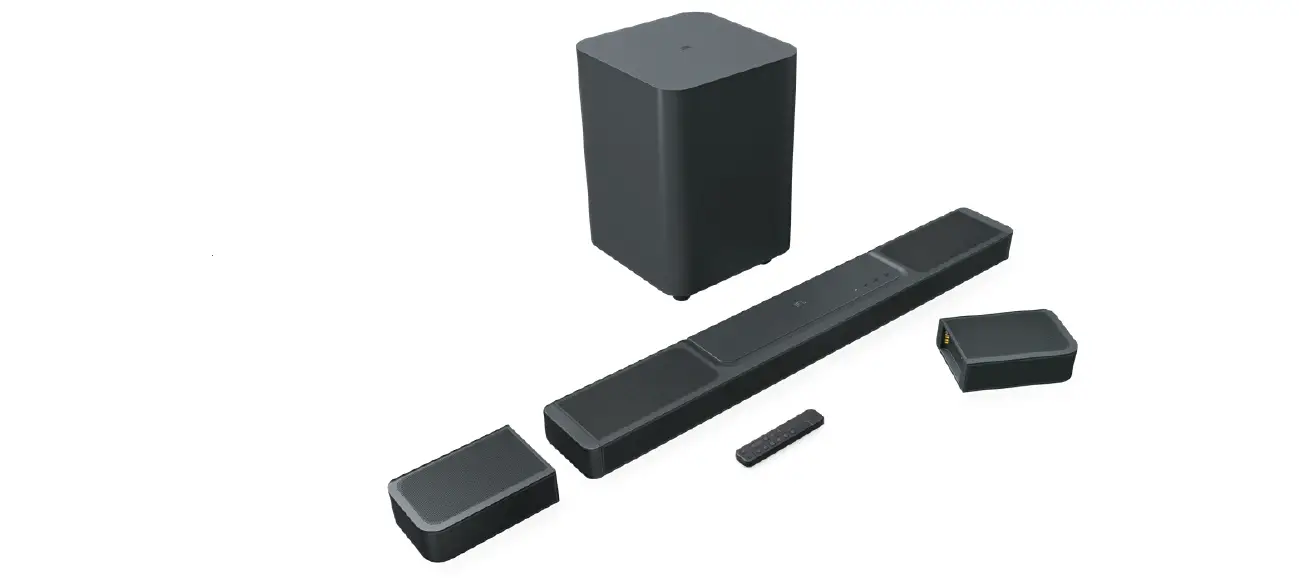
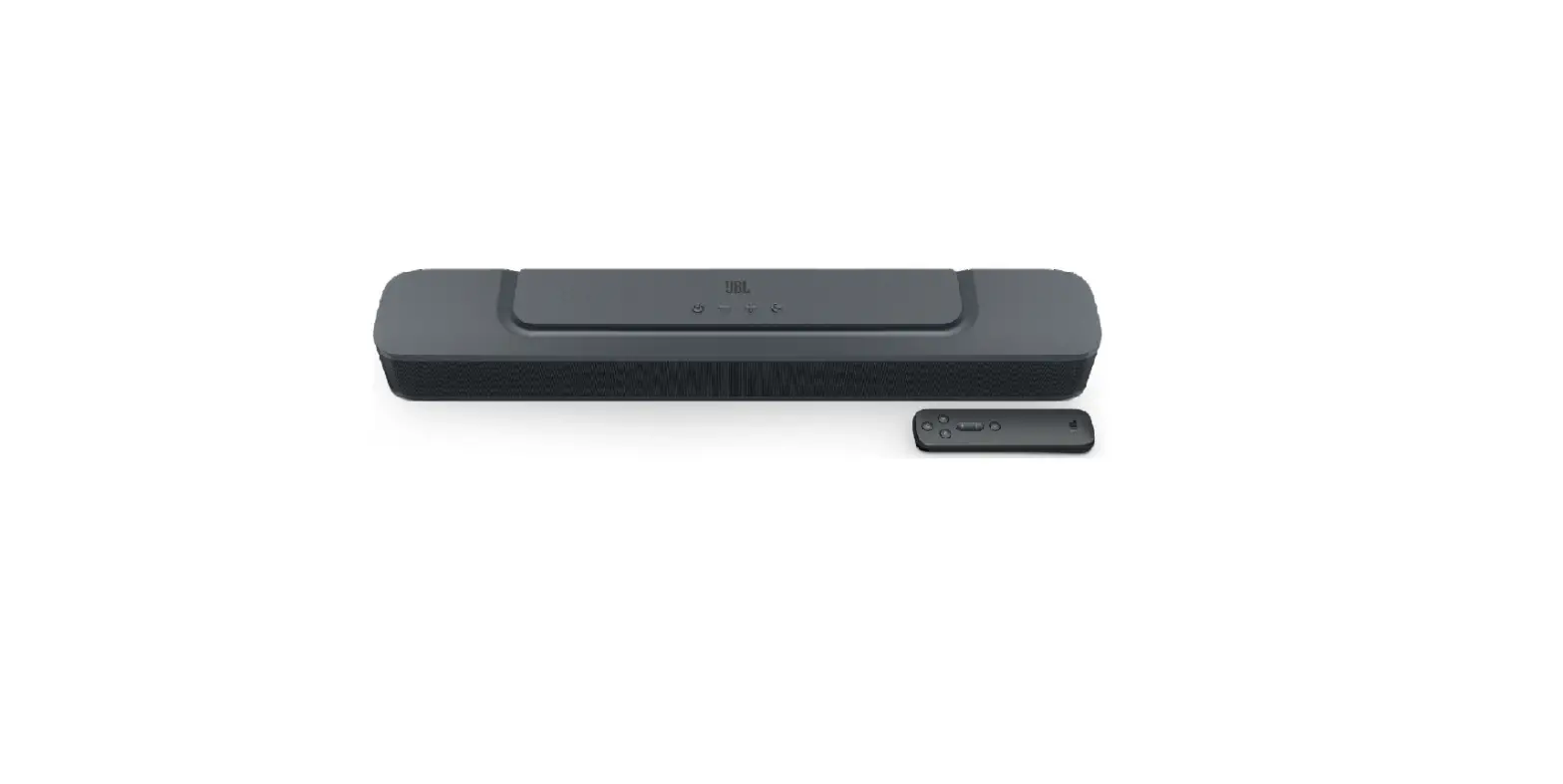
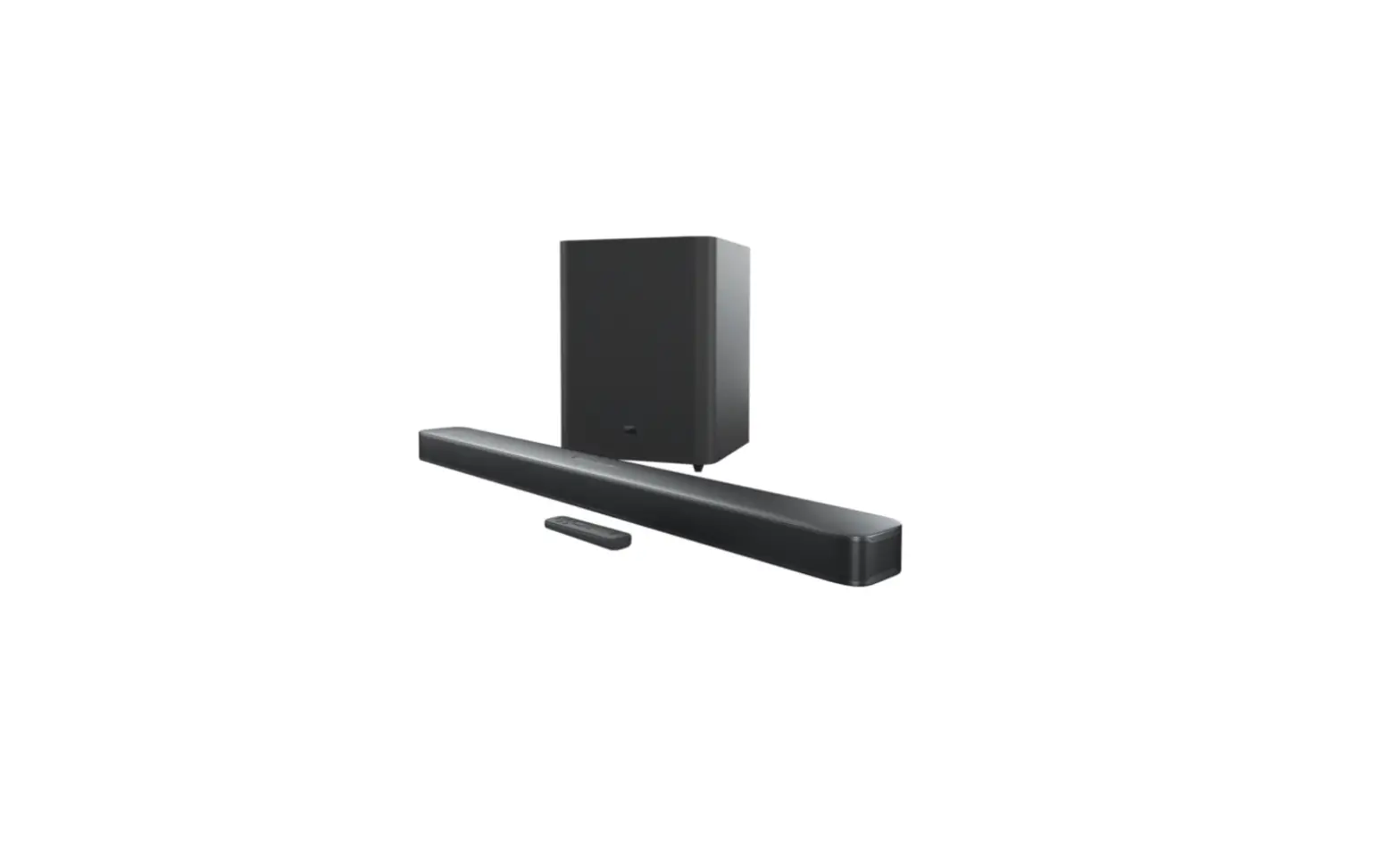
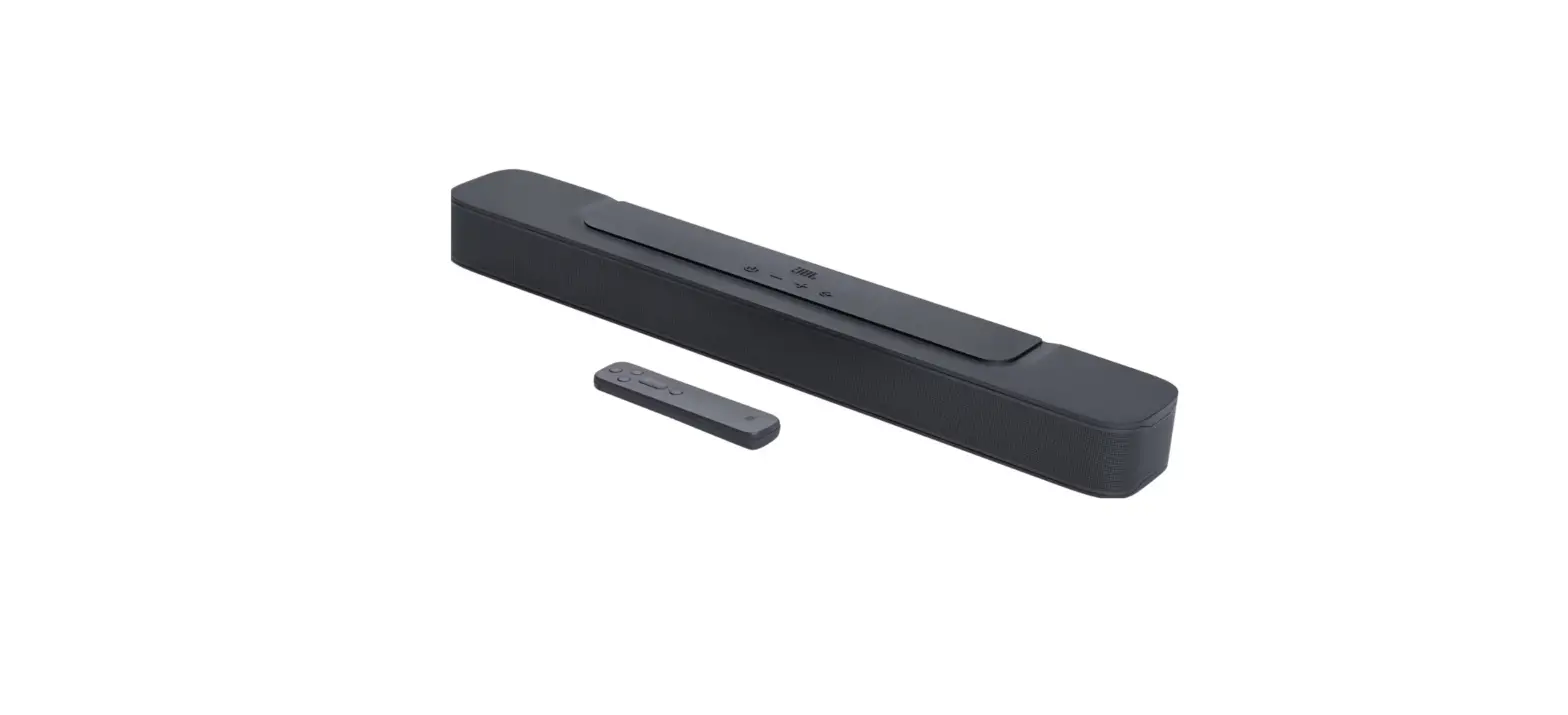
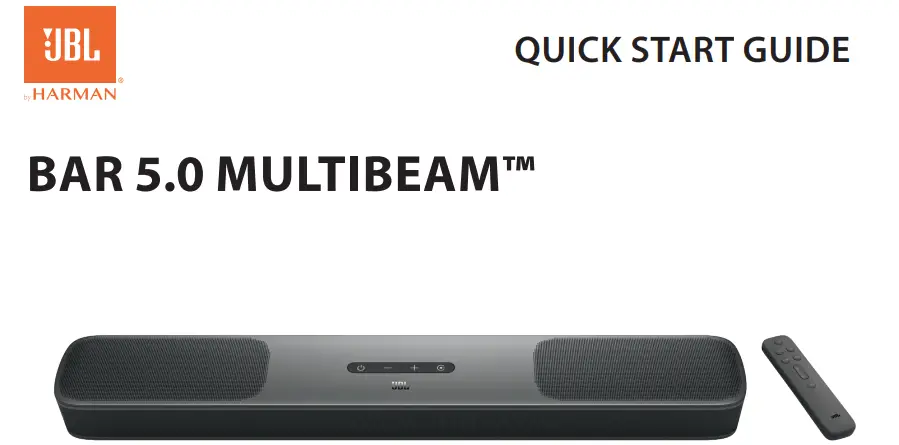
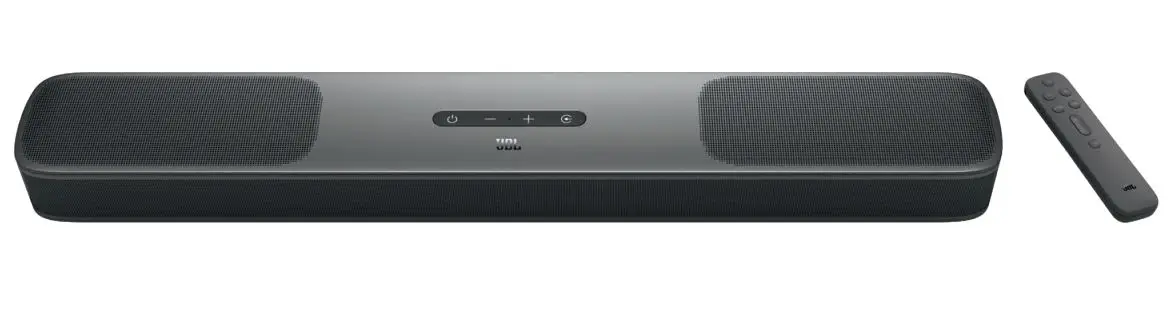
BAR 5.0 MULTIBEAM™
 Before using this product, read the safety sheet carefully.

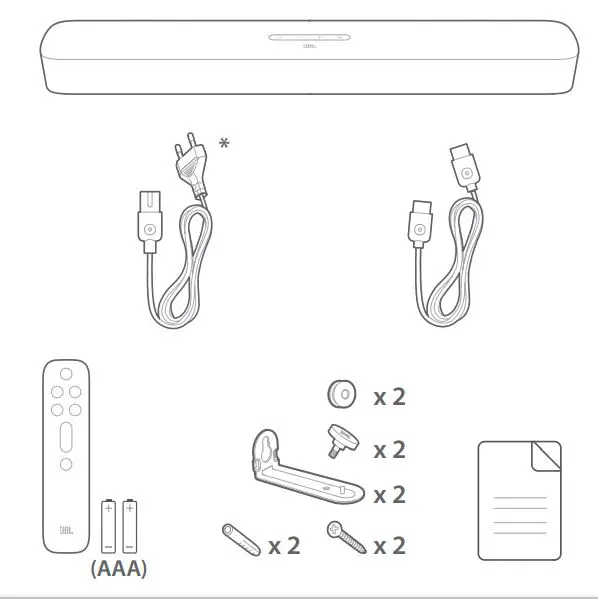
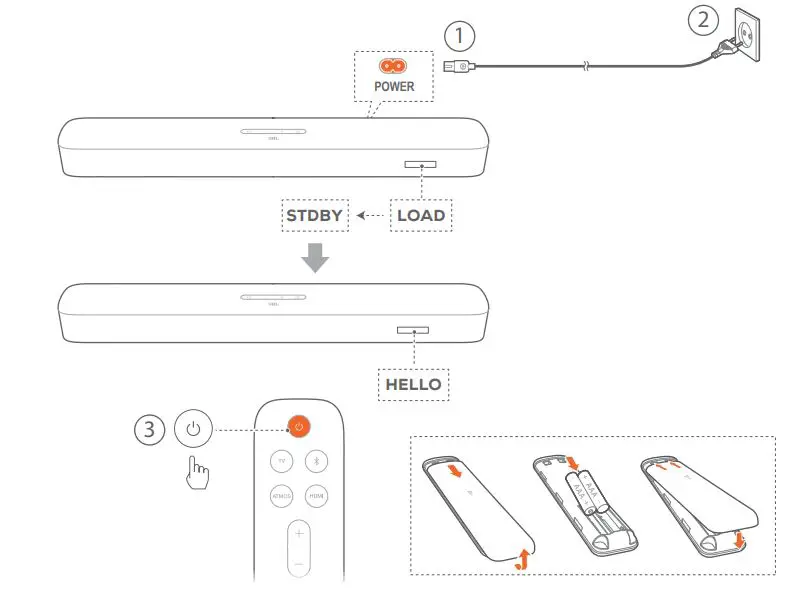
Power cord quantity and plug type vary by regions.

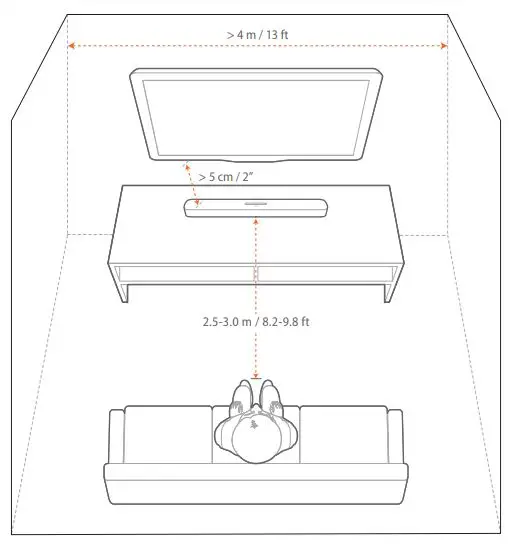

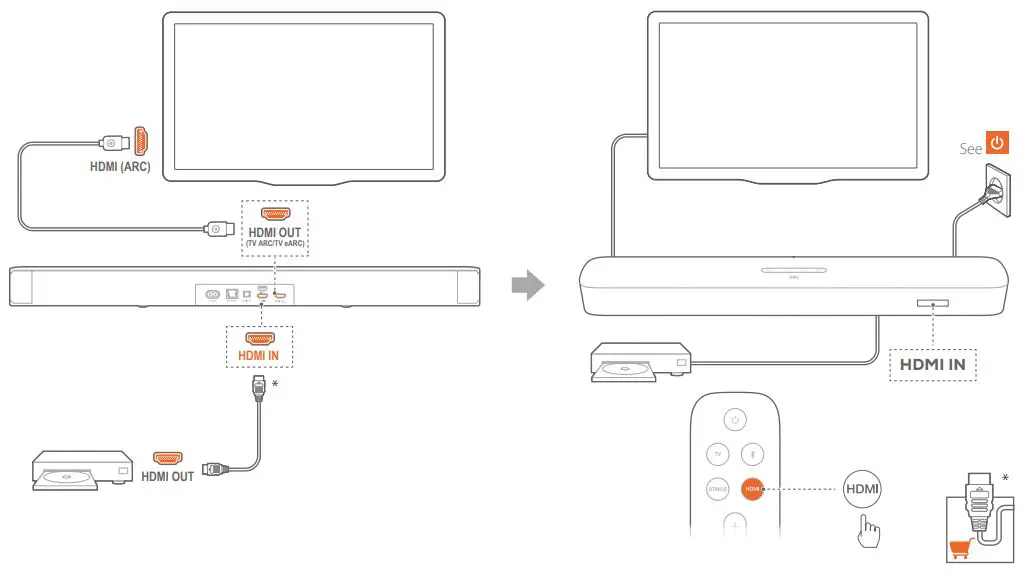
TV (HDMI ARC)
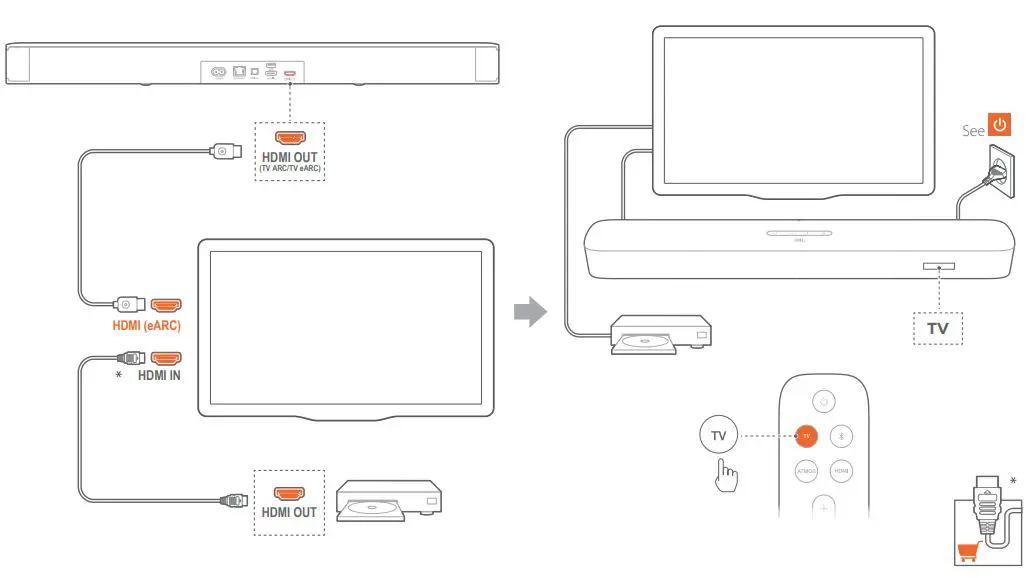
TV (HDMI eARC)


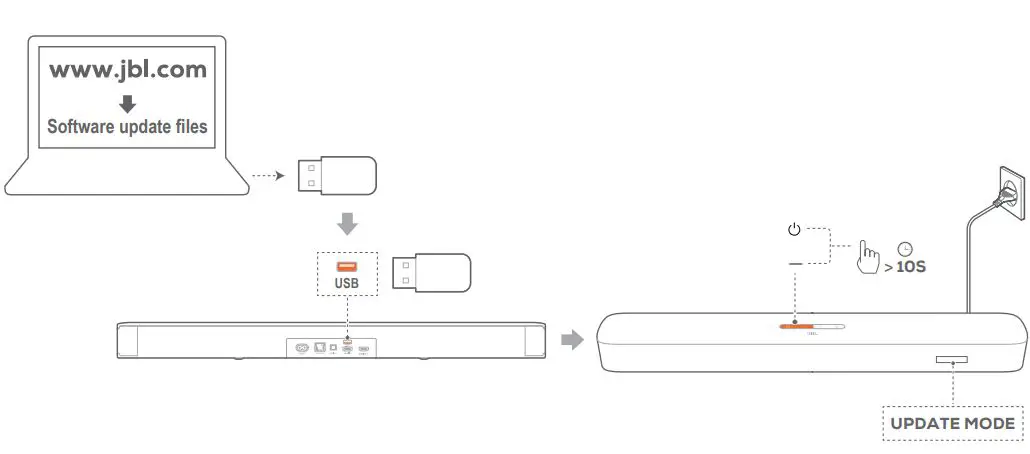
For software upgrade. USB playback is available in the US version only

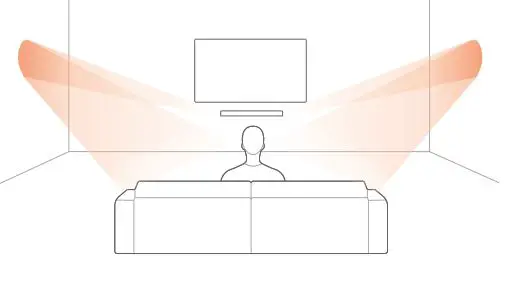
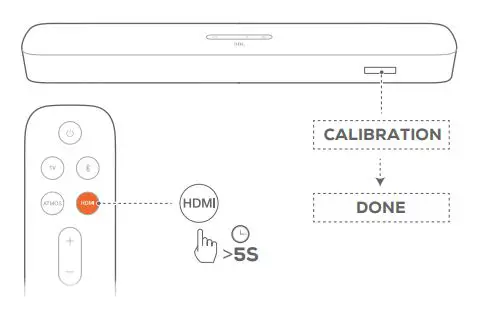
Automatic MultiBeam Calibration
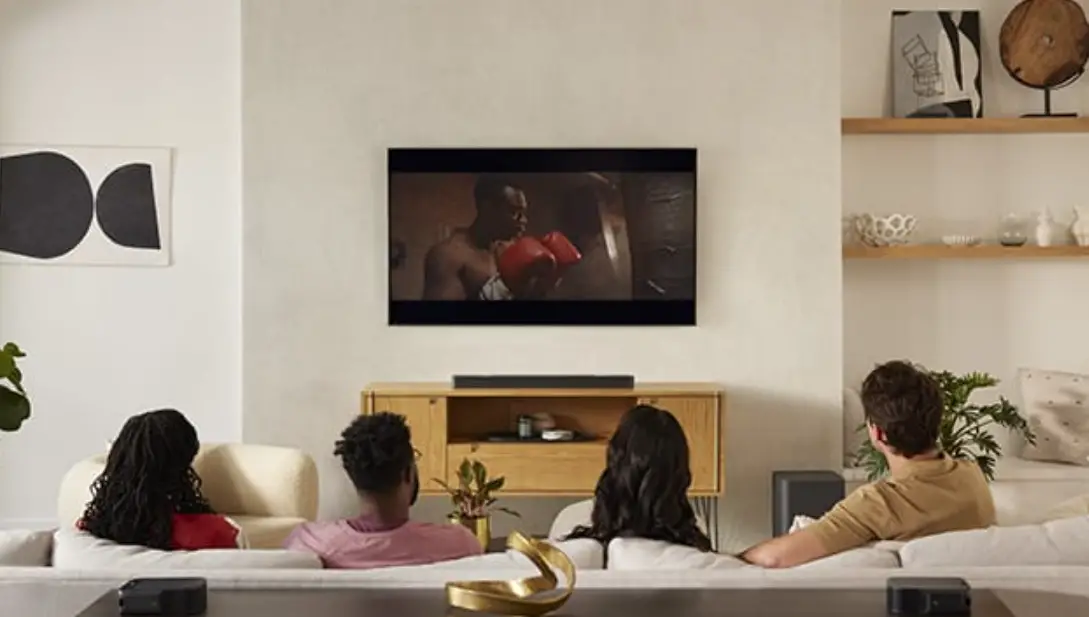
With Automatic Multi Beam Calibration (AMC), your surround sound
experience can be optimized for your favorite seating position.
DOLBY ATMOS® (VIRTUAL)
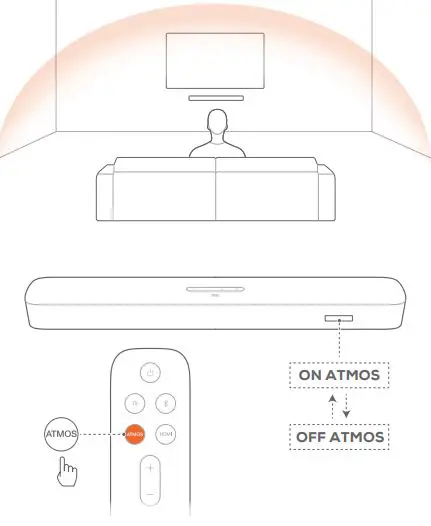
DOLBY ATMOS® (Virtual)
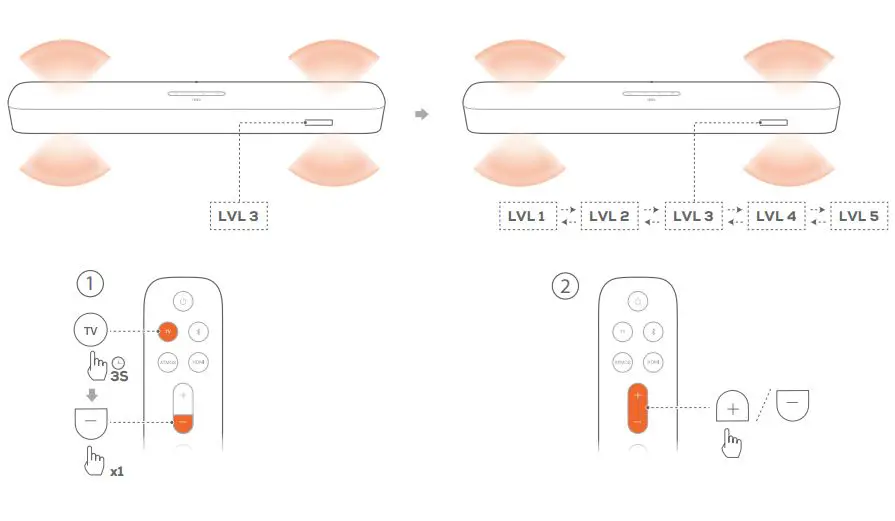
With the Virtual Dolby Atmos, enjoy height sound effects when you
play movies in the TV/HDMI IN source (See the chapter).



Some features require subscriptions or services not available in all
countries.
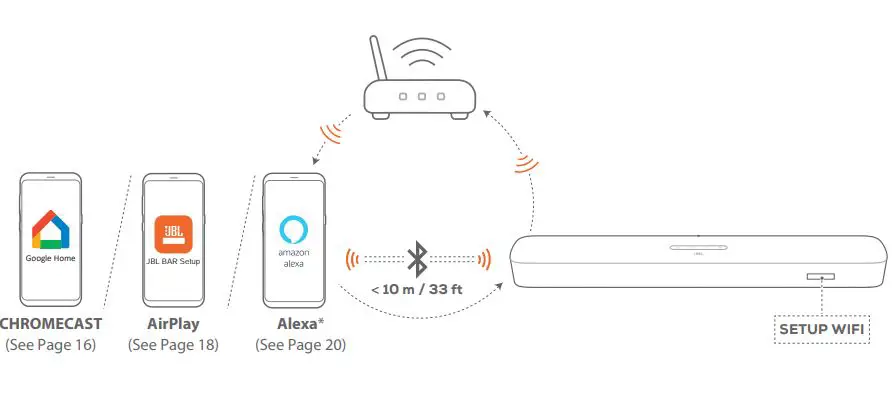
CHROMECAST
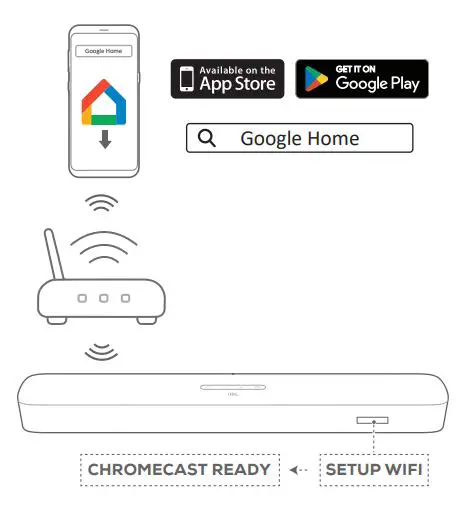
On an Android™ or iOS device, add the soundbar to your home Wi-Fi network through the Google Home app. Follow the app instructions to complete setup.
Air Play
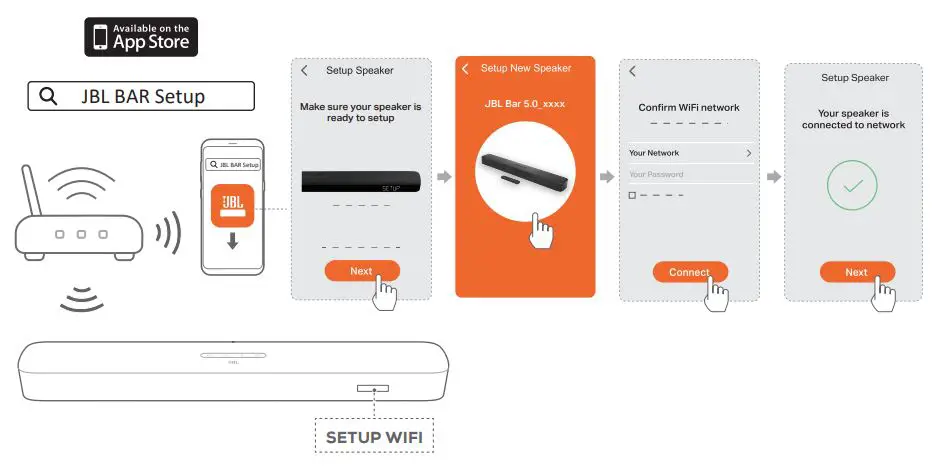
On an iOS device, add the soundbar to your home Wi-Fi network
through the JBL BAR Setup app. Follow the app instructions to
complete setup.
Alexa
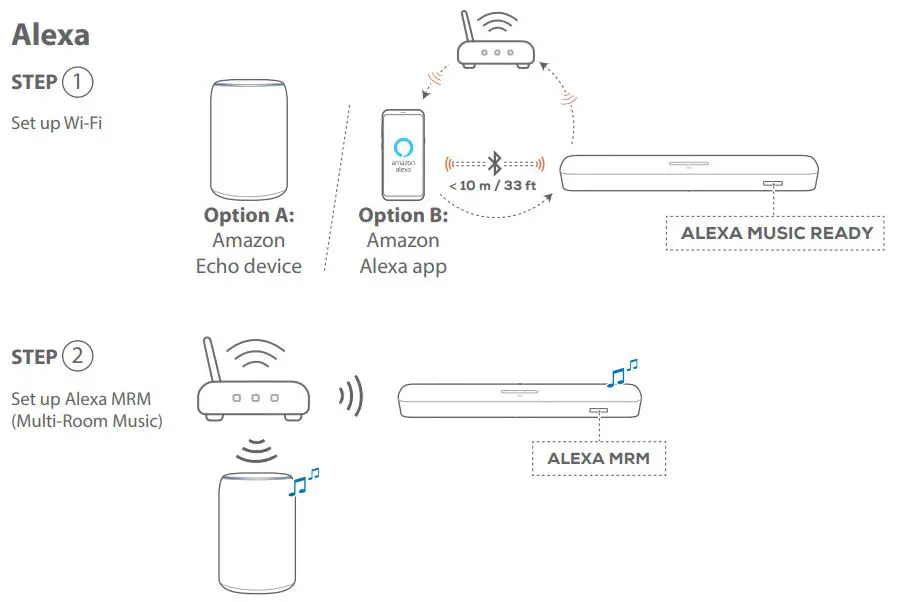
STEP 1
Option (A) : Automatic Setup through an Amazon Echo Device
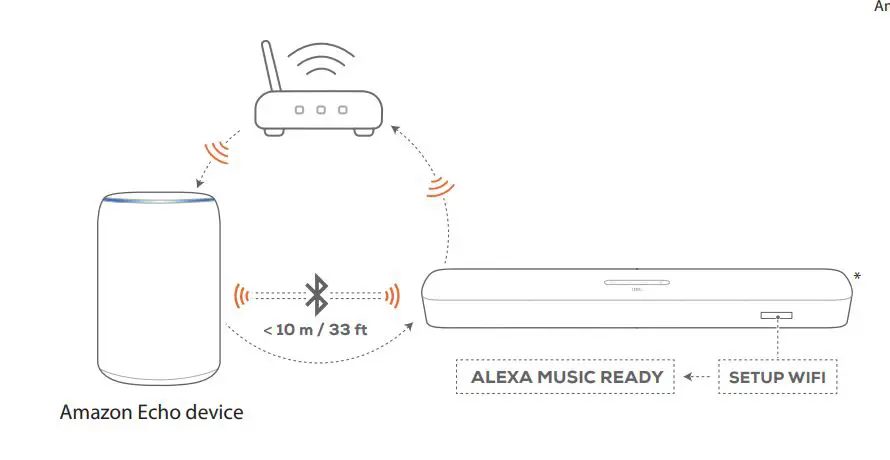
Option (B) : Setup through the Amazon Alexa app
(B)1 Auto Discovery: Setup through the Amazon Alexa app (Barcode scan)
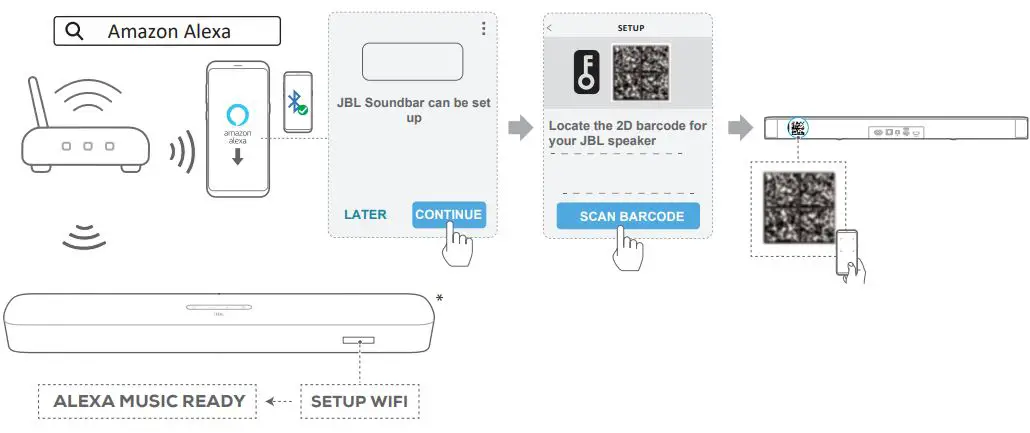
(B)2 Guided setup: Setup through the Amazon Alexa app (Manual)
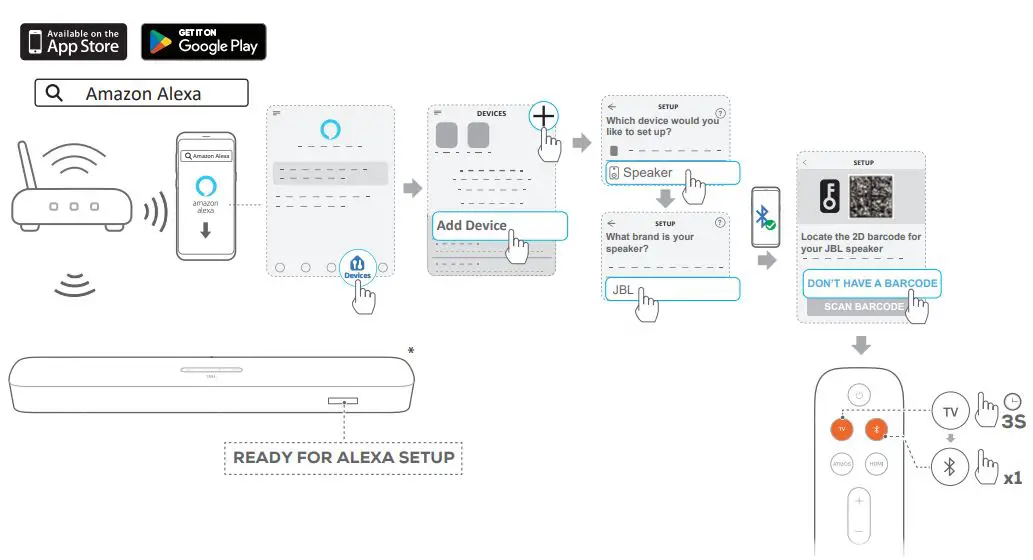
By following the steps in one of the options (A): Automatic Setup
through an Amazon Echo Device or (B) Setup through the
Amazon Alexa app, connect the sound bar to your home Wi-Fi
network and sign in with your Amazon Alexa account.(A) In , make
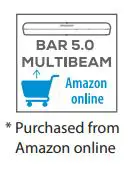
sure that you have purchased the sound bar from Amazon, and your
Amazon Echo device has been connected to the Wi-Fi with the
password saved to Amazon. Otherwise, follow the steps in Option
to complete setup. See the user manual for details

STEP 2
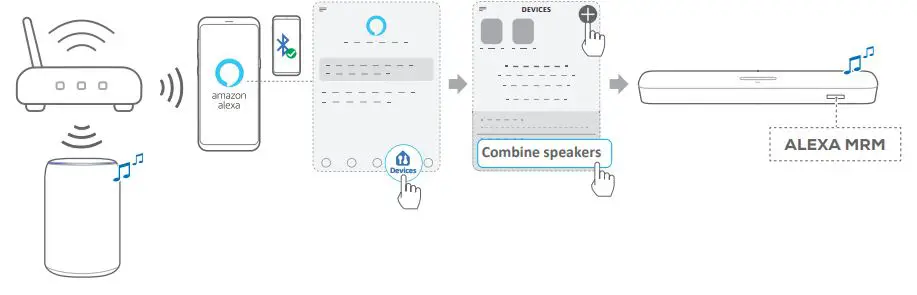
Create a Multi-Room Music group for the soundbar. Follow the onscreen instructions to complete setup. Refer to the Amazon Alexa
app for more information.

General specification
- Model: BAR 5.0 MULTIBEAM
- Power supply: 100 – 240 V AC, ~ 50/60 Hz
- Total speaker power output (Max. @THD 1%): 250 W
- Soundbar output power (Max. @THD 1%): 5 x 50 W
- Sound bar transducer: 5x (48 x 80)mm racetrack drivers (3 front facing and 2 side firing) + 4x 3” (75mm) Passive Radiators
- Networked standby power: <2.0W
- Operating temperature: 0°C – 45°C
HDMI specification
- HDMI Video input: 1
- HDMI Video output (With Enhanced Audio Return Channel, eARC): 1
- HDMI HDCP version: 2.3
Audio specification
- Frequency response: 50Hz – 20KHz
- Audio inputs: 1 Optical, Bluetooth, USB (USB playback is available in US version. For other versions, USB is for Service only.)
USB specification (Audio playback is for US version only)
- USB port: Type A
- USB rating: 5V DC, 0.5A
- Supporting file format: mp3
- MP3 Codec: MPEG 1 Layer 2/3, MPEG 2 Layer 3, MPEG 2.5 Layer 3
- MP3 sampling rate: 16KHz – 48 KHz
- MP3 bitrate: 80kbps – 320kbps
Wireless specification
- Bluetooth version: 4.2
- Bluetooth profile: A2DP V1.2, AVRCP V1.5
- Bluetooth frequency range: 2400 – 2483.5 MHz
- Bluetooth transmitter power: <10 dBm (EIRP)
- Wi-Fi network : IEEE 802.11 a/b/g/n/ac (2.4GHz/5GHz)
- 2.4G Wi-Fi frequency range: 2412 – 2472 MHz (2.4GHz ISM Band, USA and Canada 11 Channels, Europe and others 13 Channels)
- 2.4G Wi-Fi transmitter power: < 20 dBm (EIRP)
- 5G Wi-Fi frequency range: 5.15 – 5.35 GHz, 5.470 – 5.725 GHz,
5.725 – 5.825 GHz - 5G Wi-Fi transmitter power: < 23 dBm (EIRP)
Dimensions
- Dimensions (W x H x D): 709 x 58 x 101 mm / 27.9” x 2.3” x 3.9”
- Weight: 2.8 Kg
- Packaging dimensions (WxHxD): 966 x 126 x 161 mm / 38.0” x 4.9” x 6.3”
- Packaging weight (Gross weight): 4.5 Kg
1. Information on power consumption
This equipment complies with European Commission Regulation (EC) No 1275/2008 and (EU) No 801/2013.
- Off: N/A
- Standby (when all wireless connections are deactivated): < 0.5 W
- Networked standby for Soundbar: < 2.0 W
2. The period of time after which the power management function switches the equipment automatically into:
| Off | N/A | |
| Standby | When all wired ports are disconnected and all wireless network connections are deactivated | Switched to standby mode after 10 minutes |
| Networked standby | When any wireless network connection is activated | Switched to networked standby mode after 10 minutes of inactivity in operational mode |
3. If this equipment has the wireless network connections:
How to activate wireless network connections:
- Set up the equipment properly;
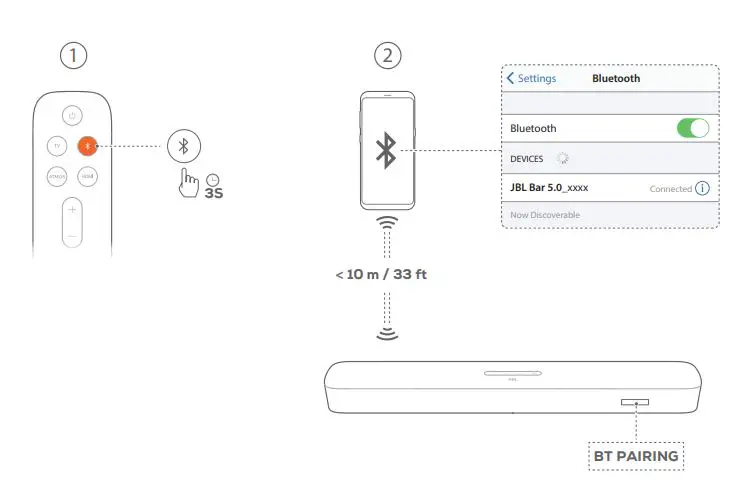
- Switch into wireless mode (Bluetooth, Chrome casting, AirPlay 2 casting audio, Alexa Multi-Room Music & etc);
- Connect with energy using products (e.g. players/ game consoles/ STB (Set-Top Boxes)/ phones/ tablets /PCs).
How to deactivate wireless network connections:
- Press and hold on the remote control for more than 5 seconds firstly;
- Then long press on the remote control for more than 5 seconds.
FCC RF Radiation Exposure Statement Caution: To maintain compliance with the FCC’s RF exposure guidelines, place the product at least 20cm from nearby persons.
Use Restriction: This device is restricted to indoor use when operating in the 5150 to 5350 MHz frequency range in following countries:
| BE | EL | LT | PT |  |
| BG | ES | LU | RO | ||
CZ | FR | HU | SI | ||
DK | HR | MT | SK | UK | |
DE | IT | NL | FI | ||
EE | CY | AT | SE | ||
IE | LV | PL | UK(NI) |
Belgium (BE), Greece (EL), Lithuania (LT), Portugal (PT), Bulgaria (BG), Spain (ES), Luxembourg (LU), Romania (RO), Czech Republic (CZ), France (FR), Hungary (HU), Slovenia (SI), Denmark (DK), Croatia (HR), Malta (MT), Slovakia (SK), Germany (DE), Italy (IT), Netherlands (NL), Finland (FI), Estonia (EE), Cyprus (CY), Austria (AT), Sweden (SE), Ireland (IE), Latvia (LV), Poland (PL) and Northern Ireland (UK).
This product contains open source software licensed under GPL. For your convenience, the source code and relevant build instruction are also available at
https://harman-ebpages.s3.amazonaws.com /jbl_bar5.0_package_license_list.htm opensource.html. Please feel free to contact us at: Harman Deutschland GmbH
ATT: Open Source, Gregor Krapf-Gunther, Parkring 3
85748 Garching bei Munchen, Germany
[email protected]_if you have additional question regarding the open source software in the product.



The Bluetooth® word mark and logos are registered trademarks owned by Bluetooth SIG, Inc. and any use of such marks by HARMAN International Industries, Incorporated is under license. Other trademarks and trade names are those of their respective owners.

The terms HDMI, HDMI High-Definition Multimedia Interface, HDMI trade dress and the HDMI Logos are trademarks or registered trademarks of HDMI Licensing Administrator, Inc.
The Wi-Fi CERTIFIED™ Logo is a certification mark of the Wi-Fi Alliance®.

Dolby, Dolby Vision, Dolby Atmos, and the double-D symbol are registered trademarks of Dolby Laboratories Licensing Corporation. Manufactured under license from Dolby Laboratories. Confidential unpublished works. Copyright © 2012–2021 Dolby Laboratories. All rights reserved.

Google, Android, Chrome cast built-in are trademarks of Google LLC.
Google Assistant is not available in certain languages or countries.

Apple, Air Play, iPad, iPad Air, iPad Pro, and iPhone are trademarks of Apple Inc., registered in the U.S. and other countries. The trademark “iPhone” is used in Japan with a license from Aip hone K.K.
Use of the Works with Apple badge means that an accessory has been
designed to work specifically with the technology identified in the badge and has been certified by the developer to meet Apple performance standards.
To control this Air Play 2–enabled speaker, iOS 13.4 or later is Required.

Amazon, Alexa and all related marks are trademarks of Amazon.com, Inc. or its affiliates.
HA_JBL_Bar5.0 MultiBeam_QSG_Global_CR_V32
 Anatel — Agência Nacional de Telecomunicações
 harman-webpages.s3.amazonaws.com/jbl_bar5.0_package_license_list.htm