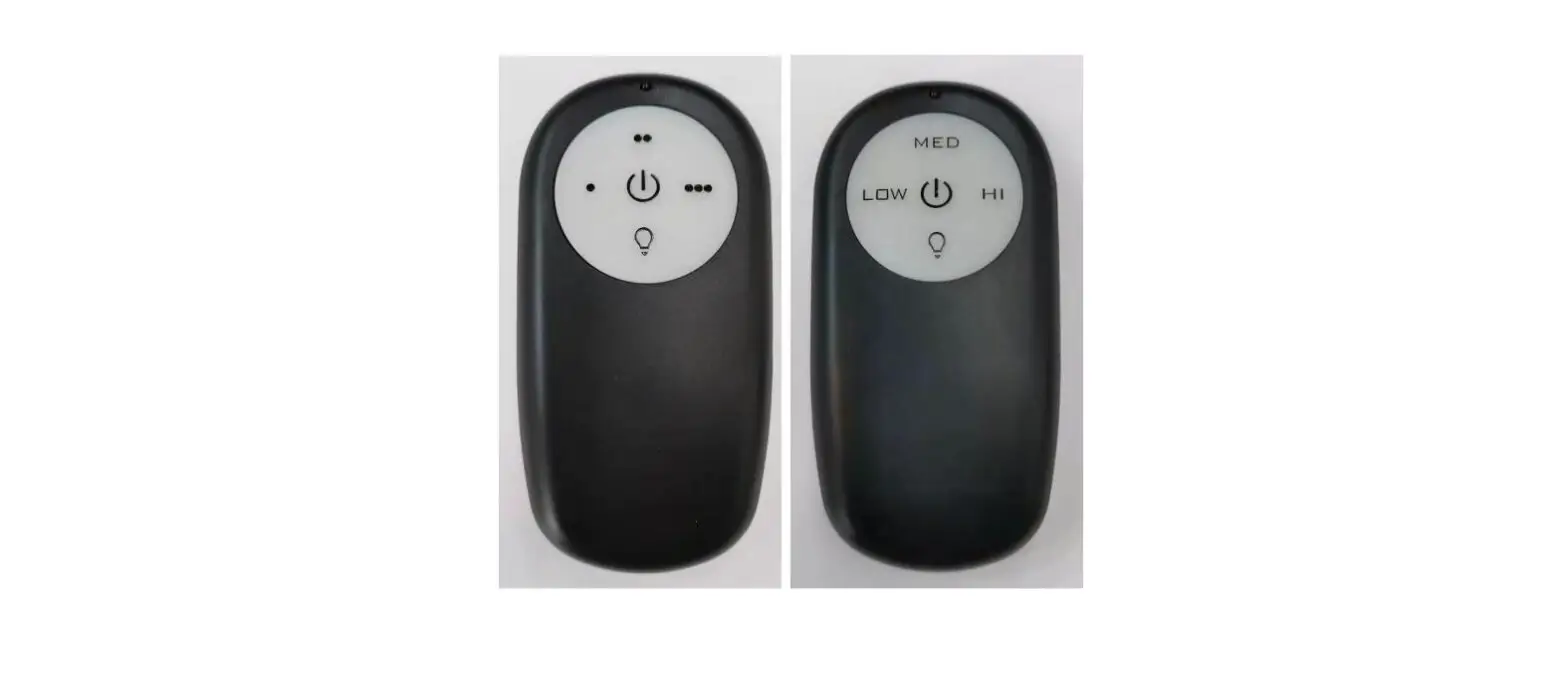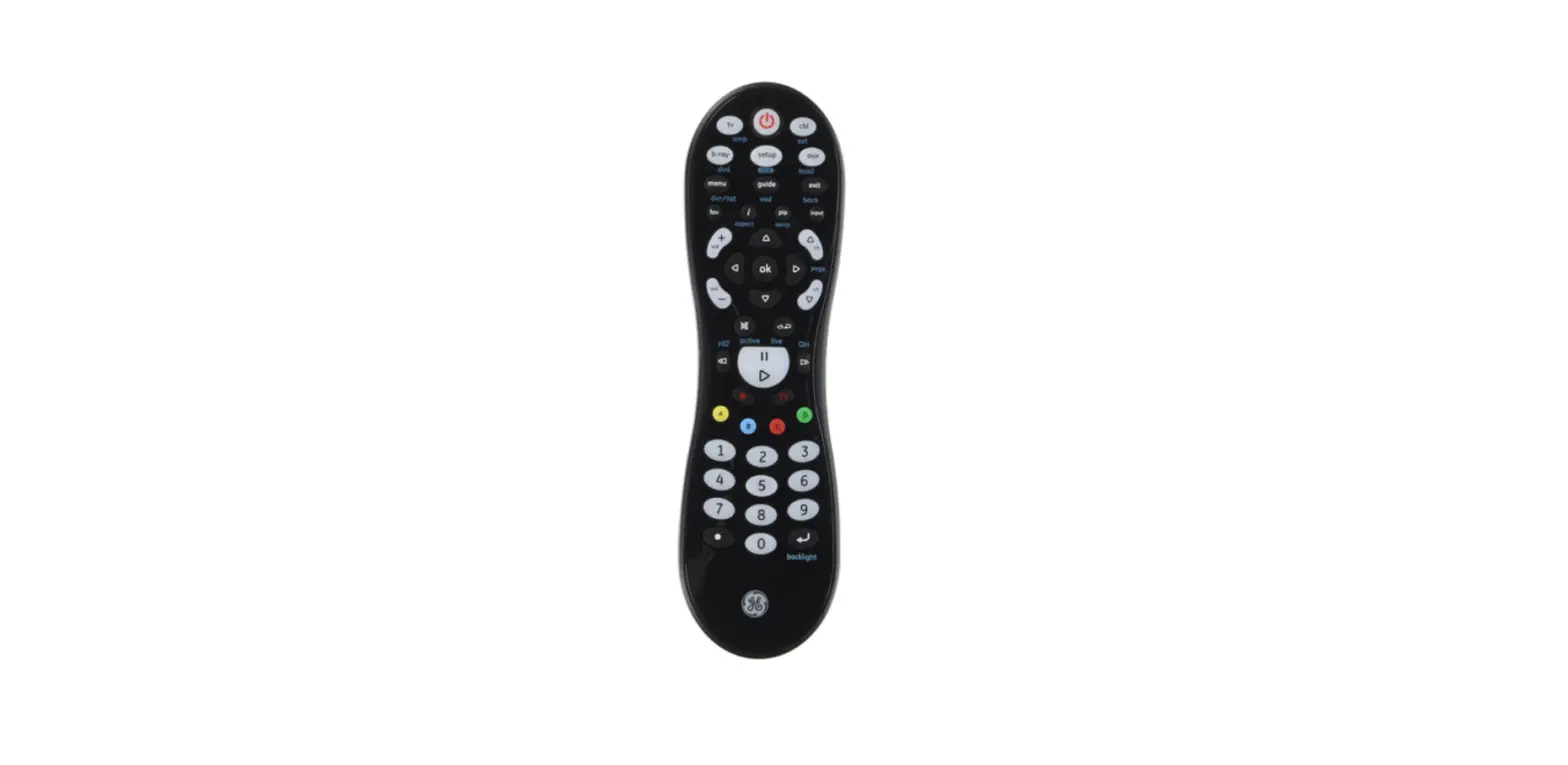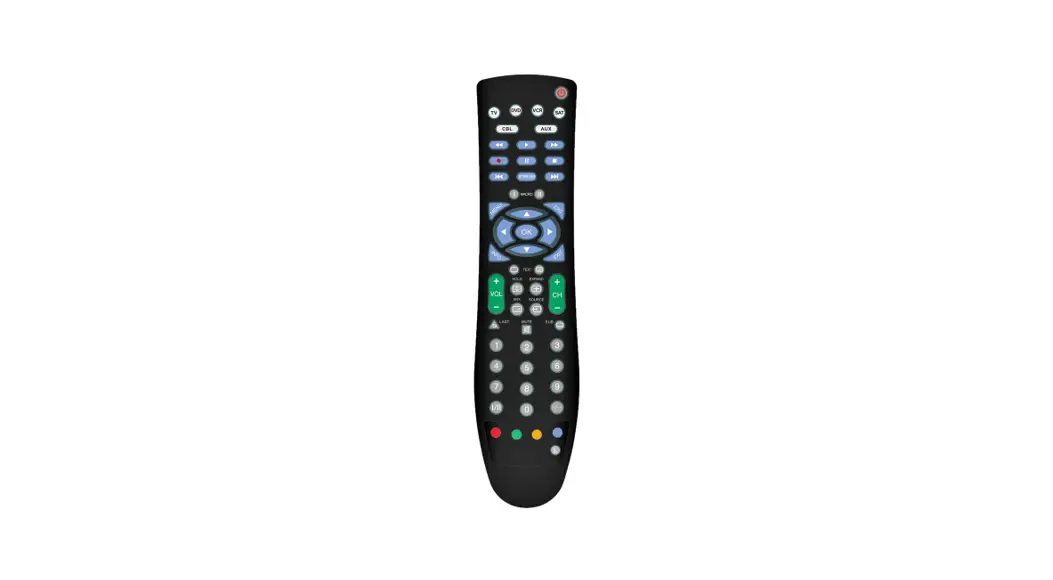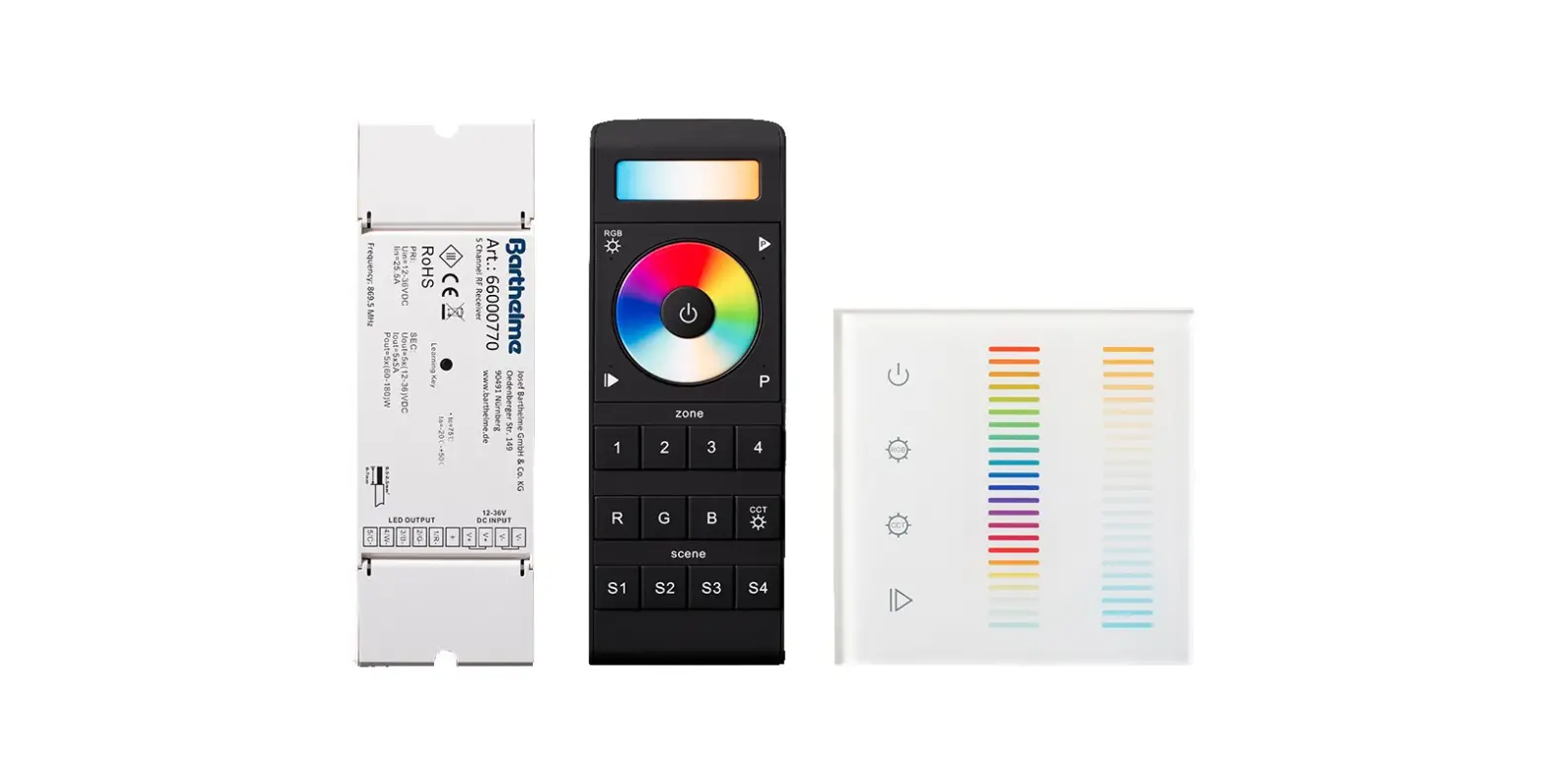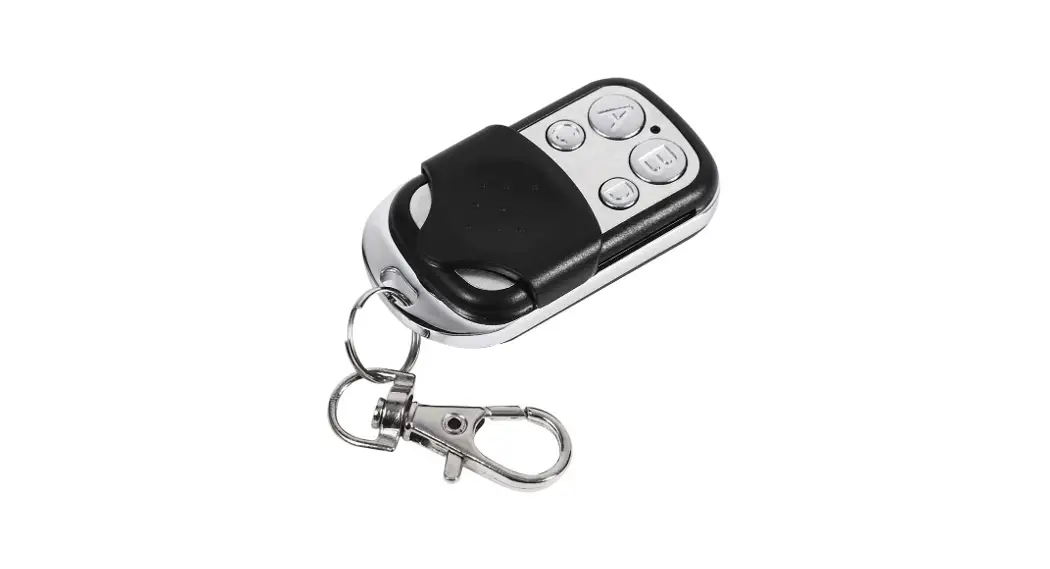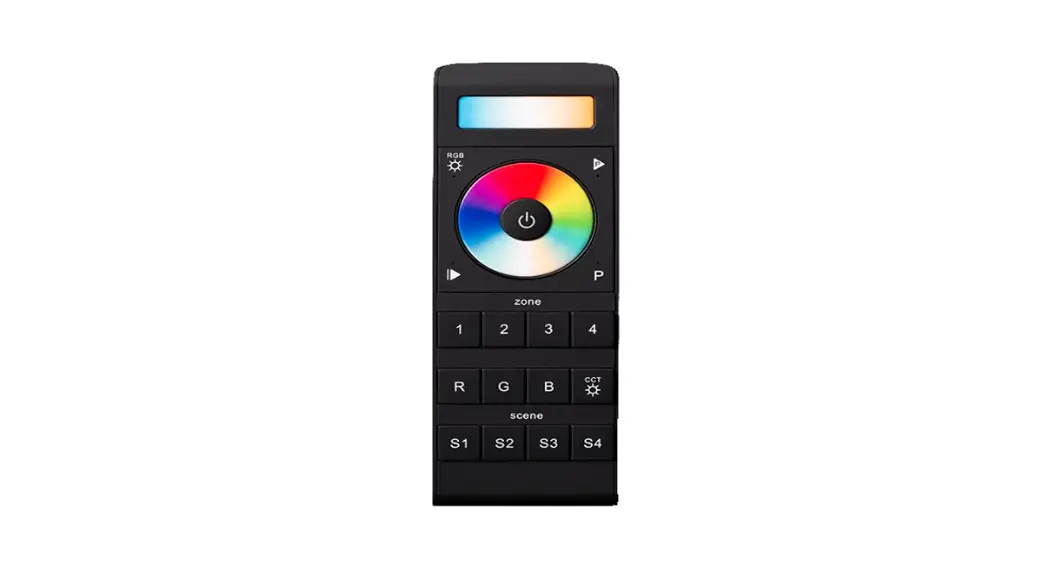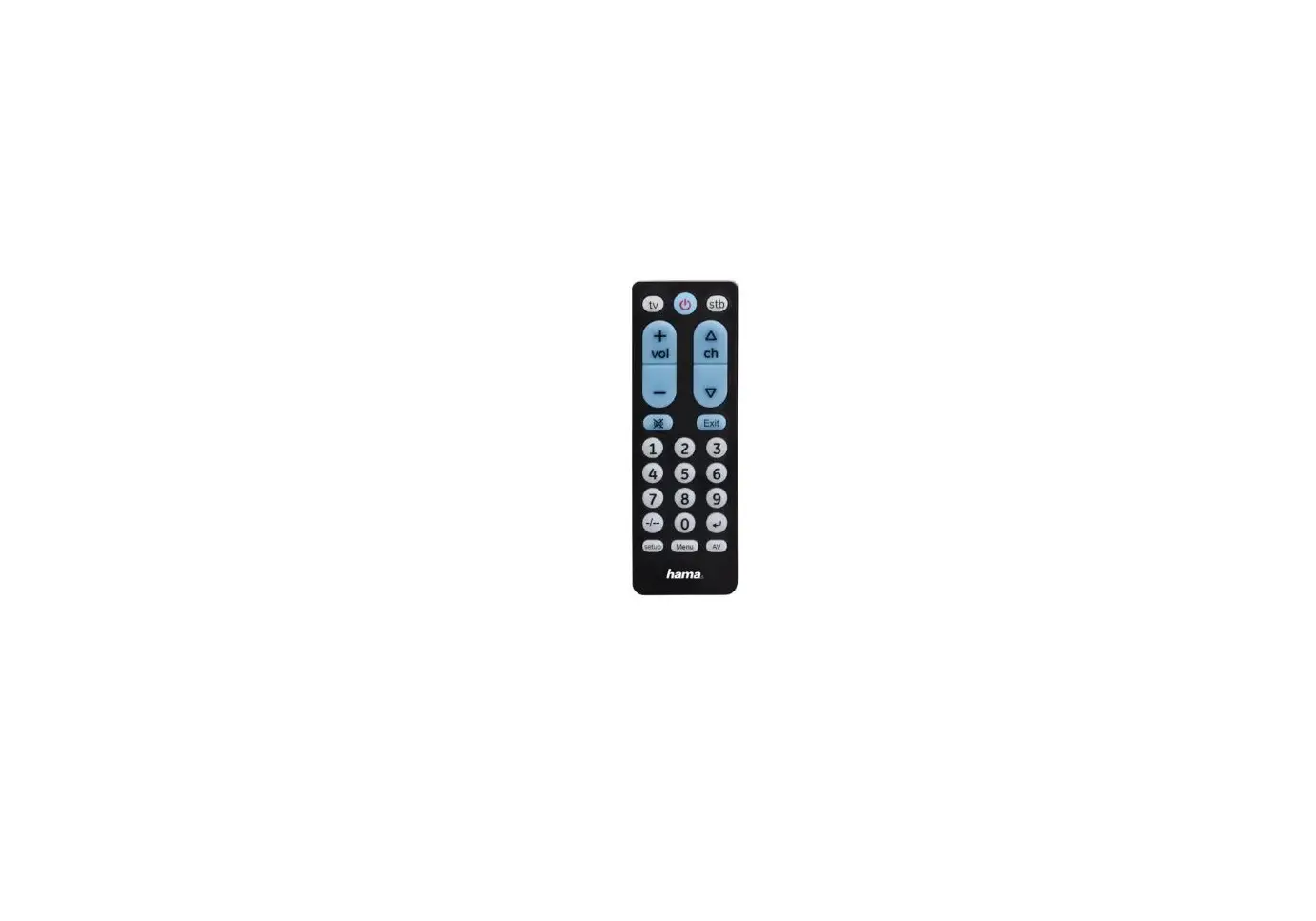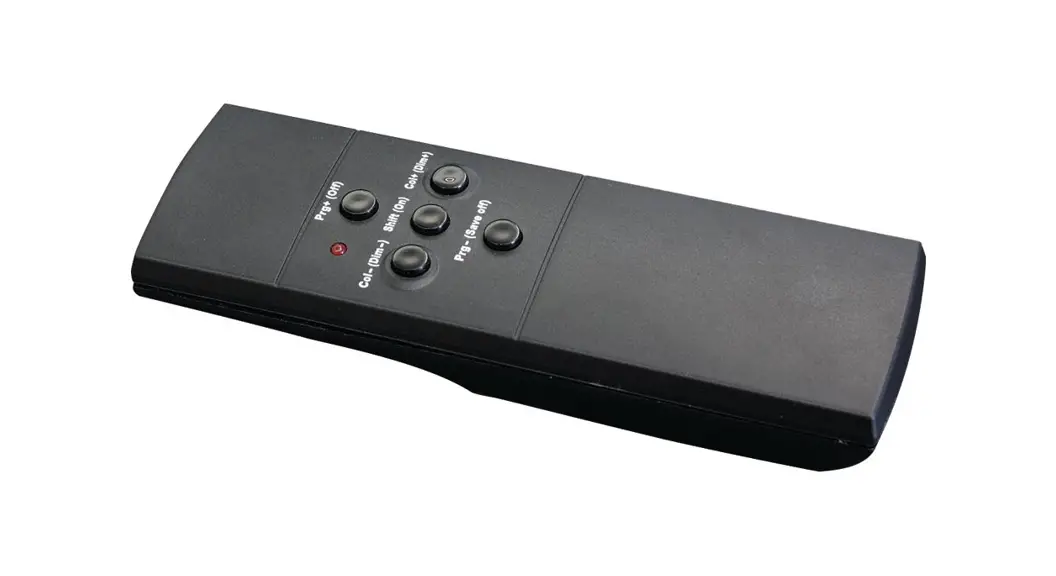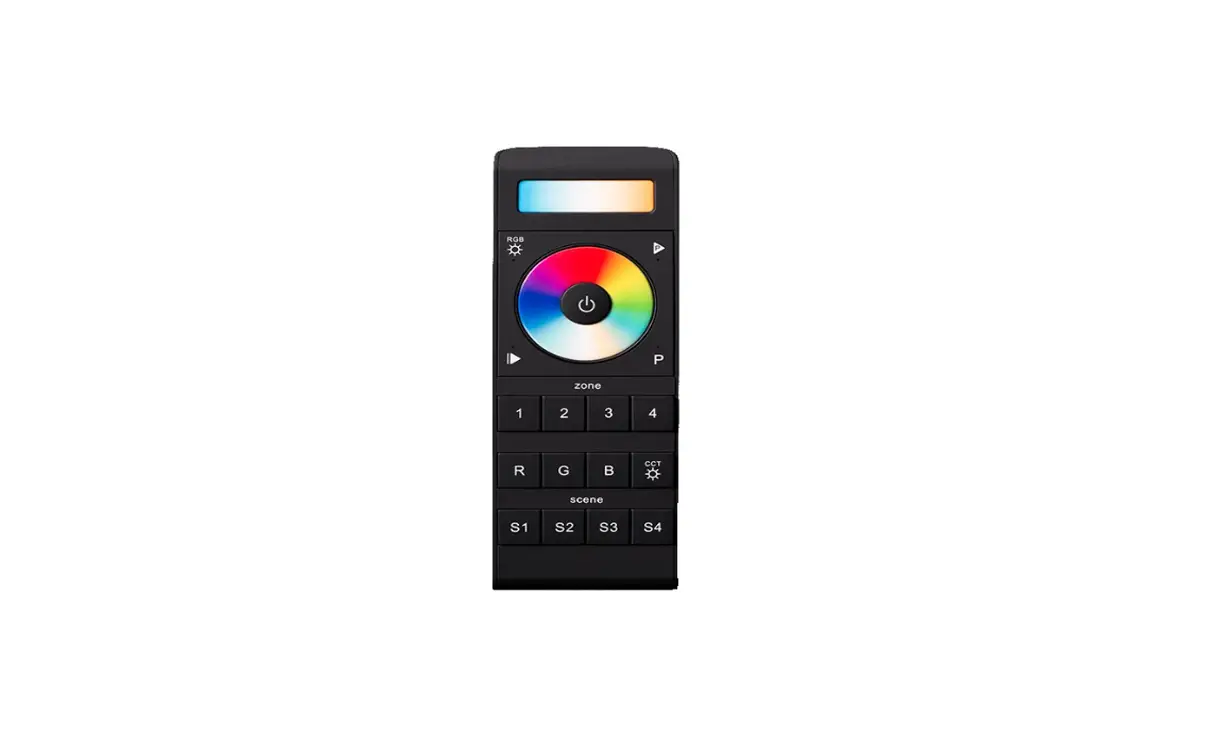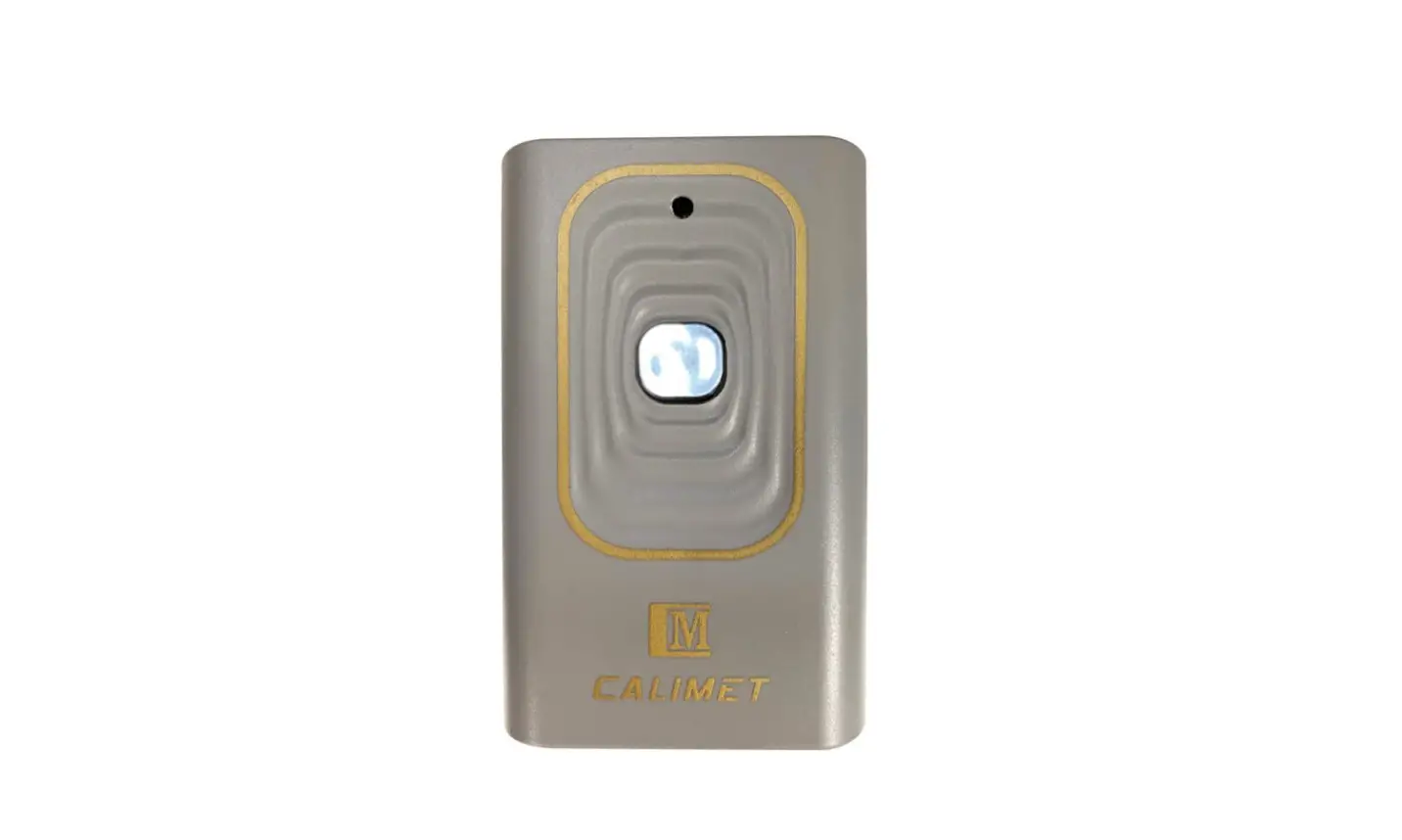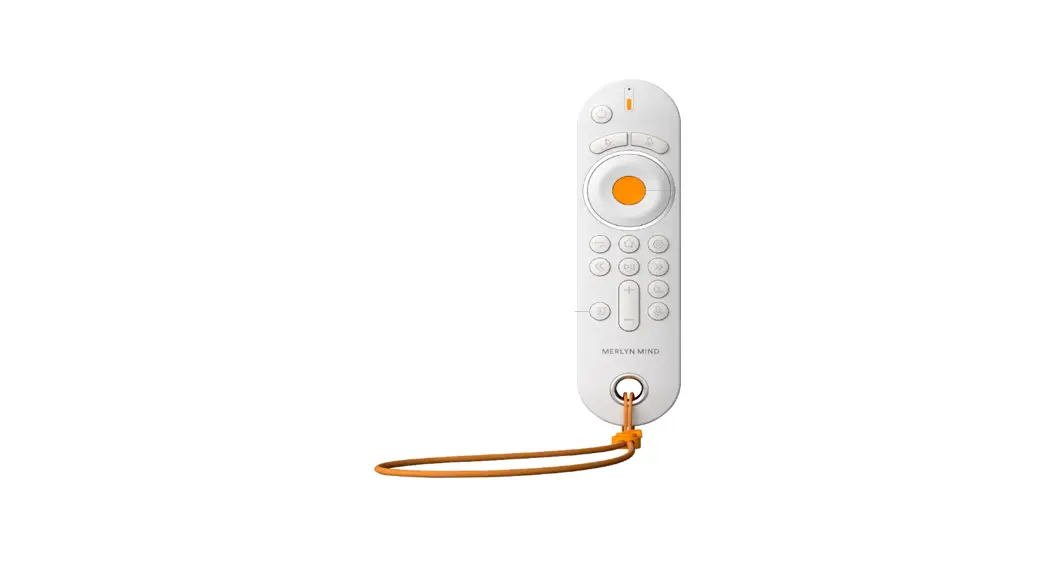

211216 Symphony Classroom Remote Control
Unit Instructions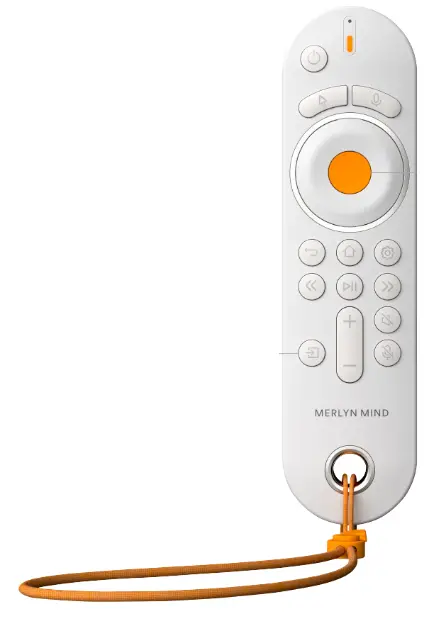
211216 Symphony Classroom Remote Control Unit
How to share your screen on a display for guest users.
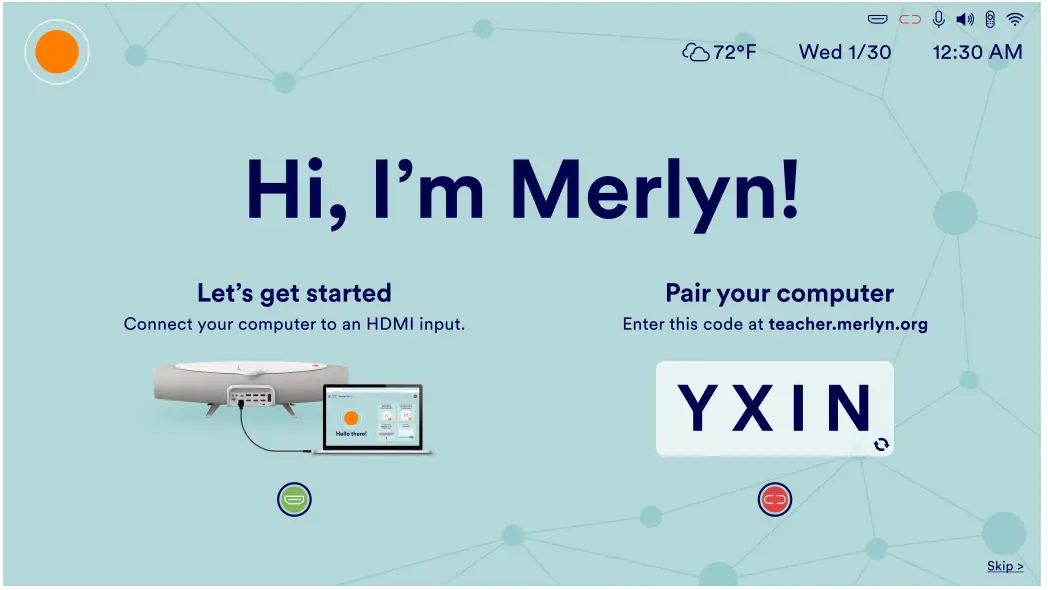
- If you see this image on your classroom display follow the steps below to share your computer screen.

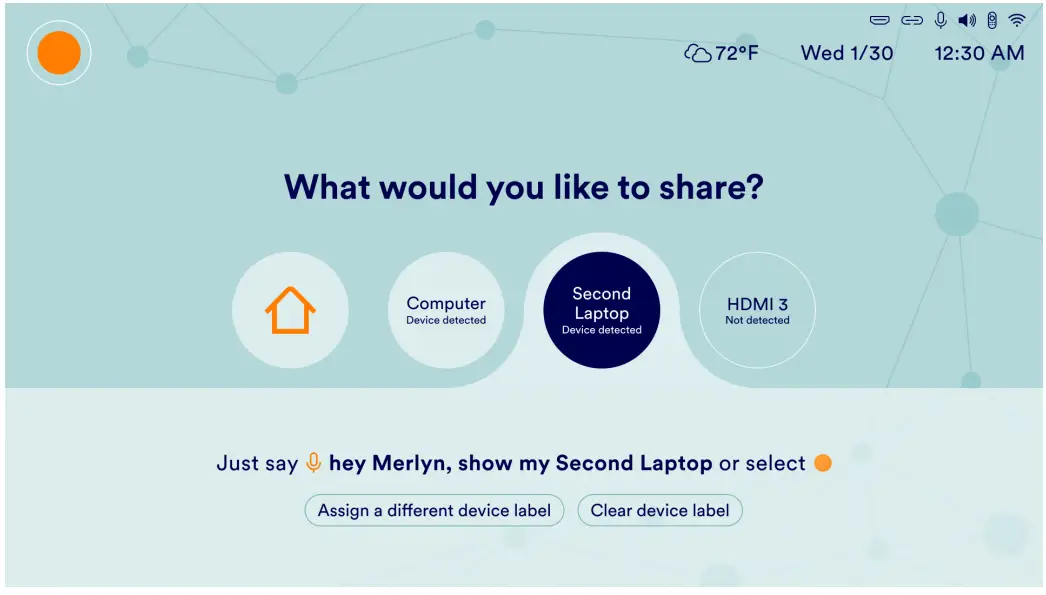
- This screen appears when the switch input button is pressed.

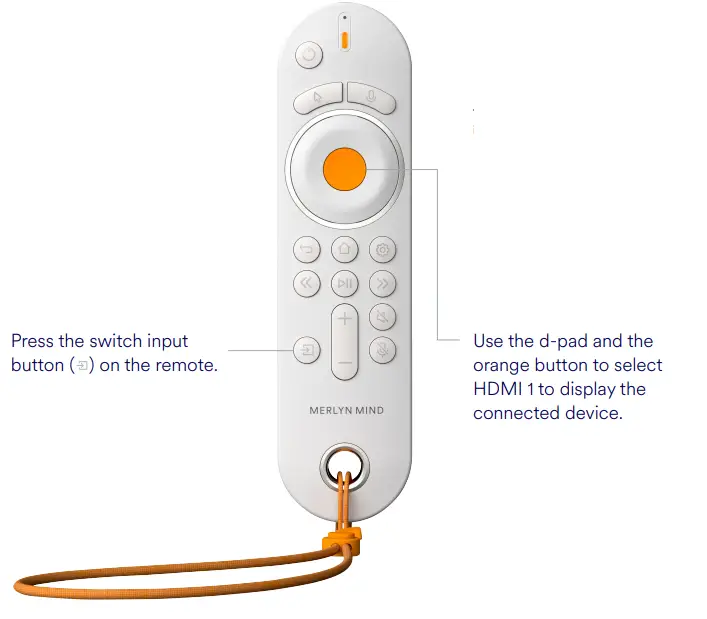
You can now conduct your lessons the way you normally would.
Note: to use Merlyn to control your browser with voice or remote, ensure the Merlyn Mind Chrome Extension in running and that you are logged into the Merlyn Mind Desktop App, and your laptop is paired.
 Support