
User Manual
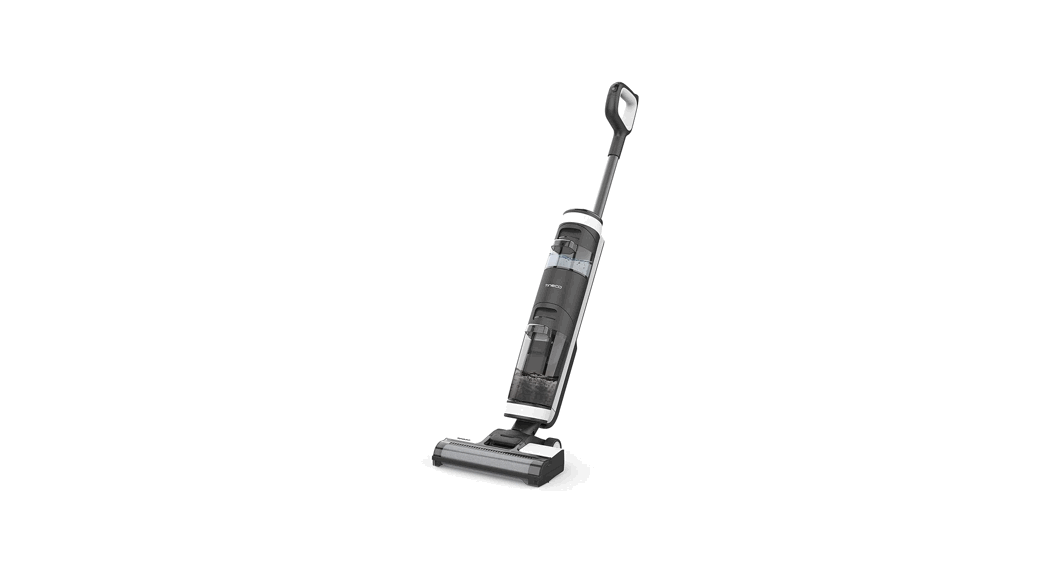
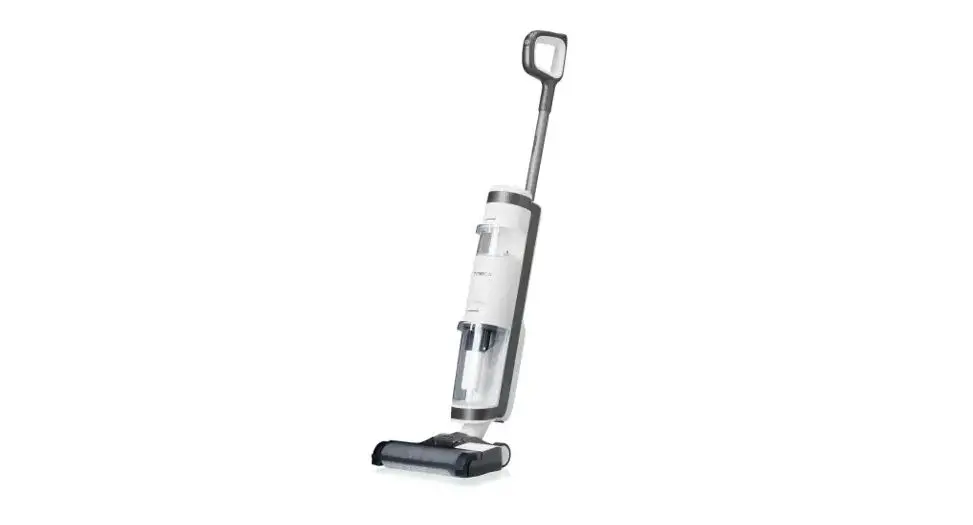
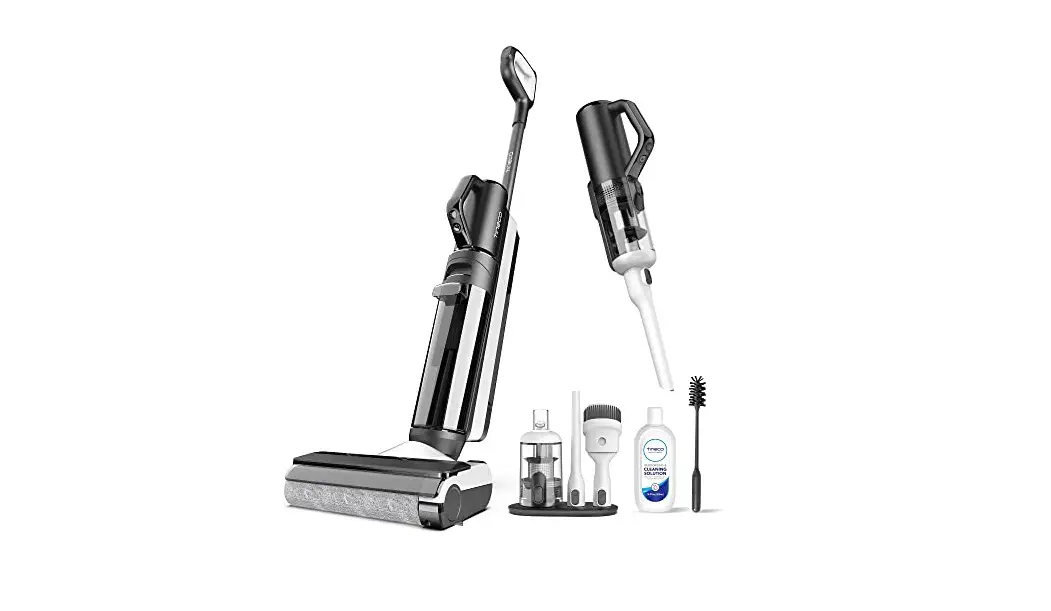
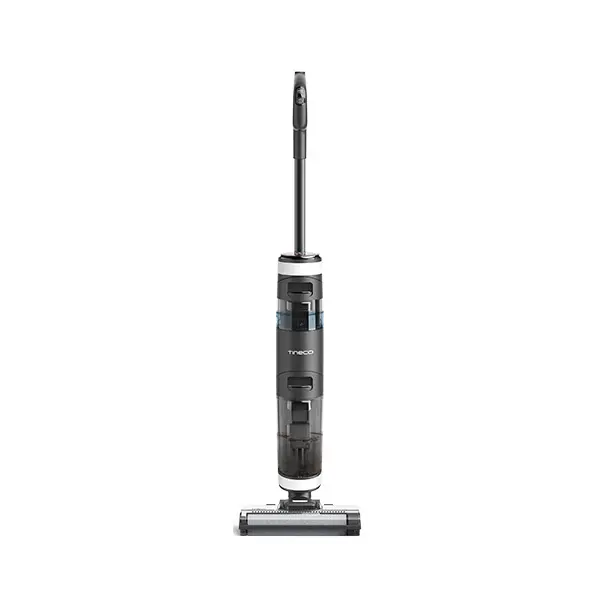
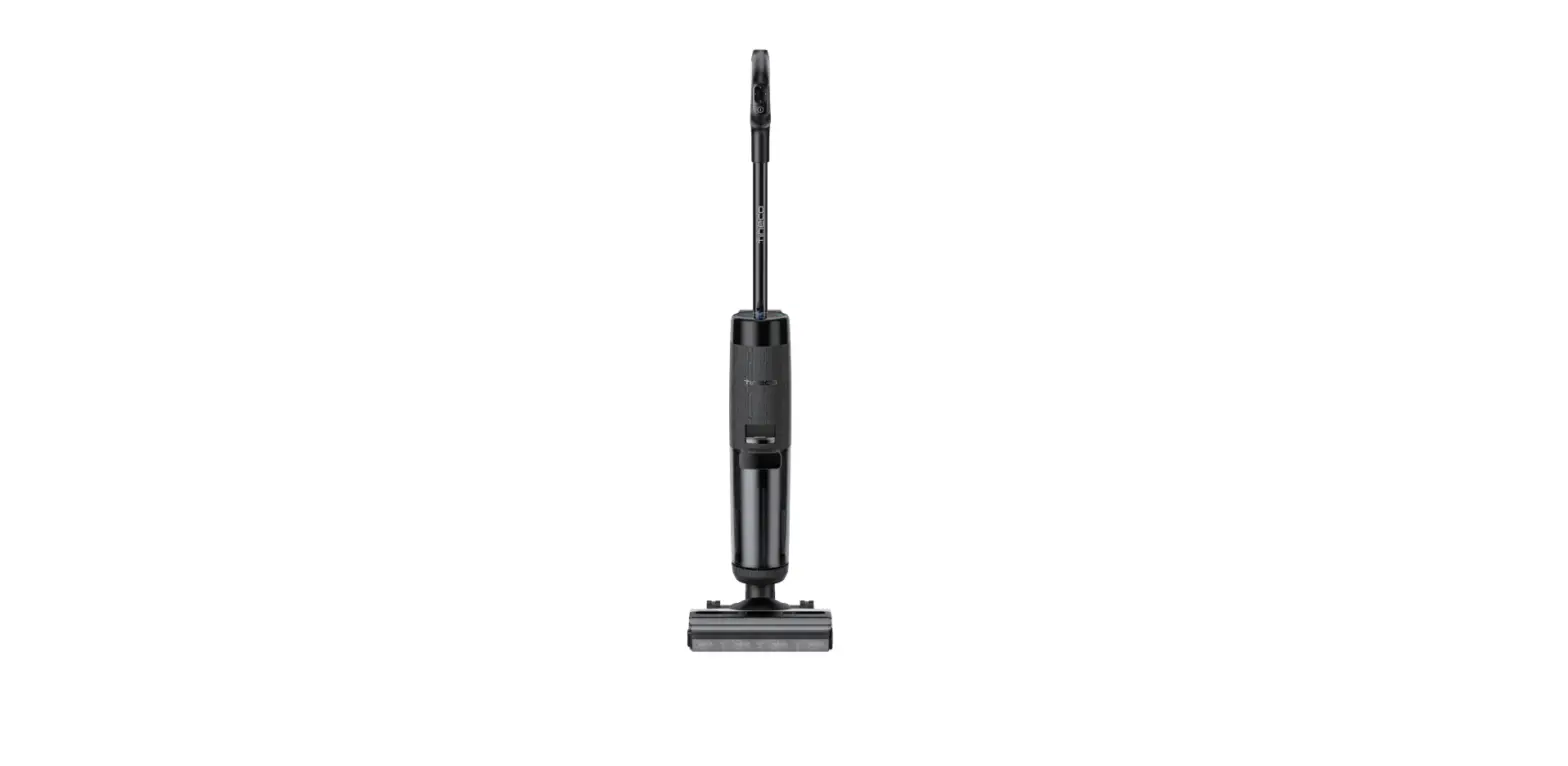
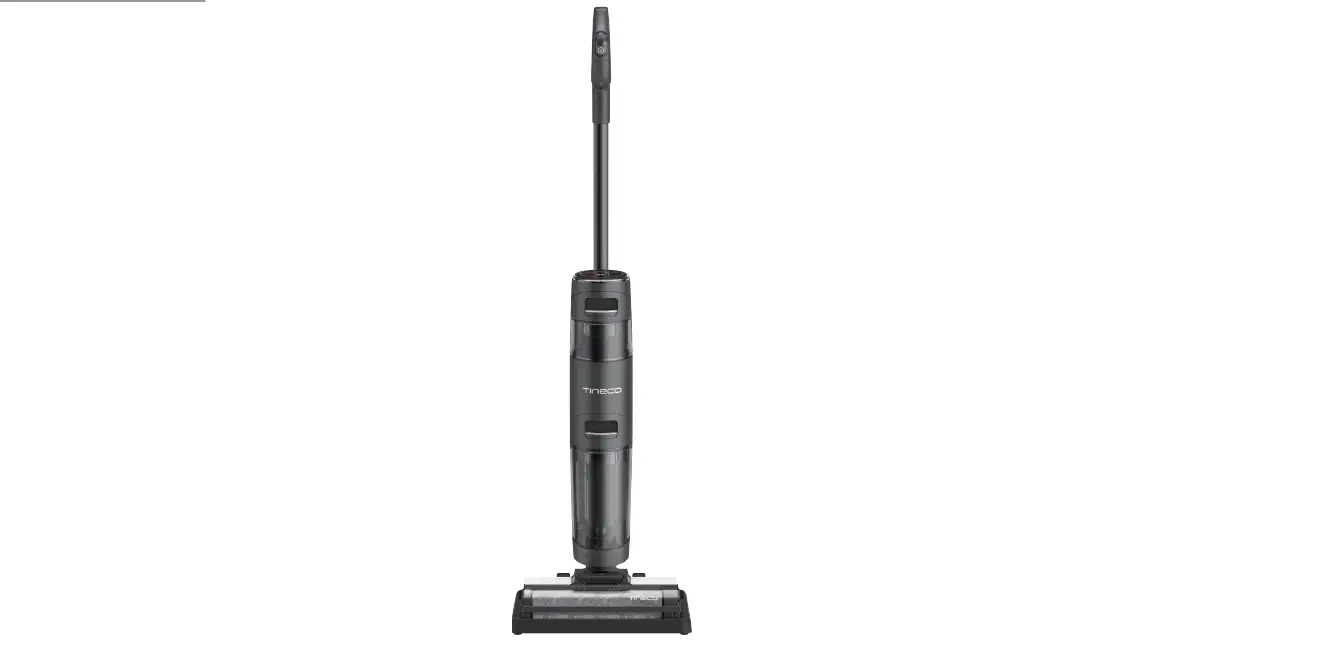
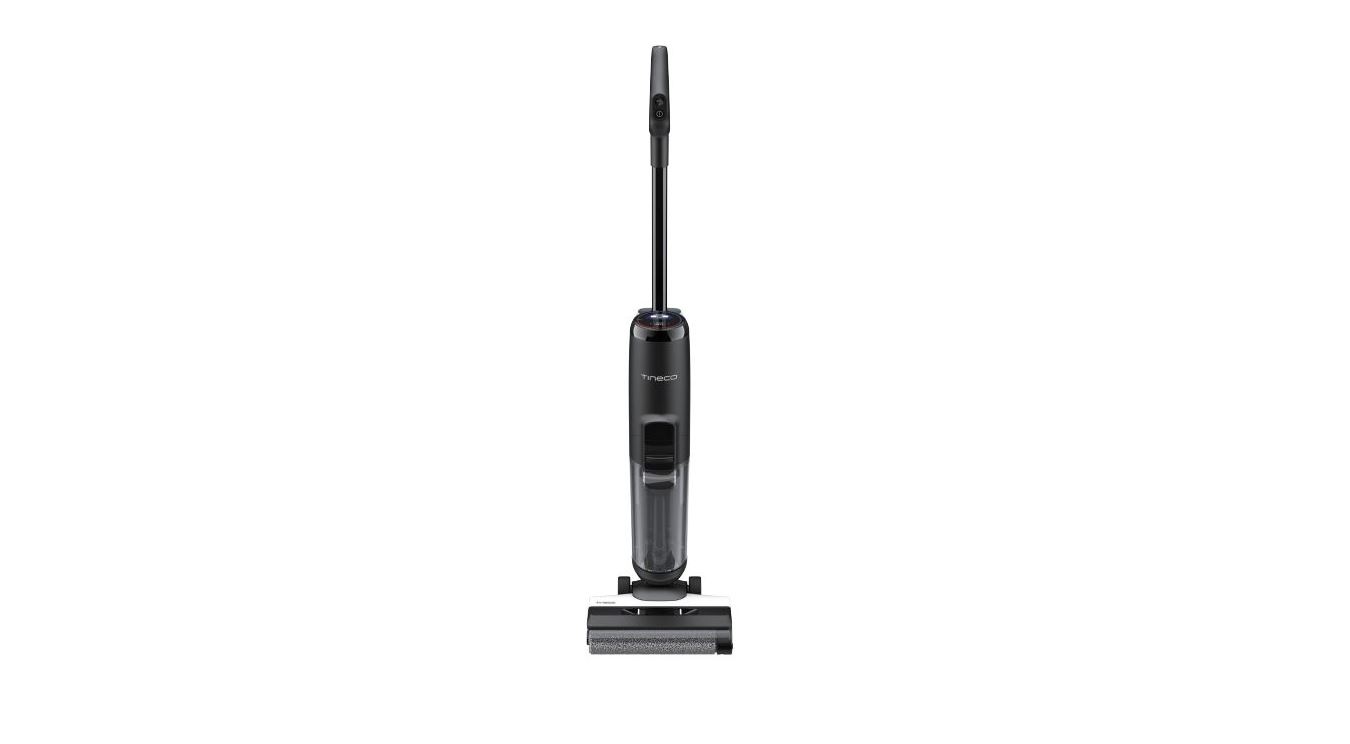
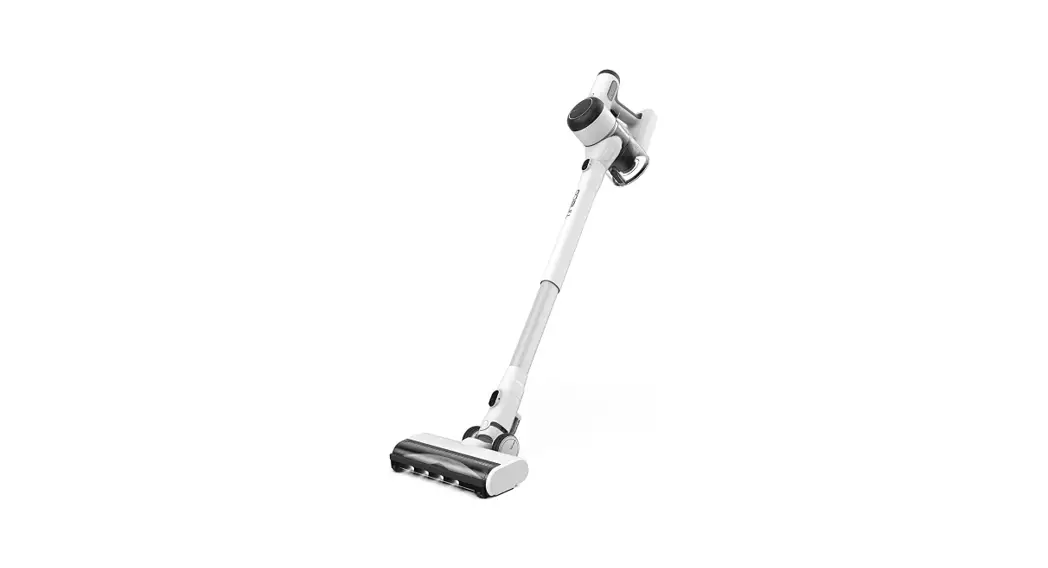
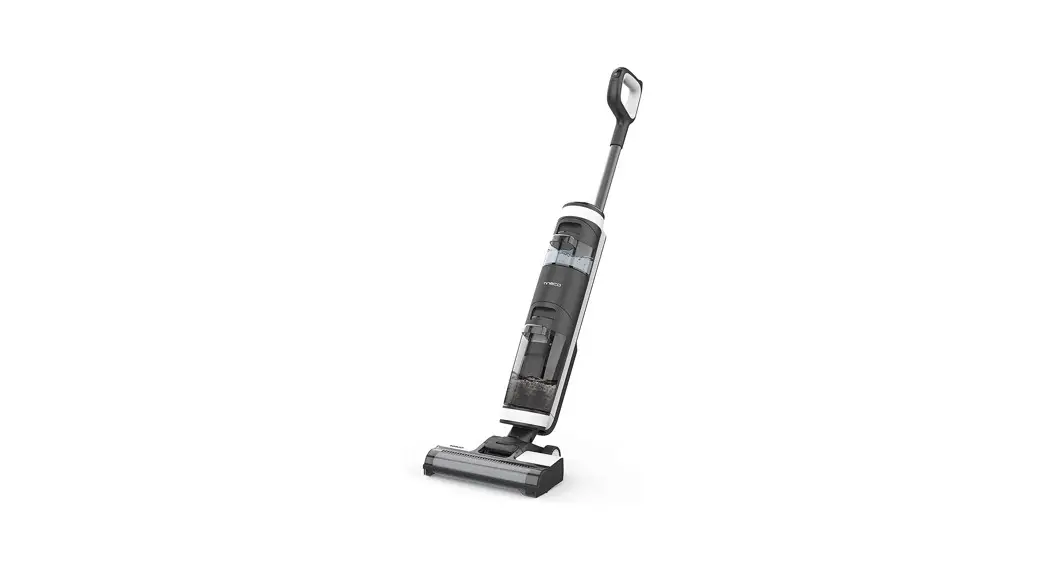
FS3 Smart Cordless Vacuum and Washer
Voice Prompt
| Status | Reminder |
| Battery level: 10-20% | Low battery |
| Battery level: 0-10% | Low battery, please charge |
| WiFi network connected | Network connected |
| Clean Water Tank is empty | Clean Water Tank empty, please refill |
| Dirty Water Tank full or channel blocked | Clean the Dirty Water Tank or the debris channel |
| Dirty Water Tank is full during self-cleaning | Dirty Water Tank full, please empty |
| Dirty sensor | Please begin self-cleaning cycle |
| Brush roller is tangled | Please clean the brush roller |
| Brush roller not installed | Please install the brush roller correctly |
| Shutting down (takes 3s to shut down) | Shutting down |
| Power is off | Power off |
| Start charging | Charging has commenced. Auto-detecting whether to run self-cleaning cycle |
| Need self-cleaning | Please begin self-cleaning cycle |
| Appliance not on the charging base | Please place appliance on the charging base |
| Battery insufficient for self-cleaning | Low battery, start charging |
| Sufficient battery to start self-cleaning | Start self-cleaning |
| Cleaning brush roller | Cleaning brush roller |
| Cleaning debris channel | Cleaning debris channel |
| Auto detecting | Auto detecting |
| Deep cleaning | Deep cleaning |
| Self-cleaning completed | Self-cleaning cycle complete. Please dean Dirty Water Tank |
| Clean with cleaning solution by default | Clean with cleaning solution |
| Clean with water only | Clean with water only |
| Auto mode by default | Auto Mode |
| Switch to Max mode | Max Mode |
| Voice prompts on | Voice prompts on |
| Voice prompts disabled | Voice prompts disabled |
Maintenance
Note:
- For optimal performance and to prevent odors, always clean and dry DWT, floater, filters, pre-filter, brush roller, brush roller cover completely after each use.
- Please make sure each part is installed correctly or the appliance may not work properly.
- After maintenance, place the appliance on the charging base vertically. Do not expose the appliance to direct sunlight, and store it indoors in a dry place.
Main Body
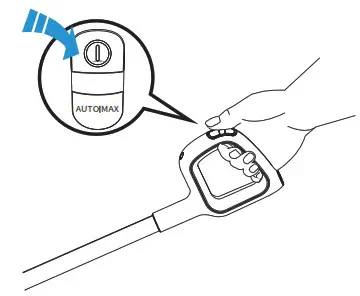
To reduce the risk of injury, switch off before performing maintenance.
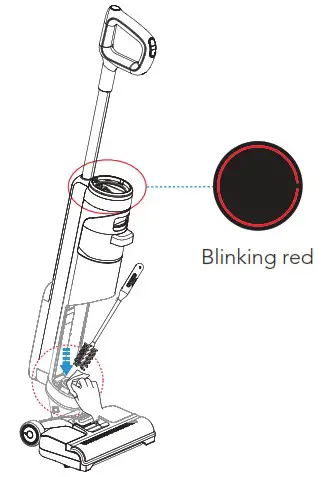 When LED loop blinking red, remove Dirty Water Tank, clean the dirt sensor with a damp cloth or 3-in-1 cleaning tool.
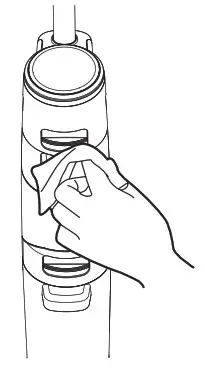 Use a cloth to clean the surface with a neutral detergent. The cloth should be dry to prevent water from entering the appliance.
Dirty Water Tank
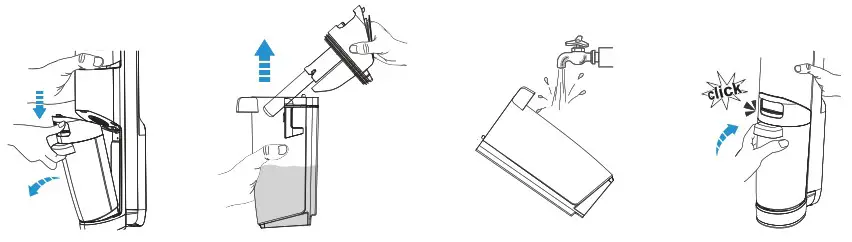
- When dirty water reaches the Max line, the appliance will stop working and show a reminder on the display and play a voice prompt.
- Pull up the tank lid to empty the DWT. Use the 3-in-1 cleaning tool to remove remaining debris. Rinse the inside of the DWT and place back into the appliance.
Filter & Floater

If the filter and the floater have been blocked, rinse with water.
Remove the filter from the tank lid, remove the floater, and rinse both parts with water.
HEPA
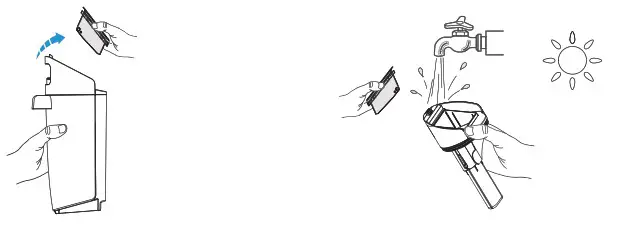 Grasp recessed area on each side of the HEPA and pull upward. Rinse under running water and must be completely dry before recombining with the lid of the DWT.
*A spare HEPA is provided with your appliance for convenient replacement.
Brush Roller Self-cleaning
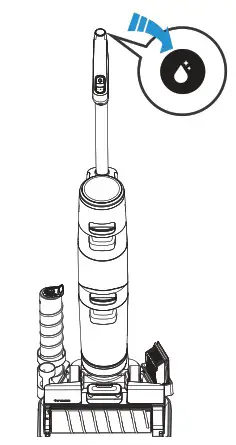
- Place the appliance on the charging base after use, the sensor will auto-detect the level of dirt.
- When you hear the voice prompt “please begin self-cleaning cycle,” press the self-cleaning button and begin the process.
- Once complete, you will hear the voice prompt “self-cleaning completed, please clean the Dirty Water Tank.” At this point, the appliance will begin charging.
Note:
- Ensure the charging base is plugged in.
- Before self-cleaning cycle, please clean the DWT and ensure the water level in the CWT exceeds 40%.
Brush Roller Cover
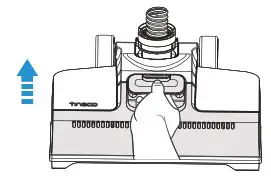
Grab the front handle while pressing the button and pull upward to remove.
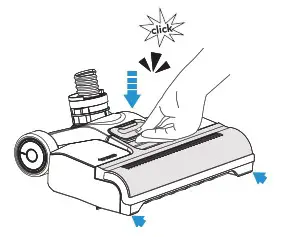
When replacing, always latch the brush cover into place to avoid leakage.
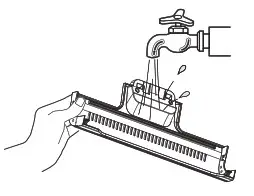
Rinse with water.
Brush Roller
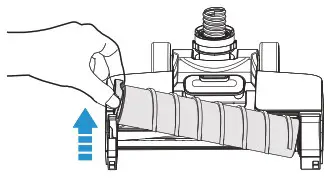
Remove the brush roller by grabbing the brush roller tab and pulling upward.
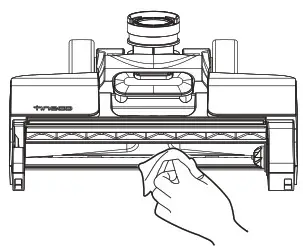
Remove hair and debris from the brush roller chamber and the opening with a tissue or a damp cloth.
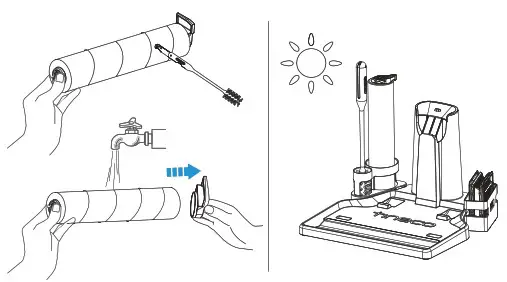
Remove the brush roller tab. Using the cleaning tool, remove the hair and debris wrapped around the roller and rinse with water. Replace the brush roller back into the accessory holder, and allow it to dry completely before reinstalling.
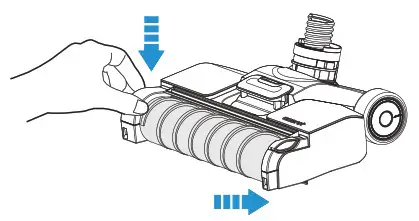
Replace the brush roller by inserting the brush roller end into the right side of the holder, then lock the pull tab into place by pressing downward.
Note: A spare brush roller is provided with your appliance for convenient replacement.
Specifications
| Product | FLOOR ONE S3 SERIES |
| Charging Input | 100~240V |
| Voltage | 21.6V  4000mAh Lion 4000mAh Lion |
| Rated Power | 220W |
| Running Time | AUTO: ~35 mins MAX: ~25 mins |
| Charging Time | 4±0.5 hrs |
| Water Flow Rate | 50~200ml/min |
| CWT Capacity | 0.6L |
| DWT Capacity | 0.5L |
| Waterproof | IPX4 |
Troubleshooting
| Problem | Possible cause | Solution |
| The appliance does not turn on | Auto protection for overheating | Restart after cooling down |
| Weak suction | The HEPA is not installed, or the HEPA is dirty | Clean and dry the pre-filter |
Brush roller tangled indicator blinking  Voice prompt: Voice prompt:1. Please clean the brush roller 2. Please install the brush roller correctly | 1. The brush roller is blocked 2. The brush roller is not installed | 1. Remove blockages 2. Install brush roller correctly |
WiFi indicator is off | WiFi is not connected | Follow the in-app guide to connect to WiFi |
CWT empty indicator blinking  Voice prompt: Voice prompt:Clean Water Tank empty, please refill | CWT is empty | Refill CWT |
DWT full indicator blinking Voice prompt: Voice prompt:Dirty Water Tank full, please empty | The dirty water in DWT has reached the MAX line | Empty the dirty water and then reinstall the DWT |
All lights off in operation | Battery overheat or malfunction | Cool the appliance down and restart |
Battery level indicator blinking Voice prompt: Voice prompt:Low battery, please charge | Low battery | Charge the appliance, or restart |
LED loop blinking red Voice prompt: Voice prompt:Please begin self-cleaning cycle | Dirt sensor malfunction or blocked | Remove blockages, clean the debris channel, or restart |
Self-cleaning icon blinking | Brush roller is dirty | Start self-cleaning |
Power indicator blinking | Motor malfunction | Contact Customer Service |
Note: If the above troubleshooting guide fails to provide a solution, please contact us at [email protected] (NA) / [email protected] (UK) or visit our website www.tineco.com for further support.
Warranty
2-YEAR LIMITED WARRANTY
- Only applies to purchases made from authorized retailers of Tineco.
- Is subject to the adherence of the requirements outlined in this instruction manual, and is subject to further conditions outlined below.
WHAT IS COVERED?
- Your Tineco appliance has a 2-year warranty against original defects in material and workmanship when used for private household purposes in accordance with the Tineco Instruction Manual. Motorized accessories and battery bought separately come with a 1-year warranty.
- This warranty provides, at no extra cost to you, all labor and parts necessary to ensure your appliance is in proper operating condition during the warranty period.
- This warranty will only be valid if the appliance is used in the country in which it was sold.
WHAT IS NOT COVERED?
Tineco shall not be liable for costs, damages, or repairs incurred as a result of:
- Appliances purchased from an unauthorized dealer.
- Careless operation or handling, misuse, abuse, and/or lack of maintenance or use not in accordance with the Tineco Instruction Manual.
- Use of the appliance other than for normal domestic purposes, e.g. for commercial or rental purposes.
- Use of parts not in accordance with the Tineco Instruction Manual.
- Use of parts and accessories other than those produced or recommended by Tineco.
- External factors unrelated to product quality and use, such as weather, modifications, accidents, electrical outages, power surges or acts of God.
- Repairs or alterations carried out by unauthorized parties or agents.
- Failing to clear blockage and other hazardous material from the appliance.
- Normal wear and tear, including normal wearing parts, such as clear bin, belt, filter, HEPA, brush bar, and power cord (or where external damage or abuse is diagnosed), carpet or floor damage due to use not in accordance with manufacturer’s instructions or failure to turn the brush bar off when necessary.
- Reduction in battery discharge time due to battery age or use.
WARRANTY LIMITATIONS
- Any implied warranties relating to your appliance including but not limited to warranty of merchantability or warranty of fitness for a particular purpose, are limited to the duration of this warranty.
- Warranty coverage applies to the original owner and to the original battery only and is not transferable.
- This limited warranty gives you specific legal rights. You may also have other rights which vary by region.
- Manufacturers’ warranties may not apply in all cases, depending on factors such as use of the product, where the product was purchased, or who you purchased the product from. Please review the warranty carefully, and contact the manufacturer if you have any questions.
WARRANTY SERVICE
Register: We highly recommend that upon purchase, you register your appliance on the Tineco official website (www.tineco.com/register) and enjoy exclusive benefits. To register, please enter the last 10 digits of the serial number (found on the back of the appliance). Failure to register your product won’t diminish your warranty rights.
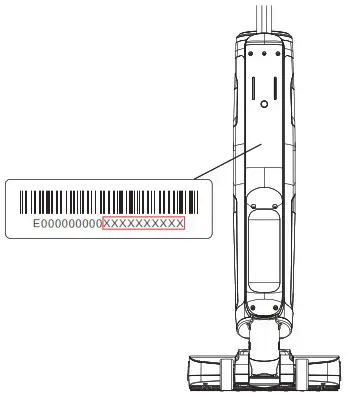
How to Claim: Please retain your proof of purchase. To make a claim under our Limited Warranty, you need to provide your serial number and the original purchase receipt with the purchase date and order number on it. All work will be carried out by Tineco or its authorized agency. Any replaced defective parts will become the property of Tineco. Service under this warranty will not extend the period of this warranty. If your appliance is not functioning properly, please email us: [email protected] (NA) / [email protected] (UK)
Customer Service:
NA: 1-855-292-8864
[email protected]
UK: [email protected]
Visit Tineco Website: www.tineco.com
 Official Site | Tineco