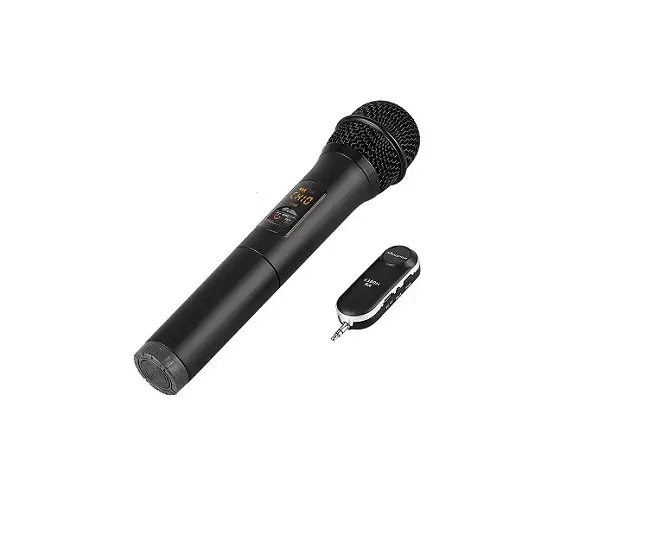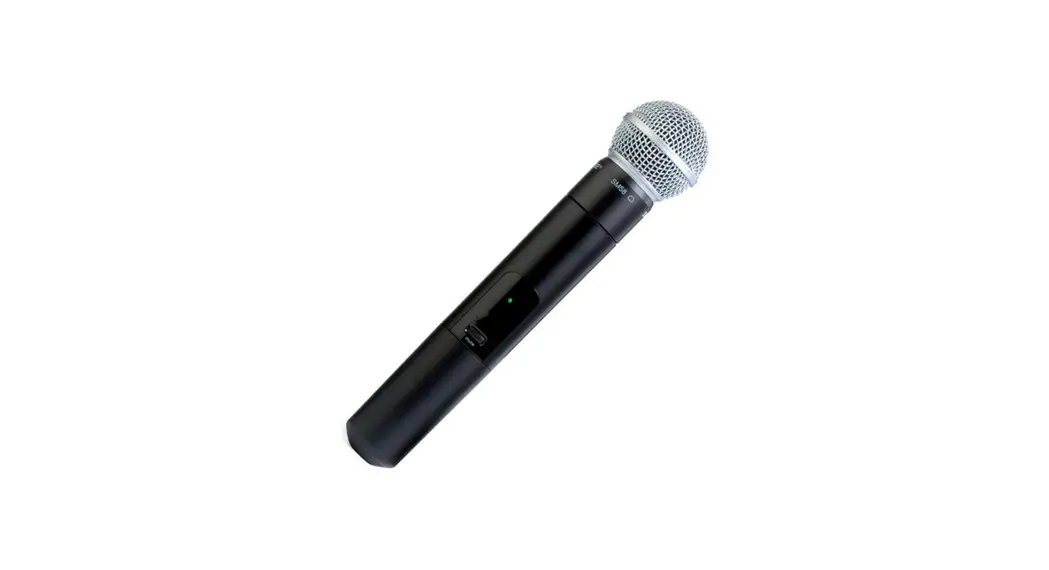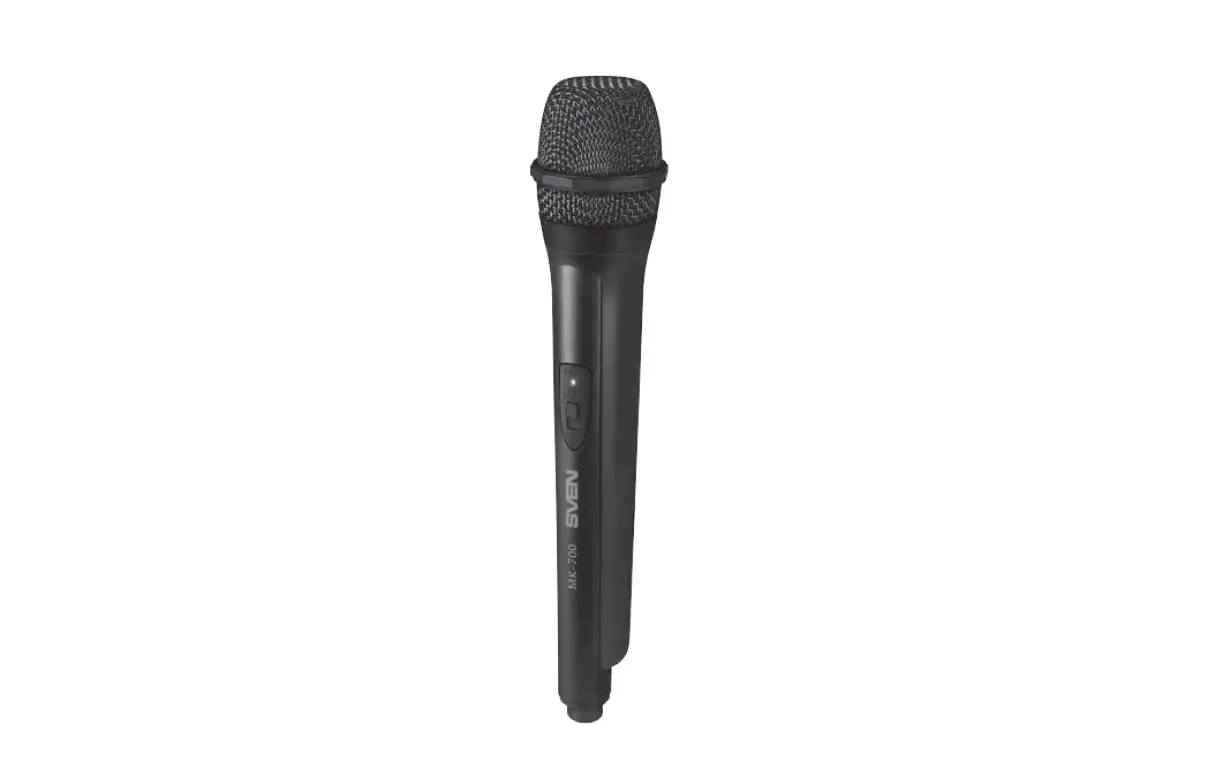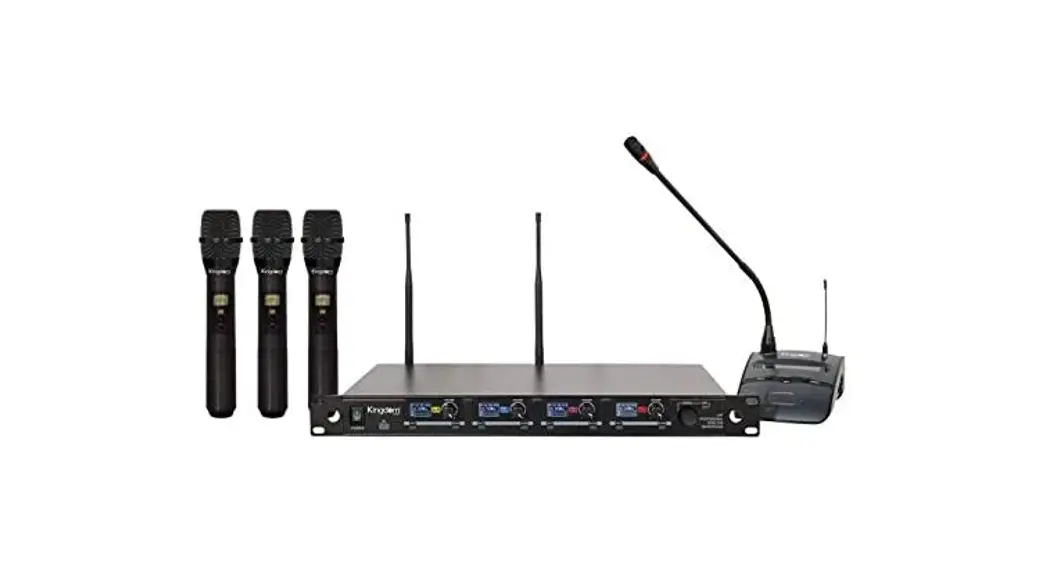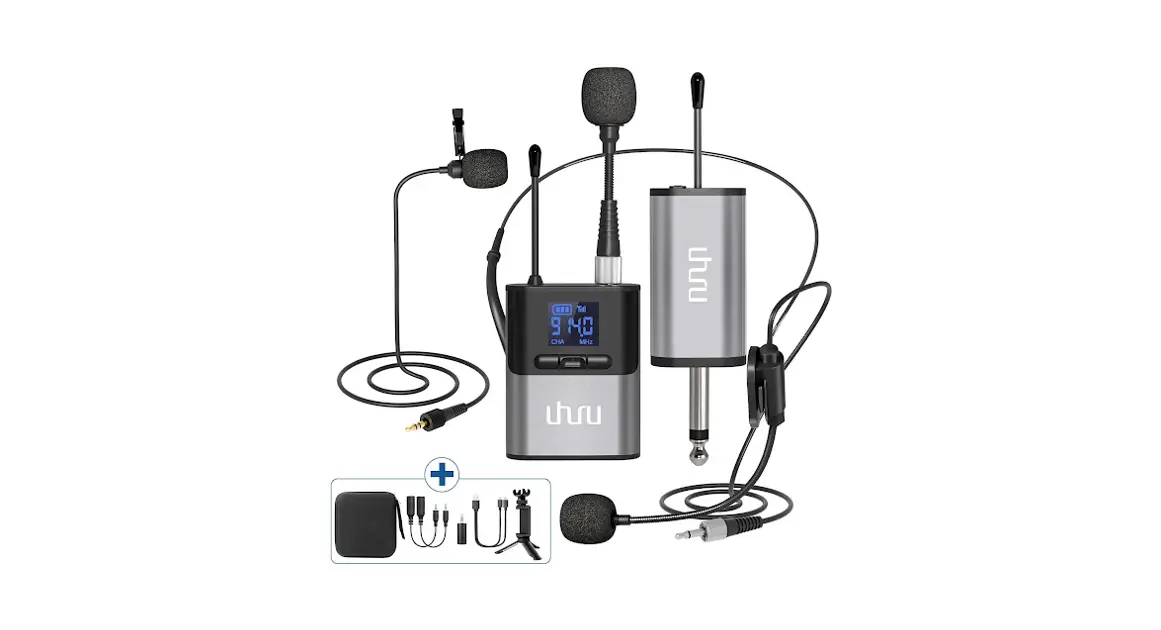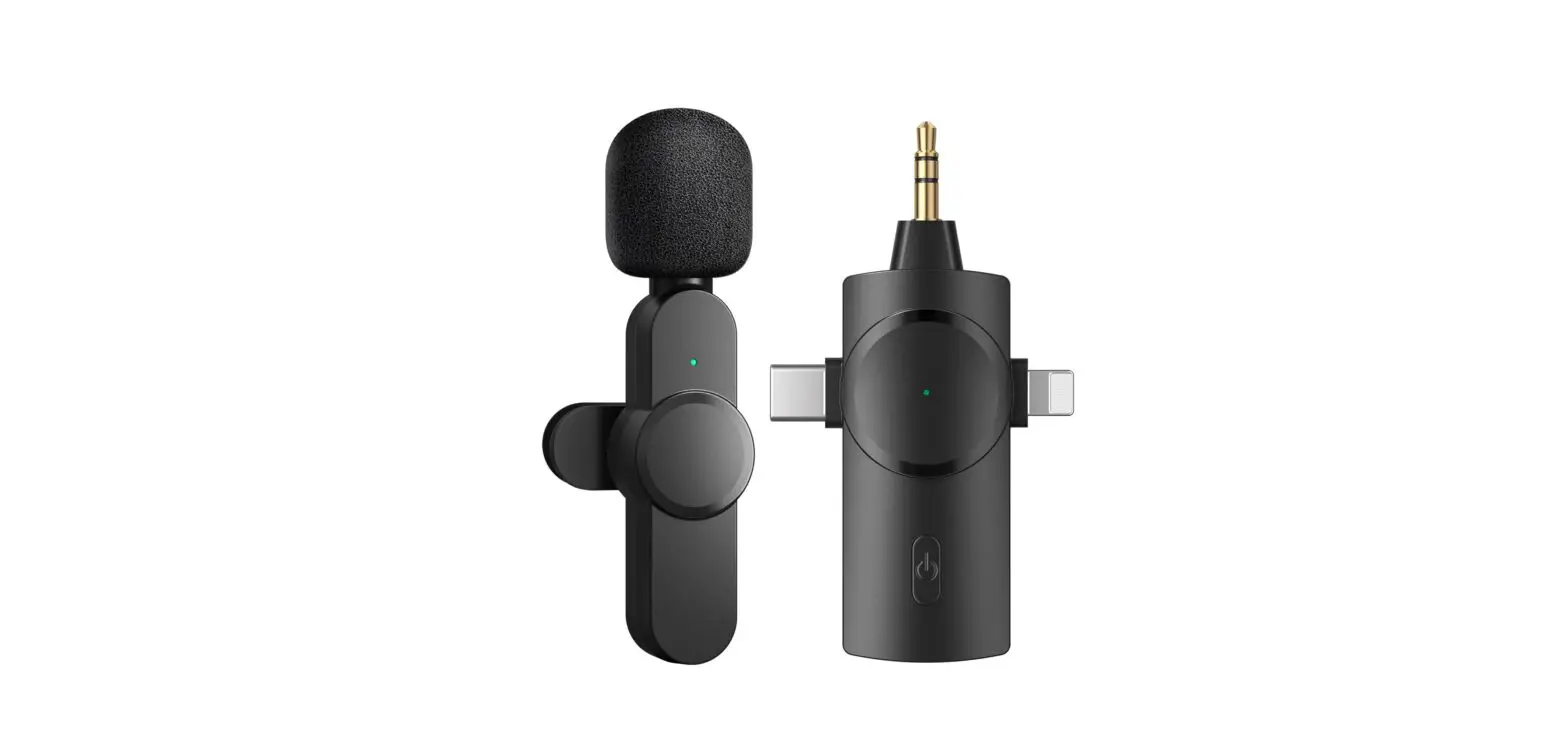
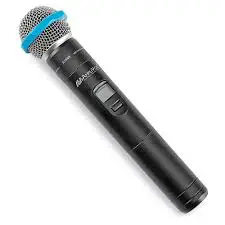
 H-7827 WIRELESS MICROPHONE
FOR SOUND LECTERN
1-800-295-5510
uline.com
OVERVIEW OF CONTROLS
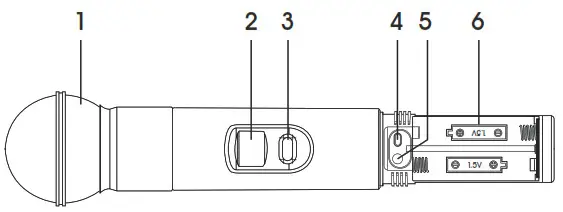
FUNCTIONS
| # | DESCRIPTION |
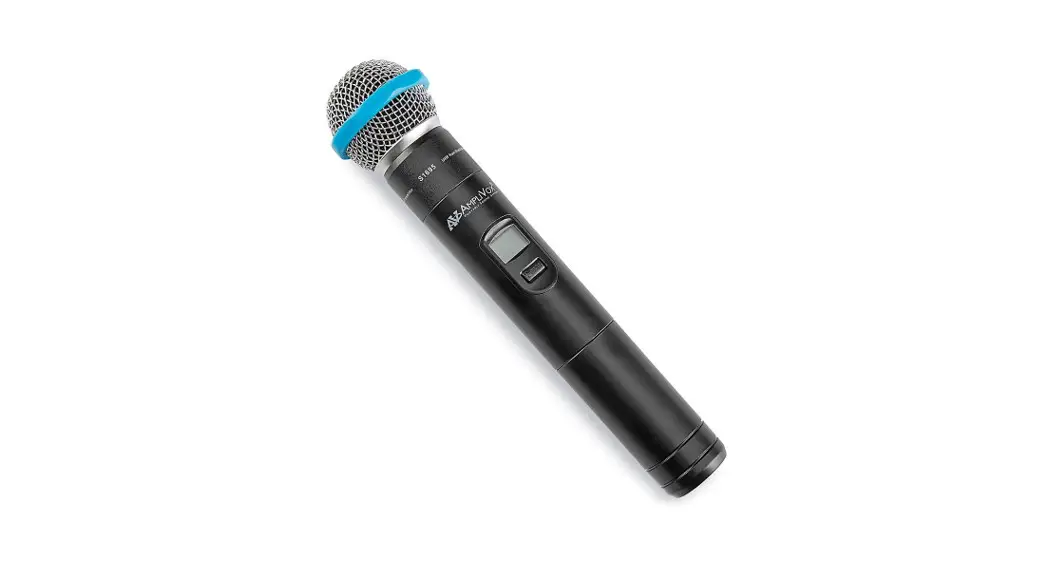
| 1 | Microphone Head |
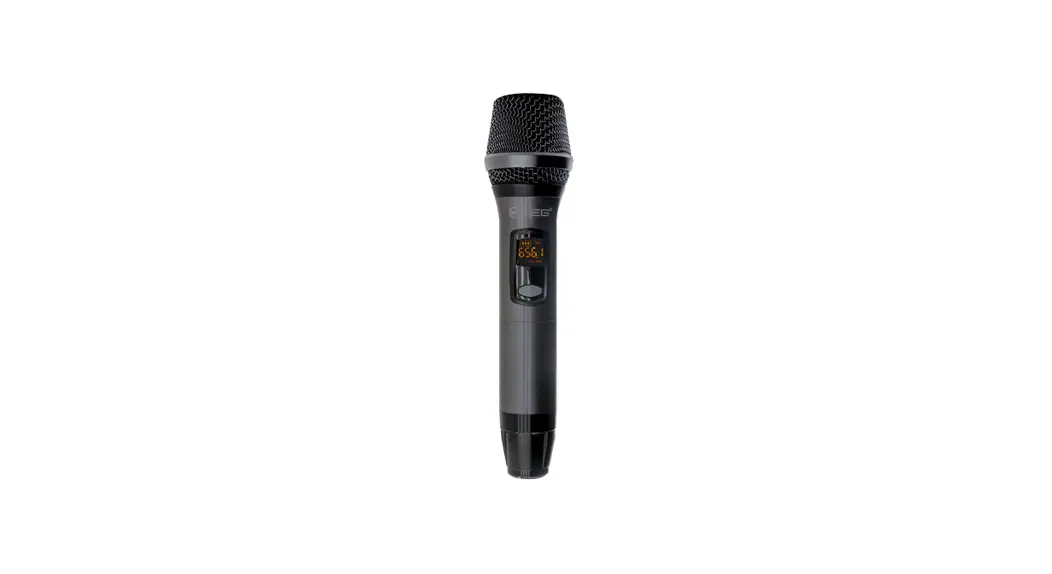
| 2 | LCD Screen |
| 3 | Power/Mute Control Switch |
| 4 | Select Button |
| 5 | Microphone Input Sensitivity Adjustment |
| 6 | AA Batteries (included) |
OPERATION
MICROPHONE STATUS DISPLAY
Push the Mute/ button and hold for two seconds. The display will skip to the group and channel selection. Push two times on the Mute/ button to turn on the mute function. Press two more times to turn off the mute function. ( Figure 1)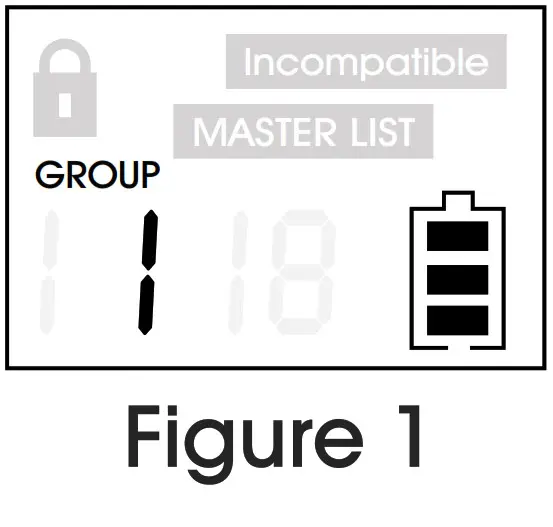
MANUALLY SELECTING THE GROUP AND CHANNEL
Push and hold the Select ( ) button until the group and channel display flashes alternately. Push the Select button to change the channel. (See Figure 2)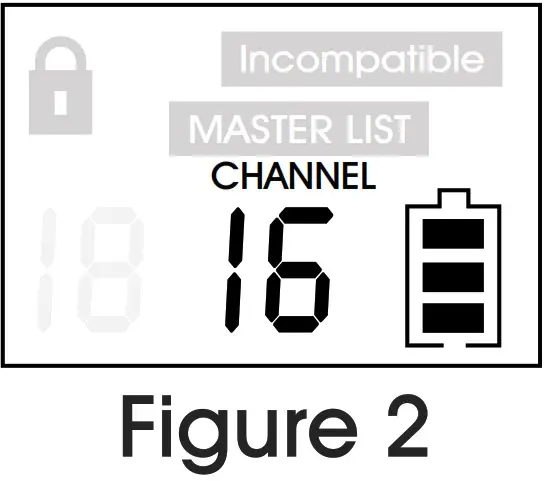
MICROPHONE DATA LOCK AND UNLOCK
Push the t and button at the same time to lock and unlock microphone data. When locked, the channel cannot be changed. (See Figure 3)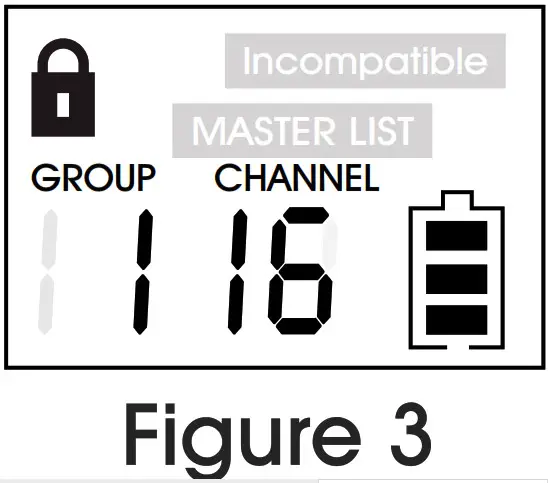
BATTERY DISPLAY
Displays the transmitter battery level. (See Figure 3)
BATTERY REPLACEMENT
The wireless microphone uses two “AA” alkaline batteries or rechargeable batteries.
· The life expectancy of two alkaline batteries is about 10 hours.
· When the power indication symbol on the display screen is flashing (See Figure 4), the batteries should be replaced immediately.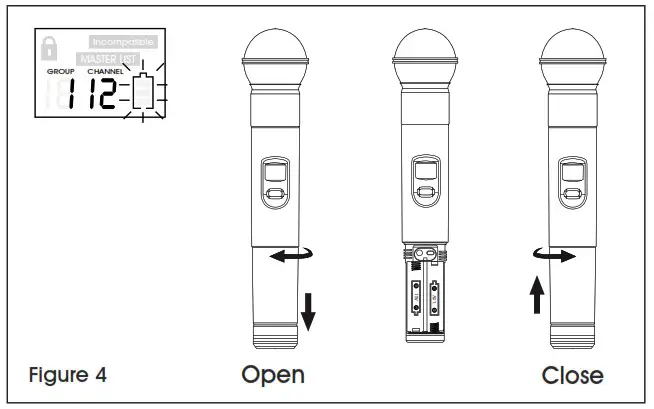 This device complies with Part 15 of the FCC Rules.
Operation is subject to the following two conditions:
1. This device may not cause harmful interference.
2. This device must accept any interference received, including interference that may cause undesired operation.