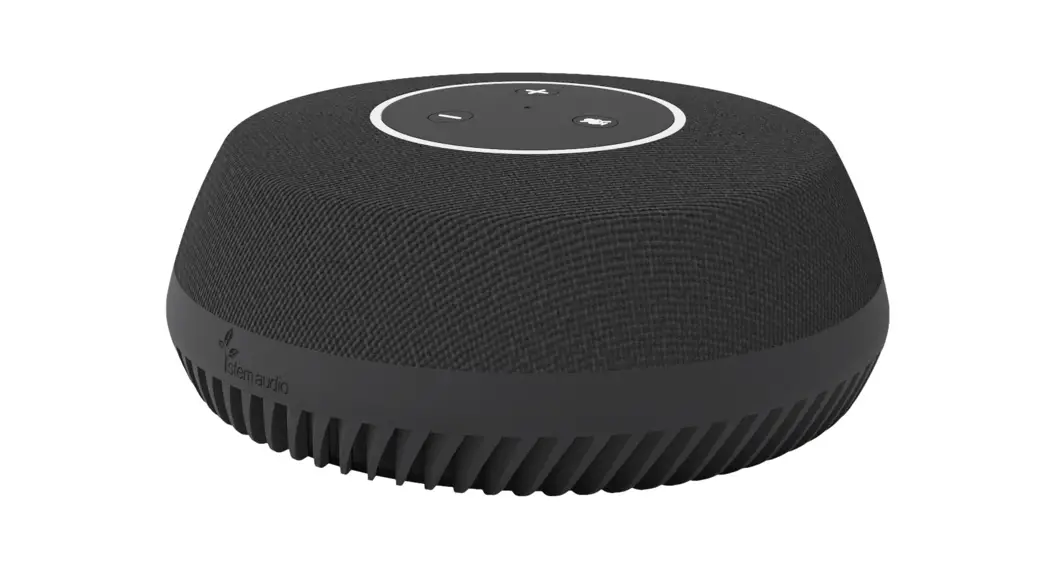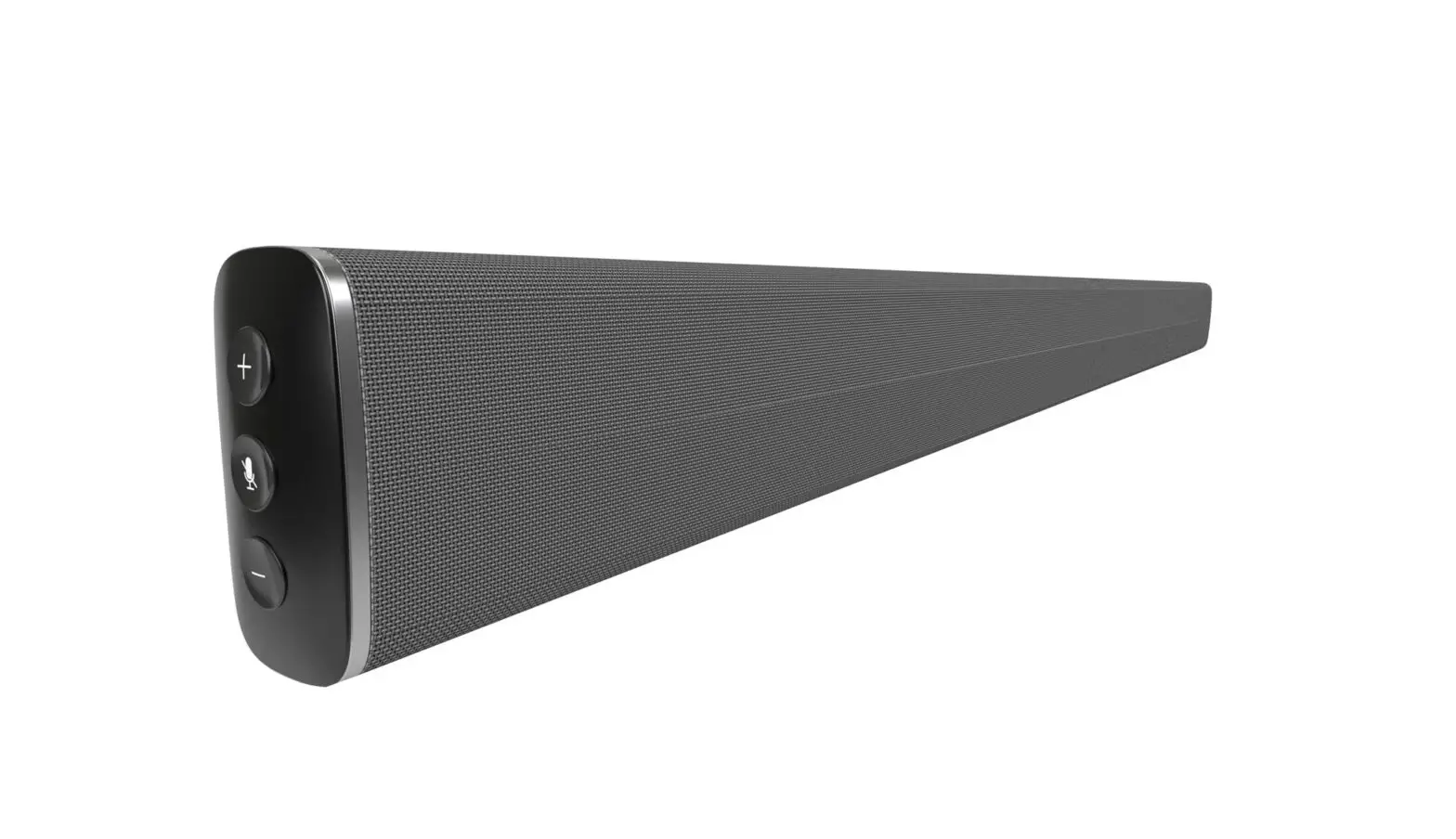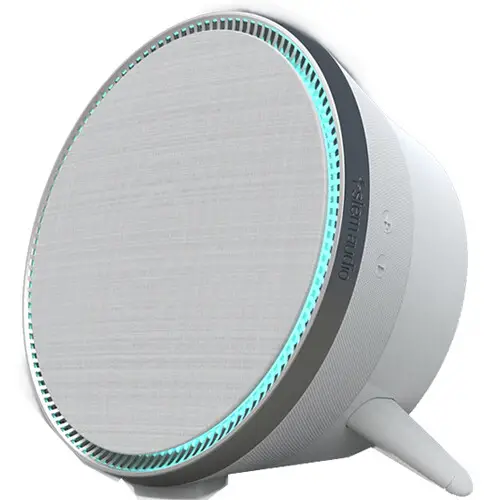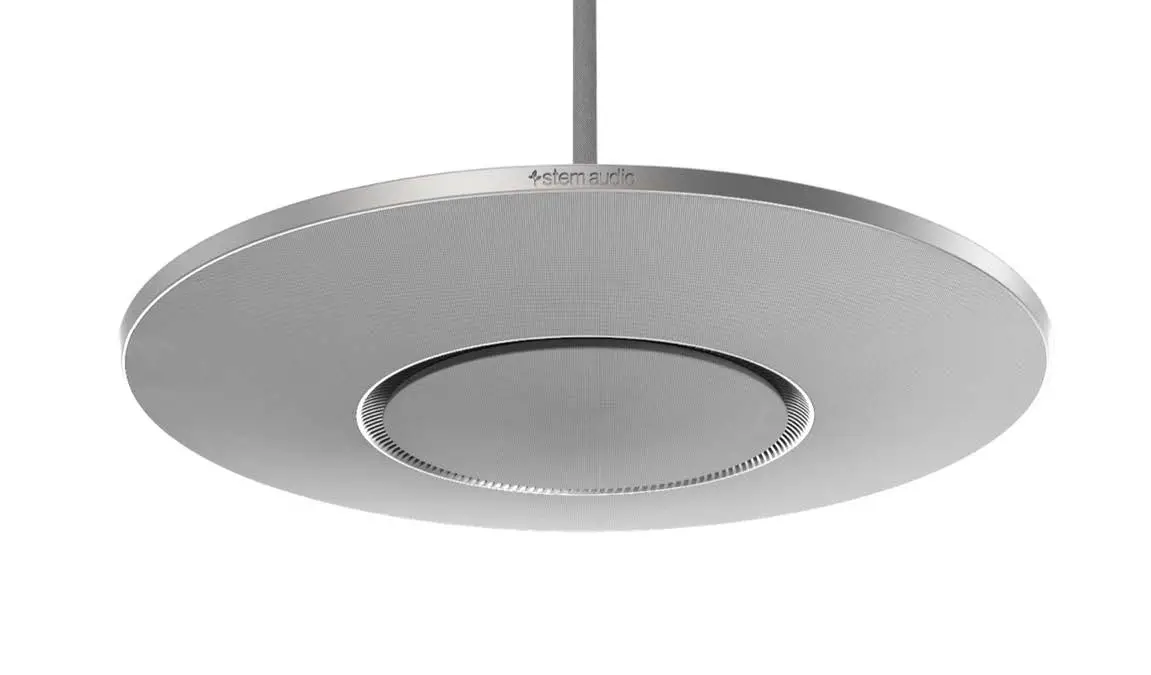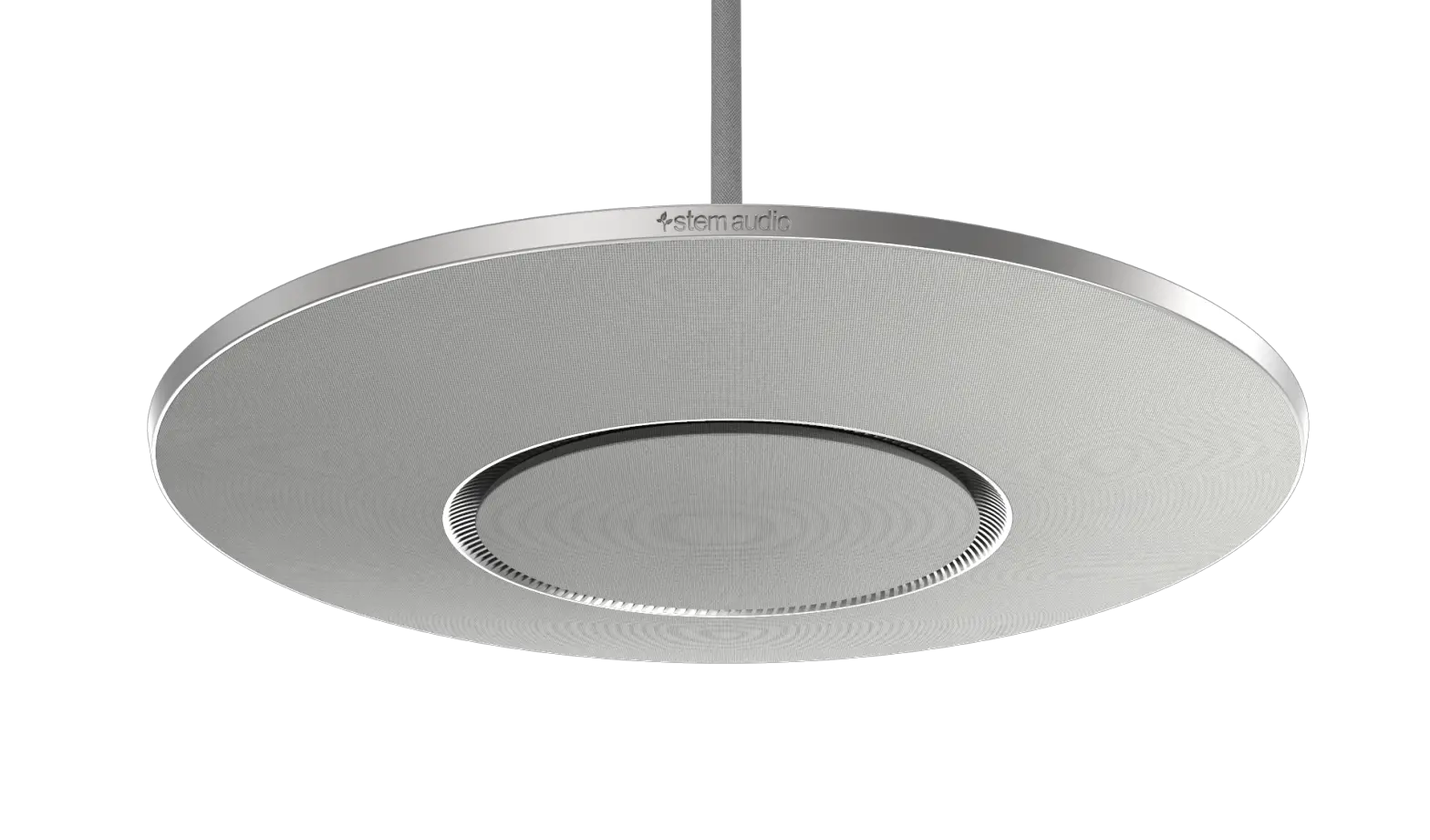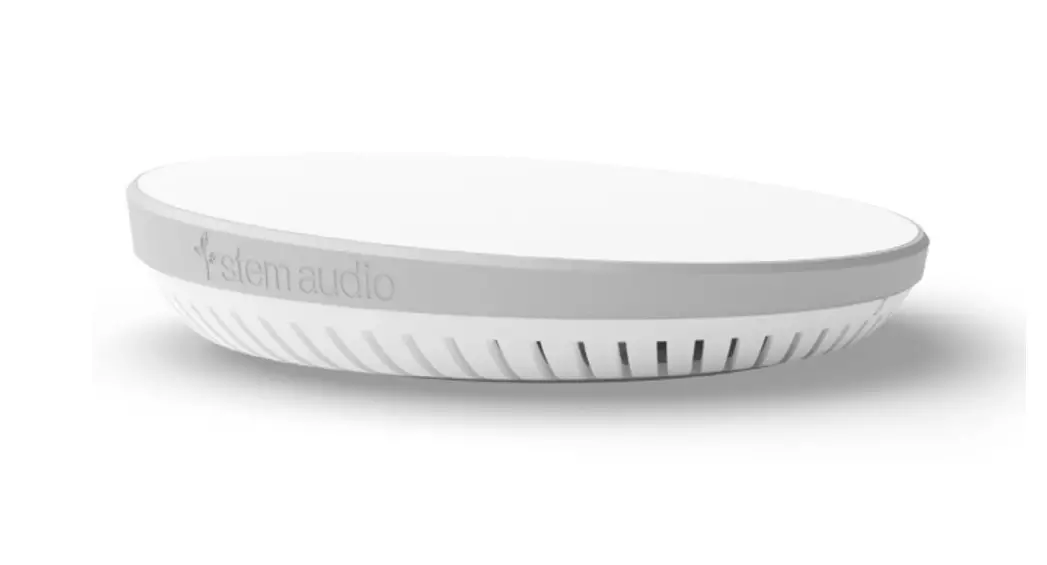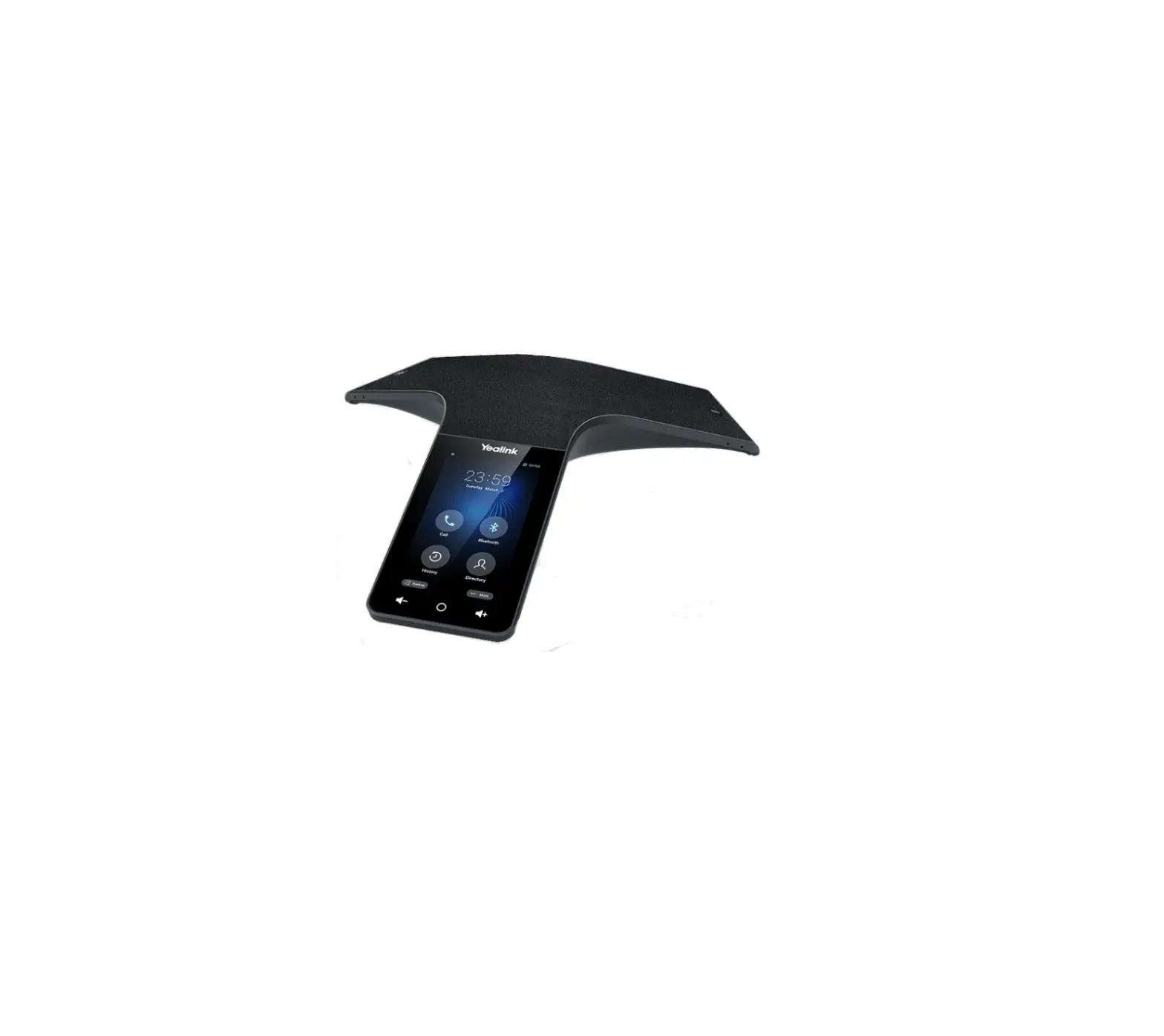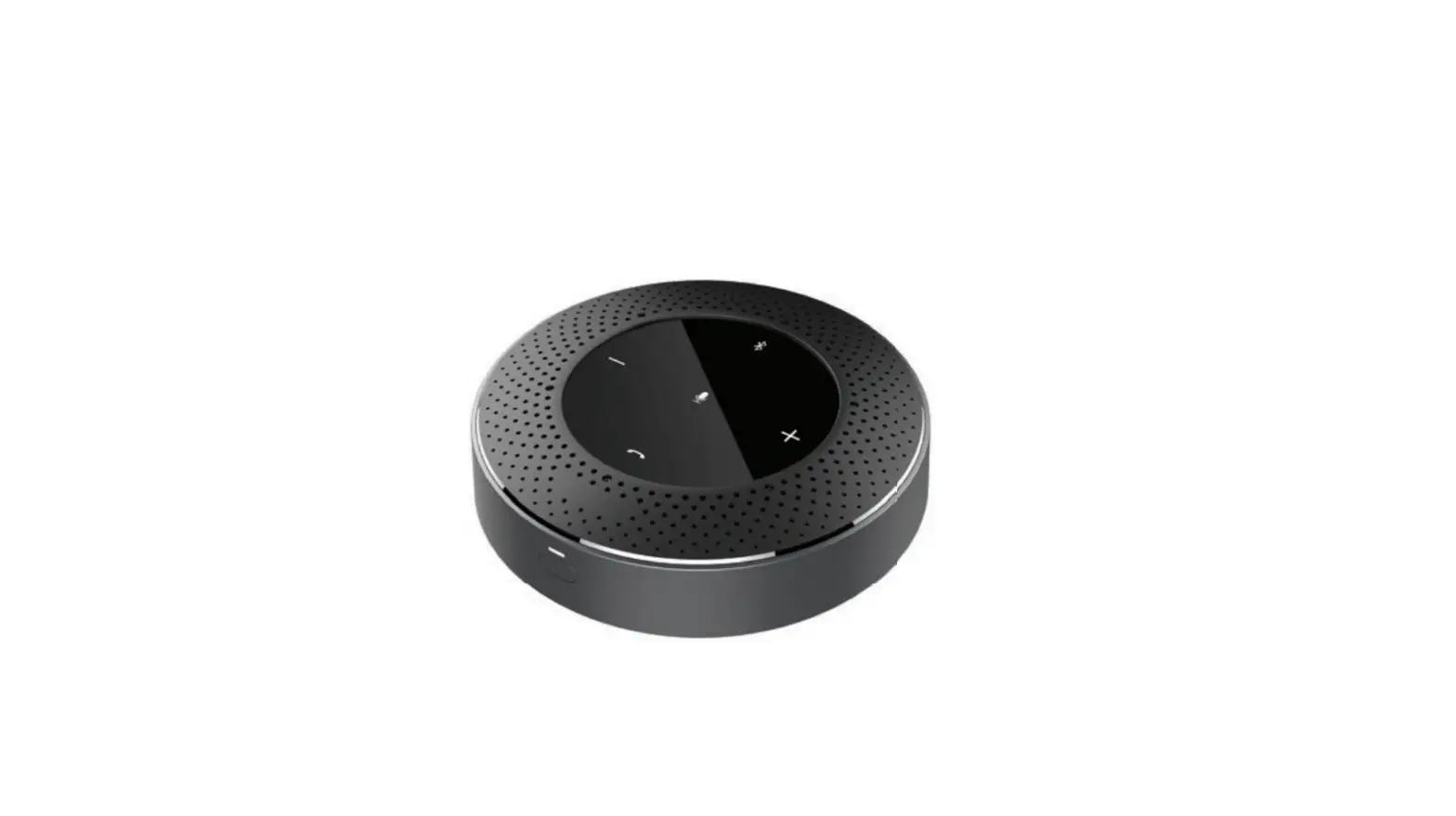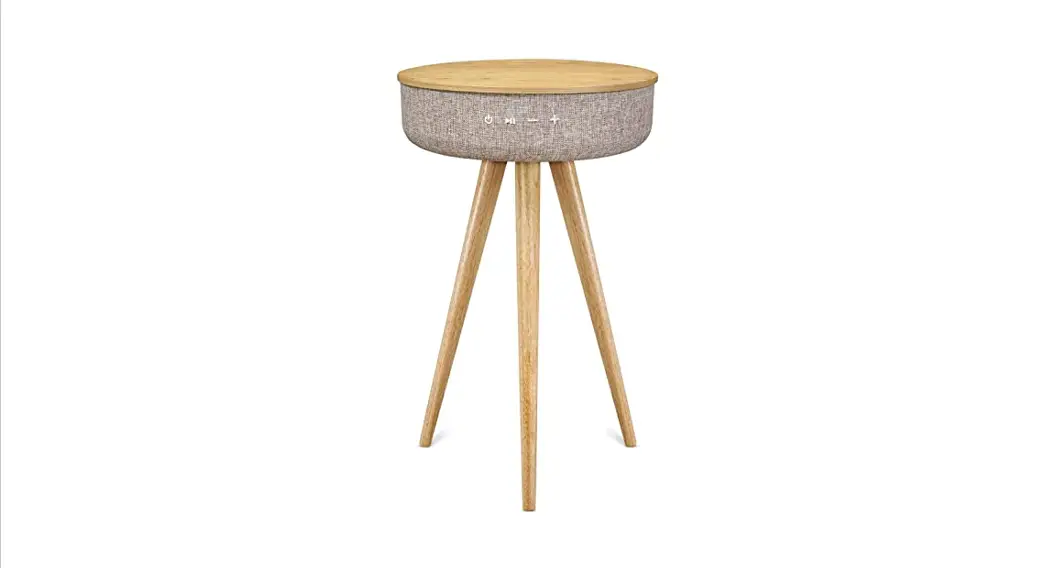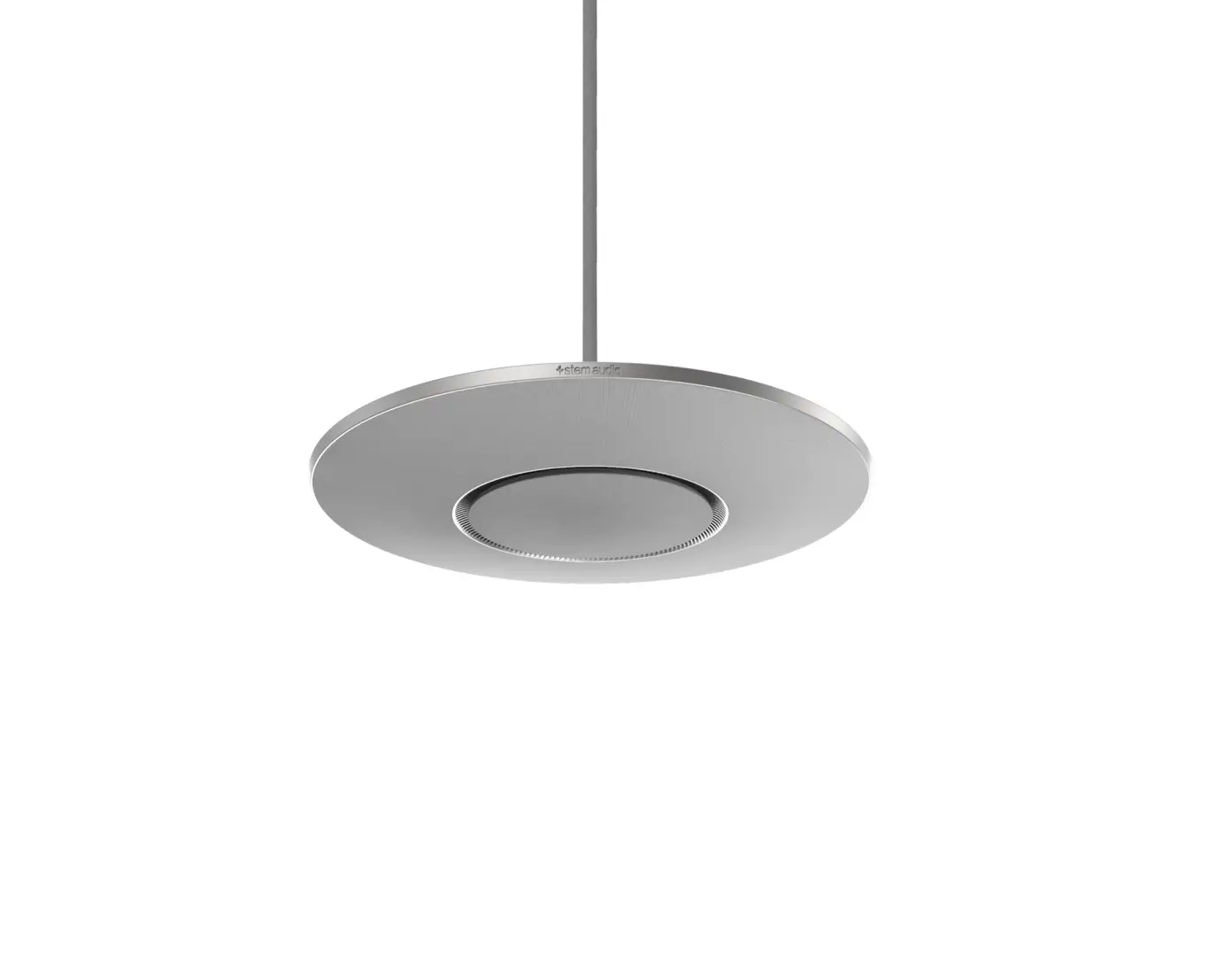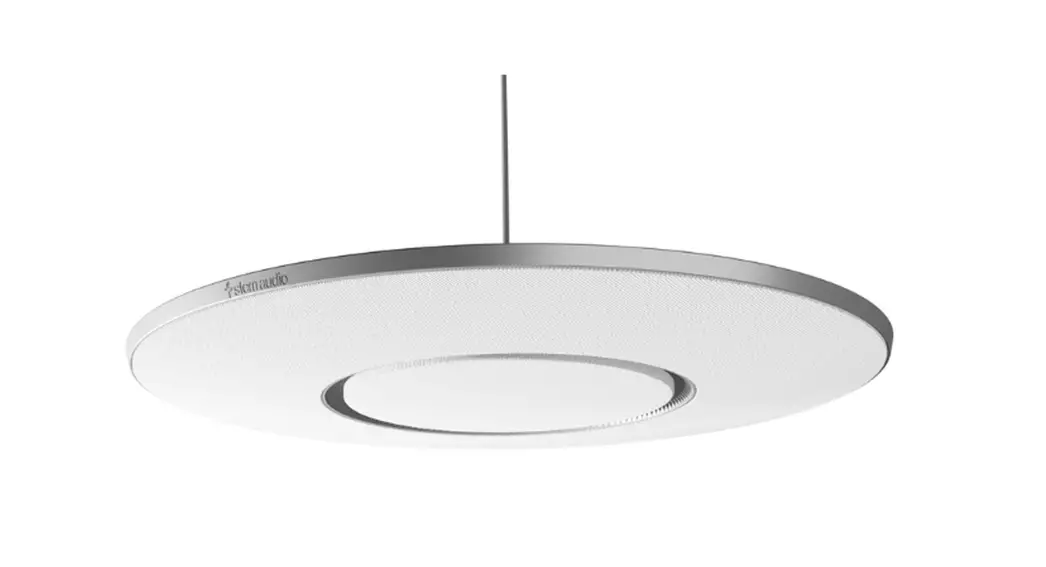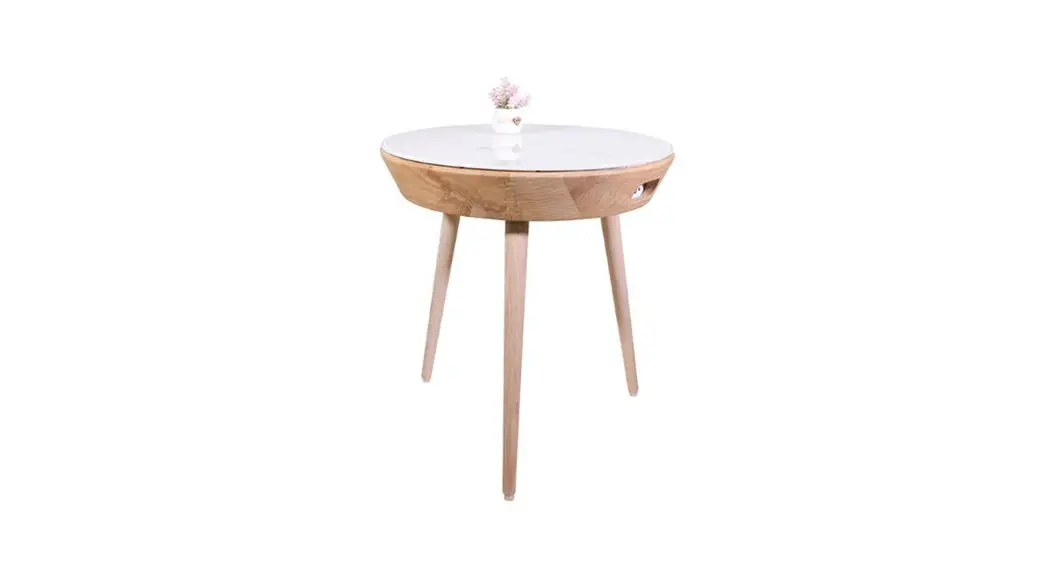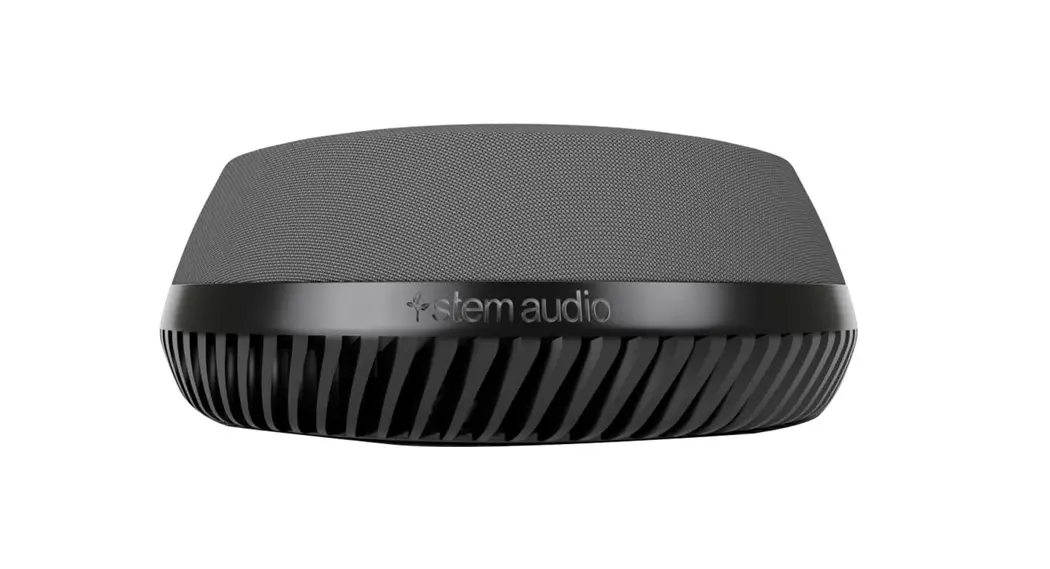

Table
Quickstart Guide
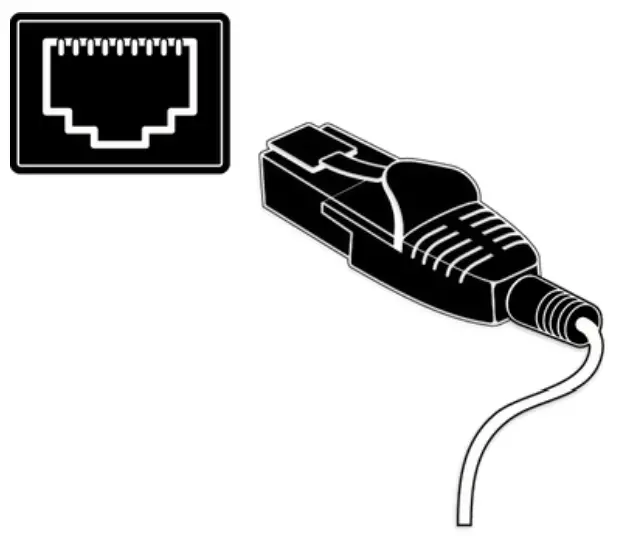
1Plug-in your Table unit and
connect it to the network Connect your Table
2Find your unit
Identify the Table unit you want on the network & select it via the Stem ecosystem platform

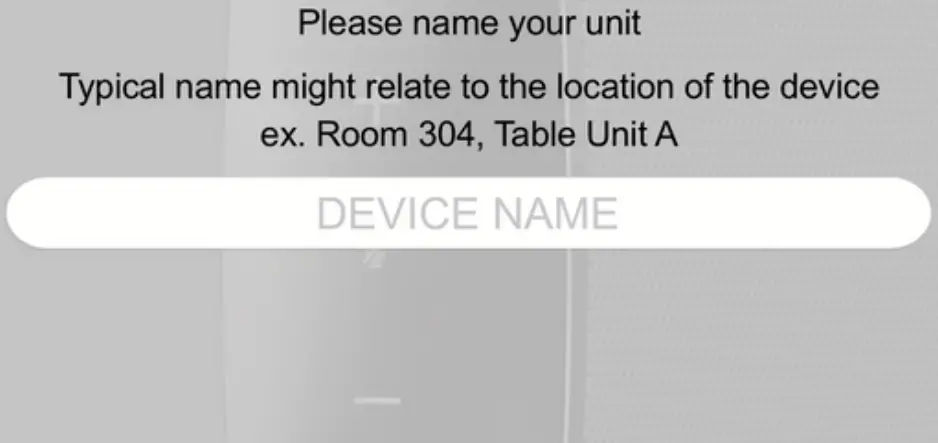
3Name your unit
Give your Table unit a name
(Ex. Medium Conference Room -Table 1)
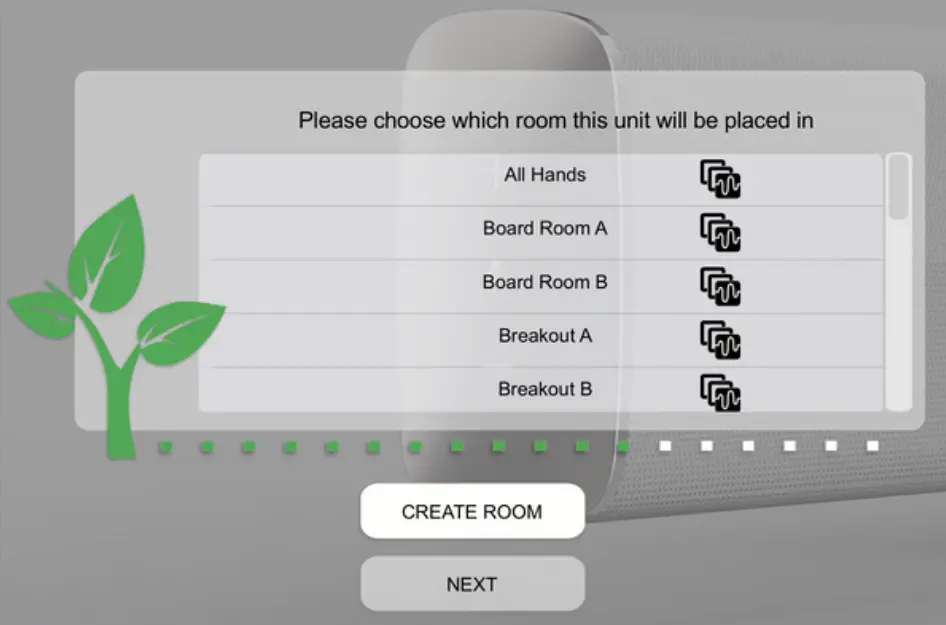
4 Give it a home
Create a new room or choose which room this unit will be placed in via the Stem ecosystem platform
Need some help?
Email: [email protected]
Telephone: (949) 877-STEM (7836)
Product User Manuals:
stemaudio.com/manuals
 Product Resources and Support Docs