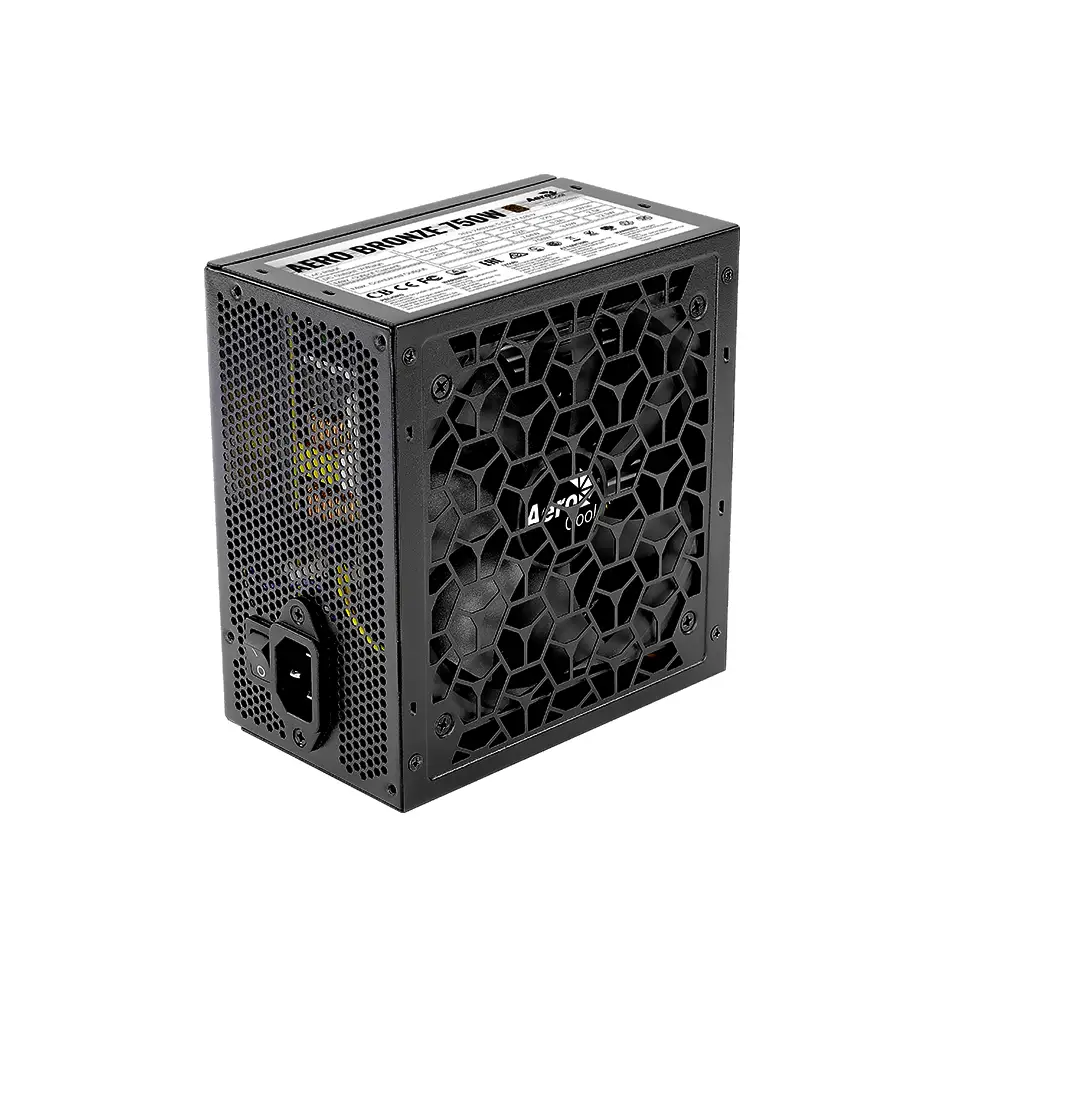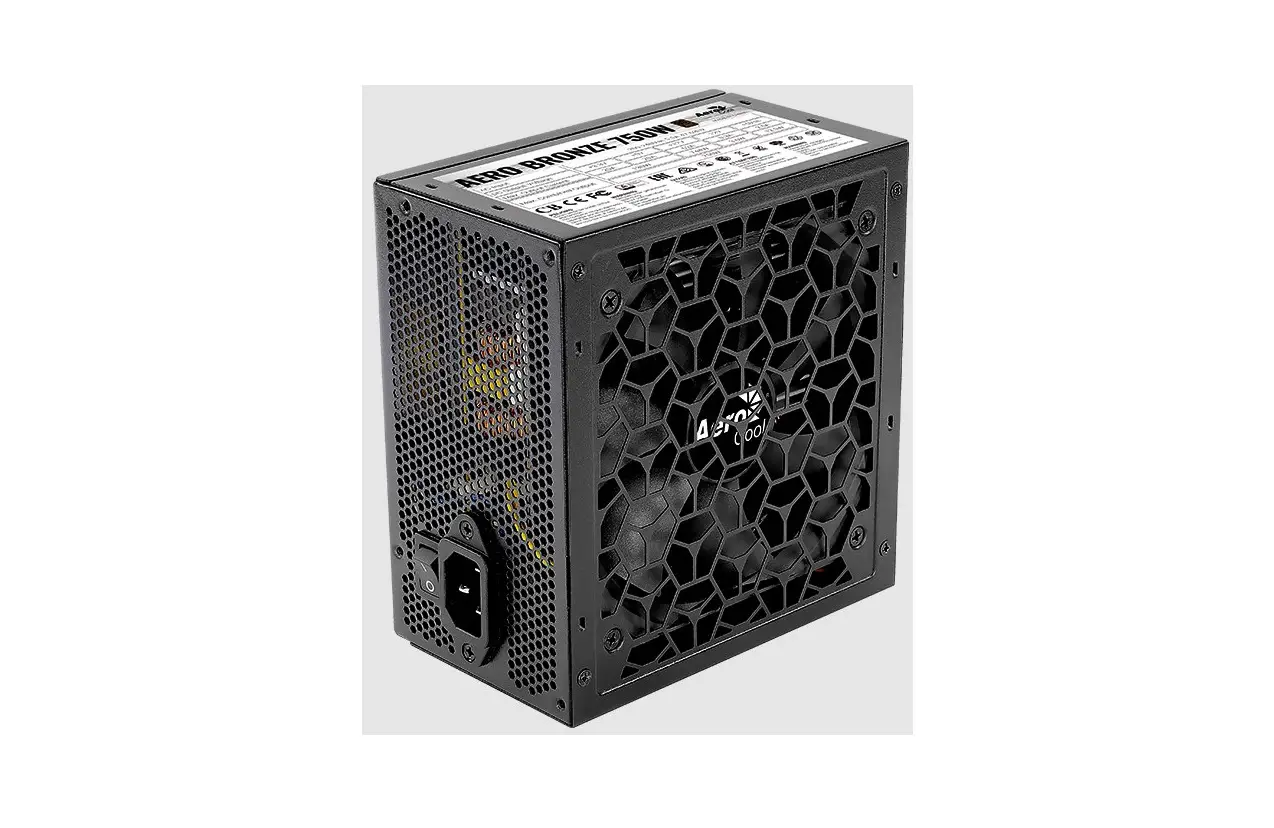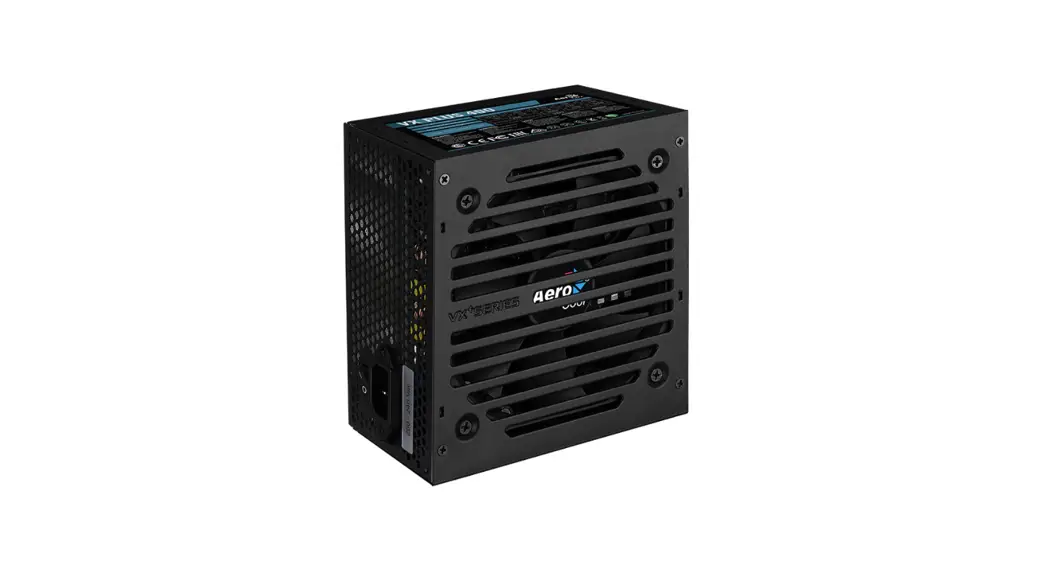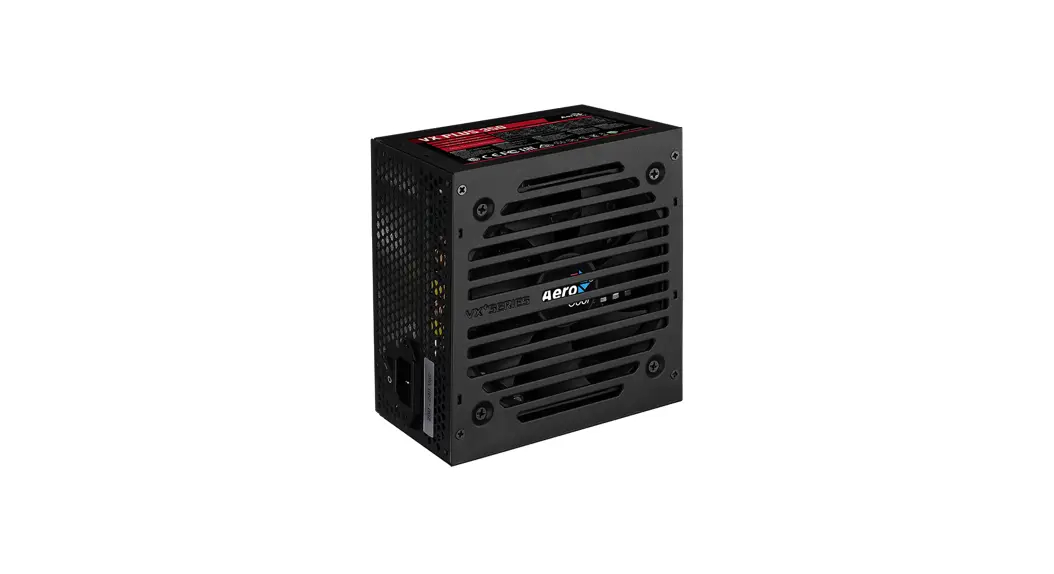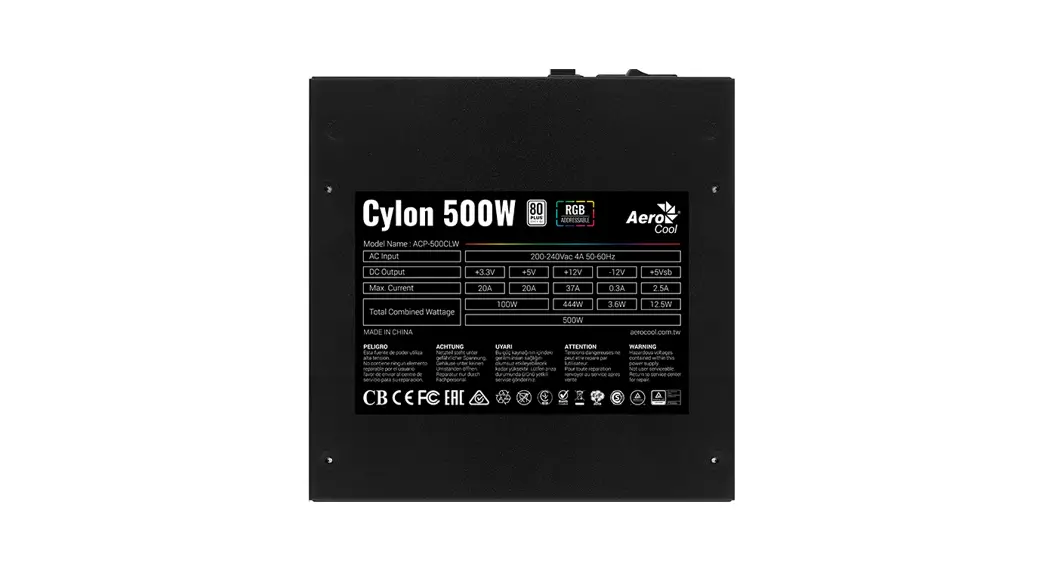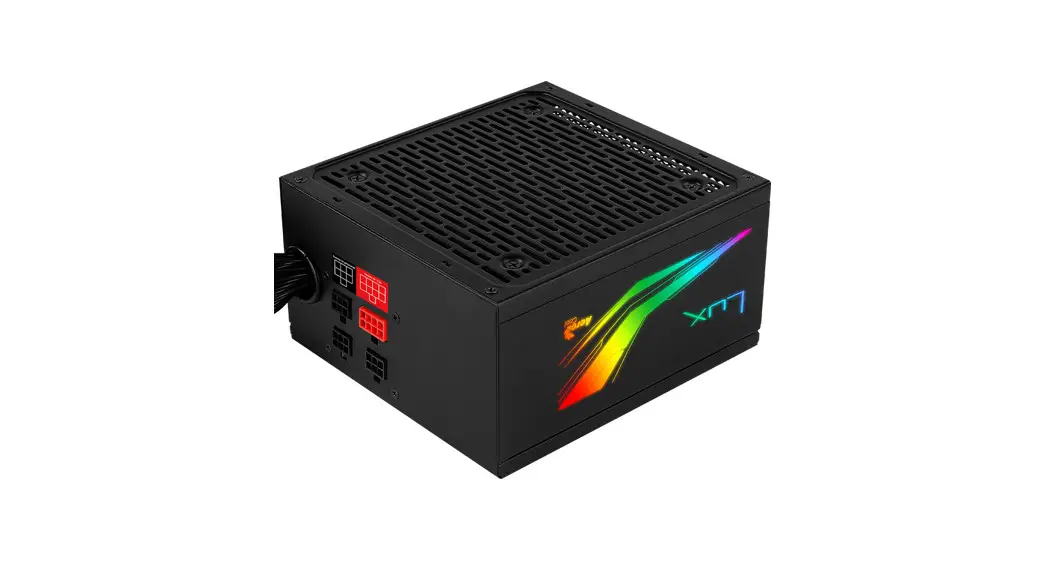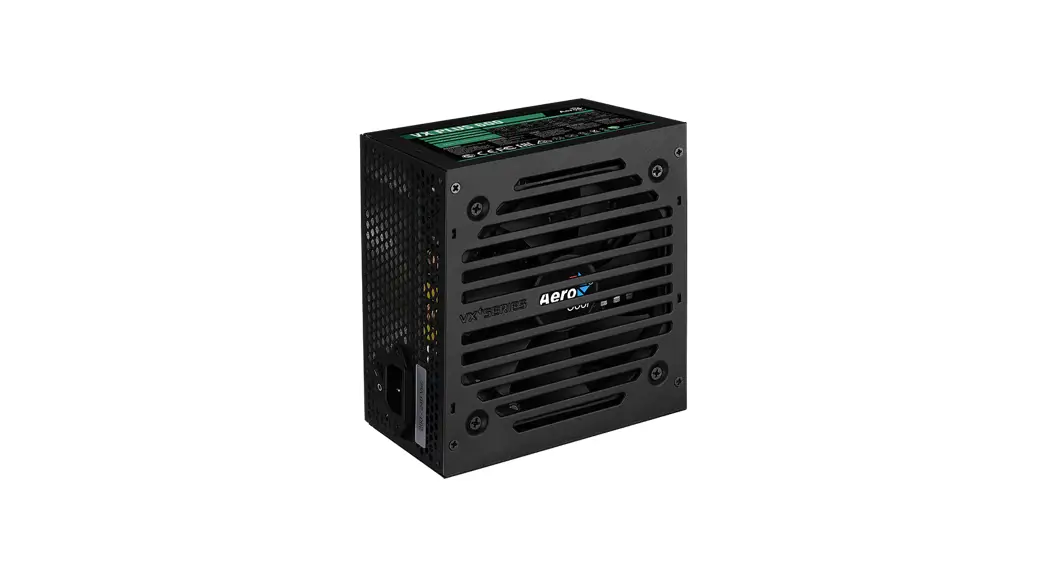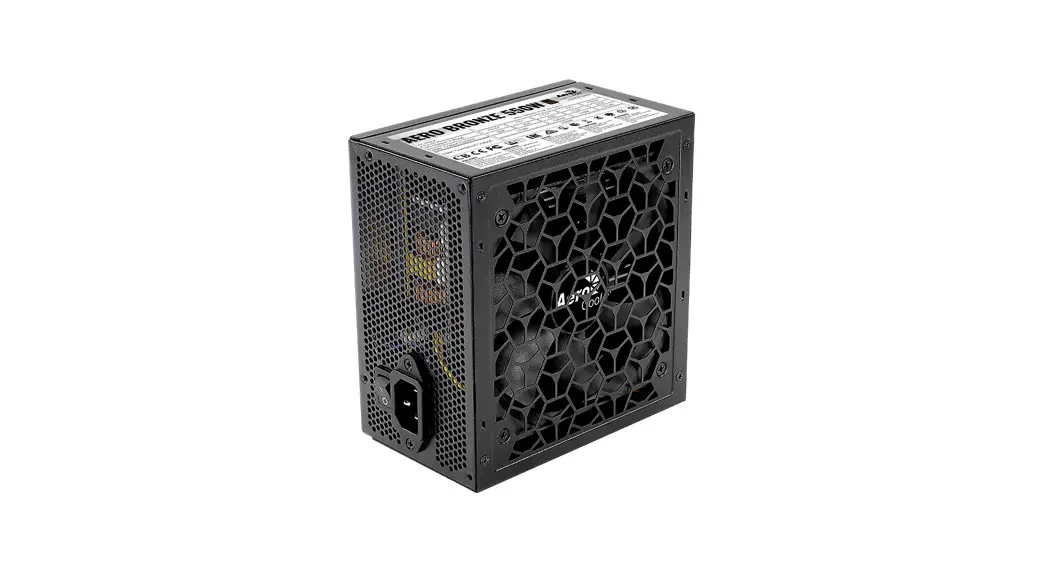
 4710562753967 Aero Bronze
550W 80PLUS BRONZE 230V EU PSU
Instruction Manual
Safety Reminders
Before installation :
- Make sure that the wattage and output of your PSU are enough to power your system’s requirements.
- Make sure that the power cord is disconnected and that the PSU switch is turned off.
- This PSU was designed for NON-INDUSTRIAL desktop systems according to INTEL’s Desktop Platform Form Factors. Usage outside of these parameters, including cryptocurrency mining, might cause overheating, malfunction, or damage to your equipment and will void your warranty.
- DO NOT attempt to expand the connectors through adapters or other means.
- DO NOT operate in wet or damp conditions.
- Do NOT open the PSU casing, the unit operates with hazardous voltages, and there is no serviceable component inside.
- Do NOT remove the warranty sticker. Damage or removal of the sticker will void your warranty.
- Please visit Aerocool official website www.aerocool.io for details on your PSU warranty policy.
How to Install / Connector Description
- Before installing the PSU, unplug the AC power cord and make sure the 1/0 panel is off.
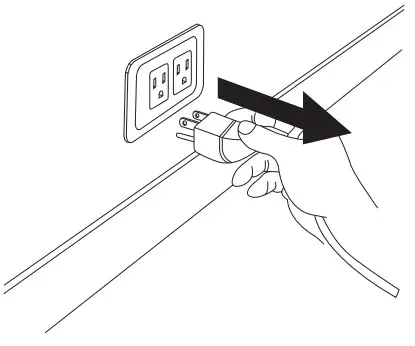 1/0 panel is off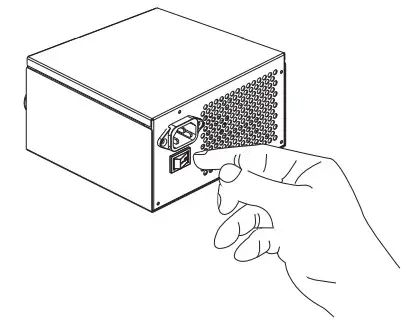
- Connect 20+4-pin connector to the motherboard.
[Note] The detachable 4-pin connector of the 20+4-pin is not suitable for ATX12 4-pin connector. Incorrect connection may cause irreversible damage.
Motherboard 20+4PIN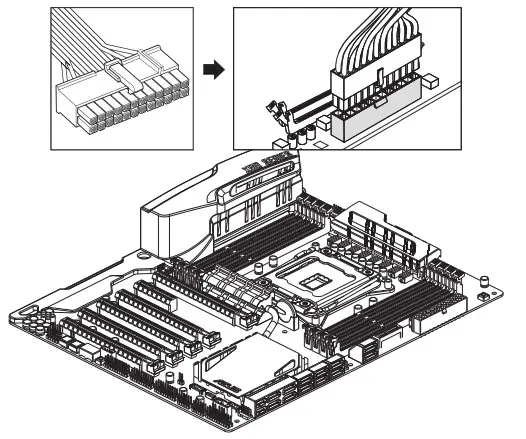
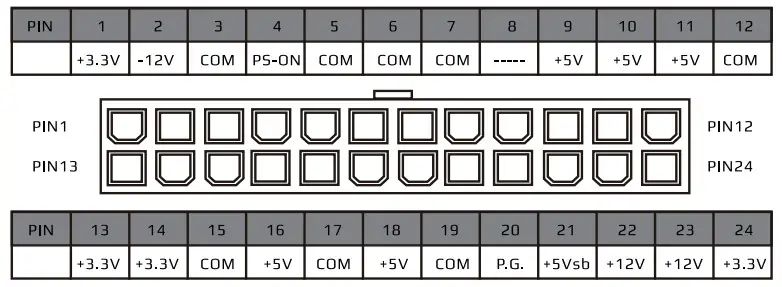
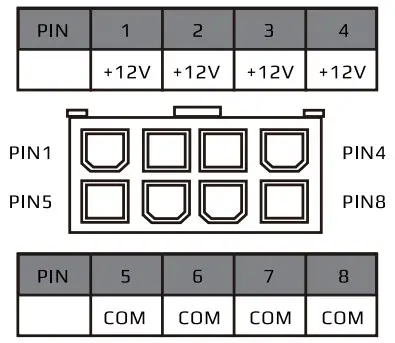
- Connect ATX12V (CPU power) 4-pin or 8-pin (by 4+4-pin) to the motherboard.
ATX12V4/8-PIN(by4+4-pin)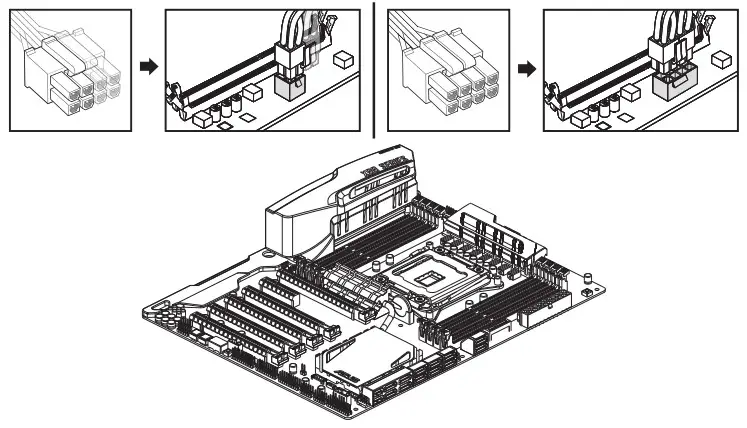
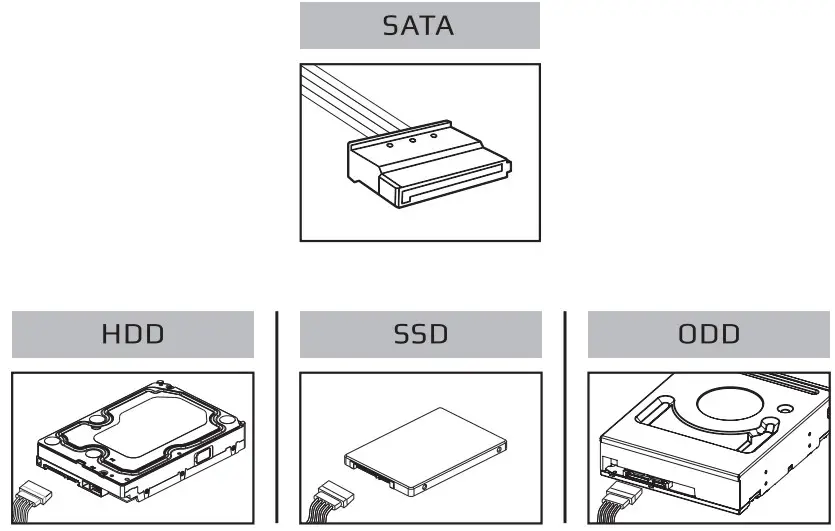
- Connect SATA connector to devices, i.e. HDD/SSD/ODD.

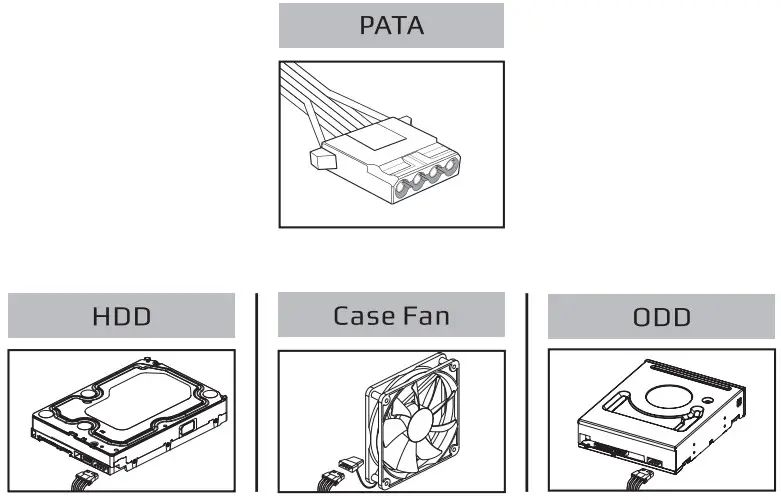
- Connect Molex 4-pin connector to devices, i.e. HOD/ODD/case fan.

- Connect PCle 6-pin or 8-pin (by 6+2-pin) Nvidia 12pin to graphics card.
[Note] Do not connect the PC le 6+2-pin connector to the ATX12V 8-pin connector. Incorrect connection may cause irreversible damage.
PCIe 6/8-pin (by 6+2-PIN),Nvidia 12pin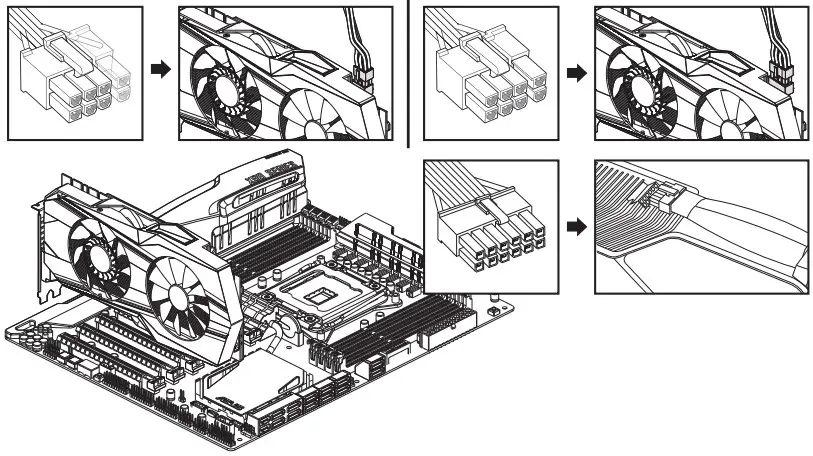
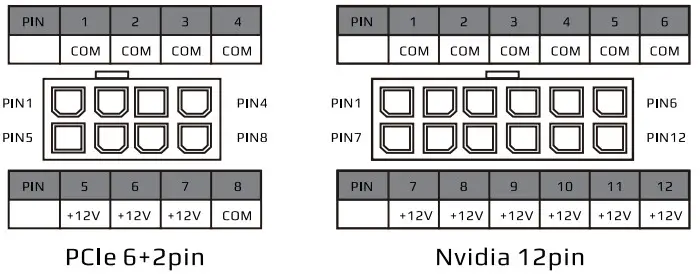
Trouble shooting:
If your system does not function, please go through the steps below:
- Switch PSU main I/O to “0”(Off) to reset power supply for at least 5 minutes then follow through steps below.
- Ensure the AC cord is properly plugged into the wall outlet and the PSU.
- Ensure each DC connector Is tightly connected with motherboard, graphics card and all peripherals.
- Ensure all pins are correctly plugged into the corresponding connector, for example PCIe 6+2pin Is for graphics card, not CPU power socket.
- Turm main I/O switch to the “I” (On) position.
 AEROCOOL ADVANCED TECHNOLOGIES CORP.
ALL RIGHTS RESERVED.
https://aerocool.io/