
QUICK START GUIDE
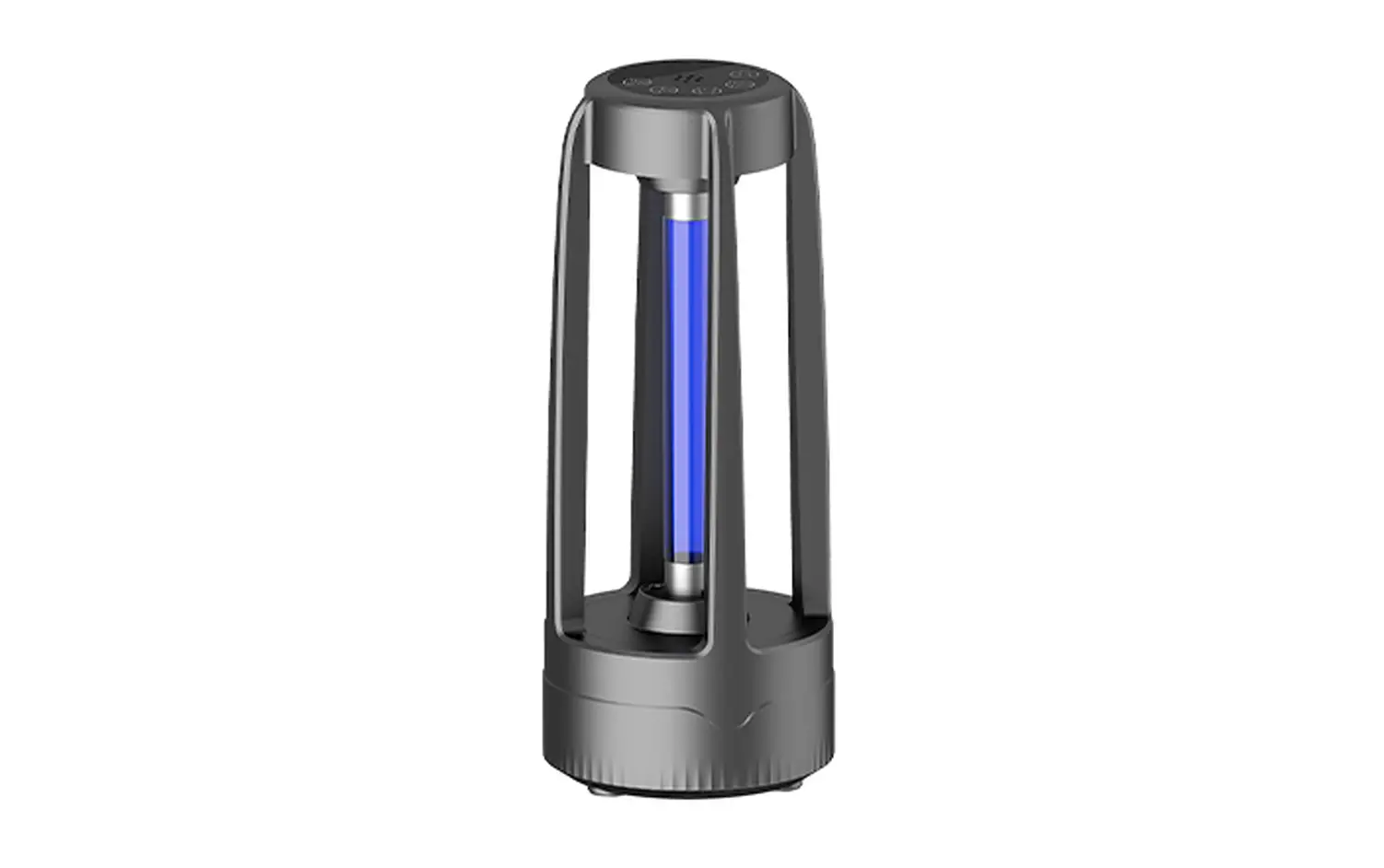
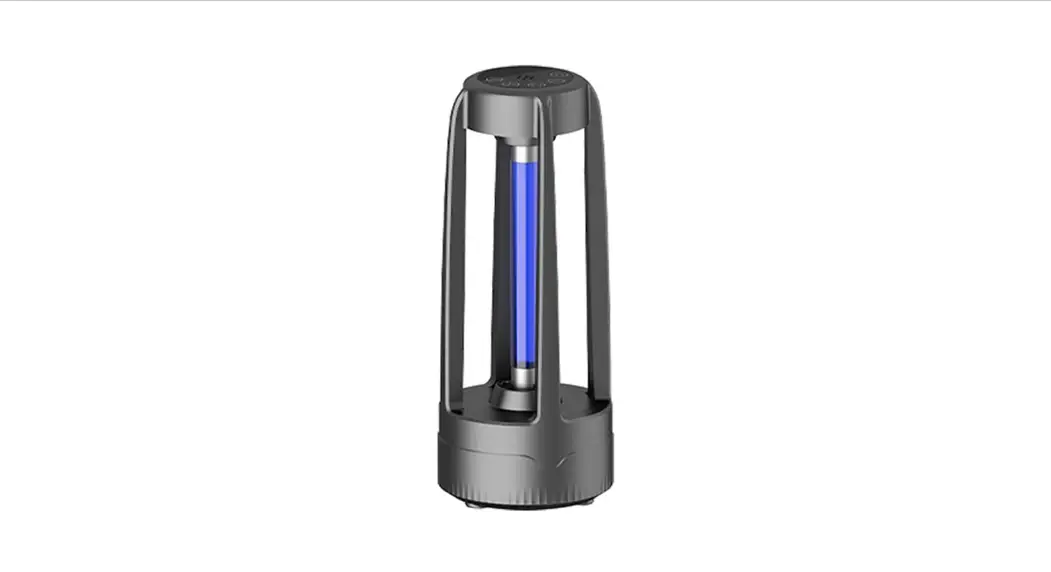
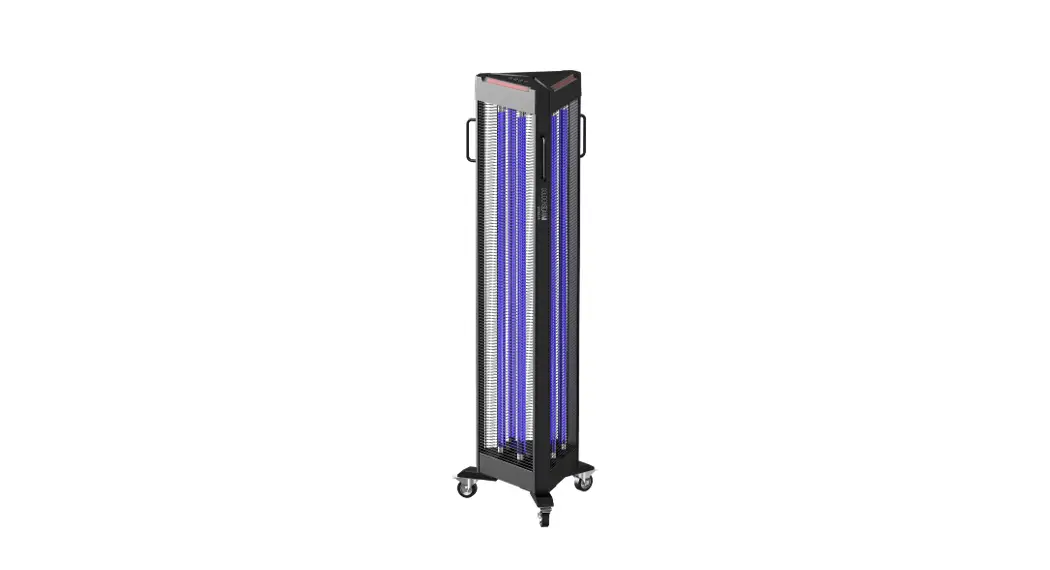
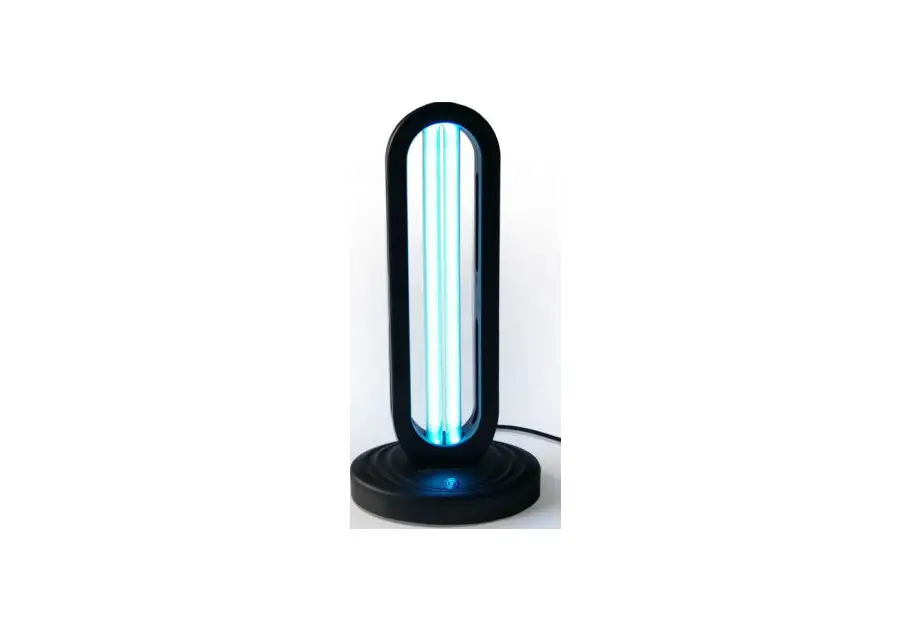
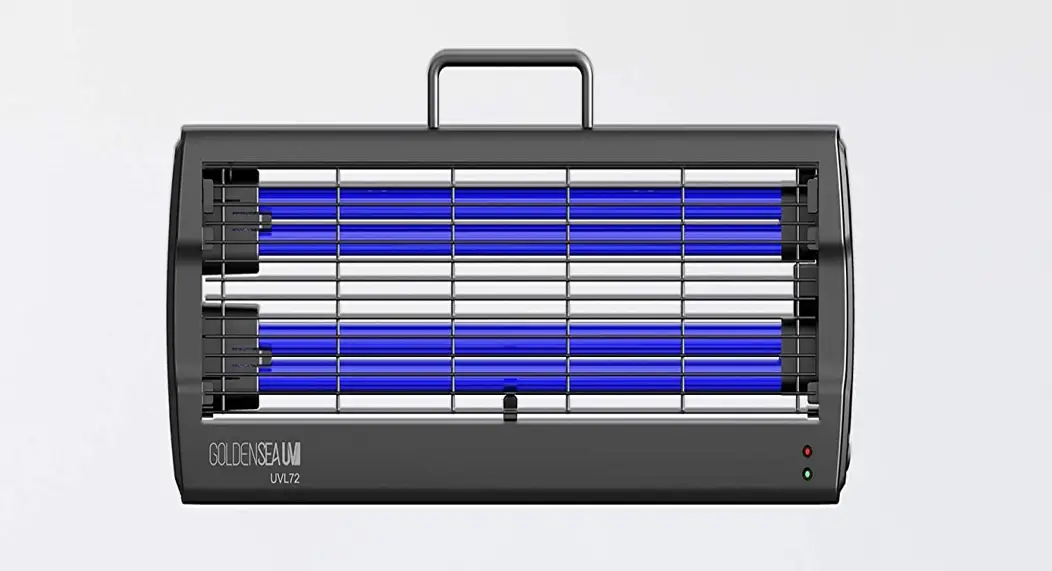
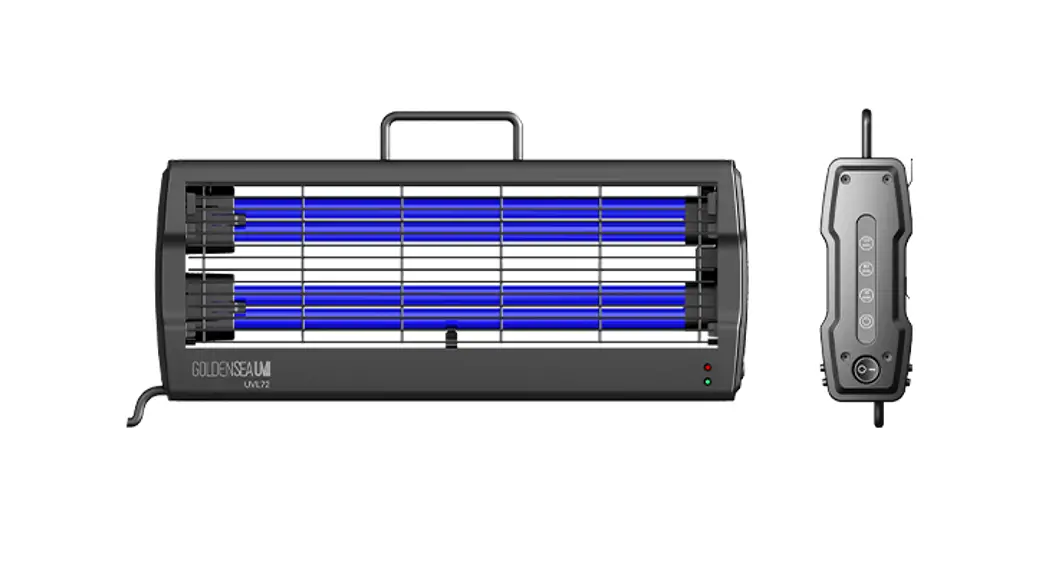
UVL72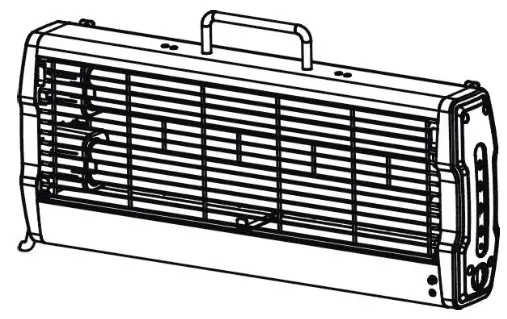
WARNING! POSSIBLE RISK OF INJURY TO EYES AND SKIN. • Hazardous optical radiation may be emitted from the light source. Do not look at an operating lamp. It may be harmful to the eyes.
 • UVC is emitted from the light source. Eye or skin irritation may result from exposure. Use appropriate shielding.
 • IR may be emitted from the light source. Do not look at the operating lamp.
CAUTION!
 • To avoid eyes and skin exposure to UV light, it is forbidden for animals, plants, and all personnel to be present when the UV lamp is on.
 • Always disconnect the mains supply before removing any fixture covers.
 • Keep this device away from rain and moisture.
Thank you for purchasing a GOLDENSEA UV product. This manual is a quick operation guide to get you started. For more information, please always refer to the full version user manual provided.
Before unpacking, please check and be sure that the package is in good condition with no damage on the carton during transportation. In the package, you will find the following: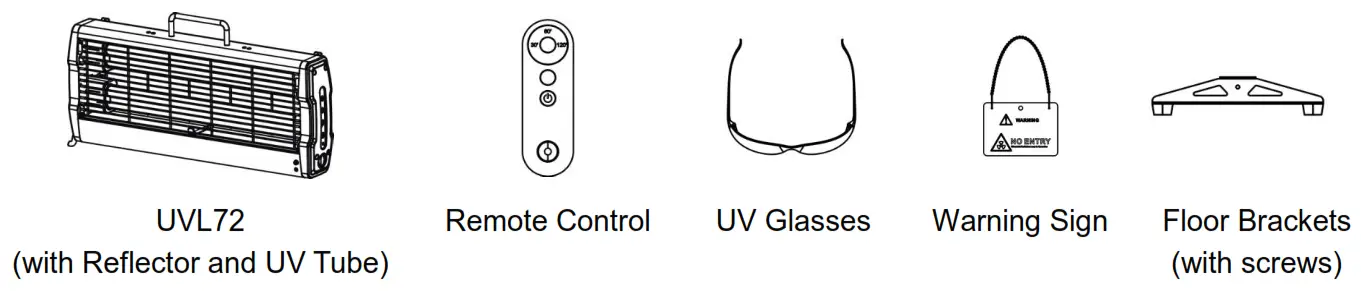
Product Information
| Voltage | Power | Net Weight | Size |
| AC100-240V, 50/60Hz | 80W | 2.2 kg | 490.8×75.8×240.3mm |
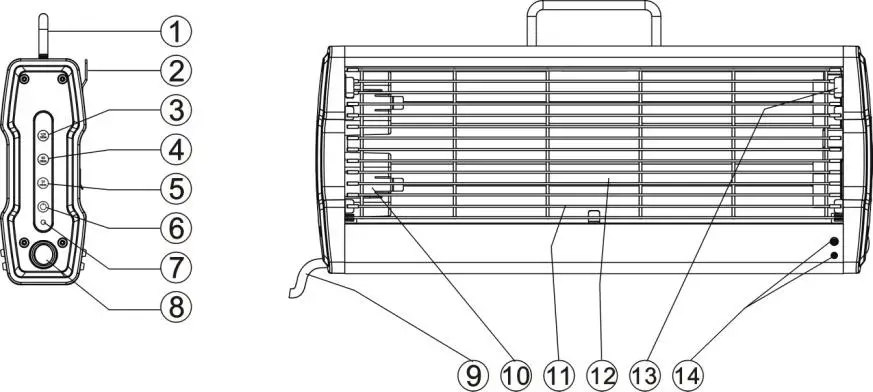
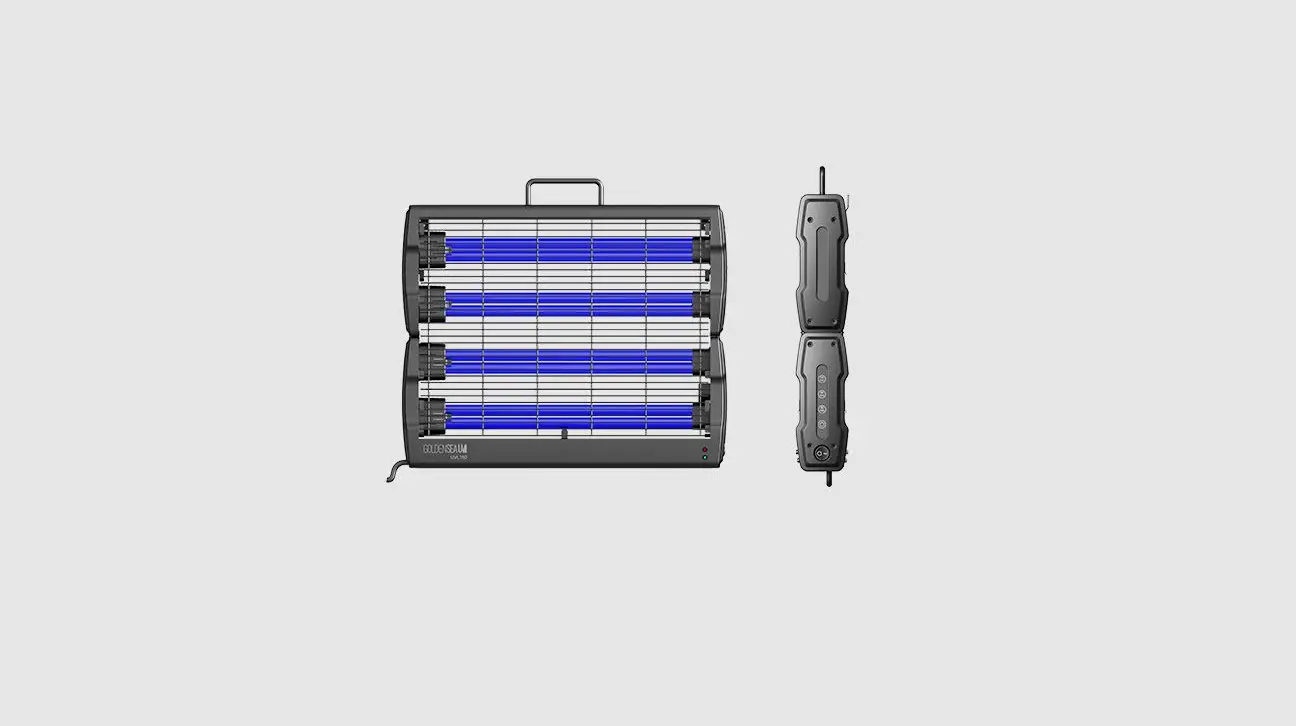
| ① Handle | ⑧ Power Switch (I/O) |
| ② Hanging Hook | ⑨ Power Cable |
| ③ 120 mins – touch key | ⑩ Lamp Tube Safety Catch |
| ④ 60 mins – touch key | ⑪ Protective Grid |
| ⑤ 30 mins – touch key | ⑫ UV Tube |
| ⑥ Start – touch key | ⑬ Grid Opening Tabs |
| ⑦ Power Indicator | ⑭ Indicator Lights |
Preparation and Notes
- Before using the product, remove the foam (protecting the UV tube) inside the product: pull up the4 locking Tabs to open the Grid and take the foam out carefully, then re-install the Grid.
- Keep in mind of the following information:
Delayed Start Time Recommended Disinfection Times/Areas 2 minutes 30mins/20m² 60mins/40m² 120mins/80m² Place the supplied Warning Sign in a conspicuous place at the entrance/exit of disinfection area.
- Make sure the path to exit the disinfection area is clear before starting the device.
- The operator must wear anti-ultraviolet protective clothing and the UV Glasses before operating.
- The operator must leave the disinfection area and close all entrances after starting the device, make sure the entrances are locked or safeguarded during the entire disinfection process.
- For safety reasons, the device was designed with a motion sensor: if the working device detects any movement within 3m, it will immediately deactive and a continuous audible dual beep and flashing red and green LED indicator lights will engage.
- The motion detector can ‘see’ through walls, the range can be affected by different materials and thickness (metal: isolated; concrete: decreased; glass or wood: no change; reflector: increased).
Installations
Wall Mounting
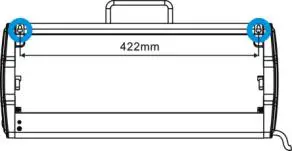
- Mount 2 screws (M4) on the wall with a distance of 422mm to hang the device.
 Floor Standing
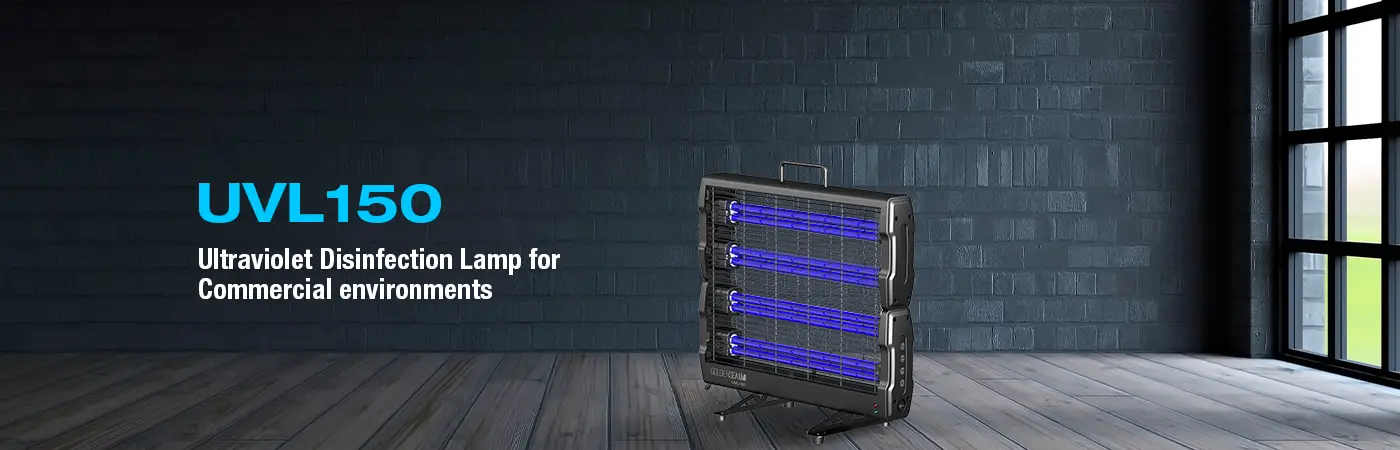
 Take the 2 Floor Brackets provided and fix them to the device with the 4 screws (M4x10 mm).
 * When using by Wall Mounting, the device should be installed with the Reflector. When using by Floor Standing, the device can be installed with the Reflector if it is placed against wall, or without Reflector if it is placed away from wall.
 Floor Standing
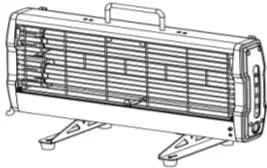 * When using by Wall Mounting, the device should be installed with the Reflector. When using by Floor Standing, the device can be installed with the Reflector if it is placed against wall, or without Reflector if it is placed away from wall.
Operation
- Switch on the device, the green power indicator light turns on.
- On either the fixture control panel or supplied remote control: Press the <30 mins>, <60 mins> or <120 mins> touch key/button to select your desired disinfection time, the touch key indicator light turns on. Press the Start touch key/button, the audible alarm starts beeping and the red power indicator will flash regularly for 2 minutes. You must exit within these 2 minutes.

- The UV tubes will light up once the beeping countdown ends, the power indicator turns red and stays on during the entire disinfection process.
- Once the disinfection process ends, the touch key indicator turns off and the power indicator switches to green. Also an audible alarm sounds.
- Open the doors and windows to ventilate the disinfected area.
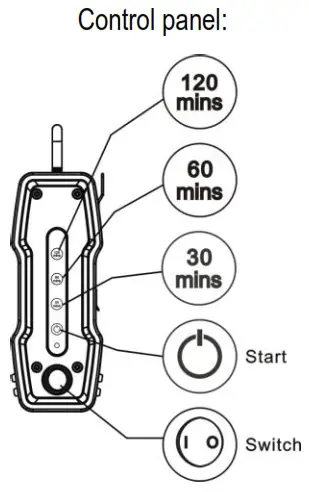
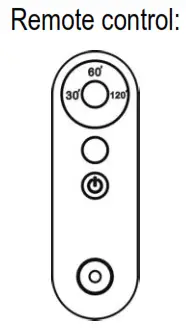 * If the remote control loses pairing with the device, re-do the pairing by pressing the Start button on the remote control and switch on the device for 5 seconds.
Guangzhou Haoyang Electronic Co., Ltd.
E-mail: [email protected]; Tel: +86 20 3996 6388
Addr: No.109 Haiyong Road, Shiji Town, Panyu Zone, Guangzhou, China. 511450
 GOLDENSEA UV