SL62 Robot Vacuum Cleaner
Product Information
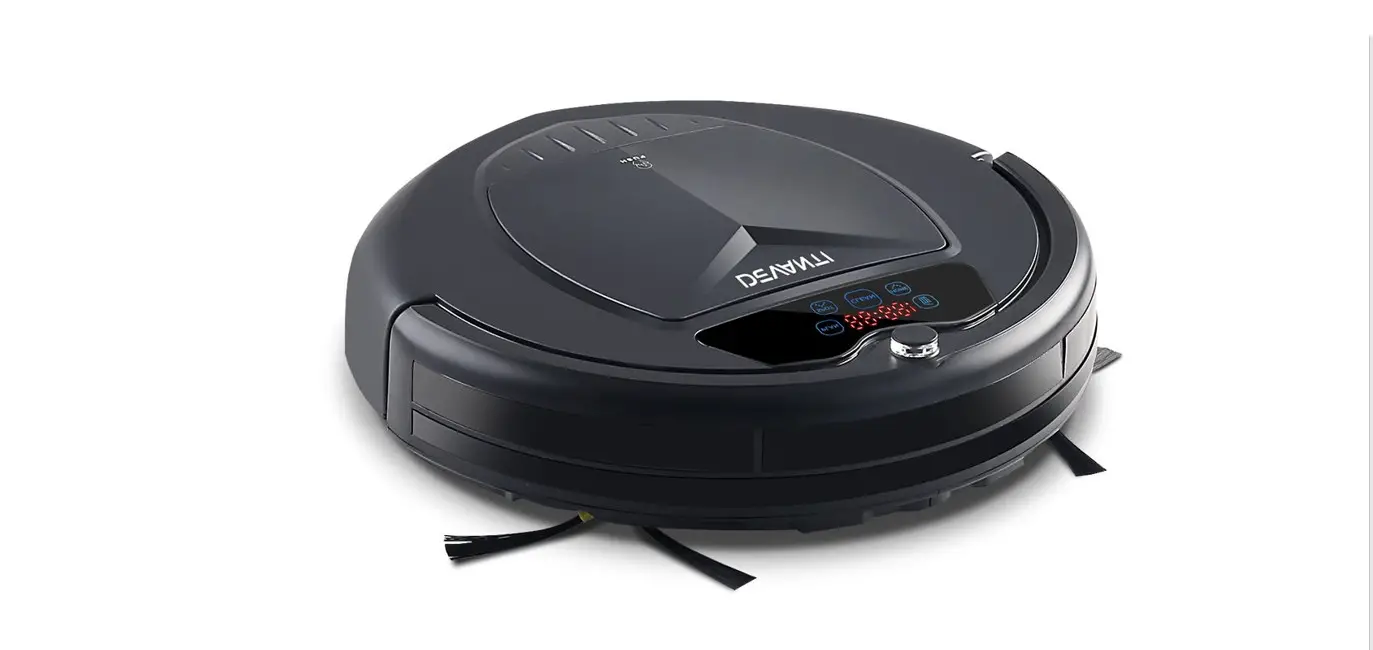
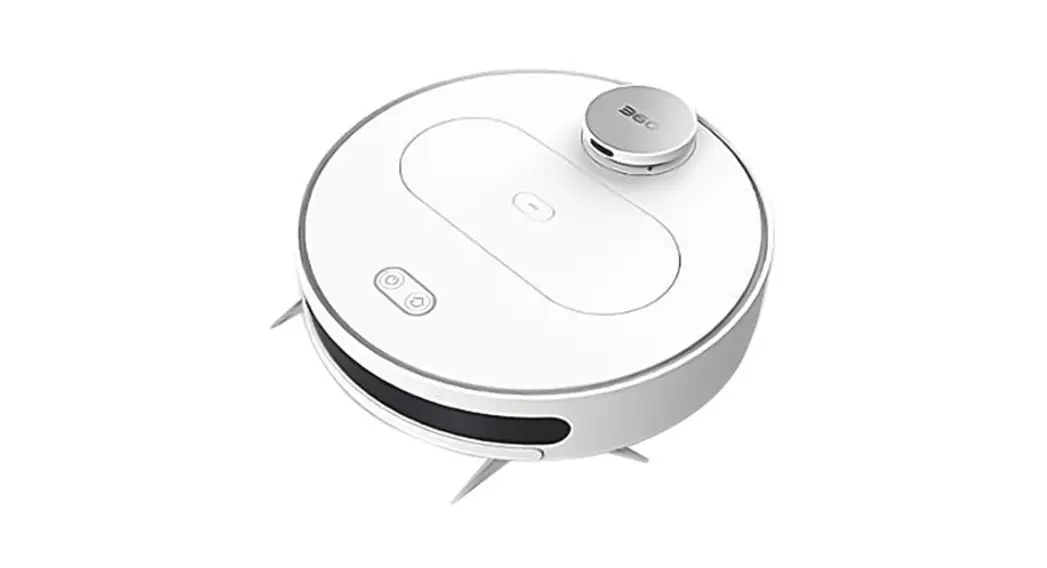
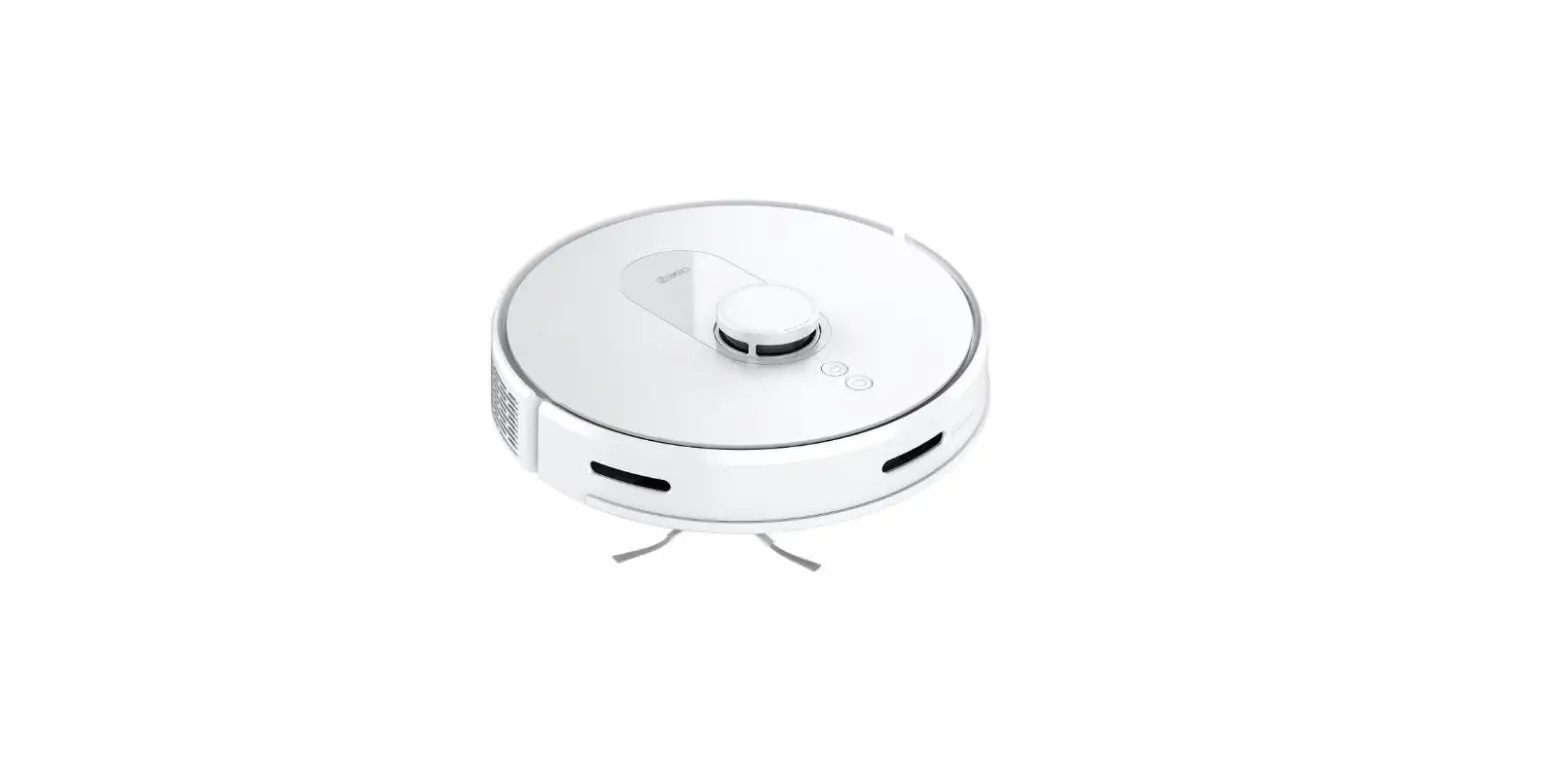
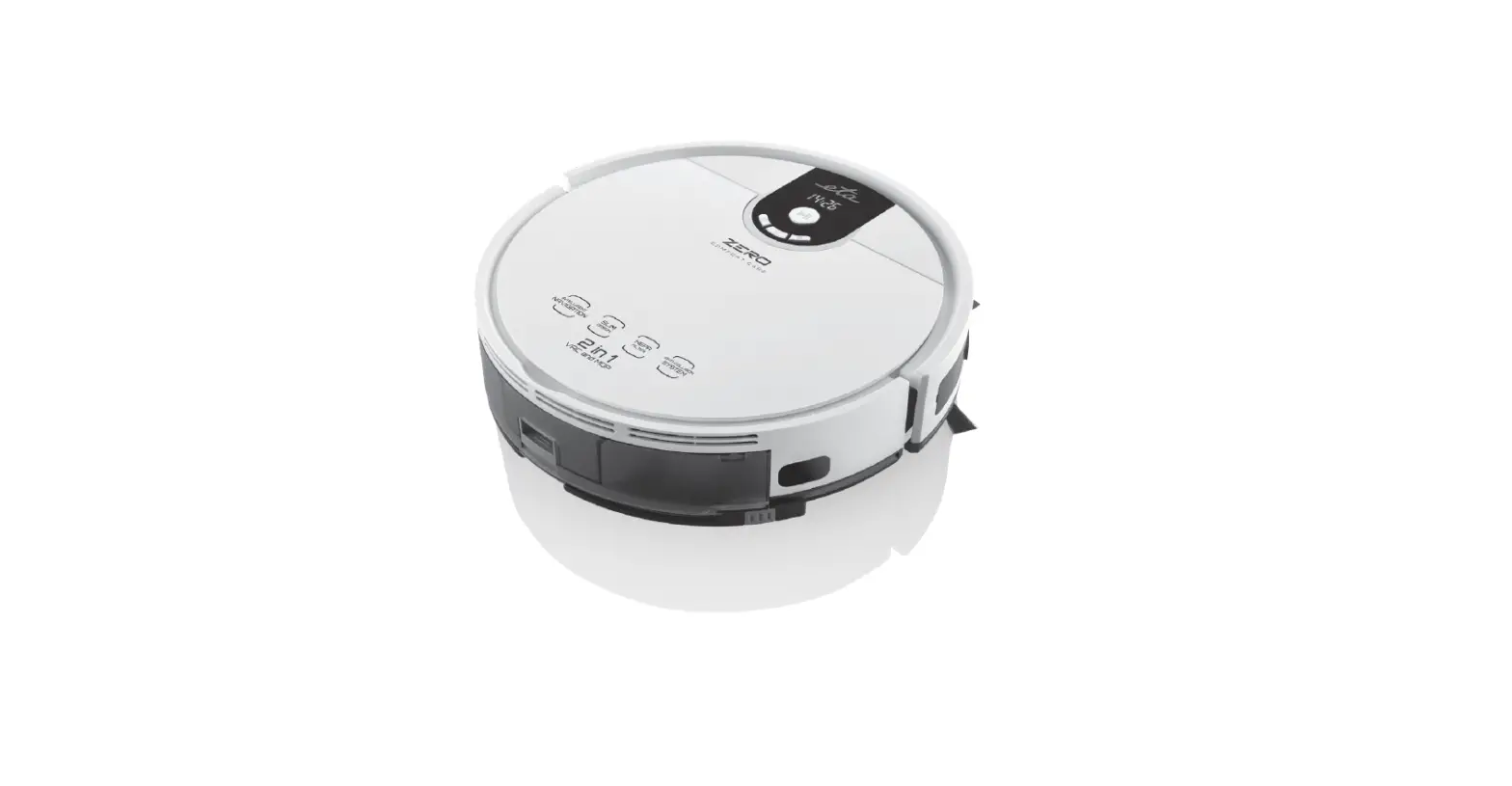
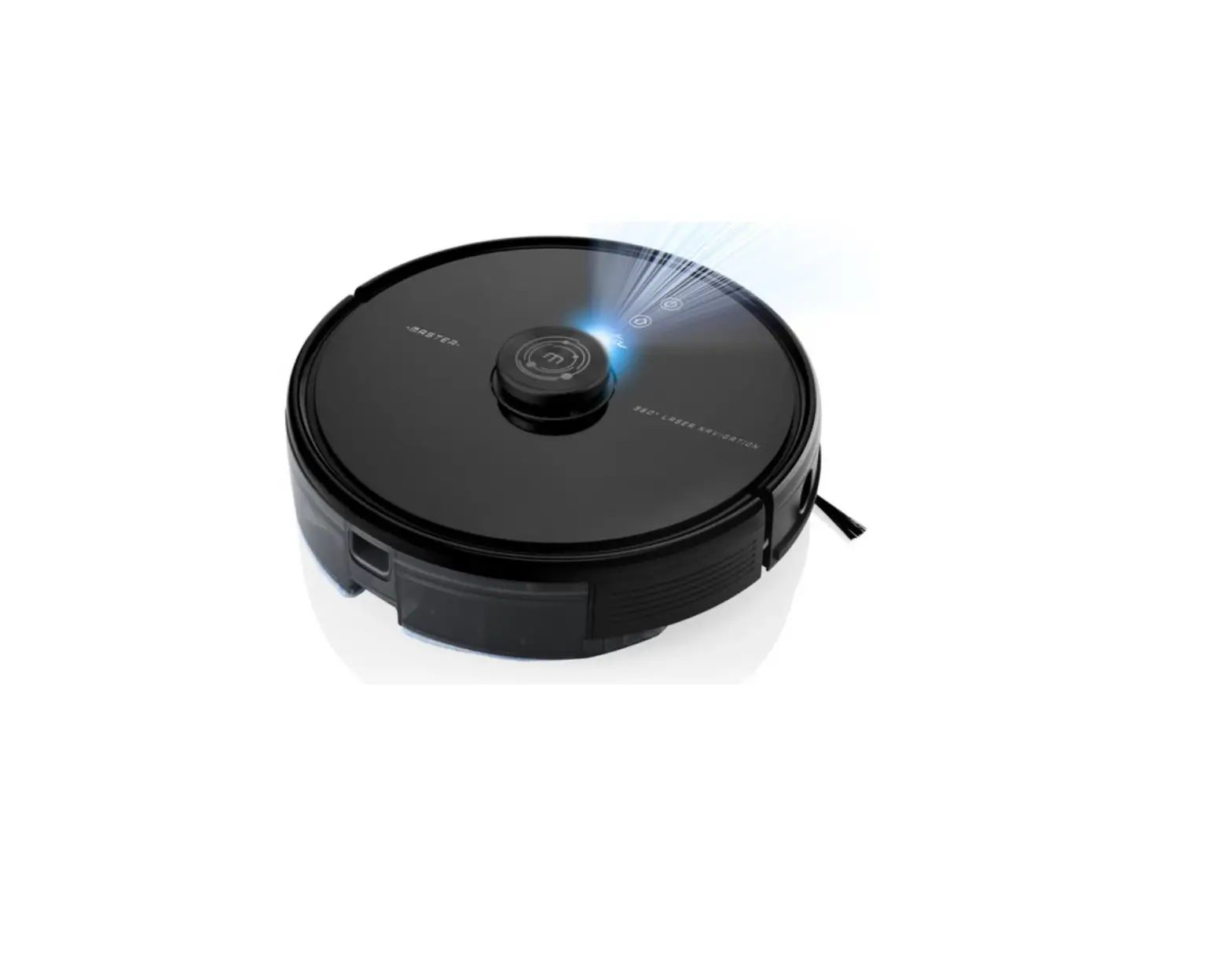
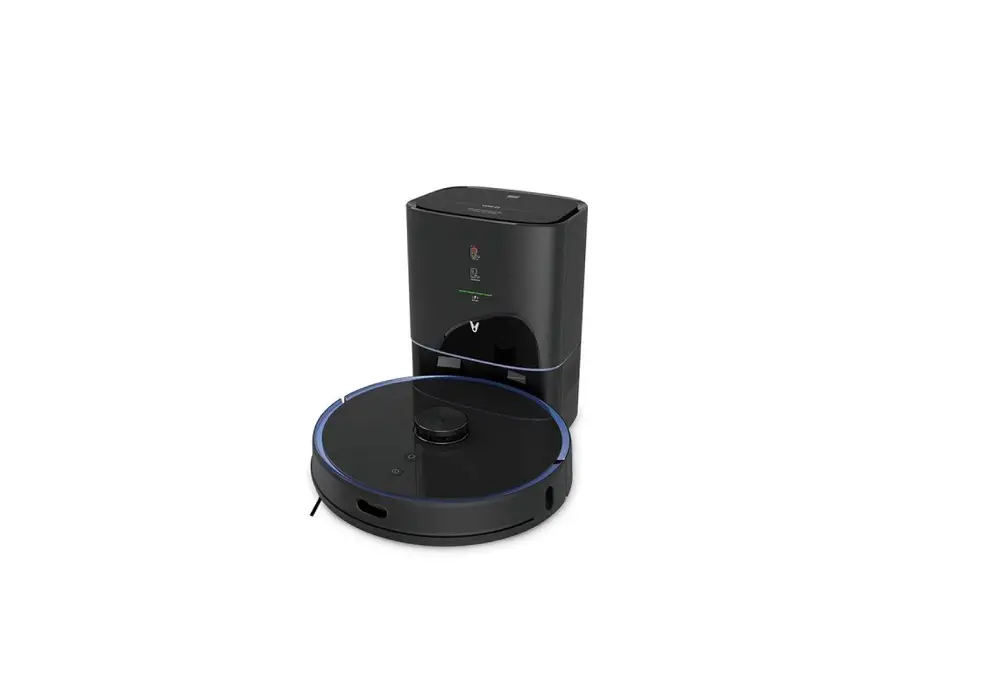
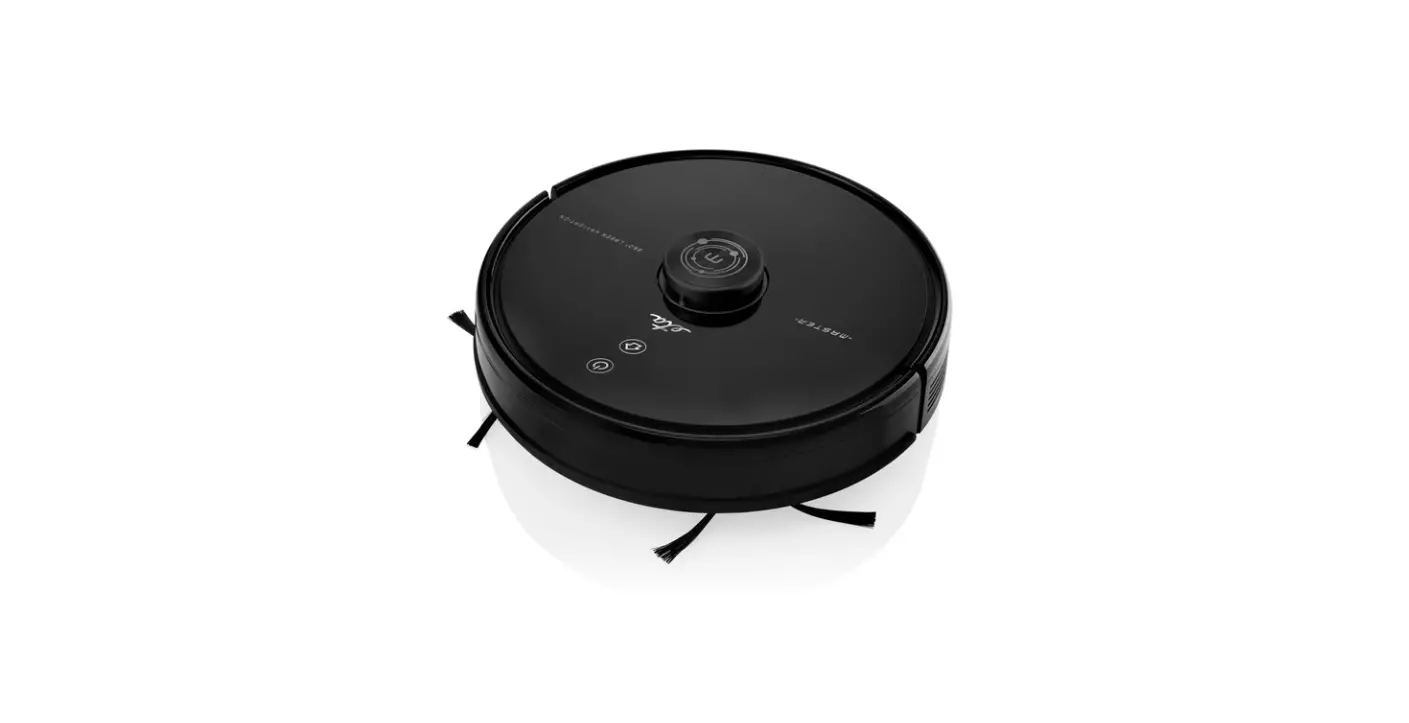
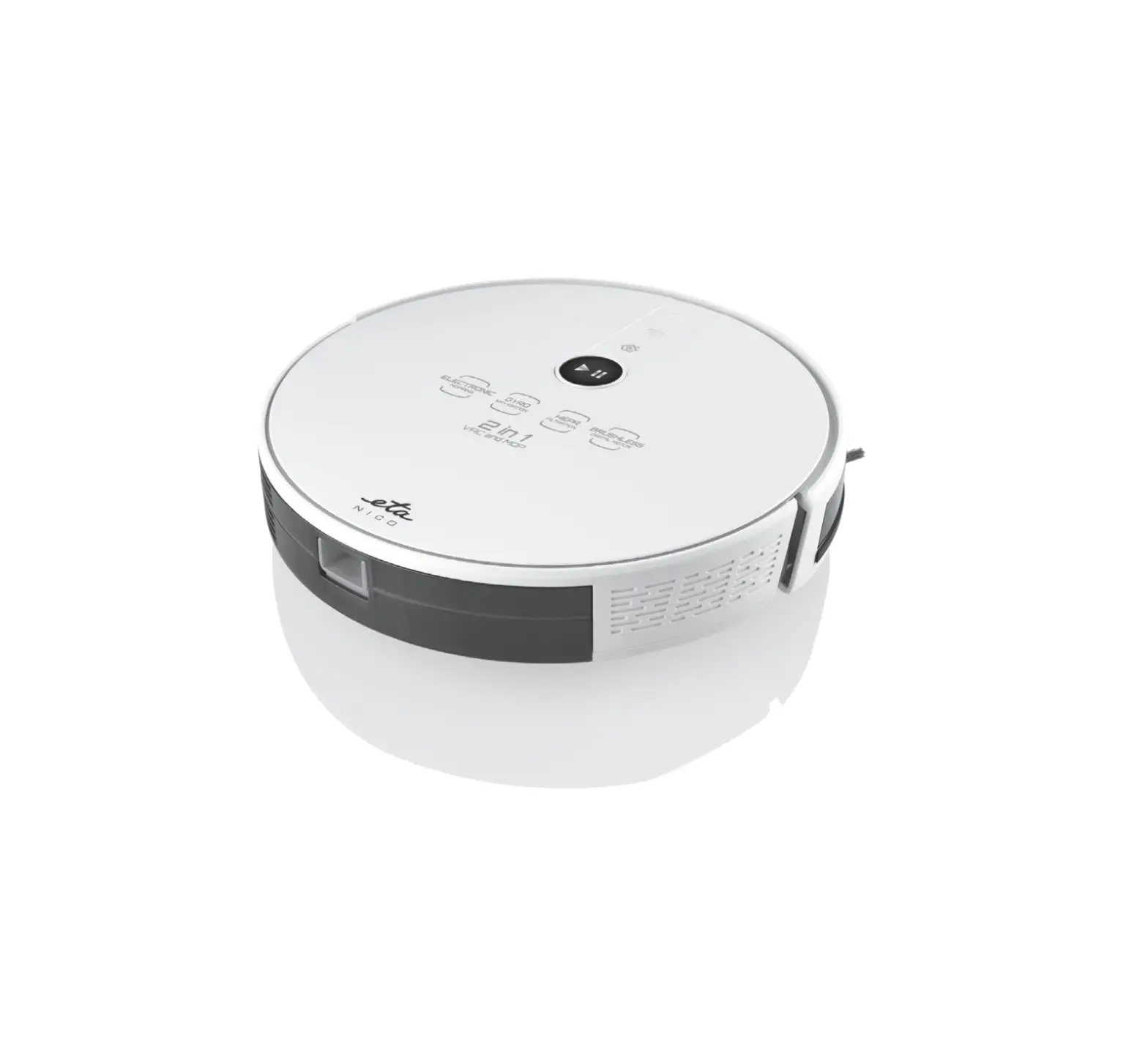
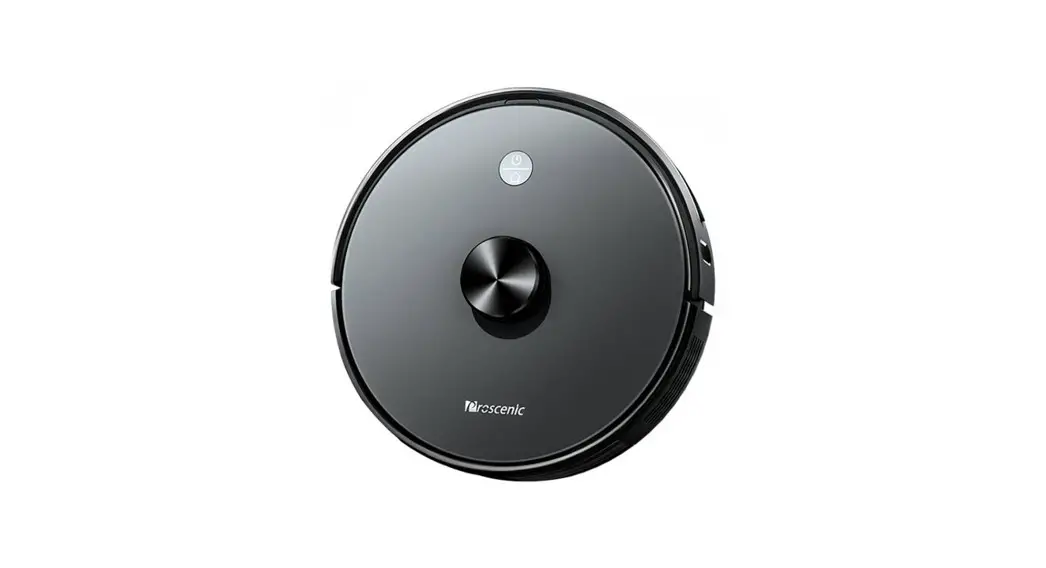
The product is a robot vacuum cleaner with an auto-empty dock.
It has a high-efficiency filter cover, HEPA filter, sponge filter,
and primary filter. The water tank is equipped with a plastic plug,
and the dustbin has a button for easy disposal of dust. The robot
vacuum cleaner comes with a dust bag for collecting dirt and
debris.
Basic Parameters
- Product Name: Robot Vacuum Cleaner
- Product Model: 4-99NNLHNI78NJO NMNM
- Overall Dimension: Not specified
- Net Weight: Not specified
- Battery: Not specified
- Rated Voltage: Not specified
- Rated Power: Not specified
- Charging Time: Not specified
- Capacity of Dust Bin: Not specified
- Capacity of Water Tank: Not specified
Auto-empty Dock Parameters
- Product Name: Auto-empty Dock
- Product Model: SD80
- Overall Dimension: Not specified
- Net Weight: Not specified
- Rated Input: 19V 0.6A/1A
- Rated Output: 19V 0.6A/1A
- Rated Power: Not specified
Product Usage Instructions
Cleaning the Signal Emission Region on the Auto-empty Dock
It is recommended to clean the signal emission region on the
Auto-empty dock once a month. To clean:
- Unplug the power and open the Auto-empty dock cover.
- Remove any dust or debris from the signal emission region.
- Cover the Auto-empty dock and switch on the power supply.
Changing the Dust Bag
To change the dust bag in the Auto-empty dock:
- Unplug the power and open the Auto-empty dock cover.
- Pull up the dust bag handle to remove the used dust bag from
the dock. - Throw the used dust bag into the trash can.
- Install the new dust bag into the dock, ensuring that the dust
bag handle is not pulled out. - After covering the Auto-empty dock, switch on the power
supply.
Cleaning the Auto-empty Dock Dust Channel
If the dock indicator blinks red after replacing the dust bag,
follow these steps to clean the Auto-empty dock dust channel:
- Unplug the power and reverse the dock.
- Through the dust channel perspective window, check whether the
dust channel of the dock is blocked. - If the dust channel is blocked, remove the dust channel
perspective window with a screwdriver. - Clean the dust channel to remove any blockages.
- Reinstall the dust channel perspective window and cover of dust
channel. - Switch on the power supply.
Cleaning the Auto-empty Dock Infrared Sensor/Charging Contact
Shrapnel
To clean the infrared sensor and charging contact shrapnel on
the Auto-empty dock:
- Gently wipe the two areas regularly with a clean, soft, dry
cloth. - It is recommended to clean them once a month.
- Caution: Violent disassembly is strictly prohibited. Please
reinstall it after cleaning.
Note: For any other common problems or troubleshooting, refer to
the user manual pages 24 and 25. Safety information is provided on
page 26.
FCC Statement: This device complies with Part 15 of the FCC
Rules. Operation is subject to certain conditions. Any changes or
modifications not approved by the responsible party could void the
user’s authority to operate the equipment. FCC Radiation Exposure
Statement: This equipment should be installed and operated with a
minimum distance of 20cm between the radiator and the user’s
body.
Use Instructions
13
Use Instructions
14
Use Instructions
15
Use Instructions
16
Routine Maintenance
17
Routine Maintenance
18
High-efficiency filter cover HEPA filter Sponge filter Primary filter
W ater tank plasticplug Dustbin button
Routine Maintenance
19
Routine Maintenance
Clean the signal emission region on the Auto-empty dock ( Recommended cleaning frequency: once a month)
20
Routine Ma intenance
How to change the dust bag
2
3
1. Unplug the power and open the Auto-empty dock cover 2. Pull u p d ust bag handle
4
5
3. Remove the dust bag from the dock
6
4. Throw the used dust bag into the trash can 5. Install the new dust bag into the dock and ensure that the dust bag handle is not pulled out.
21
6.After covering the Auto-empty dock, switch on the power supply
Routine Maintenance
Clean the Auto-empty dock dust channel
If the dock indicator blinks red after replacing the dust bag, please unplug it Reverse the dock, through the dust channel perspective window, check whether the dust channel of the dock is blocked If the dust channel is blocked, remove the dust channel perspective window with a screwdriver according to the following figure.
Clean the Auto-empty dock infrared sensor/ Charging
con tact shrapnel
Gently wipe the two areas regularly with a clean, soft, dry cloth. It is recommendedto clean them once a month.
Cover of dust channel Dust channel
Charging contact shrapnel
Caution Violent disassembly is strictly prohibited. Please reinstall it after cleaning.
Charging contact shrapnel Infrared sensor
Basic Parameters
Main unit
Product name
Product model
Overall dimension
Net weight
Battery
Rated voltage
Rated power
Charging time
Capacity of dust bin
Capacity of water ta nk
Robot vacuum cleaner 4-
9 9 NN LH N”I 7 8 NJO NM NM
A uto-empty dock
Product name Product model Overall dimension Net weight Rated Input Rated Output Rated power
Auto-empty dock SD80
9 9 NN LH
7_ )[ 7 ” 8
Charging base Product model Dimension Rated input Rated output
23
C001 158x147x84mm 19V 0.6A/1A 19V 0.6A/1A
Common Problems
24
Troubleshooting
25
Safety Information
26
FCC STATEMENT
1.This device complies with Part 15 of the FCC Rules. Operation is subject to the following two conditions: (1) This device may not cause harmful interference,and (2) This device must accept any interference received, including interference that may cause undesired operation.
2.any Changes or modifications not expressly approved by the party responsible for compliance could void the user’s authority to operate the equipment.
NOTE: This equipment has been tested and found to comply with the limits for a Class B digitaldevice, pursuant to Part 15 of the FCC Rules. These limits are designed to provide reasonable protection against harmful interference in a residential installation. This equipment generates uses and can radiate radio frequency energy and, if not installed and used in accordance with the instructions, may cause harmful interference to radio communications. However, there is no guarantee that interference will not occur in a particular installation. If this equipment does cause harmful interference to radio or television reception, which can be determined by turning the equipment off and on, the user is encouraged to try to correct the interference by one or more of the following measures: Reorient or relocate the receiving antenna. Increase the separation between the equipment and receiver. Connect the equipment into an outlet on a circuit different from that to which the receiver is connected. Consult the dealer or an experienced radio/TV technician for help.
FCC Radiation Exposure Statement This equipment complies with FCC radiation exposure limits set forth for an uncontrolled environment. This equipment should be installed and operated with minimum distance 20cm between the radiator & your body