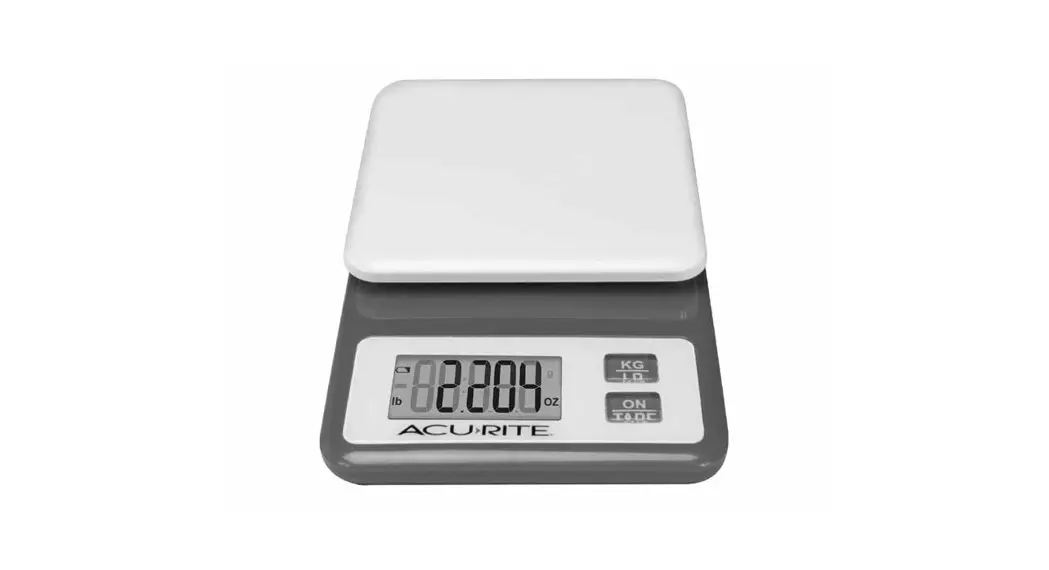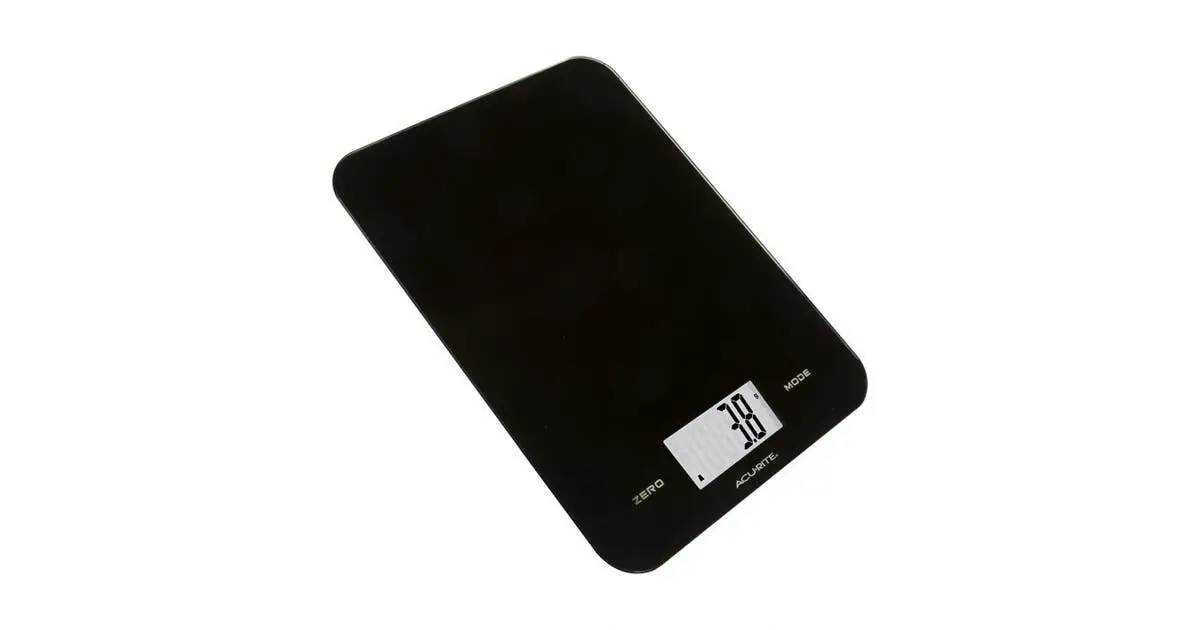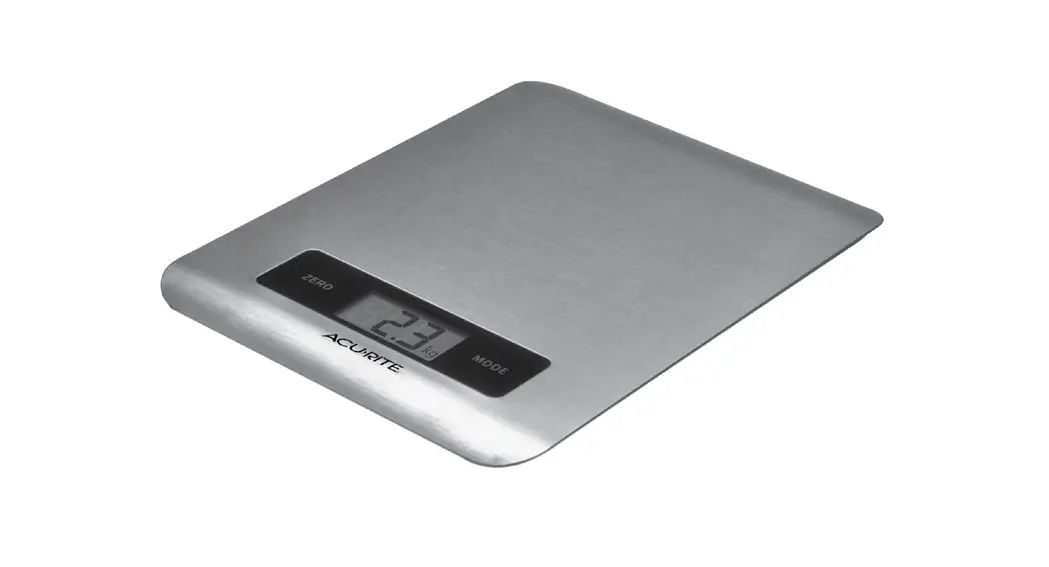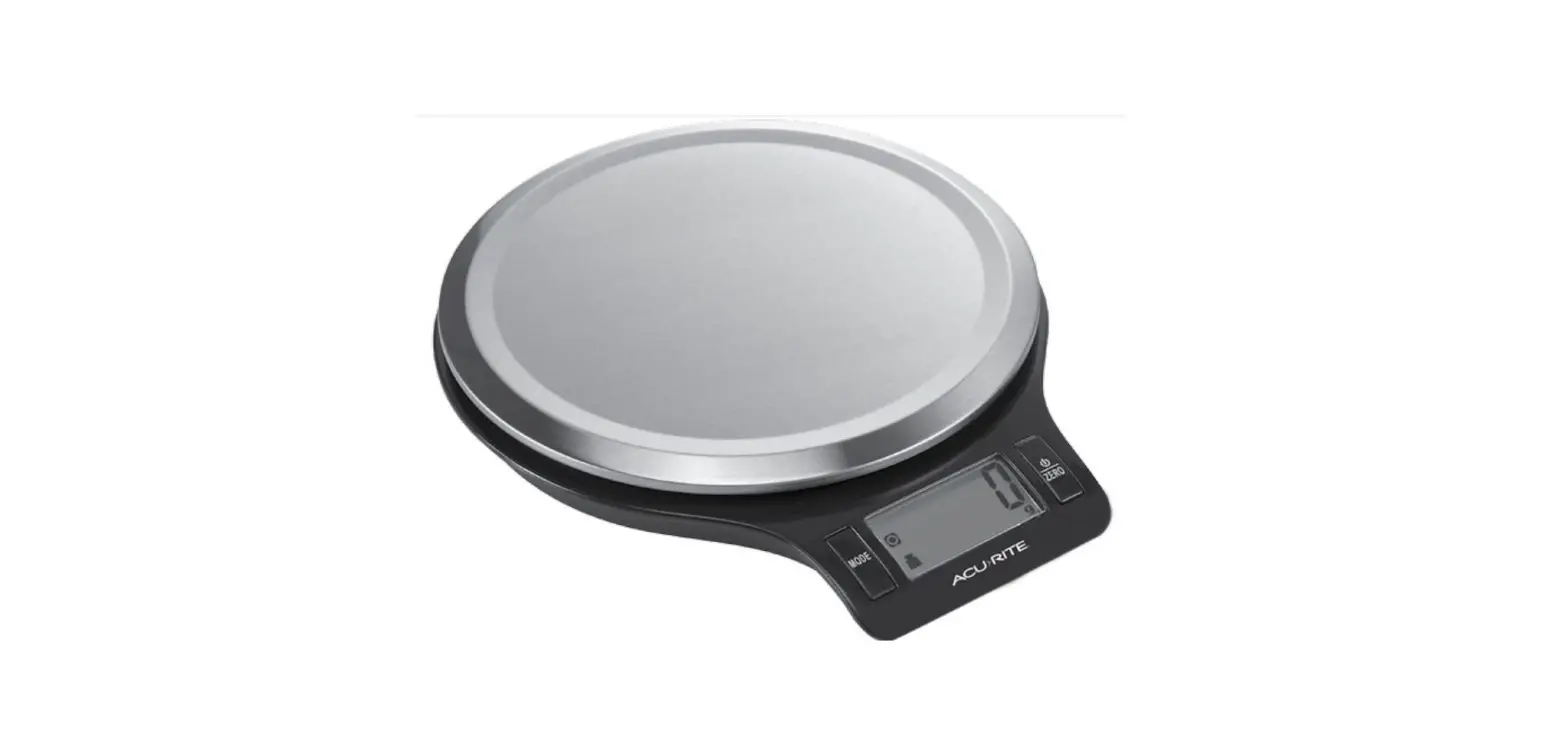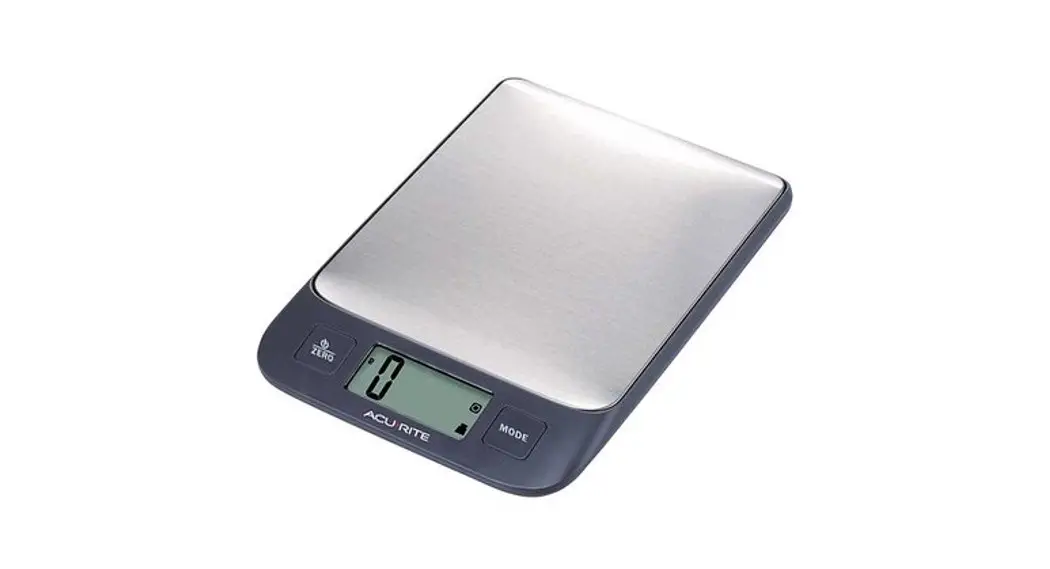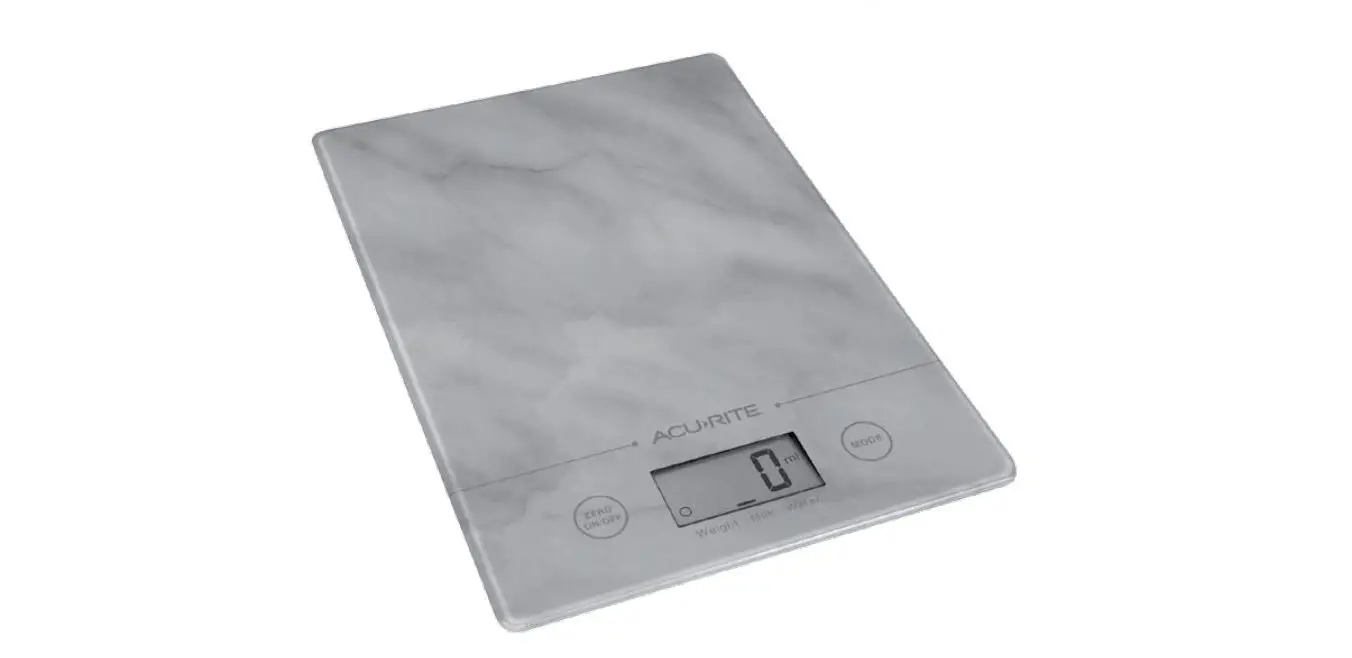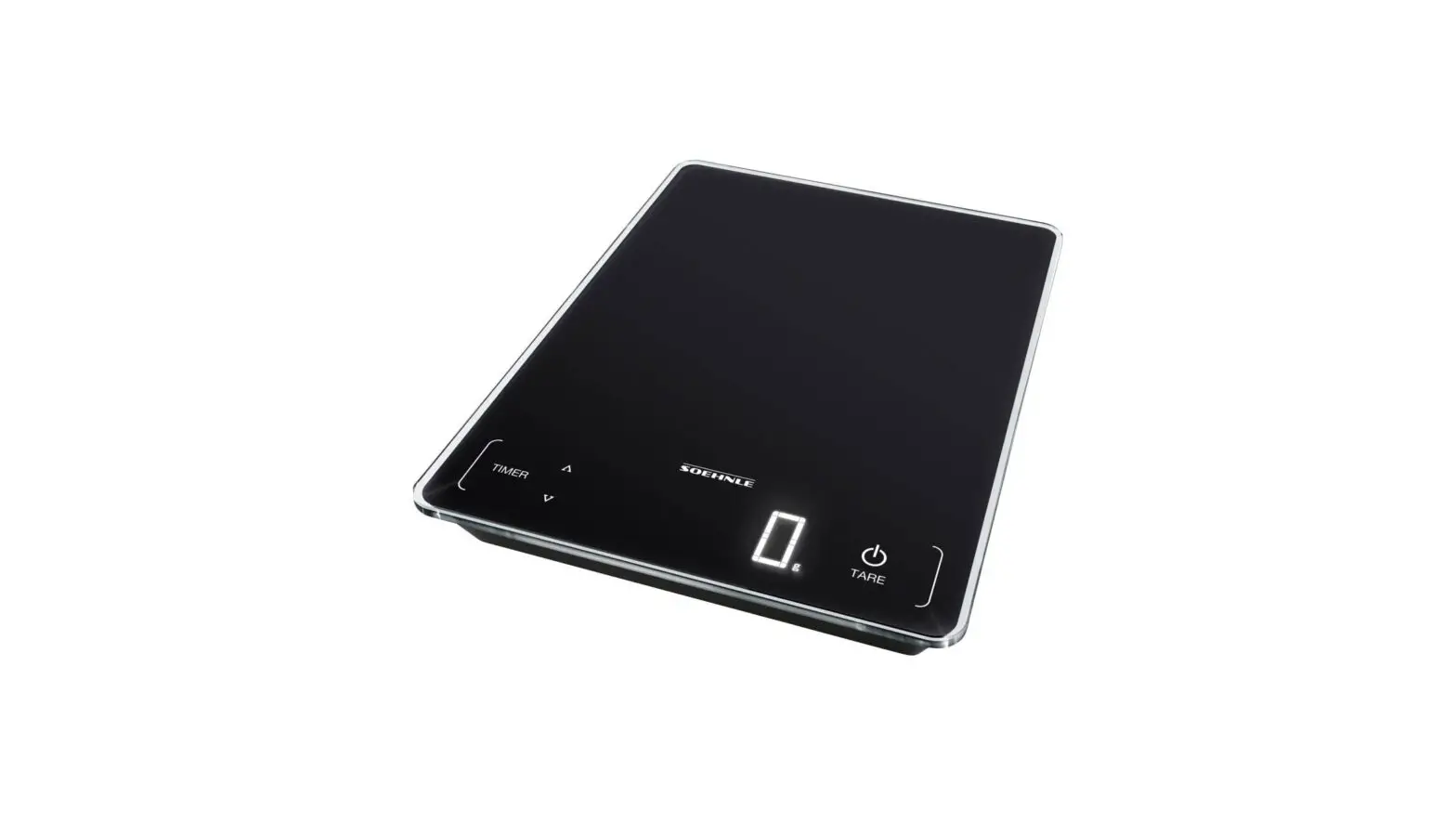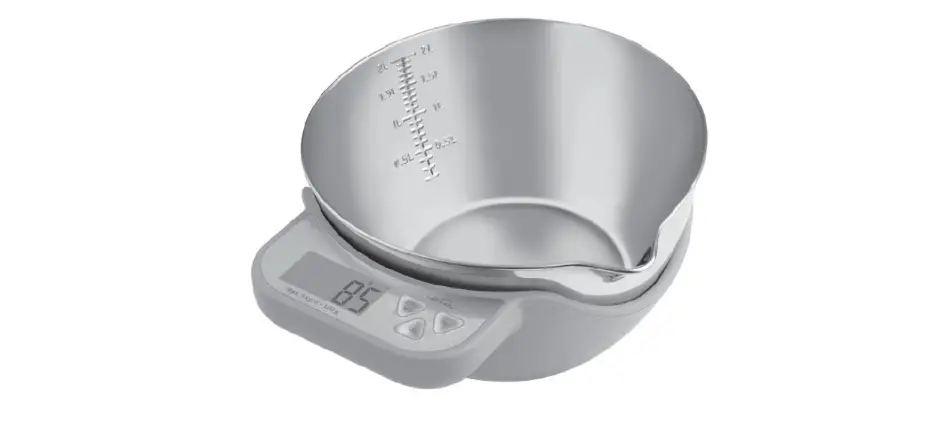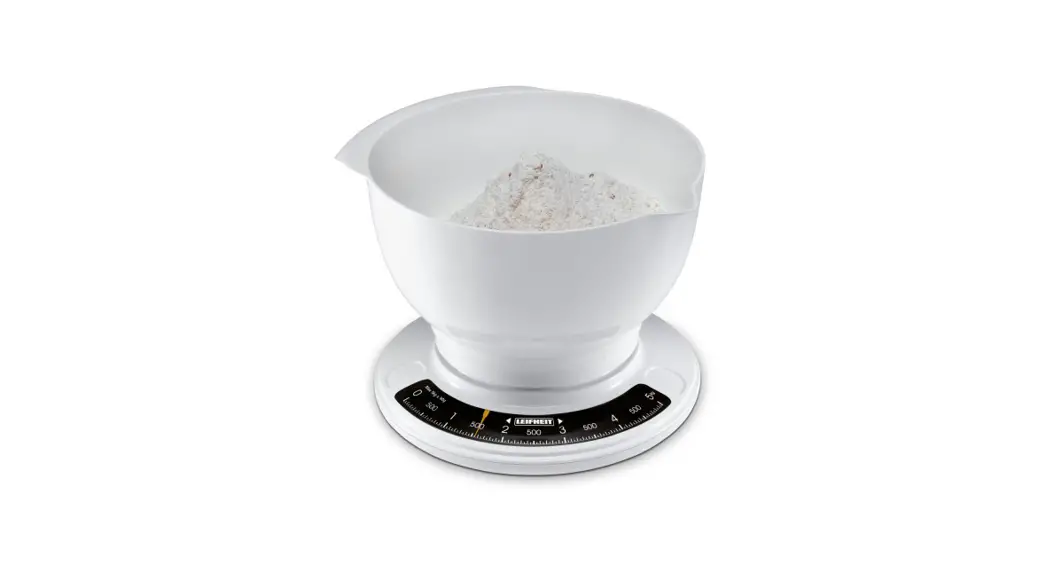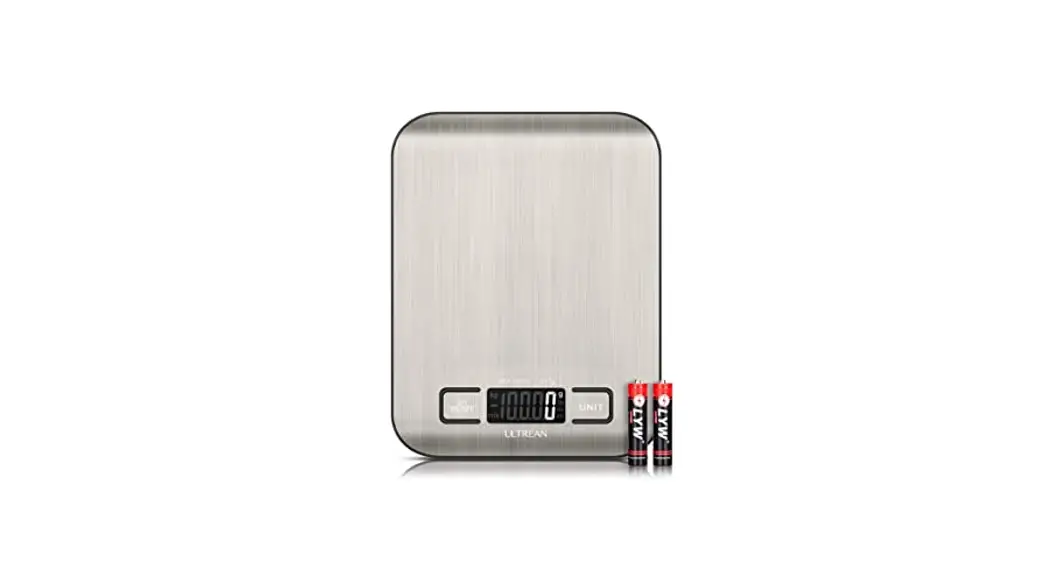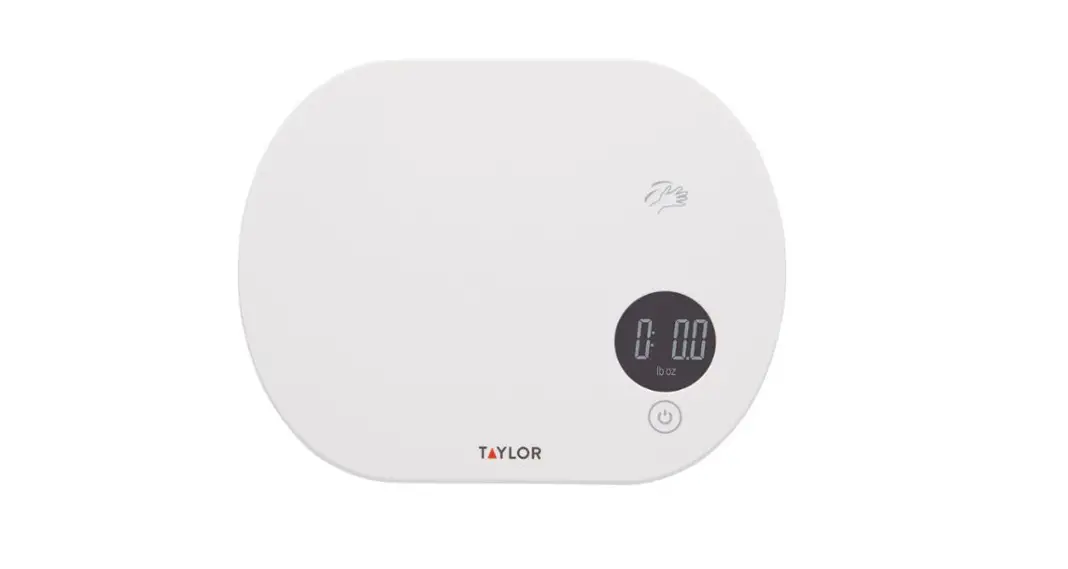
 Digital Kitchen Scale
model 00930 / 00949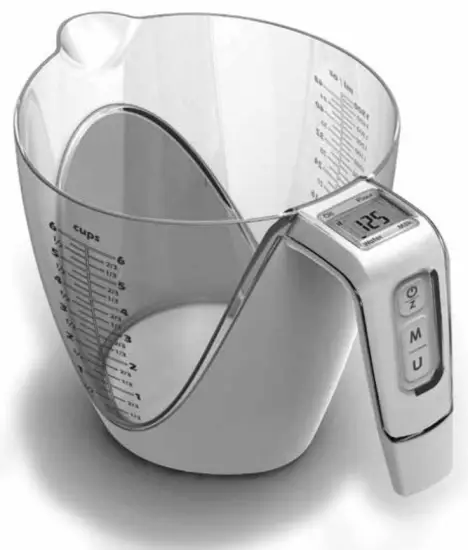 Instruction Manual
Questions? Contact Customer Support at (877) 221-1252 or visit www.AcuRite.com.
SAVE THIS MANUAL FOR FUTURE REFERENCE.
Congratulations on your new AcuRite product. To ensure the best possible product performance, please read this manual in its entirety and retain it for future reference.
Package Contents
- Scale
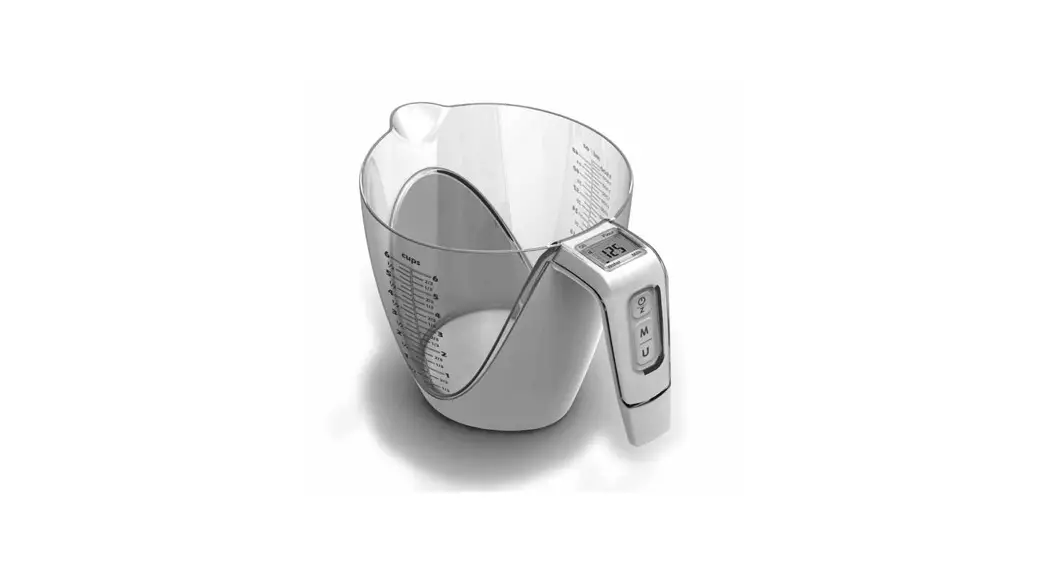
- Measuring cup
- Instruction Manual
Customer Support
AcuRite customer support is committed to providing you with best-in-class service.
For assistance, please have the model number of this product available and contact us in any of the following ways:
 | (877) 221-1252 |
 |
24/7 support at www.AcuRite.com
- Installation Videos
- Instruction Manuals
- Replacement Parts
- Register your Product
- Support User Forum
- Submit Feedback & Ideas
Features & Benefits
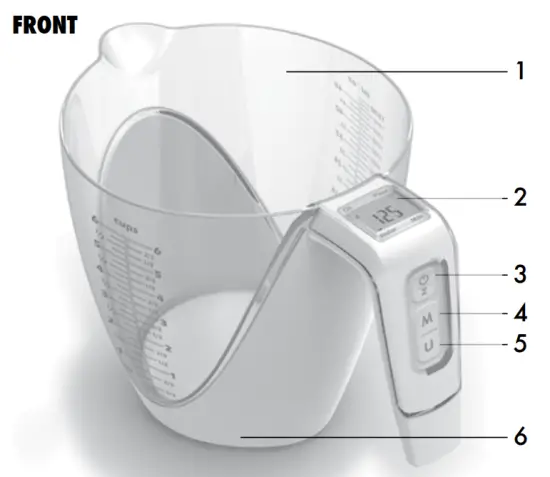 | 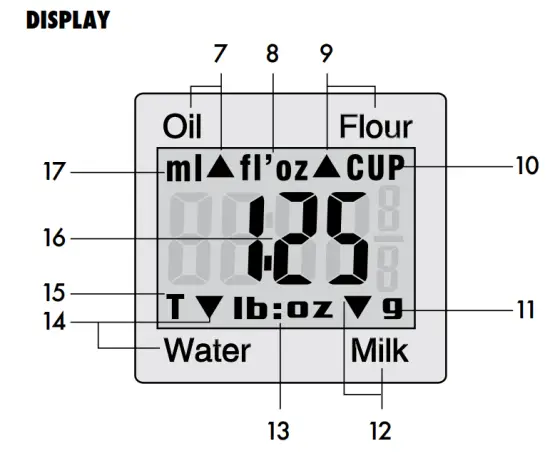 |
FRONT | DISPLAY |
| 1. Measuring Cup 2. Display 3. POWER / ZERO Button Powers the scale ON or OFF, and used for Tare function. 4. MODE Button Toggle between standard, water, milk, oil, and flour weighing modes. 5. UNIT Button Toggle measurement units between grams (g), pounds (lb:oz), fluid ounces (fl’oz), cups (CUP). 6. Scale | 7. Indicates Oil Weighing Mode is Selected 8. Volume Units (fl’oz) Weight displayed in fluid ounces. 9. Indicates Flour Weighing Mode is Selected 10. Volume Units (CUP) Weight displayed in cups. 11. Weight Units (g) Weight displayed in grams. 12. Indicates Milk Weighing Mode is Selected 13. Weight Units (lb:oz) Weight displayed in pounds and ounces. 14. Indicates Water Weighing Mode is Selected 15. Tare Indicator 16. Current Weight 17. Volume Units (ml) Weight displayed in milliliters. |
SETUP
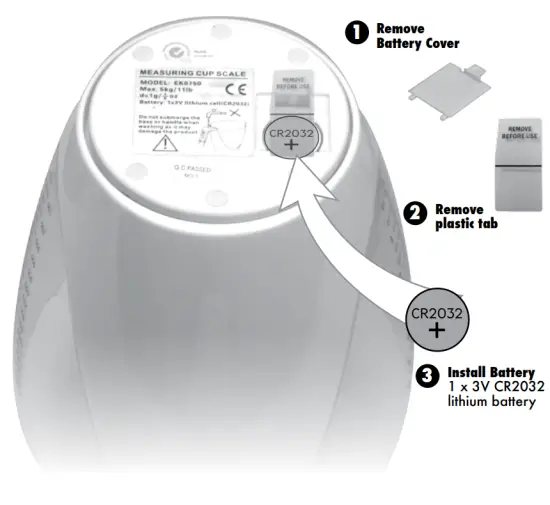
Install or Replace Battery
- Remove the battery compartment cover.
- Pull the plastic tab below the battery (if applicable) to remove and discard the tab.
- Insert 1 x 3V CR2032 lithium battery into the battery compartment, as shown. Follow the polarity (+/-) diagram in the battery compartment.
- Replace the battery cover.
 WARNING: THIS PRODUCT CONTAINS A BUTTON-CELL BATTERY. IF SWALLOWED, IT COULD CAUSE SEVERE INJURY OR DEATH IN JUST 2 HOURS.
SEEK MEDICAL ATTENTION IMMEDIATELY IF INGESTED.
OPERATION
Using the Scale
Measure Weight
- Place the scale on a flat, stable surface.
- Press the ”
 ” button to power the scale ON.
 - Wait for the display to show “0:00“.
- Press the “M” (MODE) button to toggle between weighing modes*.
Weighing modes include STANDARD (default), WATER, MILK, OIL, FLOUR - Press the “U” (UNIT) button to select your preferred measurement units.
Standard mode measures weight in grams (g) or pounds and ounces (lb: oz). Water, milk, and oil modes measure weight in milliliters (ml), fluid ounces (fl’oz), or cups (CUP). Flour mode measures weight in cups (CUP). - Place item(s) to be weighed into the measuring cup.
- Weight will be shown on the display.
*It is important to select the correct mode because different items have varying densities.
Tare Function
To measure items as they are added, use the Tare Function.
- Place an item in the measuring cup.
- Weight will be shown on the display.
- Without removing the item, press the ” ” button to reset the display to “0:00“.
- You will see the Tare indicator “T” on the display.
- With the first item still in place, add the next item to the measuring cup.
The display will now show the weight of that item. - Press the ” ” button again to reset the display to “0:00” and add another item. Repeat steps 5-6 until all items have been added.
- To view the combined weight of all items, press the ” ” button again and the total weight will be displayed.
Warning Messages
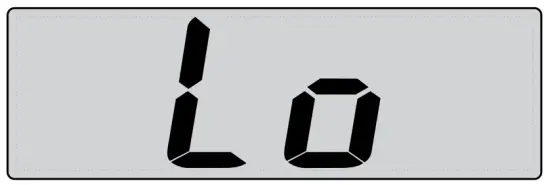 | Replace the battery (see page 4). |
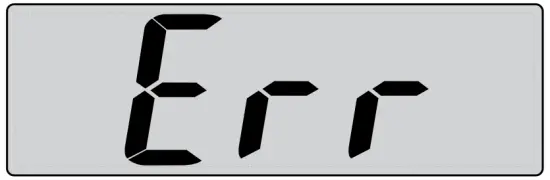 | Maximum weighing capacity has been exceeded. Remove items to prevent damage. |
Power the Scale ON/OFF
Press the ”  ” button to power the scale on. The scale will automatically power off when the display shows “0:00” or the same weight for 30 seconds. To power off, press the ” ” button when the display is showing “0“, or press and HOLD the ” ” button for 3 seconds when a weight is being shown on the display.
Storage
The scale should be stored in a cool, dry place.
Troubleshooting
Problem | Possible Solution |
| Display screen not working |
|
If your AcuRite product does not operate properly after trying the troubleshooting steps, visit www.AcuRite.com or call (877) 221-1252 for assistance.
Care & Maintenance
Store in a dry location at room temperature. Clean with a soft, damp cloth.
DO NOT immerse the scale in water or use caustic cleaners or abrasives. All parts should be wiped clean immediately after direct contact with foods, especially after contact with fat, spices, or vinegar. Avoid contact with acids and citrus juices. DO NOT place on or near hot surfaces. Use the scale on a hard, flat surface. DO NOT strike, shake or drop the scale. Scale is not designed for commercial use.
Specifications
| MAX WEIGHT CAPACITY | 5 kg / 11 lbs |
| POWER | 3V CR2032 lithium battery |
 It’s more than accurate, it’s
AcuRite offers an extensive assortment of precision instruments,
designed to provide you with information you can depend on to Plan your day with confidence™.
www.AcuRite.com
©Chaney Instrument Co.
All rights reserved.
AcuRite is a registered trademark of the Chaney Instrument Co., Lake Geneva, WI 53147.
All other trademarks and copyrights are the property of their respective owners.
AcuRite uses patented technology.
Visit www.AcuRite.com/patents for details.
Printed in China
00930 INST 010214
 TreasuryPay
 AcuRite Weather Monitoring | #1 Weather Station Brand in North America