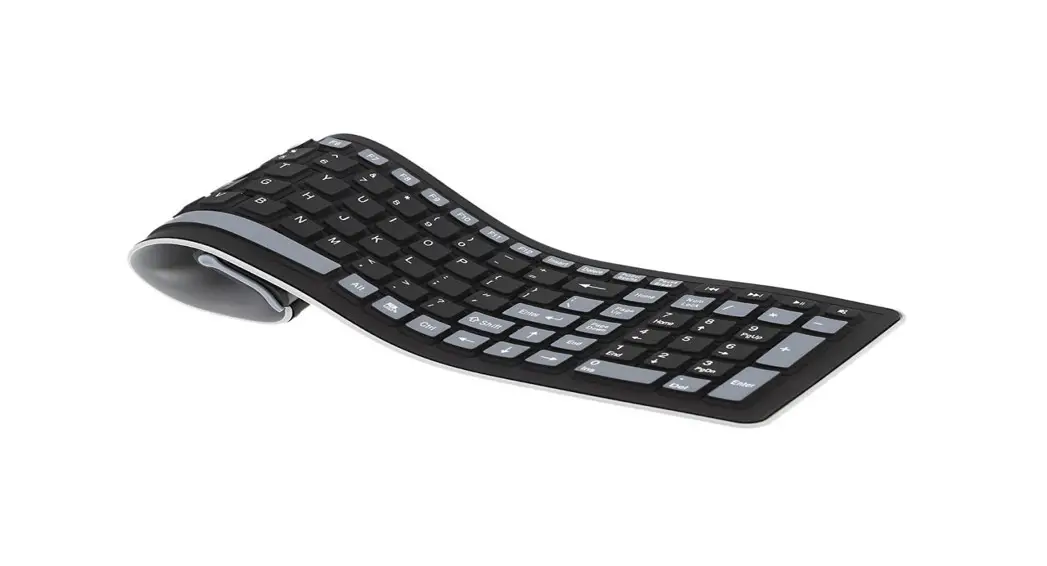
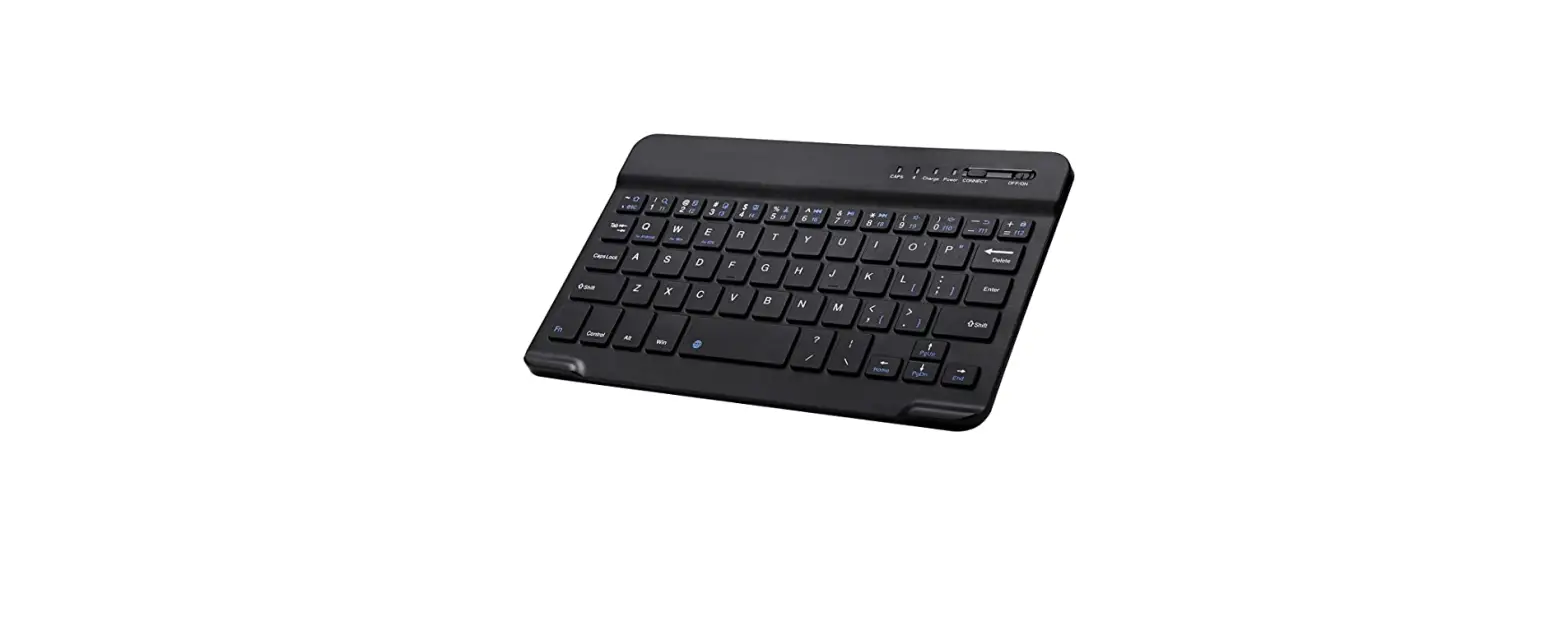
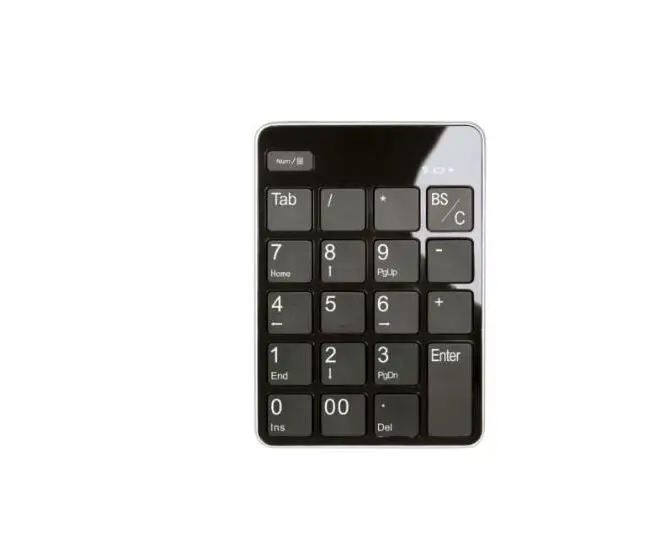
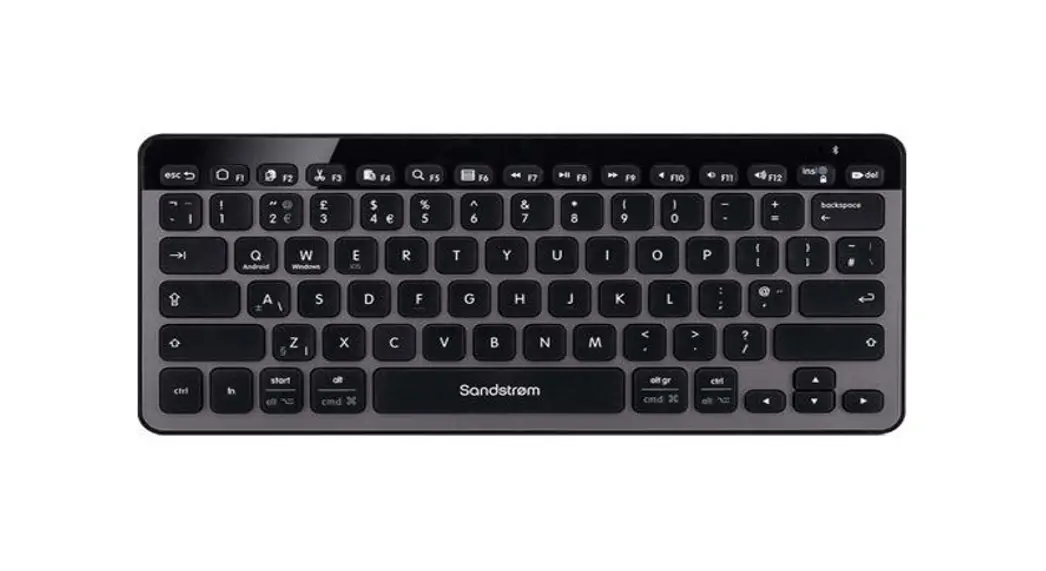
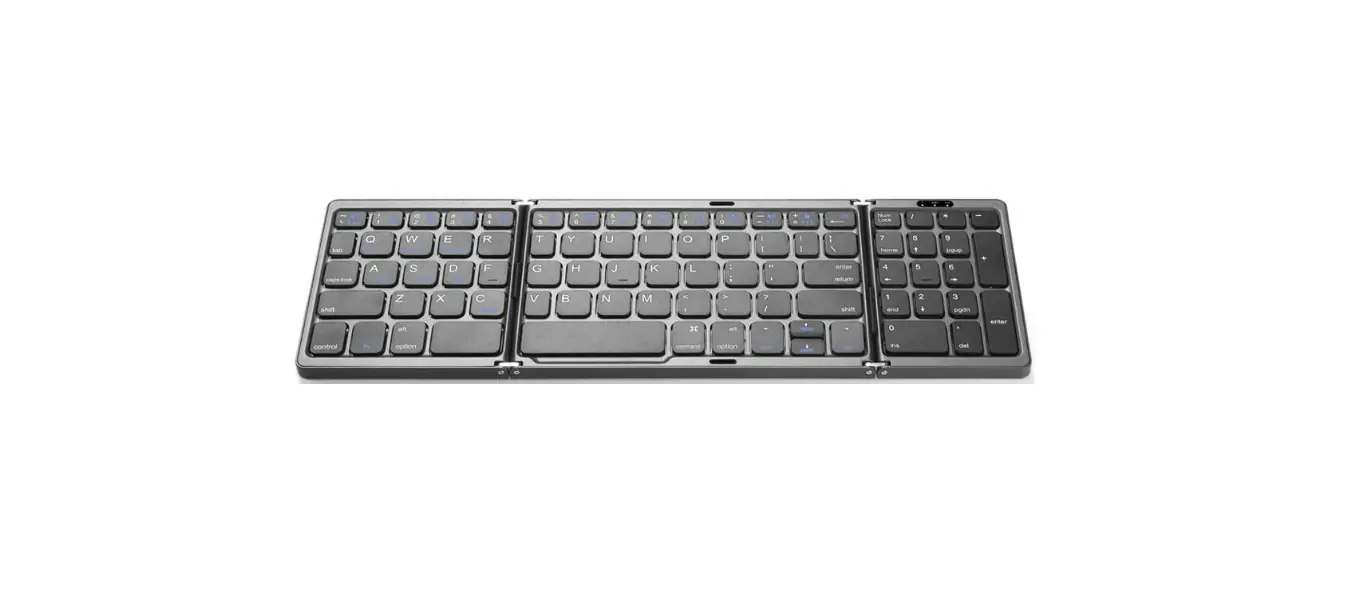
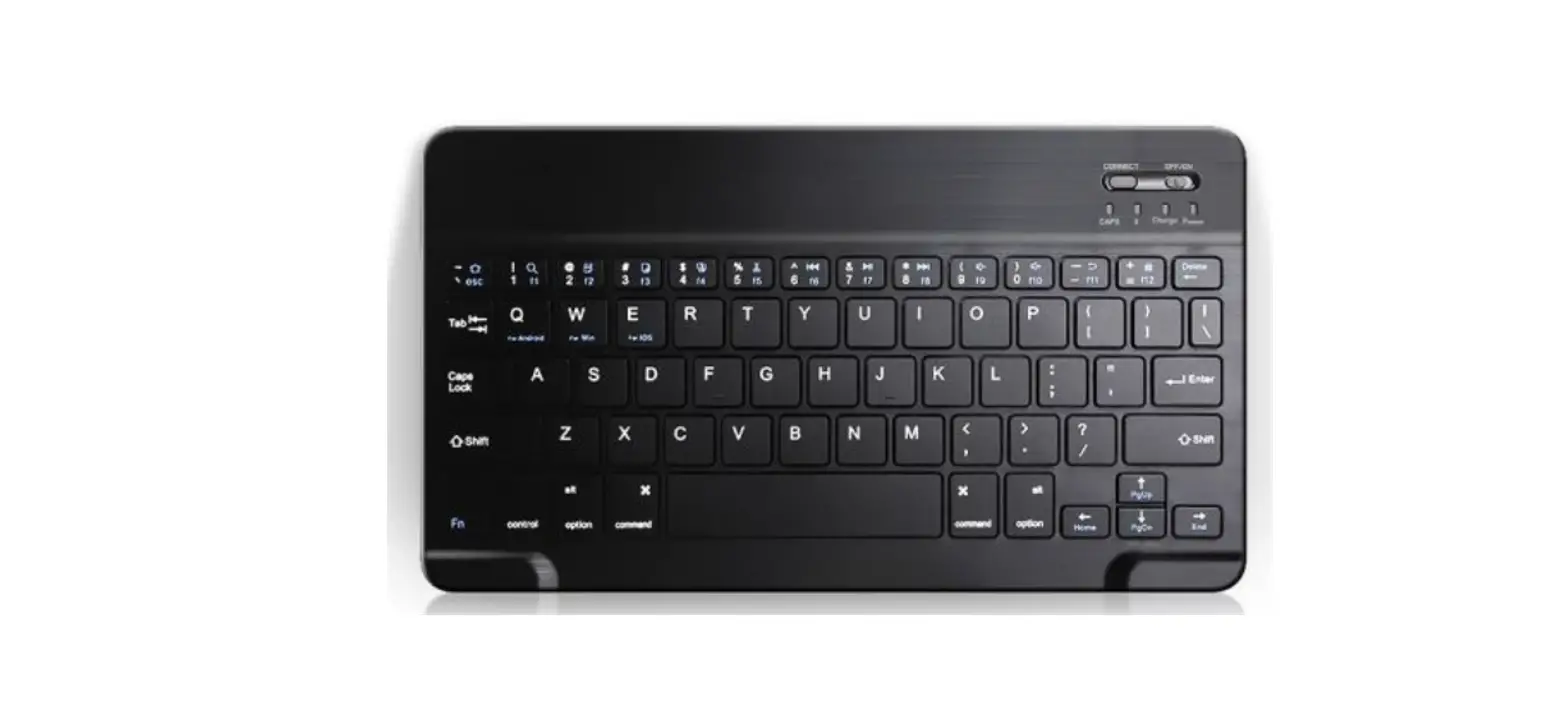
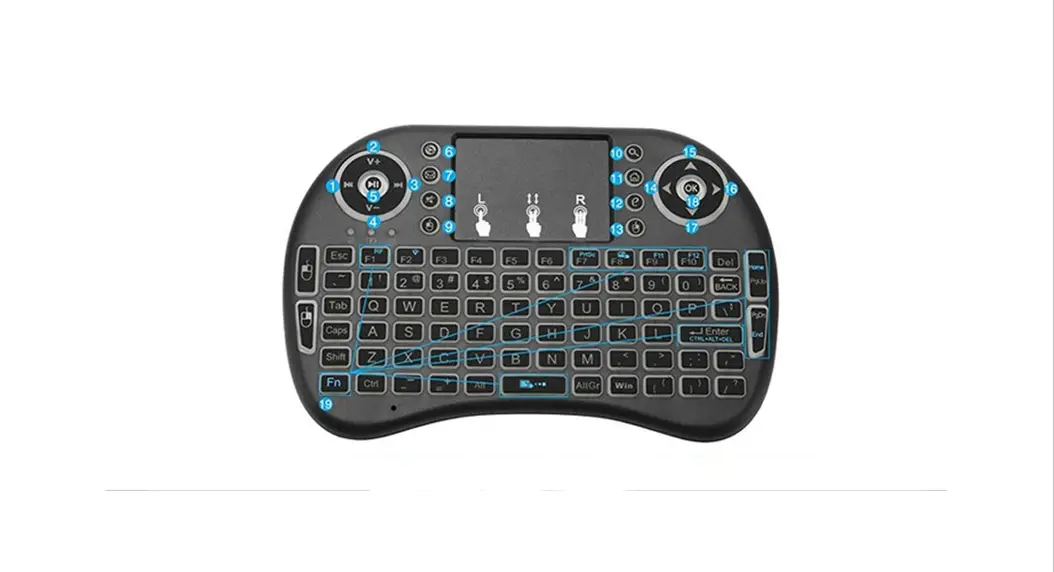
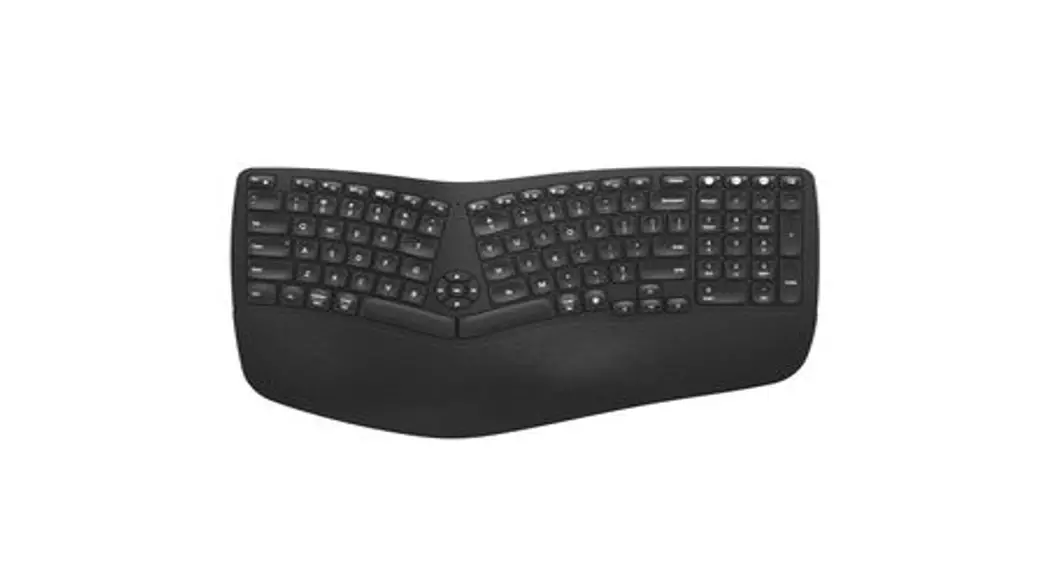
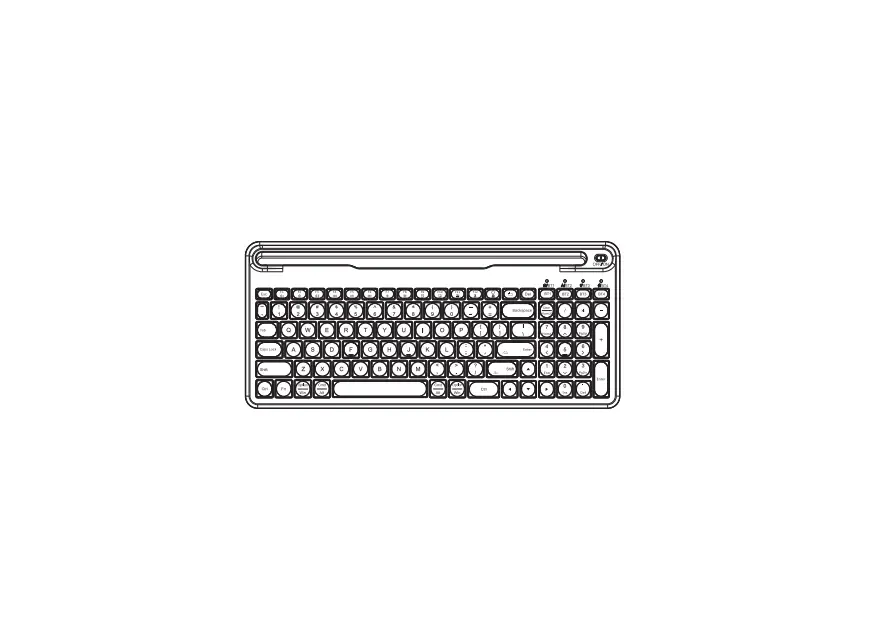
BWN-5846 Bluetooth Keypad
Bluetooth Keypad Product Information
The Bluetooth Keypad, model BWN-5846, is a wireless numeric
keypad that can be connected to devices such as laptops, tablets,
and smartphones via Bluetooth technology. The keypad features a
22-key layout with an ergonomic design for comfortable use. It has
a built-in rechargeable lithium battery that can be charged via a
USB cable.
Product Features:
- Wireless connectivity via Bluetooth technology
- 22-key layout with an ergonomic design
- Built-in rechargeable lithium battery
- Automatically lights up after power on
- Displays time and temperature alternately at intervals of 3
seconds
Bluetooth Keypad Usage Instructions
- Ensure that the Bluetooth Keypad is charged before use.
- Turn on the device that you want to connect the keypad to.
- Press and hold the power button on the keypad until the LED
light indicator flashes. - On your device, enable Bluetooth and search for available
devices. - Select “BWN-5846” from the list of available devices.
- Enter the pairing code “0000” if prompted.
- Once connected, the LED light indicator on the keypad will stop
flashing. - The keypad will automatically light up after power on. The time
and temperature will be alternately displayed at intervals of 3
seconds. - To set the time, press and hold the “Time” button until the
hour digits start flashing. Use the “+” and “-” buttons to adjust
the hour. Press the “Time” button again to switch to the minute
digits, and use the “+” and “-” buttons to adjust the minutes.
Press the “Time” button again to save the time setting.
Note: Refer to the user manual for more information on using the
Bluetooth Keypad.
Bluetooth Keypad User Manual
MODEL: BWN-5846
EN Bluetooth Keypad User Manual
1. Display will automatically light up after power on. Time and temperature will be alternately displayed at intervals of 3 seconds. 2. Time Setting:
Press and hold the button to enter calibration mode when time display is on. Adjustment to time is available in flashing status of display. One touch on the button to adjust the exact clock digit. Adjustment to the next digit shall be 3 seconds after the previous one finished. All adjustment finished, keep still for 3 seconds to exit the setting mode. 3. Lighting Setting: Lights are off by default in power-on state. One touch on the button to turn on lights. Touch again to switch to 3 colour temperature in order. Touch again to turn off lighting after one cycle. The next touch brings the next cycle. Press and hold the button to adjust the brightness of lights in random colour-temperature mode. 4. Bluetooth Connection: Bluetooth function will automatically turn on with prompt sound “bluetooth mode” after power on. Bluetooth ID: (JYF-218D). Prompt sound “connected” will ring out after successful connection to bluetooth. Bluetooth function is always available in power-on status. It will not enter hibernation mode even not used for a long time.
DE Hollywood-Spiegel mit Bluetooth Anweisungen für die Tasten
1. Das Display leuchtet automatisch auf, wenn das Netzkabel angeschlossen ist. Zeit und Temperatur werden abwechselnd für jeweils 3 Sekunden auf dem Display angezeigt.
2. Einstellung der Uhrzeit: Wenn die Uhr auf dem Display angezeigt wird, halten Sie die Zeittaste (links) gedrückt. Die Uhr geht in den Kalibrierungsmodus über, wenn die Zahlen blinken. Drücken Sie an diesem Punkt die Zeittaste um die einzelnen Ziffern der Uhr einzustellen. Nach dem Einstellen der exakten Einzelziffer muss die Uhr 3 Sekunden lang stillstehen, danach geht sie zur nächsten Ziffereinstellung über. Wenn alle digitalen Einstellungen abgeschlossen sind und das Gerät 3 Sekunden lang still steht, ist die Zeiteinstellung abgeschlossen und alles kehrt zur normalen Anzeige zurück.
3. Einstellung der Beleuchtung: Wenn das Netzkabel angeschlossen ist, ist die Beleuchtung standardmäßig ausgeschaltet. Berühren Sie einmal die Ein/AusTaste (rechts), um die Beleuchtung einzuschalten. Nachdem das Licht wieder eingeschaltet wurde, berühren Sie die Ein/Aus-Taste einmal, um die Lichtfarbe einzustellen. Jedes Mal, wenn Sie die Ein-/Austaste drücken, ändert sich die Farbtemperatur einmal, und die drei Farbtemperaturen ändern sich nacheinander. Wenn die drei Lichtmodi einmal durchlaufen wurden, schaltet eine einzige Berührung des Schalters die Lichtquelle aus. Erneutes Antippen schaltet zum nächsten Zyklus weiter. Halten Sie die Ein/Aus-Taste gedrückt, um die Helligkeit des Lichts in jeder Farbtemperatur einzustellen.
4. Bluetooth-Verbindung: Die Bluetooth-Funktion wird nach dem Einschalten automatisch eingeschaltet, es ertönt ein “Bluetooth mode”-Ton. Bluetooth-ID: (JYF-218D), nach erfolgreicher Verbindung ertönt der Ton “connected”. Bluetooth ist immer im Standby-Modus, wenn das Gerät eingeschaltet ist. Es wird nicht in den Ruhezustand versetzt, auch wenn es längere Zeit nicht benutzt wird.
FR Manuel d’Utilisation des Boutons de style Bluetooth Hollywood Miroir
1. Après la mise en marche, l’écran s’allume et l’heure et la température s’affichent alternativement pendant 3 secondes chacune. 2. Réglage de l’Heure:
Quand l’horloge est affichée, appuyer sur le bouton de gauche en le maintenant enfoncé pour que les digits clignotent et passent en mode de calibrage. Appuyer ensuite brièvement sur le bouton de gauche pour régler tour à tour chaque numéro de l’horloge. Après le réglage exact d’un seul chiffre, attendre 3 secondes avant de passer au réglage du chiffre suivant. Après le réglage de tous les chiffres, attendre 3 secondes pour reprendre l’affichage normal. 3. Réglage de la Lumière: Lorsque l’appareil est mis sous tension, les lumières sont éteintes par défaut. Un simple appui sur le bouton de marche allume la lumière, un second appui change la couleur. Les trois températures de couleur changent en séquence. Après un cycle, appuyer à nouveau sur le bouton de marche pour éteindre la source de lumière. Pour la prochaine mise en marche, il suffit d’appuyer à nouveau sur le bouton de marche . Dans n’importe quel état de température de couleur vive, appuyer sur le bouton de marche et le maintenir enfoncé pour régler la luminosité de la lampe. 4. Connexion de Bluetooth: La fonction Bluetooth est automatiquement activée après la mise sous tension, accompagnée d’une tonalité Bluetooth. ID Bluetooth : (JYF-218D), la connexion Bluetooth est réussie accompagnée d’une tonalité connexion.La fonction Bluetooth est toujours en veille lorsque l’appareil est sous tension.Il ne se met pas en veille pendant de longues périodes sans être utilisé.
IT Manuale di istruzioni del pulsante
1. Dopo aver collegato l’alimentazione,lo schermo del display si illumina automaticamente e l’ora e la temperatura vengono visualizzate alternativamente per 3 secondi.
2. Regolazione dell’ora: Quando viene visualizzato l’orologio, tenere premuto il pulsante sinistro e il numero lampeggerà per accedere alla modalità di calibrazione. A questo punto, fare clic sul pulsante una volta per regolare a turno ogni numero dell’orologio. Dopo aver regolato il singolo numero esatto, rimanere fermi per 3 secondi, quindi inserire la regolazione del numero successivo. Dopo che tutte le regolazioni digitali sono state completate, rimanere fermi per 3 secondi, completare la regolazione dell’ora e tornare alla visualizzazione normale.
3. Regolazione della luce: Dopo aver collegato l’alimentazione , la luce è spenta per impostazione predefinita. Basta premere una volta il pulsante dell’interruttore per accendere la luce e toccare nuovamente per cambiare la temperatura del colore della luce. Le tre temperature di colore cambiano in sequenza. Dopo un ciclo, un solo tocco di nuovo spegnerà la fonte di luce. La prossima volta che lo accendi, fai di nuovo clic sul tasto di commutazione . In qualsiasi stato di temperatura del colore della luce, premere a lungo il pulsante destro per regolare la luminosità della luce.
4. Connessione Bluetooth: Dopo aver collegato l’alimentazione, la funzione Bluetooth si attiva automaticamente, accompagnata da un segnale acustico Bluetooth. Connetti ID Bluetooth: (JYF-218D), dopo che la connessione è andata a buon fine, ci sarà un tono di avviso “connesso”. Con l’alimentazione accesa,il Bluetooth è sempre in standby e non entrerà in modalità di sospensione se non viene utilizzato per lungo tempo.
ES Hollywood Espejo de Maquillaje con Función Bluetooth Instrucciones de botón
1. Después de encender, la pantalla se iluminará automáticamente y la hora y la temperatura se mostrarán alternativamente durante 3 segundos.
2. Ajuste de tiempo: Cuando se muestre el reloj, mantenga presionado el botón izquierdo , El número parpadea para ingresar al modo de calibración. En este momento, la tecla de un toque ajusta cada número del reloj a su vez. Después de ajustar el número único exacto, quédese quieto durante 3 segundos y luego ingrese el siguiente ajuste de número. Después de completar todos los ajustes digitales, quédese quieto durante 3 segundos, complete el ajuste de la hora y regrese a la pantalla normal.
3. Ajuste de luz: Las luces están apagadas de forma predeterminada cuando se enciende. Tecla de un toque para encender la luz, y vuelva a tocarla para cambiar la temperatura de color de la luz. Las tres temperaturas de color cambian secuencialmente. Después de un ciclo, un solo toque nuevamente apagará la fuente de luz. La próxima vez que lo encienda, simplemente toque la tecla nuevamente. En cualquier estado de temperatura de color claro, mantenga presionado el botón derecho para ajustar el brillo de la luz.
4. Conexión bluetooth: Después de encender la alimentación, la función Bluetooth se enciende automáticamente, acompañada de un tono de aviso de Bluetooth. Conéctese con ID de Bluetooth: (JYF-218D), y habrá un sonido de aviso conectado después de que la conexión sea exitosa. Cuando está encendido, Bluetooth siempre está en espera y no entrará en modo de suspensión si no se usa durante mucho tiempo.
FCC Statement
This device complies with Part 15 of the FCC Rules. Operation is subject to the following two conditions: (1)This device may not cause harmful interference. (2)This device must accept any interference received, including interference that may cause undesired operation. Changes or modifications not expressly approved by the party responsible for compliance could void the user’s authority to operate the equipment. Note: This equipment has been tested and found to comply with the limits for a class B digital device,pursuant to Part 15 of the FCC Rules. These limits are designed to provide reasonable protection against harmful interference in a residential installation. This equipment has been tested and found to comply with the limits for a Class B digital device, pursuant to part 15 of the FCCRules. These limits are designed to provide reasonable protection against harmful interference in a residential installation. This equipmentgenerates, uses and can radiate radio frequency energy and, if not installed and used in accordance with the instructions, may cause harmfulinterference to radio communications. However, there is no guarantee that interference will not occur in a particular installation. If thisequipment does cause harmful interference to radio or television reception, which can be determined by turning the equipment off and on, theuser is encouraged to try to correct the interference by one or more of the following measures: –Reorient or relocate the receiving antenna. –Increase the separation between the equipment and receiver. –Connect the equipment into an outlet on a circuit different from that to which the receiver is connected. –Consult the dealer or an experienced radio/TV technician for help. This equipment should be installed and operated with a minimum distance of 20 cm between the radiator and your body