
 User Manual
www.zebronics.com
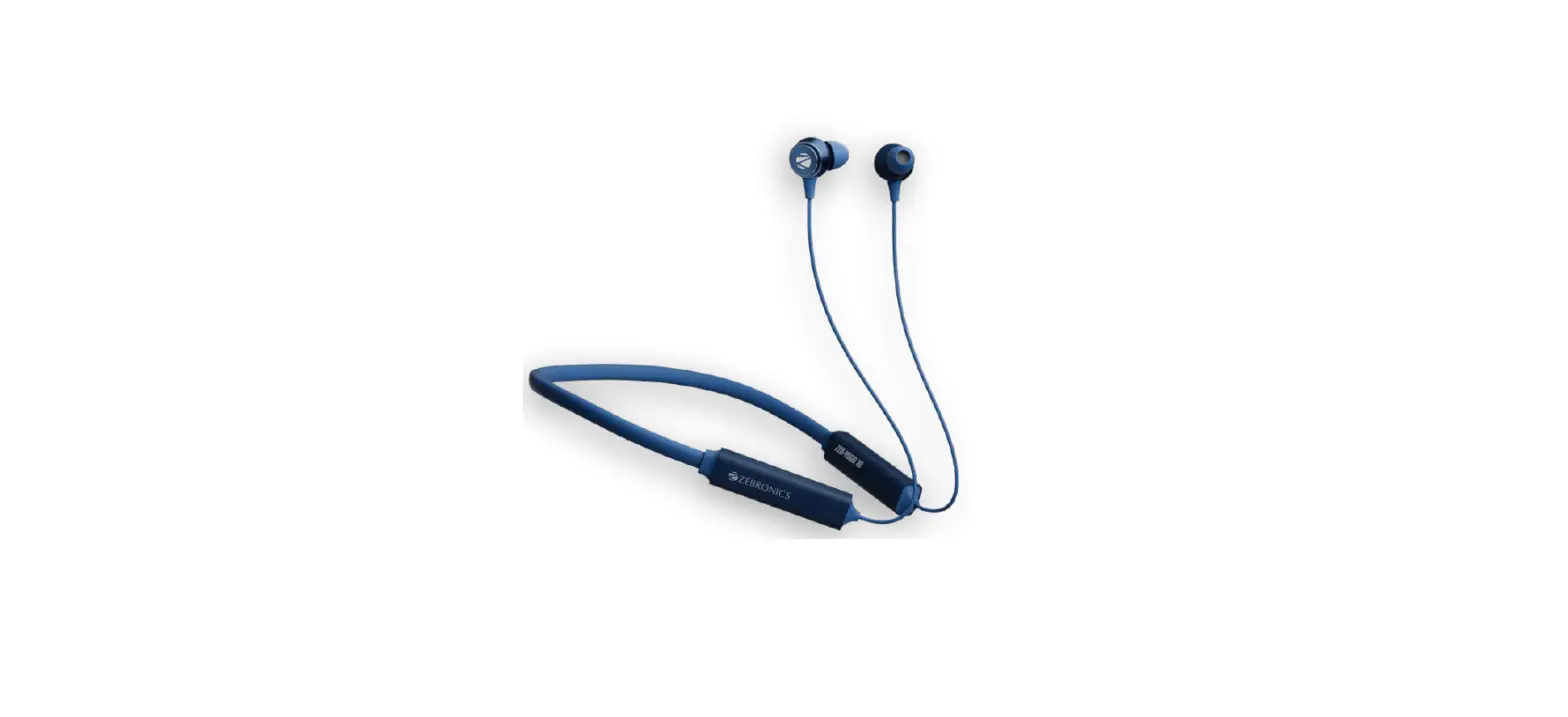
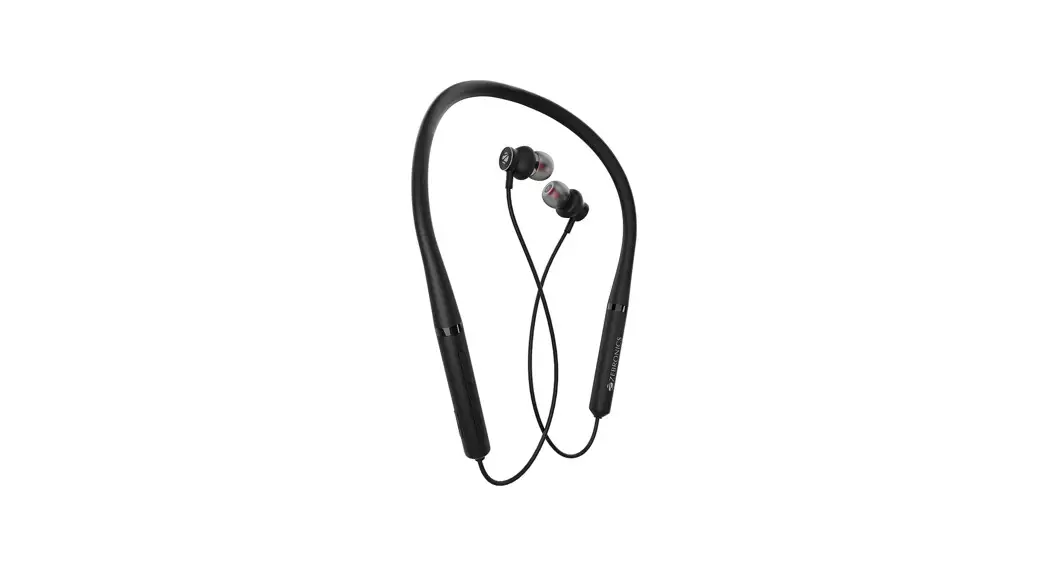
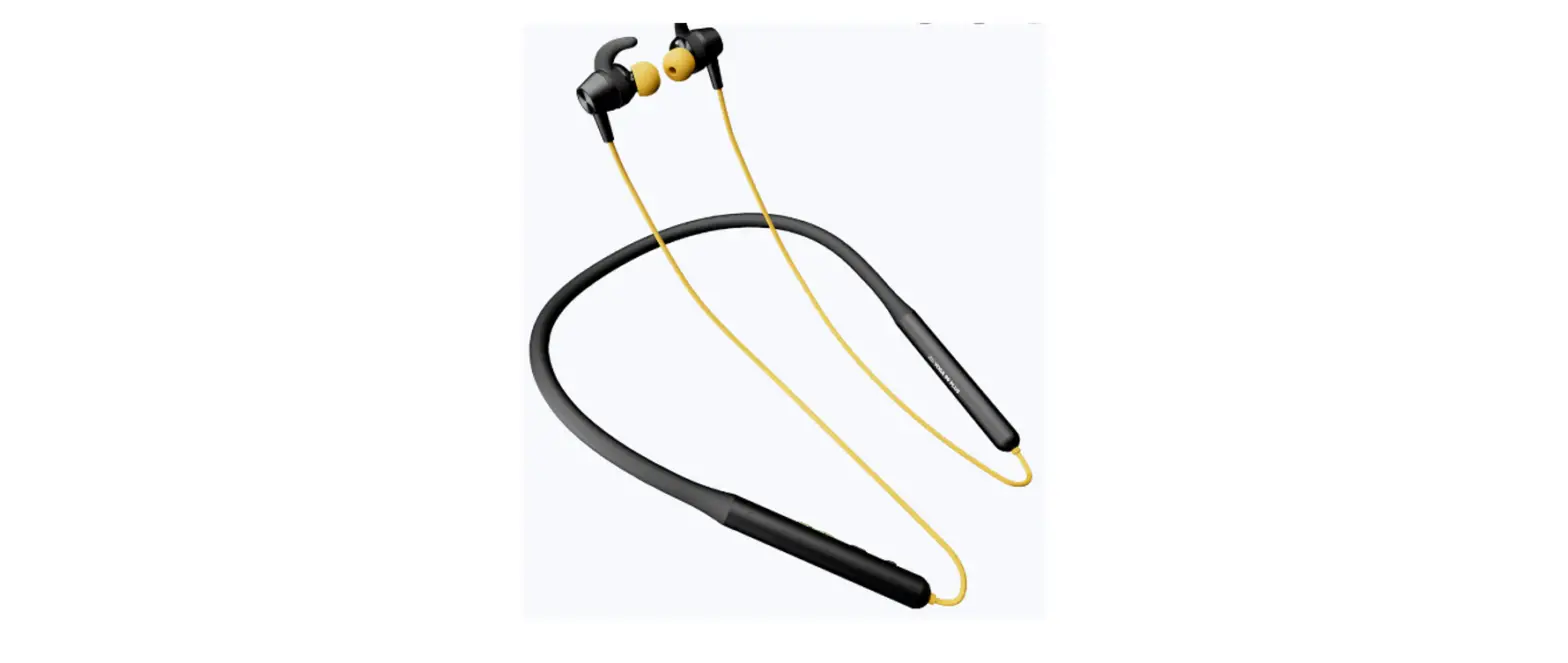
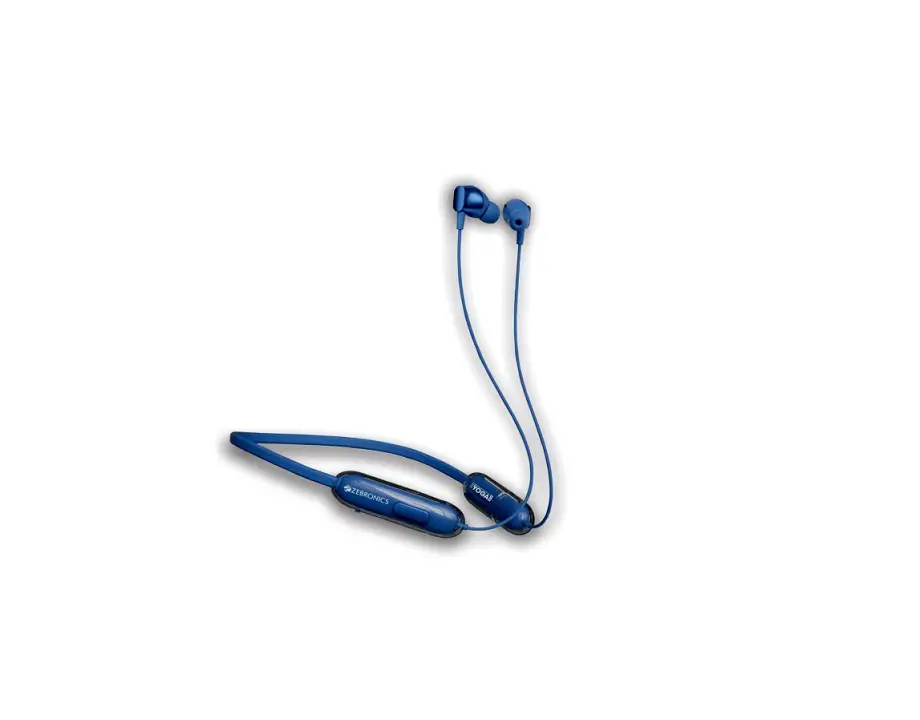
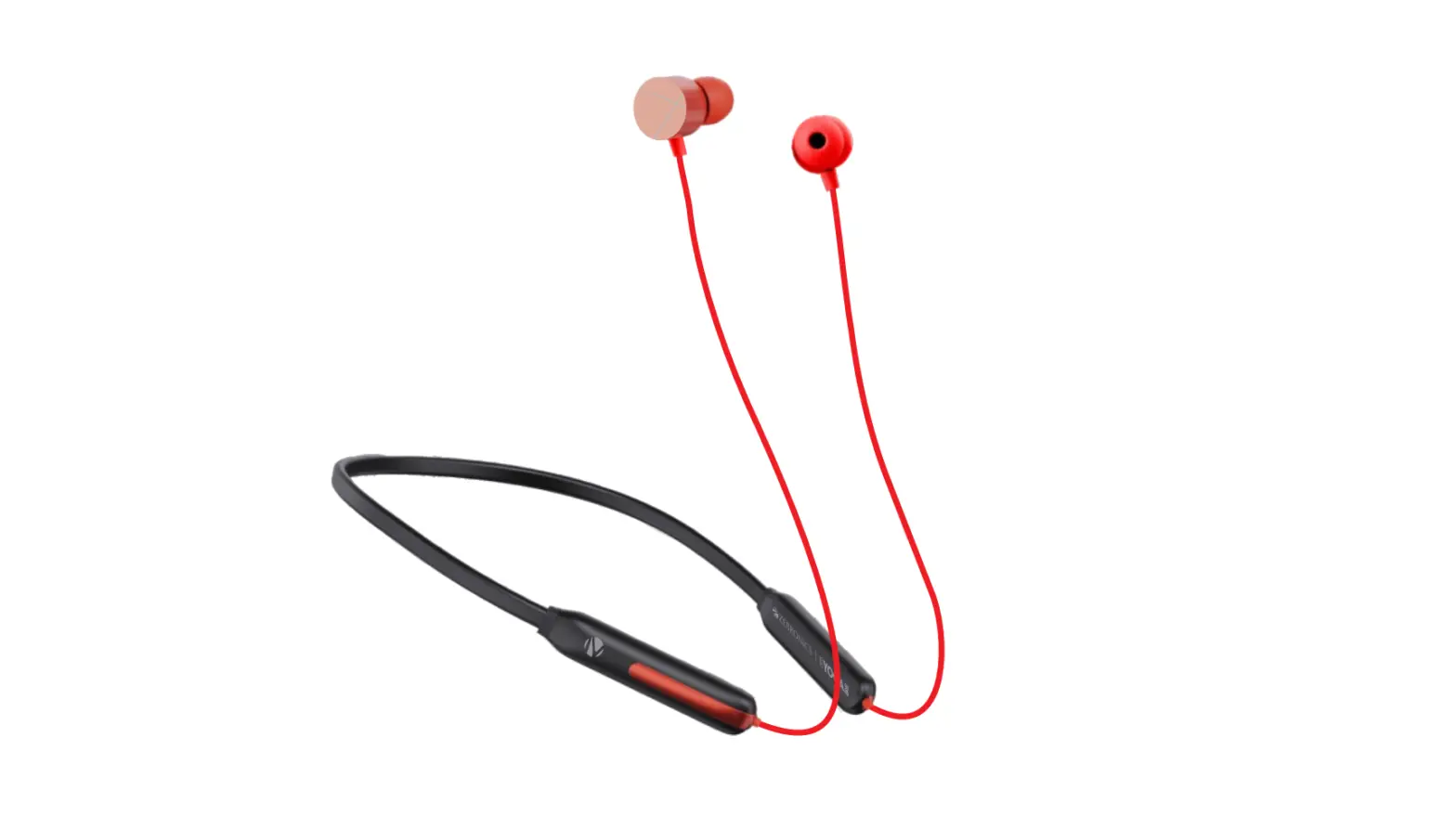
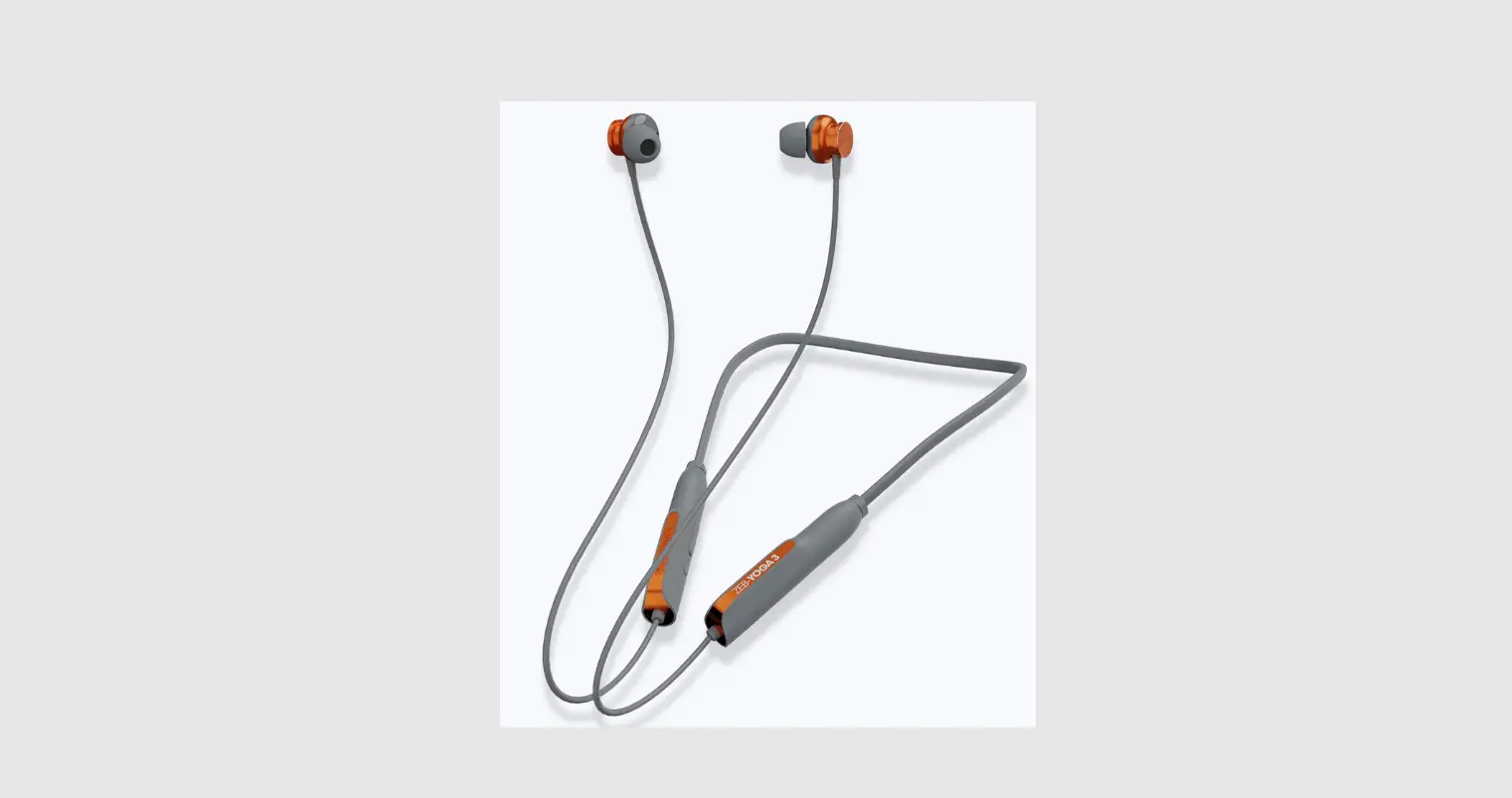
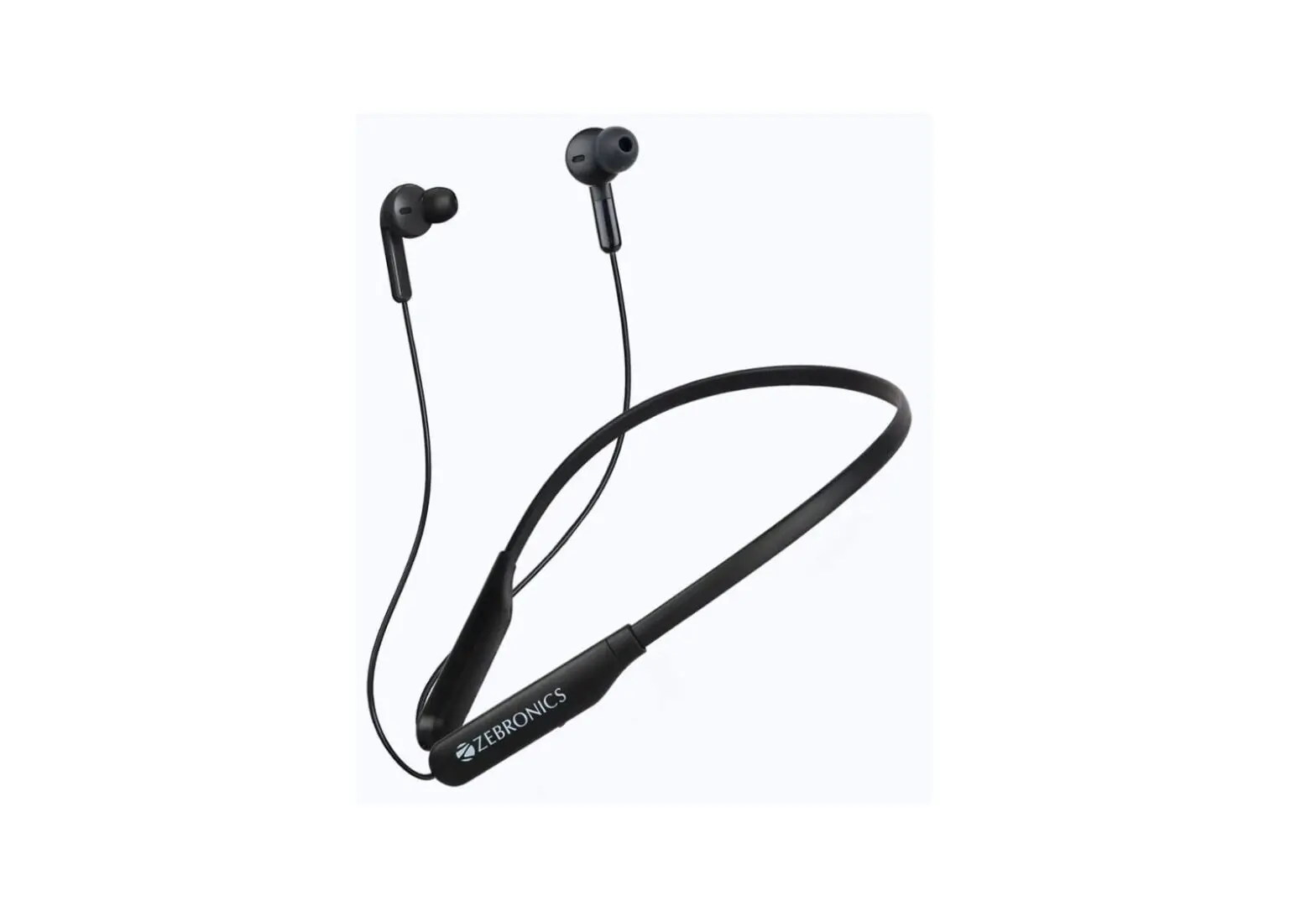
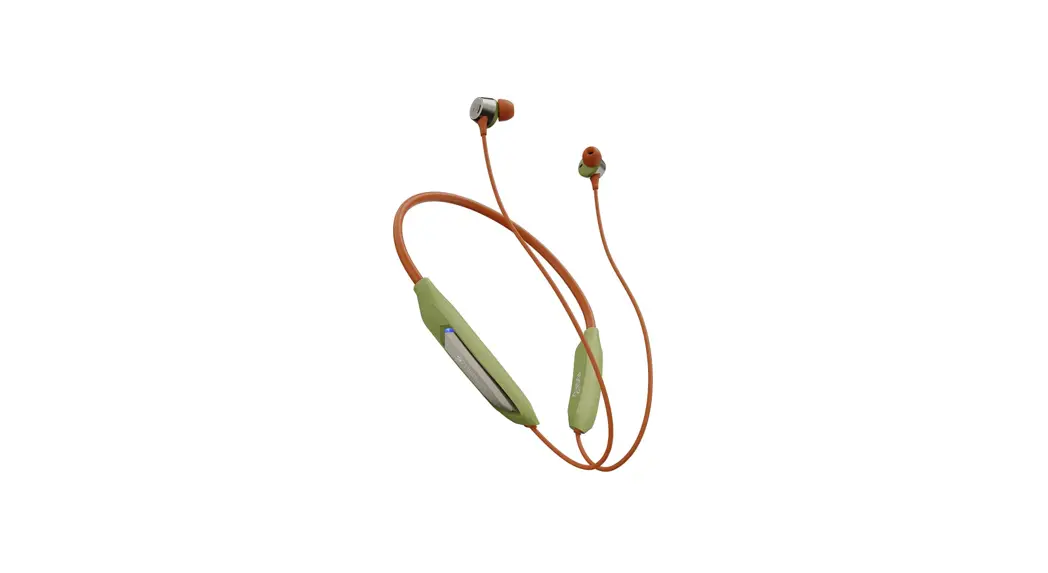
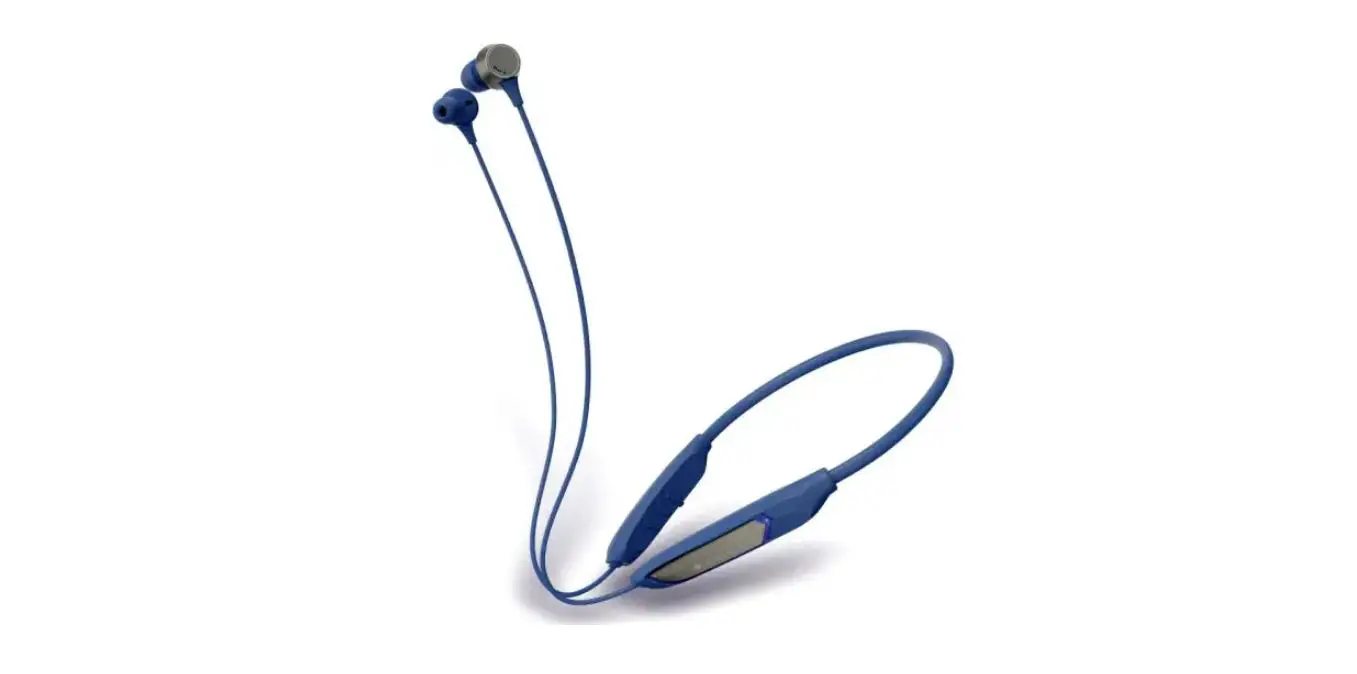
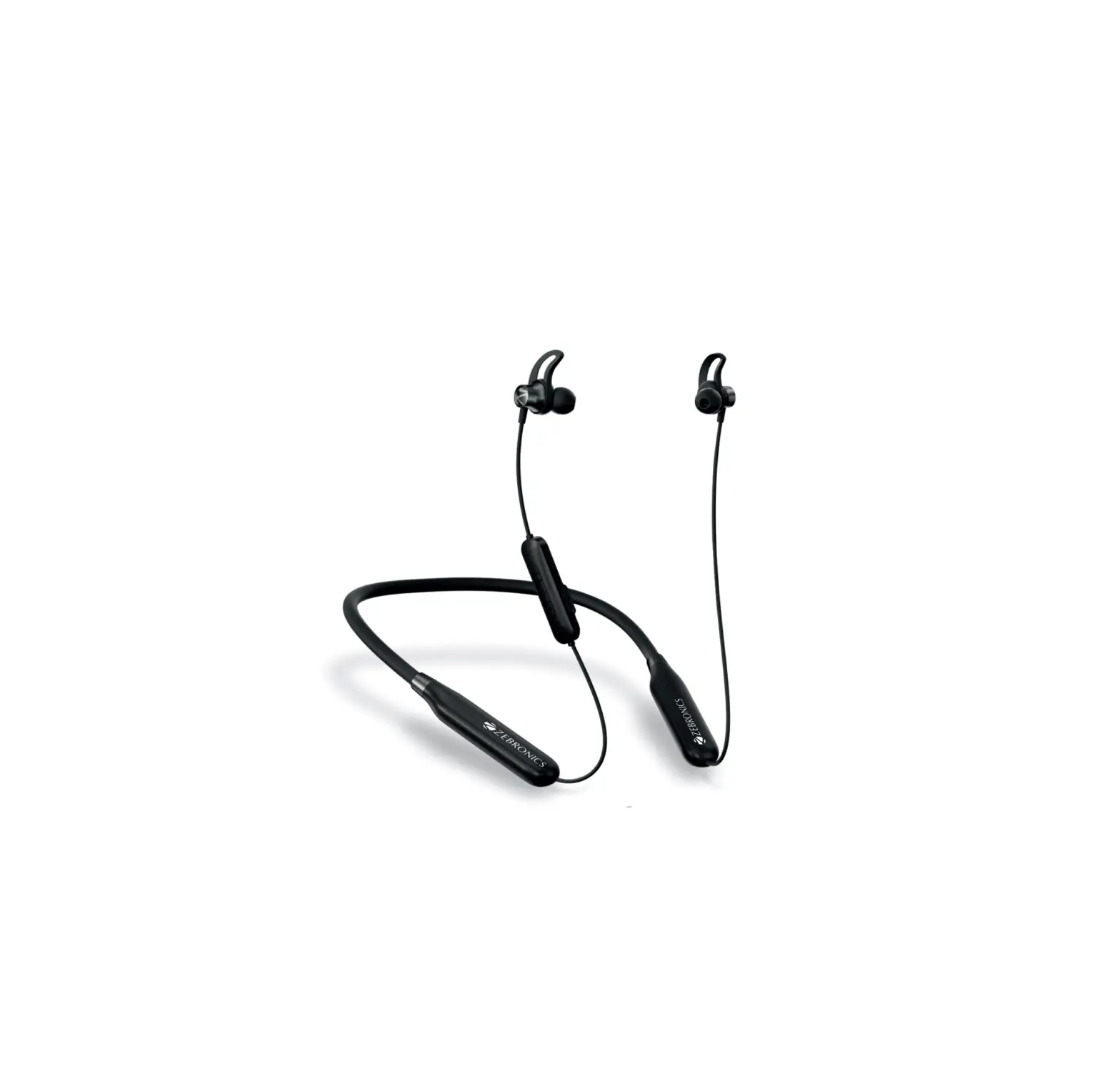
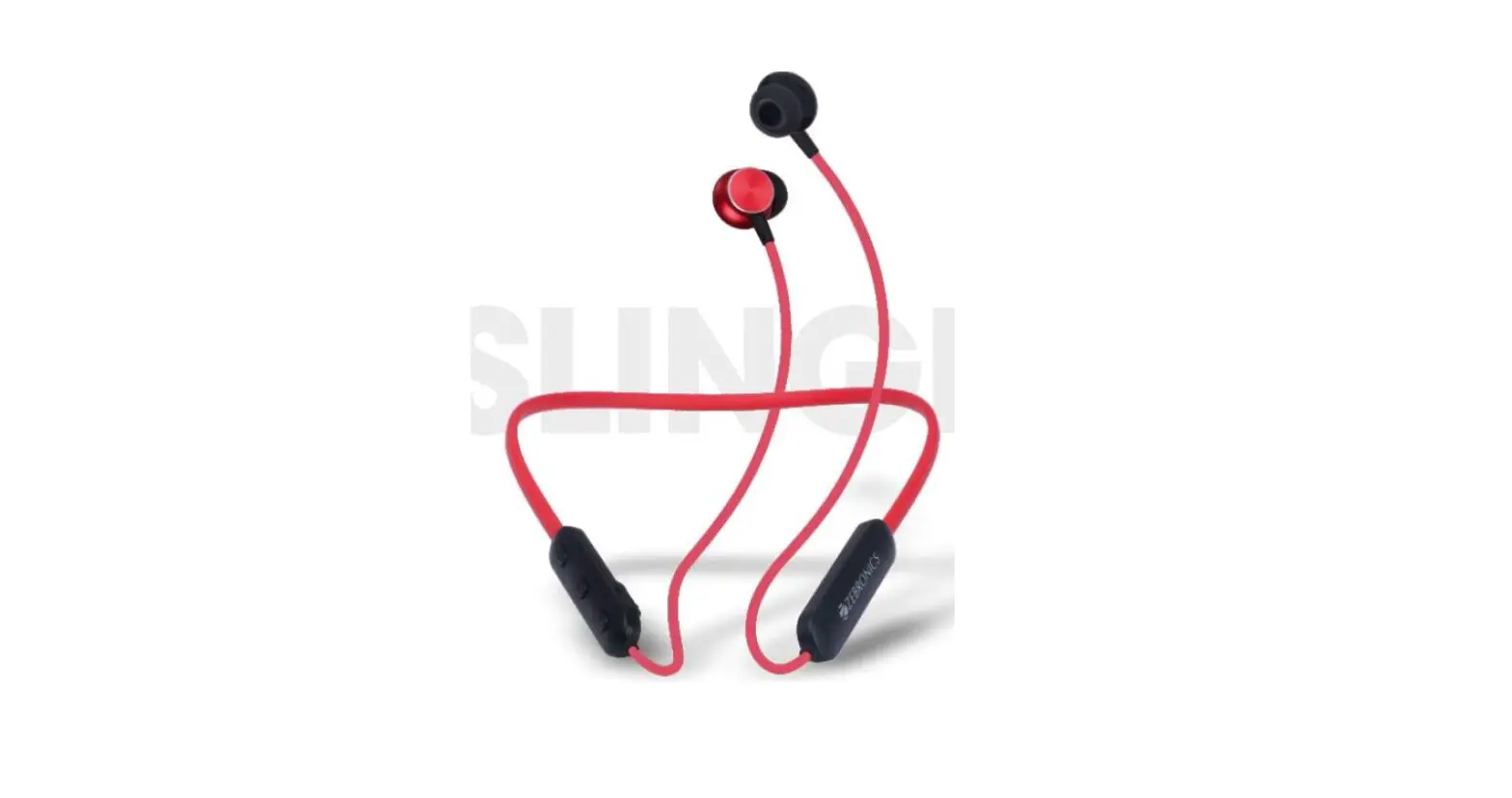
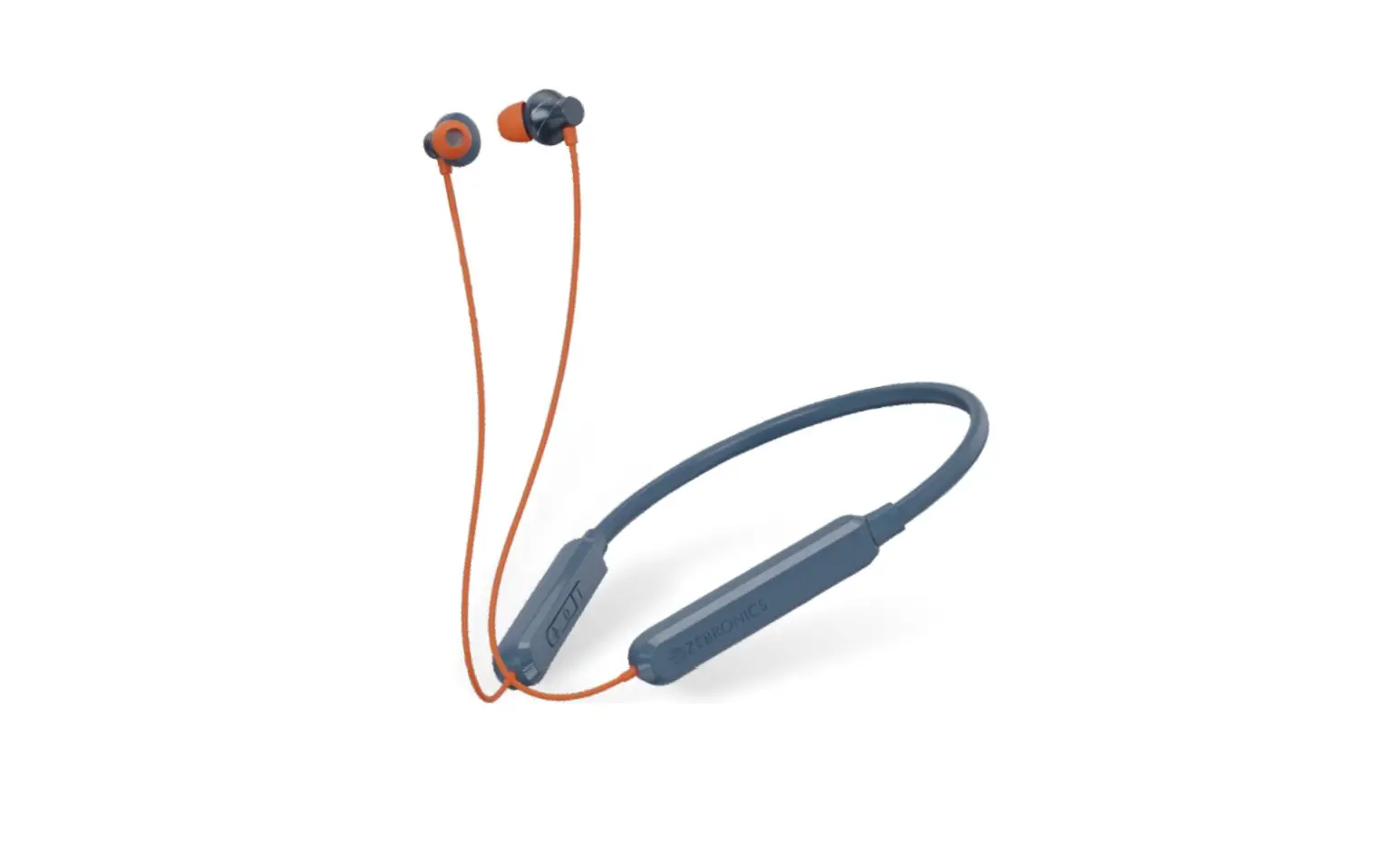
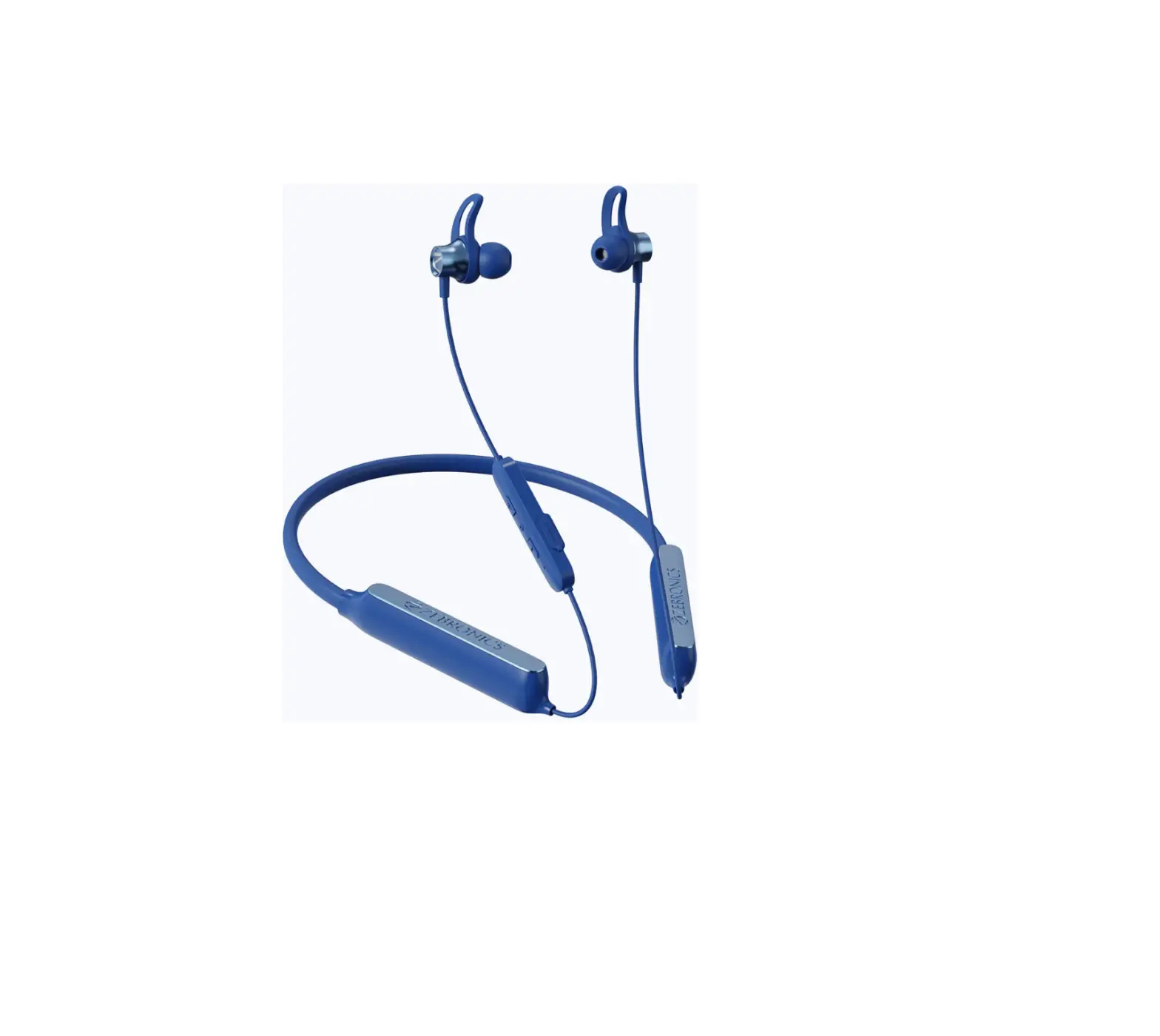
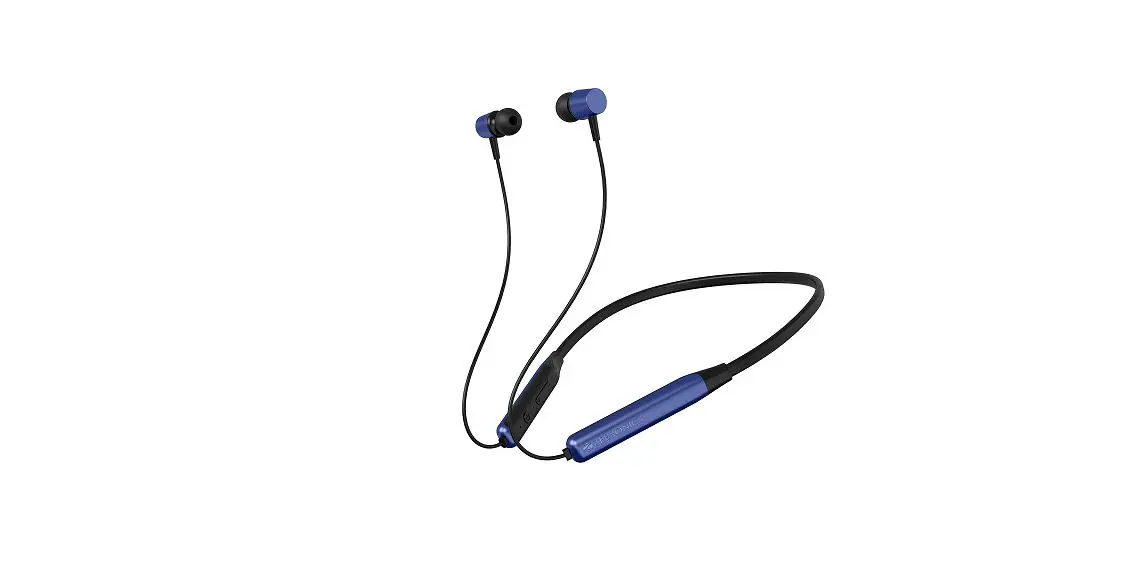
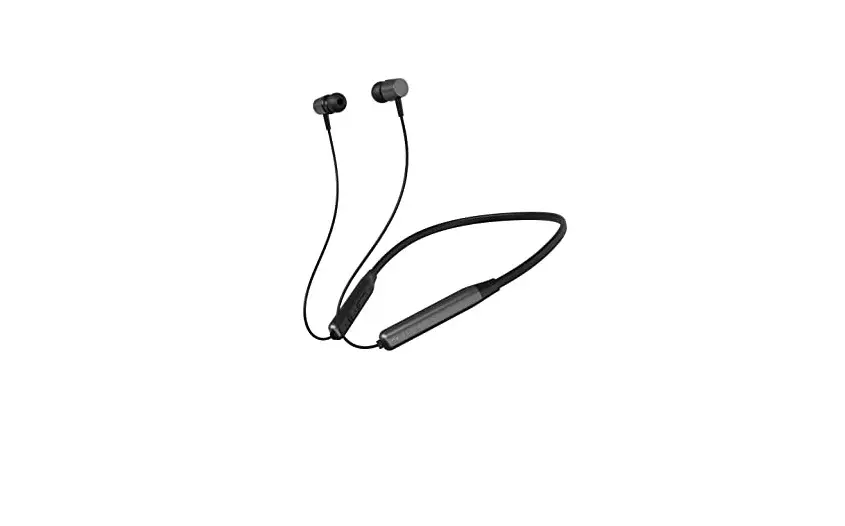
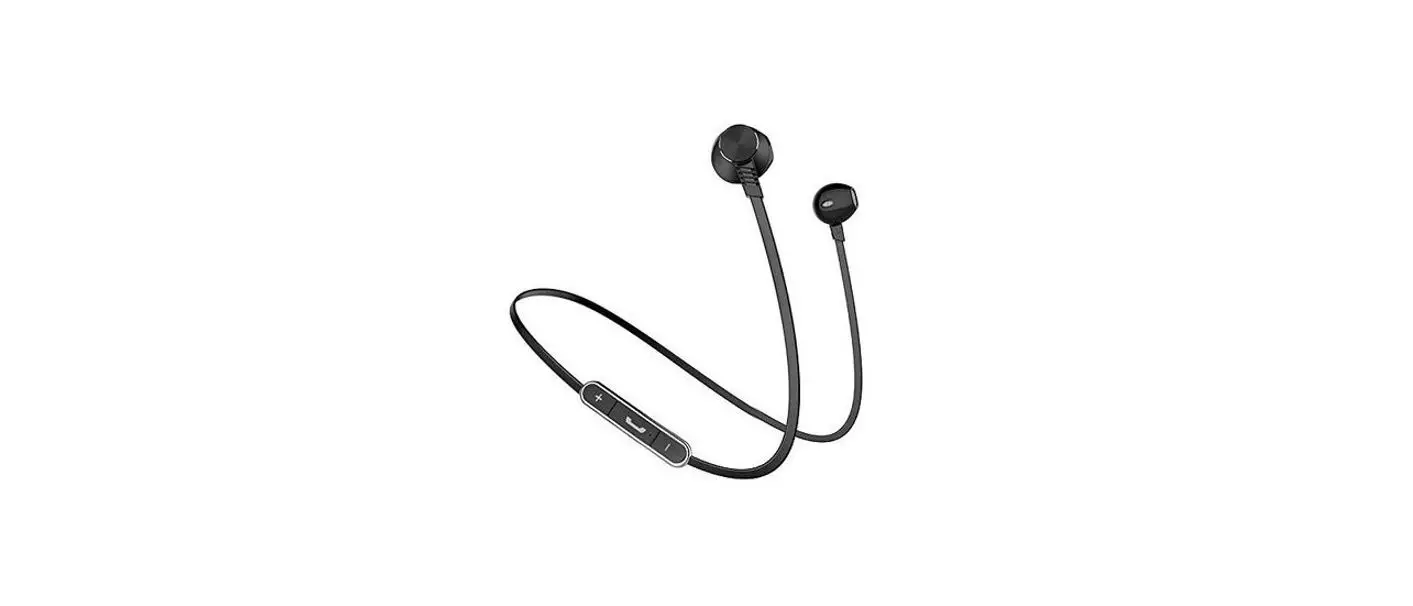
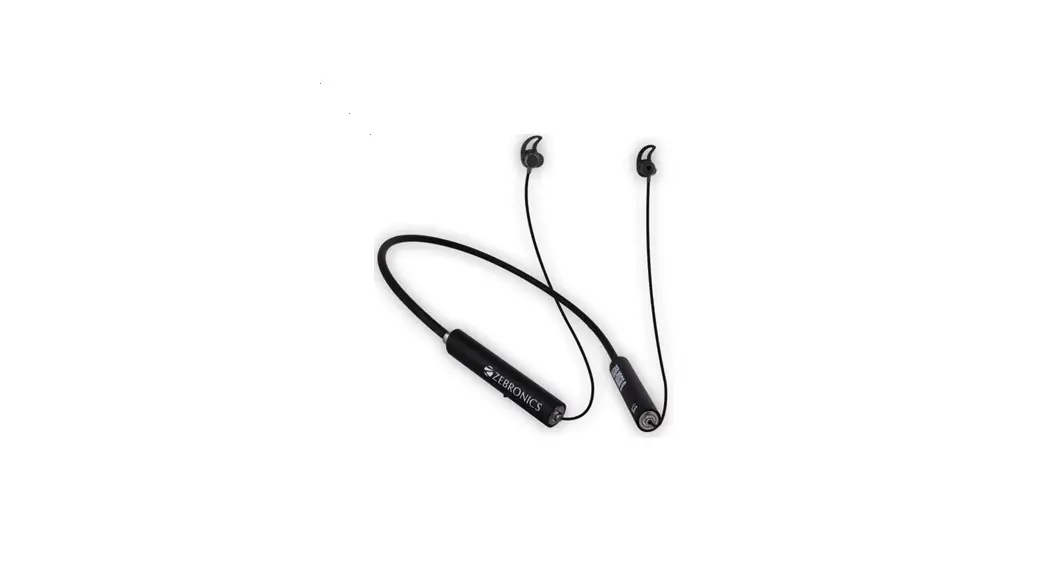
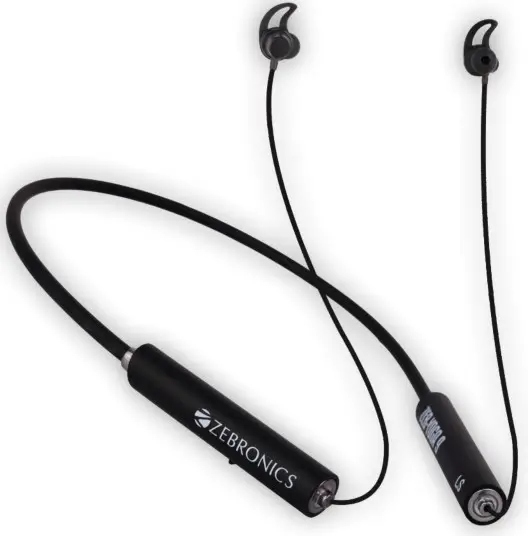
ZEB-YOGA 9 Wireless Neckband Earphone
Thank You for purchasing ZEB-YOGA 9
Wireless neckband earphone. Please read this user manual carefully before operation & save it for future reference.
Note:
- Please full charge the product with a power adapter output rated DC 5V before first time usage.
- Do not self-disassemble the product or it will result in the failure of warranty.
- Make sure not to use this product at any high-temperature or high humidity environment.
Caution: Listening at high volume can cause hearing impairment. Please limit your usage time at high volume.
Features
Wireless BT earphone with Neckband
Volume/Media Control
Call Function
Voice Assistant support
Built-In Rechargeable Battery
Flexible Neckband
Type-C Charging
Environmental Noise Cancellation (ENC)
Gaming Mode (Low Latency)
Dual Pairing
RGB LED in Gaming Mode
Splash proof
Metallic & Magnetic Earpieces
Specifications
| BT Version | : 5.2 |
| Supported BT Profile | : HSP / SPP / A2DP / AVRCP |
| Drive size | : 10mm |
| Speaker impedance | : 320 |
| Playback time | : 45h* |
| Charging time | : 1.5 h |
| Talk time | : 23-25h |
| Standby time | : 240h |
| Net. weight | : 30g |
Package contents
| Neckband | : 1 U |
| Eartips | : 4 U |
| Charging cable | : 1 U |
| QR Code Guide | : 1 U |
Usage Instruction:
Bluetooth Pairing Instructions:
STEP 1 – Press and hold the MFB 2 to power ON the earphones and to take them into pairing mode with Green LED blinking alternatively.
STEP 2 – Switch ON the Bluetooth in your mobile phone & search for the BT name “ZEB- YOGA9”
STEP 3 – Once the BT name is visible in your mobile phone, tap to connect it.
Product Representation
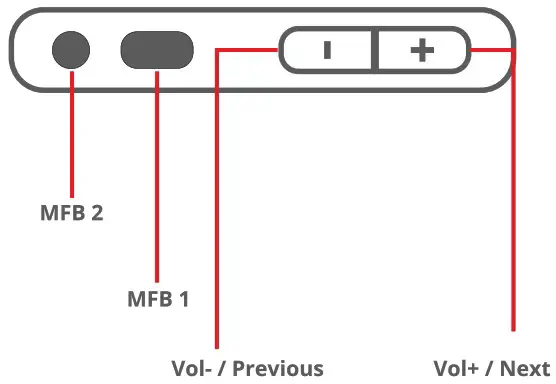
MFB 1 Single Press: Play/Pause/ Call Answer/Call hangup
MFB 1 Long Press : Call Reject
MFB 2 Double Press: Switch b/w Gaming / Music mode
MFB 2 Press & Hold: Power ON/OFF / Wake up Voice assistant
Short Press +/- =: Volume Up and Down
Long Press +/- : Next / Previous track
Activating Smart Phone’s Voice Assistant:
When the neckband is connected to a mobile phone, Press and hold the MFB for 2 seconds to activate voice assistant.
Note: Smart phone should have an active internet connection to use the voice assistant function.
Call Function:
- Short press the MFB 1 to attend or end the call.
- Press and Hold the MFB 1 for 2 seconds to reject the incoming call.
Charging Instruction:
Connect the Type-C charging cable to the charging port of the earphones & connect the other end to the DC 5V adapter.
LED Indication:
Charging indication: Green LED glows
Full charge indication: LED turns Off
BT Discover mode : Green LED blinks rapidly till it gets paired.
ISO 9001:2015 Certified Company
www.zebronics.com